Key takeaways
- Agencies tend to hit a wall somewhere between 15 and 20 clients, when reporting and routine tasks eat the strategists' time. Automation breaks the link between client count and headcount.
- Automate in order: reporting and rank tracking first, then audits and monitoring, then briefs and content, then publishing workflows. Judgment-heavy work stays human.
- Content automation needs a quality gate. Google's policy against scaled content abuse punishes volume without value, so every automated page needs human review.
- AI visibility is now a billable service line. Promptwatch's data suggests automated content should lean toward product, landing, comparison and how-to pages.
- Pricing changes often. Verify every number on the vendor's site before you quote a client.
The agency ceiling is a process problem
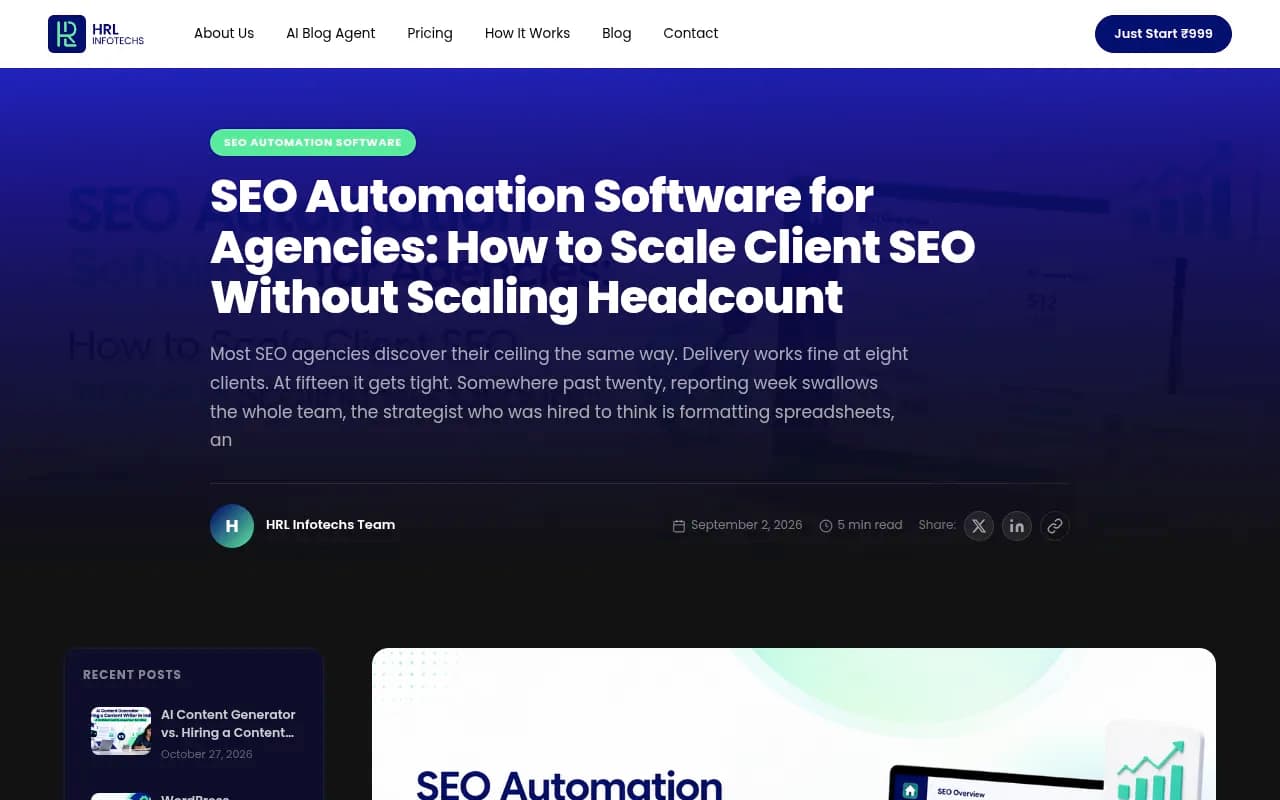
A recent piece from HRL Infotechs (September 2026) describes a pattern most agency owners will recognise. Delivery is fine at eight clients. It gets tight at fifteen. Past twenty, reporting week swallows the team, and the strategist you hired to think is formatting spreadsheets. That article is vendor-written, so take its framing as a perspective, not a benchmark. But the pattern matches what I hear from agency owners constantly.
Hiring is the obvious fix. It also buys you the same manual process at a higher cost base. Each new account makes the P&L slightly worse instead of better. Automation attacks the actual problem: repeatable work that scales linearly with client count.
I should be upfront about a limitation. I could not find a primary-source benchmark for how many hours automation saves per client, and vendor claims on this are inflated more often than not. So the section below shows you how to measure it yourself instead of trusting a number.
What counts as SEO automation for agencies
It means software that executes repeatable work across many client sites from one place. In practice that covers:
- Rank tracking and scheduled client reporting
- Recurring technical audits and change monitoring
- Keyword discovery, clustering and content briefs
- Draft generation and on-page optimization
- Publishing to client CMSs
- AI visibility tracking across ChatGPT, Gemini, Perplexity and Google AI Overviews
- Glue workflows that move data between all of the above
What it does not cover is strategy, client conversations, link relationships and editorial judgment. Anything that sounds like "fully autonomous SEO" deserves skepticism for those reasons.
Which tasks to automate, in what order
The order matters because risk rises as you move down the list. Start where mistakes are cheap.
1. Reporting and rank tracking
This is the easiest win and usually the biggest time sink. Reporting week is where agency capacity goes to die. Dedicated reporting tools pull data from multiple sources into branded dashboards that send themselves.

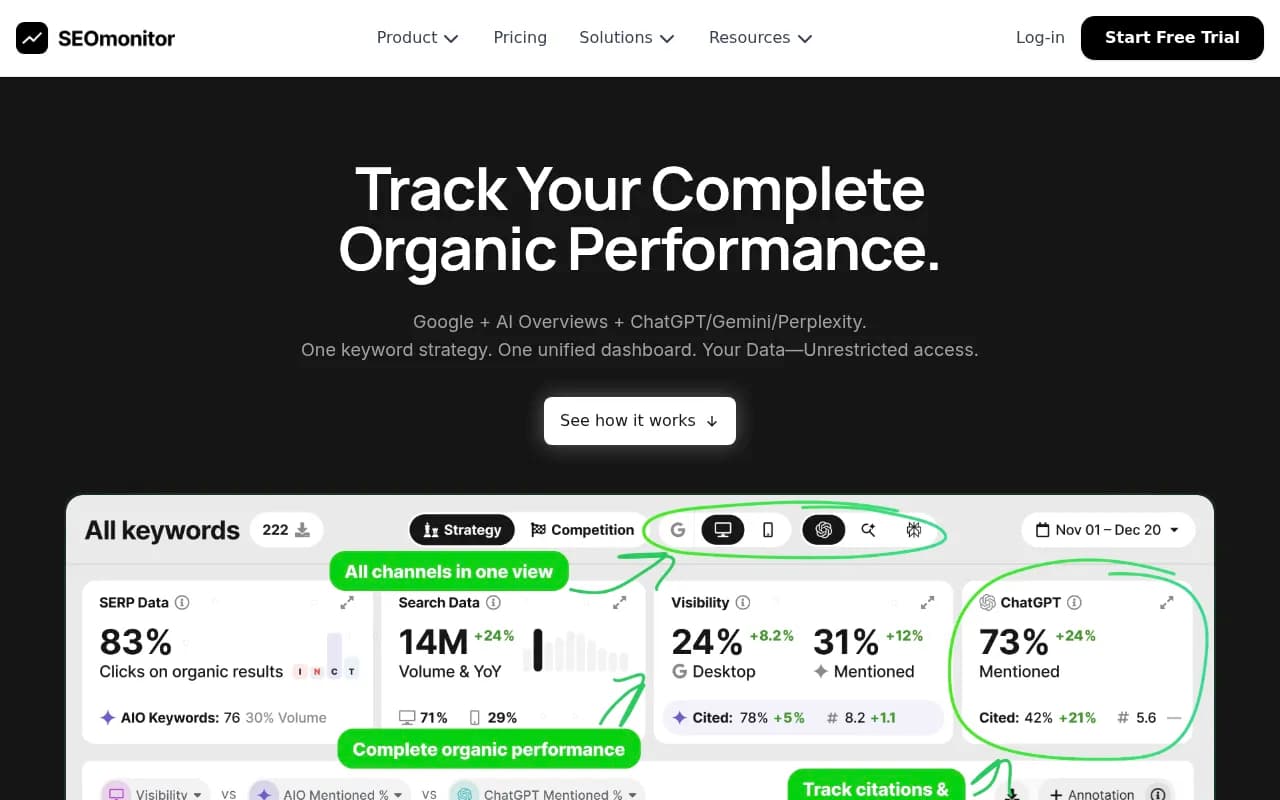
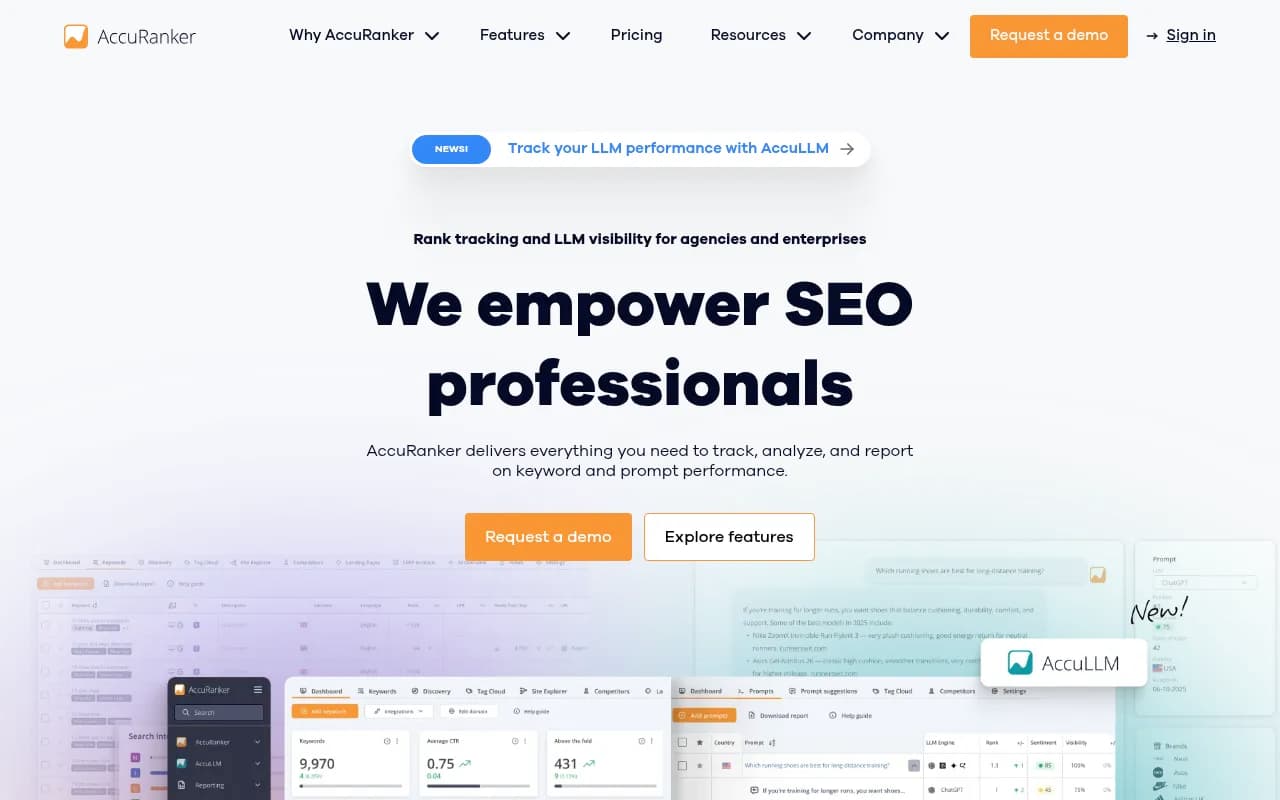
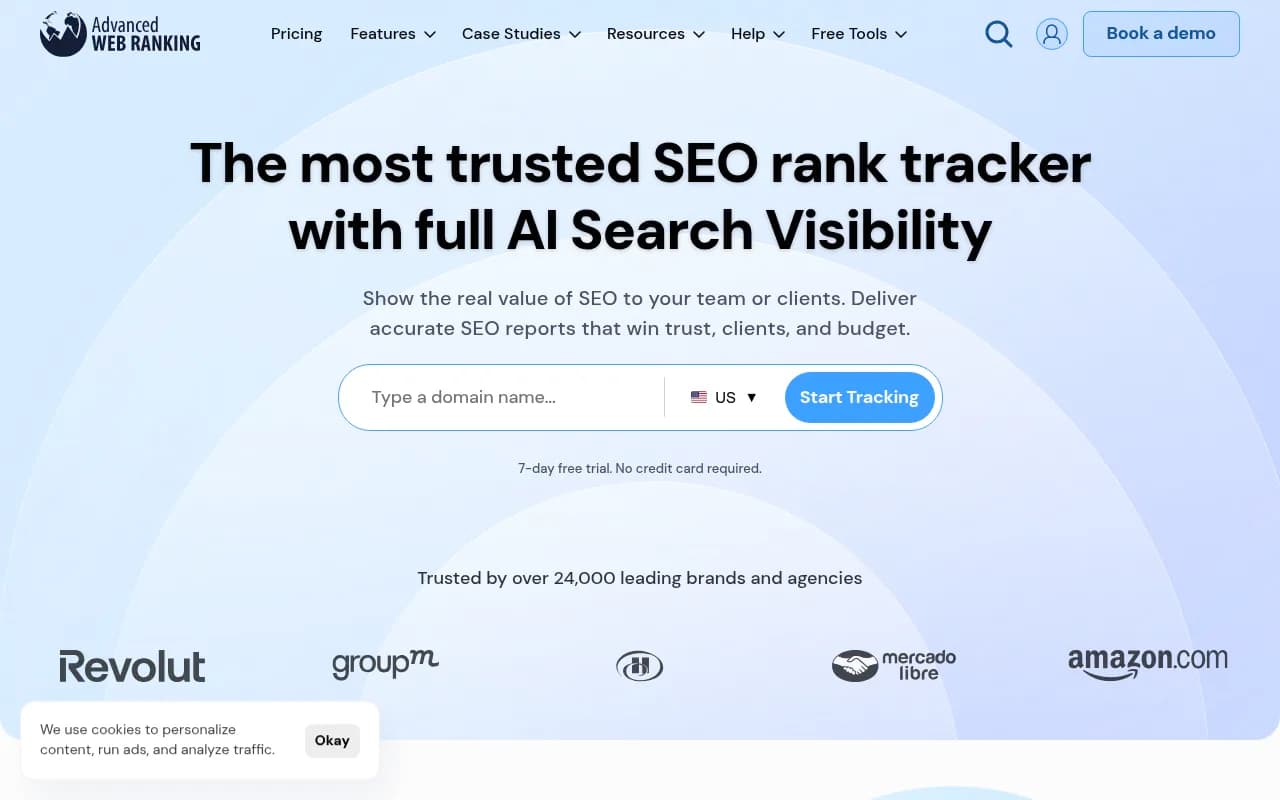
For rank tracking, agency-friendly options include SEOmonitor, AccuRanker and Advanced Web Ranking, all of which now add some AI search monitoring.
2. Technical audits and monitoring
Crawlers and monitors catch regressions before clients do. Schedule audits weekly, route only changes and new errors to a human, and ignore the rest. Screaming Frog and Sitebulb are the standard desktop crawlers; ContentKing-style real-time monitoring catches things like an accidental noindex after a deploy.

For large client sites, Lumar, Oncrawl and JetOctopus handle crawl volumes the desktop tools struggle with.
3. Research, briefs and clustering
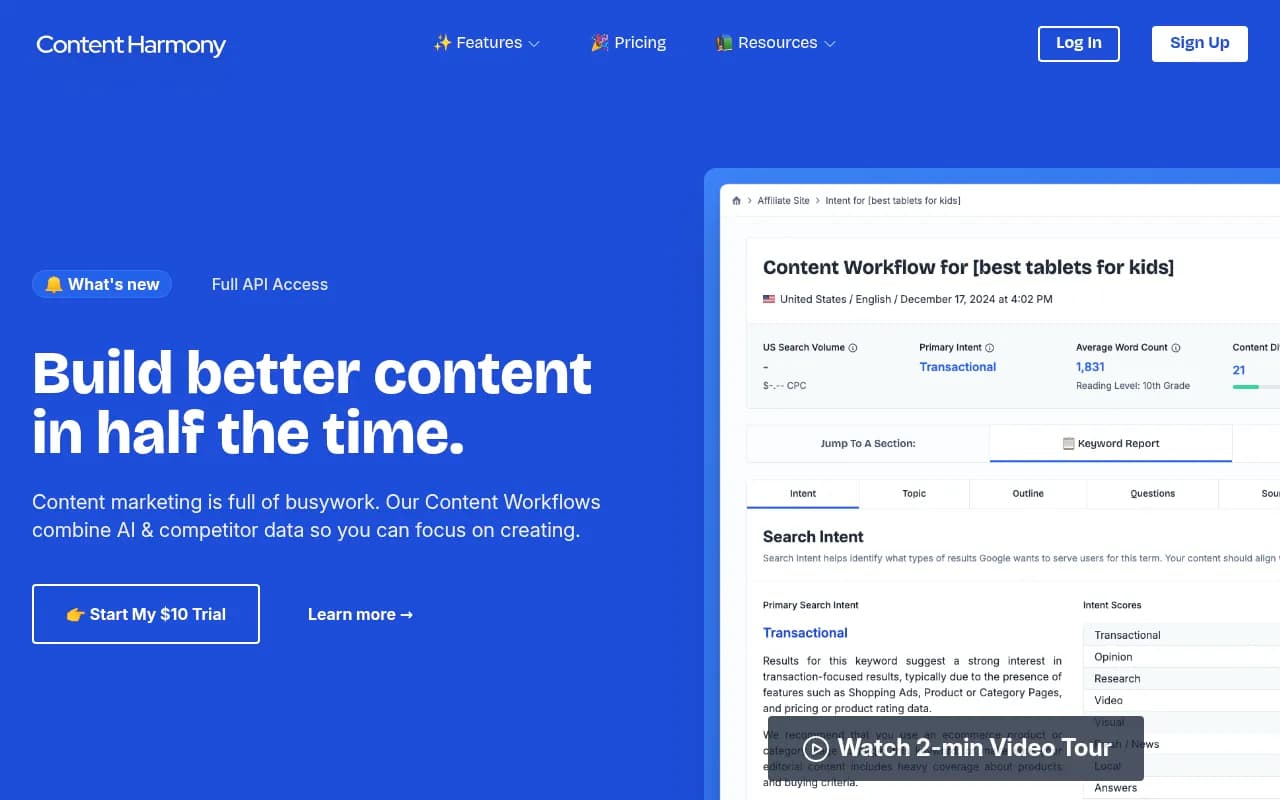
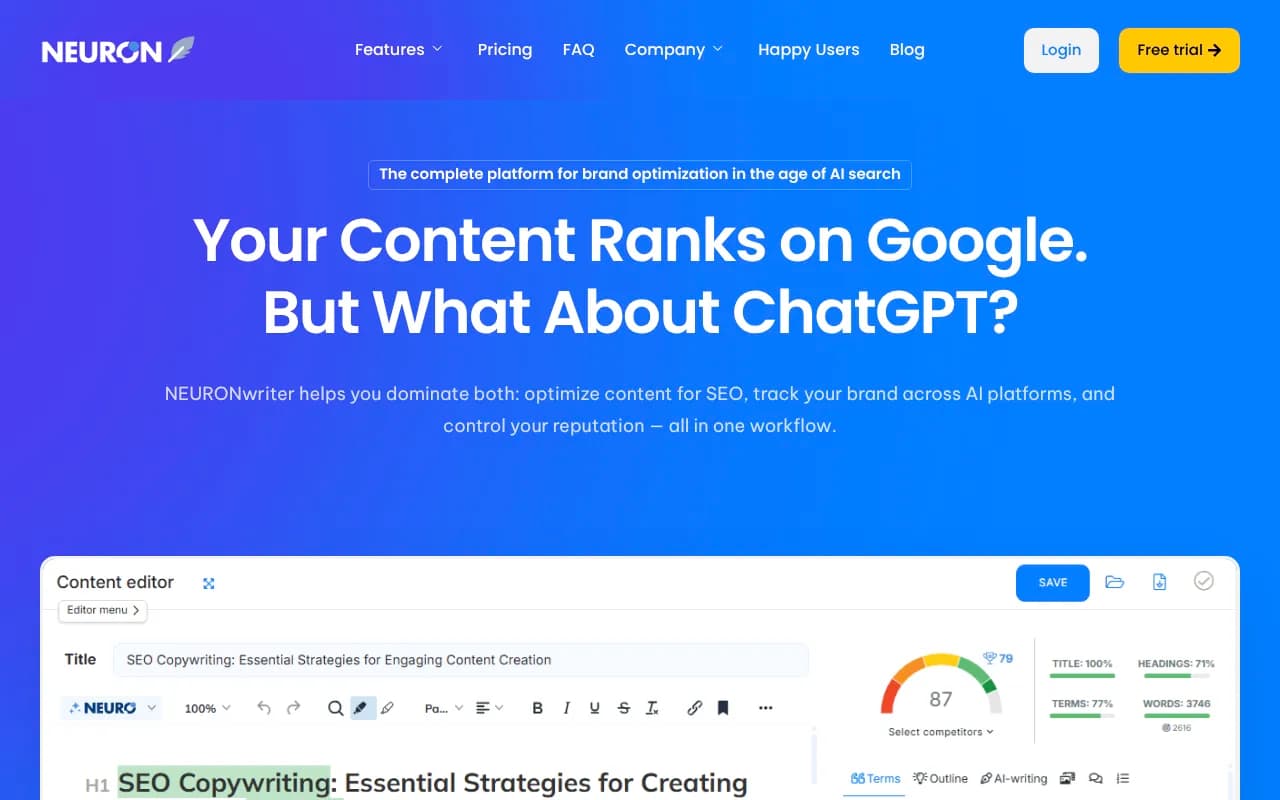
Keyword clustering and brief building are tedious and well suited to software. Content Harmony, NeuronWriter, Clearscope and Surfer all produce briefs from SERP analysis. Pick one and standardize on it across clients so your writers learn a single format.

4. Content production and publishing
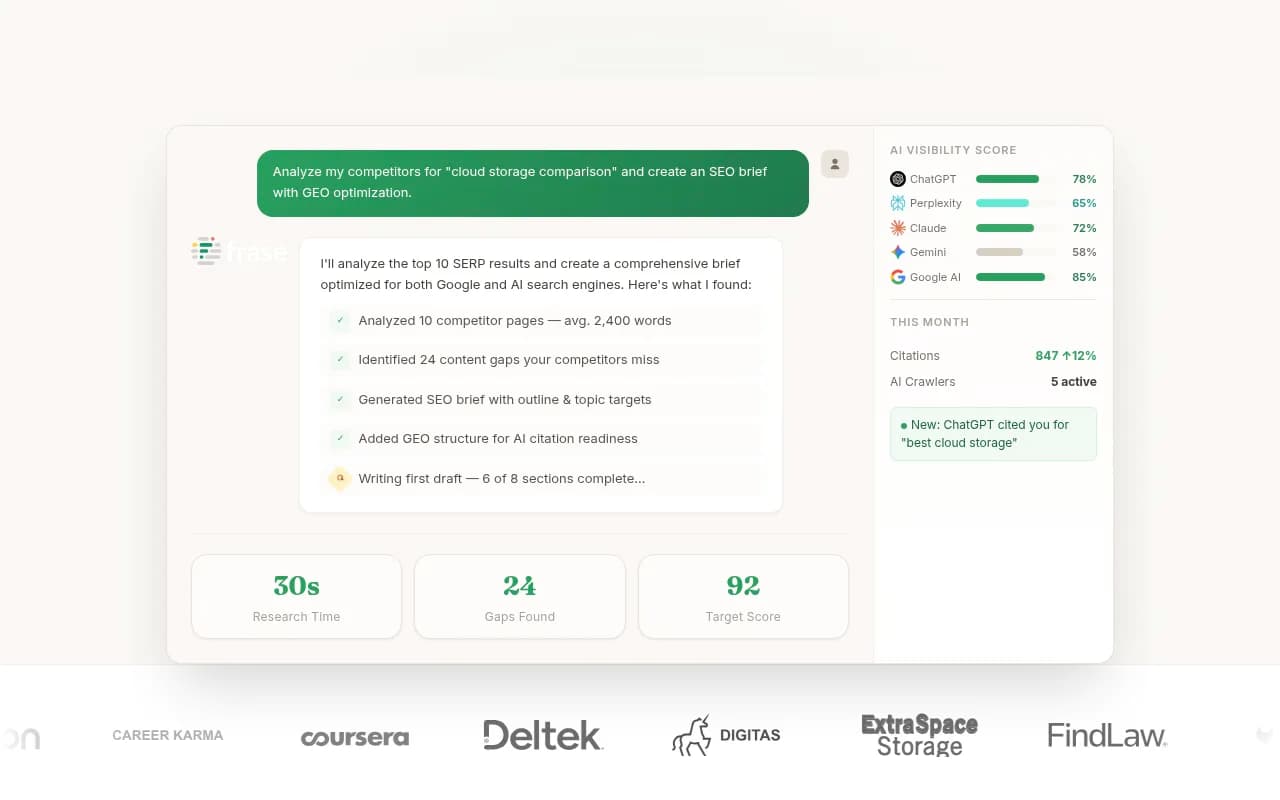
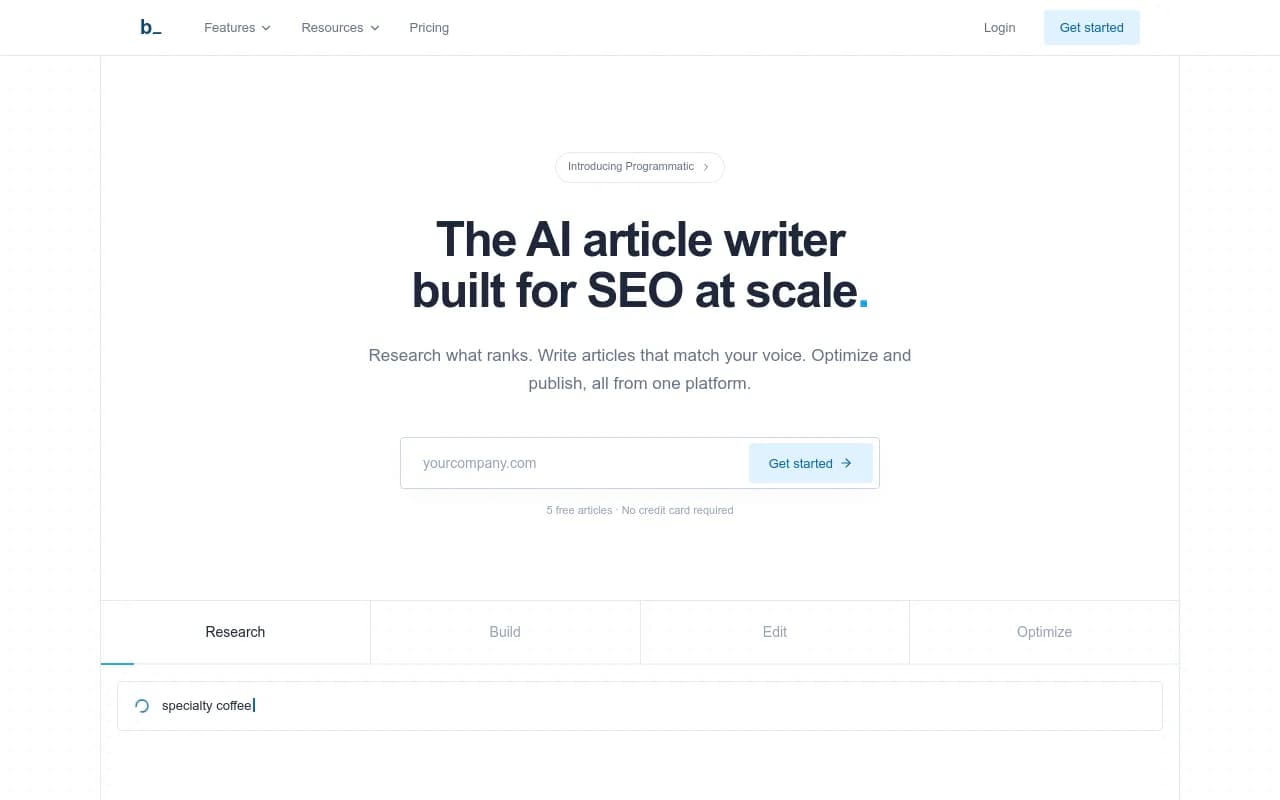
This is where automation gets risky, and where agencies most often get burned. Tools like Outrank, Byword, SurgeGraph and Frase can generate and even publish articles at volume. The question is not whether they can. It is whether you would put your name on the output.
Google's guidance on scaled content abuse targets mass-produced pages that exist to rank rather than help. I could not verify the policy's exact current wording for this guide, so read it directly before building a client workflow around AI drafts. The safe rule: automate the first draft and the publishing mechanics, never the editorial sign-off.
5. On-page changes at scale
Tools such as Alli AI push on-page changes (titles, meta, schema) across many pages without developer tickets. Useful for large sites with slow dev cycles. Also easy to misuse, so require a diff review before anything goes live.
Glue: the workflow layer
Most agencies underuse general automation tools. Connecting your rank tracker, project management and reporting stack with Zapier, Make or n8n removes the copy-paste work that no SEO tool addresses.


Typical flows worth building first:
- New client onboarding: create the project, folders, dashboards and tracking in one trigger
- Audit alerts: a new critical error posts to the client's Slack channel and opens a task
- Monthly reports: assemble, send for internal review, then release to the client
- Content pipeline: approved brief creates a draft task and notifies the editor
Airtable works well as the lightweight database that holds client status across these flows.
AI visibility: the new service line
Clients now ask whether ChatGPT recommends them. That question needs its own tooling, because rank trackers do not answer it. The category splits into monitoring-only trackers and platforms that also help you fix what they find.
Promptwatch is the one 1001 SEO Media uses for this. It tracks brand visibility across ChatGPT, Google AI Overviews, Google AI Mode, Gemini, Perplexity and others, and the agency plans give unlimited projects with white-label client access, which matters when you are managing many accounts. Beyond tracking, it has crawler logs, a content gap analysis and a Content Agent on the Business plan, so findings turn into published pages.

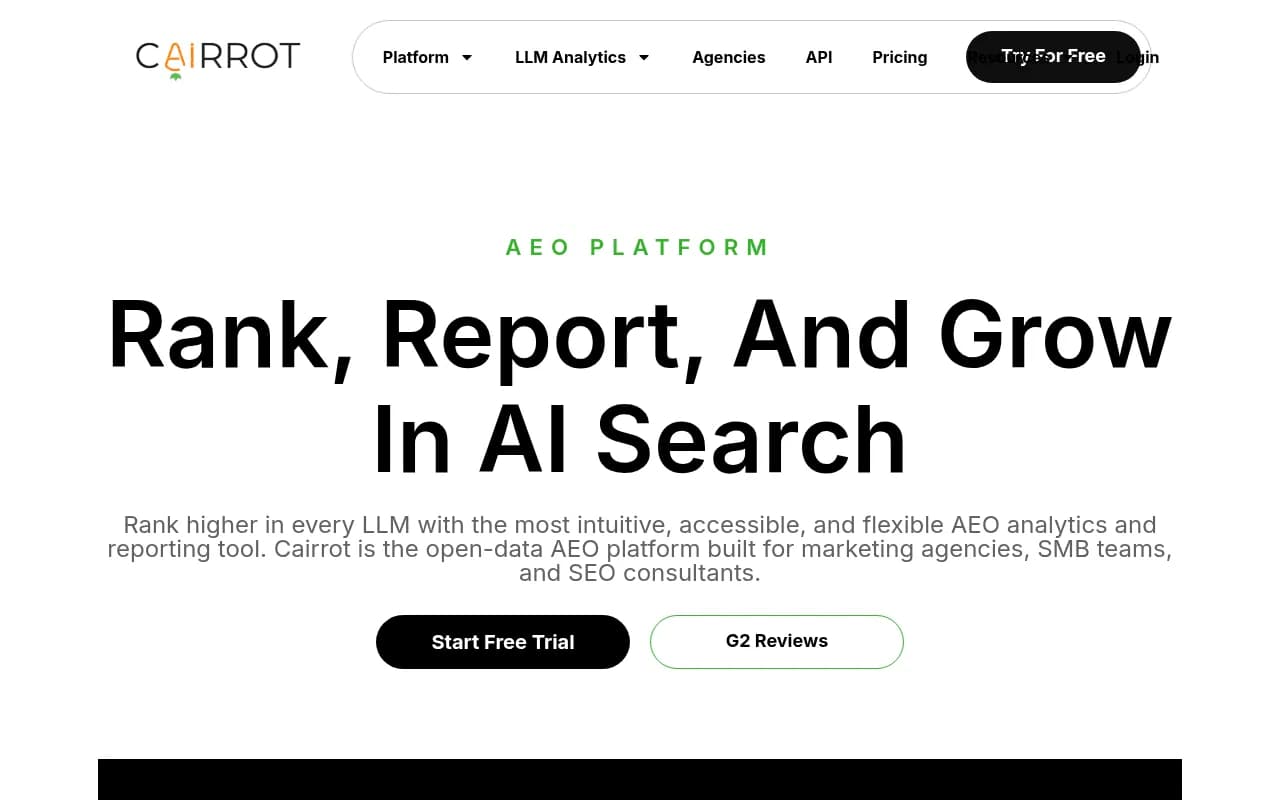
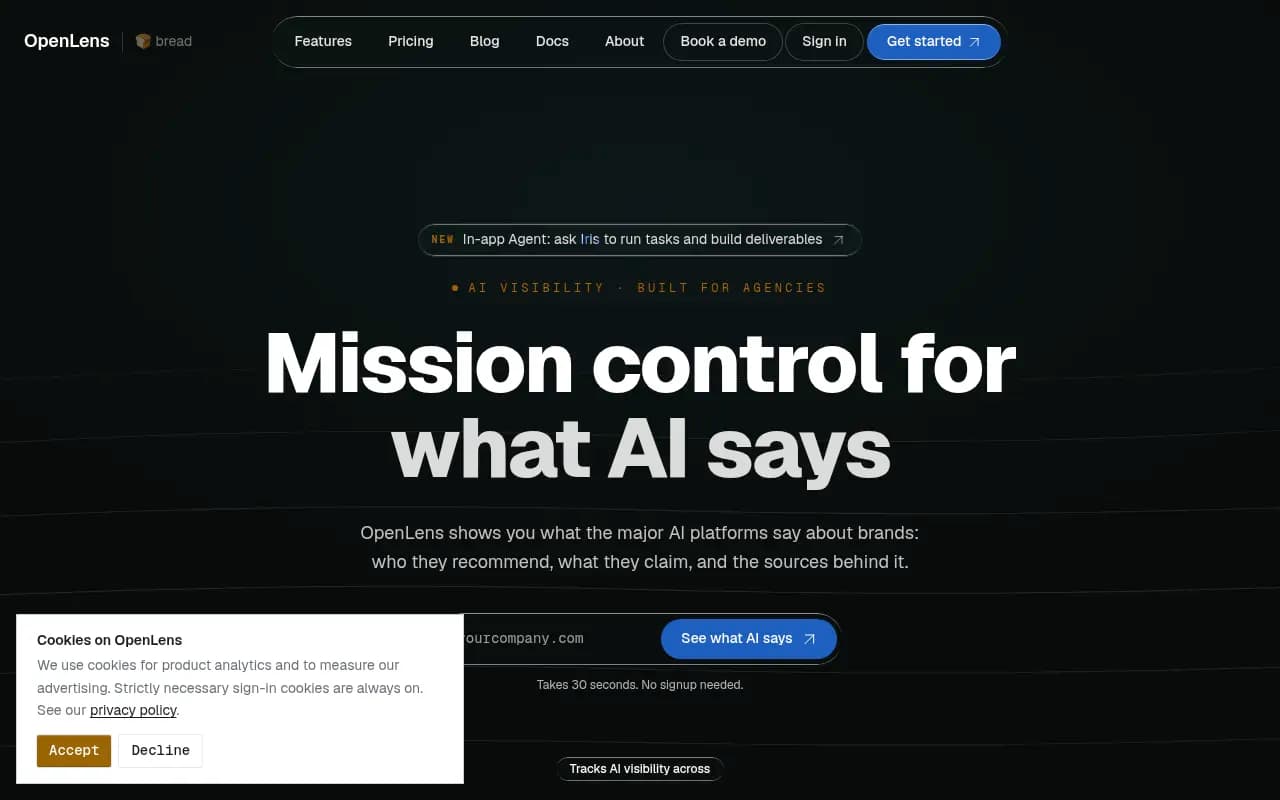
Other options agencies commonly look at include Cairrot and OpenLens (both built for agencies), Rankability, Peec AI, Otterly.AI, Profound and AthenaHQ.



For a wider view of the category, the directory at bestgeosoftware.com lists GEO platforms side by side.
What to automate in AI visibility work
Promptwatch's data on ChatGPT citation share by content type (Sep 28 to Oct 4, 2026) gives agencies a practical content-mix template. Product pages are the most cited type at 22.4%, and landing pages follow at 16.8%, so roughly 39% of citations go to pages describing what a company sells. Listicles get 13.6%, how-to guides 8.7% and comparisons 5.9%. For commercial prompts, product pages, landing pages, listicles and comparisons together make up almost 70% of citations.
The takeaway for automation: do not point a content generator at generic blog topics. Point it at product, landing, comparison and how-to pages, and keep documentation and FAQs public and crawlable.
Fanout behavior matters too. Promptwatch's ChatGPT query fanout data shows average web searches per response fell from 2.15 in early December to about 1.84 by early March, and average query length shrank from about 117 characters to the high 80s. Shorter queries favor headings written like short keyword queries, with the entity and category first. Clusters of focused pages beat one mega-page. Re-audit your keyword-to-heading mapping after major ChatGPT updates.
For tools that tie tracking to content execution, see also Slate style workflows, or the agentic SEO directory at agenticseotools.com.
Tool comparison by job
| Job | Tool types | Example tools | Automate how far |
|---|---|---|---|
| Reporting | Dashboards, white-label reports | Whatagraph, SEOmonitor | Fully |
| Rank tracking | SERP and AI trackers | AccuRanker, Advanced Web Ranking | Fully |
| Technical audits | Crawlers, monitors | Screaming Frog, Sitebulb, Lumar | Detection yes, fixes reviewed |
| Briefs | Content optimization | Surfer, Clearscope, Content Harmony | Mostly |
| Drafts | AI writers | Frase, Byword, Outrank | First draft only |
| Publishing | CMS integrations | Platform-specific | With approval step |
| AI visibility | GEO platforms | Promptwatch, Peec AI, Profound | Tracking fully, content reviewed |
| Workflow glue | iPaaS | Zapier, Make, n8n | Fully |
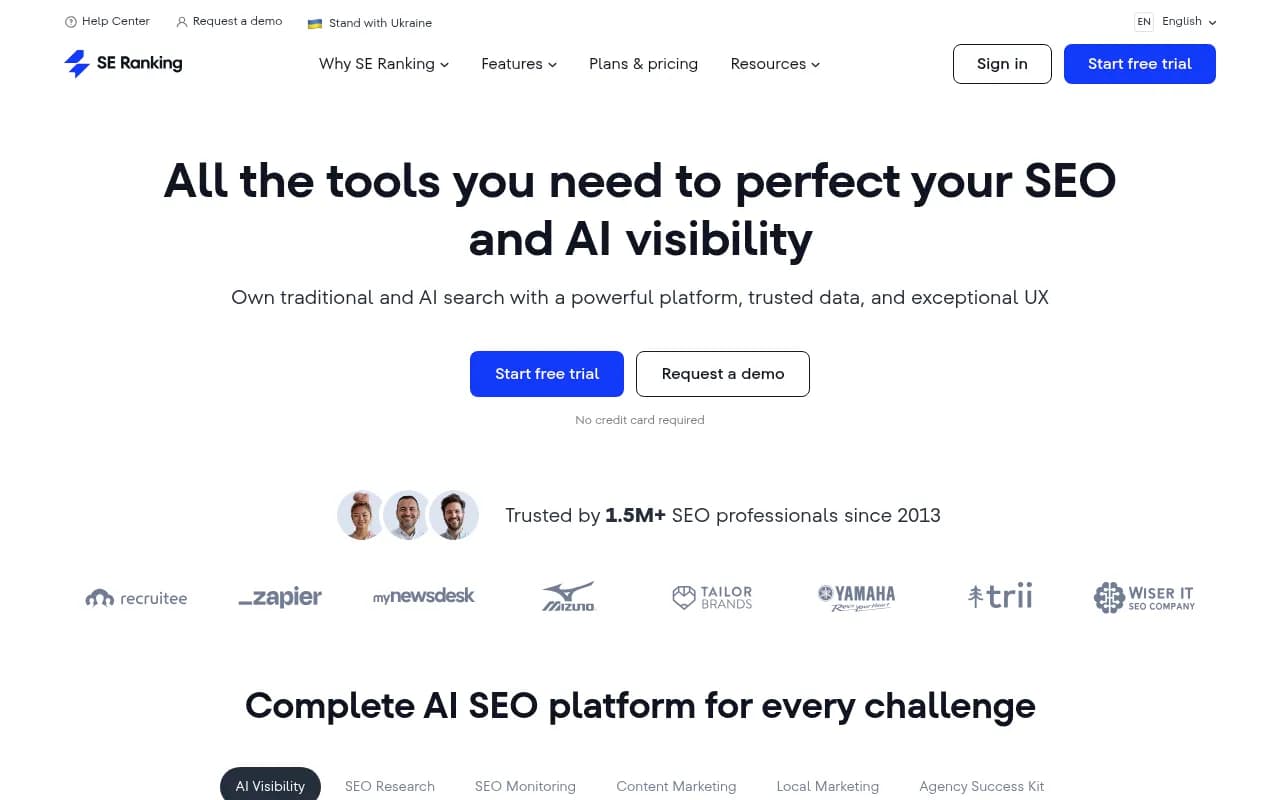
All-in-one suites are the other path. Semrush, SE Ranking and Moz Pro cover several rows of that table in one subscription, which simplifies billing and logins at the cost of depth in each area.

Pricing for all of these shifts frequently, and I could not verify current figures for this guide. Check each vendor's pricing page and ask about agency or multi-client tiers before building a margin model.
Calculate the capacity you would actually gain
Skip vendor claims. Run this on your own accounts.
- Time-track one typical month per client for each task category: reporting, audits, research, content, publishing, client communication.
- Mark which tasks are rules-based and repeatable.
- Estimate the share of each that a tool removes. Be conservative. Automation rarely removes more than half of a task, because review remains.
- Multiply the saved hours by your blended internal hourly cost.
- Subtract the tool cost and the setup time.
If the result is a few hours per client per month, that is still meaningful at 20 clients. It is roughly the difference between hiring and not hiring, which is the whole point.
Put a quality gate on automated output
This is the part that protects your client relationships. A simple gate for any automated deliverable:
- A named human reviewer signs off on every published page
- Facts, statistics and claims are checked against a source
- Each page has a clear reason to exist and a target query or prompt
- Clients approve the content strategy, even if not every article
- Pages that underperform after 60 to 90 days get refreshed or removed
On the AI visibility side, tracking whether published pages actually get crawled and cited closes the loop. That is where an optimization platform differs from a plain tracker.
Roll it out without disrupting existing accounts
Do not migrate everything at once. A sequence that works:
- Pilot on two or three lower-risk clients and one new client. New accounts are the best place to start because there is no existing process to break.
- Automate reporting first, since clients see the benefit immediately and nothing about their rankings is at stake.
- Document the workflow once it works, so another team member can run it.
- Add audits and monitoring, then briefs.
- Introduce content automation last, with the quality gate in place.
- Review monthly: time saved, errors caught, client feedback.
What I would skip
Pure volume plays. Tools that promise hundreds of articles for a flat fee are tempting for margin, and they are exactly what Google's scaled content abuse policy targets. I would also be wary of any single vendor that claims to replace your whole stack. The vendor-written listicles ranking themselves in the top three are a reminder to test tools on a real client before committing.
If you would rather not build the stack yourself, an agency partner can carry part of the load. 1001 SEO Media works with other teams on technical SEO, content and AI search, and more tools are catalogued at surferstack.com.
Final checklist
- Time-track one month before buying anything
- Automate reporting and rank tracking first
- Add a glue layer with Zapier, Make or n8n
- Standardize on one brief and optimization tool
- Add AI visibility tracking and aim content at product, landing, comparison and how-to pages
- Require human sign-off on every published page
- Pilot on a small set of accounts and measure saved hours before rolling out