Zapier Review 2026
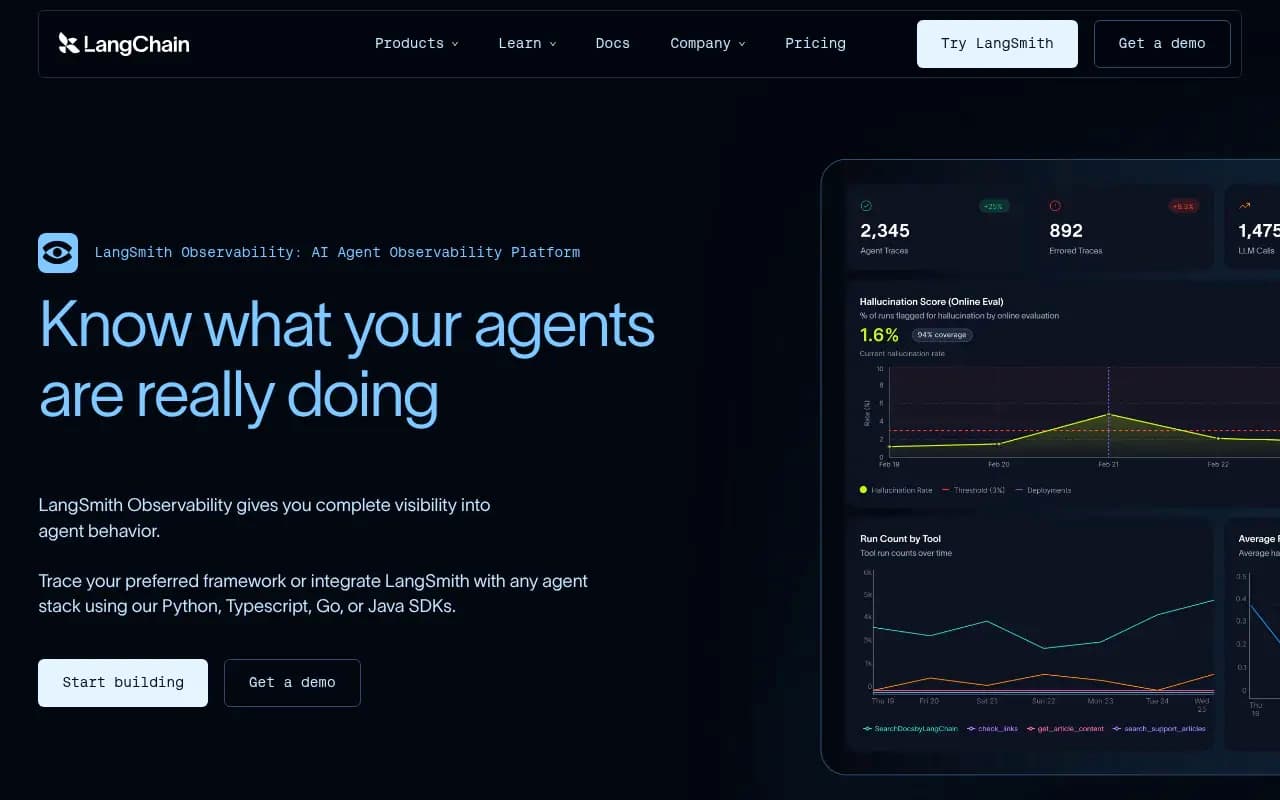
Zapier is the leading automation platform that connects over 8,000 apps and services, enabling businesses to build AI-powered workflows, agents, and chatbots without code. Trusted by 3 million+ businesses including Nvidia, Meta, and Disney, Zapier helps teams automate repetitive tasks, route leads,
Summary
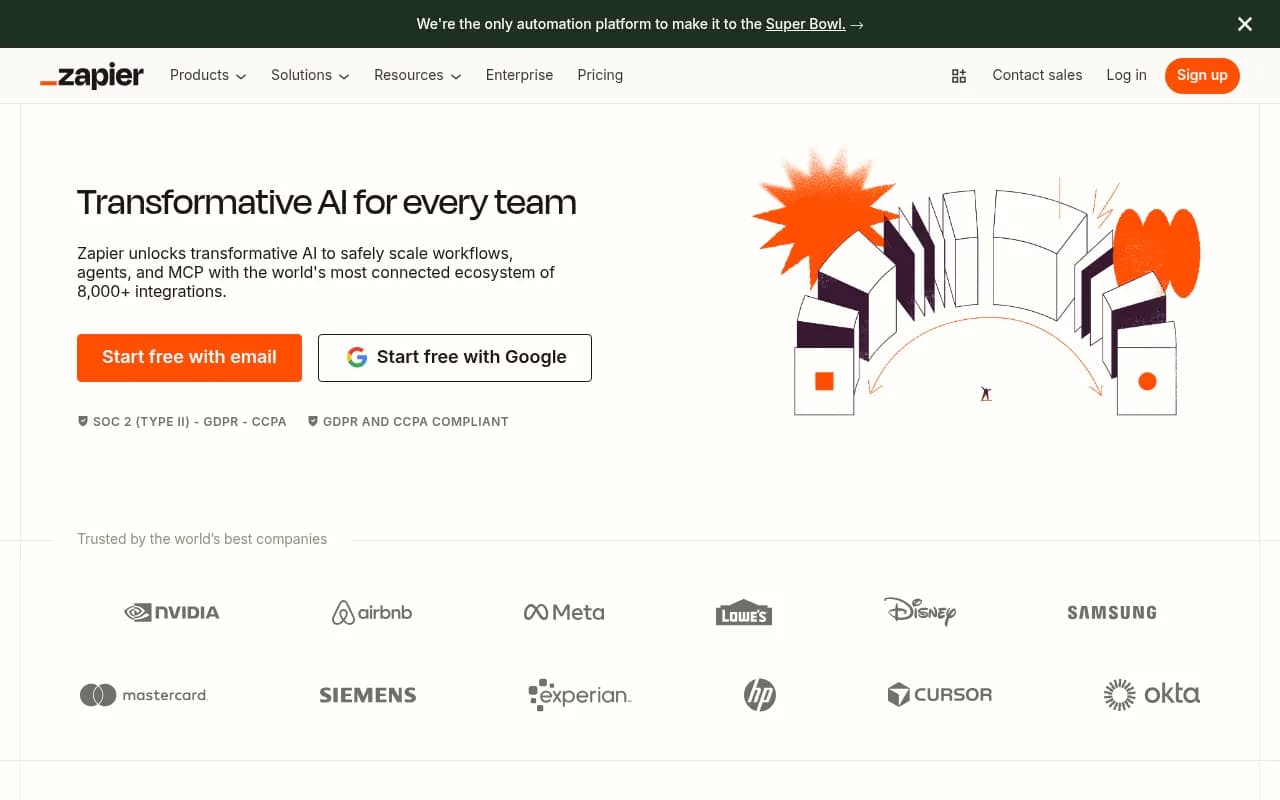
Zapier has become the default automation platform for businesses that want to connect their apps without writing code. With 8,000+ integrations, 3 million+ users, and backing from major enterprises like Nvidia, Meta, and Disney, it's the most connected automation ecosystem available. But in 2026, Zapier isn't just about connecting apps anymore -- it's positioning itself as an AI orchestration platform that lets you build workflows, deploy agents, create chatbots, and manage data all in one place. The question is whether the expanded feature set justifies the price increases and whether it can compete with specialized AI tools.
What Zapier actually is
Zapier is a no-code automation platform that connects apps through "Zaps" -- automated workflows triggered by events in one app that cause actions in others. You might trigger a Zap when a new lead fills out a form, which then enriches the lead data, adds it to your CRM, notifies your sales team in Slack, and creates a follow-up task. The platform has evolved from simple two-app connections into a full automation suite with AI Workflows (multi-step automations with logic branches), AI Agents (autonomous bots that work across your stack), AI Chatbots (customer-facing conversational interfaces), Tables (database storage), Forms (data collection), and Canvas (visual workflow builder).
Founded in 2011, Zapier has grown into the most comprehensive integration platform available, supporting everything from mainstream tools like Gmail, Slack, and Salesforce to niche vertical software. The company is profitable, remote-first, and has avoided the VC-fueled growth-at-all-costs trap that killed many competitors.
Who uses Zapier
Zapier's user base spans solo founders automating their first lead capture form to Fortune 500 IT teams managing thousands of enterprise workflows. The sweet spot is mid-market companies (50-500 employees) where operations teams need to move fast but don't have unlimited engineering resources. Marketing teams use it to route leads and sync campaign data. Sales teams automate CRM updates and meeting prep. Support teams build AI-powered helpdesks. IT teams create employee onboarding systems and ticket routing. Agencies use it to deliver client automations without custom development.
You'll also find Zapier heavily used by SaaS companies that want to offer integrations to customers without building each one individually -- Zapier's partner program lets apps plug into the ecosystem and instantly connect to 8,000+ other tools. The platform is less common among developers who prefer code-based solutions like n8n or custom API integrations, and it's overkill for users who only need to connect two or three apps occasionally.
Core automation capabilities
AI Workflows are Zapier's flagship feature -- multi-step automations that can include conditional logic, loops, delays, filters, and AI processing. You can build workflows that pull data from multiple sources, transform it with AI (summarization, extraction, generation), route it based on conditions, and push results to destination apps. The visual builder shows each step, making it easy to debug when something breaks. Workflows support error handling, retry logic, and detailed execution logs. You can also use Paths (if/then branching) to create complex decision trees -- for example, routing high-value leads to sales and low-value leads to nurture campaigns based on enrichment data.
AI Agents are autonomous bots that monitor triggers and take action without human intervention. Unlike workflows that run once per trigger, agents can loop, make decisions, and handle multi-turn interactions. Use cases include auto-replying to emails based on content analysis, researching leads and updating CRM records, monitoring support tickets and escalating urgent issues, or generating weekly reports by pulling data from multiple sources. Agents use LLMs (you can choose OpenAI, Anthropic, or others) to understand context and make decisions. The catch: agents consume tasks quickly since they often run multiple steps per execution.
AI Chatbots let you build customer-facing conversational interfaces that connect to your data and workflows. You can deploy chatbots on your website, in Slack, or via API. Common uses: answering FAQs by pulling from your knowledge base, qualifying leads by asking questions and routing to sales, helping customers track orders by querying your database, or onboarding employees by guiding them through setup steps. Chatbots can trigger workflows (e.g., creating a support ticket when they can't answer a question) and access Tables for persistent data storage. The builder includes pre-made templates for common use cases like IT helpdesk, lead generation, and customer support.
Tables are Zapier's built-in database for storing workflow data. Instead of pushing everything to Google Sheets or Airtable, you can store leads, customer records, or task lists directly in Zapier. Tables support lookups, updates, and filtering, making them useful for deduplication (check if a lead already exists before creating a new record), enrichment (store additional data about contacts), or state management (track which leads have been contacted). Tables are included free on all plans now, which is a big improvement from when they were a paid add-on.
Forms let you create data collection interfaces without using Typeform or Google Forms. Build a form, share the link, and route submissions directly into workflows. Forms support conditional logic (show different questions based on previous answers), file uploads, and custom styling. They're particularly useful for internal tools -- IT request forms, PTO requests, lead capture pages -- where you want submissions to trigger immediate automation.
Canvas is Zapier's newest feature -- an AI-powered visual builder that lets you describe what you want to automate in plain language and generates the workflow for you. It's meant to lower the barrier for non-technical users who find the traditional workflow builder intimidating. In practice, Canvas works well for simple automations but still requires manual tweaking for complex logic. It's a nice starting point, not a replacement for understanding how workflows actually work.
Integration ecosystem and data handling
Zapier's 8,000+ app integrations are its moat. Every major SaaS tool is supported -- CRMs (Salesforce, HubSpot, Pipedrive), communication (Slack, Teams, Gmail), project management (Asana, Monday, ClickUp), marketing (Mailchimp, ActiveCampaign, Facebook Ads), databases (Airtable, PostgreSQL, MySQL), and hundreds of niche vertical tools. Each integration exposes triggers (events that start workflows) and actions (things workflows can do). Quality varies -- popular apps have dozens of triggers and actions with detailed documentation, while obscure tools might only support basic create/update operations.
Zapier also offers webhooks for custom integrations, code steps (run Python or JavaScript inside workflows), API requests (call any REST API), and storage (persist data between workflow runs). Power users combine these to build integrations for tools Zapier doesn't officially support. The Zapier Developer Platform lets companies build their own integrations and publish them to the marketplace, which is why the integration count keeps growing.
Data handling is generally reliable but not instantaneous. Most triggers poll for new data every 1-15 minutes depending on your plan (Free polls every 15 minutes, paid plans poll every 1-5 minutes). Instant triggers (webhooks) are available for apps that support them. Workflows process sequentially, so a 10-step Zap takes 10-30 seconds to complete. For time-sensitive automations, this latency matters -- if you need sub-second response times, Zapier isn't the right tool.
AI capabilities and limitations
Zapier's AI features are built on top of major LLM providers (OpenAI, Anthropic, Google) rather than proprietary models. This means you get access to GPT-4, Claude, and Gemini without managing API keys or billing separately. AI actions include text generation, summarization, extraction, classification, and sentiment analysis. You can also use AI to transform data (e.g., extract email addresses from text, reformat dates, translate languages) or make decisions (e.g., determine if a support ticket is urgent based on content).
The AI features work well for straightforward tasks but struggle with complex reasoning or domain-specific knowledge. For example, using AI to summarize meeting notes or extract lead info from emails works great. Using AI to analyze financial data or make nuanced business decisions often produces unreliable results. You also can't fine-tune models or provide extensive context -- you're limited to the prompt you write and the data you pass in.
AI task consumption is aggressive. A single AI action can consume 2-5 tasks depending on the model and response length. If you're running AI-heavy workflows at scale, you'll burn through your task quota quickly. Zapier's pricing page doesn't make this clear upfront, which leads to bill shock for users who assumed AI actions counted as one task.
Pricing reality check
Zapier's pricing has increased significantly as they've added AI features. The Free plan includes 100 tasks/month and single-step Zaps -- enough to test the platform but not to run real automations. The Professional plan starts at $19.99/month (billed annually) for 750 tasks and includes multi-step Zaps, conditional logic, and AI features. The Team plan is $103.50/month for 2,000 tasks and adds user management and shared workspaces. Enterprise pricing is custom and includes SSO, SCIM provisioning, dedicated support, and SLAs.
The task-based pricing model is both Zapier's strength and weakness. Tasks are predictable (one trigger + one action = one task) but can add up fast if you're running high-volume workflows. A lead capture form that triggers 50 times a day with a 5-step workflow consumes 250 tasks daily (7,500/month), which pushes you into higher tiers quickly. Zapier offers task overage at $0.03-0.05 per task, but at that rate you're better off upgrading to the next tier.
Compared to competitors, Zapier is expensive for high-volume use cases. Make.com offers 10,000 operations/month for $9, and n8n is open-source (self-host for free). But Zapier's integration quality, reliability, and support justify the premium for businesses that value stability over cost optimization. The Free plan is genuinely useful for personal projects or testing, which is more generous than most competitors.
Reliability and support
Zapier advertises 99.99% uptime and generally delivers. Workflows run reliably, errors are logged clearly, and the platform rarely goes down. When issues occur, they're usually caused by third-party app API changes rather than Zapier infrastructure. The error handling is solid -- workflows automatically retry failed steps, and you can configure custom retry logic or alerts.
Support quality depends on your plan. Free users get community support only (forums and documentation). Paid plans include email support with 24-48 hour response times. Team and Enterprise plans get priority support and dedicated success managers. The documentation is excellent -- detailed guides, video tutorials, and a massive template library with pre-built workflows for common use cases. The community forums are active, and Zapier employees regularly respond to questions.
What Zapier does exceptionally well
Integration breadth: No other platform comes close to 8,000+ integrations. If you need to connect obscure vertical software, Zapier probably supports it.
Reliability: Workflows run consistently, errors are handled gracefully, and uptime is industry-leading. You can trust Zapier with mission-critical automations.
Ease of use: The visual workflow builder is intuitive enough for non-technical users but powerful enough for complex logic. You can build useful automations in minutes.
Template library: 10,000+ pre-built workflows cover most common use cases. Copy a template, connect your apps, and you're done.
Enterprise features: SSO, SCIM, role-based permissions, audit logs, and compliance certifications (SOC 2, GDPR, CCPA) make Zapier viable for large organizations.
Honest limitations
Cost at scale: Task-based pricing gets expensive fast for high-volume workflows. Competitors like Make.com or self-hosted n8n are significantly cheaper.
AI task consumption: AI actions burn through tasks quickly, and the pricing page doesn't make this clear. Budget accordingly.
Polling delays: Most triggers poll every 1-15 minutes, which isn't fast enough for time-sensitive automations. Instant triggers are limited to apps that support webhooks.
Limited customization: You're constrained by what each integration exposes. If an app doesn't support a specific trigger or action, you're stuck using webhooks or code steps.
No version control: Workflows don't have git-style version history. If you break something, you're manually reverting changes.
Who should use Zapier
Zapier is the right choice for mid-market companies (50-500 employees) that need to connect multiple apps without hiring engineers. Operations teams, marketing teams, and sales teams get the most value -- they can build automations themselves instead of waiting on IT. Agencies use Zapier to deliver client automations quickly. SaaS companies use it to offer integrations to customers. Solo founders and small teams use it to automate repetitive tasks and scale without hiring.
Skip Zapier if you're a developer comfortable with code (n8n or custom APIs are cheaper and more flexible), if you need sub-second response times (polling delays won't work), if you're running extremely high-volume workflows (task costs add up), or if you only need to connect two or three apps occasionally (native integrations or simpler tools like IFTTT are cheaper).
Bottom line
Zapier remains the most reliable, feature-complete automation platform for businesses that need to connect apps without code. The 8,000+ integrations, enterprise-grade reliability, and expanding AI capabilities make it the default choice for operations teams. The pricing is steep for high-volume use cases, and the AI features are useful but not revolutionary. If you value stability, support, and breadth of integrations over cost optimization, Zapier is worth it. If you're technical or cost-sensitive, explore Make.com or n8n first.
Tags:
Frequently asked questions
What is Zapier and what does it do?
How much does Zapier cost?
Is Zapier free to use?
How many apps does Zapier integrate with?
Who should use Zapier?
What are Zaps in Zapier?
Does Zapier require coding knowledge?
What is the difference between Zapier and other automation tools?
Similar and alternative tools to Zapier