Numerous.ai Review 2026
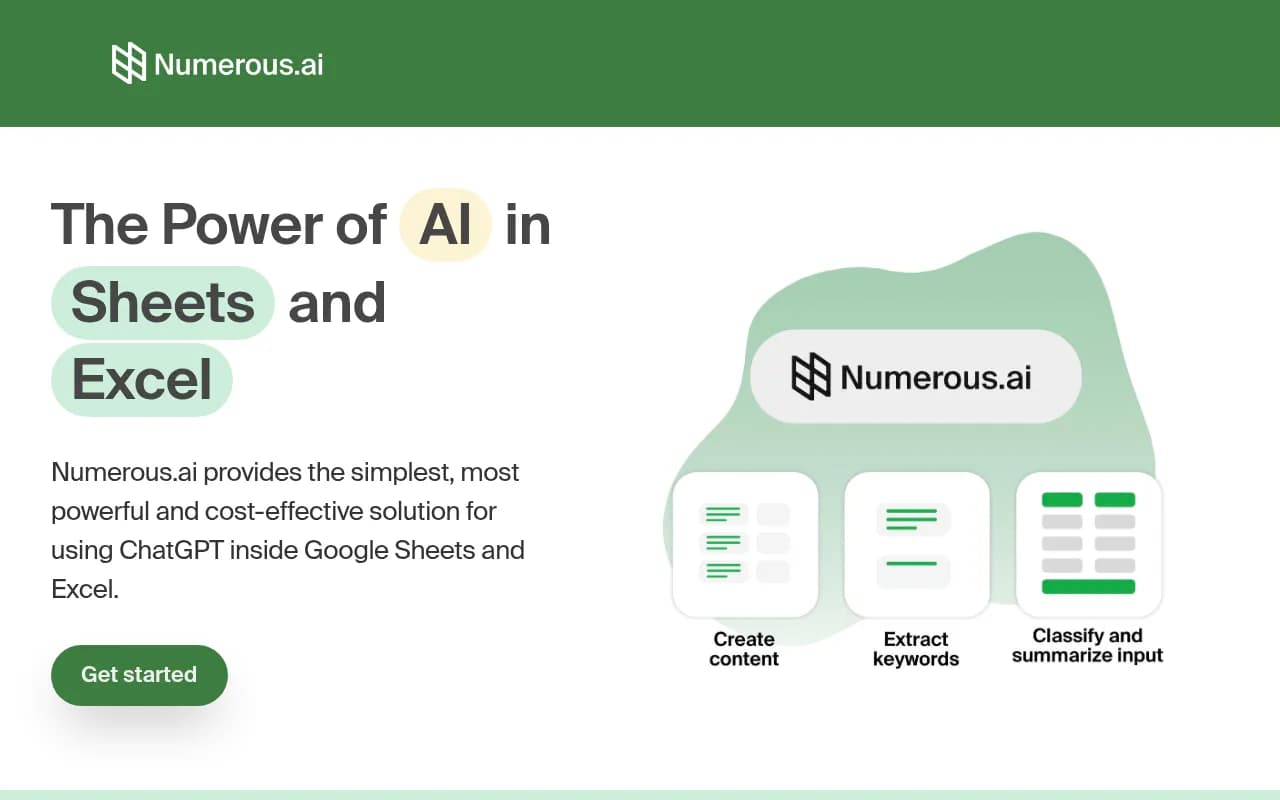
Brings AI content generation into spreadsheet workflows, letting users generate and transform text in bulk directly within Google Sheets or Excel.
Key takeaways
- What it is: A spreadsheet add-on (Google Sheets + Excel) that lets you run AI prompts in bulk using a simple
=AI()formula -- no API keys required. - Best for: Digital marketers, content creators, and data analysts who need to process hundreds or thousands of rows of text using AI without writing code.
- Pricing is accessible: Plans start at $8/month (billed yearly) with a 7-day free trial. Character-based usage limits apply at every tier.
- Narrow scope by design: It does one thing -- AI in spreadsheets. If you need a standalone content platform, workflow automation, or anything beyond the spreadsheet context, this isn't it.
- Not a Promptwatch competitor: Numerous.ai has no connection to AI search visibility, GEO, or brand monitoring in LLMs.
Numerous.ai is a San Francisco-based tool that does something deceptively simple: it puts ChatGPT inside your spreadsheet. Install the add-on, open a cell, type =AI("Summarize this: " & A1), and you get an AI-generated result right there in the grid. No API keys, no Python scripts, no switching between tabs. For anyone who has ever tried to manually run hundreds of rows through ChatGPT by copy-pasting, this is the obvious solution.
The tool works with both Google Sheets and Microsoft Excel, which already puts it ahead of most competitors that only support one platform. It's built around the idea that spreadsheets are actually a great interface for bulk AI tasks -- structured, auditable, shareable, and familiar to almost every knowledge worker. The team's pitch is that you don't need to be a developer to automate AI workflows; you just need to know how to write a formula.
The target audience is broad but the use cases cluster around a few clear patterns: digital marketers generating ad copy or SEO content at scale, content teams building topic lists and social media calendars, data analysts cleaning and categorizing messy text, and product teams prototyping AI features without writing code. It's also popular with students and researchers who need to process qualitative data in bulk.
Key features
The =AI() formula
This is the core of the product. You write a prompt as a string, reference other cells for dynamic input, and the add-on calls the AI model and returns the result in the cell. It works exactly like any other spreadsheet formula, which means you can drag it down a column to process thousands of rows, combine it with other formulas like CONCATENATE or IF, and reference outputs from other AI cells. The simplicity here is real -- there's no separate prompt builder or interface to learn.
No API key requirement Most competing approaches (like using the OpenAI API directly via Apps Script) require you to generate and manage API keys, handle rate limits, and deal with billing separately. Numerous.ai handles all of that on the backend. You pay Numerous.ai, they handle the API calls. This is a meaningful quality-of-life improvement for non-technical users who would otherwise get stuck at the setup stage.
Long-term results caching When you run a prompt, the result is cached. If you re-run the same prompt later (or if a teammate opens the same sheet), it doesn't make a duplicate API call -- it returns the cached result. This keeps costs down and makes the tool more predictable for teams. It's also useful for prototyping: you can experiment with prompts without burning through your character allowance every time you tweak something.
Team sharing and collaboration The Pro plan lets you share access with up to 3 people, and the Enterprise plan is structured per-user with shared character pools. Everyone on the team uses the same plan and can work in the same spreadsheets. This is more practical than requiring each team member to set up their own API key and manage their own billing.
Bulk text operations The main use cases the tool is optimized for include:
- Summarizing long-form text (articles, survey responses, reviews)
- Categorizing and classifying open-ended data
- Cleaning and normalizing messy user input
- Generating ad copy, keywords, and SEO content
- Creating content variants for different audiences
These aren't just marketing claims -- the formula-based approach genuinely makes bulk operations easy. You write one prompt, apply it to a column of 500 rows, and let it run.
Digital marketing workflows The tool has specific positioning around digital marketing tasks: generating Google Ads keywords, writing Facebook ad copy, building SEO content briefs, and organizing campaign structures. These are repetitive, text-heavy tasks that map well to spreadsheet rows, and the AI handles them reasonably well with a good prompt.
Content ideation and generation You can chain AI calls: one column generates topic ideas, the next column generates outlines based on those topics, the next generates draft paragraphs. All from a single spreadsheet. This kind of chained workflow is where the spreadsheet interface actually has an advantage over chat-based AI tools -- you can see all the inputs and outputs at once, compare variants side by side, and iterate on specific rows without losing context.
Cross-platform support (Google Sheets + Excel) Both platforms are supported at every pricing tier. This matters for teams that use a mix of tools or for agencies working with clients on different platforms.
Who is it for
Digital marketers at small-to-mid-size agencies are probably the core user. If you're managing 10-20 clients and need to generate keyword lists, ad copy variants, or meta descriptions in bulk, doing that manually is painful. Numerous.ai turns a 4-hour task into a 20-minute one. The spreadsheet format also makes it easy to hand off to clients or review in a structured way.
Content creators and social media managers who need to produce high volumes of posts, captions, or topic ideas will find it useful. The ability to generate 50 Instagram caption variants from a single product description, all in one column, is genuinely practical. Same goes for email marketers who need subject line variants or newsletter summaries.
Data analysts and researchers dealing with qualitative data -- open-ended survey responses, customer feedback, support tickets -- can use it to categorize, summarize, or extract structured information from unstructured text at scale. This is a use case that's hard to handle with traditional spreadsheet formulas and usually requires custom code.
Product managers and engineers who want to prototype AI features without spinning up infrastructure will also find value here. You can test different prompt structures, compare outputs, and share results with stakeholders, all in a familiar spreadsheet environment.
Who should probably look elsewhere: anyone who needs a full content management workflow, SEO platform, or standalone writing tool. Numerous.ai is a spreadsheet plugin, not a content platform. If you need publishing, scheduling, SEO analysis, or anything beyond generating text in cells, you'll need to combine it with other tools. It's also not ideal for users who need real-time AI assistance or conversational AI -- it's batch-oriented by design.
Integrations and ecosystem
Google Sheets: Available as a Google Workspace add-on, installable directly from the Google Workspace Marketplace. Works within the standard Sheets interface.
Microsoft Excel: Also supported, which is less common among spreadsheet AI tools and a genuine differentiator for teams in corporate environments where Excel is the standard.
AI providers: Numerous.ai connects to AI providers (primarily OpenAI/ChatGPT) on the backend. Users don't interact with these APIs directly -- the abstraction is intentional.
No native integrations with external tools: There's no Zapier connector, no Slack notifications, no CRM sync. The tool lives entirely within the spreadsheet. If you need to pipe results into another system, you'd do that manually or via Google Sheets' own export/integration options.
No public API: There's no developer API for building on top of Numerous.ai programmatically outside of the spreadsheet context.
No mobile app: It's a desktop/browser tool tied to the spreadsheet platforms.
Pricing and value
Numerous.ai uses a character-based pricing model (counting both inputs and outputs), with three main tiers billed annually:
- Personal: $8/month (yearly) -- 1 million characters, single user, Google Sheets + Excel, 7-day free trial
- Pro: $24/month (yearly) -- 5 million characters, up to 3 users, email support, 7-day free trial
- Enterprise: $8/user/month (yearly) -- 1 million characters per user, minimum 5 users, priority email support, optional video call onboarding
Monthly billing is also available at higher rates (the website references $19/month for Personal and $39/month for Pro on monthly billing based on third-party sources, though the site itself shows the annual rates prominently).
The 7-day free trial is available on all plans, and unused characters carry over if you cancel -- a nice touch that removes some of the risk.
For context, 1 million characters sounds like a lot but can go quickly if you're processing long documents or running complex prompts across thousands of rows. The Pro plan's 5 million characters is more practical for heavy users. The Enterprise per-user model makes sense for teams but the 1 million character per user limit means heavy individual users might hit ceilings.
Compared to running OpenAI's API directly, Numerous.ai is more expensive per character but saves significant setup time and removes the need for technical knowledge. For non-technical users, the premium is worth it. For developers who are comfortable with Apps Script or Python, the direct API route might be more cost-effective at scale.
Strengths and limitations
What it does well:
- The
=AI()formula approach is genuinely intuitive. Anyone who can write a spreadsheet formula can use this tool within minutes. - Cross-platform support for both Google Sheets and Excel is rare and valuable.
- The caching system is smart -- it prevents duplicate API calls and makes the tool more cost-predictable.
- Team sharing is handled cleanly without requiring each user to manage their own API credentials.
- The use case fit for bulk text operations (categorization, summarization, content generation) is strong and well-matched to the spreadsheet format.
Honest limitations:
- Character limits can feel restrictive, especially on the Personal plan. Users processing long documents or running complex prompts at scale will hit ceilings faster than expected.
- There's no visibility into which AI model is being used or the ability to switch models (e.g., GPT-4 vs. GPT-3.5 vs. Claude). For users who care about output quality or want to compare models, this is a black box.
- The tool is entirely dependent on the spreadsheet environment. There's no standalone interface, no content management, no publishing workflow. It's a plugin, not a platform.
- No public API or Zapier integration limits how you can connect it to broader workflows.
- The website and product feel relatively minimal -- documentation and advanced use case guides are limited compared to more mature tools.
Bottom line
Numerous.ai is a well-executed solution to a specific problem: running AI prompts in bulk inside spreadsheets, without needing technical skills or API keys. For digital marketers, content creators, and data analysts who live in Google Sheets or Excel and need to process text at scale, it removes a genuine bottleneck. The formula-based interface is the right design choice -- it meets users where they already are.
Best use case: A digital marketing agency that needs to generate 500 ad copy variants, keyword lists, or meta descriptions from a product catalog, all inside a Google Sheet, without touching code.
Frequently asked questions
What is Numerous.ai?
How much does Numerous.ai cost?
Does Numerous.ai work with both Google Sheets and Excel?
Do I need an OpenAI API key to use Numerous.ai?
What are the main use cases for Numerous.ai?
What are the limitations of Numerous.ai?
Similar and alternative tools to Numerous.ai