Key takeaways
- Automated SEO reporting tools fall into two camps: platforms that own their SEO data (SE Ranking, Semrush) and display layers that need data from somewhere else (AgencyAnalytics, Whatagraph, Databox, Looker Studio).
- An SEO report that only covers rankings and traffic no longer answers client questions. Add AI citations and crawler data, or you will keep fielding "why did traffic move when rankings didn't?"
- Pricing traps are real: per-client billing, per-source billing, white-label add-ons and euro pricing all compound as you grow. Price the tool at double your current roster.
- Start with three to five metrics, validate them against source systems, and only then automate delivery.
What "dashboards that build themselves" actually means
The phrase is marketing, so let's be honest about it. No dashboard builds itself from nothing. What the good tools do is remove the three chores that eat reporting days: pulling data from Search Console, GA4, rank trackers and backlink tools; formatting it into something a client can read; and sending it on a schedule. Newer tools add a fourth: writing the summary and flagging anomalies.
That's real value. A monthly report that took four hours per client can drop to a ten-minute review. But the setup still needs a human to decide what belongs in the report, and that decision matters far more than which tool you pick.
Domo's roundup of general-purpose automated reporting tools is a useful reference for the BI end of the market. Its most practical advice is also the simplest: build your first dashboard with three to five metrics that stakeholders actually check, and validate the numbers against your source systems before sharing anything. Wrong numbers delivered automatically on the first of every month will cost you more trust than late numbers ever did.
The two kinds of reporting tool
This split explains most of the confusion when you compare options.
Tools that hold their own SEO data
SE Ranking and Semrush track rankings, run audits, crawl backlinks and now track AI visibility inside the same product. The reporting module reads from data the platform already has, so there is less plumbing to break.
Display-layer tools that need data from elsewhere
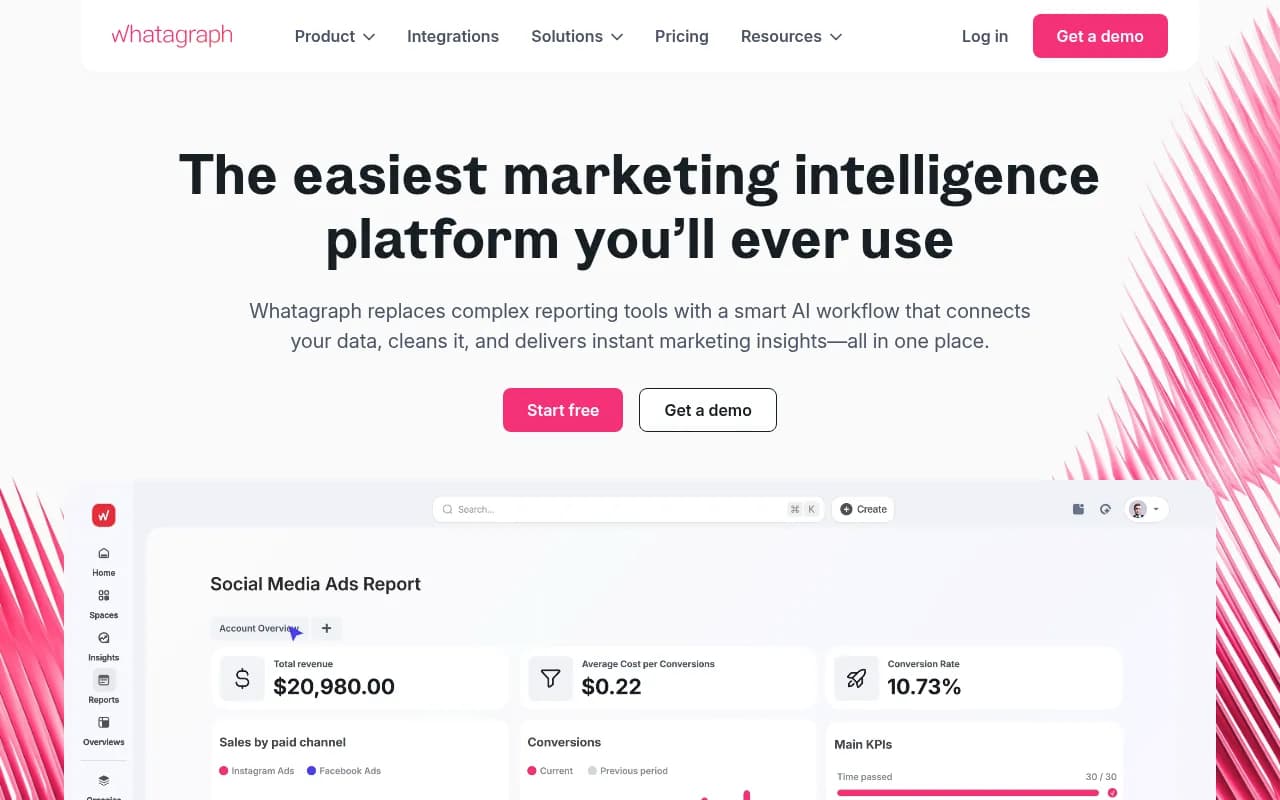
AgencyAnalytics, Whatagraph, Databox, DashThis and Looker Studio pull from other sources and present them well. They are great at layout, white-labeling and scheduling. They are weaker when you need the underlying SEO data itself, because you pay for that separately. Among this group, only AgencyAnalytics was listed as reporting AI visibility in the research I reviewed, and only through a metered add-on.
Neither camp is better. If you already pay for a rank tracker and a backlink tool, a display layer is the cheaper path. If you are starting from scratch, an all-in-one is usually less work.
Comparison of the main options
| Tool | Type | Starting price (verify before buying) | White-label | AI visibility reporting |
|---|---|---|---|---|
| SE Ranking | Owns data | Core $129/mo ($103.20 annual) | Agency Pack add-on, about $69/mo, annual only | Yes, built in |
| Semrush | Owns data | SEO plan $139/mo ($117.33 annual) | Pro reports at $20/mo each | Yes, 4 engines on all plans |
| AgencyAnalytics | Display layer | $20 per client/mo, annual | Included client portals | Metered AI Tracker add-on |
| Databox | Display layer | Free plan; Analyst $71/mo; Agency from $79/mo for 4 clients | $80/mo add-on | Not listed |
| Whatagraph | Display layer | Go from 199 EUR/mo | Max plan and above | Not listed |
| DashThis | Display layer | $54/mo ($44 annual) | Check plan | Not listed |
| Looker Studio | Display layer | Free | Manual | Limited |
| Supermetrics | Data pipeline | 49 EUR/mo (39 annual) | Depends on destination | Depends on setup |
Treat vendor-written comparisons with suspicion. Databox and Whatagraph each rank themselves well on their own pages, and one source quoted a Whatagraph starting price of $1,118/month that conflicts with the 199 EUR Go tier, which was restructured in May 2026. Check the official pricing page before you commit.
Tool by tool notes
SE Ranking
It combines rankings, audits, backlinks, AI visibility and scheduled reports. The catch is that agency white-label is an annual-only add-on. SE Ranking's own June 2026 roundup argues that agencies now need data across organic, AI and social channels, and it is of course written by a vendor who sells exactly that.
Semrush
The reporting is flexible: a Base report at $10/mo covers Semrush data plus GA and GSC, and a Pro report at $20/mo adds outside integrations, white-label, a custom domain and hourly scheduling. The bill grows through seats, though. Extra seats start at $45/mo, and one reviewer's 20-client setup passed $290/mo before a single report went out.
AgencyAnalytics
Core is $20 per client per month on annual billing, with unlimited data sources, reports, dashboards and staff accounts. That means 20 clients is $400/mo and 50 clients is $1,000/mo before add-ons such as the Rank Tracker ($41.67/mo for 500 keywords). It has 85+ integrations and client portals. Per-client pricing is easy to predict, but it also scales linearly with every client you win.
Databox
The free plan (1 user, 3 sources, 1 dashboard) is a decent way to test. The pitfall is that it prices by data source, not by client. One reviewer found that 10 clients with 3 connectors each billed as 30 sources. Databox's own page puts 20 clients at $399/mo versus $400 for AgencyAnalytics, so the difference is negligible there. Its Genie AI analyst and anomaly detection are the headline AI features.
Whatagraph
Credit-based pricing means no per-client compounding, which suits agencies with many small accounts. It has 50+ integrations and an AI feature called Whatagraph IQ. Euro pricing means your cost drifts with exchange rates, which is a small annoyance that adds up on annual contracts.
Looker Studio and the BI crowd
Looker Studio is free and ideal for teams already in the Google ecosystem, with filtering and drill-downs, but the AI features are limited. If you need heavier BI, Domo's guide lists Power BI (with Copilot), Tableau AI, Klipfolio, Qlik and Domo itself, which claims 1,000+ connectors. For most SEO teams that is overkill. For an in-house team reporting to a CFO, a Looker Studio dashboard that blends GSC, GA4 and CRM data is often the right answer.
Add AI visibility to every report
This is the section most reporting guides skip, and it's the one clients now ask about. Brand visibility spans organic search, LLM answers and social, so a report that stops at Google rankings leaves out the questions people actually raise.
Two things to put in the template:
AI citations, tracked per engine
Don't blend engines into one number. According to Promptwatch Data's sources-per-response report, ChatGPT cites about 5 sources per web-search answer, Google AI Overviews about 10, and Perplexity almost exactly 10 every day, while Copilot swung from under 2 to nearly 17 within weeks before settling low. The practical takeaway: a citation count that looks healthy in one engine can be structurally impossible to match in another, and Copilot should be judged on monthly trends, not weekly ones.
Tools that can feed that section include Promptwatch, which tracks real-UI answers across ChatGPT, AI Overviews, Perplexity, Gemini and others and exports to Looker Studio, plus the AI features built into SE Ranking and Semrush.

If you want to compare more options, the GEO software directory at bestgeosoftware.com and the AI rank tracker listing at ai-rank-tools.com cover the field.
AI crawler logs
Crawler data is turning into a standard report section. In Promptwatch's AI crawler traffic report, OpenAI made up 79.8% of IP-verified AI crawler requests in the week of Aug 31 to Sep 6, 2026, down from 94.8% in Jun 8 to 14. The report suggests comparing your own logs to that mix: a provider that is large in the mix but near zero in your logs points to blocking, so check robots.txt, CDN and WAF rules.
That gives you a one-line report item with real diagnostic value: "Crawler share by provider versus the market mix." Promptwatch's crawler logs work with Cloudflare, Vercel, Fastly and raw server logs, and lighter options like DarkVisitors cover bot tracking too.
Pricing traps to check before you sign
- Per-client billing compounds as your roster grows.
- Per-source billing compounds across clients, as the Databox example shows.
- White-label is often an add-on, not a feature of the base plan.
- Euro pricing moves with exchange rates.
- AI tracking is frequently metered separately.
Databox's advice is blunt and correct even though it comes from a vendor: price the tool at double your current client roster before committing. If the math breaks at 40 clients, you will feel it in a year.
Building a report that survives scrutiny
Pick the metrics first
For most clients, five lines are enough: organic clicks and impressions from Search Console, conversions or leads from GA4, ranking movement for a small set of money keywords, AI citations by engine, and crawl health. Add more only when somebody asks for it twice.
Validate before you automate
Run the first two reports side by side with the raw sources. Check that date ranges, filters and currency match. Mismatches almost always trace back to GSC versus GA4 attribution differences, and it is better to explain those once in a footnote than to discover them in a client meeting.
Use AI summaries carefully
Ask AI, AI Summary and anomaly detection save time on first drafts. They also confidently describe noise as trends. Have a human read the summary every month. If you are connecting workflows yourself, Zapier or n8n can route finished reports into Slack or email without extra tooling.


Connect to business outcomes
Clients are asking how any of this ties to revenue, and a rankings chart doesn't answer that. If you can, blend CRM or lead data into the dashboard. Niko Alho's write-up on Looker Studio SEO dashboards that blend GSC, GA4 and CRM is a good example of the C-suite version of this report.
Which tool should you pick?
| If you are... | Consider |
|---|---|
| An agency with many small clients and no data stack | AgencyAnalytics or Whatagraph |
| An agency that already pays for Semrush or SE Ranking | The reporting built into that platform |
| An in-house team in the Google ecosystem | Looker Studio, free |
| A team that needs AI citations and crawler logs in reports | A GEO platform such as Promptwatch feeding Looker Studio |
| A team with a data analyst and many sources | Supermetrics into your own dashboard |
More general options live in the software directory at surferstack.com.
The short version
Pick the data source first and the display layer second. Keep the template to five metrics. Add AI citations per engine and a crawler-share line. Then run the pricing math at twice your current client count. A report that is accurate, short and sent on time beats a beautiful dashboard that nobody opens.
If you would rather hand off the whole thing, an agency such as 1001 SEO Media handles reporting alongside the SEO and GEO work itself, but for most teams the tools above cover it.