Key takeaways
- Several open-source AI rank trackers exist (geo-aeo-tracker, ai-visibility-tracker, OneGlanse, Elmo), but most are young projects aimed at developers, not marketing teams.
- "Self-hosted" does not mean free. Most trackers still need paid LLM API keys, and API answers often differ from what users see in the real ChatGPT or Gemini interface.
- AI answers vary between runs. Any tracker, DIY or commercial, needs repeated sampling before a score means anything.
- Self-hosting makes sense for privacy, tinkering, and small prompt sets. It gets painful once you need crawler logs, traffic attribution, multi-country tracking, or content workflows.
- I could not verify licences, install steps or star counts for every repo, so check each README before committing.
What an open-source AI rank tracker actually does
An AI rank tracker sends a fixed set of prompts to models like ChatGPT, Gemini, Perplexity and Claude on a schedule. It stores the answers, checks whether your brand is mentioned, notes where in the answer it appears, and records which sources were cited. Then it charts the result over time.
That is the whole core loop. Everything else (competitor battlecards, sentiment, CSV exports) is decoration around it. Which is good news for self-hosting, because the core loop is not hard to build. It is also why so many open-source versions have appeared. The GitHub topic page for ai-visibility-tracking lists 26 repositories at the time of research, and the number is growing.
The catch is in how the prompts get answered, and that is where most of the limits in this guide come from.
The open-source and self-hosted options worth knowing
I pulled these from GitHub, Product Hunt and community threads. Treat the details as starting points, not verified reviews. I did not test installs.
| Project | What it is | Engines | Notes |
|---|---|---|---|
| danishashko/geo-aeo-tracker | Self-hosted, MIT licence, bring your own API keys | 5 engines | 0-100 visibility score from mentions, position, frequency, citations and sentiment; 13 feature tabs; trend charts with CSV export; competitor battlecards |
| rastmob/ai-visibility-tracker | Open-source tracker built with TypeScript and Next.js | ChatGPT, Gemini, Perplexity, Claude, Google AI | Good fit if your team already works in the Next.js stack |
| OneGlanse | Free, open-source GEO tracker, runs locally or self-hosted | ChatGPT, Gemini, Perplexity, Claude, Google AI Overview | Captures real UI output instead of API answers; the maker says it is mainly for developers |
| Elmo | Open-source, self-hosted AI visibility platform | Multiple | Listed in our catalog; check its docs for current engine coverage |
| Voyage (OnVoyage) | Open-source GEO infrastructure | Multiple | Also in our catalog; positioned as infrastructure rather than a dashboard |
| logwick | Self-hosted server-log analytics for AI bot detection | n/a | Not a rank tracker. Complements one by showing which AI bots hit your site |
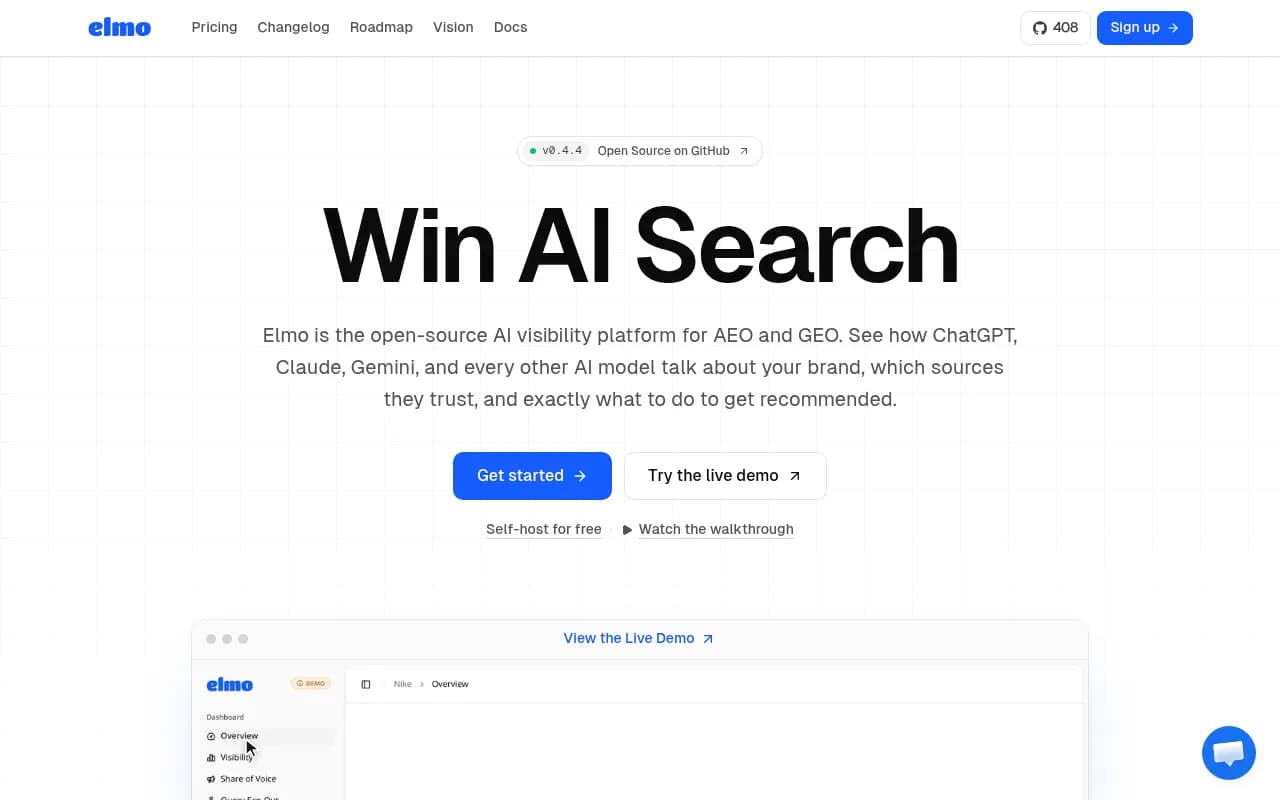

A few things stand out. The geo-aeo-tracker is the most feature-complete on paper, and its MIT licence is the friendliest. OneGlanse makes the most interesting design choice, which I will come back to. And logwick is a reminder that tracking answers is only half the picture.
For wider browsing, the directory at ai-rank-tools.com covers rank trackers beyond the open-source world, and bestgeosoftware.com does the same for GEO platforms.
API-based vs UI-capture trackers
This is the single most important choice, and most guides skip it.
API-based trackers
These call the OpenAI, Gemini, Anthropic or Perplexity APIs with your prompts. Setup is easy: paste keys, define prompts, run a cron job. Cost is predictable per token.
The problem is that API output is not what your customers see. The consumer ChatGPT app runs web search, shows citations, and can include shopping cards. A raw API call to a model may do none of that, depending on how you configure it. You end up measuring what the model believes from training data, not what users are shown.
UI-capture trackers
OneGlanse takes the other route and captures real interface output. Its maker argues that logged-out LLM responses "just aren't consistent enough" through other methods. The price is browser automation: headless browsers, proxies, sessions, and constant breakage when a vendor changes its front end. It is also more fragile legally and operationally than calling an API.
If you care about what real users see, UI capture is closer to the truth. If you care about simplicity, API-based is easier. Neither is free of trade-offs.
Setup guide: a realistic path
I could not verify exact install commands for each repo, so this is the general shape. Read the README first and adapt.
Step 1: Define a small prompt set
Start with 20 to 50 prompts. Cover three types: category prompts ("best project management tool for agencies"), brand-specific prompts, and competitor comparisons.
Make them short. Promptwatch Data on ChatGPT query fanouts shows the searches ChatGPT actually runs are short and keyword-like, around 53 characters on average from April 2026, with 1.0 fanouts per response in that period (down from 2.15 in early December). Your tracked prompts should resemble how people and models actually phrase things, not marketing copy.
Step 2: Provision somewhere to run it
Most of these projects are web apps with a database. A small VPS or a container host is enough. You do not need a GPU, because the models run at the provider's end. That is different from self-hosting an LLM itself, which needs real hardware and is a separate topic. Do not confuse the two.
Step 3: Get API keys and set budgets
Create keys for each provider you want to track. Set hard spending limits in each provider dashboard before you schedule anything. One Reddit thread describes an open-source tracker running free locally using only providers with a free tier, such as Gemini. That works for a hobby project and falls apart at volume.
A rough cost formula: prompts x models x runs per day x 30 x cost per call. Fifty prompts across four models, sampled three times daily, is 18,000 calls a month. Check your provider's pricing before you do that sum.
Step 3b: Clone, configure, run
For a typical Node or Next.js tracker the flow looks like this:
git clone <repo-url>
cd <repo>
cp .env.example .env   # add your API keys
npm install
npm run build && npm start
If the repo ships a Dockerfile or compose file, use it. I did not confirm Docker support for any of the projects above, so check.
Step 4: Sample repeatedly
AI answers change between runs. A single run per prompt tells you almost nothing. Run each prompt several times per day and report averages or mention rates, not one-off hits. If a tool only stores one answer per prompt per day, the trend lines will be noisy.
Step 5: Lock down access
Your dashboard holds competitor data and API keys. Put it behind authentication and a reverse proxy, keep secrets out of the repo, and do not expose the database port. This is basic, but self-hosted side projects skip it all the time.
Step 6: Add log analysis
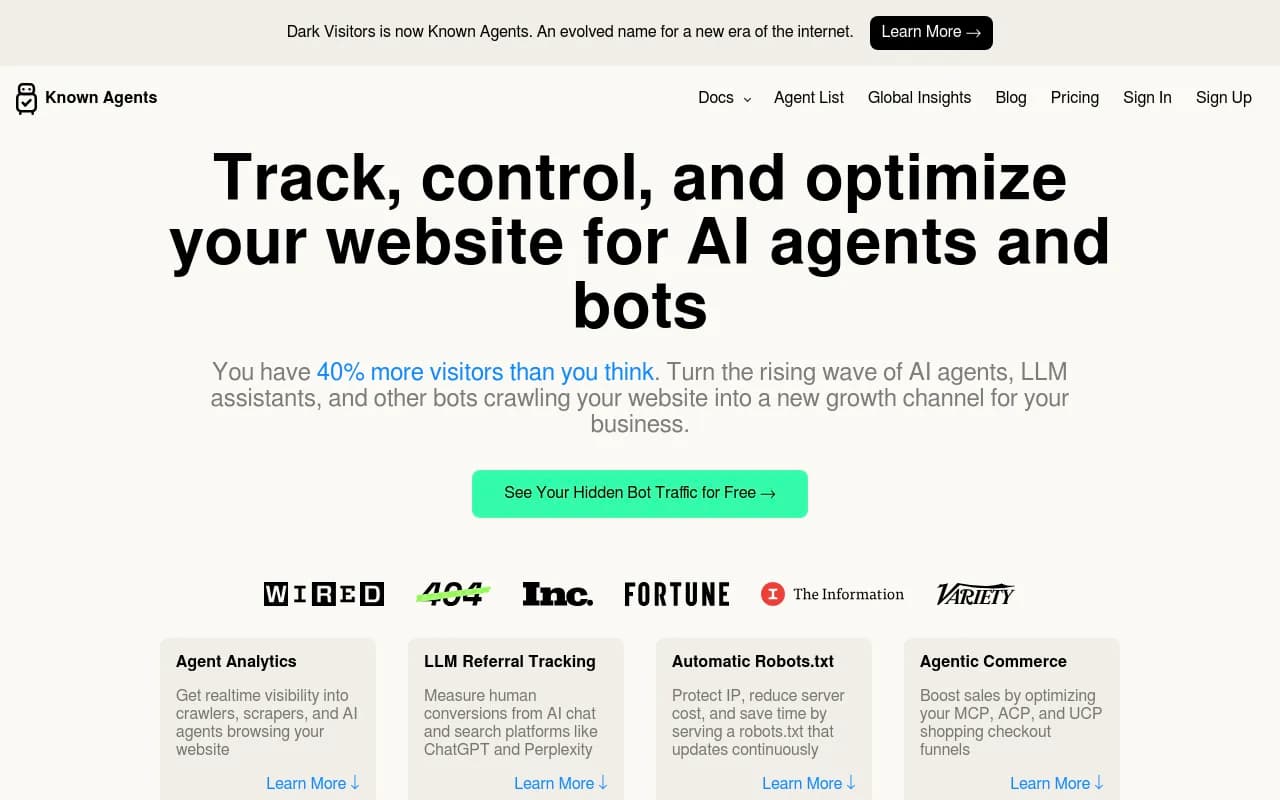
Pair the tracker with something like logwick, or your own CDN logs, to see which AI crawlers visit. Knowing a bot never reached your pricing page explains a lot of missing citations. The commercial option in our catalog, DarkVisitors, covers similar ground as a hosted service.
Where self-hosted trackers hit a wall
Here is the honest part. I like these projects. I would still hesitate to run a company's AI visibility reporting on them.
1. You still pay for the models
"Self-hosted" refers to the dashboard. The expensive part, the LLM calls, goes to someone else. Costs scale with prompts, models and sample count.
2. API answers are not UI answers
Covered above, but worth repeating. A dashboard showing 60% visibility on API output can sit next to a very different reality in the ChatGPT app.
3. Scores hide the useful bit
A 0-100 visibility score looks tidy. One commenter in the research pointed out the real value is in the answer text and the reason a competitor got picked. A score tells you something moved. The answer tells you why. Make sure whatever you run stores full responses and cited sources.
4. Sources move
Citation behaviour changes fast. Promptwatch Data found reddit.com's share of ChatGPT citations fell from about 4% to 0.5% on August 14, 2026, and ChatGPT began using the site: operator at scale on August 8, 2026, jumping from roughly 0.4% to 17% of fanout queries. A maintainer-of-one open-source project has to notice and adapt to shifts like these. A funded team watches them for a living.
5. Coverage gaps
Multi-country and multi-language tracking, local queries, AI Mode, shopping carousels, ads in AI answers, Reddit and YouTube citation reports, and coding agents are hard to build and harder to keep working. Most open-source trackers cover the engines and stop there.
6. No link to revenue
A tracker tells you whether you are mentioned. It does not tell you whether anyone clicked, converted or got blocked by your robots.txt. That needs crawler logs and visitor analytics, which is a separate build.
7. Maintenance
You own upgrades, breakage, proxies and prompt drift. If the maintainer loses interest, you inherit the repo.
Comparing DIY with hosted options
| Self-hosted open source | Basic hosted tracker | Full AI visibility platform | |
|---|---|---|---|
| Upfront cost | Free software, your time | Low monthly fee | Higher monthly fee |
| LLM costs | You pay providers | Included | Included |
| Real UI data | Only if the tool captures it | Varies | Yes, in leading platforms |
| Crawler logs and traffic | Separate DIY build | Usually no | Built in |
| Content and fixes | None | None | Some platforms include |
| Maintenance | You | Vendor | Vendor |
| Data control | Full | Vendor | Vendor |
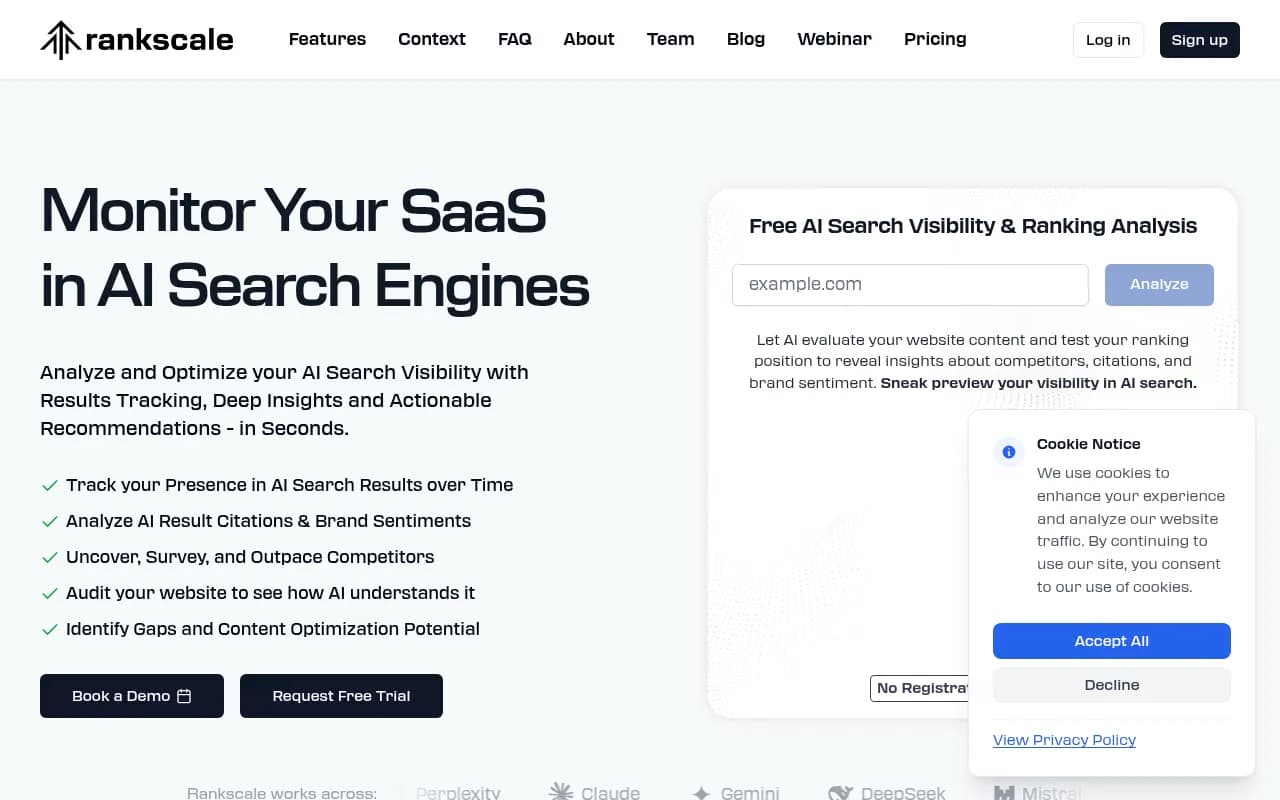
Budget hosted options such as Otterly.AI, Peec AI, Rankscale and LLMrefs sit in the middle: you skip the maintenance without paying enterprise prices.



When to graduate from self-hosting
Self-hosting is a sensible start if you are a developer, you have a small prompt set, or you want full control of the data. It also makes a good learning exercise: running your own tracker for a month teaches you how noisy AI answers are.
You should move to a hosted platform when any of these show up:
- Stakeholders want weekly reports and you are the one producing them
- You need several countries or languages
- Someone asks "is AI sending us traffic?"
- You want to know why you are not cited, not just that you are not
- You are tracking more than a few hundred prompts
At that point the end-to-end option is Promptwatch. It monitors the real interfaces of ChatGPT, Google AI Overviews, Gemini, Perplexity and others rather than only API output, adds IP-verified AI crawler logs and visitor analytics, and has content gap analysis plus a Content Agent that writes and publishes to your CMS, then tracks whether the pages get cited. The difference from the open-source trackers is the action side. They report; it also helps fix. Plans start at $95 a month, and the free Explore tier is a low-risk way to compare against your DIY numbers. Confirm current pricing at promptwatch.com/pricing.

For a no-install check first, Promptwatch's free AI Visibility Report scans how ChatGPT, Gemini and Perplexity talk about your brand, which is a useful sanity test against your self-hosted results.
A hybrid approach that works
Plenty of technical teams land here: keep a small self-hosted tracker for exploration and custom prompts, and use a hosted platform for reporting and optimization. Automation tools like n8n, itself open source and self-hostable, can pipe exports from either into Slack or a spreadsheet.

The self-hosted instance is your lab. The platform is your scoreboard.
Checklist before you deploy
- Read the README and confirm the licence (geo-aeo-tracker lists MIT; check the rest)
- Decide API-based or UI-capture, knowing the trade-off
- Set spending caps on every API key
- Store full answers and cited URLs, not only scores
- Sample each prompt multiple times
- Put the dashboard behind auth
- Plan for crawler logs separately
- Set a review date to ask whether it is still worth maintaining
Bottom line
Open-source AI rank trackers are real, usable and getting better. They are also young, developer-oriented and limited to the monitoring half of the job. Try one if you enjoy tinkering or have strict data requirements, keep the prompt set small, and be skeptical of any single score. When you need to prove impact or fix gaps, a hosted platform will cost less than the hours you spend keeping a repo alive.