Key takeaways
- A working pipeline has six stages: keyword discovery and clustering, briefs, drafting, review, CMS publishing, and tracking with refreshes. Skipping any one creates a backlog somewhere else.
- Drafting is the easy part. Clustering, internal linking, schema, and publishing are where most automated setups break.
- Keep approval on at first. Turn on auto-publish only after you have read a few dozen drafts and trust the fact-check step.
- Match content type to intent. Promptwatch Data shows product pages, landing pages, and listicles earn most ChatGPT citations, so the pipeline should not only produce blog posts.
- Schedule refreshes. Different formats decay at different speeds, and a pipeline that only publishes will slowly fill with stale pages.
What an automated SEO content pipeline actually is
People hear "SEO automation" and picture an AI writing articles. That is about 20% of the job. The rest is plumbing: deciding what to write, making sure it doesn't collide with pages you already have, linking it into your site, formatting it for your CMS, publishing it, and then finding out whether it worked.
SeoSorted's 2026 execution guide frames it as four layers: audit, fix, publish, track. Most tools cover the first one and stop. A diagnostic that flags 300 broken links is a backlog, not a fix. The same goes for a tool that hands you a Google Doc and wishes you luck.
So when I say pipeline, I mean something that moves a keyword to a live, tracked URL with as few manual handoffs as you can responsibly manage. Note the word responsibly. Full autonomy is a mistake for most teams, and I'll come back to that.

The six stages
| Stage | What happens | Typical automation | Keep human? |
|---|---|---|---|
| 1. Discovery and clustering | Find keywords, group by intent | Keyword tools, clustering scripts | Pick priorities |
| 2. Brief and outline | SERP analysis, headings, FAQs, internal links | Brief builders, LLM agents | Approve topics |
| 3. Drafting | Write from the brief with sources | LLM plus live data | Spot-check |
| 4. Review | Fact-check, tone edit, quality gate | Automated claim check | Final approval at first |
| 5. Publishing | Push to CMS with meta, schema, images | CMS integrations, webhooks | Optional once trusted |
| 6. Tracking and refresh | Rank checks, decline alerts, updates | Rank trackers, agents | Decide what to refresh |
Stage 1: keyword discovery and intent clustering
Start with the thing that makes or breaks everything else. If you feed a pipeline 500 near-duplicate keywords, it will happily write 500 near-duplicate articles, and they will compete with each other.
BabyLoveGrowth's guide on content automation calls this intent cannibalization, and it is the most common way automated programs hurt themselves. Their advice is sound: instead of asking "what can we write?", ask "which intent positions are still unclaimed?" Group keywords into a single intent territory before writing begins, and block new content when an existing page already serves that intent.
A practical setup:
- Export your current rankings and URLs from Search Console.
- Pull candidate keywords from a research tool with live volume and difficulty data.
- Cluster by SERP overlap. If two keywords return mostly the same top-10 URLs, they get one page.
- Map each cluster to either an existing URL (refresh it) or a new one (write it).
- Score clusters by volume, difficulty, and business value, and queue the top ones.
Tools worth a look for this stage:
Semrush and Ubersuggest cover keyword research with volume and difficulty. NeuralText does clustering and briefs. If you want an all-in-one option where keyword data is wired straight into the article queue, TheSEOAgent pipes live keyword data into each brief, so you skip the CSV paste.
An audit worth doing first
BabyLoveGrowth suggests a quick check I like: group your published URLs by primary keyword and eyeball whether each group serves a different intent or just rephrases the same one. You will almost certainly find overlap. Fix that before you add volume.
Stage 2: briefs and outlines
A brief is where SEO knowledge enters the pipeline. It should contain the target keyword, the intent, the top-ranking page structures, the questions to answer, the internal links to include, and the sources to cite.
The weak version is a single prompt: "write an article about X." Ahrefs makes the point well in its automated SEO guide. A one-shot prompt skips the chain that real content work follows: keyword research, SERP analysis, gap analysis, outline, drafting, internal links, citations, images, formatting. Skip a step and the output reads like it. Ahrefs' own Blog Pipeline in Agent A runs 11 stages and lets you edit each one inline before anything ships.
If you want a dedicated brief tool rather than building this yourself:
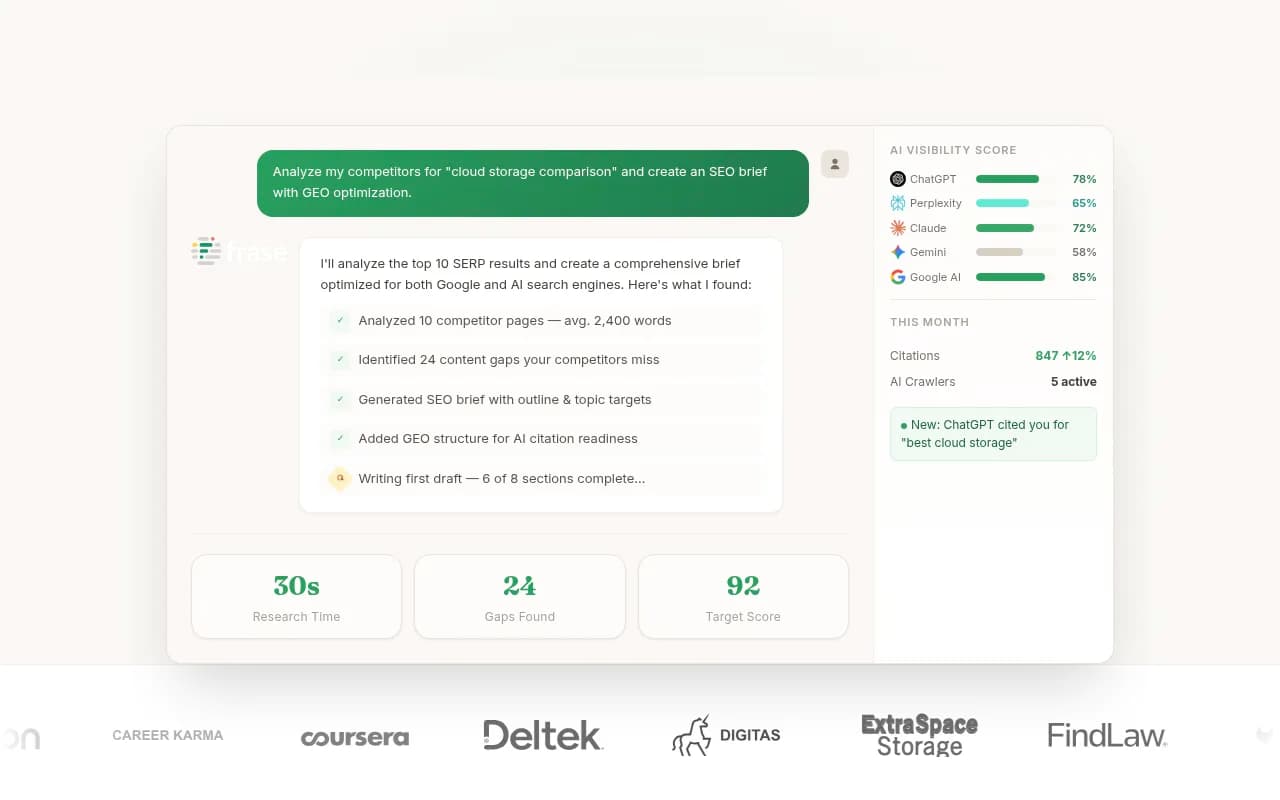
Frase researches and writes; Content Harmony and Dashword focus on briefs and scoring. Pick based on whether you want the brief to be a handoff document for a writer or an input to an automated drafter.
Match the format to the intent
This is the part most pipelines ignore. They produce blog posts, full stop. But Promptwatch Data on which content types ChatGPT cites (Sep 28 to Oct 4, 2026) shows a different picture: product pages were the most cited type at 22.4%, landing pages 16.8%, listicles 13.6%, how-tos 8.7%, comparisons 5.9%. Splitting by prompt type:
- Commercial prompts lean on product pages (26.0%), landing pages (20.6%), listicles (15.0%) and comparisons (7.9%).
- Informational prompts spread across product pages, landing pages, listicles, how-tos (10.7%) and docs (8.5%).
- Branded prompts favor product pages (23.3%) and landing pages (22.8%), plus reviews and FAQ pages.
The takeaway for your pipeline: tag each keyword with intent, and let the tag choose the template. Commercial keywords get a comparison or listicle. Informational ones get a how-to or guide. Branded ones get an FAQ or landing page. One generic blog template for everything leaves citations on the table.
Stage 3: drafting without the hallucination tax
Every tool can draft now. The question is what happens around the draft.
What you want from a drafting step:
- Live data feeding the brief, not invented volume numbers.
- Claims tied to saved sources, with unsupported ones cut.
- Your style guide and author profile applied automatically.
- Internal links proposed from your actual URL inventory.
- Image generation and alt text.
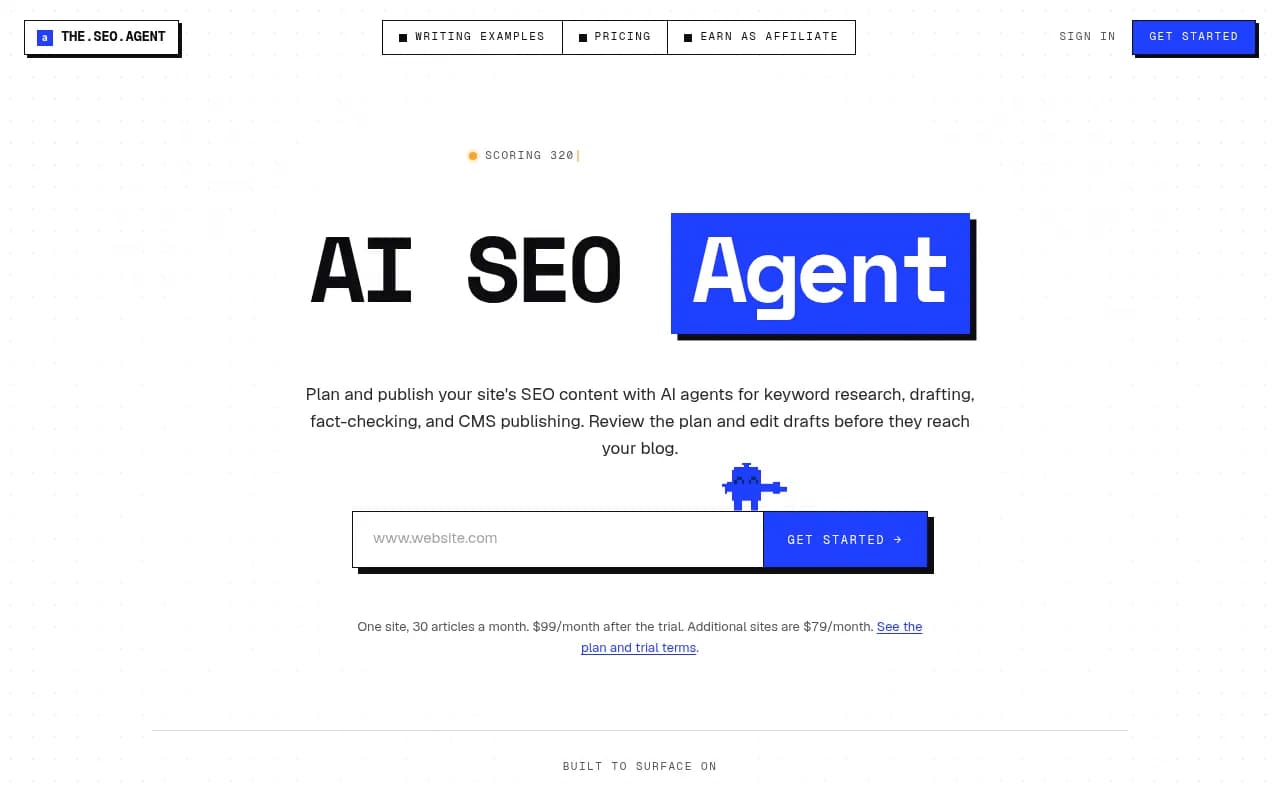
TheSEOAgent, for instance, checks each claim against the sources it saved and removes what they don't back. Its page is vendor marketing, so treat the claims as claims, but the design pattern is the right one: a fact-check pass belongs inside the pipeline, not after it.
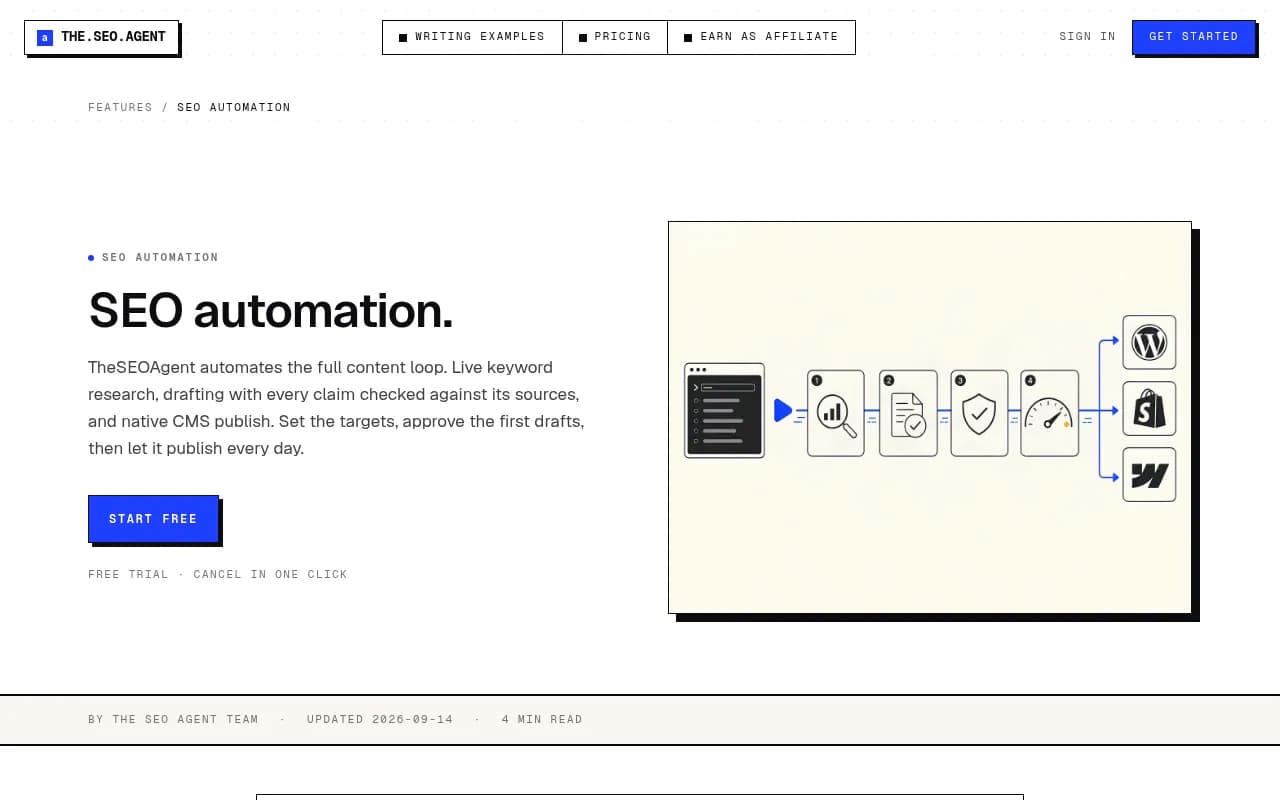
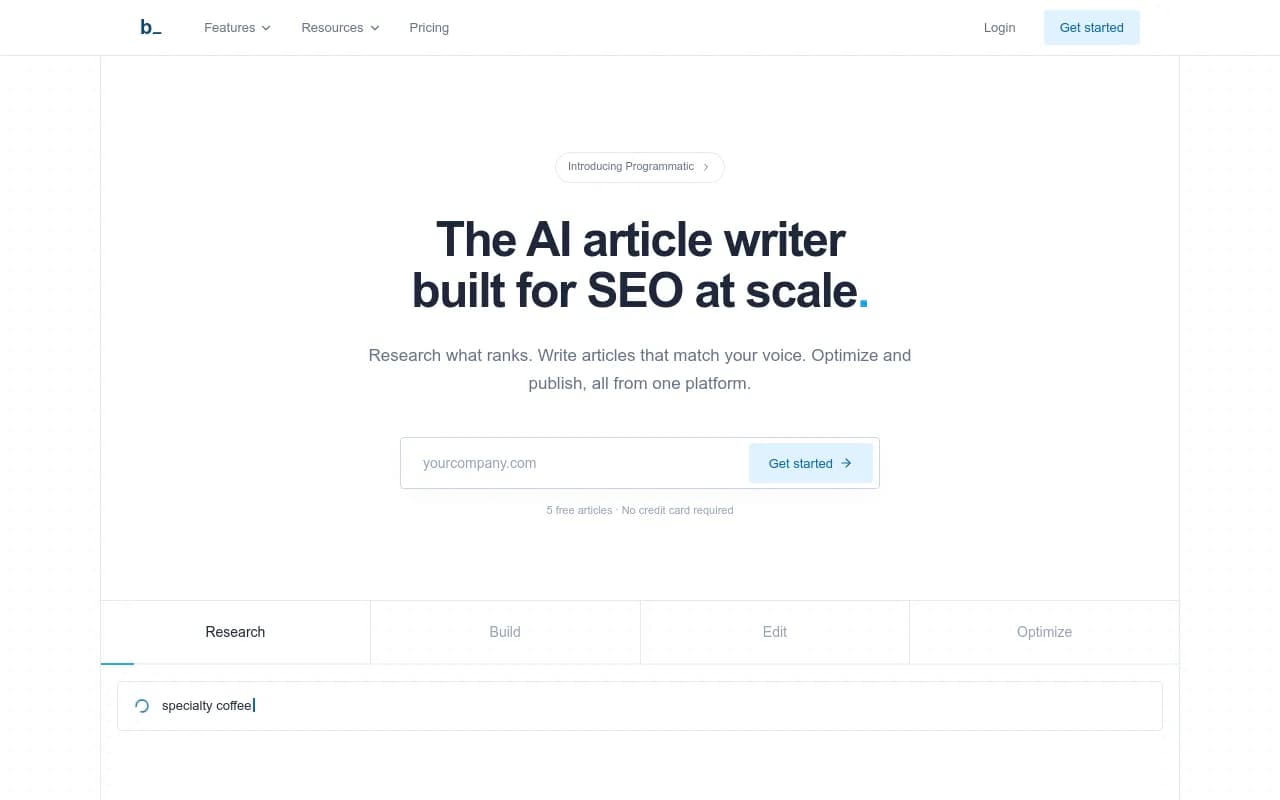
Byword is built for bulk and programmatic content. SurgeGraph is similar for high-volume generation. For drafts that need on-page scoring against the SERP, Surfer SEO and Clearscope sit on top:

A caution on the cheapest end of the market. A blog-automation roundup from theStacc claims 30 articles for $99 a month versus $2,400 to $7,500 for freelance writers. That math is real, but so is the catch: for competitive head terms in medical, legal, or finance topics, a human editor still improves your odds. Use automation for long-tail, lower-difficulty terms first.
Stage 4: review gates
Here is where I'd be stubborn. Leave auto-publish off at the start.
TheSEOAgent defaults to that setting, and it holds articles with unresolved fact problems even when auto-publish is on. Copy that behavior no matter which tool you use. A decent review policy looks like this:
- Week one to three: approve every topic and every draft. Read them fully.
- Track what you keep editing. Repeated edits mean the brief or style guide needs a fix, not the draft.
- When edits drop to minor typos, switch to approving drafts only.
- Move to auto-publish only for low-risk clusters, and keep a hold rule for anything flagged.
- Keep a log of what was published and what score it got, so you can audit later.
SeoSorted makes the same argument from a different angle: full autonomy is a mistake because the failure mode is silent. You find out three months later that 80 pages are thin.
Stage 5: publishing to your CMS
Copy-pasting into WordPress is where throughput dies. Ahrefs describes its monthly data-table refresh as a 30-second job now, because the agent builds the WordPress draft, emails a preview link, and one click approves it. That is the target experience.
What a publish step should carry with it:
- Title, slug, meta description, and canonical
- Featured image with alt text
- Tags and categories
- Article and FAQ schema
- Internal links already in the body
- A scheduled date, not an instant dump
Most dedicated tools cover WordPress, Webflow, Ghost, and sometimes Shopify, with a webhook as the fallback. If your CMS isn't supported, or you want to assemble your own pipeline, general automation platforms do the job:


n8n is the one I'd pick if you want to self-host and mix code with AI agent steps. Zapier and Make are quicker to wire up, but Ahrefs' warning applies: a Zapier workflow you build over a weekend can eat the rest of the quarter in fixes. Use them for glue, not for the whole brain.
Don't forget the technical side. A crawler such as Screaming Frog or Sitebulb catches broken links, orphan pages, and missing sitemap entries as your page count grows.

Stage 6: tracking, refreshing, and the AI search loop
Publishing is half the loop. You need to know what the pages do.
Classic rank tracking
A weekly rank check on every published URL tells you what won, what slipped, and what to refresh. Any rank tracker works here:

Scheduling refreshes by format
Not all content ages the same. Promptwatch Data on content half-life in ChatGPT (pages cited Jul 6, 2026 and tracked for 90 days) found that landing pages, docs, and comparisons stayed cited longest, with 78%, 76%, and 72% still cited after 30 days. Product pages, reviews, and how-tos had a half-life of roughly 74 to 77 days. News decayed fastest: half of cited news pages were gone after 36 days.
That gives you a refresh calendar to build into the pipeline:
- News-style posts: treat as a short burst, don't plan to refresh.
- Product pages, how-tos, reviews: refresh around the two-to-two-and-a-half month mark.
- Comparisons, listicles, landing pages, docs: review quarterly.
Ahrefs shows one way to automate this: an agent pulls weekly snapshots of top URLs, flags declines, notes post age, and sorts a priority list. You then hand each URL to a refresh workflow.
Tracking AI search results
If you want pages to be cited in ChatGPT, Perplexity, and AI Overviews, a rank tracker is not enough. You need to see which prompts cite you, which pages AI crawlers actually read, and which published pages never get cited. Promptwatch covers that loop and also has a Content Agent that plans, writes, and publishes against visibility gaps to Webflow, Framer, or WordPress, so the tracking step feeds the next batch of content rather than ending in a report.

Other options for the tracking side exist in the AI rank tracker directory at ai-rank-tools.com, and the GEO software directory at bestgeosoftware.com is a good place to compare them. If you only want a cheap check, tools like Otterly.AI or Peec AI do basic prompt monitoring.


Three ways to build it
| Approach | Setup effort | Control | Cost shape | Best for |
|---|---|---|---|---|
| All-in-one platform (TheSEOAgent, theStacc-style tools) | Low, connect CMS and keywords | Medium | Flat monthly, around $99 per site | Small teams, startups |
| Agent plus data MCP (Ahrefs Agent A, Claude-based builds) | Medium | High | Subscription plus usage | SEO teams with data access |
| DIY glue (n8n, Zapier, Make plus LLM and CMS API) | High | Highest | Cheap tools, expensive time | Teams with a technical owner |
| AI-visibility platform with content agent (Promptwatch) | Medium | High | Tiered by plan | Teams chasing AI citations as well as rankings |
Check current pricing on each vendor's site before you commit. TheSEOAgent's own page, for example, states both a $1 three-day trial and a flat $99 per month for 30 articles on one site, with $79 for each additional site.
A sample week-one setup
Here is a concrete plan if you're starting from scratch.
- Day 1: Audit existing content by primary keyword and mark overlaps. Export Search Console data.
- Day 2: Build a keyword list of 50 to 100 candidates and cluster them. Assign each cluster an intent tag and a template.
- Day 3: Write your style guide, author profile, and a short list of facts the brand must never get wrong. Load them into the tool.
- Day 4: Connect the CMS. Publish a test post to draft status and check schema, meta, and images.
- Day 5: Run five articles through the whole pipeline with approvals on. Read every one.
- Day 6 to 7: Fix the brief and style guide based on what you changed. Set a cadence, say one article a day, and keep review on.
- Week 2: Add rank tracking and, if AI visibility matters, prompt tracking. Put refresh dates on the calendar.
Common failure modes
- Writing 100 articles on one intent. Cluster first.
- No internal links. Orphan pages don't rank well and don't get crawled often.
- Treating every keyword as a blog post. Use intent to pick the format.
- Auto-publishing on day one. Earn that setting.
- No refresh plan. A pipeline that only adds pages gets heavier and staler.
- Ignoring crawl access. If AI crawlers and Googlebot hit errors on your site, volume won't save you.
Where to go next
Build the smallest version of the pipeline first: one cluster, one template, one approval step. Once five articles in a row need only light edits, widen it. For a broader look at software in this space, the directory at surferstack.com lists SEO and content tools with reviews and alternatives. The point isn't to remove yourself from the process. It's to remove the copy-pasting so your time goes to the decisions that matter: which keywords, which format, and what gets published.