Key takeaways
- Automating the audit is the safe layer. Automating the fixes is where sites get hurt, so schedule crawls first and keep a human on the fix list.
- A cloud crawler (Semrush Site Audit, Ahrefs Site Audit, Sitebulb Cloud, ContentKing) schedules itself. A desktop crawler like Screaming Frog needs a machine that stays on.
- Send only new issues, not the full backlog, to one place every week. Otherwise nobody reads it.
- Add a check for AI crawler access (robots.txt, CDN and WAF rules). Many classic audits miss it entirely.
- Spend the first month tuning thresholds so the weekly report has maybe 5 to 10 items, not 500.
What "automated" should actually mean
Most people hear "automate technical SEO" and picture a robot fixing their site overnight. Don't. What you want is boring and much more useful: a crawl runs every week on its own, compares itself to last week, and tells you what broke. You decide what to do about it.
One roundup of SEO automation tools says the same thing in different words: schedule a weekly crawl, send new issues to one place, and treat this as the zero-risk layer. It also warns about the opposite end. A bulk rule applied to every product page can rewrite thousands of titles at once. So the audit is automatic. The fixes stay supervised, at least until you trust them.
That split is what makes this doable without a developer. Reading a report requires no code. Editing a robots.txt file or a template does, and for those you file a clear ticket instead of guessing.
Step 1: Pick the crawler that fits how you work
The single biggest decision is whether your crawler lives in the cloud or on your laptop. Cloud tools schedule themselves. Desktop tools are powerful but need babysitting.

| Tool | Where it runs | Scheduling | Free option | Best for |
|---|---|---|---|---|
| Semrush Site Audit | Cloud | Daily or weekly recrawls | Free account, about 100 pages per month | Marketers who want health scores and to-do lists |
| Ahrefs Site Audit | Cloud | Scheduled audits | Free for sites you verify through Ahrefs Webmaster Tools | Site owners on a budget |
| Screaming Frog | Desktop | Built-in scheduler, needs the machine on | Free up to 500 URLs | Deep, flexible crawls |
| Sitebulb | Desktop and cloud | Scheduled audits | Trial | Prioritized, plain-language hints |
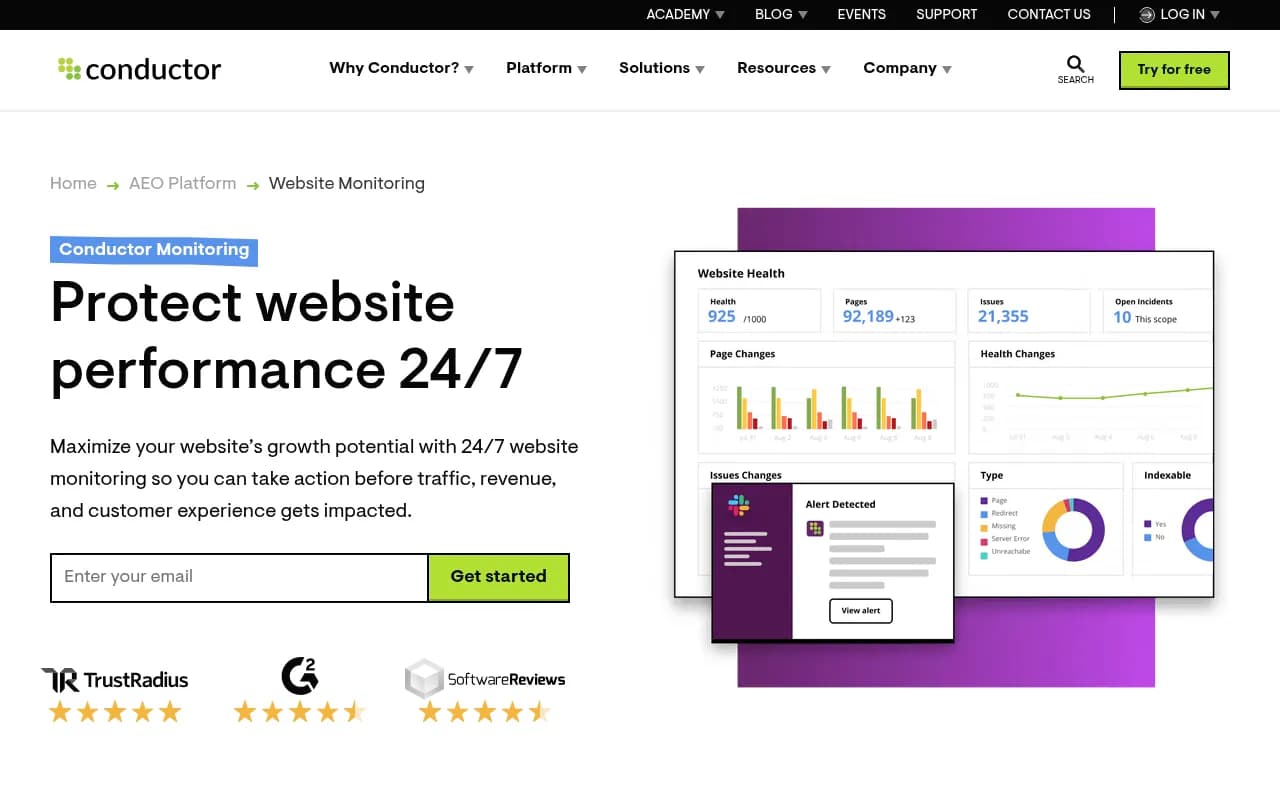
| ContentKing | Cloud | Continuous monitoring | Trial | Catching changes as they happen |
Pricing and limits change, so check each vendor page before committing. The Semrush and Ahrefs figures above come from third-party summaries and the vendors' own pages; I would confirm them before budgeting.
Semrush Site Audit
The easiest start if you already pay for it. It checks 140+ issues, shows a health score, and lets you schedule recurring crawls. Paid plans are cited from roughly $139.95 per month.
Ahrefs Site Audit
If you own the site and verify it, Ahrefs Site Audit is free. That makes it the cheapest way to get a scheduled crawl running today. Ahrefs' brand monitoring product is separate, so don't confuse the two.

Screaming Frog
Screaming Frog is the crawler most technical SEOs reach for. The free version caps at 500 URLs, and the paid licence is £199 per year per user. It is a desktop app, though. A scheduled crawl only runs if the computer is awake, so a no-developer setup usually means an always-on office PC or a cheap cloud VM. The pricing page lists scheduling and crawl comparison in both the free and paid columns, which looks odd, so confirm what the free version really includes before you rely on it.

Sitebulb, ContentKing and the enterprise options
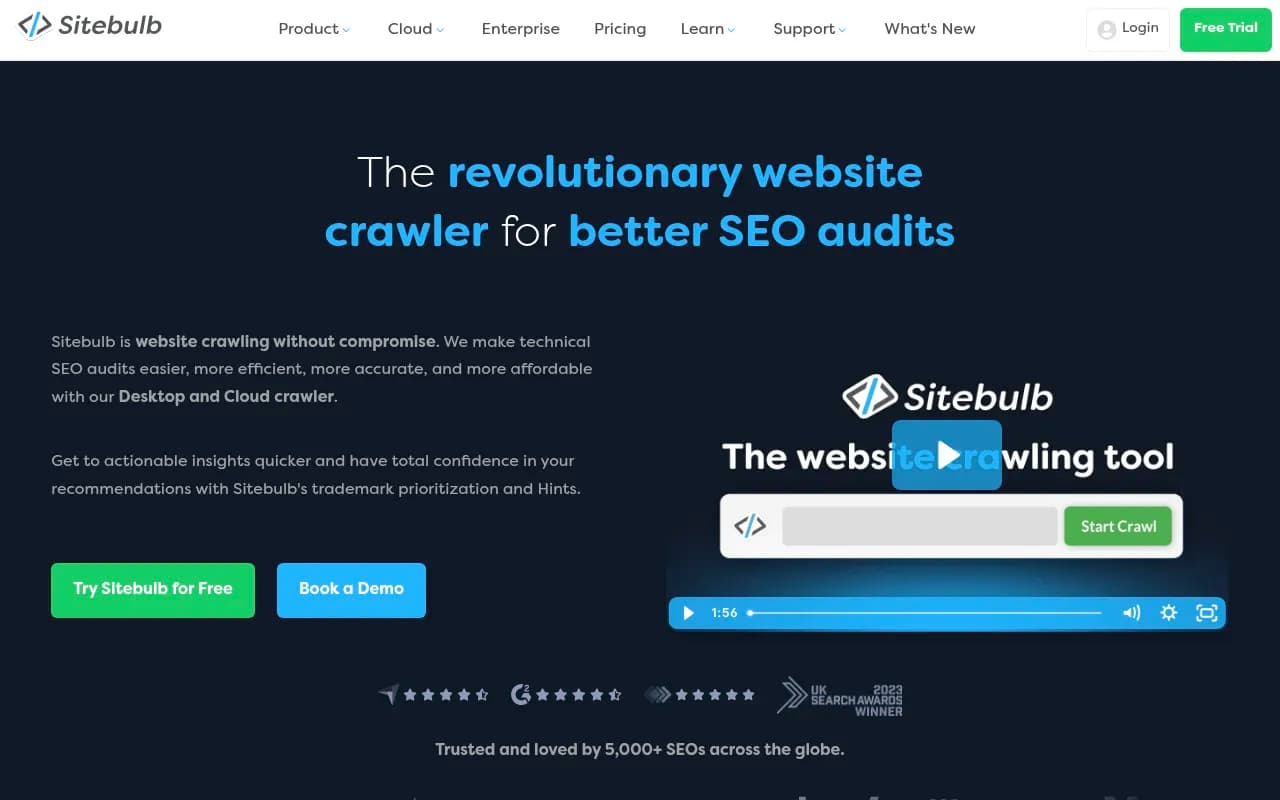
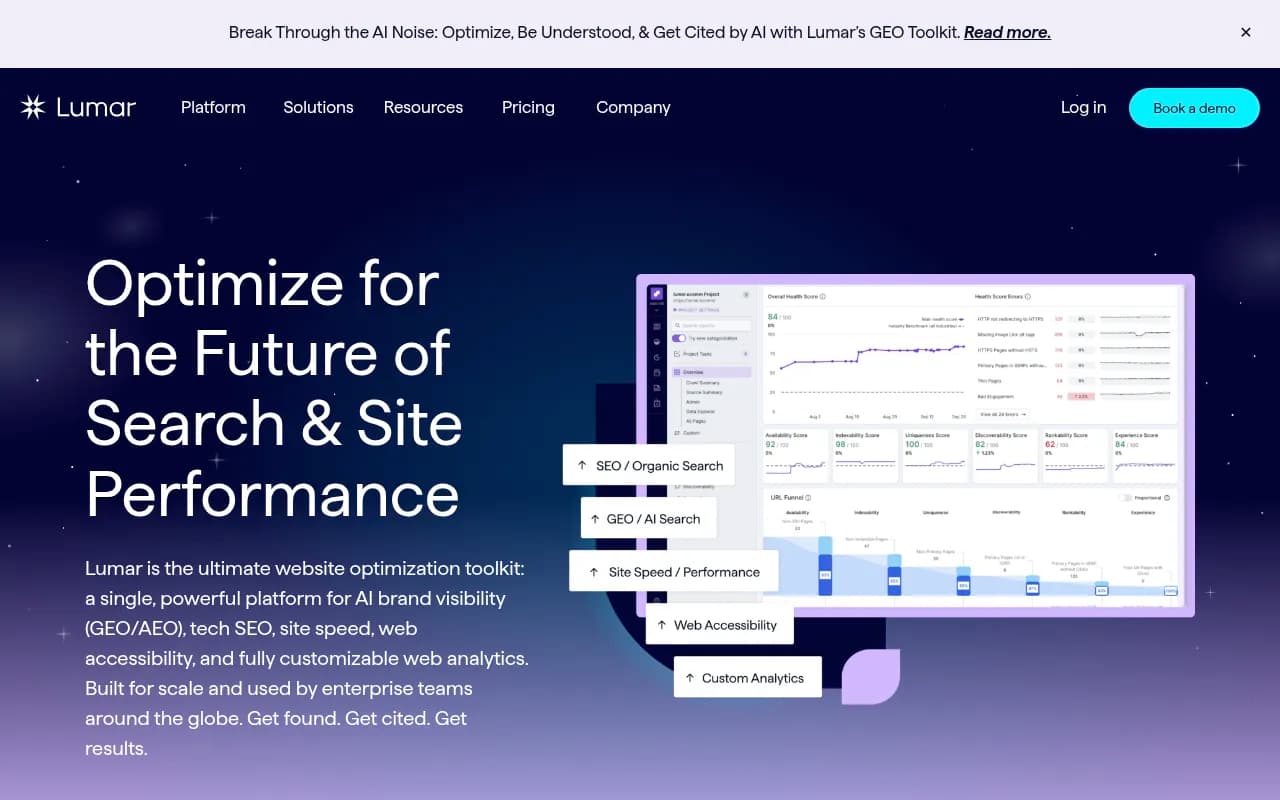
Sitebulb turns crawl data into prioritized hints written for people who are not engineers. ContentKing watches your site continuously rather than weekly, which suits sites where other people can break things at any time. For very large sites, Lumar, Oncrawl, Botify and JetOctopus exist, but if you are asking how to do this without a developer, you probably do not need them yet.
Step 2: Set the schedule and the baseline
Pick one day and stick to it. Monday morning works because you get fresh findings before the week's work is planned. Run the crawl early on Monday or late Sunday.
- Verify your site in Google Search Console and, if you use it, Bing Webmaster Tools. The crawler can pull data from both.
- Run a first full crawl manually. This is your baseline.
- Scan the baseline for the big, scary stuff only: 5xx errors, pages blocked by robots.txt that shouldn't be, noindex on revenue pages, redirect chains.
- Set the recurring crawl to weekly with email notifications turned on.
Don't try to fix the baseline in one go. Write it down as the starting point. The goal of the weekly job is to catch what changes from here.
Step 3: Decide what the audit checks
The Rivulet IQ guide splits technical problems into three buckets that I find useful: visibility (Google can't crawl or index the right pages), interpretation (Google crawls but renders or understands inconsistently), and priority (Google understands the site but prefers other pages). Build your weekly checks around the first two, because those are the ones a crawler can actually detect.
The weekly checklist
- Status codes: new 404s and 5xx errors, especially on pages that earn traffic
- Indexability: pages that went noindex, canonicalized, or blocked since last week
- Redirects: new chains and loops
- Internal links: broken links and orphaned pages
- Sitemaps: pages missing from the sitemap or listed but not indexable
- On-page basics: missing or duplicate titles, meta descriptions, H1s
- Performance: Core Web Vitals regressions from PageSpeed Insights or Search Console
- Structured data: schema errors on templates
- AI crawler access: robots.txt, CDN and WAF rules
Step 4: Add the check most audits skip, AI crawler access
Classic crawlers tell you whether Googlebot can read your site. They don't tell you whether ChatGPT's or Claude's crawlers can. A CDN rule or bot-protection setting can block them without anyone noticing.
Promptwatch Data's AI crawler traffic report (IP-verified requests from server and CDN logs, June 8 to September 6, 2026) puts OpenAI at 79.8% of verified AI crawler requests in the week of Aug 31 to Sep 6, down from 94.8% in the week of Jun 8 to 14. Anthropic, Google, Perplexity and Mistral make up the rest. The report's practical advice is simple: check robots.txt, CDN and WAF rules for every major AI crawler, then compare your own logs against this mix. If a provider is big in the chart but near zero in your logs, you are probably blocked. You can read the full numbers in Promptwatch's AI crawler traffic report.
To automate this without code, you need crawler logs flowing somewhere readable. Promptwatch has crawler analytics that work with Cloudflare, Vercel, Fastly and raw server logs, and it only counts requests from operators' published IP ranges, so spoofed user agents do not pollute the data. Its weekly site audit also runs automatically and emails you what changed, which covers the "AI can't read my site" side of the audit that Semrush and Screaming Frog do not.

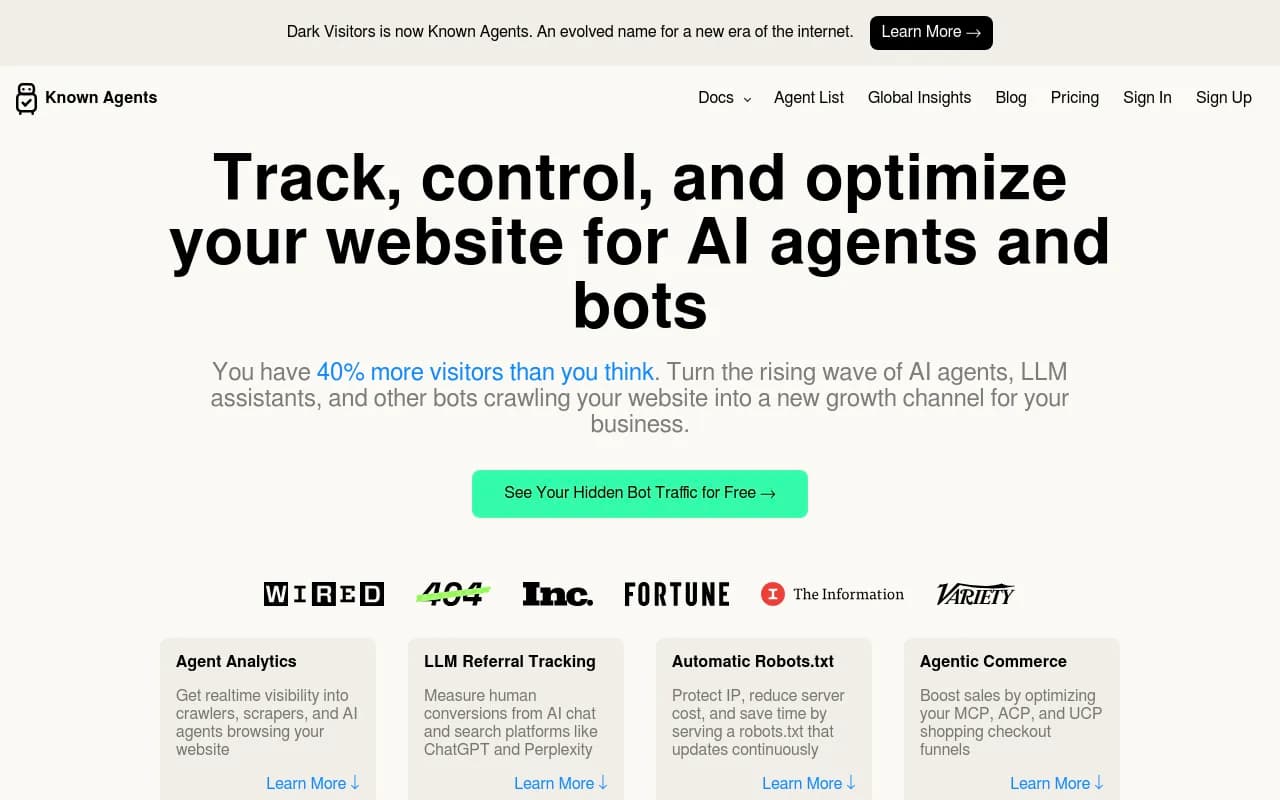
If you only want a lightweight option, DarkVisitors tracks AI agents and bots hitting your site.
Step 5: Send new issues to one place
This is where most weekly audits die. The report lands in an inbox, gets starred, and is never opened again. Fix that by routing only new issues to one channel.
No-code routing options
- Email digests from Semrush or Ahrefs to a shared mailbox or a Slack channel via email forwarding
- Zapier or Make to watch for a notification email and create a task in your project tool
- n8n if you want self-hosted and are comfortable with a visual builder
- Google Sheets or Airtable as the single issues log, one row per issue, with owner and status columns

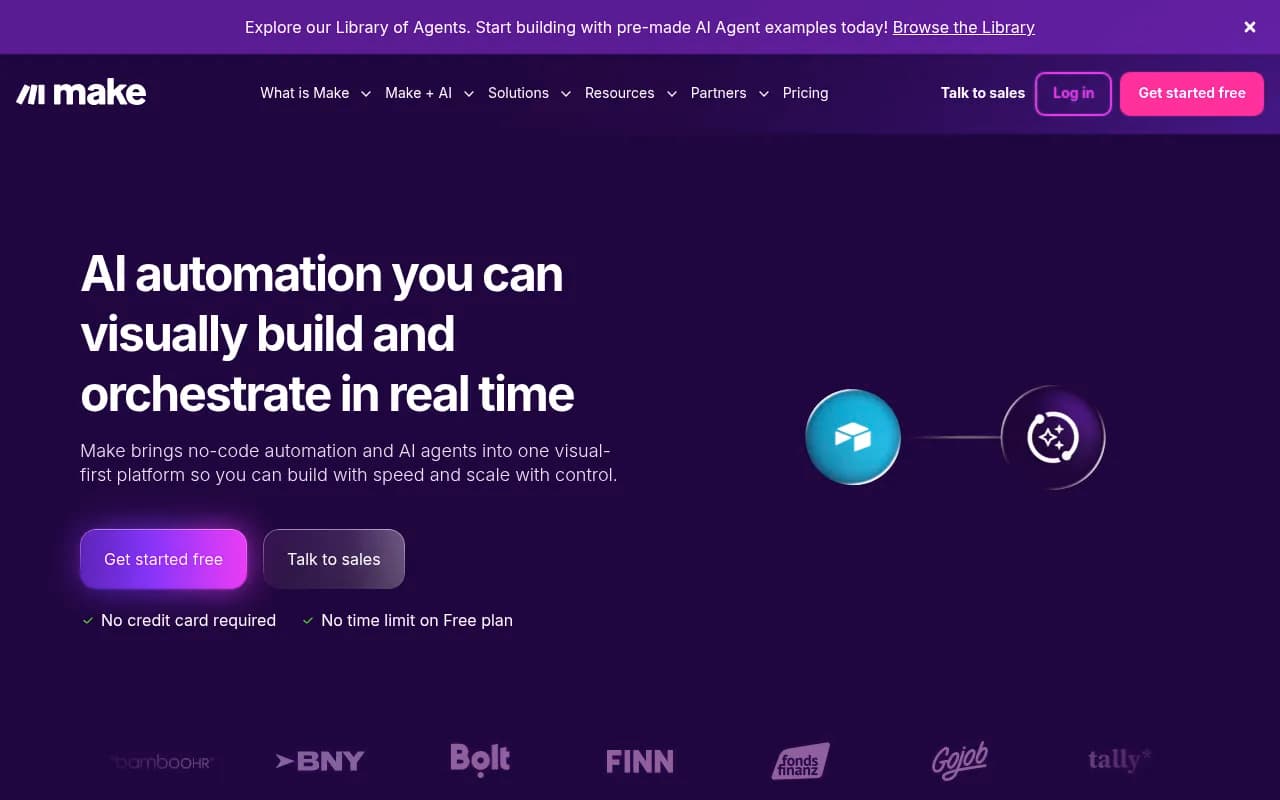

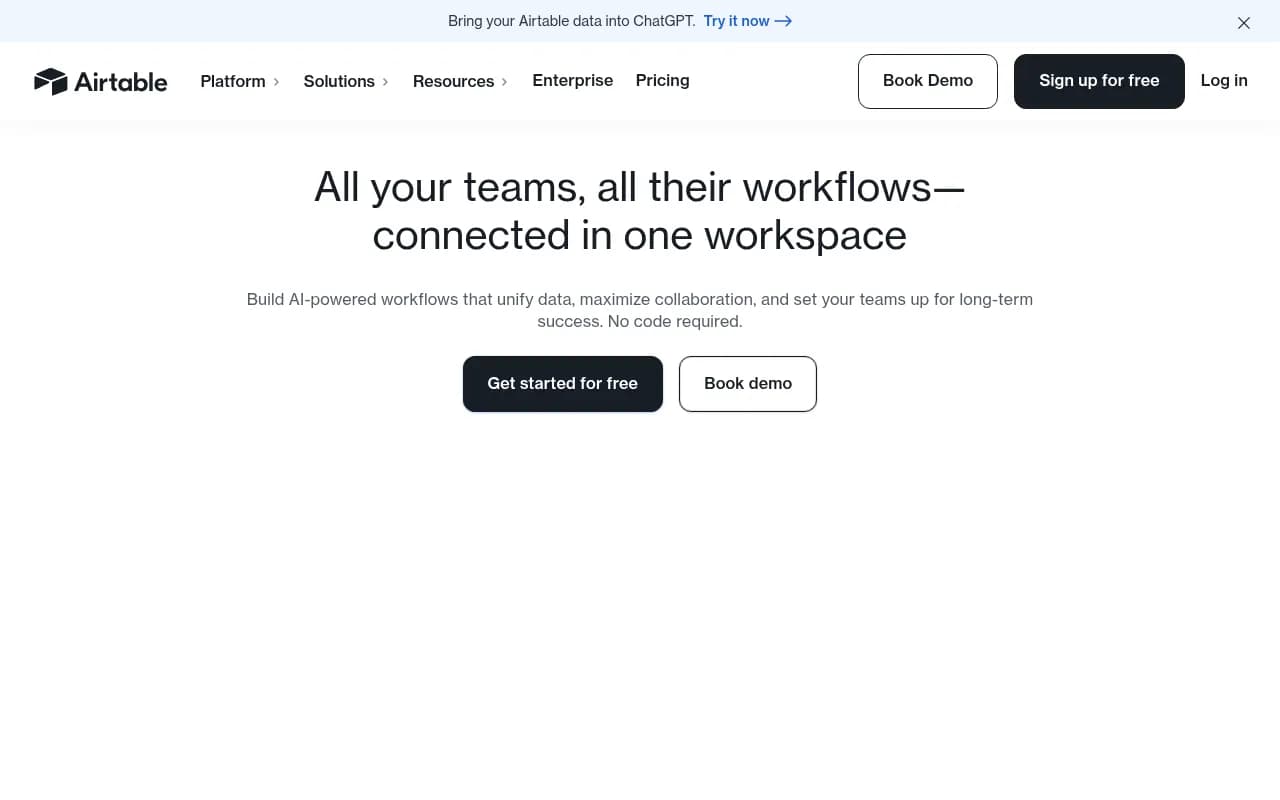
A workable flow looks like this. Monday 6am, the cloud crawler finishes. It emails a summary. A Zapier zap picks up the email and posts it to a Slack channel and adds a row in Airtable. Someone triages it by 10am. I have not tested every connector combination, so treat this as a pattern, not a guarantee. Email parsing is brittle, and if your tool has a native Slack integration or API, use that instead.
Step 6: Use AI for triage, not for decisions
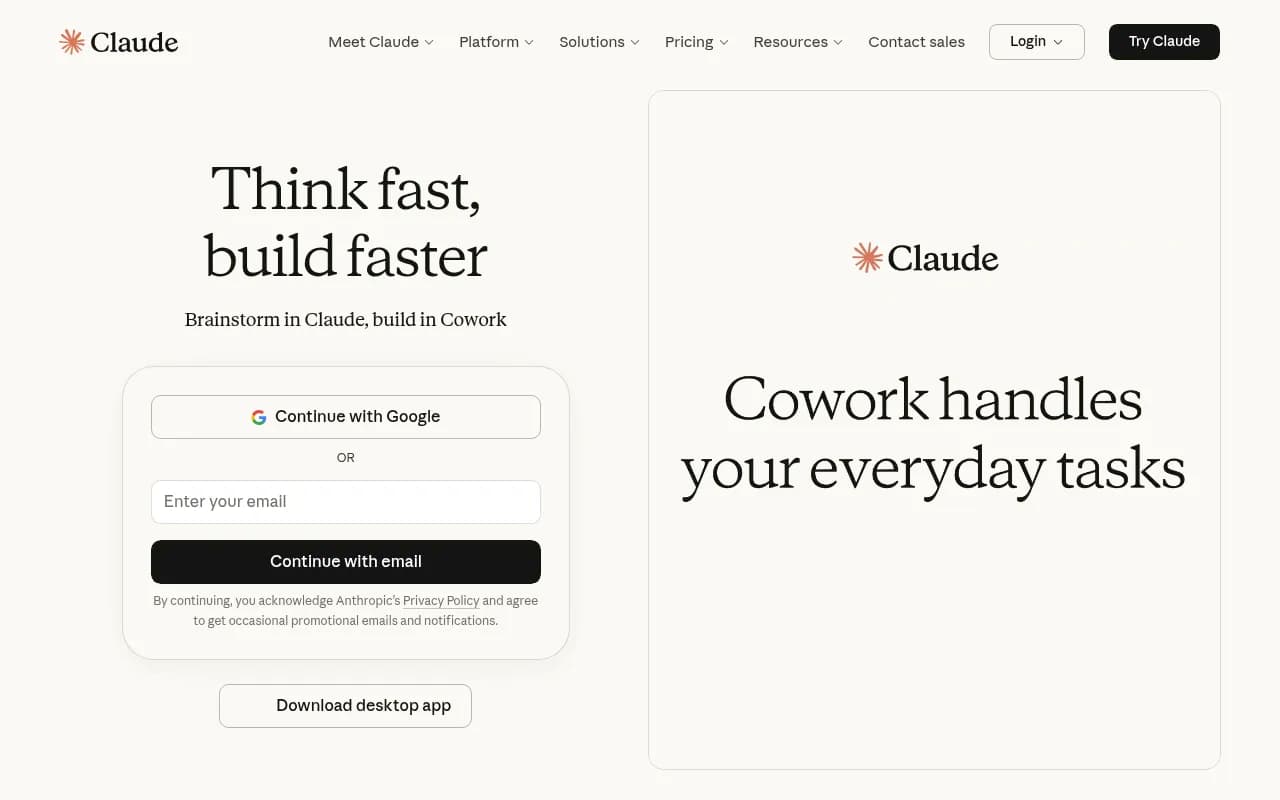
A popular 2026 pattern is exporting a crawl as CSV and asking an AI model to group the issues and write a plain-English action plan. It works reasonably well for sorting 2,000 rows into six themes. Claude and Gemini both handle this sort of grouping.
A prompt that works as a starting point:
Here is a CSV export of this week's new technical SEO issues.
Group them by root cause. For each group give me: how many URLs,
whether it affects indexing, a plain-English explanation, and who
should fix it (content, marketing ops, or developer).
Flag anything on URLs under /pricing or /product.
I would not trust the output for anything you can't verify. Models guess at causes. Spot-check a couple of URLs from each group before filing a ticket. And I have not verified any one-click tool that does this end to end, so keep a human in the loop.
Step 7: Fix what you can, ticket what you can't
Much of the fix list is non-developer work if your CMS gives you access:
- Titles, meta descriptions, H1s: edit in the CMS
- Internal links and orphaned pages: add links from relevant pages
- Sitemap issues: most CMS plugins regenerate this
- Redirects: many CMS and SEO plugins have a redirect manager
- Noindex mistakes: usually a checkbox in the page settings
Things to hand to a developer, with a clear ticket: server errors, rendering problems with JavaScript, CDN or WAF rules, template-level schema, and performance work.
A good ticket has the URL pattern, how many pages are affected, what you expect to see, and a link to the crawl. Rivulet IQ's guide describes the goal well: findings that turn into implementable tickets a dev team can ship.
Some tools try to ship fixes for you. Alli AI automates on-page changes at scale, and Seology claims to open fixes as pull requests. Read the earlier warning again before switching on anything like this. Start in review mode.

Step 8: Keep the report short
If your weekly report has 400 lines, you will stop reading it by week three. Tune it.
- Mute issue types you have decided not to fix, such as warnings on old tag pages.
- Group by template, not by URL. One bad template is one ticket.
- Set a minimum threshold, like "only alert if more than 10 new 404s".
- Weight by traffic. Overlay Search Console clicks so a broken page with 3,000 monthly clicks outranks one with none.
The aim is a Monday message with 5 to 10 items you can act on. If it is longer, your thresholds are too loose.
A weekly routine that takes about 30 minutes
| Day | What happens | Time |
|---|---|---|
| Monday early | Scheduled crawl finishes, digest posts to Slack and the issues log | 0 min (automatic) |
| Monday morning | Triage: confirm real issues, assign owners | 15 min |
| Tuesday to Thursday | Fix CMS-level issues, send tickets to developers | varies |
| Friday | Check that fixed issues no longer appear and that no new AI crawler blocks showed up | 15 min |
Common mistakes
- Running a desktop crawler on a laptop that sleeps. Your schedule silently fails.
- Treating the health score as the goal. A site can score 95 and still block its best pages.
- Auditing everything at once. Start with a template and a section, not the whole domain.
- Ignoring AI crawlers. If they cannot reach your pages, you will not be cited.
- Automating fixes before you trust the audit.
Where to look next
If you want to compare more crawlers and site audit products, the software directory at SurferStack lists reviews and alternatives. For tracking how AI search sees your site after the technical work is done, the GEO software directory is a good starting point.
Recommended setup by situation
| Your situation | Suggested setup |
|---|---|
| Solo marketer, tight budget | Ahrefs Site Audit (free, verified site) plus Search Console alerts, Airtable log |
| Small team, already on Semrush | Semrush Site Audit weekly, Slack digest, Claude for CSV triage |
| Agency with several clients | Cloud crawler per client, shared issues board, white-label reports |
| Tech-comfortable SEO | Screaming Frog on an always-on VM plus Looker Studio reporting |
| Anyone worried about AI search | Add AI crawler log monitoring and a weekly AI-focused site audit |
Start small. Get one weekly crawl landing in one channel, run it for four weeks, and tune it until it only tells you things worth acting on.