Key takeaways
- GEO work for ten clients breaks down into five repeatable layers: tracking, diagnosis, content production, reporting, and workflow glue. Automate each one separately.
- Monitoring-only tools tell you a client is invisible. Agencies that want to avoid adding headcount need tools that also draft, publish, and re-check content.
- Each AI engine cites a different number of sources (about 5 for ChatGPT, about 10 for AI Overviews and Perplexity), so report per engine and don't blend them.
- Content plans should follow prompt intent. Commercial prompts reward product pages, listicles and comparisons. Informational prompts reward how-tos and docs.
- General automation tools like Zapier, Make and n8n are cheap glue for reporting and handoffs, but they don't replace a GEO platform.
The real problem: GEO scales linearly with clients
Somebody on your team has to watch prompts, read citation reports, work out why a client isn't showing up in ChatGPT, brief a writer, publish the page, and then check three weeks later whether it worked. Do that for five clients and it's a part-time job. Do it for thirty and you're hiring.
The agencies I'd bet on in 2026 aren't the ones with the biggest GEO teams. They're the ones who turned each step into something a tool does by default and a human only reviews. This guide walks through the layers, the tools worth looking at in each, and where automation goes wrong.
A note on sources. Most of the "best automation tools for agencies" articles you'll find are written by vendors who rank themselves first. I've used them for context but treat their claims as unverified. Check pricing and features on each vendor's own site before you commit.
What "AI search automation" actually covers
The phrase gets stretched to cover everything from a Zap that posts to Slack to a fully autonomous content agent. For an agency, it helps to split it up:
- Tracking: daily prompt monitoring across ChatGPT, AI Overviews, Perplexity, Gemini and others, per client, per country.
- Diagnosis: why a client is or isn't cited. Crawler access, site errors, content gaps, competitor sources.
- Production: briefs, drafts, refreshes and publishing to the client's CMS.
- Reporting: white-label dashboards and scheduled PDFs that don't need an analyst to assemble.
- Workflow glue: moving data between your project tool, CRM, Slack and the above.
Most tools do layer 1 well. Far fewer touch layers 2 and 3, and that's where the headcount savings are.
Layer 1 and 2: tracking plus diagnosis
Prompt tracking is a commodity now. What separates platforms is whether they can tell you why. Two data points help explain the stakes. According to Promptwatch Data's sources-per-response report, ChatGPT cites about 5 sources per web-search answer, while Google AI Overviews and Perplexity sit near 10. Copilot swung from under 2 to nearly 17 within weeks. So a client can be "present" in one engine and absent in another, and the fixes differ.
Promptwatch is the platform I'd put at the center of an agency stack, mostly because it covers both halves of the problem. It tracks real UI responses across ChatGPT, AI Overviews, AI Mode, Gemini, Perplexity, Copilot, Meta AI and more, and it adds IP-verified AI crawler logs, visitor analytics, and weekly site audits, so you can see whether GPTBot is hitting errors on a client's site rather than guessing. Agency plans (Kick-off $199/mo, Growth $399/mo, Scale $799/mo) include unlimited projects and prompts, 10 seats, Agent Chat, white-label reporting and the MCP and API. Confirm current numbers at promptwatch.com/pricing.

Other trackers worth knowing, depending on budget and how much diagnosis you need:



Profound and Scrunch are strong monitoring products with higher price points. Peec AI and Otterly.AI are cheaper and good for getting a client started, but they stop at tracking. OpenLens and Cairrot are built with agencies in mind, so they're worth a look if multi-client management is your main pain. If you want to browse further, the GEO software directory at bestgeosoftware.com and ai-rank-tools.com list dozens more.
Why crawler data matters for agencies
Here's a scenario every agency hits. A client publishes good content, tracking shows nothing, and the account manager suspects "AI just doesn't like us." Usually the problem is boring: a CDN rule blocking AI bots, a robots.txt line from 2023, or pages that return errors to crawlers. Crawler logs find that in minutes. Without them, you burn a week of an analyst's time. Promptwatch's AI crawler traffic data shows how much the mix of bots changes week to week, which is another reason to check logs rather than assume.
If you only need bot visibility on its own, a lighter option exists:
Layer 3: content production without a content team
This is the layer where agencies either save serious hours or produce a pile of generic articles nobody cites. Two things decide which.
First, the content has to be grounded in what AI actually cites. Promptwatch's ChatGPT citation share by content type (Sep 28 to Oct 4, 2026) found product pages took 22.4% of classified citations and landing pages 16.8%, so about 39% go to pages describing what a company sells. Listicles got 13.6%, how-tos 8.7%, documentation 7.5%. For commercial prompts like "best CRM for small businesses", product pages, landing pages, listicles and comparisons made up almost 70% of citations.
Second, intent decides format. For branded prompts, reviews made up 5.6% of citations, more than three times their share across all prompts. That's a real brief for a client's review-collection program, not a blog post.
A practical per-client plan:
- Commercial prompts: strengthen product and landing pages, publish comparison and listicle content.
- Informational prompts: how-tos and documentation-style pages that answer one question completely.
- Branded prompts: product pages, FAQs, and a review strategy.
Also plan for decay. In Promptwatch's content half-life data, news pages lost half their citations within about 36 days, while landing pages and docs held on for months. Put refresh cycles in the retainer, not as an afterthought.
Promptwatch's Content Agent (Business and Enterprise plans) plans, writes and publishes against visibility gaps to Webflow, Framer or WordPress, with a review inbox so a human approves before anything goes live. Note that Agency plans don't include the Content Agent or AEO articles, so agencies who want automated publishing need to look at the Business tier per client or an Enterprise arrangement. Other tools aim at this layer too:
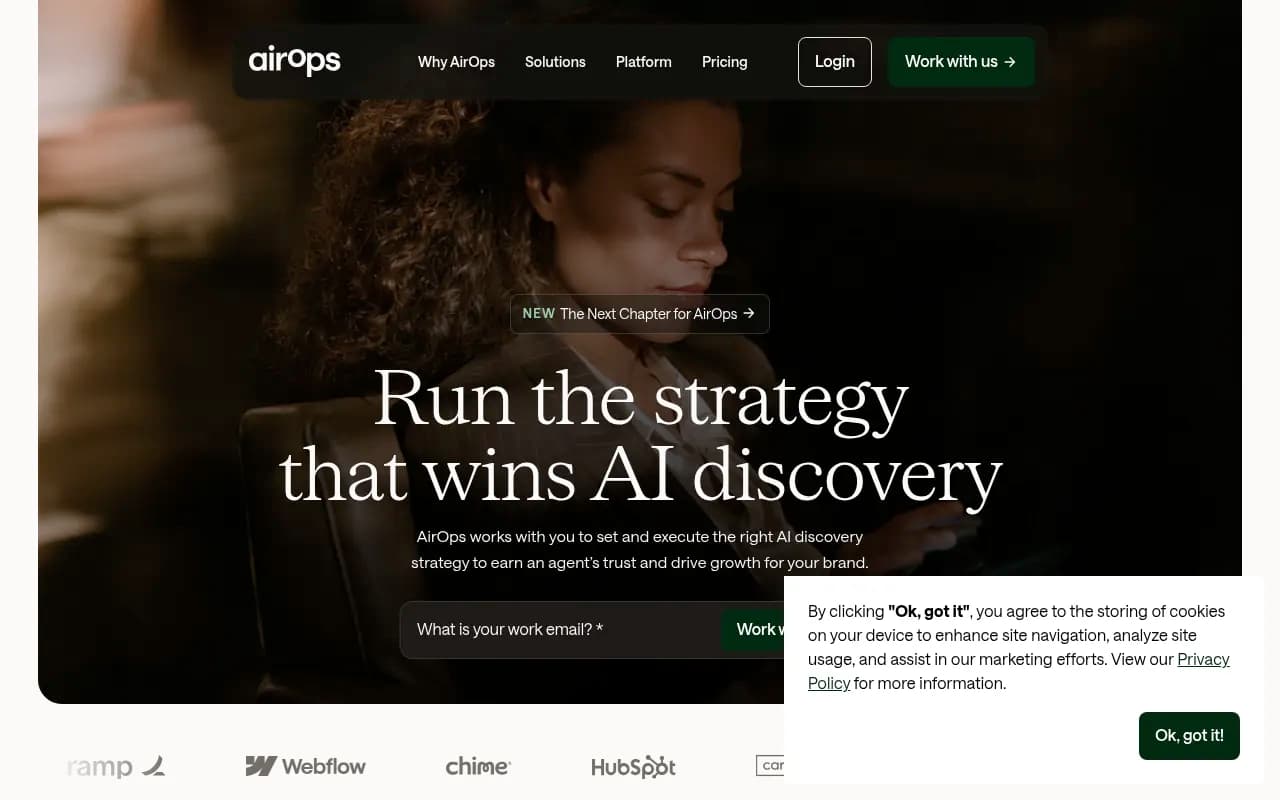
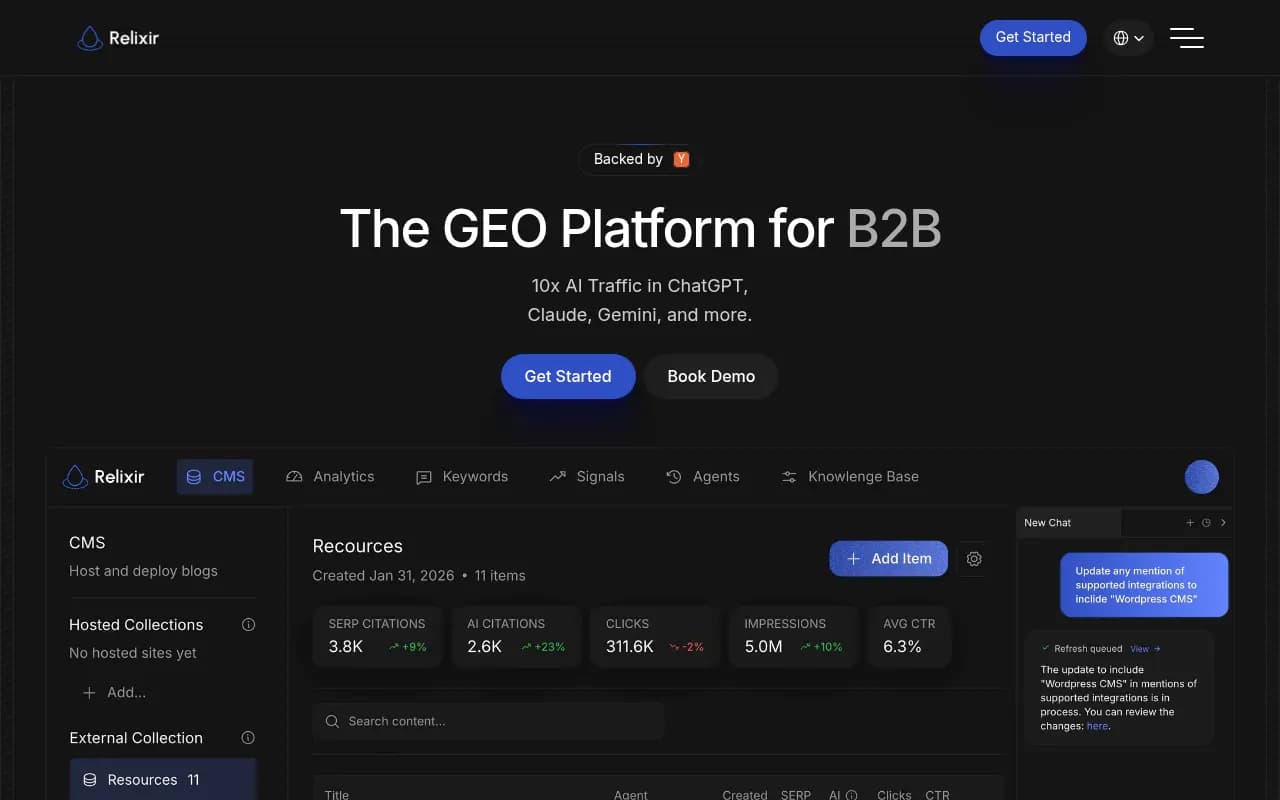
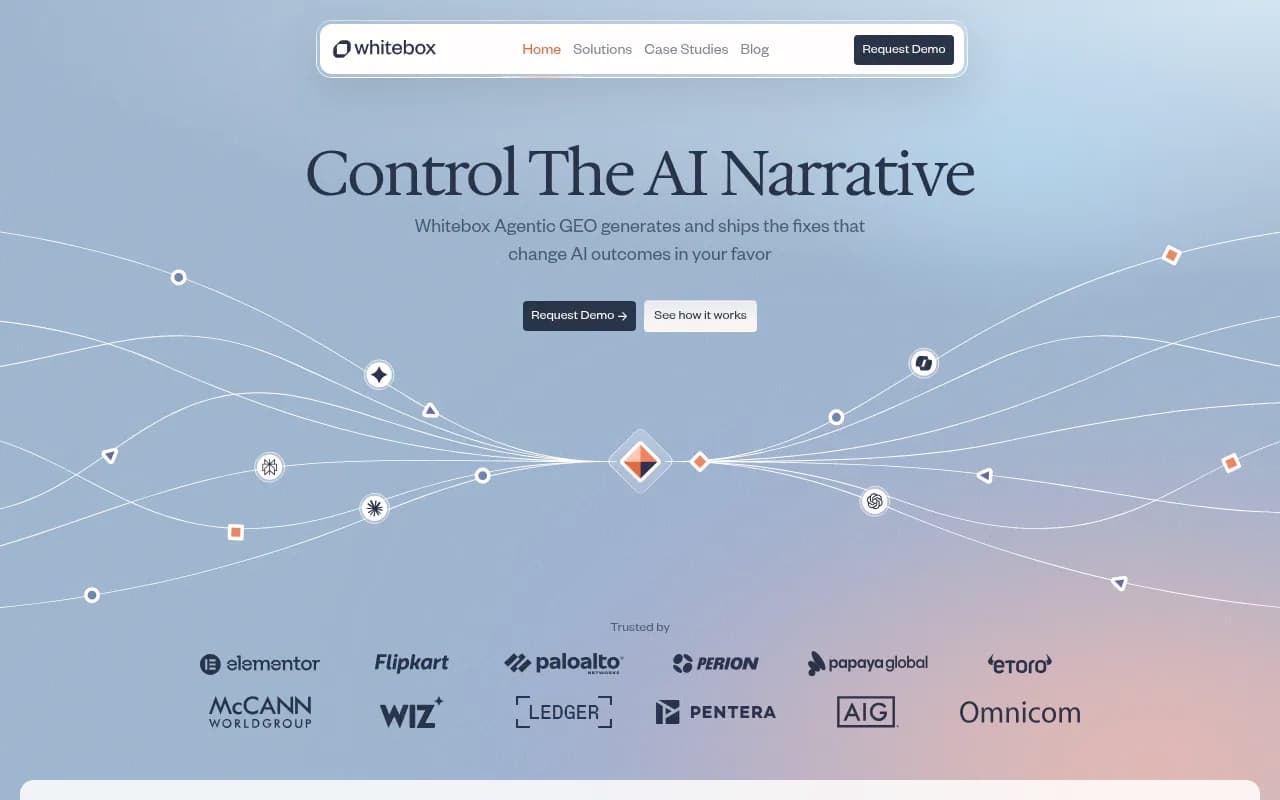
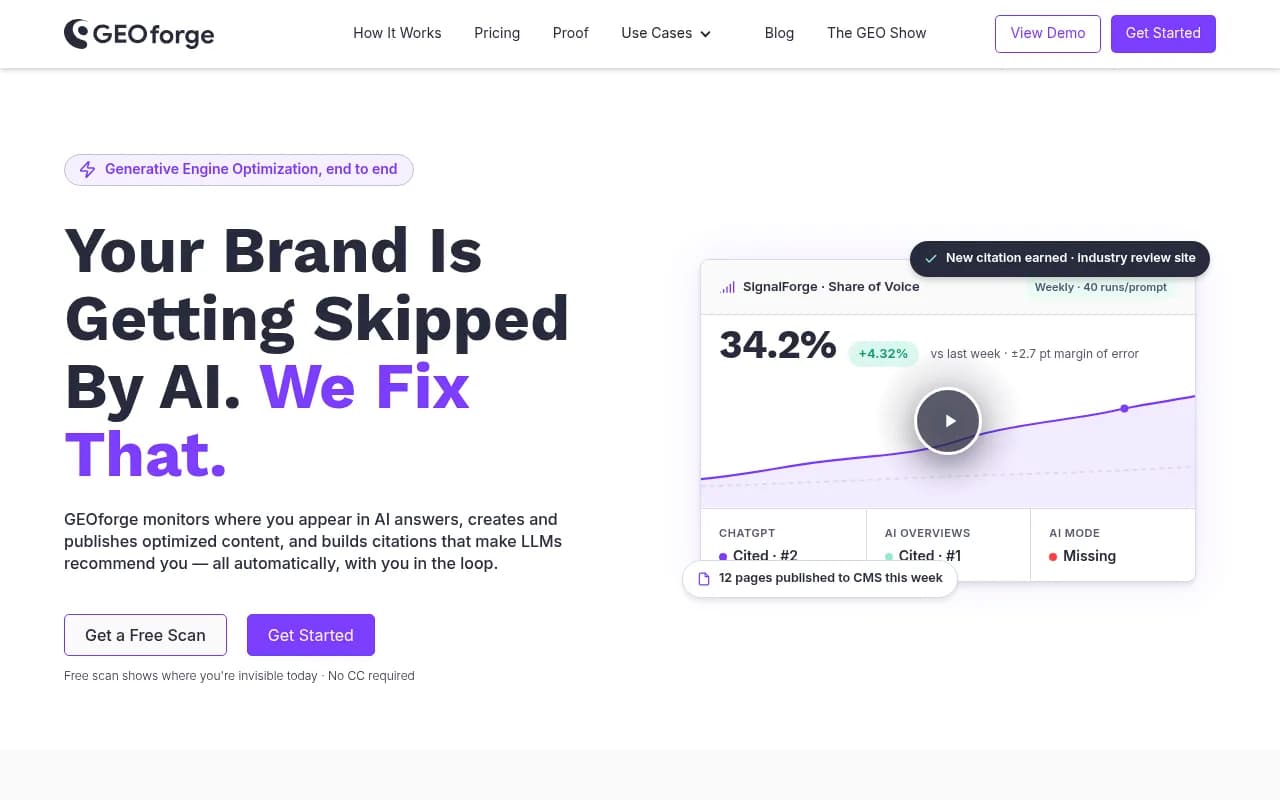
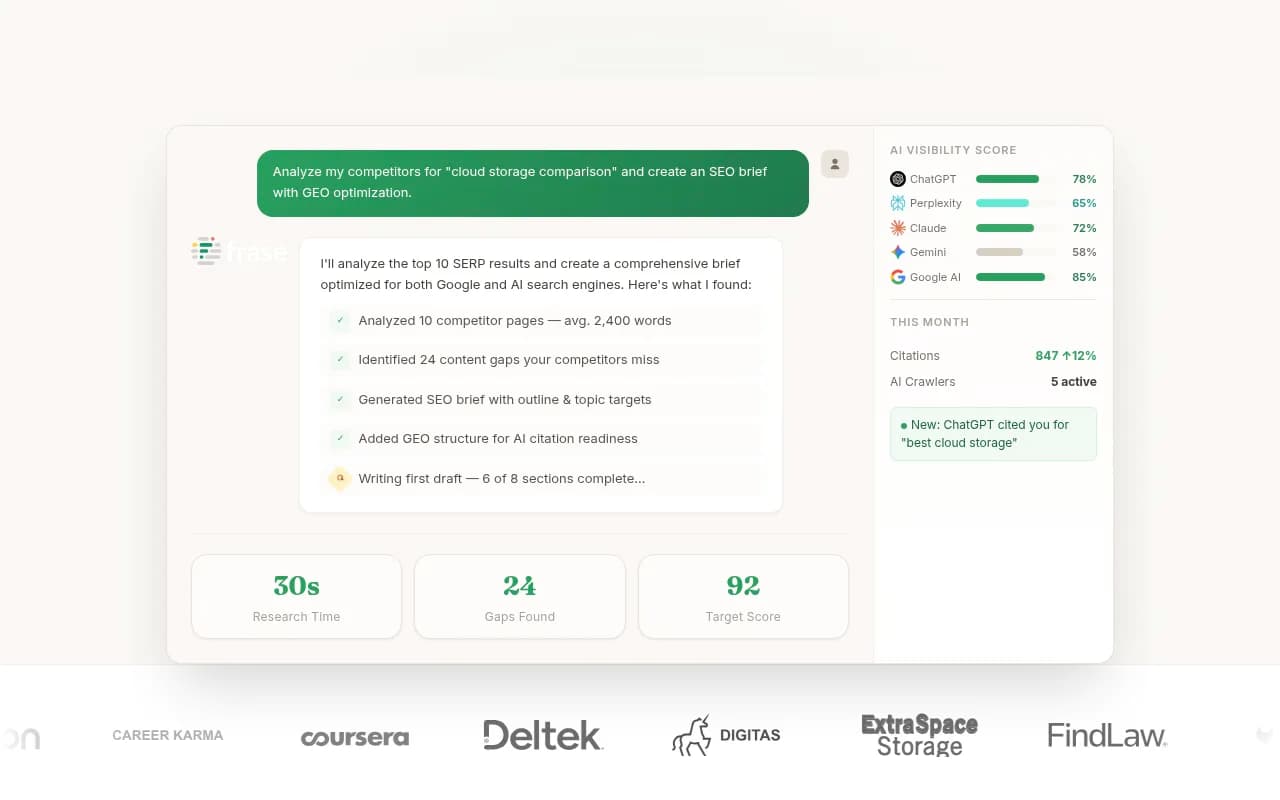
AirOps is a content engineering platform, strong on workflows but without the monitoring and citation data to ground what you write. Relixir, Whitebox and GEOforge pitch closed-loop GEO from tracking to shipped fixes. Frase mixes SEO and GEO writing. These are younger products, so run a pilot on one client before you roll anything out.
For traditional content optimization that still feeds AI visibility:

The review step you shouldn't skip
Fully hands-off publishing sounds great on a sales call. In practice, I'd keep a human approval step for any client in a regulated industry or with a strict brand voice. The time savings come from drafting and formatting, not from removing judgment. A Brand Book or Knowledge Base feature, where available, cuts the editing time a lot because the draft already uses the client's facts and tone.
Layer 4: reporting that doesn't eat Fridays
Client reporting is the least glamorous place to recover hours, and probably the most reliable. What you want is a scheduled, white-labeled PDF per client that shows visibility, share of voice, citations by engine, and AI-referred traffic, without anyone pasting screenshots.
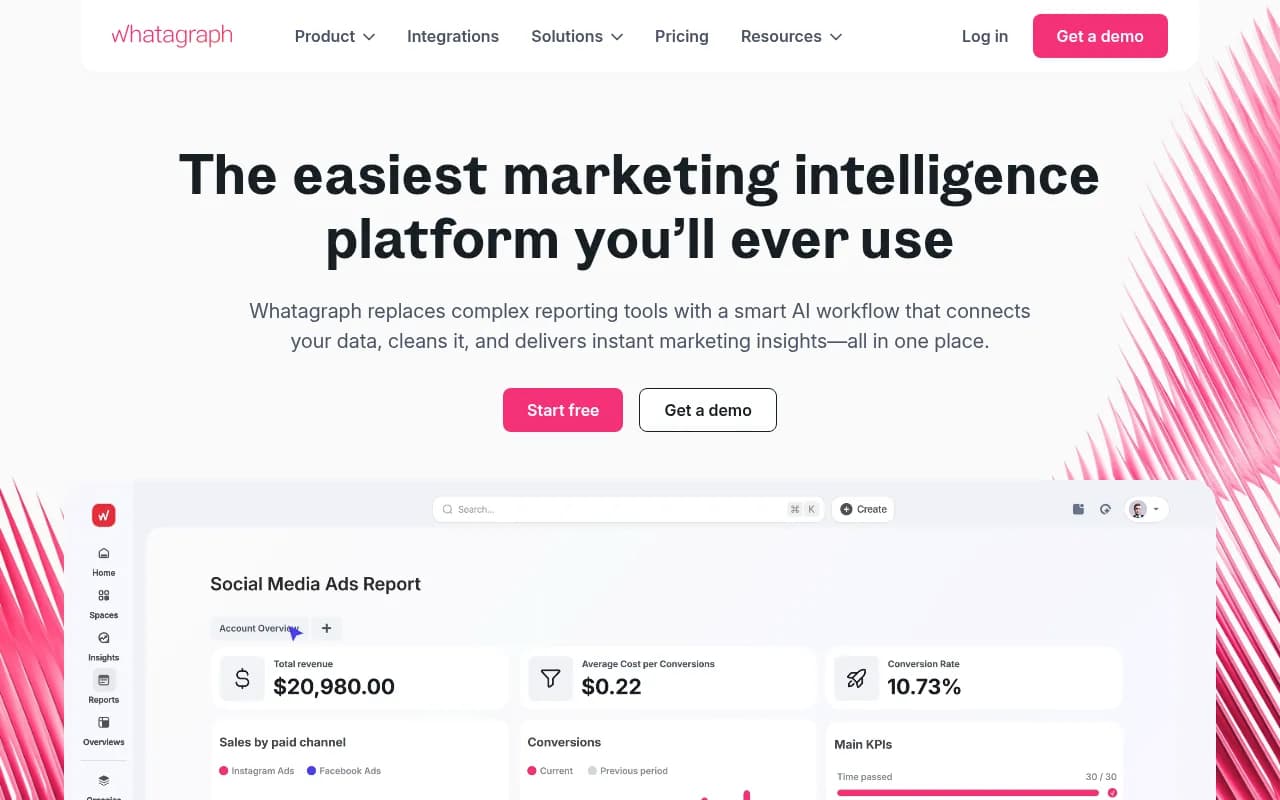
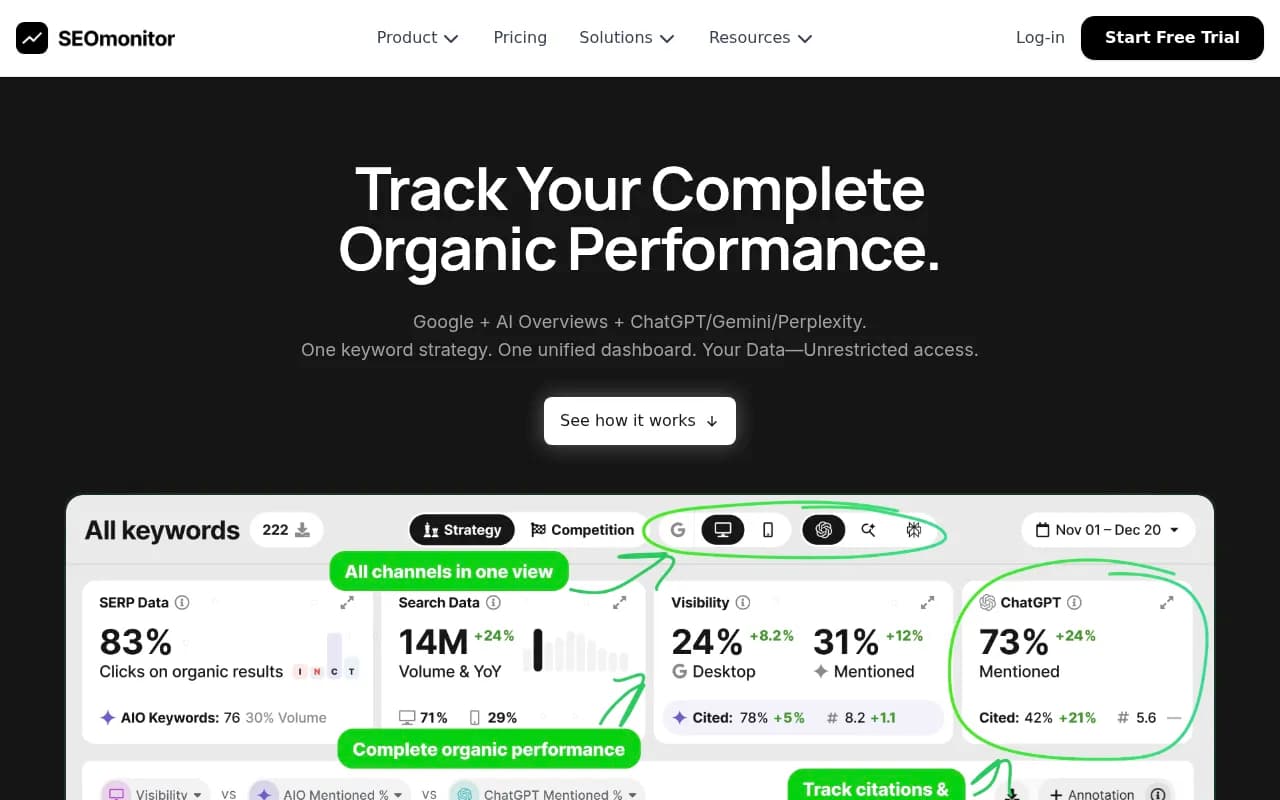
Two habits keep reports honest. Report each engine separately, since one engine's citations don't predict another's. And pair mentions with business outcomes: AI-referred visits and conversions, not only a visibility score. Promptwatch's visitor analytics and white-label PDF exports cover this inside the platform; if your reporting lives elsewhere, a general agency reporting tool can pull things together:
SE Ranking is a sensible choice if the agency already runs client SEO there and wants AI tracking added on rather than a second platform:
Layer 5: workflow glue
Once tracking, content and reporting are handled, the leftover work is movement: new prompt alerts into Slack, approved articles into a project board, monthly reports into a client folder. This is where general automation tools earn their keep.


Zapier is the easiest to hand to an account manager. Make is better for branching logic at lower cost. n8n suits agencies with a developer who wants self-hosting and custom code. One more option worth knowing: Promptwatch offers a hosted MCP server with 110+ read and write tools, so you can point Claude or ChatGPT at client data and build custom workflows without stitching together a dozen Zaps. The research notes also point to Taskip, ClickUp Brain and similar tools for project management and reporting loops, which is fine, but none of those touch GEO itself.
How the options compare
| Layer | Tools to evaluate | What it saves | Watch out for |
|---|---|---|---|
| Tracking | Promptwatch, Profound, Scrunch AI, Peec AI, Otterly.AI | Manual prompt checks | Tracker-only tools don't tell you why |
| Diagnosis | Promptwatch (crawler logs, site audit), DarkVisitors | Days of debugging per client | Needs CDN or plugin setup |
| Content | Promptwatch Content Agent, AirOps, Relixir, Frase | Briefing and drafting hours | Generic output if not grounded in citation data |
| Reporting | Promptwatch, Whatagraph, SEOmonitor | Friday report assembly | Blended metrics across engines |
| Workflow glue | Zapier, Make, n8n | Handoffs and alerts | Fragile chains nobody owns |
Three stack sizes
Small agency (under 10 clients)
One agency-tier GEO platform, a general automation tool, and your existing SEO suite. Keep the human in the loop on every published article. This is where the Kick-off tier of an agency plan is enough.
Mid-size agency (10 to 40 clients)
A GEO platform with white-label workspaces and branded client access, scheduled reports for every account, and a content workflow where the best-performing clients get automated publishing and the rest get monthly refreshes. Build a standard onboarding checklist: connect crawler logs, install visitor analytics, import prompts by intent.
Large agency or network
Standardize on one platform, use the API or MCP to feed an internal dashboard, and set a rule that nobody builds one-off client trackers. If you outsource the strategy layer, a specialist partner like 1001 SEO Media, the agency behind this directory, works with GEO platforms including Promptwatch on client programs, which can be a faster route than hiring.
Pitfalls I'd plan for
- Tool sprawl. Every client-specific tracker you add is another login and another invoice. Pick one core platform.
- Reporting averages. Blending ChatGPT, Perplexity and AI Overviews into one number hides where the problem is. ChatGPT gives roughly 5 citation slots, so tightly focused pages win there. AI Overviews cite closer to 10 and can be an easier first win for mid-authority domains.
- Publishing volume as a goal. Ten generic posts a week don't beat two pages that answer the question a prompt actually asks.
- Skipping measurement. If a tool publishes content but can't tell you whether it got crawled, cited and clicked, you're guessing. Choose tools that close that loop.
- Trusting vendor roundups. Many comparison articles in this space are written by the vendors ranked in them. Run your own two-week pilot.
A simple rollout plan
- Week 1: pick the core GEO platform, connect two pilot clients, set up crawler logs and visitor analytics.
- Week 2: build prompt monitors by intent (commercial, informational, branded) and run the first site audit.
- Week 3: publish or refresh five to ten pages per pilot client, with human approval.
- Week 4: set up scheduled white-label reports and a Slack alert flow through Zapier, Make or n8n.
- Month 2: check which pages were crawled and cited, then roll the playbook to the next batch of clients.
Bottom line
If you want one platform that covers tracking, crawler diagnosis, content and reporting for many clients, Promptwatch is the one I'd start with. Add Zapier, Make or n8n for the glue, keep your existing SEO suite, and put a human on the approval step. Scale clients first, then see whether you actually need the extra hire.