Key takeaways
- In organic ChatGPT, location comes from the user's IP address by default, and device location sharing is an opt-in. You cannot set a customer's coordinates. You can only simulate them when testing.
- Exact-coordinate monitoring means pinning a tracked prompt to a place so ChatGPT, AI Overviews and AI Mode answer as if asked from that spot. Promptwatch supports this on Business, Agency Scale and Enterprise plans.
- AI Mode leans on Google's own Maps and Business Profile data, so your profile is a direct GEO channel.
- ChatGPT Ads can be geo-targeted by state, DMA and ZIP code in the U.S. I found no evidence of radius or exact-coordinate ad targeting.
- Write for the short, rewritten query: category plus city, with neighborhood terms in titles and H2s.
Why coordinates matter for local AI visibility
A search for "best plumber near me" has no answer without a place attached. Classic local SEO solved this with map packs and city pages. AI answers work differently. The model decides where the user is, rewrites the question, and then picks sources. If you check your visibility from your office laptop, you see one answer. A customer three neighborhoods away may see another.
That gap is the reason exact-coordinate tracking exists. City-level tracking is fine for a single-location business. Franchises, clinics, dealerships and multi-location retailers need to know whether each store shows up for people near that store.
A caveat before the setup steps. Nobody, including us, can set where a real user is. What you can do is simulate a location to measure what that user would likely see, then fix the content and profiles behind it.
How ChatGPT decides where you are
OpenAI's help center is clear about the defaults. ChatGPT uses an approximate location from your IP address. Device location sharing is optional and off by default. If a user shares it, ChatGPT can use more specific information for nearby businesses, local news and weather. Source: OpenAI's web search help page.
The setup path for a user is Settings, then Data controls, then Location. On iOS and Android, precise location can be switched off separately while approximate location stays on.
PPC Land, citing OpenAI's release notes, reports that location sharing launched on March 26, 2026 for consumer plans on iOS and web, with Android listed as coming soon. Precise location means address-level GPS coordinates, and OpenAI says that data is deleted after it is used to generate a response. Business names or maps in the reply stay in the chat history until the conversation is deleted.
What happens to the query
ChatGPT rewrites your question before sending it to search partners. OpenAI's example turns "restaurants near me" into "top restaurants San Francisco". The IP address and account information are not passed to the partners, only the general location. With memory enabled, saved details can shape the rewrite too, so a vegan preference plus San Francisco becomes "good vegan restaurants San Francisco".
This matters more than it looks. Promptwatch Data on ChatGPT query fanouts shows average query length falling from about 117 characters in December 2025 to about 53 characters from April 2026. The queries ChatGPT sends are short and keyword-like, often a plain "category + city" string. Your page needs to match that string, not a clever paraphrase of it.
How AI Mode handles location
I could not find an official setting that pins Google AI Mode to exact coordinates. Treat the following as inference, not documented behavior: AI Mode appears to inherit the user's device or IP location and then lean on Google's own local data.
The evidence for the second half is in Promptwatch's Google AI Mode citation share for June 2026. google.com took 7.31% of AI Mode citations that month, up from 4.24% in May, with YouTube at 2.88% and Reddit at 2.52%. Google-owned properties together exceed 10%. The report's reading is that AI Mode resolves questions with Maps listings, Business Profiles and support content before it uses the open web. In the same month's ChatGPT data, Reddit leads and google.com is nowhere near the top.
So the two surfaces want different things. ChatGPT pulls from the open web and partner search, so your site and third-party pages matter. AI Mode pulls from Google's local graph first, so your Business Profile has to be complete and consistent.
Pinning a monitor to exact coordinates
The practical way to see what a specific neighborhood sees is a monitor pinned to a place. Promptwatch does this: you search for a place or drop a pin, set an accuracy radius from 20 m to 5 km, and ChatGPT, Google AI Overviews and Google AI Mode answer as if asked from that spot. It is available on Business, Agency Scale and Enterprise plans, and also through the REST API and MCP.

Here is the setup flow I would follow.
Step 1: list your locations and the prompts that matter
Start with a spreadsheet. One row per store, clinic or branch, with the street address and the coordinates of the entrance. Then write 5 to 10 prompts per location the way a customer would ask them:
- best [category] in [neighborhood]
- [category] open now near me
- [category] near [landmark]
- [your brand] vs [competitor] in [city]
Keep the "near me" prompts. They are where the location parameter does real work, because the model has to infer the place instead of reading it from the prompt.
Step 2: create a monitor per location
In Promptwatch, a monitor is a panel of prompts that runs daily across the models, countries and languages you pick. Create one per location, name it after the store, and attach the prompts from your sheet. Then pin it: search the address or drop a pin on the entrance.
Step 3: choose the accuracy radius
The 20 m to 5 km range is a real decision. Use a tight radius (20 to 200 m) for dense urban locations where two blocks change the competitive set. Use 1 to 5 km for suburban or rural locations where customers drive in. Too tight and you track noise from one spot. Too wide and you blur neighborhoods together.
Step 4: pick models and run a baseline
Track ChatGPT, Google AI Overviews and Google AI Mode at minimum. Let it run for a week before you read anything into it. AI answers vary run to run, so one result tells you very little. Patterns over several days do.
Step 5: compare locations against each other
The interesting output is the spread. If your downtown store appears in most answers and the suburban one in almost none, you have a store-level problem, not a brand problem. Look at the metrics together: low Share of Voice is a coverage issue, late position is a prominence issue, and mentions without citations to your own pages point at content or crawlability.
Other ways to test location
You do not need a paid platform to get a first read. You do need to accept lower reliability.
| Method | Precision | Repeatable | Best for |
|---|---|---|---|
| Your own device with location sharing on | Address-level | No | One-off spot checks |
| VPN or proxy set to a city | City-level | Partly | Quick comparisons across cities |
| Prompt with the city written in | City or neighborhood in text | Yes | Baseline without any location signal |
| Pinned monitor in a GEO platform | Coordinates, 20 m to 5 km | Yes, daily | Multi-location tracking at scale |
| OpenAI API web search with a user location | Approximate (country, city, region) | Yes | Developers building their own checks |
The last row comes with a warning. The OpenAI API web search tool has a user_location parameter, but I did not verify its fields against current documentation. Check OpenAI's API docs before you build on it.
One more tip from OpenAI's own page: if a result looks wrong, ask ChatGPT to search again using a specific source, date or location.
Optimizing once you can see the gaps
Measurement is the easy half. Here is what moves the numbers.
Write for the rewritten query
Because ChatGPT sends something like "top dentist Leeds", put the category and place in your title and H2s. A page called "Our services" loses to "Emergency dentist in Headingley, Leeds". Front-load the entity and category, and make headings read like search queries.
Give every location its own page
One page per location, with real local detail: address, opening hours, parking, nearby landmarks, staff, local reviews, and services actually offered there. Thin city-swap pages do not give a model anything to cite.
Treat Google Business Profile as an AI channel
For AI Mode, complete profiles are the closest thing to a direct input. Categories, hours, photos, services and Q&A should match your site exactly. Inconsistent data across profile, site and directories gives the model reasons to skip you.
Check that AI crawlers can read the pages
A location page nobody can fetch will never be cited. Server logs or a crawler-log tool will show whether GPTBot, OAI-SearchBot and others reach those URLs and what errors they hit. Promptwatch has IP-verified crawler logs for this, and its Content Agent can draft location content from the gaps it finds, but a plain log review works too.
Keep content fresh where it decays fast
Promptwatch's content half-life report found landing pages and docs stayed cited longest among pages ChatGPT cited on July 6, 2026, while news lost half its pages within 36 days. Evergreen location pages are the safer bet. News-style local posts fade quickly.
Local ads in ChatGPT: what targeting exists
Organic and paid are separate here. OpenAI offers geographic targeting for ChatGPT Ads in the U.S. by state, DMA and ZIP code, according to Wizard of Ads. I found no evidence of radius or exact-coordinate targeting in anything I read, so do not plan a campaign around it.
The timeline is also muddy. PPC Land reports OpenAI began testing ads on February 9, 2026 for U.S. Free and Go users, with a $200,000 pilot minimum and Ads Manager testing from March. AdVenture Media gives January 16, 2026 as the U.S. announcement date. Check the current terms before you budget.

If you are weighing ads against organic work, Promptwatch's ChatGPT ads data is a useful reality check. Between May 20 and August 17, 2026, ads appeared in an average of 20.1% of ChatGPT responses that ran a web search. The daily peak was 43.9%, and the 7-day average at the end of the period was 32.4%. By prompt type, 73.3% of ad-bearing responses came from organic prompts, which is where local "best X near me" questions live. That is a volume mix, not the chance that any one prompt triggers an ad.
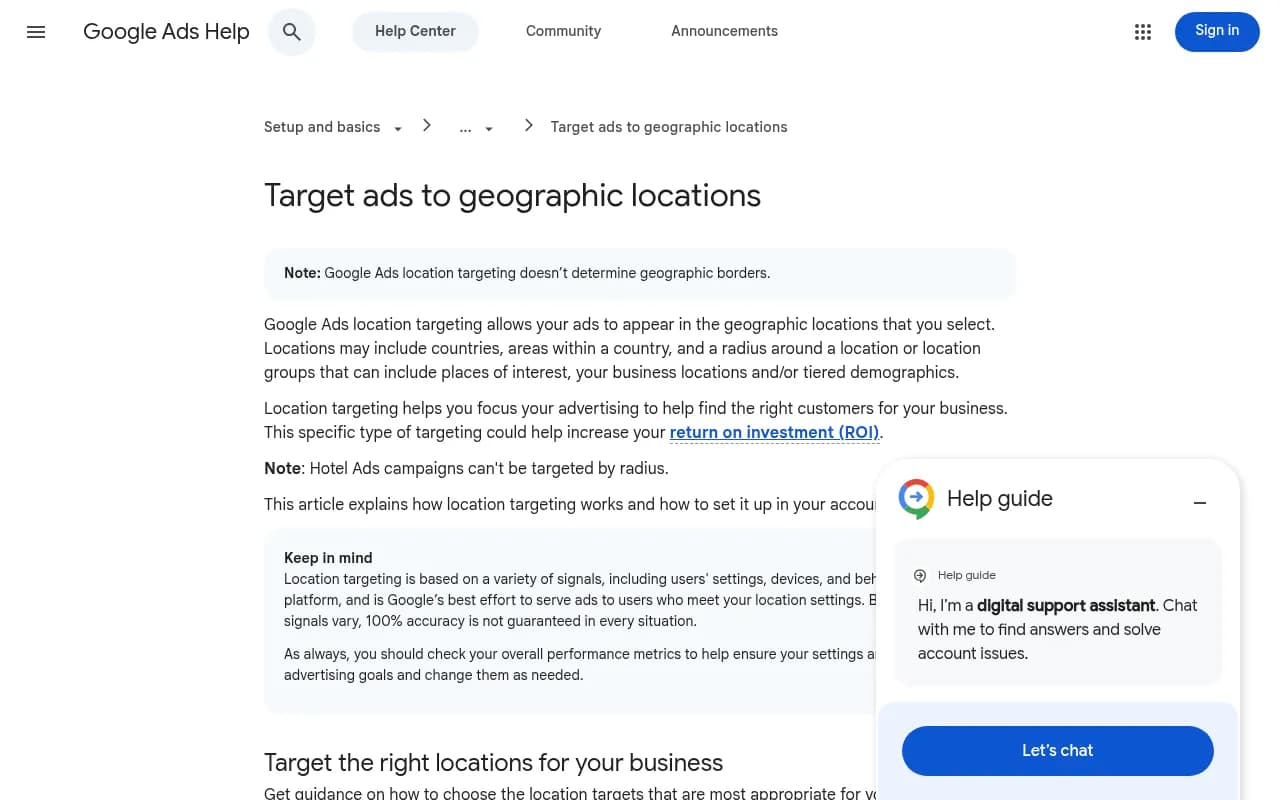
For Google's side, the Google Ads location targeting documentation supports countries, areas within a country and radius targeting, and says plainly that it is best effort and 100% accuracy is not guaranteed.
Choosing a tool for location-aware tracking
I did not research pricing or location features for every tracker in the catalog, so treat this as a starting point and confirm location support on each vendor's site before buying.
| Tool | Position | Verify before buying |
|---|---|---|
| Promptwatch | Exact-coordinate pinning, crawler logs, content workflows | Plan tier (Business and up) |
| Profound | Enterprise AI visibility monitoring | Location granularity |
| Otterly.AI | Lower-cost prompt tracking | Location and country options |
| Peec AI | Multi-language tracking | City or coordinate support |
| Semrush | SEO suite with AI tracking | Fixed prompt sets, local depth |



For local presence management beyond AI answers, such as listings and reviews, [tool:yext] and [tool:soci] are in the catalog. They address the profile and listing side, which feeds AI Mode.

More options are listed in the GEO software directory at bestgeosoftware.com.
Common mistakes
- Checking visibility from your own office and calling it the result. Your IP and history bias the answer.
- Reading one run. AI answers shift, so look at a week of data.
- Using one monitor for twenty stores. You lose the comparison that makes coordinates worth it.
- Copying the same location page across cities with only the name swapped.
- Ignoring Google Business Profile because the content team owns the website.
- Assuming ad targeting and organic location work the same way. They do not.
A simple 30-day plan
- Week 1: build the location sheet, write prompts, pin one monitor per location, and start the baseline.
- Week 2: review the spread between locations. Pick the two worst performers.
- Week 3: rewrite those locations' pages around the "category + place" query, and fix their profiles.
- Week 4: confirm crawlers can reach the updated pages, then compare against the baseline.
If you would rather hand the work to a team, 1001 SEO Media runs local SEO and AI search programs, and it uses Promptwatch for its own GEO tracking.
The short version
You cannot set a user's coordinates, but you can measure what a user at a given spot is likely to see. Pin monitors to your real locations, read the differences between them, and fix the pages and profiles that explain the gaps. Keep your claims about exact-coordinate ad targeting and AI Mode settings modest until the platforms document them.