Key takeaways
- Most teams need one suite, one crawler, one AI assistant, one AI visibility platform and one automation tool. Everything else is overlap.
- AI visibility tracking is now its own category. Classic rank trackers and suites only partly cover it.
- Content optimizers help most when they are grounded in real citation and crawl data, not just keyword density.
- Cut any tool that only gives you suggestions you can't act on, or that duplicates a report you already get elsewhere.
- Check current pricing on each vendor's site before committing. Prices change often and I haven't quoted any here.
Why a stack audit is worth doing
Every week another tool promises to automate your whole SEO strategy. Most deliver a list of suggestions you could have found with a quick search. If you've been collecting subscriptions since 2023, there's a decent chance you pay for three tools that all do keyword research and two that all score content.
This guide isn't a record of one person's cancellation spree. It's a framework for deciding what earns a place in a 2026 stack, with specific tools mapped to each job. The test I use is simple: does this tool change a decision I make or an action I take every month? If it only produces a dashboard you glance at, it goes.
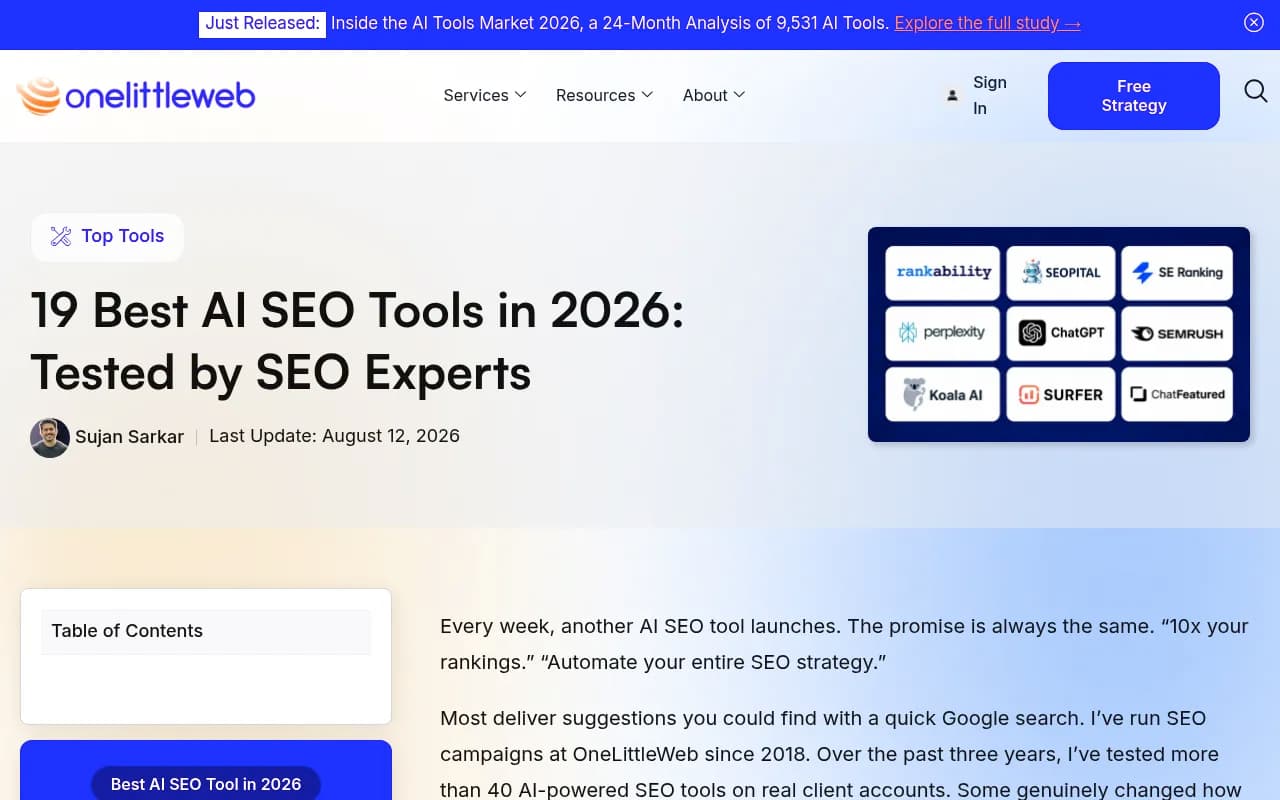
A couple of outside sources point the same way. OneLittleWeb's roundup says they tested 40+ AI SEO tools on client accounts and kept a smaller set, judging accuracy, pricing, integrations with GSC, GA4 and WordPress, ease of use and reliability. Worth knowing: they also sell agency services, so treat the rankings as self-reported. Keyword.com's January 2026 video on building a $10, $100 and $1,000 stack makes a similar point about priorities.
The eight jobs a 2026 stack has to cover
Keyword.com's walkthrough lays out the processes well. Condensed, with my own opinions added:
- Keyword and competitor research
- Performance and rank tracking
- AI visibility tracking (ChatGPT, Perplexity, AI Overviews and others)
- Technical auditing and crawling
- Content briefs and optimization
- An AI assistant for analysis and drafting
- Workflow automation
- Brand mentions and backlinks
If a tool doesn't clearly serve one of these, question it. If two tools serve the same one, keep the one your team actually opens.
Summary: what to keep by job
| Job | Keep one of | Notes |
|---|---|---|
| Research and tracking | Semrush, Ahrefs, SE Ranking | Pick the suite your team already knows |
| Technical crawling | Screaming Frog, Sitebulb | Desktop crawlers are cheap and hard to beat |
| Content optimization | Surfer SEO, Clearscope, Frase | One is enough |
| AI visibility | Promptwatch, Profound, Peec AI | The category that changed most since 2024 |
| AI assistant | Claude, ChatGPT, Gemini | Everyday analysis and briefs |
| Automation | n8n, Zapier, Make | Glue between everything else |
| Reporting | Looker Studio, Whatagraph | Only if clients need it |
The research and tracking suite
This is the one subscription I'd say most people should keep, because it covers keywords, competitors, backlinks and audits in one place. Don't pay for two.
Semrush is the safe default. One Reddit thread in the research pulled a commenter calling it "probably the safest single subscription," though the same thread recommended pairing Google Search Console with a lighter tool.
Semrush also has Semrush One, which bundles SEO and AI visibility under one login.
Ahrefs Brand Radar is the Ahrefs route into AI-answer monitoring if your team already lives in Ahrefs.
SE Ranking is the budget-friendly pick and has its own AI visibility toolkit.
My rule: choose whichever suite your team already knows, and bolt on a specialist only where it clearly goes deeper. Suites are strong on classic SEO. Their AI tracking is usually the shallowest part of the product, with fixed prompt sets and limited visibility into why a page is or isn't cited.
Technical SEO and crawling
AI search hasn't made technical SEO optional. If crawlers can't fetch your pages, nothing else matters. A desktop crawler remains the best value here.
Screaming Frog is the standard for ad hoc audits.

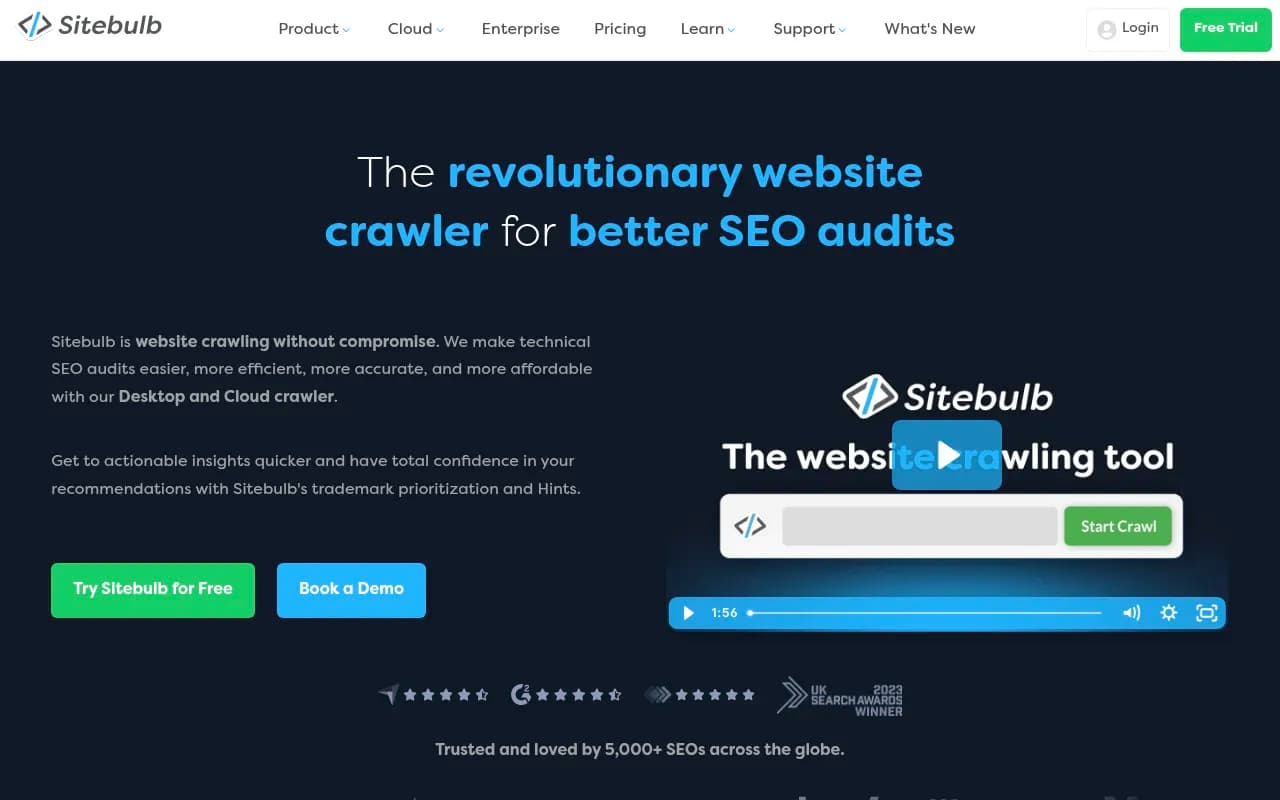
Sitebulb is friendlier for visual reporting.
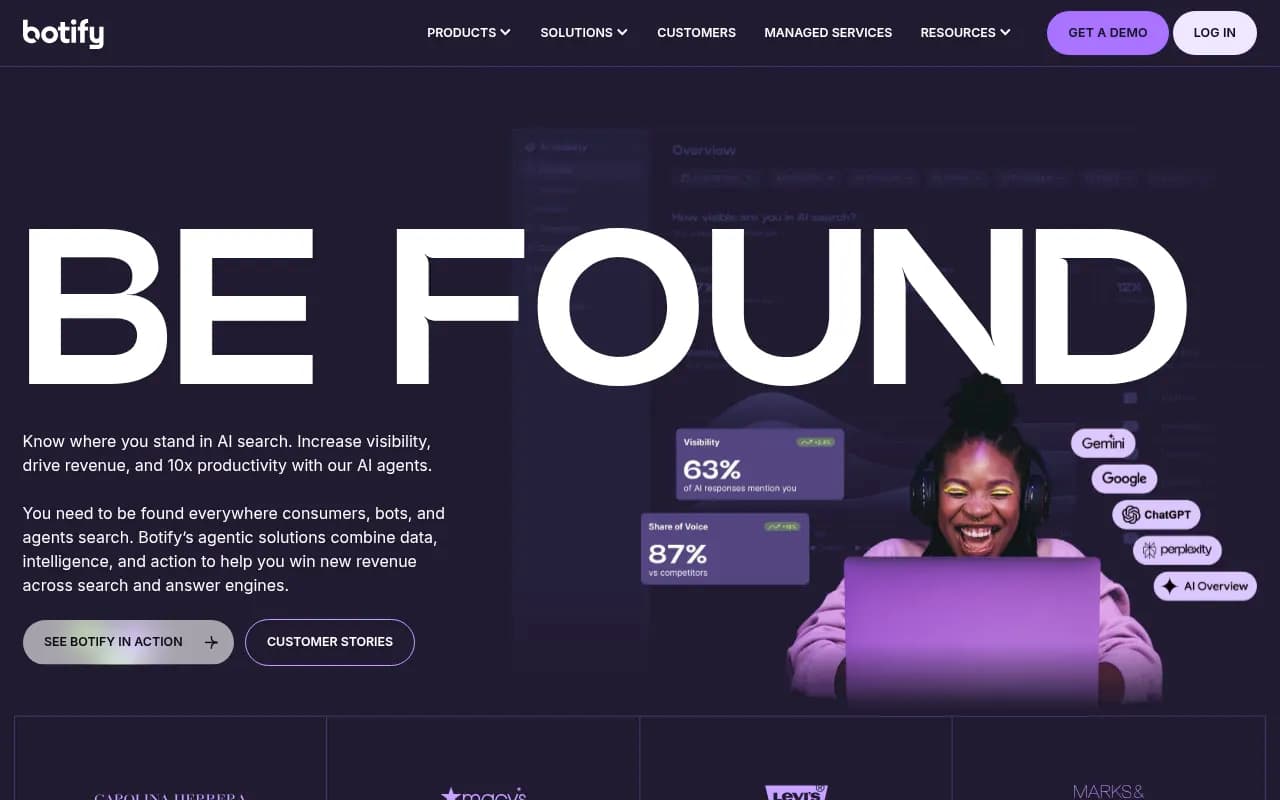
For enterprise sites with millions of URLs, Botify, Lumar and Oncrawl are built for scale. Most teams will never need them.
If JavaScript rendering is a problem on your site, check that rendering in your crawler is on before you trust any audit.
Content optimization: keep one, not three
The content optimizer category is crowded. Surfer SEO, Clearscope, Frase, MarketMuse, NeuronWriter and others do broadly similar things: analyze top-ranking pages and score your draft against them.
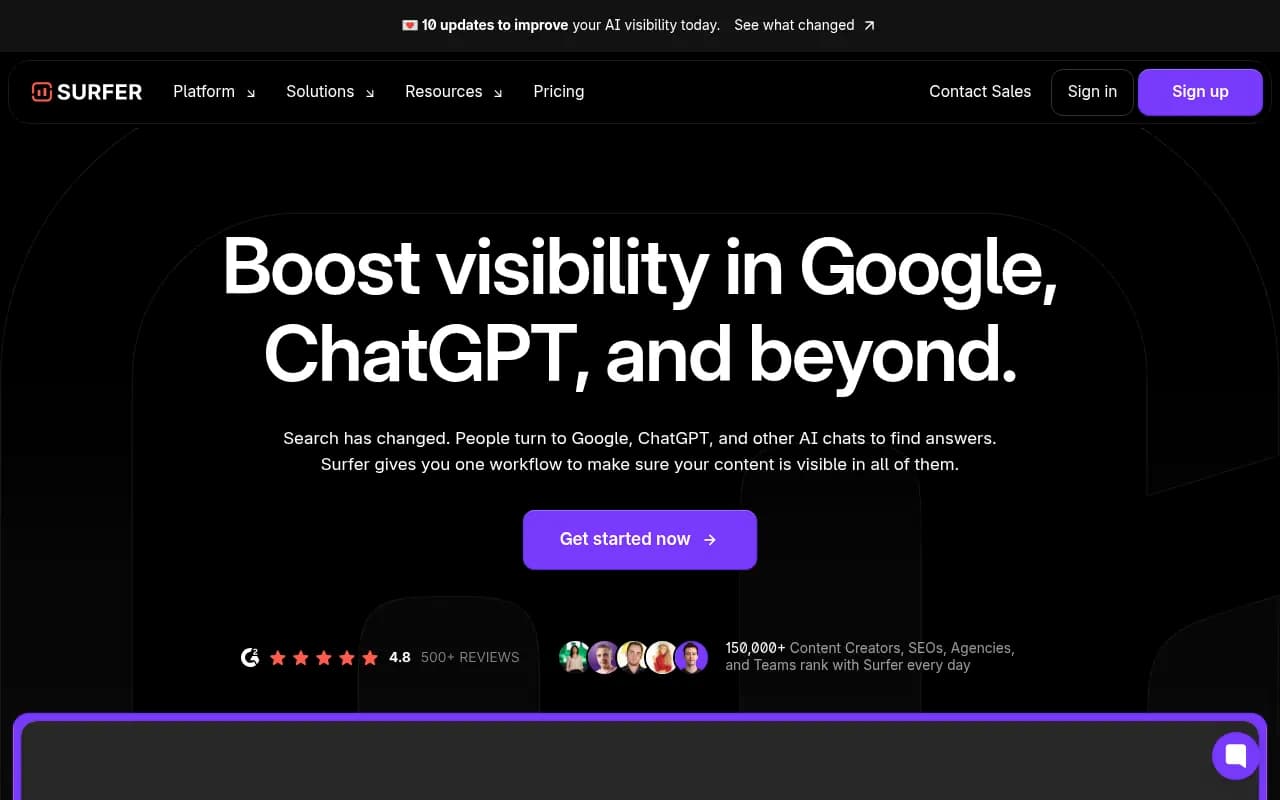
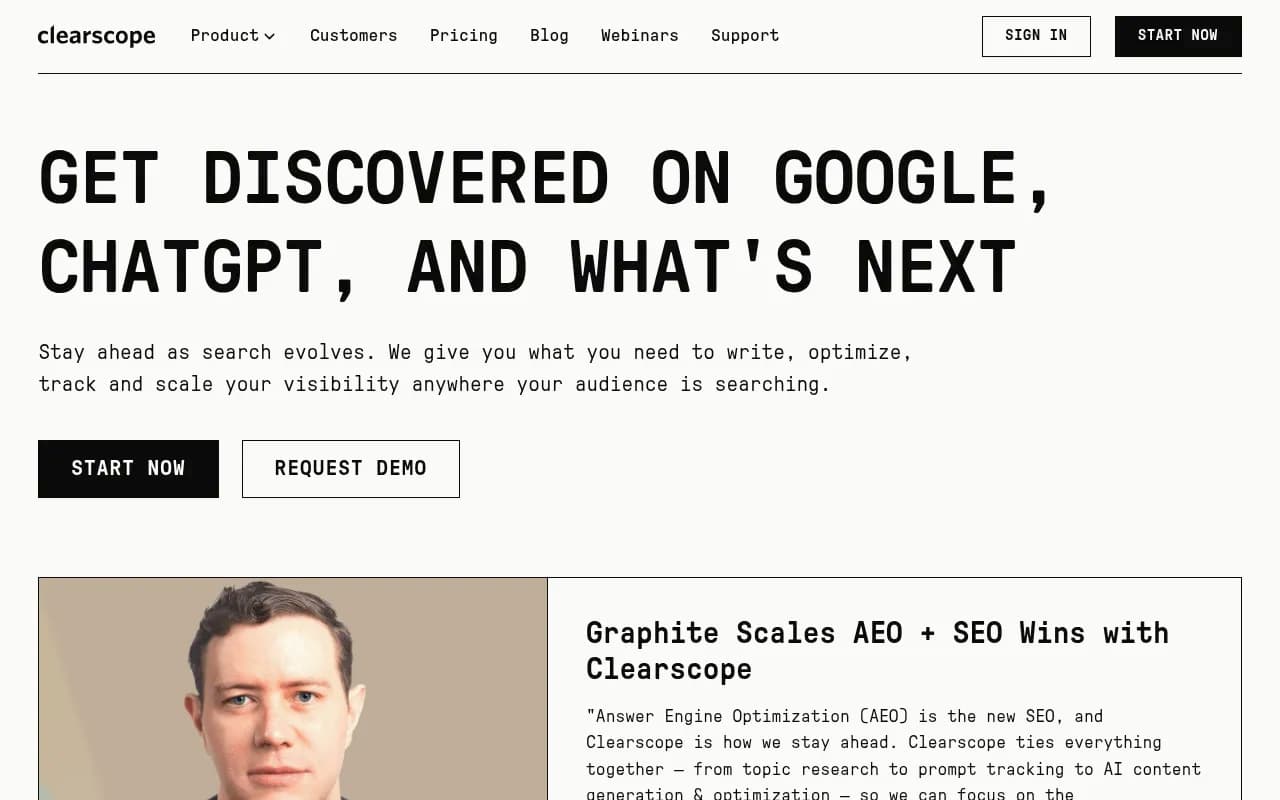
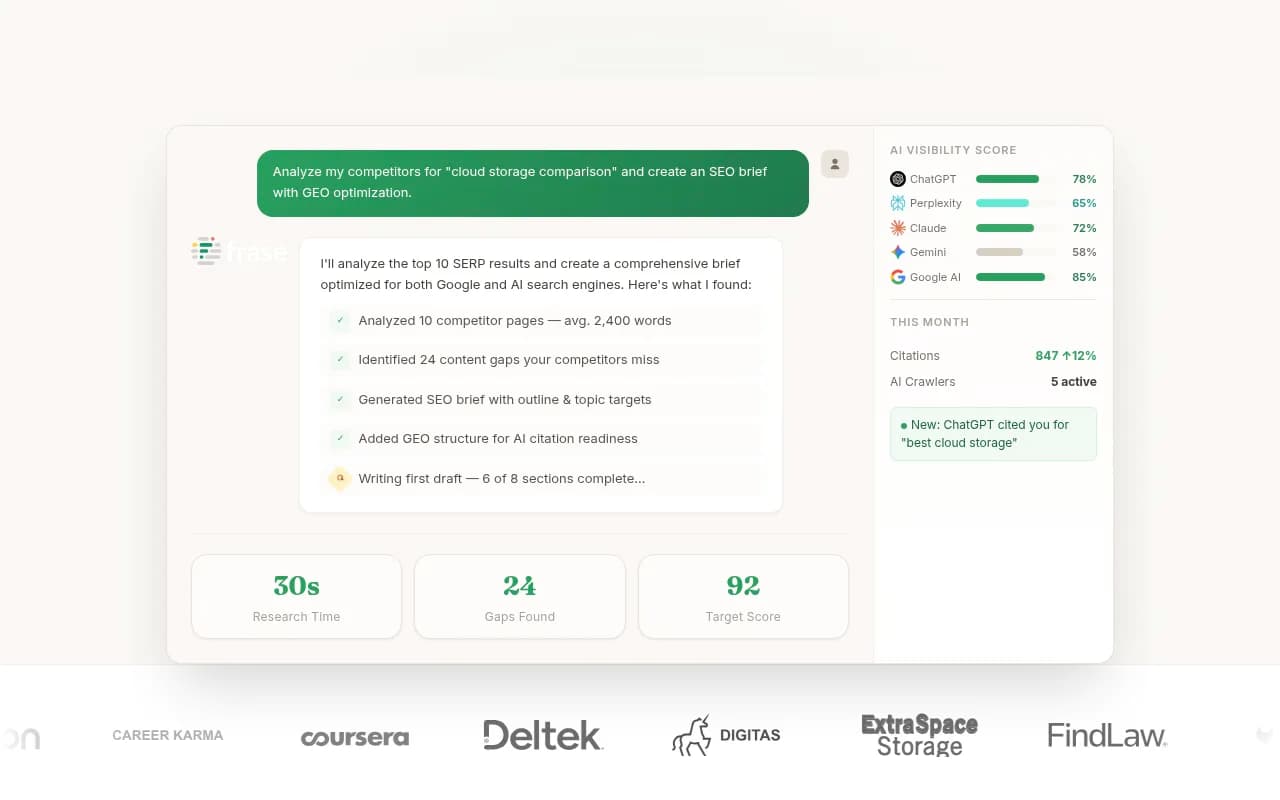
The honest take: they help most as an editing checklist, and least as a ranking guarantee. Paying for two is almost always waste. Pick based on workflow. Surfer is strong in the editor, Clearscope tends to suit larger content teams, and Frase leans into briefs and GEO-style research.
The bigger shift is that Google rankings aren't the only target anymore. Promptwatch's data shows what ChatGPT actually cites. In its report on content types ChatGPT cites (Sep 28 to Oct 4, 2026), product pages made up 22.4% of citations, landing pages 16.8% and listicles 13.6%. For commercial prompts, product pages, landing pages, listicles and comparisons together made up almost 70%. A content optimizer that only scores keyword coverage won't tell you that your comparison page is missing.
AI visibility tracking: the category worth a new line item
If I could add only one tool to a 2024 stack, it would be this. Keyword.com's video lists an AI rank tracker as a must-have, and I agree. If you aren't measuring how you appear in ChatGPT, Perplexity and AI Overviews, you're guessing.
But there are two kinds of tools here. Prompt trackers tell you whether your brand was mentioned. Platforms go further and show why, then help you fix it.
Promptwatch is in the second group. Beyond tracking real ChatGPT, AI Overviews, Perplexity and Gemini interfaces, it shows IP-verified AI crawler logs, which pages get cited, traffic from AI platforms, and a content agent that drafts pages for the gaps it finds. That closing of the loop is what separates it from a dashboard you check once a week.

Other options worth a look, depending on budget and need:



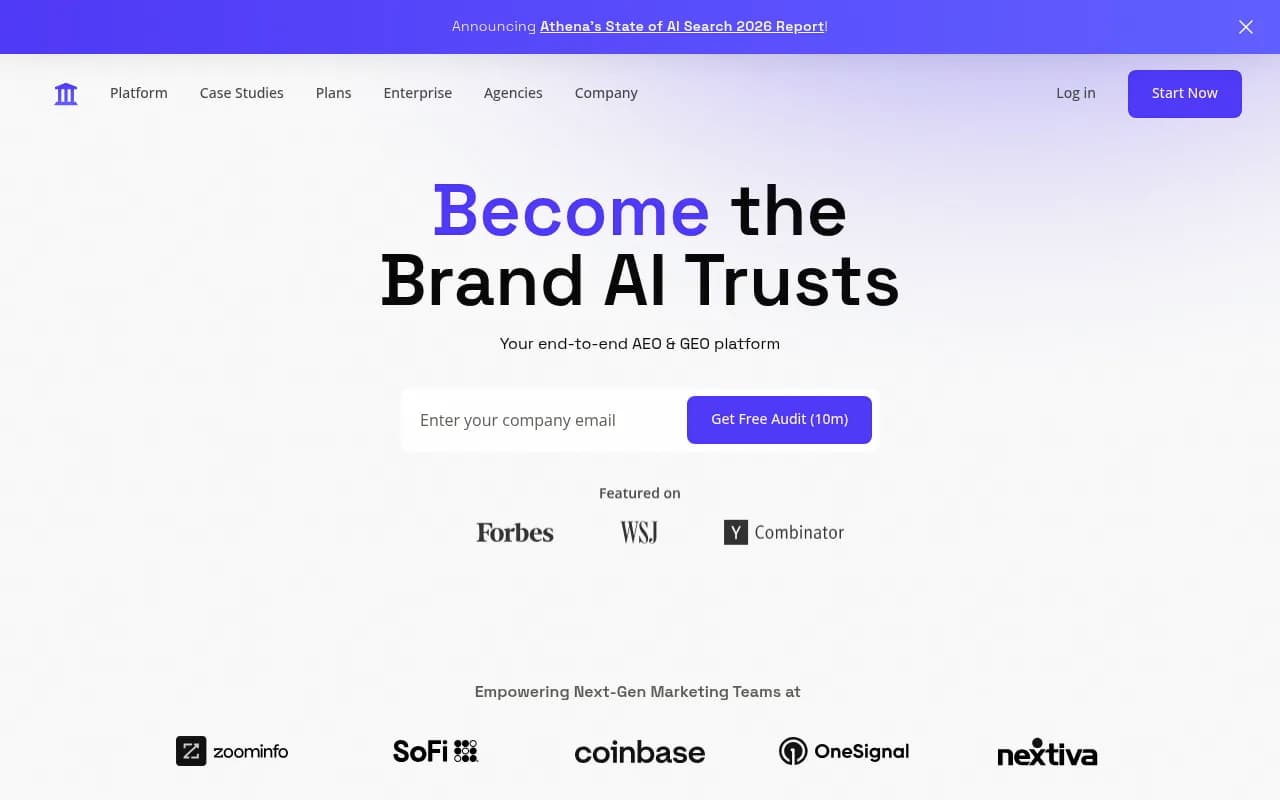
Here is how I'd split them:
| Tool type | Examples | What you get | What you give up |
|---|---|---|---|
| Lightweight trackers | Otterly.AI, Peec AI | Cheap visibility monitoring | No crawler logs or content workflow |
| Monitoring-focused platforms | Profound, AthenaHQ | Deeper analytics and competitor views | Usually higher price, limited action |
| End-to-end platforms | Promptwatch | Tracking, crawler logs, traffic attribution, content generation | More to learn |
| Suite add-ons | Semrush One, Ahrefs Brand Radar, SE Ranking | One login | Shallower AI-specific data |
The directory at bestgeosoftware.com lists many more in this category if you want to shop around. And ai-rank-tools.com covers the tracking-only end.
Why metrics matter more than mentions
Mentions alone mislead. Promptwatch's average sources per response report (published September 2025, so check its date before quoting) found ChatGPT cites about 5 sources per web-search answer, while Google AI Overviews and Perplexity cite about 10. That means one engine is far more crowded than another, so being "mentioned" means different things on each. Look at position, share of voice and whether your own pages get cited, not just whether your name appears.
What to check before you buy any AI visibility tool
- Does it track the real user interface or only the API? Answers can differ.
- Can you see which pages get cited, and which prompts trigger them?
- Does it show crawler activity, so you know whether AI can read your site?
- Can it connect AI traffic to conversions?
- Does it help you act, or only report?
AI assistants and automation
Every SEO team should have one general AI assistant. You'll use it daily for briefs, competitor summaries and quick analysis. Claude, ChatGPT and Gemini are all fine. Pick one, maybe two.
The glue layer is easy to underrate. Keyword.com's video recommends something like Zapier, Relevance.ai or n8n to automate and connect your tools, and I agree. Without it, scaling stalls because every report is a manual export.


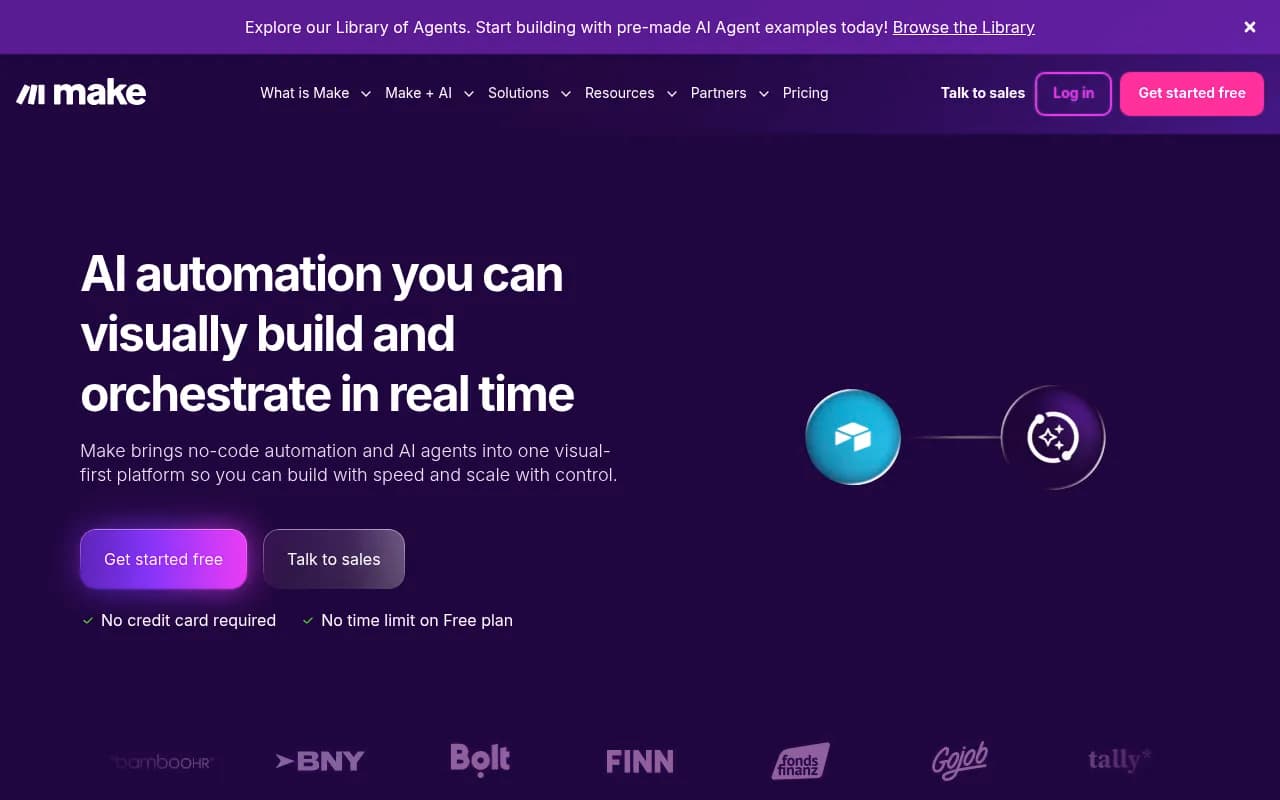
n8n suits teams comfortable with self-hosting and custom logic. Zapier is quicker to set up. Make sits in between with a visual builder.
Brand mentions and link tracking
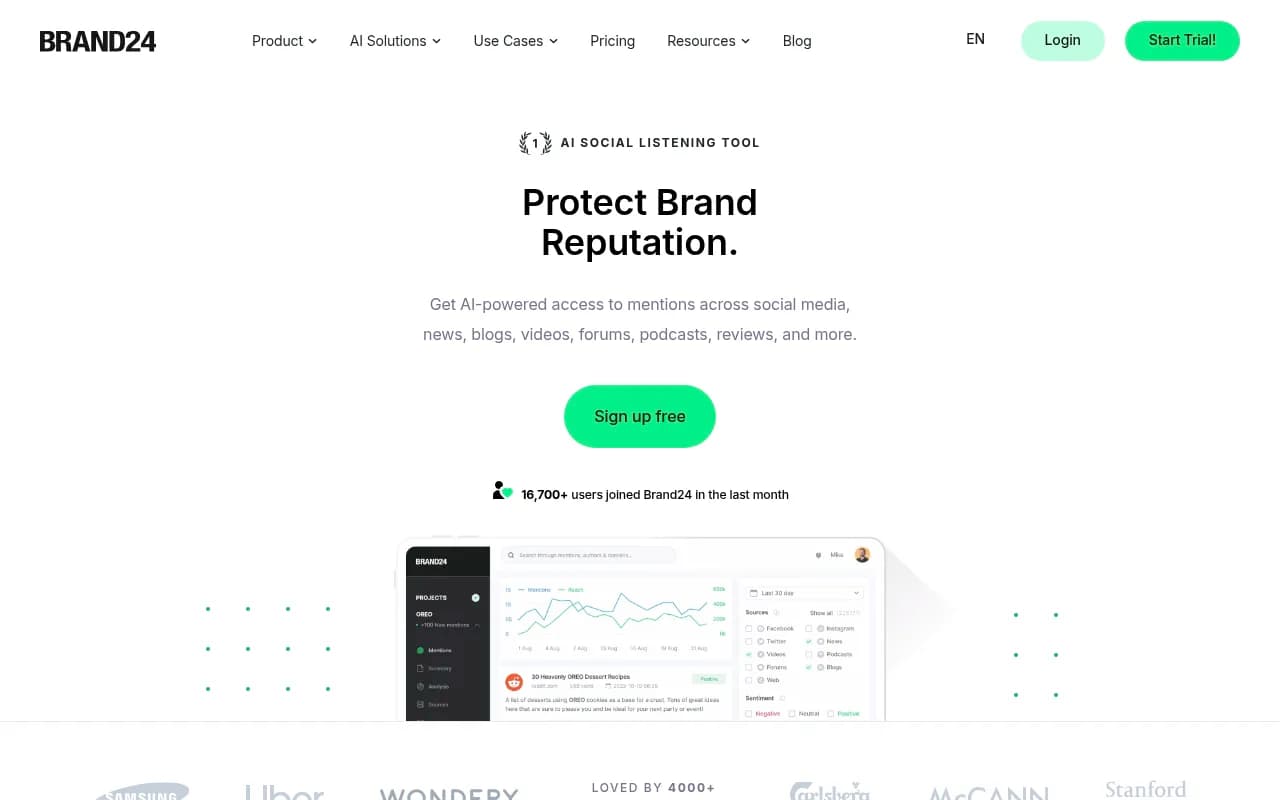
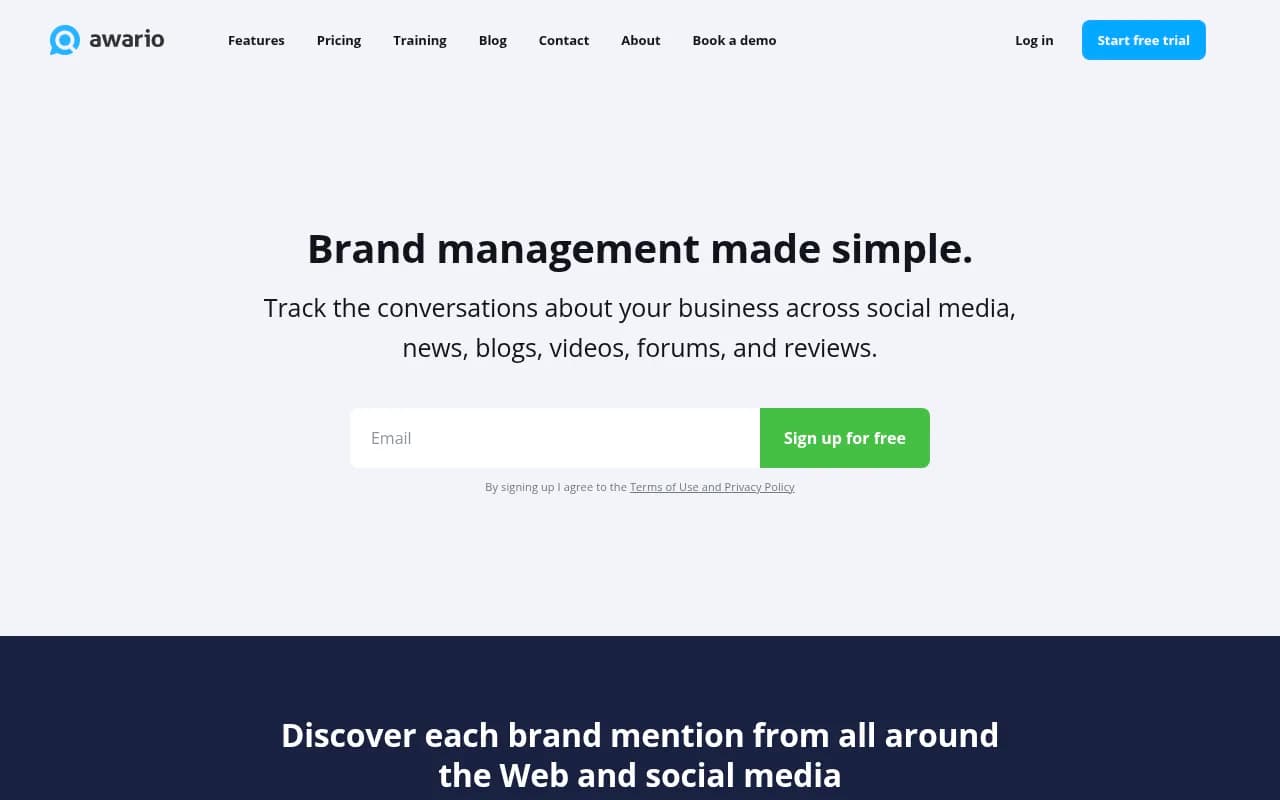
If digital PR is part of your plan, you need a way to see who is naming you. Brand24, Mention and Awario are the lighter options.
Note that AI answers pull from third-party pages that name you, even without a link. Standard backlink tools miss those. Some AI visibility platforms now track these off-site mentions, so check before paying for a separate monitor.
What I'd cut first
Here is the order I'd review things in. Start at the top.
- Second content optimizer. If you have Surfer and Clearscope, drop one.
- Standalone keyword tools that your main suite already covers.
- AI writing tools that generate generic drafts with no grounding in your data. Jasper, Copy.ai and Rytr can be useful, but only if your team actually edits and publishes what they produce.
- Multiple AI trackers. Run two for a month to compare, then keep one.
- Dashboards nobody opens. Check login frequency.
One exception to that last point: reporting tools matter for agencies. If clients want branded PDFs, keep something like Whatagraph or Looker Studio.
A lean stack by budget
Prices change often, so confirm them on each vendor's site. This table shows structure, not cost.
| Stage | Core stack |
|---|---|
| Solo or small site | Google Search Console, one AI assistant, a free or low-cost crawler, an entry-level AI visibility tool |
| Growing team | One suite (Semrush or SE Ranking), Screaming Frog, one content optimizer, Promptwatch or similar, n8n or Zapier |
| Agency | Suite, crawler, AI visibility platform with white-label reporting, automation, reporting tool |
Promptwatch has a free tier and agency plans with white-label reports, so it fits both the first and third rows. Check promptwatch.com/pricing for current plans.
How to run your own audit
Step 1: list every subscription
Pull the last three months of card statements. You'll find things you forgot.
Step 2: map each tool to a job
Use the eight jobs above. Any tool that maps to none gets cancelled. Any job covered twice gets a head-to-head test.
Step 3: ask what action it caused
For each tool, write down one decision it changed in the past 90 days. If you can't, that's your answer.
Step 4: run overlap tests
For two tools in one category, run both for a month on the same pages. Keep the one whose output you actually used.
Step 5: re-check quarterly
AI search moves fast. Promptwatch's data shows how quickly behavior shifts: ChatGPT's reddit.com citation share fell from about 4% to about 0.5% on August 14, 2026. A tool or tactic built around yesterday's behavior can go stale in a day. For more on how the broader citation data moves, the Promptwatch Data hub is a good place to watch.
Where a human or an agency still wins
Tools surface problems. They don't fix a thin product page or win a press mention. If you'd rather hand the strategy to specialists, a full-service SEO and GEO agency like 1001 SEO Media works with the same kind of stack described here. The point isn't to replace the tools, it's to have senior people deciding what to do with the output.
Bottom line
A good 2026 stack is small: one suite, one crawler, one content optimizer, one AI assistant, one AI visibility platform and one automation tool. Cut anything that duplicates those. Then spend the savings on the thing no subscription does for you, which is publishing better pages. For more general software comparisons, surferstack.com has reviews and alternatives across categories.