Key takeaways
- LLM clustering is fast and good for discovery. SERP-overlap clustering is slower but is what you should trust for final page decisions and cannibalization checks.
- The best 2026 workflow is a hybrid: embeddings or an LLM for broad groups, then SERP overlap to confirm which keywords really belong on one page.
- A topical map is a hierarchy (pillar, clusters, supporting pages, internal links), not a flat keyword list. Ask for the hierarchy explicitly in your prompts.
- Pick tools by volume and budget: ChatGPT or Claude for small batches, Keyword Insights or Keyword Cupid for SERP-based clustering, Semrush or Ahrefs if you already pay for them.
- Always spot-check AI output against live search results before it goes into an editorial calendar.
What keyword clustering and topical maps actually are
Keyword clustering groups keywords that should be targeted by the same page. A topical map goes a level up: it lays out every pillar, cluster and supporting page you need to cover a subject properly, along with how they link to each other.
People mix the two up constantly. Clustering answers "which of these 4,000 keywords belong together?" The map answers "what should my site look like when I'm done?" You need the first to build the second.
Why bother? Two reasons. First, one page per intent means fewer pages competing against each other. Semrush's own guidance on its Keyword Strategy Builder is to aim for one dedicated page per cluster. Second, a clear hierarchy gives both Google and AI answer engines a structure to follow when they summarize your content.
Two ways to cluster: SERP overlap vs semantic
Before picking a tool, understand the split, because it decides how much you can trust the output.
- SERP-overlap clustering groups keywords that share top-10 URLs. If Google ranks the same pages for two queries, they probably belong on one page. Keyword Insights defaults to a threshold of 30% or more shared top-10 URLs, and you can adjust it. KeyClusters groups keywords that share 3 or more URLs.
- Semantic (embedding or LLM) clustering groups by meaning. It is quick and handles huge lists, but it can lump together two terms that read like synonyms while Google serves completely different results for each.
KeyClusters recommends combining the two: embeddings for broad initial groups, then SERP overlap to refine them. ContentGecko frames it similarly, with semantic clustering for discovery and scale and SERP clustering for final content architecture. I agree with that split. Use the LLM to get a draft in minutes, then let the SERPs overrule it where they disagree.
Ahrefs' Parent Topic grouping is a third option. It is based on the top-ranking page, and Ahrefs itself says it is less accurate than dedicated SERP clustering tools. Handy for a quick look, not for final decisions.
A workflow that works
Step 1: Build the raw keyword list
Pull keywords from everywhere: your SEO tool of choice, Google Search Console, competitor exports, People Also Ask, and an LLM brainstorm. One useful trick from the research: filter Search Console for queries where you sit on page 2 and have no dedicated page. Those are strong candidates because Google already considers you relevant.
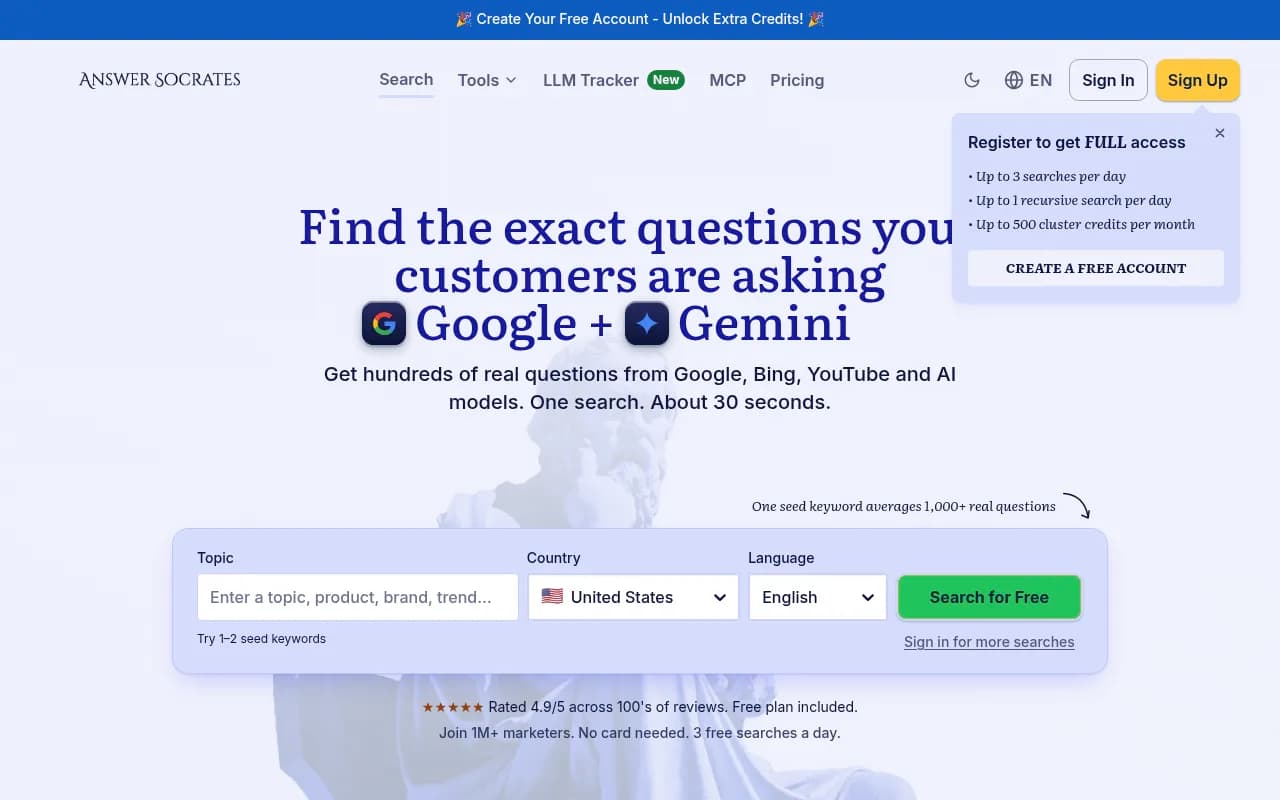
Answer Socrates is a cheap way to widen the net with question-style queries. It finds questions around a seed term, labels them top, middle or bottom of funnel, and has a recursive search that digs into the questions people ask after the first set.
You can also use an LLM to fill gaps. Here is a prompt that works:
Generate 50 long-tail keywords for [topic] targeting [audience].
Focus on specific problems they are trying to solve. Include:
- Question-based queries (how, what, why)
- Comparison queries ([topic] vs [alternative])
- Location-specific variations if relevant
Format as a numbered list with the likely search intent.
Treat anything an LLM invents as a hypothesis. Run it through a keyword tool for real volume before you commit. Models will happily make up search volumes if you ask for them.
Step 2: Classify intent
Intent labels make clustering far cleaner, because informational and transactional queries should rarely share a page.
Classify each keyword by search intent: informational,
navigational, commercial or transactional.
Return a table with columns: keyword, intent, reasoning.

[paste keyword list]
Step 3: Cluster with an LLM (small and medium lists)
For a few hundred keywords, a chat model is plenty. Both Claude and ChatGPT handle this well.
Answer Socrates recommends starting with 100 to 500 keywords per topic to understand patterns, then scaling up. That advice holds for LLMs too. Paste in thousands and you will hit context limits, and the model will start dropping or silently merging keywords. I did not find a primary source quantifying that, so test it on your own lists and count the rows coming back.
Group these keywords into clusters. Rules:
- One cluster = one page that could satisfy the searcher
- Do not mix informational and transactional intent
- Name each cluster with its primary keyword
- Return a table: cluster name, primary keyword,
  supporting keywords, intent
- List any keywords you could not place at the bottom
  so I can check nothing was dropped

[paste keyword list]
That last line matters. Asking for orphans is the cheapest way to catch a model quietly losing rows.
Step 4: Validate with SERP data
This is the step people skip, and it is where rankings get lost. Take each cluster's top two or three keywords and check whether the same URLs rank. If the SERPs look different, split the cluster. If two clusters share most of their URLs, merge them.
You can do this by hand for a small project or let a clustering tool do it at scale (see below).
Step 5: Turn clusters into a topical map
Now ask for structure. Give the model your validated clusters and have it organize them.
Here are my validated keyword clusters: [paste].
Build a topical map for [site/business]:
1. Pick 5-10 pillar topics
2. Assign each cluster to a pillar
3. For each pillar, list 5-15 supporting pages
4. Suggest internal links: pillar to cluster, cluster to
   cluster siblings, and nothing linking to unrelated topics
5. Flag any cluster that needs its own pillar
Output as a nested list.
The linking rule in point 4 comes from what is sometimes called the semantic cocoon approach: authority pages link down, cluster pages link up or across to siblings, and nobody links out to random topics.
A few more prompts from AirOps' Perplexity topic cluster library are worth stealing. Their structure generator asks for one pillar topic plus 10 to 15 supporting ideas with a short description of how each connects to the pillar. Their semantic keyword prompt asks the model to group terms by intent and say which belong on the pillar versus cluster pages. Perplexity is a good fit here because it pulls current sources, so the subtopics reflect what is being published now rather than what the model remembers.
Step 6: Find gaps and plan content
With a map in hand, compare it to what you already have:
Compare my current coverage [list of URLs/topics] against
this topical map [paste]. Identify:
1. Clusters with no page (gaps)
2. Clusters covered by more than one page (cannibalization)
3. Pages that should be expanded or merged
4. A priority order based on relevance to [my business]
Then use cluster data to refresh old posts. A post that targeted one keyword often should have covered the whole cluster. Expanding it is usually faster and more effective than a rewrite.
Tools worth using
Prices below come from third-party roundups, one of them from a vendor that sells a competing tool, so confirm everything on the vendor's site before buying.
| Tool | Method | Rough price | Best for |
|---|---|---|---|
| ChatGPT / Claude | LLM semantic | Subscription you may already have | Small lists, custom logic, topical map drafts |
| Keyword Insights | SERP overlap plus NLP hierarchy | From about $58/mo, $1 trial | Agencies and large lists (up to 200,000 keywords per run) |
| Keyword Cupid | SERP intersect plus neural network | From $9.99/mo | Visual thinkers, mind-map and site-architecture views |
| KeyClusters | SERP overlap (3+ shared URLs) | Pay as you go | Occasional projects, no subscription |
| Answer Socrates | Question research plus clustering | Free tier or about $9/mo | Budget work, free CSV export, up to 1,500 keywords free monthly |
| Semrush Keyword Strategy Builder | Topics and clusters from seeds or imports | From about $139.95/mo | Teams already on Semrush |
| Ahrefs Keywords Explorer | Parent Topic or shared terms | Check plan; sources disagree | Up to 10,000 keywords per run if you already use Ahrefs |
| Topical Map AI | AI topical map from a topic or domain | Varies by plan | Fast pillar and cluster maps for briefs |
| Surfer Topical Map | Reads your Search Console data | From around $99/mo | Finding neighboring clusters for an existing site |
Dedicated SERP clustering tools
Keyword Insights layers LLM intent labels on top of SERP-based clusters, so you get speed without giving up accuracy. It also produces content briefs, but those cost extra credits and credits burn quickly on big lists. One credit clusters one keyword, so budget accordingly.
All-in-one suites
If you already pay for Semrush, the Keyword Strategy Builder starts from up to five seed keywords or an imported list. It prioritizes clusters by volume, difficulty and SERP features, then hands off to briefs in its writing tools.
Ahrefs is the data-depth pick, though check which plan includes clustering. Contadu says its pricing page lists clusters starting on the Standard plan at $249/mo, while Ahrefs' own blog suggests wider availability, and another roundup lists Ahrefs from $129/mo. Verify before you assume.
Topical map generators
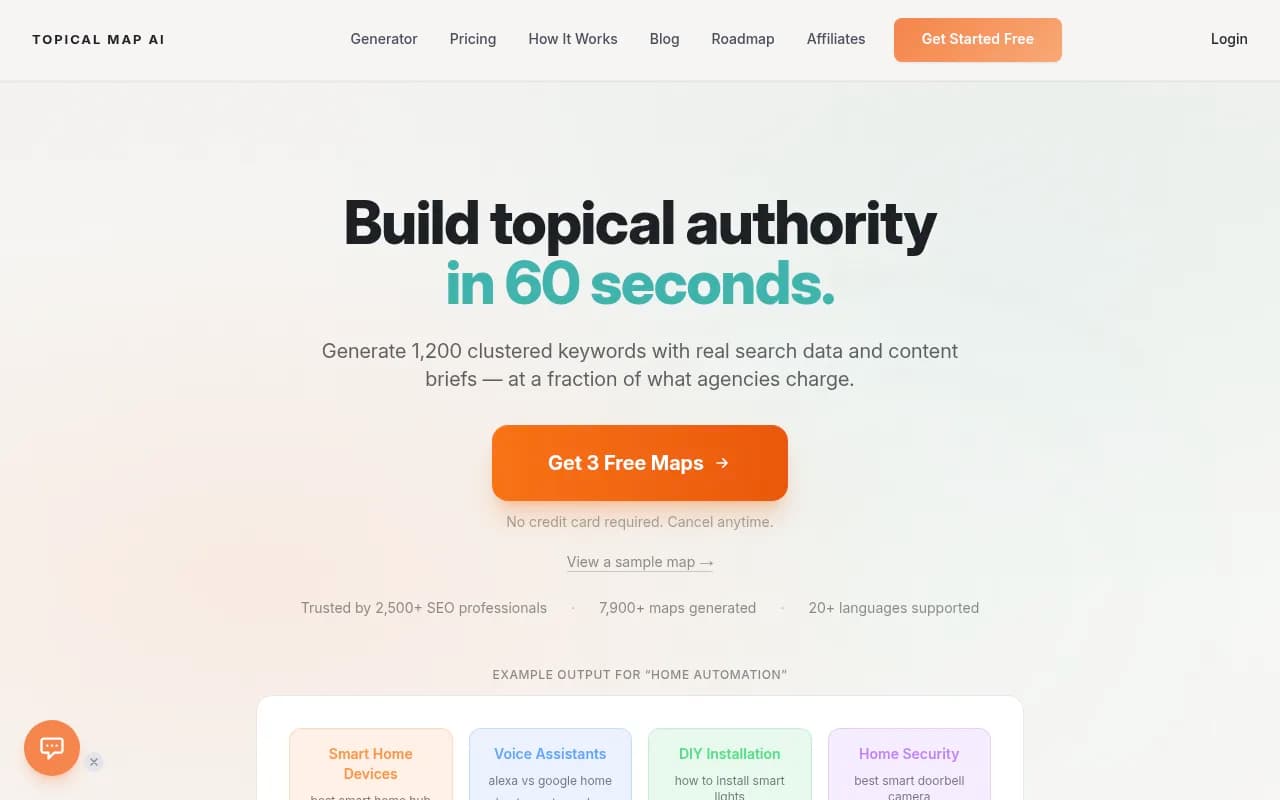
Topical Map AI turns a seed topic or domain into pillars, clusters and long-tail ideas you can export to Sheets or Notion.
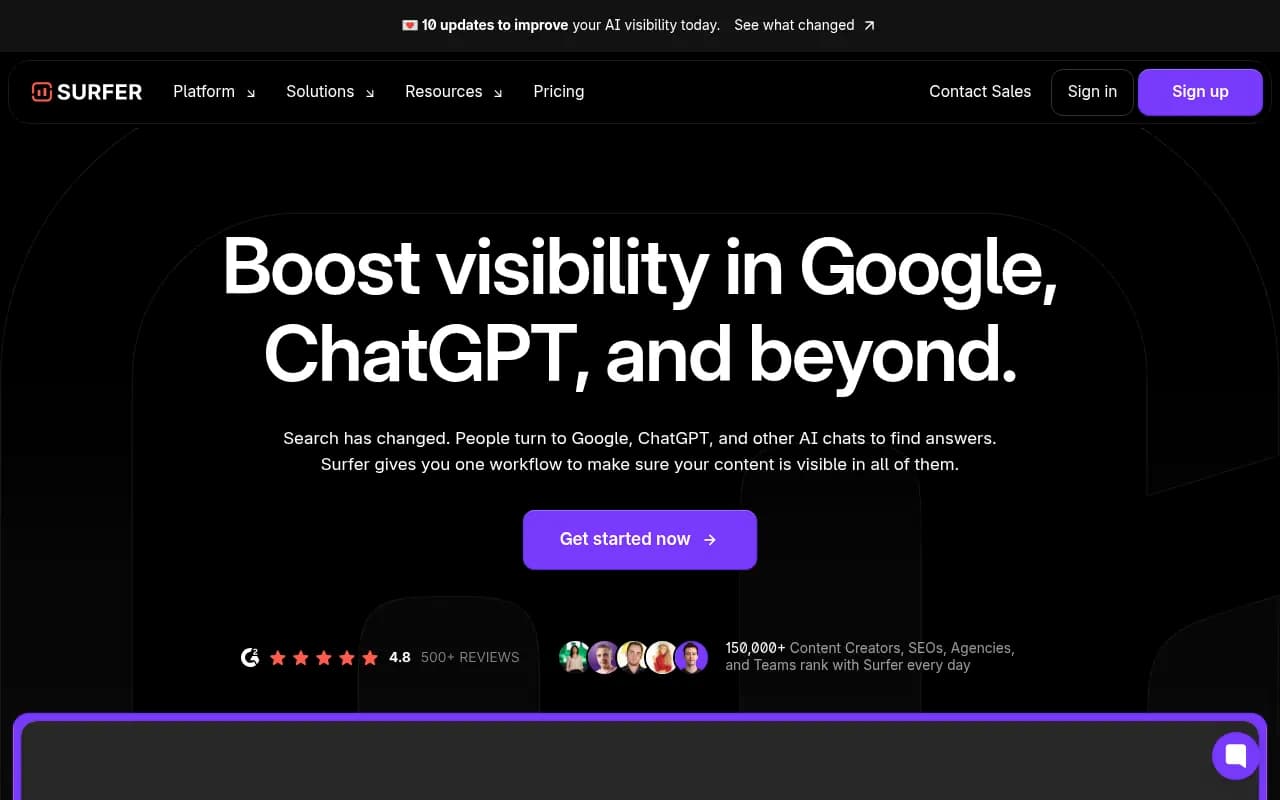
Surfer is different. Its Topical Map reads your Search Console data and suggests neighboring clusters by semantic similarity. It does not cluster an uploaded list, and Surfer's pricing page and help center disagree on which plans include it, so check before subscribing.
Search Atlas goes further into automation with AI topical mapping and one-click publishing. The cons are premium pricing and AI-written copy that can lack brand nuance.

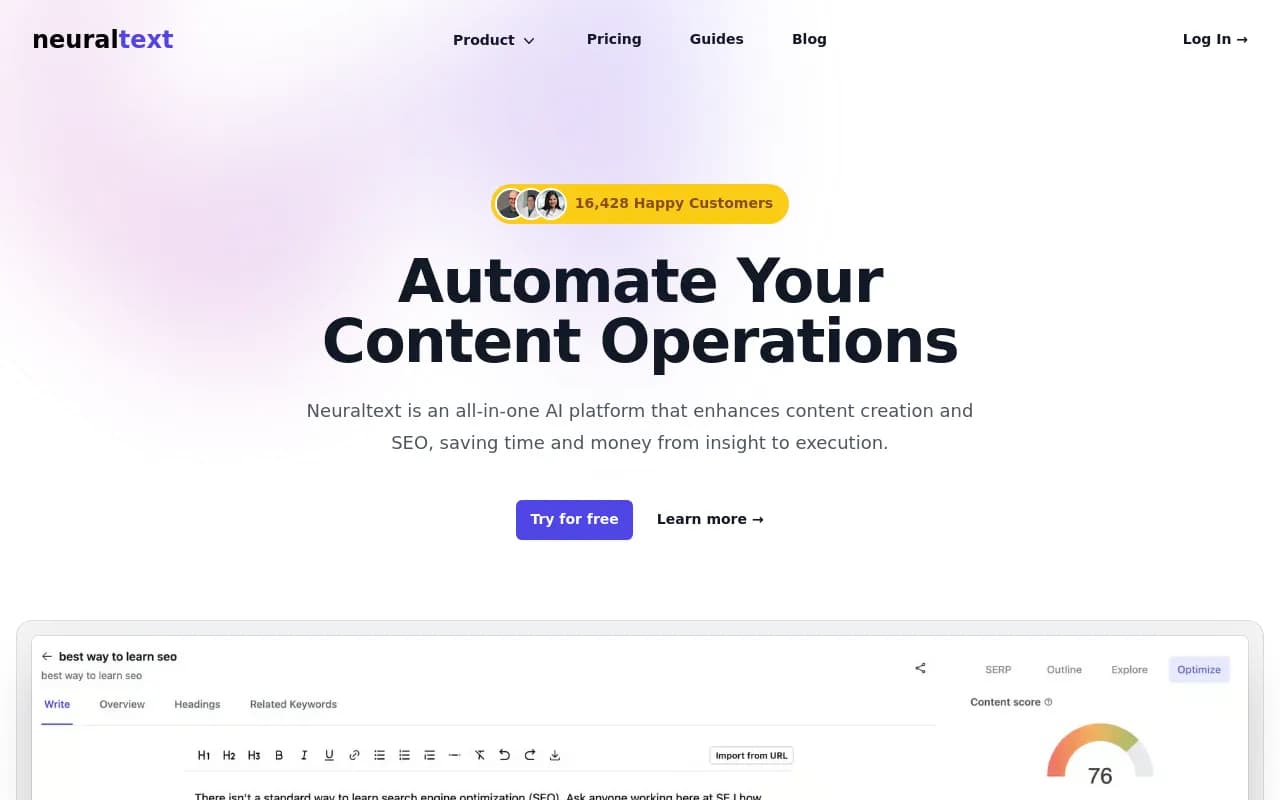
NeuralText is another option if you want keyword clustering and content briefs in one place.
Choosing a method by project size
- Under 500 keywords, one site: an LLM plus a manual SERP spot-check is enough. Cost is close to zero.
- 500 to 10,000 keywords: a SERP-based tool such as Keyword Insights, Keyword Cupid or KeyClusters. Run the LLM afterward for intent labels and map structure.
- Agency or enterprise scale: a SERP-based tool with an API or large per-run limits, plus an LLM layer for briefs and linking suggestions.
Whatever you choose, look for exports to CSV or Sheets and for SERP-grounded results. Skip generators that hand you a flat keyword list with no path to publishing.
Making your map useful for AI search too
A GEO-ready map is built around entities and relationships, not just keywords: your product, its use cases, the industries you serve. It covers the questions AI Overviews are likely to answer and has a clear hierarchy and internal links so answer engines can follow your structure.
Two practical tweaks follow from that. Put a direct, concise answer right after each H2 on cluster pages. And include question-style clusters on purpose, since those are the prompts people type into chat assistants.
Once pages are live, you need to see whether AI engines actually cite them. Tools like Promptwatch track which prompts mention your brand across ChatGPT, Perplexity and Google AI Overviews, and show content gaps you can feed back into the next round of clustering. For other options, the GEO software directory at bestgeosoftware.com lists a lot of them.

Common mistakes
- Trusting the model's search volumes. Models invent numbers. Get volume from a keyword tool.
- Clustering by word similarity only. Contadu's free Keywords Grouper, for example, is lexical, so it only groups shared words. Fine for tidying, not for intent.
- Pasting a giant list into one chat. Work in batches and ask for unplaced keywords.
- Skipping the SERP check. Two keywords can sound identical and rank completely different pages.
- Never revisiting clusters. Intent and results shift. Review your clusters when rankings move.
- Treating the map as finished. One pillar plus five to eight well-linked spokes usually beats twenty scattered posts, so build in stages and measure each cluster before expanding.
A simple example
Say you run a meal-prep service. Your pillar is "meal prep for beginners." Clusters might be containers, budget meal prep and high-protein meal prep. An LLM will give you that draft in a minute. Then you check the SERPs and notice "meal prep containers" and "best meal prep containers glass" return mostly the same listicles, so they stay on one page, while "meal prep on a budget" returns recipe-heavy results and needs its own. That one check changes the page count and prevents two articles from fighting each other.
Final thoughts
AI makes the first draft of a cluster map nearly free. It does not make the draft correct. Use a model to expand, label and organize, use SERP data to decide what shares a page, and keep the process boring and repeatable. For more tools in adjacent categories, the general directory at surferstack.com is a good place to compare options.