Key takeaways
- Firecrawl is the best fit when you want clean markdown or JSON from pages for content audits, RAG pipelines or AI agents. Pricing is per page and predictable.
- Apify wins on breadth. If someone has already built an Actor for Google Maps, Amazon or Instagram, you can be running in minutes, but costs are hard to forecast.
- Bright Data is the heavy-duty option for protected sites and SERP scraping at volume, with proxy infrastructure the others mostly lack.
- Browse AI is the no-code pick for marketers monitoring a known list of pages, with the lowest entry price of the four.
- Most SEO teams end up with two tools, not one. Check live pricing pages before you commit, because several of these change often.
What SEOs actually scrape
Before comparing tools, it helps to be honest about the jobs. "Web scraping for SEO" covers a handful of very different tasks, and each one favors a different tool.
- SERP data: rankings, People Also Ask, featured snippets, local packs.
- Competitor monitoring: price changes, new pages, title and meta changes, product catalog diffs.
- Content extraction: pulling competitor or your own pages into clean text for gap analysis and clustering.
- Lead and local data: Google Maps listings, directories, review counts.
- Technical checks at scale: status codes, redirects, internal links, rendered HTML.
The last one is mostly solved by dedicated crawlers like Screaming Frog and Sitebulb, so I'll focus on the first four.

The four tools in one table
| Tool | Approach | Best SEO use | Entry price | Output |
|---|---|---|---|---|
| Firecrawl | Developer API, open source core | Page-to-markdown, site crawls, content audits | Free (1,000 credits), Hobby $19/mo | Markdown, JSON |
| Apify | Marketplace of Actors plus runtime | Google Maps, social, niche sites with ready scrapers | Free ($5 credit), Starter $19/mo + usage | JSON, CSV, HTML |
| Bright Data | Proxy and unblocking infrastructure plus scrapers | SERP APIs, hard targets, high volume | Free tier of 5K requests on SERP API and Web Unlocker | JSON, HTML |
| Browse AI | No-code robots | Monitoring known pages, price and content changes | Free (50 credits), Personal $19/mo billed annually | JSON, Sheets, Airtable |
Prices come from each vendor's pricing page in late 2026. Bright Data renders its per-unit prices dynamically, so I'm not quoting per-1K numbers. Check the live page.
Firecrawl: best for content extraction and AI workflows
Firecrawl is a developer API that turns URLs into clean markdown or structured JSON. It covers scrape, crawl, map, search and an interact endpoint for browser actions. The core is open source under AGPL-3.0 and the company says it is SOC 2 Type II certified. Its own materials cite 180K+ GitHub stars, though that is a vendor claim.
Why SEOs like it
For content work, markdown output is the whole point. You crawl the top ten ranking pages for a keyword, get headings and body text without nav, footer and cookie banners, and feed it to whatever you use for analysis. DataImpulse's roundup says Firecrawl's markdown uses roughly 67% fewer tokens than raw HTML. That is a Firecrawl claim relayed by a third party, so treat it as directional, but the effect is real if you pay per token.
Pricing is easy to reason about. Scrape, crawl and map cost 1 credit per page. Search costs 2 credits per 10 results. JSON extraction adds 4 credits per page. The plans:
| Plan | Monthly | Credits |
|---|---|---|
| Free | $0 | 1,000 |
| Hobby | $19 ($16 annual) | 5,000 |
| Standard | $99 ($83 annual) | 100,000 |
| Growth | $399 ($333 annual) | 500,000 |
| Scale | $749 ($599 annual) | 1,000,000 |
A scrape that returns nothing is not charged. A 403 or 404 page that comes back still costs 1 credit, which matters if you crawl lists of old URLs.
Where it falls short
Anti-bot handling is the weak spot. Third-party comparisons list it as an add-on or higher-tier feature, and Bright Data's own comparison (obviously biased) argues Firecrawl struggles on protected sites. There are no independent benchmarks in the sources I found, so test it on your actual targets. It also has no concept of maintained per-site scrapers, so Google Maps or LinkedIn data is not its strength.
Apify: best when a scraper already exists
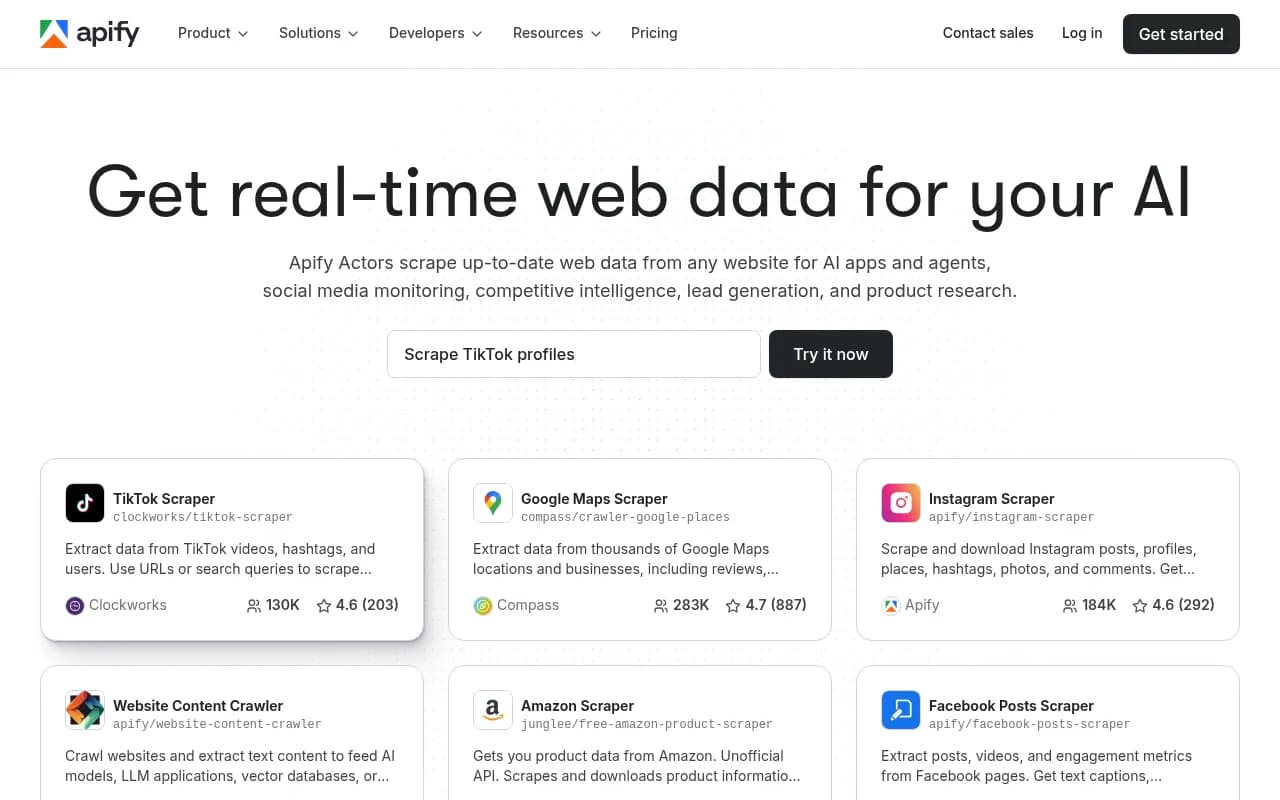
Apify is a cloud platform and marketplace. You pick an Actor (a containerized scraper), configure it in a UI or via API, run it and get a dataset. It also maintains Crawlee, an open-source JS and Python crawling library.
The numbers are messy
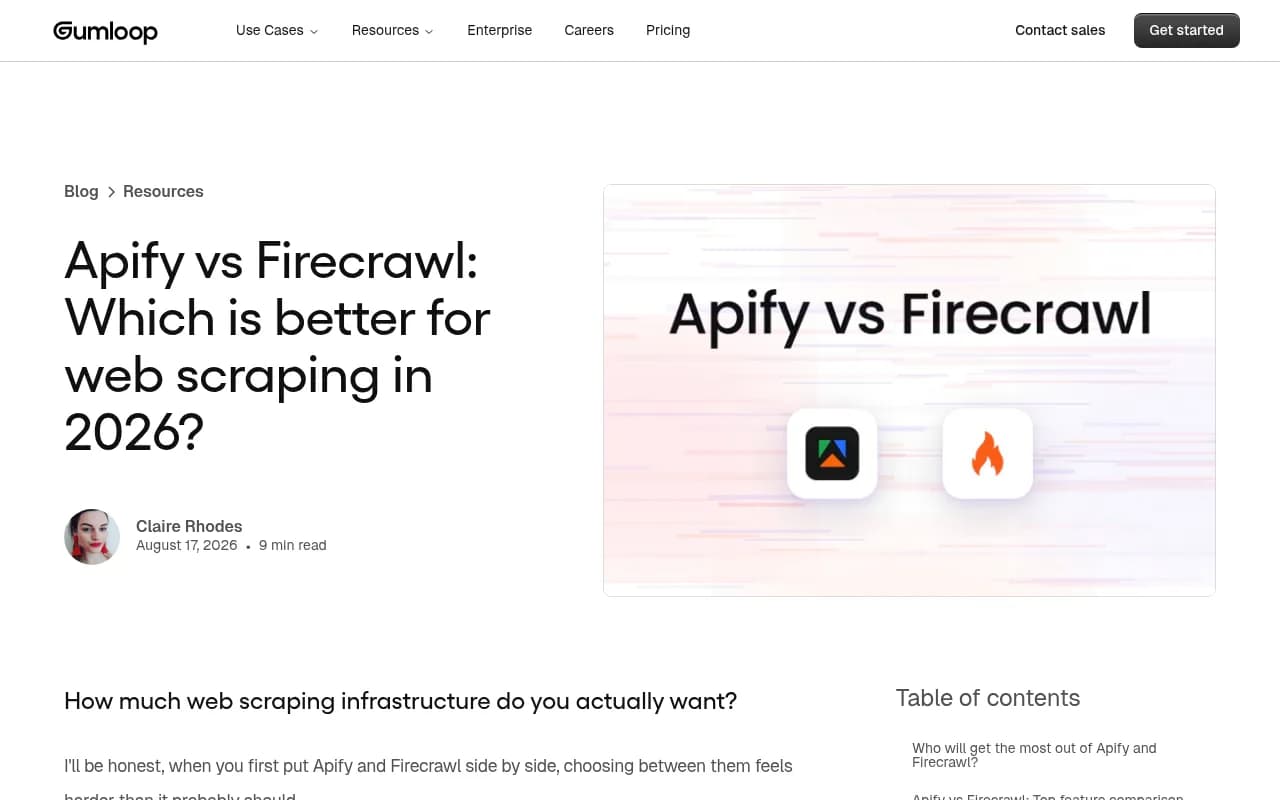
The Actor count depends on who you ask and when. Apify's current pricing page says 95,000+ pre-built tools. A Firecrawl article says 26,000+ Actors, one 2026 evaluation counts about 52,800, and DataImpulse says 10,000+. I'd go with the current Apify page and assume the older figures are stale or count different things. The practical point holds either way: there is probably an Actor for your target.
The top Actors by users are very SEO-adjacent: Google Maps Scraper (518K total users in one analysis), Instagram, TikTok, LinkedIn Jobs and a leads finder. That tells you who actually uses it. Marketers and agency operators, not backend engineers.
Pricing and the catch
| Plan | Price | Prepaid usage | Compute unit rate |
|---|---|---|---|
| Free | $0 | $5/month | $0.20 |
| Starter | $19/month + usage | $19 | $0.20 |
| Scale | $199/month + usage | $199 | $0.16 |
| Business | $999/month + usage | $999 | $0.13 |
A compute unit is 1 GB of RAM for one hour. On top of that you pay for proxies (residential at $7-8/GB depending on plan) and for Actor-specific fees, since Store Actors charge per event, per usage, or both. One Capterra reviewer in April 2026 called cost estimation for a new Actor run "largely guesswork." I'd agree that's the real friction. Run small tests on the free tier and multiply carefully.
The other risk is maintenance. Most Actors are community-built with no SLA, and their ratings drift as sites change. For a one-off research scrape that's fine. For a weekly reporting feed, check when the Actor was last updated, or pick one Apify maintains itself.
Bright Data: best for hard targets and SERPs at scale
Bright Data is proxy-first infrastructure. Underneath sit 400M+ residential IPs (per its pricing page), a Web Unlocker, a Scraping Browser, a SERP API and a Web Scraper API with prebuilt scrapers for popular domains. Scraper Studio can generate a custom scraper from a plain-English prompt.
Why it matters for SEO
SERP scraping is where most DIY setups die. Google blocks aggressively, results vary by location and device, and CAPTCHAs are constant. Bright Data's SERP API handles that and returns localized results as JSON or HTML, charged only on success. There's a free tier of 5K requests a month with no card, which is plenty to test whether the data quality works for you. The Web Unlocker has a similar 5K free tier.
Third-party benchmark data cited by DataImpulse (Scrapeway, 2024-2025) puts Bright Data around 98% average success rate, with 100% on Google among others. That's a roundup of older benchmarks, not fresh testing, so verify on your own queries.
The downside
Setup is heavier. You configure zones, choose products and deal with separate billing per product. Firecrawl's competitor article claims $499/month minimums on some plans, but that is a rival's framing and I couldn't verify it from Bright Data's rendered pages. Ask for a quote before assuming.
Bright Data also won the Meta v Bright Data case in January 2024, which established that scraping publicly available data while logged out is not a breach of Meta's terms. That's a useful precedent, but it is one case, not a blanket license.
Browse AI: best for non-technical monitoring
Browse AI is no-code. You point a robot at a page, select the data, and it runs on a schedule. When a site's layout changes, it tries to re-identify the elements automatically. There are 250+ prebuilt robots, a REST API, webhooks, and integrations with Google Sheets, Airtable, Zapier and Make.

| Plan | Price | Credits | Domains |
|---|---|---|---|
| Free | $0 | 50/month | 2 |
| Personal | $19/month billed annually | 12,000/year (up to 24,000) | 5 |
| Professional | $69/month billed annually | 60,000 to 360,000/year | 10 |
| Premium (managed) | From $500/month | Custom | Custom |
Credits are the thing to understand. One credit covers one page or 10 rows, whichever is higher, so a list page with 50 products costs 5 credits. Premium sites like Amazon or eBay cost 2 to 10 credits per run. At large volume it gets expensive, which is why DataImpulse says per-page API pricing beats it for hundreds of thousands of pages.
For SEO, it's best for tracking a few dozen competitor pages: pricing tables, title tag changes, new blog posts, stock status. I wouldn't use it for SERP scraping. The sources I found don't cover Browse AI's limits on Google results, so I can't confirm it's viable there.
Which tool for which SEO job
| SEO task | First pick | Why |
|---|---|---|
| Bulk SERP data (rankings, PAA, local) | Bright Data | SERP API with CAPTCHA solving and localized results |
| Competitor content into clean text | Firecrawl | Markdown output, per-page credits |
| Google Maps and local lead data | Apify | Mature Google Maps Actors |
| Social or marketplace data | Apify | Ready Actors for Instagram, TikTok, Amazon |
| Watching 20 competitor pages for changes | Browse AI | No-code, scheduled, Sheets output |
| Protected e-commerce catalogs | Bright Data | Unblocking is bundled |
| Feeding pages to LLMs or agents | Firecrawl | Native markdown and JSON, search plus scrape in one API |
Practical stack suggestions
Solo SEO or small team
Start with Browse AI's free or Personal plan for monitoring, and use Firecrawl's free tier for content extraction. Total cost is close to zero until you hit volume. If you need rankings, use a proper rank tracker rather than scraping Google yourself. Directories like the rank tracking tools directory at ai-rank-tools.com can help you compare options.
Agency
Apify for local and lead data across many clients, Firecrawl for content audits, and Bright Data's SERP API if you build custom reporting. Pipe results into n8n or Make to avoid writing glue code.

In-house data team
Bright Data for the hard sources, Firecrawl for everything else. DataImpulse suggests a similar mix for AI/ML teams: Firecrawl for clean ingestion, Apify for breadth, Bright Data for the handful of hardest targets.
Legal and ethical checks
I'm not a lawyer, so treat this as a checklist, not advice.
- Read robots.txt and the site's terms before scraping. Logged-in or contract-bound access carries more risk than public pages.
- Publisher contracts are where the real exposure sits. DataImpulse notes Reddit sued Anthropic (June 2025) and Perplexity (October 2025) over unlicensed scraping.
- Don't scrape personal data you have no basis to process. GDPR applies to leads data.
- Rate limit yourself. Hammering a small site is rude and gets you blocked.
- Prefer official APIs when they exist. Google Search Console data about your own site is better than scraped SERPs.
Scraping and AI search visibility
There's a second angle worth a mention. Scraping tools pull from sites, but AI systems do the same to yours. If you want to know which AI crawlers are hitting your pages, Promptwatch logs IP-verified AI crawler requests and tracks how brands show up in ChatGPT and other answer engines. Promptwatch Data's AI crawler traffic report breaks down weekly verified requests from OpenAI, Anthropic, Google, Perplexity and Mistral for June 8 to September 6, 2026.

For a wider view of the category, the GEO software directory at bestgeosoftware.com lists tools built for this kind of monitoring.
Mistakes to avoid
- Picking by feature list instead of by target site. Test each tool on your three hardest URLs first.
- Ignoring credit math. Apify compute, Firecrawl JSON extraction and Browse AI row-based credits all multiply faster than expected.
- Scraping Google SERPs with a general scraper and expecting stable results. Use a SERP-specific API.
- Trusting vendor comparisons. Nearly every source here is written by one of the vendors. Firecrawl's article favors Firecrawl, Bright Data's favors Bright Data, and so on.
- Building a pipeline on a community Actor with no recent updates.
Verdict
If I had to pick one for a typical SEO team in 2026, I'd start with Firecrawl for content and Apify for everything it can't do, then add Bright Data only when blocks become the bottleneck. Browse AI is the easy answer if nobody on the team writes code. None of these is a clear winner across the board, and the vendor claims about reliability are exactly the kind of thing to test yourself before you commit a budget.
Pricing and limits change often, so confirm everything on the official pricing pages before you buy.