Key takeaways
- A thin brief makes a model fall back on the statistical center of its training data. Specifics, exclusions, and your own source material are what pull a draft away from generic.
- Every brief should force six things: an insight, a Not This / This list, source material, reader objections, voice constraints, and a self-critique step.
- For AI search visibility, the brief should name the prompt intent and the content type to match. Each intent rewards a different mix.
- Build a banned-phrases list from your own model's tics, then paste it into every brief.
- Delegate the writing, not the thinking. Strategy, internal context, and brand instinct stay with you.
Why most AI briefs produce bad drafts
The classic bad brief is "Write a 1,500-word blog post about content marketing trends." You will get a perfectly competent, perfectly forgettable article. Chief Content Marketer's framework for AI content briefs explains why: when you give a model almost nothing, it falls back on the statistical center of its training data. Consensus views, the same three examples (Netflix, Nike, Apple), the same tidy opening paragraph.
The adoption numbers explain why this is so common. The same article cites Content Marketing Institute 2025 B2B research: 81% of B2B marketers use generative AI, but only 19% say it is integrated into daily workflows, and 54% describe their approach as ad hoc. Ad hoc means people type a topic into a box and hope.
A brief is the cheapest place to fix that. Fixing a draft after the fact takes an hour of editing. Fixing the brief takes ten minutes and saves the hour.
What a brief for AI is different from a brief for a human writer
A human freelancer fills gaps with judgment, past conversations, and a quick Slack message. A model fills gaps with the average of the internet. So an AI brief has to be more explicit in three places:
- What not to do, because models default to the common pattern.
- What facts to use, because models will invent or generalize them.
- What "good" looks like, because models are trained to agree with you and call everything finished.
The Founderz guide on writing a creative brief with AI puts the split well: delegate the writing, keep the thinking. Their workflow is an intake questionnaire, then a clear prompt, then a human review before the brief goes anywhere. A good brief always includes objectives, measurable KPIs, a key message, tone, and constraints, even when AI drafts it.
The six-part framework
Chief Content Marketer's version says any template works if it forces six things: insight, exclusions, source material, objections, voice constraints, and a self-critique step. I have tweaked the wording below, but the skeleton is theirs, and it holds up.
1. Insight before topic
A keyword tells you what to write about. An insight is an arguable claim the article proves. Complete this sentence: "After reading this article, the reader will believe that ___."
Two tests make this honest. If a competitor could publish the same claim without anyone noticing, it is not an insight yet. And if you read it to a colleague and they say "Yeah, obviously," it fails. "Huh, I never thought of it that way" is a pass.
Example. Weak: "Content briefs are important." Better: "Most bad AI drafts are brief failures, not model failures, and a ten-minute brief beats an hour of editing."
2. A Not This / This section
This is the part most people skip, and it does the most work. Models are trained to be agreeable, so they drift to consensus. Blocking the common patterns forces more specific output.
The Not This list covers:
- openings to avoid ("In today's fast-paced digital world...")
- overused statistics
- angles your competitors already cover
- overused frameworks
- the examples every model reaches for
The This list covers the lead insight, exact data sources, the reader's pain point, and one specific closing action.
3. Source material
Without your research, the model works from generic training data. Paste in interview notes, internal numbers, support tickets, a competitor teardown, or a quote from a customer call. Tools like NotebookLM are handy here because you can load a pile of documents and ask for the usable facts with citations back to the source.
Rule of thumb: if the brief contains no fact the model could not have guessed, the draft will contain none either.
4. Reader objections
List the two or three things a skeptical reader would say out loud. "We already tried this." "This sounds expensive." "Our team has no time." Tell the model the draft must answer each one, in the body, with evidence. This single section is what separates an article that persuades from one that merely informs.
5. Voice constraints
"Professional but friendly" is useless. Give sentence-length guidance, point of view (first person or not), words you use, and words you never use. A voice profile built from your best published work is better still.
Karen Spinner's four-step process for AI drafts that sound more human has a clever first step. Generate about ten drafts on topics you normally cover with no style instructions, then find every word and phrase that shows up more than twice. Those are your model's tics. Put them in the brief as a banned-phrases list. She also describes building a voice-checking Skill to score drafts, and is upfront that it does not remove the need for a human edit.
6. A self-critique step
End the brief with an instruction to critique before delivering. For example: "Before you give me the draft, list the three weakest claims, any sentence a competitor could have written, and any statistic you could not source from the material above. Then fix them." Models are poor at spotting their own blandness unprompted, but decent when told exactly what to look for.
Match the brief to the prompt intent (for AI search visibility)
If the article exists to get cited in ChatGPT and other AI answers, the brief needs two more fields: the prompt intent and the target content type. Promptwatch Data's report on which content types ChatGPT cites the most (Sep 28 to Oct 4, 2026) shows that each intent rewards a different mix:
| Prompt intent | Top cited types | Share |
|---|---|---|
| Commercial | Product pages, landing pages, listicles, comparisons | 26.0%, 20.6%, 15.0%, 7.9% |
| Informational | Product pages, landing pages, listicles, how-tos, docs | 19.1%, 13.9%, 13.6%, 10.7%, 8.5% |
| Branded | Product pages, landing pages, reviews, FAQ | 23.3%, 22.8%, 5.6%, 4.8% |
Across all classified citations, product pages lead at 22.4%, followed by landing pages at 16.8% and listicles at 13.6%. So a brief for a "best X for Y" prompt should ask for a comparison-friendly structure, and a brief for a branded query should lean toward a clear landing or FAQ format.
Shelf life matters too. Promptwatch's content half-life data found news pages lose half their citations within roughly five weeks, while landing pages and docs keep most of theirs for months. If you are briefing evergreen content, say so, and plan a refresh date in the brief.
To find the prompts worth briefing in the first place, an AI visibility platform helps. Promptwatch shows prompt volumes, difficulty, and the query fan-outs AI runs per response, which makes a good source for the "target prompts" field below.

The templates
Copy these. Replace the brackets. Keep the structure.
Template 1: Blog post or guide
ROLE: You are a [specific role, e.g. senior B2B SaaS content writer].

GOAL: One article that [business objective] for [audience].

INSIGHT: After reading this, the reader will believe that [arguable claim].

TARGET PROMPT / KEYWORD: [prompt or keyword]
INTENT: [commercial / informational / branded]
CONTENT TYPE: [how-to / listicle / comparison / landing page]

READER: [job title, situation, what they already know]
PAIN POINT: [one sentence, in the reader's words]

NOT THIS:
- Openings: [list]
- Stats to avoid: [list]
- Angles already covered by [competitors]: [list]
- Default examples to skip: [list]
- Banned phrases: [from your own tic analysis]

THIS:
- Lead with the insight above
- Use ONLY these sources: [pasted material]
- Include our original data point: [data]
- Close with one action: [specific action]

OBJECTIONS TO ANSWER:
1. [objection]
2. [objection]
3. [objection]

VOICE: [POV, sentence rhythm, vocabulary, a pasted 200-word sample]

STRUCTURE: [H2 outline, word count per section]

SELF-CRITIQUE: Before delivering, list the 3 weakest claims, any sentence a competitor could have written, and any fact not found in the sources. Fix them, then output the draft.
Template 2: Refresh of an existing page
EXISTING URL: [url]
WHY IT'S UNDERPERFORMING: [dropped rankings / not cited / outdated stats]
KEEP: [sections, claims, and wording that work]
CHANGE: [outdated sections, missing questions, weak examples]
NEW SOURCE MATERIAL: [pasted]
OUTPUT: Show changes as a diff-style list, not a full rewrite.
Template 3: Short intake questionnaire
Use this before the brief itself, as the Founderz workflow suggests. Answer these in plain sentences and paste them into the prompt:
- What should the reader do or believe afterward?
- Who is the reader, and what did they search for?
- What do we know that nobody else has said?
- What would a skeptic say?
- What is off limits (claims, competitors, legal)?
- How will we measure success?
Tools that help you build and scale briefs
You can do all of this in a doc and a chat window. Dedicated tools save time once you are producing more than a few pieces a month.
| Tool | What it does for briefs | Good fit for |
|---|---|---|
| Content Harmony | Builds SERP-based briefs from research | SEO teams and agencies |
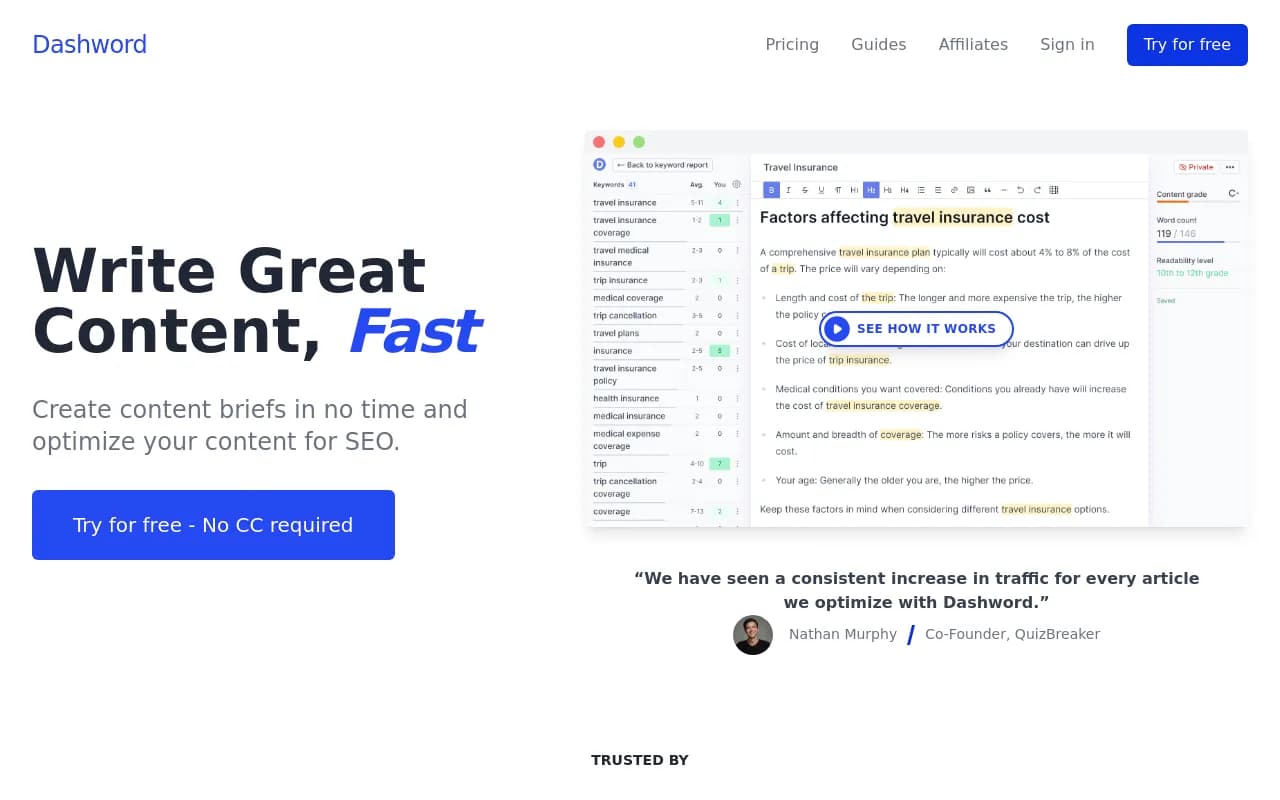
| Dashword | Creates briefs and content scores | Small content teams |
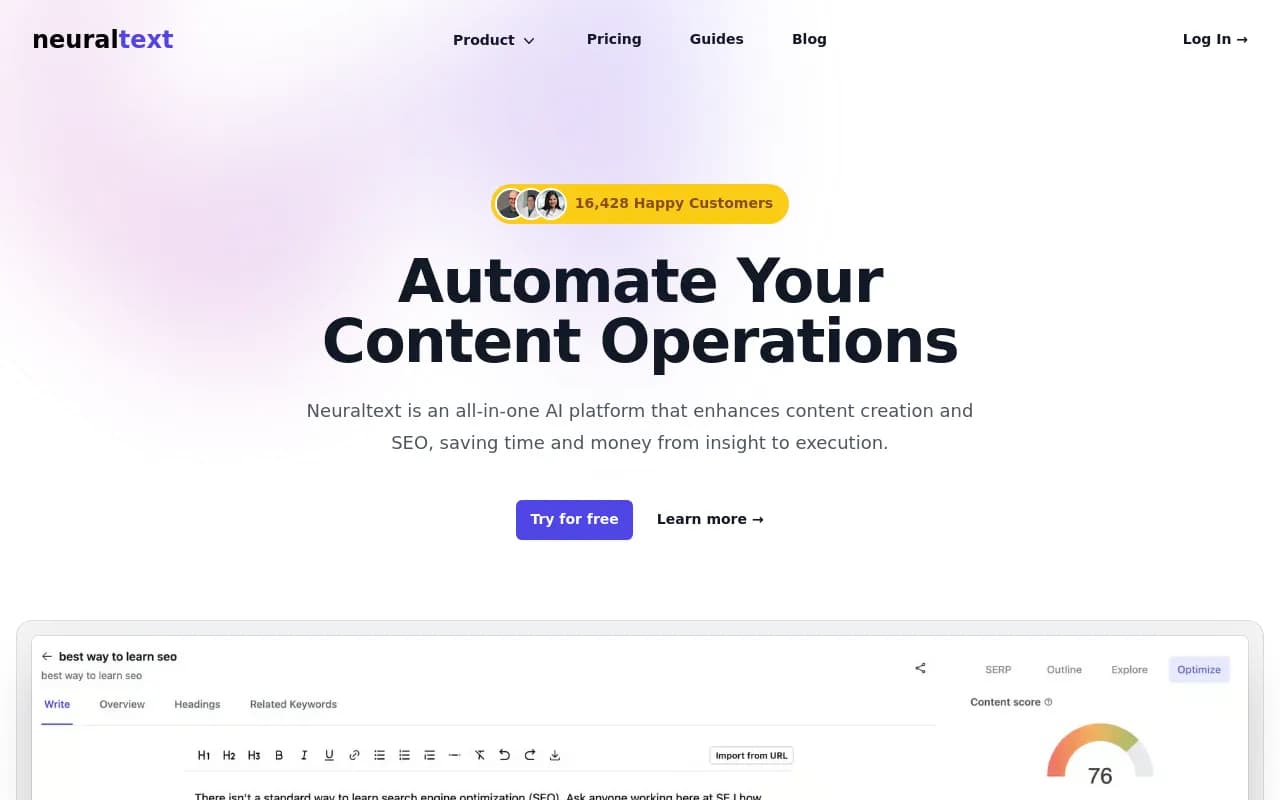
| NeuralText | Keyword clustering and briefs | Solo writers |
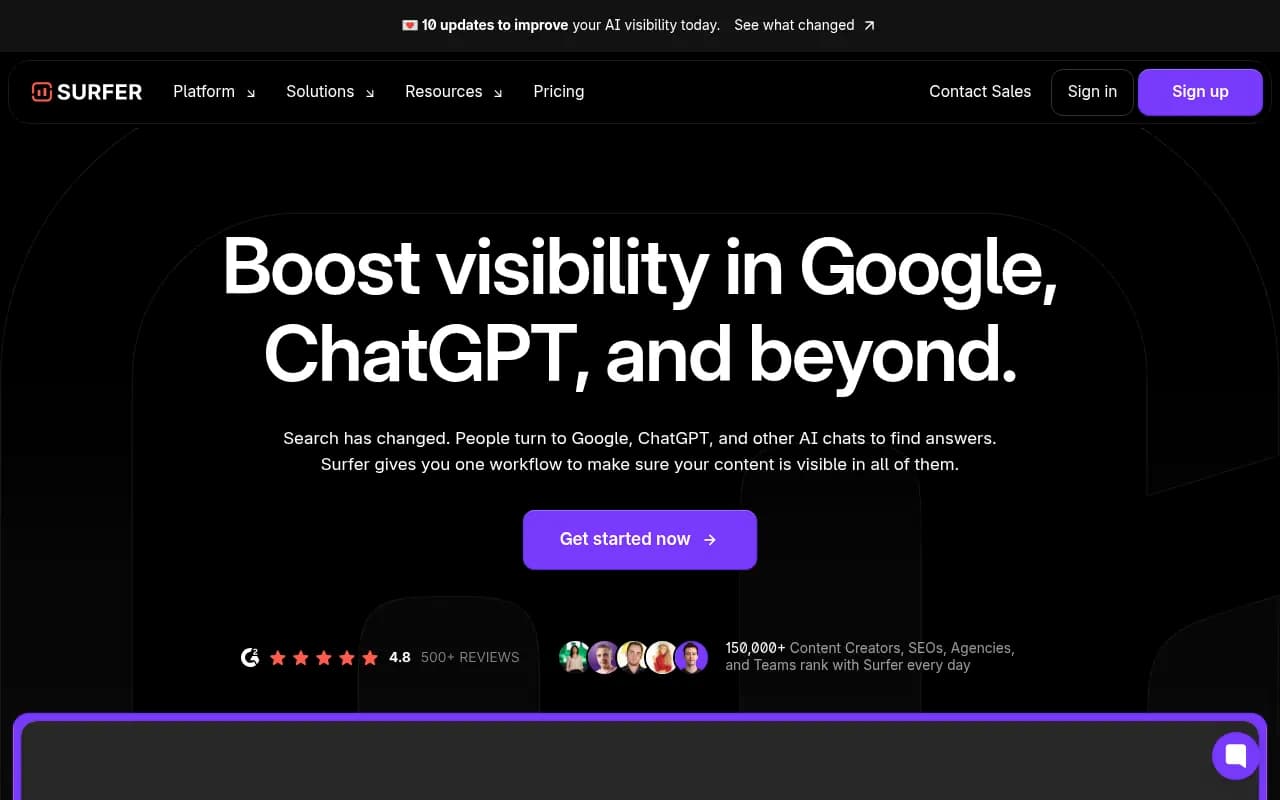
| Surfer SEO | Term and structure guidance for drafts | On-page optimization |
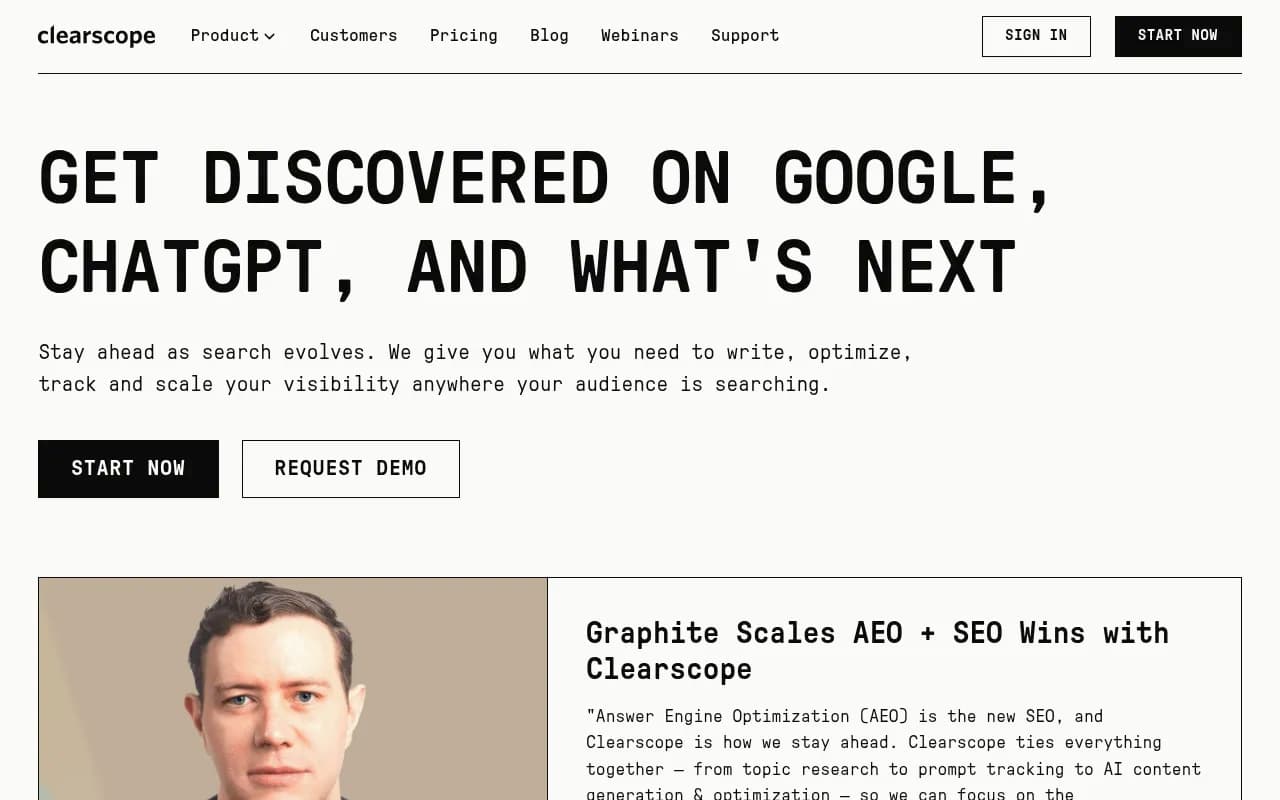
| Clearscope | Content grading and brief inputs | Larger editorial teams |
| MarketMuse | Planning and topic modeling | Enterprise content programs |
| Jasper | Brand voice and content pipelines | Marketing teams with brand rules |
I have not compared their pricing here, so check each vendor before you commit. A few notes on how they fit the framework above.
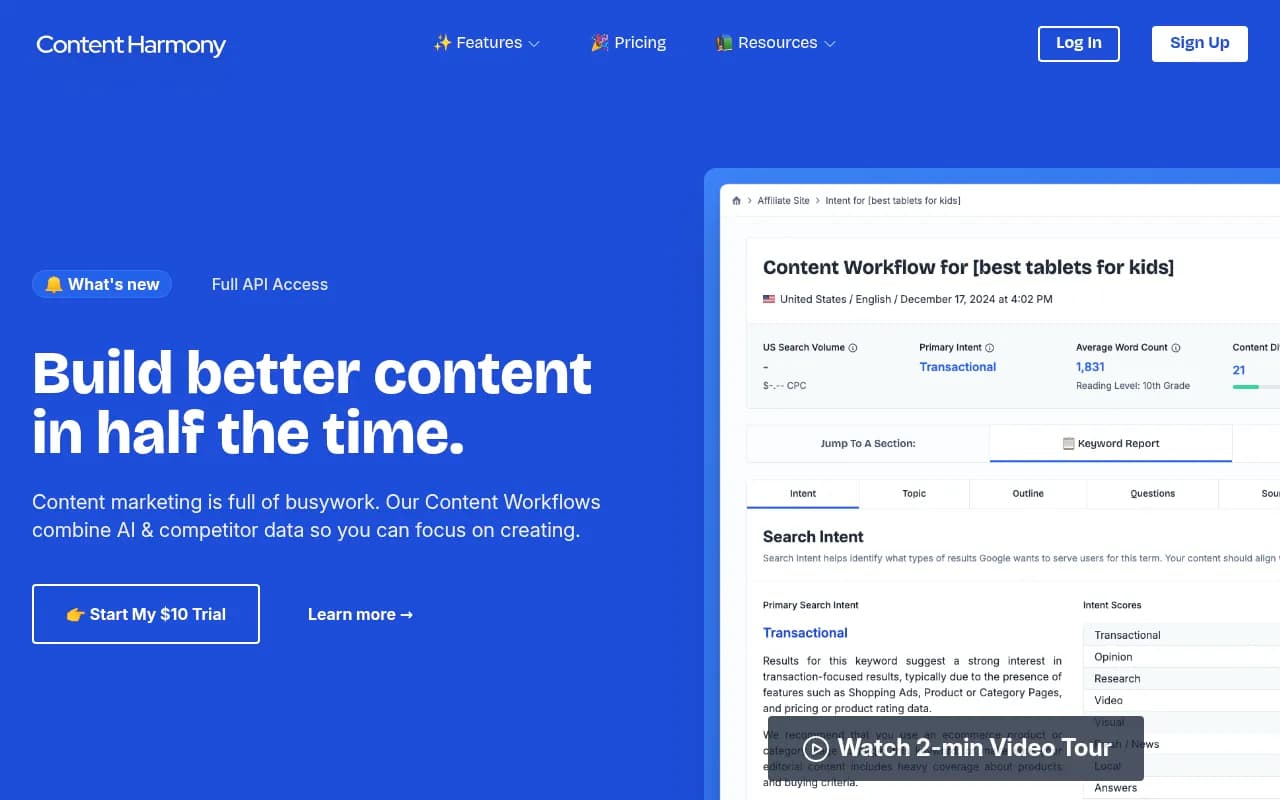
Content Harmony turns the research hour into minutes, which covers the SERP side of your brief. It will not supply the insight or the exclusions.
Dashword and NeuralText do similar work at a lighter weight.
Surfer SEO and Clearscope are better thought of as the grading layer after the draft: do the headings and terms cover what top results cover?
MarketMuse suits teams planning a whole topic cluster rather than one article.
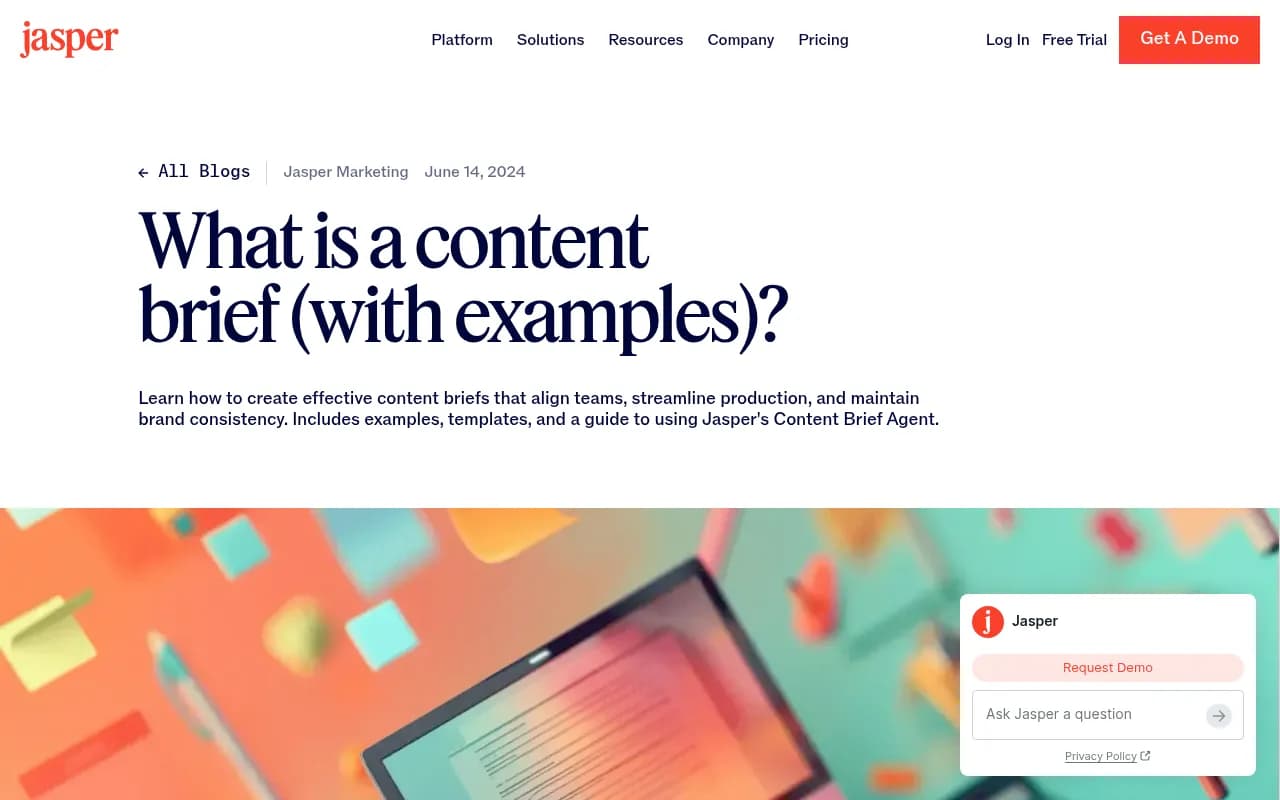
Jasper's own post on what a content brief is makes a sensible point about templates: standardized ones make it easier to scale production while keeping quality consistent. Jasper can store that structure alongside brand voice.
For drafting the brief itself, Claude and ChatGPT both work. Simple.io's advice is worth stealing: start from your template, not a blank prompt. Hand the model your organisation's required sections and fields and ask it to fill them in from your notes.
If you want to automate the intake step, with a form feeding a brief that lands in your content calendar, Zapier or n8n can connect the pieces, and Airtable works as the brief database.


If you are browsing wider options for AI-search-focused content tools, the GEO software directory at bestgeosoftware.com is a decent place to start.
A workflow that works in practice
Here is the sequence I would run for a new article.
- Pick the target prompt and confirm its intent. Check which content type tends to get cited for it.
- Fill in the intake questions in plain language. Five minutes.
- Write the insight sentence. If a colleague says "obviously," rewrite it.
- Collect source material: your data, quotes, internal docs. Paste it in.
- Add Not This / This, objections, and voice constraints, including your banned-phrases list.
- Run the brief with the self-critique step built in.
- Review the draft against the brief, not against your gut. Which constraints did it miss? Update the brief, not just the draft.
Step 7 is the habit that compounds. Each miss becomes a new line in the template, and after a few rounds your first drafts start arriving close to publishable.
Common mistakes
Treating the brief as a topic line
A topic is not a brief. If it fits in a tweet, it is too thin.
Letting the model invent the facts
If you do not supply sources, you will be fact-checking everything. Say "use only the material above, and flag anything you cannot support."
Copying a voice description instead of a voice sample
Adjectives do little. A pasted paragraph of your best writing does more.
Skipping the human review
Even the people building voice-checking automations say it does not replace editing. A brief improves the odds. It does not remove the need for an editor.
Never updating the template
A template that never changes is a template that is not learning from your drafts.
Bottom line
Better first drafts come from better inputs, and the inputs are mostly things only you have: an arguable point, real source material, a list of what to avoid, and a sample of how you sound. Start with the Template 1 block above, run it on one real article this week, and write down every way the draft misses. Those misses are your next brief.