Key takeaways
- A working AI content workflow is a production line with narrow stages, not one giant prompt. Each stage has an input, a job, and an output the next stage can trust.
- The brief is the highest-leverage step. Most bad AI drafts are brief problems, not model problems.
- Match review intensity to risk. A social caption and a medical claim should not go through the same gate.
- Publishing is not the finish line. Refresh timing should follow content type: news decays in weeks, landing pages and docs last months.
- Close the loop. If post-publish findings never change a brief, prompt or review rule, you are logging performance, not improving it.
Why most AI content workflows fail
I see the same pattern again and again. A team buys a writing tool, asks it for a full article in one pass, and gets 1,800 confident words. Then an editor spends two hours fixing structure, checking claims and stripping filler. The draft felt fast. The whole process wasn't.
The problem is usually the workflow, not the model. One source in the research pool, the AI Buzz publishing guide, cites a 2026 benchmark across 37 models with hallucination rates between 15% and 52%. I'd treat that as one vendor-style data point rather than gospel, but the direction matches experience: unverified AI claims are a real risk, and a fact-check gate is cheap insurance.
Another point from the same research is worth keeping. A single-pass full article tends to lose coherence. HubSpot community guidance, as summarized by Prompt Builder, recommends breaking the job into discrete sequential steps. Research notes, outline, section drafts, metadata, revision. AI does structured sub-tasks better than oversized creative assignments.
Here is the seven-step version I'd actually run.
| Step | Job | Main owner | Output |
|---|---|---|---|
| 1. Brief | Define audience, intent, sources, format | Human strategist | Approved brief |
| 2. Research | Gather facts, SERP and AI answer context | Human plus AI | Source pack |
| 3. Outline and draft | Build structure, then sections | AI, human-steered | First draft |
| 4. Fact-check | Verify every claim and number | Human | Verified draft |
| 5. Edit | Voice, logic, cuts, brand fit | Human editor | Edited draft |
| 6. Optimize and publish | Metadata, links, CMS, schedule | Human plus automation | Live page |
| 7. Measure and refresh | Track results, feed changes back | Whole team | Updated briefs and refreshes |
Step 1: Write the brief before anything else
The strategic brief is the gate that prevents downstream errors. The AI Buzz guide calls it the most important stage, and I agree. If you skip it, you pay for it in every later step.
A brief that works has these components:
- Target audience and what they already know, which sets vocabulary and depth
- Primary and secondary keywords or prompts you want to cover
- Required sources: the statistics, references and authority links the piece must use
- Content type and format: sections, length, heading hierarchy, tables, internal link targets
- Search intent and the job the page needs to do for the business
- Exclusions: claims you won't make, competitors you won't name, tone rules
The required-sources line matters most. A model handed specific sources is far less likely to invent data that contradicts them.
One extra habit: map each piece to a prompt intent. Promptwatch Data's ChatGPT citation share by content type report (Sep 28 to Oct 4, 2026) shows why. For commercial prompts like "best CRM for small businesses," product pages (26.0%), landing pages (20.6%), listicles (15.0%) and comparisons (7.9%) made up almost 70% of citations. For informational prompts, how-tos (10.7%), docs (8.5%) and articles (7.7%) all earned more than they do across all prompts. So the format in your brief should follow the intent you are targeting, not whatever you feel like writing.
Tools that help with briefs:
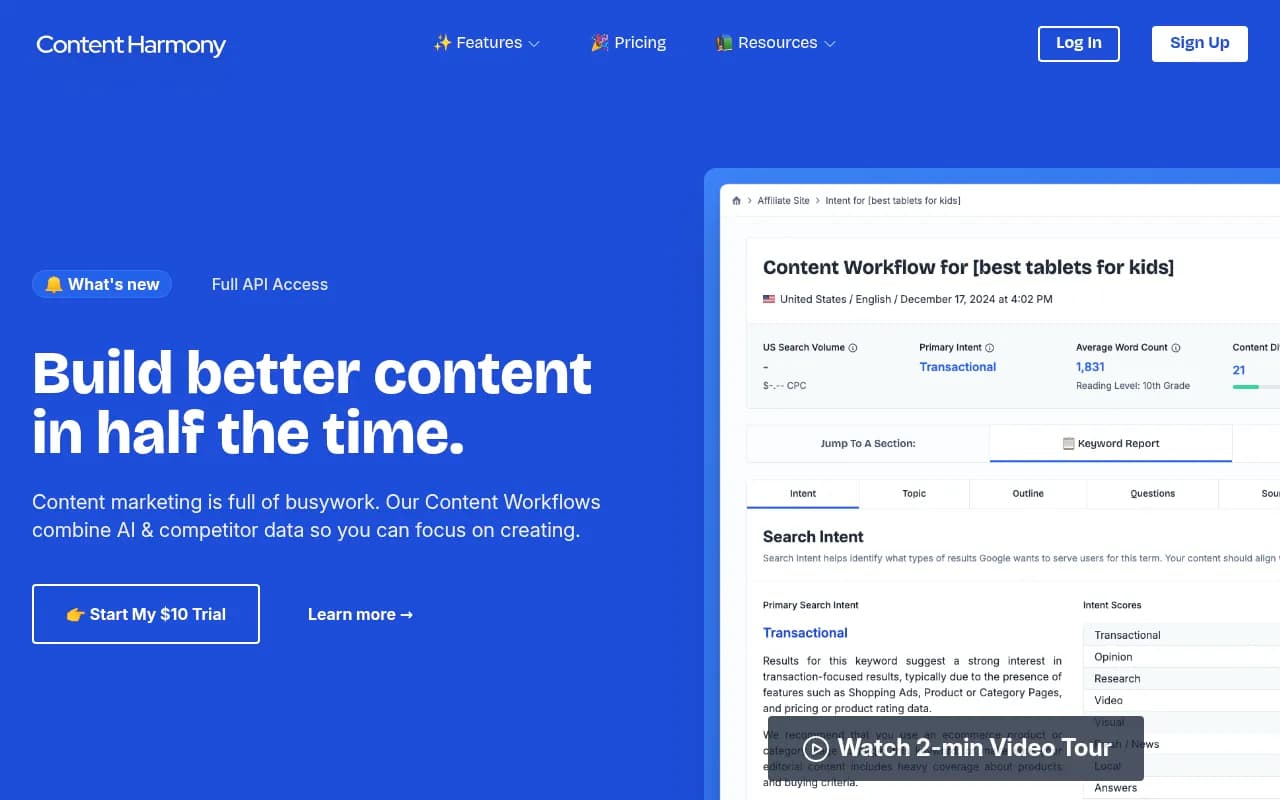
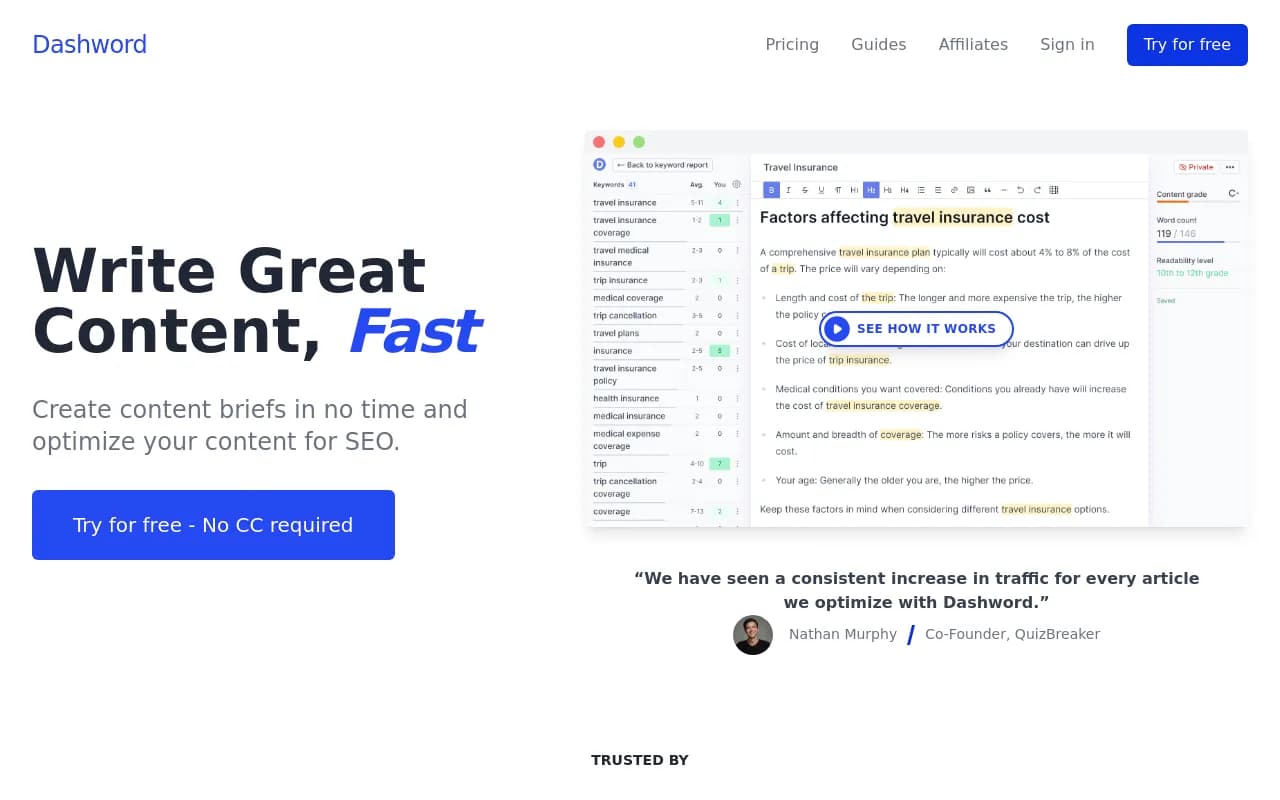

Content Harmony and Dashword build briefs from SERP research. NeuralText adds keyword clustering. If you want to see which prompts and gaps your brief should address in AI search specifically, Promptwatch pulls prompt volumes, difficulty and content gaps into the planning stage.

Classify risk now, not later
Decide the review tier while writing the brief. The AI Buzz guide uses four tiers, and I think the idea is sound even if you rename them.
| Risk tier | Example content | Review gates | Typical turnaround |
|---|---|---|---|
| Low | Social captions, event notices, product descriptions with verified specs | Brief check, one editorial pass, formatting check | Same day |
| Medium | Blog posts, how-tos, case studies, newsletters with industry data | Fact-check, editorial, SEO review, final QA | 2 to 3 business days |
| High | Whitepapers, regulatory content, competitor comparisons, financial content | Medium gates plus subject matter expert and compliance review | 5 to 7 business days |
| Critical | Medical or legal claims, crisis comms, executive statements | High gates plus legal sign-off and executive approval | 7 to 14 business days |
Most marketing teams live in the medium tier. The mistake is treating everything as low.
Step 2: Research and assemble a source pack
Before the model writes anything, gather what it should write from. Search intent, what already ranks, the questions people ask, and the unique angle you can add. That is the research list from the Anangsha workflow, and it is still the right one.
Build a source pack: 5 to 10 URLs, any first-party data, product facts, and quotes from subject matter experts. Paste these into the drafting step. This is your main hallucination defense.
Useful tools here:
NotebookLM is good at grounding answers in documents you upload, which makes it a decent research assistant for a source pack. Semrush covers keyword and SERP research.
For AI search, check what the engines actually cite. A good habit is to look at which content types win for your topic. In the same Promptwatch Data report, product pages were the most cited ChatGPT content type at 22.4%, with landing pages at 16.8% and listicles at 13.6%. Editorial formats combined made up 43%. If your competitors are winning with listicles and you plan a news post, you are walking into the wrong fight.
Step 3: Outline first, then draft in sections
Do not ask for the full article in one go. Generate an outline, edit it yourself, then draft section by section using the source pack.
The outline-first approach saves the most time in practice. Fixing a heading structure takes ten seconds. Fixing a finished 2,000-word draft built on the wrong structure takes an hour.
A simple prompt pattern:
Role: senior editor for [brand], writing for [audience].
Task: draft section 3 only, "[heading]".
Use only the facts in the source pack below. If a needed fact is missing, write [NEEDS SOURCE] instead of guessing.
Tone: direct, specific, no filler. Max 250 words.
Source pack: ...
That [NEEDS SOURCE] instruction is worth stealing. It turns a silent hallucination into a visible flag your editor can find.
Tool options for drafting differ in how much they do for you:
| Tool | Strength | Good fit |
|---|---|---|
| Claude | Long-context drafting and revision | Section-by-section drafts with a big source pack |
| Jasper | Brand voice and marketing templates | Teams with many writers |
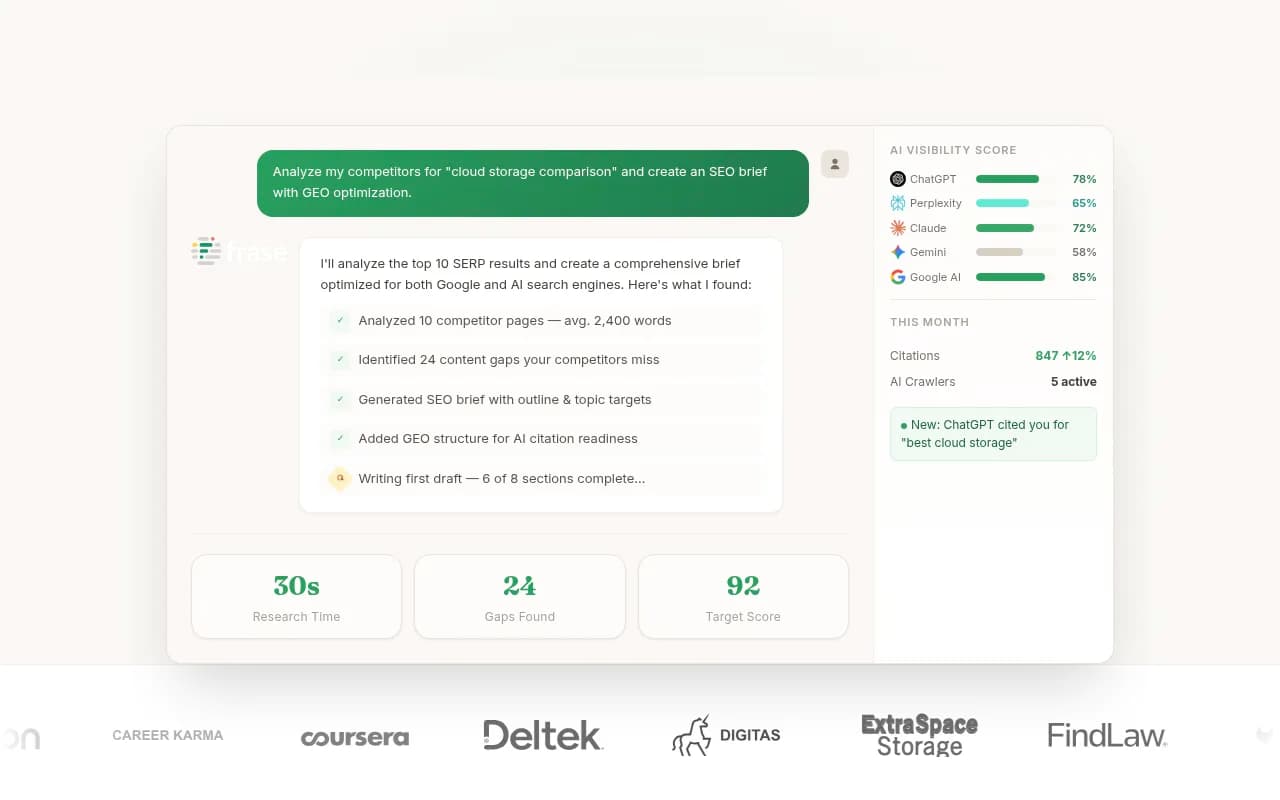
| Frase | Research, brief and draft in one place | SEO and GEO focused content |
| Byword | Automated research, write and publish | High volume, lower-risk content |
| Koala-style outline-first writers | Outline editing before generation | Solo creators |

Pick one drafting tool and standardize it. Teams that juggle five tools usually lose time on handoffs.
If you want the planning, writing and publishing tied to AI visibility data, Promptwatch's Content Agent plans and writes against your visibility gaps and can publish to WordPress, Webflow or Framer, with a review inbox so a human still approves. Its Knowledge Base and Brand Book keep drafts on-brand.
Step 4: Fact-check every claim
This is the step teams skip, and it is the step that protects you. Treat every number, quote, date, product claim and named source as unverified until a human has checked it against the original.
A workable checklist:
- Every statistic has a link to the original source, not a blog that quoted it
- Every [NEEDS SOURCE] flag is resolved or the sentence is cut
- Product specs and prices match the live product page
- Named people and companies exist and said what the draft claims
- Dates and "as of" claims are current
High and critical tier content gets a subject matter expert here. Don't let a model be its own fact-checker. It will happily confirm its own invention.
Step 5: Edit like an editor, not a proofreader
Even good AI drafts have tells: repetitive sentence rhythm, predictable transitions, safe generic phrasing. Fix them by editing for substance.
- Cut the intro by half
- Replace generic claims with specific examples from your own experience or data
- Add a real opinion somewhere
- Check that each section does a job and doesn't just restate the heading
- Read it aloud. If you stumble, a reader will too
Some writers run drafts through a humanizer tool as a polishing layer. I'm skeptical of leaning on those. They can smooth rhythm, but they can't add a point of view or catch a wrong fact. Use them, if at all, before your manual edit, never instead of it.
Tools that help with the editing pass:

Wordtune helps rework clunky sentences. Semrush Writing Assistant scores readability and tone. Neither replaces judgment.
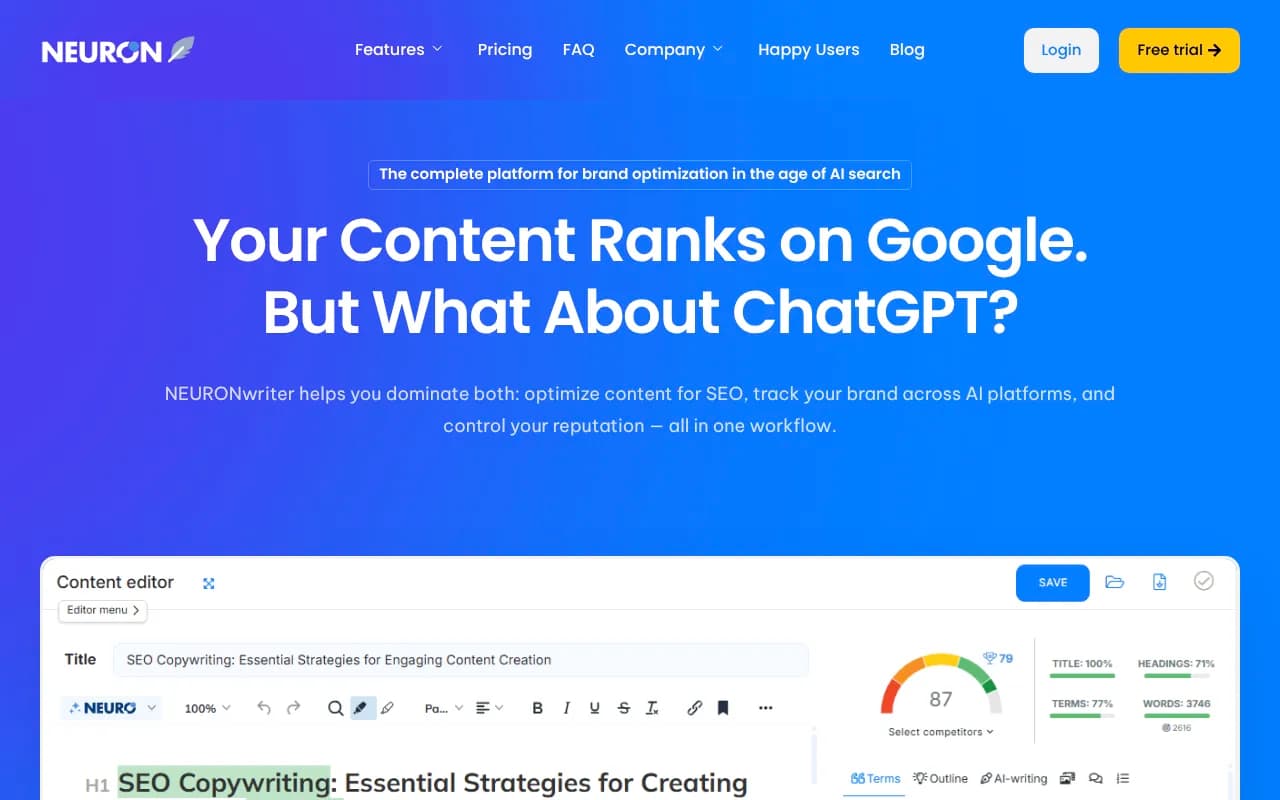
On-page optimization belongs near the end of this step. Content optimizers such as Surfer SEO, Clearscope and NeuronWriter compare your draft to top-ranking pages. Use them to find missing subtopics, not to chase a score.

Step 6: Optimize, publish and automate the handoffs
Publishing is where formatting drifts, metadata goes missing and handoffs break. Automate the boring parts and keep the publish decision human, at least for the first few cycles.
A sensible trigger sequence, adapted from the AI-in-publishing research: brief approved, draft prepared, sources verified, copy edited, publication authorized. Only then schedule. If any condition fails, route the item back to its owner instead of pushing it forward.
Checklist before you hit publish:
- Title, meta description, slug and canonical set
- Internal links to and from related pages added
- Schema and images with alt text in place
- Public, crawlable URL (no accidental noindex, no blocked docs)
- Reviewer sign-off recorded
For the automation glue, workflow tools do the job:


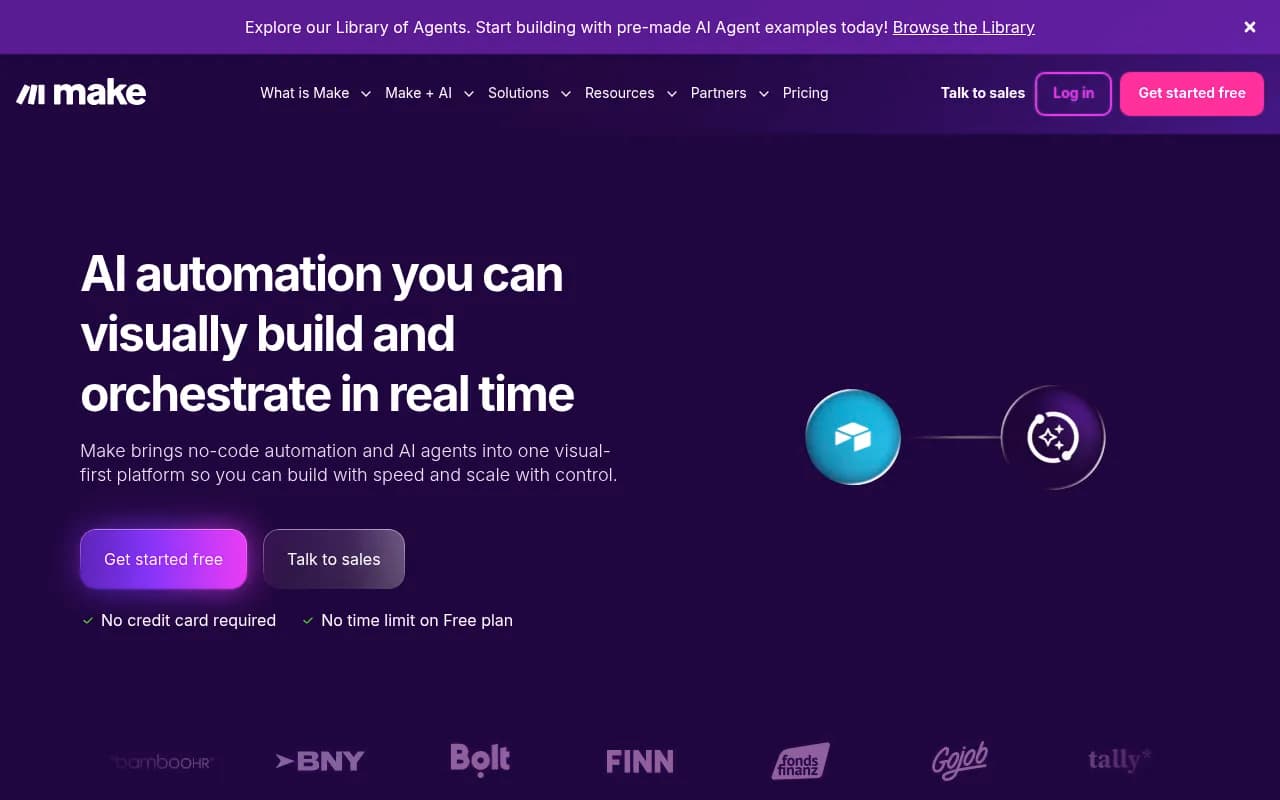
Zapier is the easiest to set up. n8n suits teams that want self-hosting and code flexibility. Make is a strong visual middle ground. Pilot one low-risk article first. Test with incomplete sources and duplicate submissions to confirm the workflow pauses rather than silently publishing the wrong thing.
If you manage planning on a calendar, a tool like [tool:coschedule-marketing-suite] or [tool:airtable] works as the tracker where each piece shows its stage and owner.

Step 7: Measure, refresh and close the loop
This is the step that separates a repeatable system from a pile of articles. Track two things: content performance and workflow health.
Content performance: organic traffic, rankings, AI citations, referral visits from AI platforms, conversions.
Workflow health: time from approved brief to publication, correction requests, rework hours, missed approvals, retry rates on prompts. The Prompt Builder research makes a point I like: a post can perform well while the workflow behind it stays expensive and fragile, because strong editors are quietly compensating for weak briefs.
The rule is simple. Every post-publish review should change something: a brief template, a prompt, a model assignment, a review rule, or a distribution decision. If nothing changes, you are logging, not learning.
Schedule refreshes by content type
Not all content ages at the same rate. Promptwatch Data's content half-life report tracked pages ChatGPT cited on July 6, 2026 for 90 days. Results:
| Content type | Still cited after 30 days | Still cited after 60 days | Refresh guidance |
|---|---|---|---|
| Landing pages | 78% | 69% | Durable, review quarterly |
| Docs | 76% | 67% | Durable, keep public and crawlable |
| Comparisons | 72% | 63% | Durable, update when competitors change |
| Listicles | n/a | 60% | Durable, refresh when rankings shift |
| Product pages, reviews, how-tos | n/a | about 55% | Half-life at 74 to 77 days, refresh at 2 to 2.5 months |
| News | half gone by day 36 | 41% | Treat as a short burst, don't plan refreshes |
The data period is a single tracked cohort, so treat the numbers as directional. Still, the practical takeaway is clear: put product pages, how-tos and reviews on a roughly 60 to 75 day refresh calendar, and stop expecting news to compound.
Tools for the measurement loop
For classic SEO tracking, Semrush, Ahrefs and Search Console cover most needs. For AI search, you need to know whether your published pages are being crawled, cited and clicked.
Promptwatch connects those dots: IP-verified AI crawler logs show whether bots read the page, citation tracking shows where you appear, and visitor analytics show traffic from AI platforms. Underperforming pages come back as items on its Action Board. Several other trackers cover monitoring only, so check what each one does after the report is generated. To compare options, the GEO software directory at bestgeosoftware.com lists a lot of them.
| Need | Option |
|---|---|
| AI visibility plus content execution and crawler logs | Promptwatch |
| Enterprise AI visibility tracking | Profound |
| Lightweight prompt tracking | Otterly.AI, Peec AI |
| SEO suite with AI tracking added | Semrush One, Ahrefs Brand Radar |
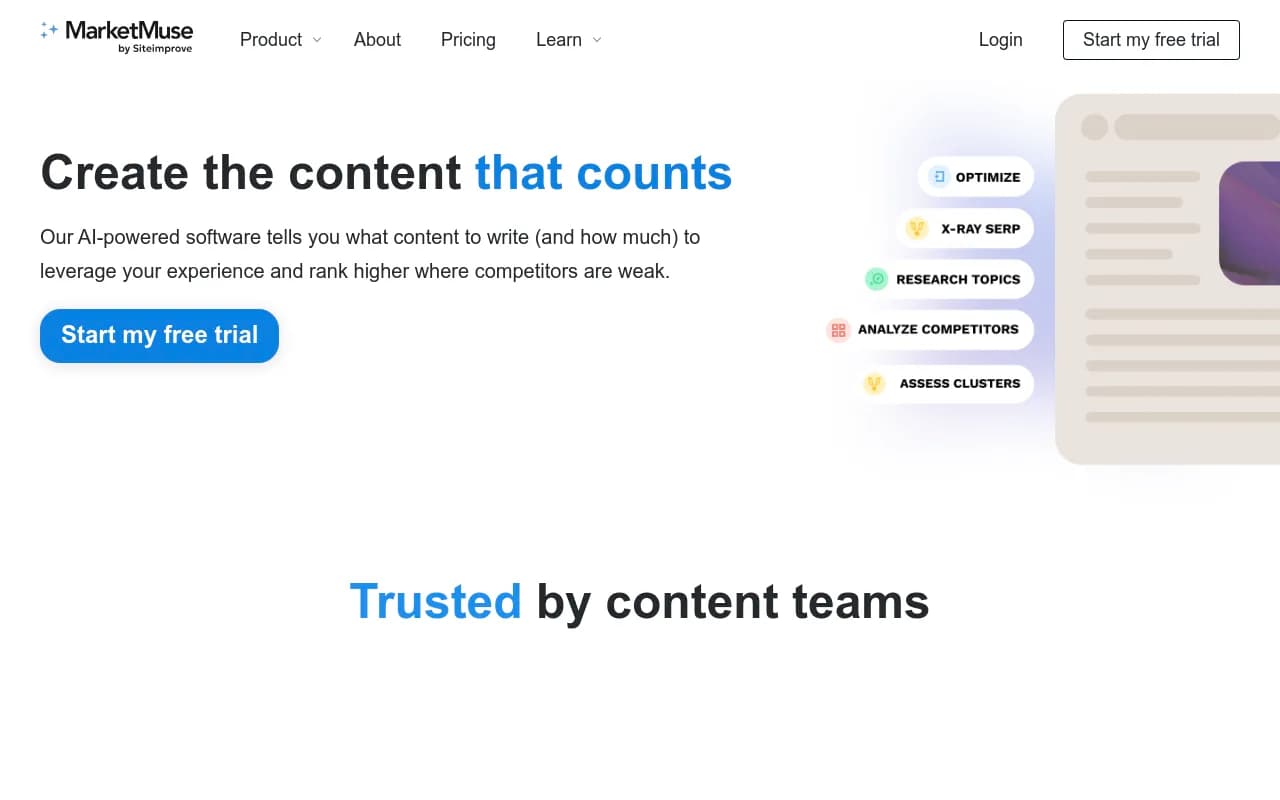
| Content-first with AI scoring | Averi AI, MarketMuse |


A realistic weekly rhythm
For a small team publishing 3 to 5 pieces a week, this is roughly how I'd split the load:
- Monday: approve briefs for the week, assign risk tiers
- Tuesday and Wednesday: research and drafting in sections
- Thursday: fact-check and edit
- Friday: optimize, publish, log workflow metrics
- Monthly: review what changed, update templates, schedule refreshes
The numbers will vary. What shouldn't vary is that each stage has an owner and a gate.
Common mistakes to avoid
- Generating before briefing. You get fluent, vague text.
- Letting one model do everything. Split research, drafting and checking.
- Skipping the fact-check for "low-stakes" posts. Small errors still dent trust.
- Chasing volume. More posts on a weak workflow means more cleanup, not more results.
- Never refreshing. Product pages and how-tos slip out of citations in a couple of months.
- Automating the publish click too early. Keep it manual until the workflow proves it pauses correctly.
Start small
Pick one content type, one tier, and run the seven steps on a single article. Time each stage. The slowest stage is where your workflow is weakest, and that is the one to fix first. For more picks across the category, the directory at surferstack.com is a good place to compare writing, optimization and automation tools side by side.