Key takeaways
- Gather data with real crawlers and search consoles first, then use AI to interpret it. Never ask a chatbot to audit a site it hasn't crawled.
- Work the audit in order: crawl, indexing, on-page, Core Web Vitals, content quality, internal links, backlinks, then AI search readiness. Each step assumes the previous one is clean.
- The new step in 2026 is checking whether ChatGPT, Perplexity, Gemini and Google AI Overviews can reach and cite your pages. Verify crawler access at the CDN and WAF level, not just robots.txt.
- Prioritize findings by impact versus effort. A long list of 400 warnings is useless; a ranked list of 12 fixes is a plan.
- Run a light audit quarterly, and a full one after a migration, redesign, traffic drop or big content push.
What an SEO audit is in 2026
An SEO audit is a structured review that finds the technical, on-page, content and off-page problems holding back your visibility, then turns them into a ranked list of fixes. That part hasn't changed.
What has changed is the scope. AI answer engines now send real traffic and real conversions, so a modern audit also asks whether those systems can read your site and whether they cite you when someone asks a question you should own. Most older checklists skip that entirely.
Here's the part I think people get wrong about "auditing with AI." They paste a URL into a chatbot and accept whatever comes back. That produces confident-sounding fluff. The better pattern is a division of labor: crawlers and consoles collect the facts, and AI helps you cluster, summarize, prioritize and draft fixes from those facts.
Where AI helps in an audit (and where it doesn't)
| Audit task | Best done by | What AI adds |
|---|---|---|
| Finding broken links, redirects, duplicate titles | Crawler | Summarizing patterns across thousands of rows |
| Index coverage and noindex errors | Search Console | Explaining causes, drafting a fix list |
| Core Web Vitals | PageSpeed Insights, CrUX | Translating lab data into dev tickets |
| Content decay and cannibalization | Search Console plus a spreadsheet | Clustering queries, flagging overlap, suggesting merges |
| Internal linking | Crawler | Suggesting anchor text and link targets |
| Backlink quality | Backlink index | Spotting patterns in toxic or irrelevant links |
| AI search readiness | Crawler logs, AI visibility tracker | Testing prompts, spotting why a competitor gets cited |
AI is poor at anything that needs ground truth it can't see: live rankings, real index status, actual server behavior. Give it exported data and it's excellent. Give it a vague request and it makes things up.
Before you start: set up your data
Spend twenty minutes on this and the rest goes faster.
- Connect Google Search Console and Bing Webmaster Tools for the site.
- Export performance data (queries, pages, clicks, impressions) for the last 12 months.
- Have access to server or CDN logs if you can get them. They're the only source of truth for what bots actually request.
- Pick a crawler. Screaming Frog is the long-standing standard for desktop crawling.

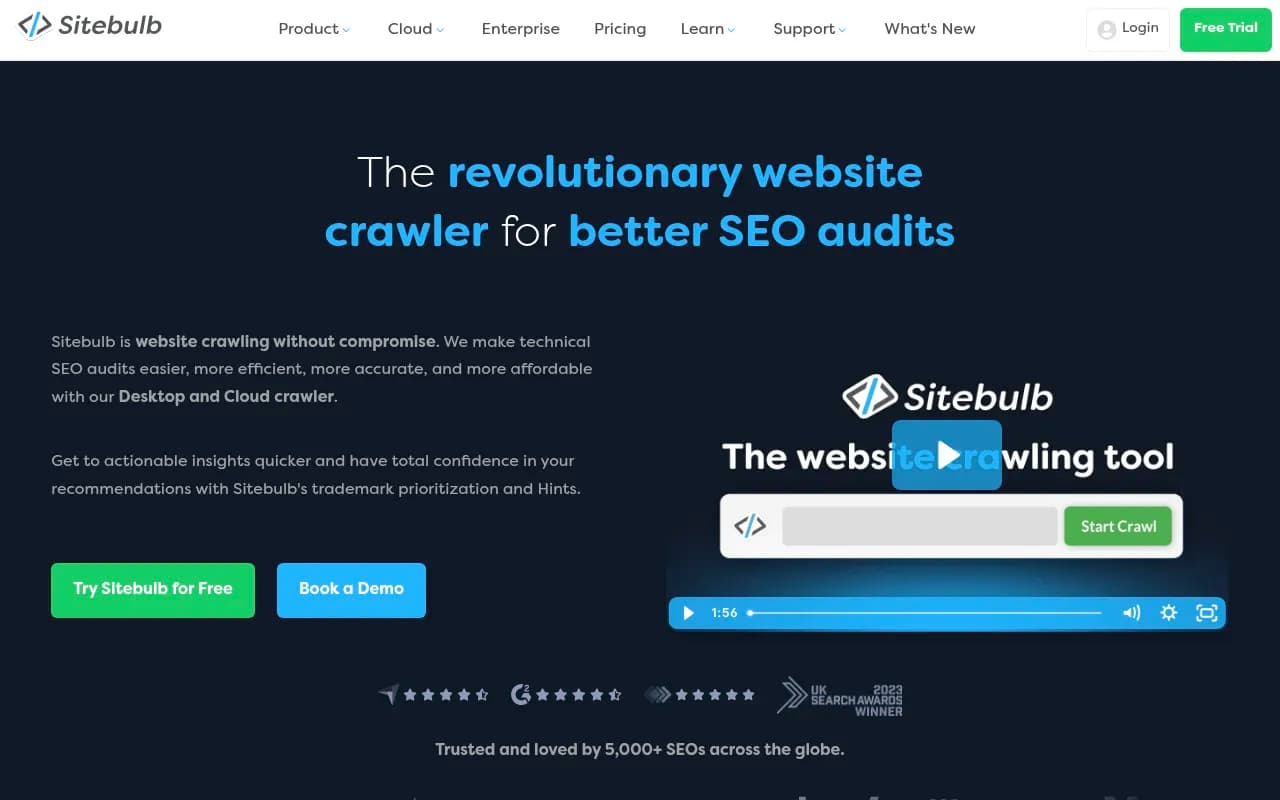
Sitebulb is a good option if you want visual reports and prioritized hints rather than raw tables.
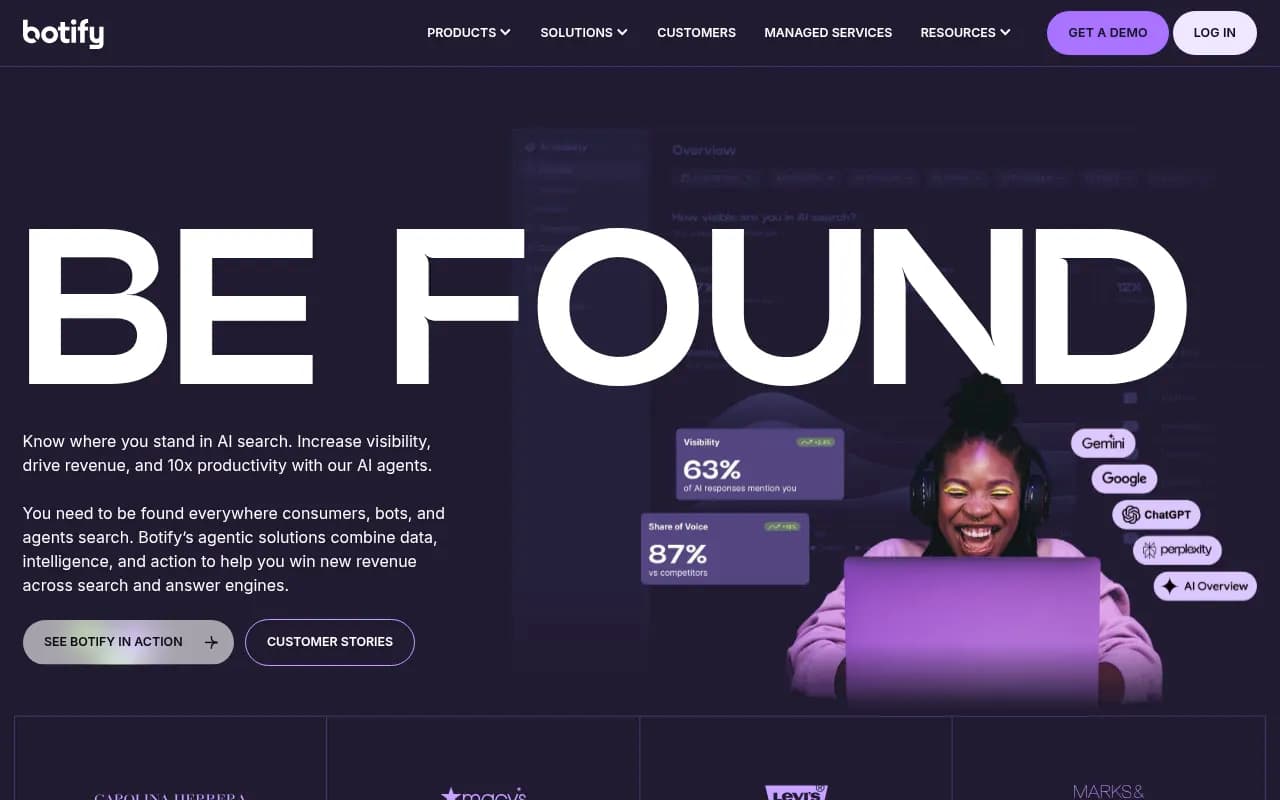
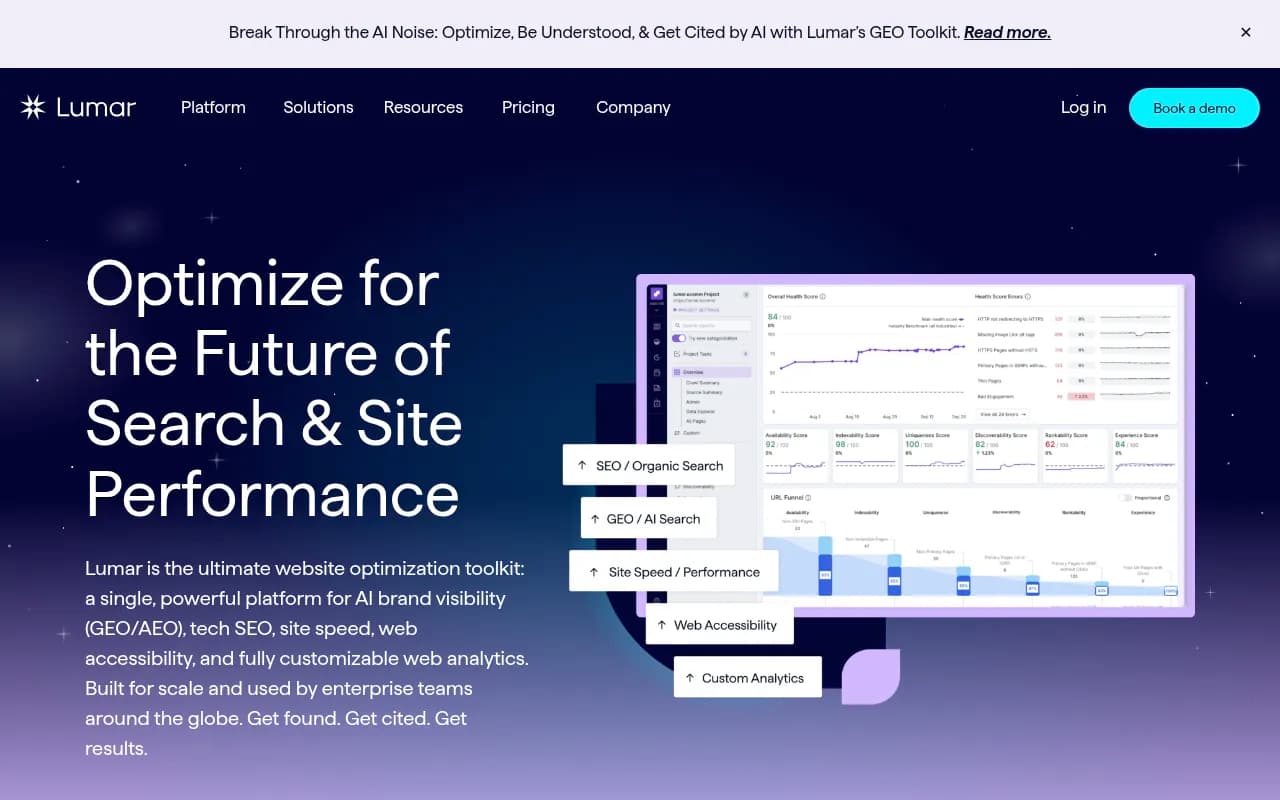
For very large sites, cloud crawlers such as Botify, Lumar, JetOctopus and Oncrawl handle volume and log analysis better than a desktop app.
Step 1: Crawl the site
Run a full crawl and treat it as your map. It surfaces broken links, redirect chains, duplicate titles, missing metadata, error pages and orphaned URLs, and it mirrors roughly how a search engine sees your site.
Settings worth changing from the defaults:
- Crawl with JavaScript rendering on if your site relies on client-side rendering.
- Connect your sitemap and Search Console so the crawler can flag pages that are in one but not the other.
- Respect robots.txt on the first pass, then run a second pass ignoring it to see what you're blocking by accident.
Where AI fits
Export the crawl to CSV and ask an AI assistant like Claude to group issues by template or URL pattern. Fifty thousand rows of "missing meta description" usually collapse into three page templates that need fixing once. That grouping is the real value.
Step 2: Check indexing
There's no point polishing a page Google can't index. Open the Page indexing report in Search Console and sort the exclusions.
Look for:
- Pages marked noindex that should be indexed (migrations are the classic cause)
- "Crawled, currently not indexed" on pages you care about, which usually points to thin or duplicate content
- Canonicals pointing somewhere unexpected
- Sitemaps containing redirected, blocked or 404 URLs
- Soft 404s
Cross-reference the crawl with Search Console. Pages that are crawlable, linked and valuable but not indexed are your highest-priority repairs.
Step 3: Audit on-page elements
Titles, meta descriptions, headings, image alt text, canonicals and structured data. This is where AI is most obviously useful, because it's repetitive pattern work.
- Find duplicate and missing titles, then have AI draft replacements that match the page's actual query data from Search Console.
- Check heading structure: one clear H1, logical H2s, no skipped levels.
- Validate schema. Make sure Organization, Article, Product or FAQ markup matches what's actually visible on the page.
A warning from experience: AI-written titles tend to converge on the same bland formula. Edit them. Check each against the page's top queries, not just the target keyword.
Step 4: Review Core Web Vitals and technical health
Use field data (the Core Web Vitals report in Search Console and CrUX) over lab scores when they disagree. Real users are the judge.
Common culprits are oversized images, render-blocking scripts, layout shift from ads or late-loading fonts, and slow server response. Paste the diagnostics from PageSpeed Insights into an AI assistant and ask it to write developer tickets: what to change, on which template, with the expected benefit. Developers respond better to a specific ticket than to "the site is slow."
While you're here, check HTTPS, mobile usability, and whether key content is visible without JavaScript.
Step 5: Assess content quality, intent and cannibalization
This is a content audit in miniature. Export every indexable URL with its clicks, impressions and average position over 12 months, then sort pages into verdicts.
| Verdict | Signs | Action |
|---|---|---|
| Keep | Steady traffic, accurate, answers the query well | Leave alone, recheck next audit |
| Refresh | Slipping rankings, outdated facts or stats | Update and republish |
| Merge | Two or more pages chasing the same query | Consolidate and redirect |
| Remove | No traffic, no links, no purpose | Delete or noindex, redirect if relevant |
Cannibalization is where AI earns its keep. Give it your query-to-page export and ask which queries are split across multiple URLs and which page should win. Then verify in Search Console before merging anything. Models guess; the data confirms.
Also look for gaps: topics your audience searches that you haven't covered, and clusters missing a strong pillar page. Content tools like Surfer SEO, Clearscope and MarketMuse can help judge whether a page covers its topic completely.

Step 6: Map internal linking and architecture
Important pages should sit within a few clicks of the homepage. Every page needs at least one internal link pointing to it, and anchor text should describe the destination rather than say "click here."
Pull the inlinks report from your crawler and find orphans, pages with one or zero internal links, and money pages buried deep. Then ask AI to suggest source pages and anchor text for each target, based on topical overlap. For entity-based internal linking and schema, InLinks is worth a look.

Strong internal linking also helps AI crawlers understand your topic clusters, so this step pays off twice.
Step 7: Evaluate backlinks
Check the link profile for lost links, toxic patterns, anchor text over-optimization and gaps against competitors. Semrush and Ahrefs both cover this well, and either gives you the exports an AI assistant needs.
Don't panic over a few spammy links. Google largely ignores them. Disavow only when you have a manual action or a clear, large-scale pattern.
Step 8: Audit AI search readiness
This is the step most guides still skip. It has four parts: crawler access, content structure, citation presence and competitor comparison.
Check that AI crawlers can reach you
Confirm GPTBot, OAI-SearchBot, ChatGPT-User, ClaudeBot, PerplexityBot and Google's AI user agents are allowed in robots.txt. Then check your CDN and WAF rules, because a bot-protection setting can block them even when robots.txt says yes. Promptwatch's AI crawler traffic report (verified requests, June 8 to September 6, 2026) puts it plainly: compare your own logs with the provider mix, and if a provider is large in the chart but near zero in your logs, you are probably blocked or unreachable for it. In that data, OpenAI made up 79.8% of verified AI crawler requests in the week of August 31 to September 6, down from 94.8% in early June, so the mix is shifting and a robots.txt written last year may be stale.
A second wrinkle: Promptwatch Data also shows Meta-WebIndexer going from about 2% to nearly 38% of tracked AI crawler requests between mid-July and August 9, 2026 (report). If your allow-list doesn't mention newer crawlers, you may be treating them by default rules you never chose.
Tools that can show you who's actually visiting include DarkVisitors for bot and agent traffic, and Promptwatch, which logs IP-verified AI crawler requests so spoofed user agents don't pollute the picture.

Check the content AI actually cites
Promptwatch's data on ChatGPT citation share by content type (September 28 to October 4, 2026) shows where citations land:
| Content type | Share of ChatGPT citations |
|---|---|
| Product pages | 22.4% |
| Landing pages | 16.8% |
| Listicles | 13.6% |
| How-to guides | 8.7% |
| Documentation | 7.5% |
| FAQ pages | 3.3% |
Product and landing pages together are roughly 39% of citations. For an audit, that means your commercial pages are the main citation surface, not just your blog. Check that specs, pricing and positioning are complete and written in plain text, that documentation is public and crawlable, and that brand questions have a clear FAQ answer. Shelf life matters too: per Promptwatch's content half-life report, news loses half its cited pages within about 36 days while landing pages and docs last longest, so decide which pages deserve regular refreshes.
Check page-level answerability
For each key page:
- Write down the main question it answers, phrased the way a real person would ask it.
- Ask that question in ChatGPT, Perplexity and Google, and look at any AI Overview.
- Note which sources get cited, and whether yours is one of them.
- If a competitor keeps winning, open their page and see how they answer in the first sentence or two.
Answers vary from run to run, so treat this as a signal, not a score. Also note that the citations in a single response are broad: Promptwatch Data shows almost half of ChatGPT responses cite 10 or more unique domains, so being one of many cited sources is realistic even if you're not the top result.
Don't spend time on myths
Some AI-readiness advice is noise. Markdown files, for example, are just 0.05% of AI search citations; they serve AI agents, not AI search. Fix crawl access, clear answers and complete pages first.
Tools for the AI visibility part
Manual prompt testing doesn't scale past a few dozen queries. A tracker handles it across models and countries. Promptwatch is the one I'd start with when the goal is to fix problems rather than just count mentions, since it pairs tracking with crawler logs, content gap analysis and a prioritized action list. Others in this space include Profound, Peec AI, Otterly.AI and AthenaHQ, which lean more toward monitoring.



If you want to compare more options, the GEO software directory lists a wide range.
Step 9: Prioritize and write the fix list
A good audit ends with decisions, not a PDF of warnings. Score every finding on two axes, impact and effort, and sort.
| Priority | Typical examples |
|---|---|
| Fix this week | Accidental noindex, blocked AI crawlers at the CDN, broken redirects on key pages, sitemap errors |
| Fix this month | Duplicate and missing titles on important templates, cannibalized pages, orphaned money pages |
| Fix this quarter | Core Web Vitals work needing dev time, content refreshes, new pillar pages |
| Backlog | Minor alt text gaps, low-traffic page cleanup |
AI is genuinely good here. Paste your findings with traffic data and ask it to rank them by likely impact, then sanity-check the order yourself. You know which pages drive revenue; the model doesn't.
A sample prompt to turn data into a plan
I'm sharing a crawl export and a Search Console export for example.com.
Group the issues by page template. For each group, give:
1. The problem and how many URLs it affects
2. The likely cause
3. The fix, written as a developer ticket
4. Estimated impact (high/medium/low) based on clicks in the GSC data
Only use the data provided. If something can't be determined from it, say so.
That last line matters. It keeps the model from inventing causes.
Automating the recurring parts
Quarterly audits get skipped when they're manual. Consider continuous monitoring for the technical layer, with ContentKing for real-time change detection, or workflow tools like n8n and Zapier to pipe crawl or Search Console data into a weekly AI-written summary.

For a broader view of agent-driven options, the agentic SEO tools directory is a useful place to browse.
How often to audit
- Quarterly: a light health check on indexing, errors and AI crawler access
- After a migration or redesign: the most common cause of sudden traffic loss
- After a traffic drop or major algorithm update
- Before a large content push, so you build on a clean base
If you'd rather hand the whole thing to specialists, an agency such as 1001 SEO Media runs technical audits and AI search audits as a service. For most teams with a crawler, Search Console and an AI assistant, though, this workflow is very doable in-house.
Common mistakes
- Asking AI to audit a URL it can't crawl, then trusting the output
- Fixing title tags before confirming the page is indexable
- Treating every warning as equal. Most crawler "issues" don't matter
- Checking robots.txt for AI bots but forgetting the CDN or WAF
- Running AI prompt checks once and treating a single answer as truth
- Finishing the report and never scheduling the fixes
Wrapping up
The eight steps haven't changed much in years. What changed is the last one and the tooling around all of them. Crawl, confirm indexing, tidy the on-page layer, check speed, judge content, tighten links, review backlinks, then verify AI crawlers can reach you and your key pages answer the questions people are asking. Use real tools for facts and AI for interpretation, and end with a ranked fix list you actually schedule.