Key takeaways
- Several genuinely useful free GEO tools exist in 2026, covering audits, rank checks, keyword research, and basic citation monitoring
- Free tools are best for getting a baseline and understanding where you stand -- they rarely support ongoing tracking or content optimization at scale
- The biggest gap in free tools is the "fix it" layer: most show you problems but don't help you solve them
- For teams serious about AI search, free tools work well as a starting point before committing to a paid platform
- If you want to move from monitoring to actually improving your AI visibility, tools like Promptwatch bridge that gap with content generation and gap analysis built in
Most GEO platforms charge somewhere between $99 and $699 per month. That's a reasonable spend once you've committed to an AI search strategy. But it's a hard sell when you're still figuring out whether your brand even shows up in ChatGPT, let alone whether it's worth optimizing for.
The honest answer is: yes, you can get meaningful work done for free. Enough to audit your site, check your rankings across a few AI engines, and identify the content gaps that are costing you citations. What you can't do for free -- at least not sustainably -- is run ongoing tracking at scale, generate optimized content, or connect AI visibility to actual revenue.
This guide covers what the free tools actually deliver, organized by what you're trying to do. No fluff about "the evolving AI landscape." Just what works, what doesn't, and where the limits are.
Audit your AI search readiness
Before you optimize anything, you need a baseline. These tools tell you how your site currently performs in AI search -- which is often very different from how it performs in Google.
Free audit tools worth trying
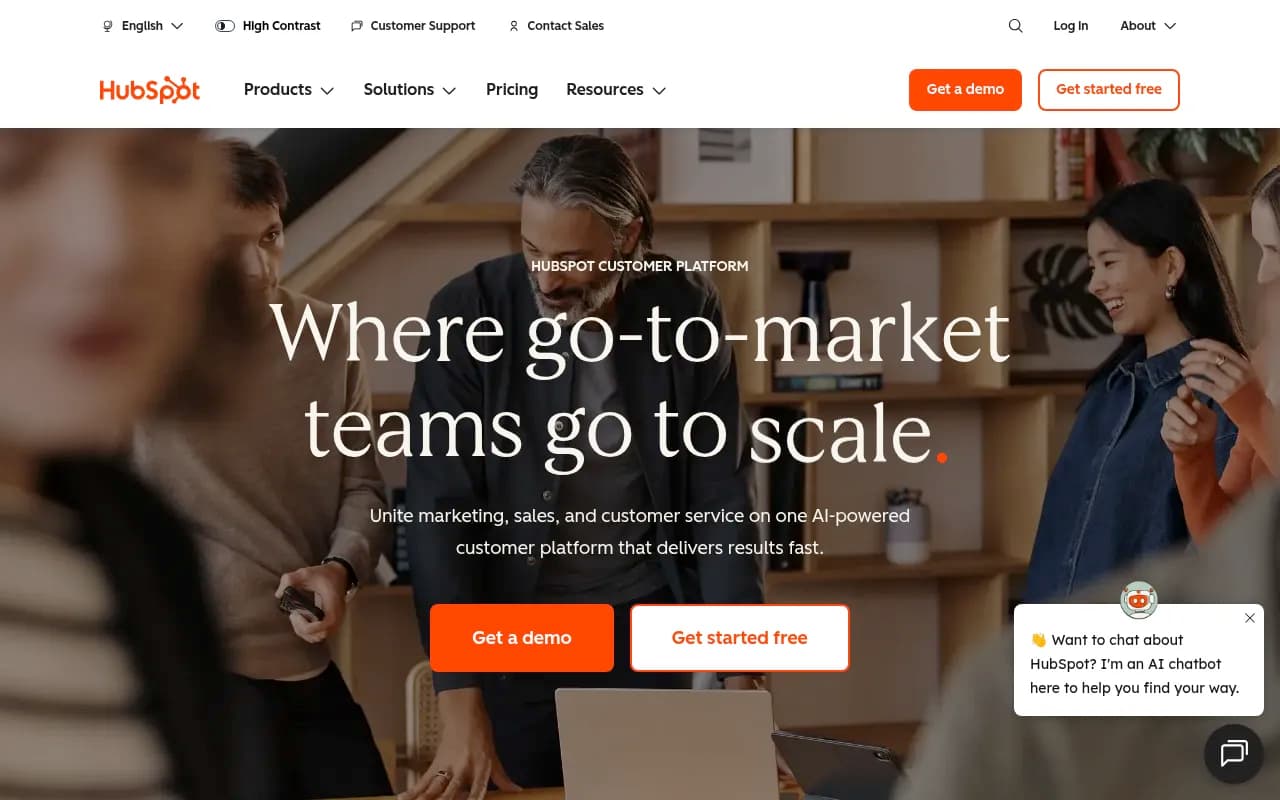
HubSpot AI Search Grader evaluates how ChatGPT, Perplexity, and Gemini perceive your brand. You get a visibility score, sentiment analysis, and a rough competitive benchmark. The sentiment angle is genuinely useful -- it doesn't just tell you whether you appear, it tells you how AI engines describe you. The limitation is that it's a one-time snapshot. You can't track changes over time or drill into specific queries.
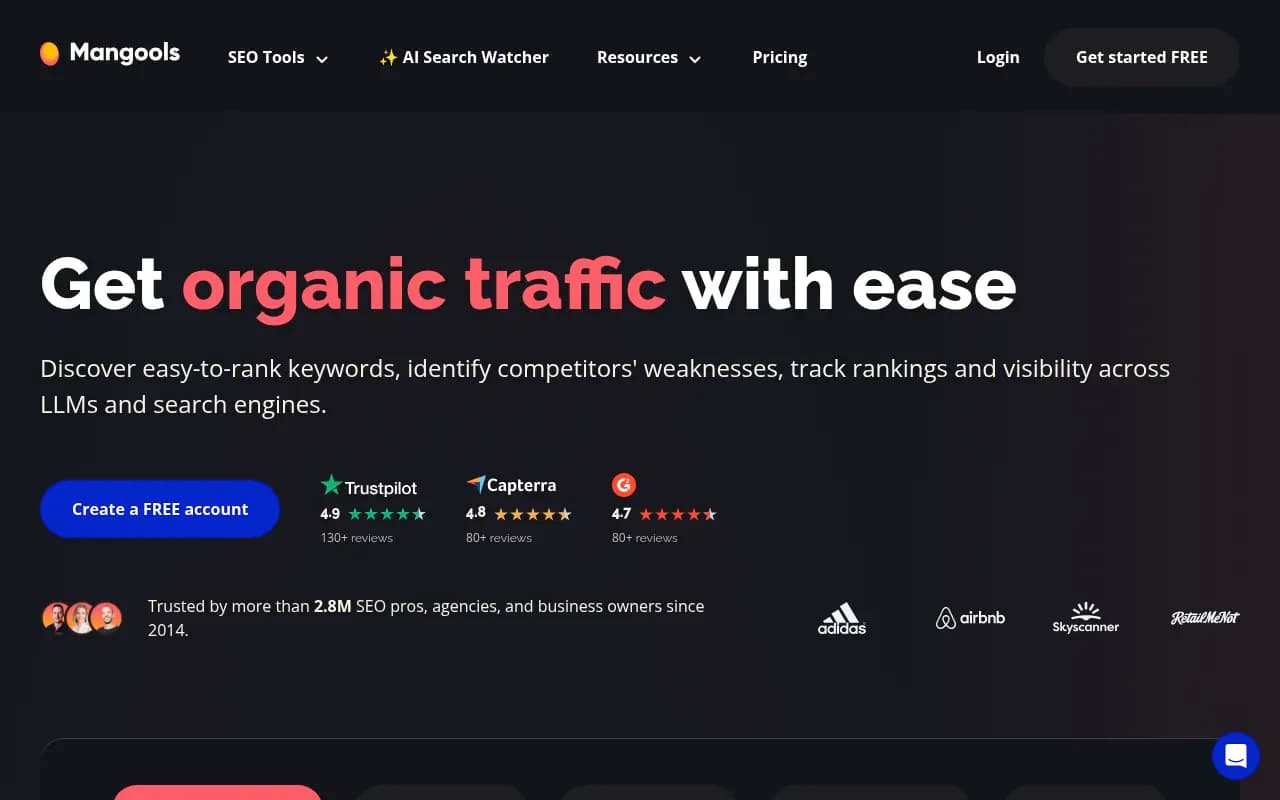
Mangools AI Search Grader checks your brand across ChatGPT, Perplexity, DeepSeek, Claude, and Grok. Covers more AI engines than HubSpot's tool, though the analysis is less detailed. Good for a quick cross-platform check -- takes about 30 seconds and gives you a clear sense of where you stand.
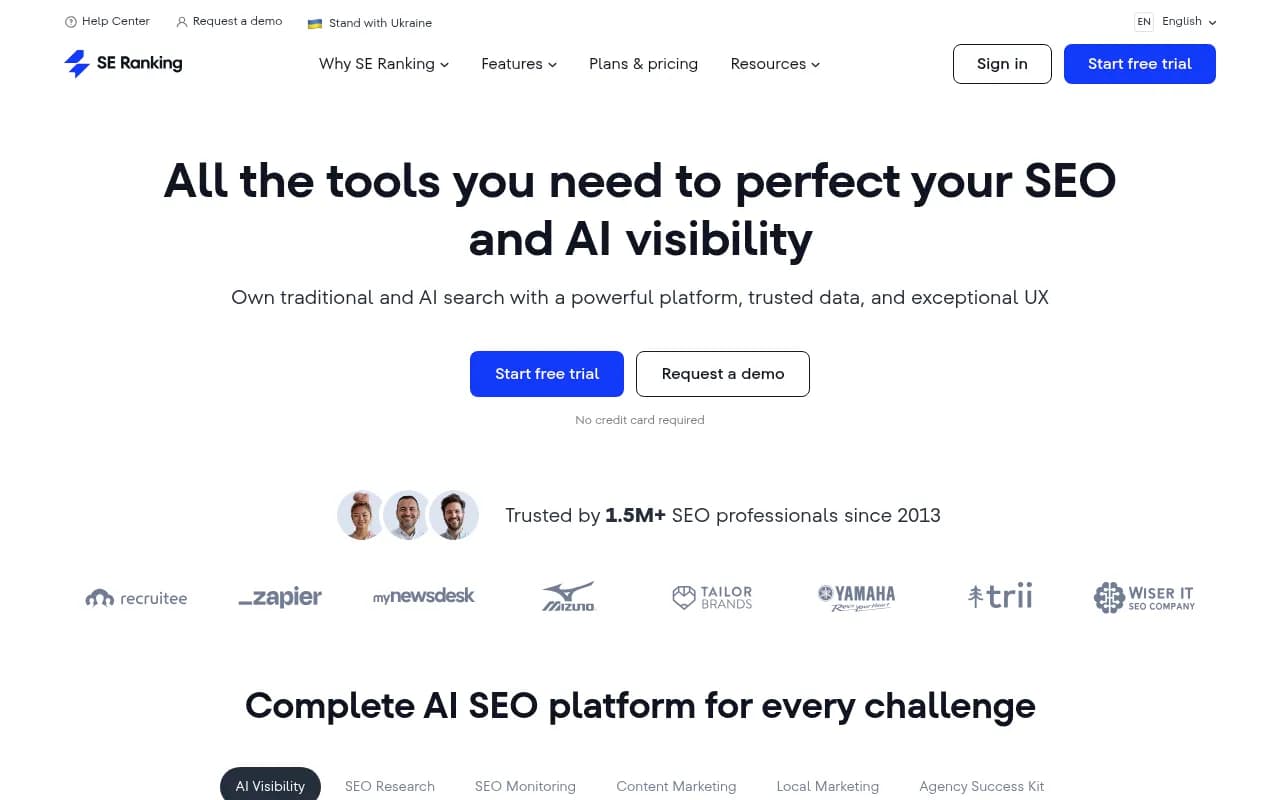
SE Ranking's AI Visibility Toolkit has a free tier that includes basic brand mention checks across a handful of AI engines. It's more of a taster than a full audit, but SE Ranking's underlying data quality is solid, so the results are reliable.
The practical approach: run two or three of these on the same domain and compare. They often surface different issues, and the overlap tells you what's genuinely urgent.
Track your AI search rankings
Knowing your baseline is step one. Tracking specific keywords over time is where things get harder -- and where most free tools start to show their limits.
What free rank tracking actually looks like
A few tools offer free tiers with limited prompt tracking:
Otterly.AI has a free plan that lets you monitor a small number of prompts across ChatGPT, Perplexity, and Gemini. It's monitoring-only -- you see whether you appear, but there's no guidance on why you don't or what to do about it. For a handful of branded queries, it works fine.

Peec AI offers a free tier with multi-language support, which is useful if you're operating in markets outside English. Again, the free plan is limited in prompt volume, but the platform itself is clean and the data is reliable.

GPT Rank Tracker is a simpler tool focused specifically on ChatGPT visibility. The free version lets you check a small set of prompts and see whether your brand or content appears. No frills, but it does what it says.

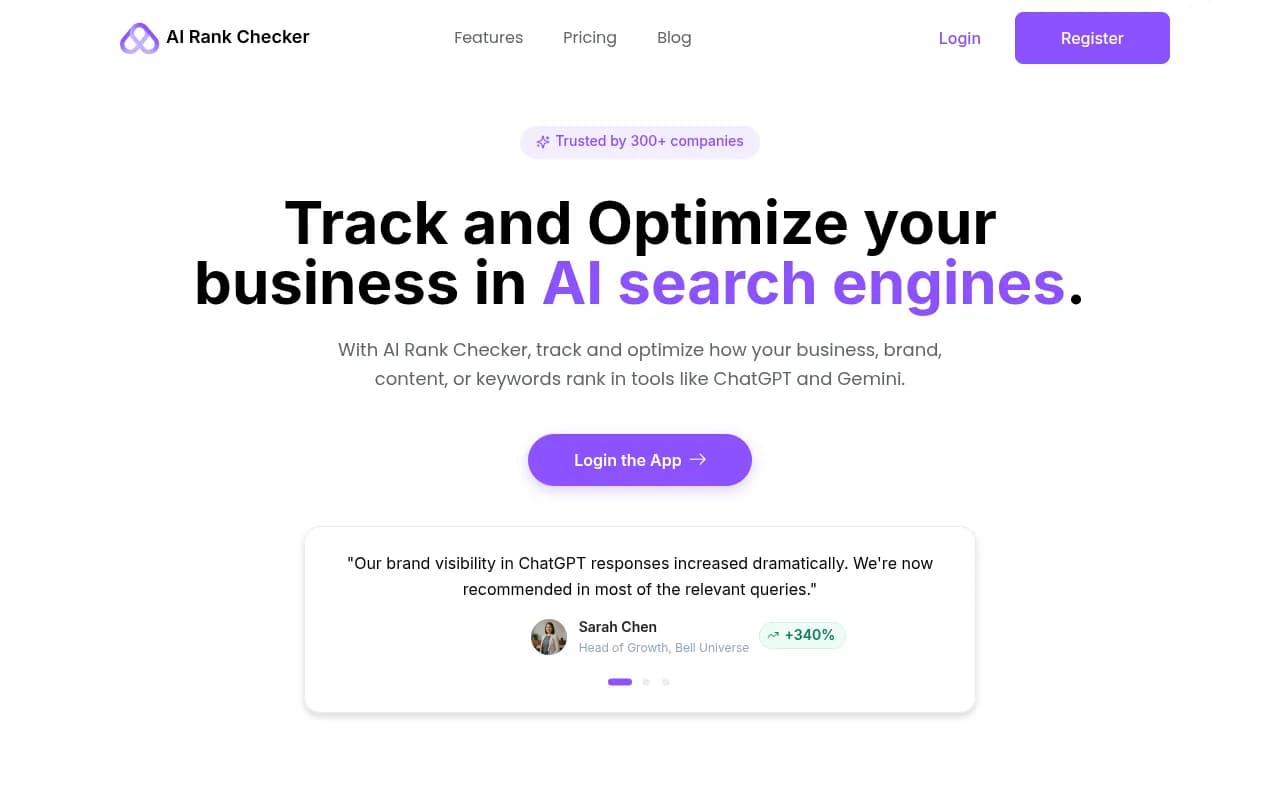
AI Rank Checker takes a similar approach -- straightforward prompt checking without a lot of overhead. Good for a quick sanity check on whether a specific query surfaces your brand.
The honest limitation here: free rank tracking is almost always capped at 5-20 prompts. That's enough to monitor your core branded terms, but not enough to map your competitive position across a topic. If you're tracking more than a handful of queries, you'll hit the ceiling fast.
Research keywords and prompts for AI search
GEO keyword research is different from traditional SEO. You're not just looking for search volume -- you're looking for the questions AI engines are already answering, and whether your content is in the mix.
Tools that help with AI-focused keyword research
Answer Socrates is one of the more useful free tools for this. It surfaces question-based queries that map well to how people actually prompt AI engines. The free tier is generous, and the output is directly actionable for content planning.
Semrush has a free tier (10 queries per day) that includes keyword data useful for GEO. It won't give you AI-specific prompt data, but it's good for understanding the underlying question landscape around a topic.
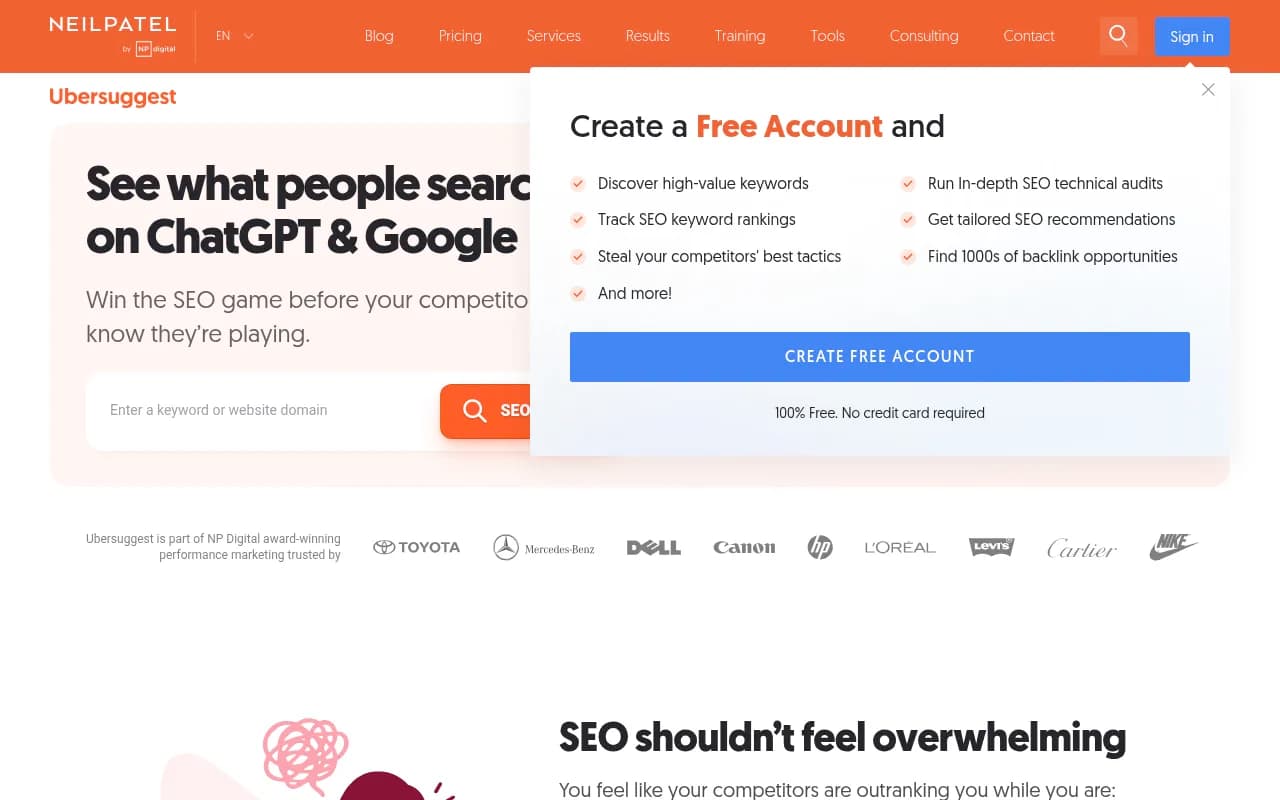
Ubersuggest offers free keyword research with question-based query suggestions. Neil Patel's tool is more limited than Semrush at the free tier, but it's a reasonable starting point for smaller sites.
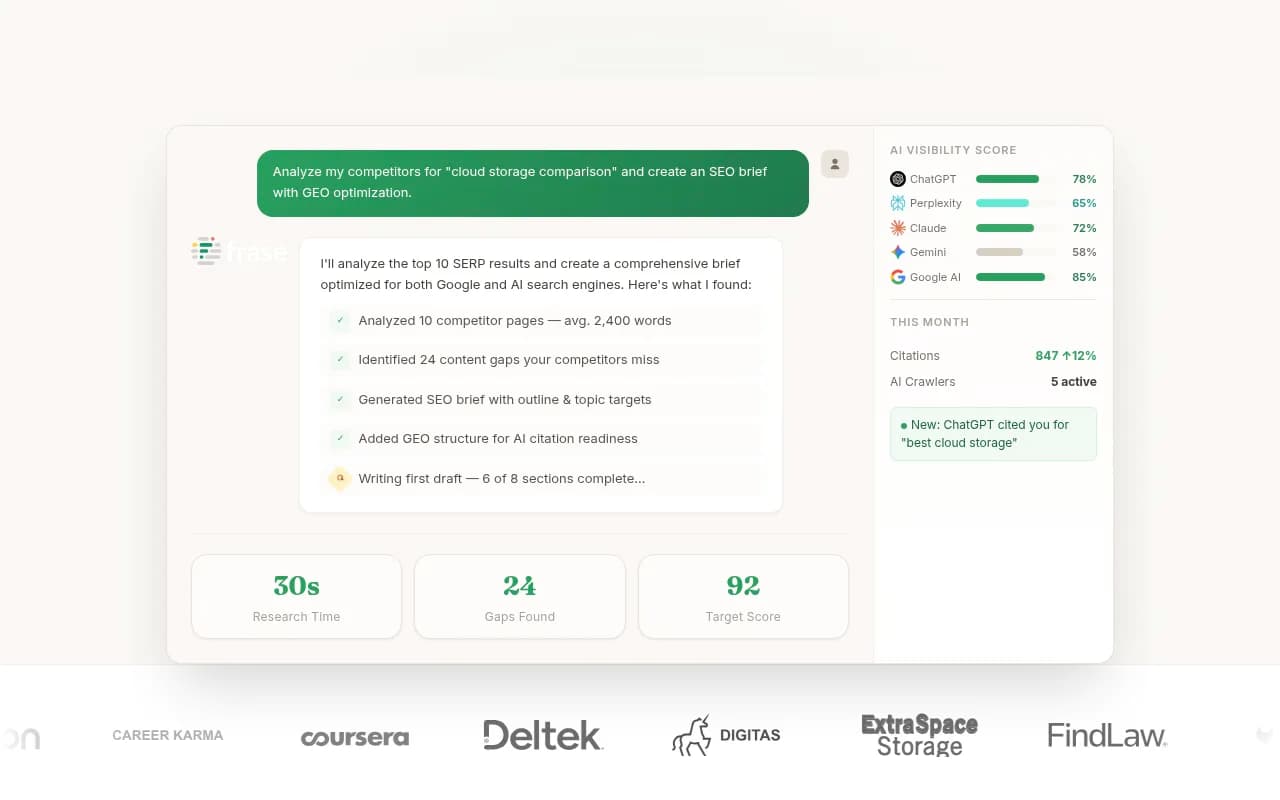
Frase has a free trial that includes content brief generation. The briefs are built around the questions competitors are answering, which translates reasonably well to GEO content planning.
One thing worth noting: none of these tools show you prompt volume data specific to AI engines. They're approximating AI search intent from traditional search data. That's useful, but it's not the same as seeing which prompts are actually generating citations in ChatGPT or Perplexity.
Find content gaps (what AI is answering that you're not)
This is where free tools start to struggle. Content gap analysis for AI search -- figuring out which prompts your competitors are visible for but you're not -- requires running a lot of queries across multiple AI engines and comparing the results. That's computationally expensive, which is why it's almost always behind a paywall.
What you can do for free
The manual approach works surprisingly well at small scale. Pick 10-20 prompts relevant to your business, run them in ChatGPT, Perplexity, and Gemini, and note which competitors appear. That's your gap list. It's tedious, but it's free and the data is real.
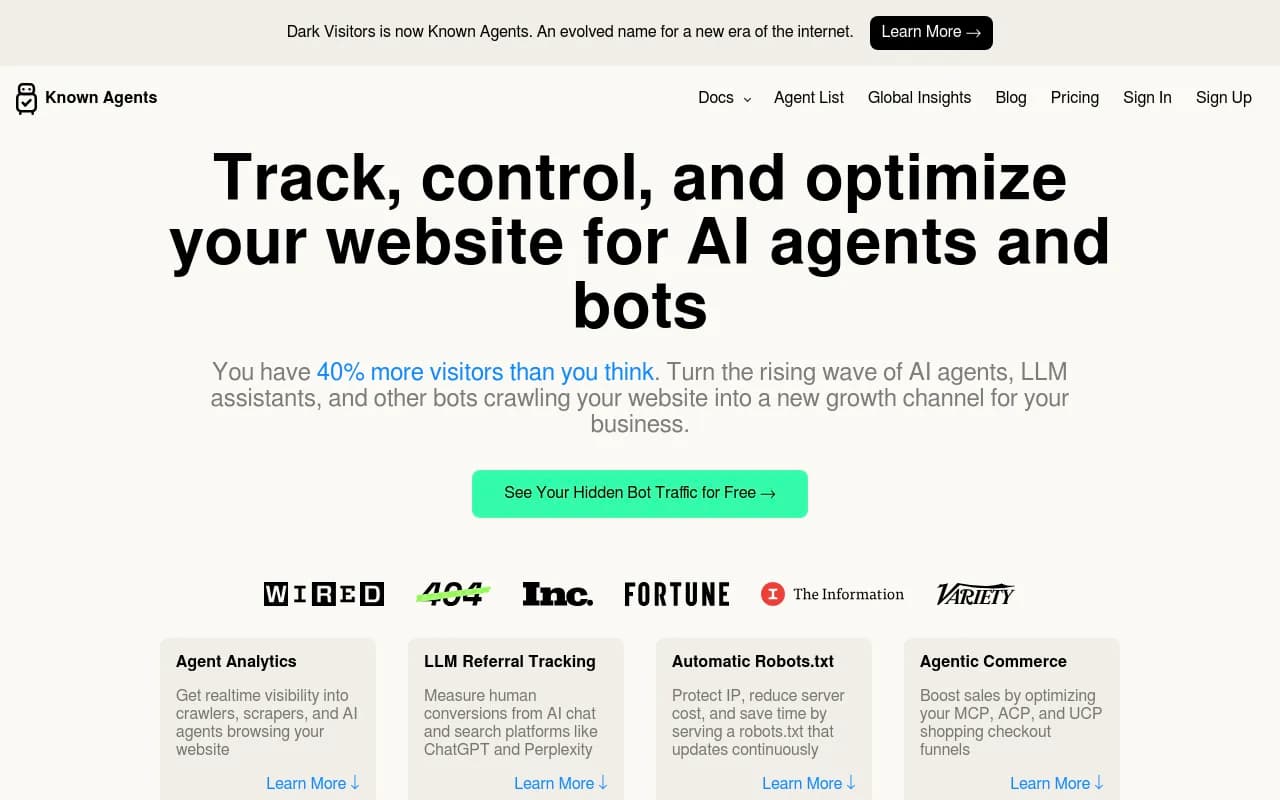
DarkVisitors is worth checking if you want to understand which AI crawlers are visiting your site. It's free and shows you which bots are hitting your pages -- useful context for understanding whether AI engines are even reading your content before you worry about whether they're citing it.
Screaming Frog (free up to 500 URLs) is the best free technical audit tool for identifying crawl issues that might prevent AI engines from reading your content. Structured data problems, broken internal links, thin pages -- these all affect AI citability, and Screaming Frog surfaces them clearly.

For anything beyond manual checks, you're looking at paid tools. The answer gap analysis in platforms like Promptwatch -- which shows you exactly which prompts competitors are visible for but you're not -- is genuinely difficult to replicate for free.

Monitor brand mentions in AI responses
If you want to know when AI engines mention your brand (not just whether they do), there are a few free options.
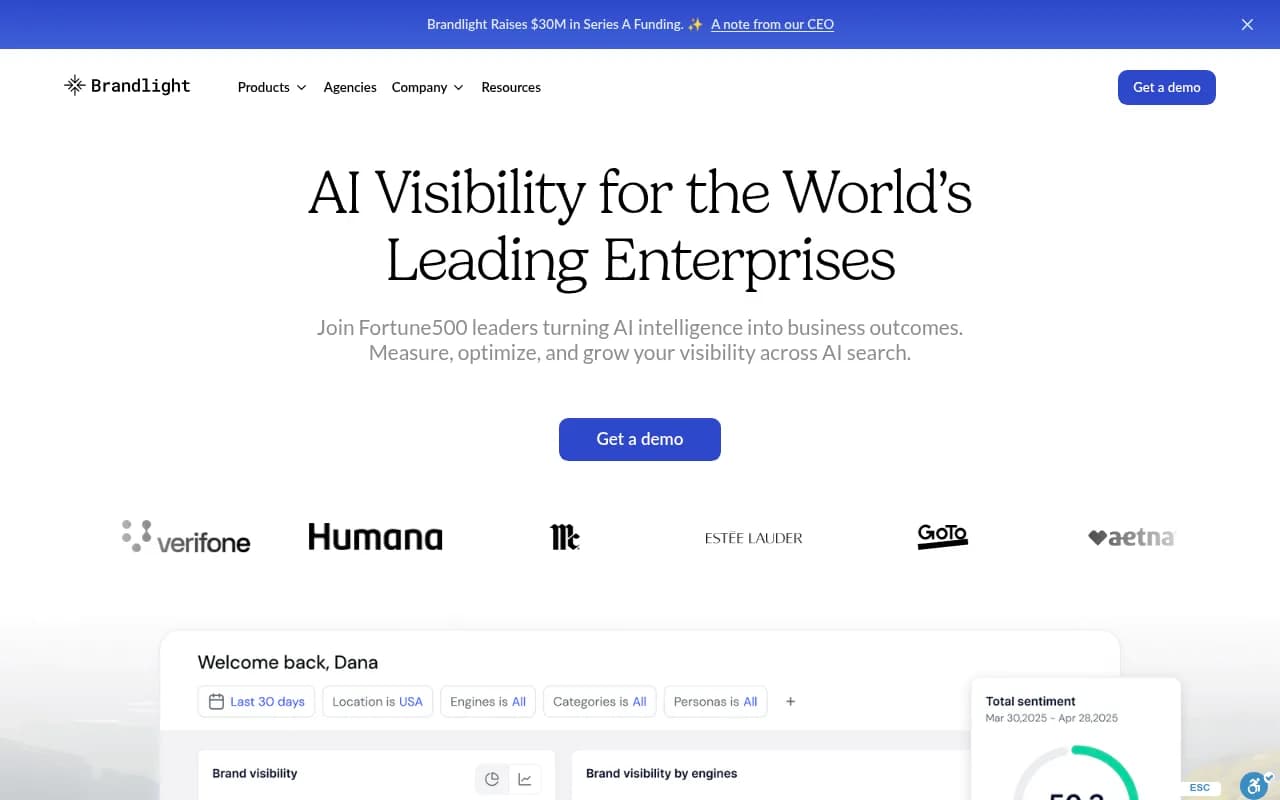
Brandlight has a free tier for basic brand mention tracking across AI engines. It's limited in query volume but gives you a sense of how frequently your brand appears and in what context.
Mention includes some AI monitoring in its free plan. It's primarily a social listening tool, but the AI coverage is a useful addition.
LLMrefs tracks brand visibility across ChatGPT, Perplexity, and a few other engines. The free tier is limited but functional for monitoring a single brand.
Promptscout lets you track how ChatGPT, Gemini, and Google AI mention your brand. Free tier available with limited query tracking.
The honest picture: what free tools can and can't do
Here's a straight comparison of what you get at the free tier across the main use cases:
| Use case | Free tools available | What you actually get | Where it breaks down |
|---|---|---|---|
| Initial audit | HubSpot Grader, Mangools Grader | Brand visibility score, sentiment, basic competitive view | One-time snapshot, no tracking |
| Rank tracking | Otterly.AI, Peec AI, GPT Rank Tracker | 5-20 prompts monitored | Too few prompts for real competitive analysis |
| Keyword research | Semrush free, Ubersuggest, Answer Socrates | Question-based query ideas | No AI-specific prompt volume data |
| Content gap analysis | Manual checks, Screaming Frog | Technical issues, manual gap spotting | No automated competitor prompt comparison |
| Brand mention monitoring | Brandlight, LLMrefs, Mention | Basic mention alerts | Limited query volume, no citation context |
| Content creation | Frase trial, ChatGPT | Briefs, drafts | Not grounded in real AI citation data |
| Crawler/bot monitoring | DarkVisitors | Which AI bots visit your site | No citation correlation |
The pattern is clear: free tools are good at telling you what's happening. They're weak at telling you why, and almost nonexistent when it comes to helping you fix it.
When free stops being enough
The gap between "monitoring" and "optimizing" is where free tools consistently fall short. Knowing that you don't appear in ChatGPT for a given prompt is useful. Knowing which specific content gaps are causing that, which prompts are high-value enough to prioritize, and what to actually write to close those gaps -- that requires more.
A few signals that you've outgrown the free tier:
- You're tracking more than 20-30 prompts and losing track of changes manually
- You want to understand competitor visibility, not just your own
- You need to connect AI visibility to actual traffic or revenue
- You're producing content and want to know whether it's getting cited
At that point, the question isn't whether to pay -- it's which platform is worth paying for. Most of the paid options in this space are monitoring-focused dashboards. They'll show you better data than the free tools, but they still leave you doing the optimization work yourself.
Platforms that go further -- running answer gap analysis, generating content grounded in real citation data, and tracking whether that content actually gets cited -- are a different category. Promptwatch is one of the few that covers the full loop: find the gaps, create content to fill them, track the results.
A practical starting stack (all free)
If you're starting from zero and want to get a real picture of your AI search visibility without spending anything, here's a sensible sequence:
- Run HubSpot's AI Search Grader and Mangools' grader for a quick baseline on brand visibility and sentiment
- Use Screaming Frog (free up to 500 URLs) to audit technical issues that might be blocking AI crawlers
- Check DarkVisitors to confirm AI bots are actually visiting your site
- Set up Otterly.AI's free tier to monitor 5-10 core branded prompts
- Use Answer Socrates or Semrush's free tier to build a list of question-based prompts relevant to your business
- Run those prompts manually in ChatGPT, Perplexity, and Gemini to identify where competitors appear and you don't
That process takes a few hours and costs nothing. It won't give you the depth of a paid platform, but it will tell you whether AI search is a real opportunity for your brand -- and that's the right question to answer before committing to a monthly subscription.
The free tools landscape is genuinely better than it was a year ago. There are enough options now to run a credible audit and get a real sense of your position. The ceiling is just lower than most people expect -- and hitting it is usually a sign that AI search is working well enough to justify investing in it properly.