Key takeaways
- Most technical SEO tools report problems and stop. A smaller group of execution tools apply fixes to your live site, and that difference matters more than which brand you pick.
- Script-based tools like Search Atlas OTTO can push meta tags, redirects, alt text, schema and internal links without touching your codebase. The trade-off is that the fixes live inside the vendor's script.
- Crawlers like Screaming Frog and Sitebulb find the problems. Sitebulb explains them in plain language, which suits non-developers.
- Check AI crawler access (robots.txt, CDN and WAF rules) first. Blocking the wrong bot can remove you from AI answers, and no content fix will help.
- Decide who approves changes before you switch on any auto-fix tool.
The real split: tools that tell you vs tools that do it
The phrase "AI SEO tool" now covers almost anything. A keyword clusterer, a content brief generator and a tool that rewrites your title tags on a live site all get the same label. They carry very different risks.
The seobeni breakdown of AI SEO tools sorts the market into four buckets: research, optimization, execution, and AI visibility trackers. For technical fixes without a developer, only the execution bucket really matters. Everything else tells you what is wrong. Execution tools change things.
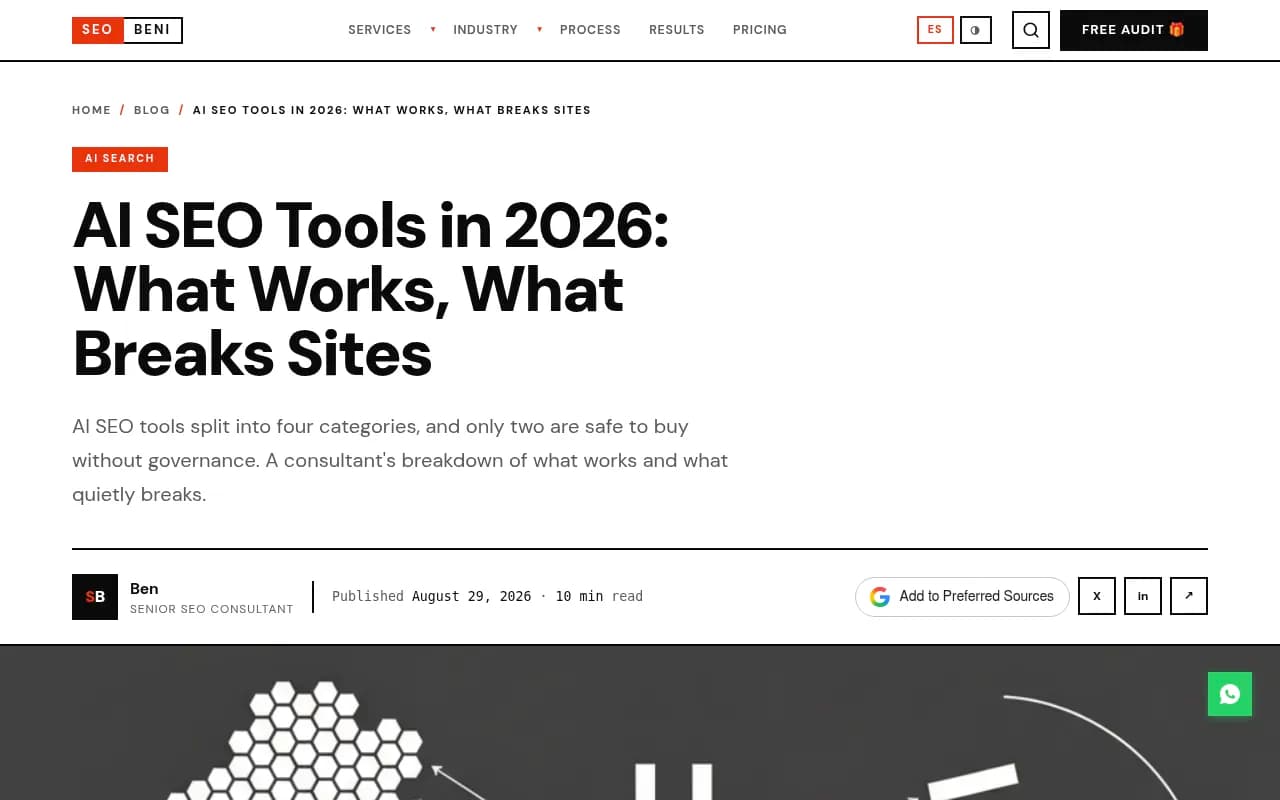
That author makes a point I agree with: the teams that get burned are rarely the ones who bought the wrong brand. They bought an execution tool without deciding who approves what it does. Keep that in mind as you read the rest of this guide.
What counts as a technical problem you can fix without a developer
Not every technical issue is a developer job. Some are, honestly: server response times, rendering architecture, a broken JavaScript framework. But a large share of the issues that show up in audits are content-layer or markup-layer fixes:
- Missing or duplicate title tags and meta descriptions
- Missing image alt text
- Broken internal links and redirect chains
- Missing or malformed schema markup
- Orphaned pages and weak internal linking
- Pages missing from the sitemap
- AI crawlers blocked by robots.txt or CDN rules
A marketer with CMS access can fix many of these by hand. The tools below either make that faster or take it off your plate.
Step one: find the problems
Before anything gets fixed, something has to find the issues. Three tools do this well, and they differ mostly in who they are written for.
Screaming Frog
Screaming Frog is the desktop crawler most technical SEOs reach for. It checks for 300+ SEO issues, and the free version crawls 500 URLs. The paid licence is listed at £199 per year on the official site, though third-party sources quote $259 to $279 depending on currency and date, so check the official page before you budget.
The interesting 2026 addition is its AI integration. You can connect OpenAI or Gemini (Semrush's write-up says Anthropic and Ollama work too, configured under Config > API Access > AI) and run custom prompts during a crawl. That means generating alt text, classifying pages by intent, or flagging semantically similar pages.
It still only reports and generates. It does not push anything to your live site, so you need a way to apply the output.

Sitebulb
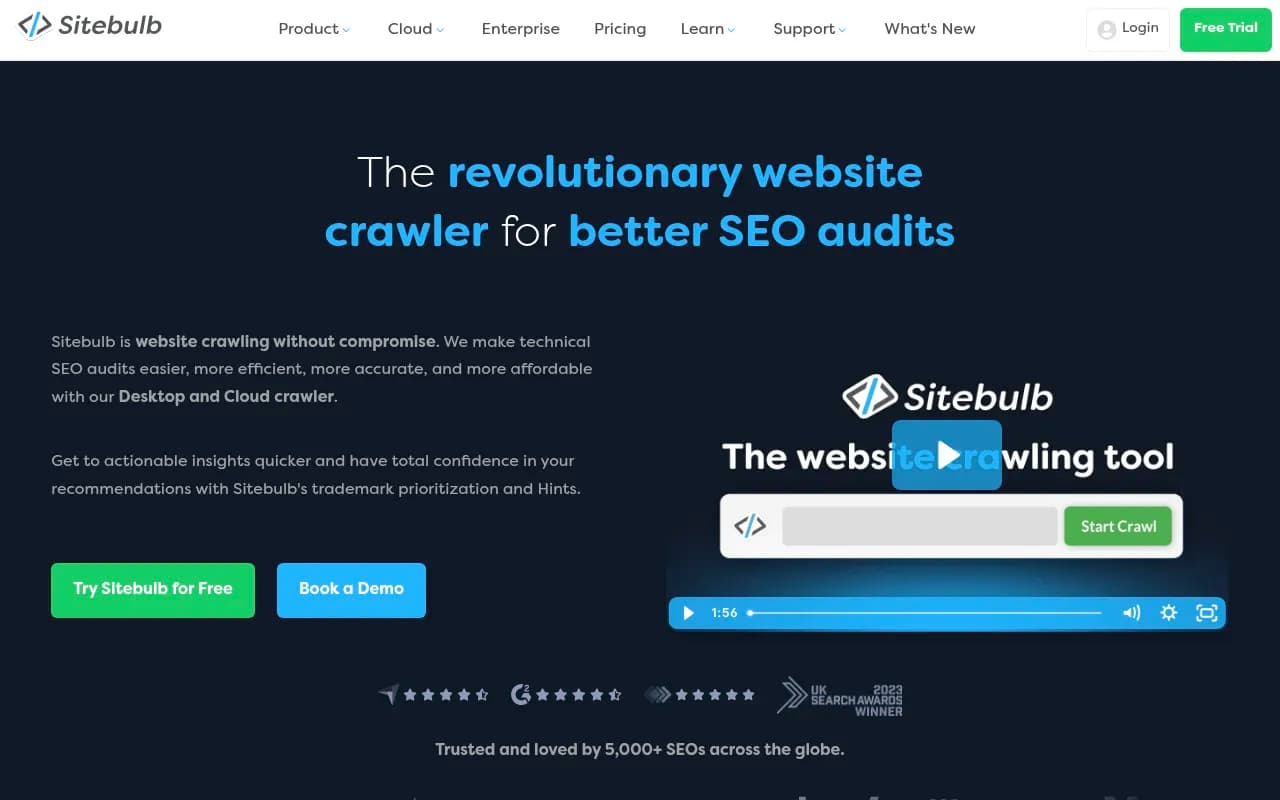
Sitebulb is the one I would point a non-developer toward. It prioritizes issues and explains them in plain language, so you spend less time decoding what a "canonical chain" is and more time fixing it. It also crawls JavaScript sites. Pricing figures conflict across sources (Semrush lists Lite at $18/month and Pro at $42/month, Search Atlas lists different numbers), so confirm on Sitebulb's own pricing page.
Semrush Site Audit
Semrush's audit is the convenient choice if you already pay for the suite. Plans start around $139.95/month, and the free allowance is 100 pages. It has dedicated AI search checks, including whether AI crawlers are blocked, and you can schedule recurring audits. In one reviewer's test, 100 pages took about 3 minutes.
The catch, noted in the Fimo comparison: it flags issues at scale, but every fix is manual. It tells you, you do it.
Enterprise crawlers
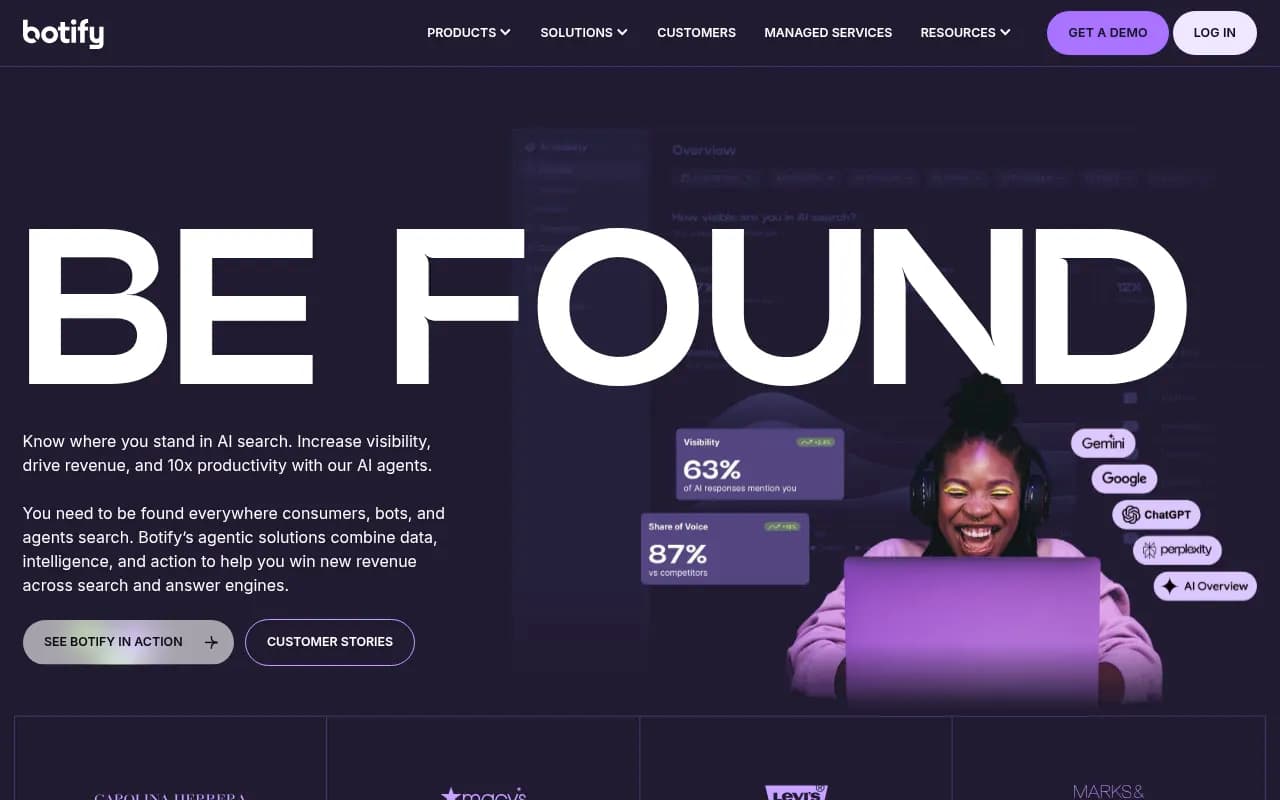
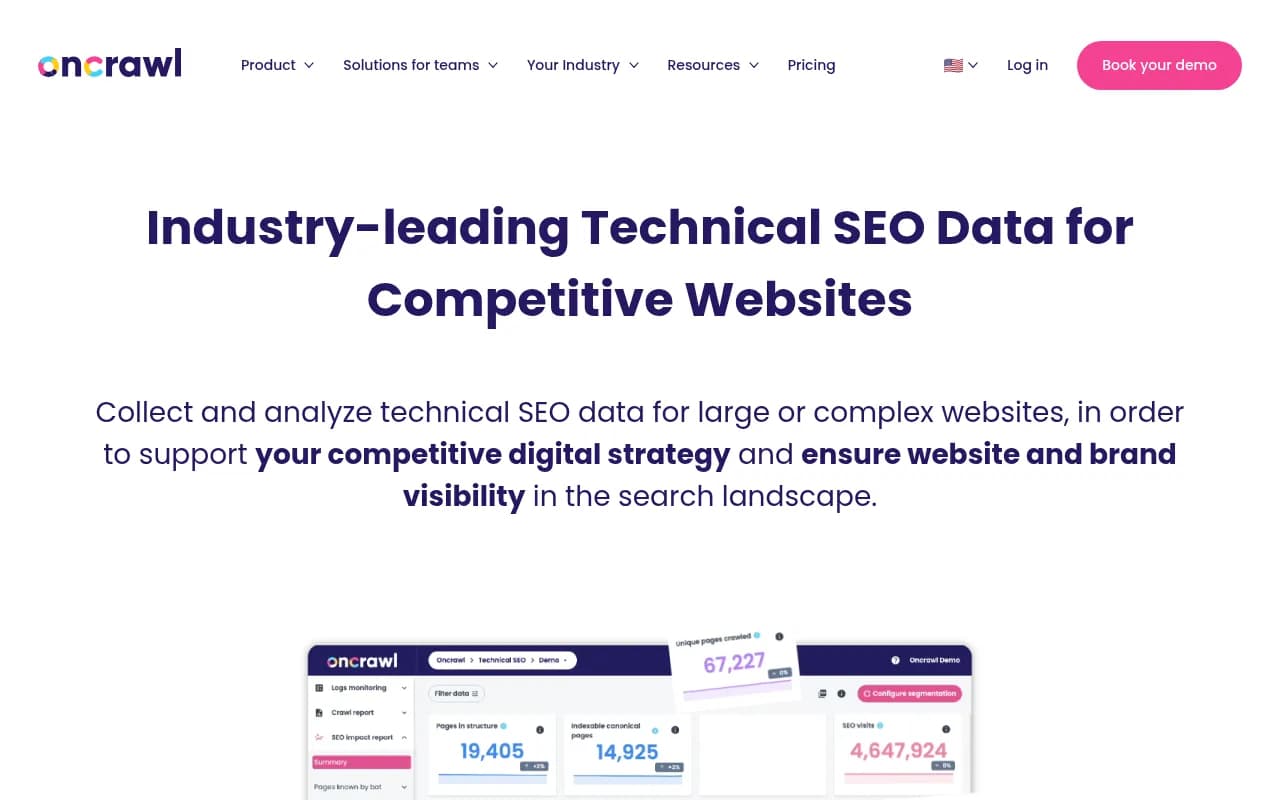
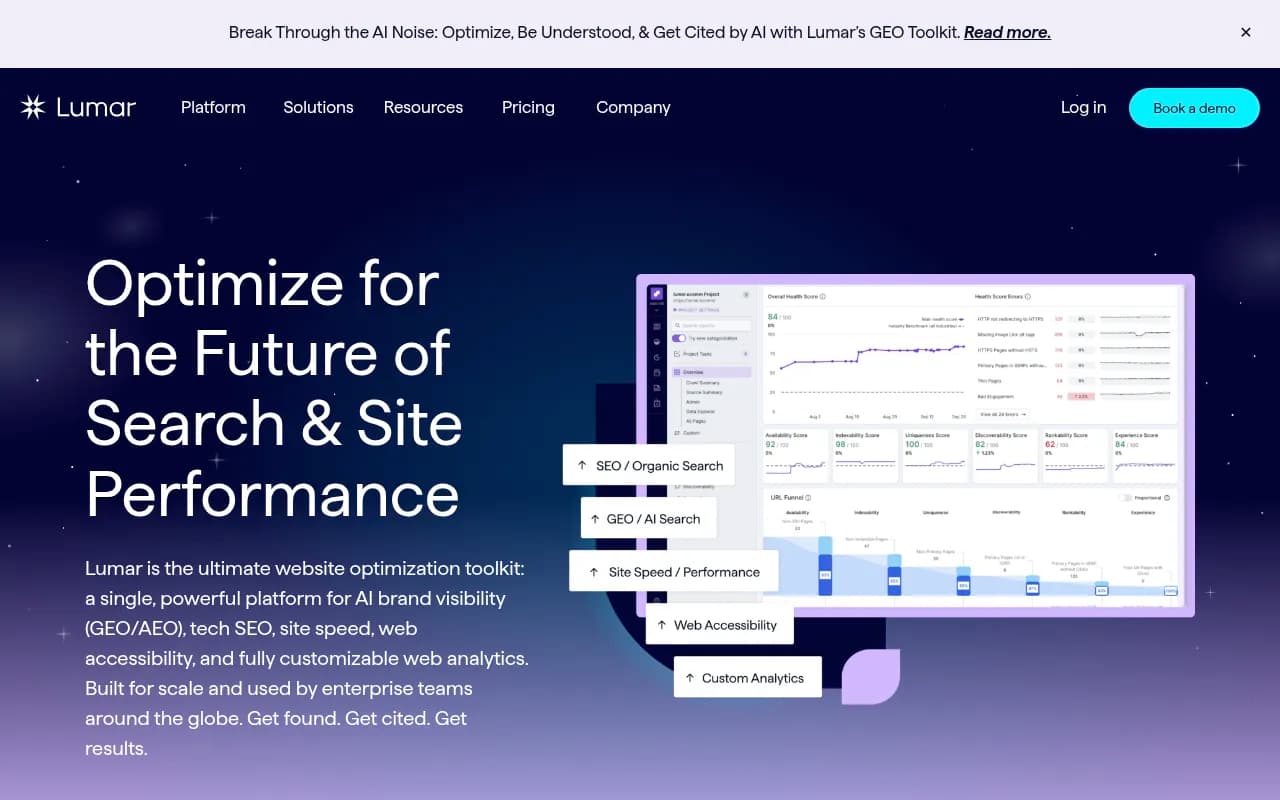
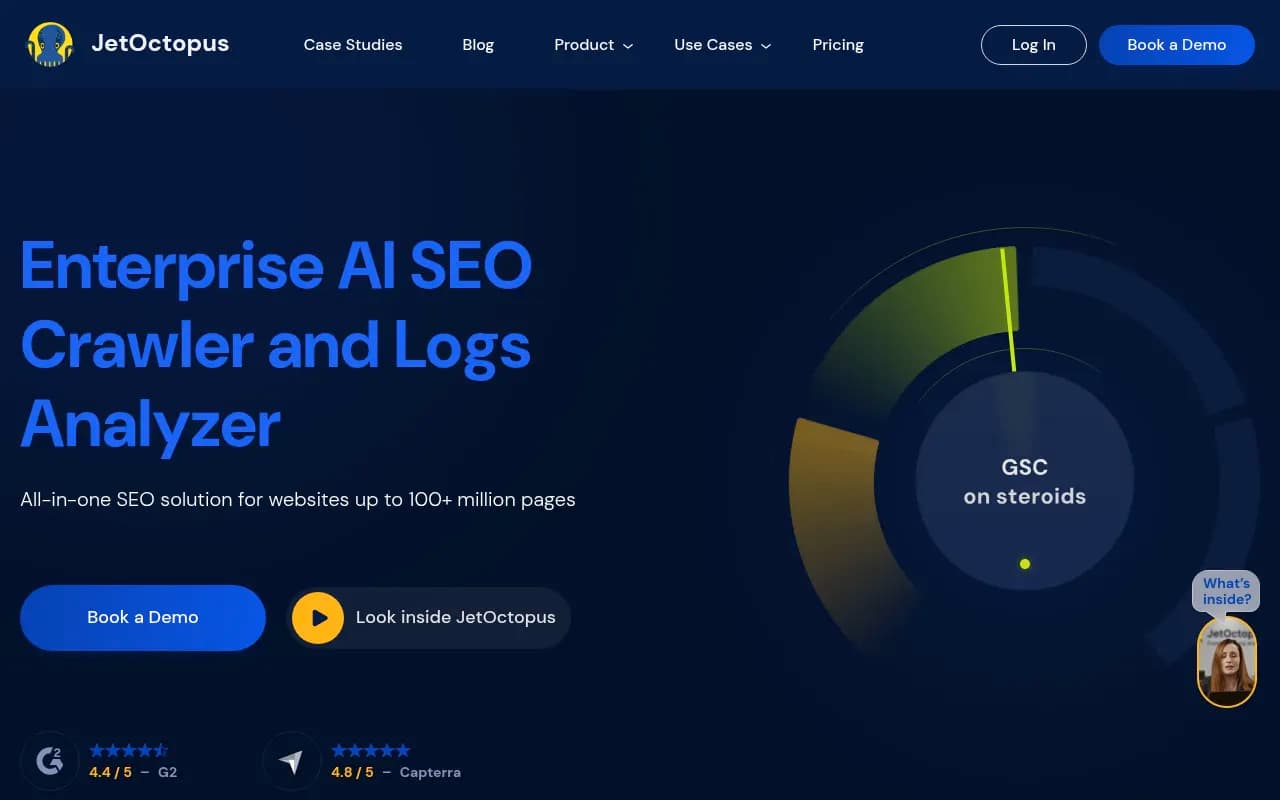
If your site has hundreds of thousands of URLs, the picture changes. Botify, Oncrawl, Lumar and JetOctopus are built for that scale, with log-file analysis and team workflows. Botify is flagged in the diib comparison as overkill for most small and mid-size sites, and I would agree. I did not verify pricing for these, so ask for quotes.
Step two: apply the fixes without code
This is where the category gets interesting, and where the risk lives.
Search Atlas OTTO
OTTO, from Search Atlas, is the best-known auto-fix option in the research I reviewed. According to the vendor and reviewers, it fixes meta tags, redirects, broken links, missing alt text, schema and internal links across a site. It deploys through a single pixel or script, with no developer and no CMS code changes. Starter is listed at $99/month (2 seats, 5 GSC sites), with Growth at $199 and Pro at $399.
Treat those capabilities as vendor-sourced claims. The useful caveat comes from the Fimo comparison: fixes push through Search Atlas's script, so you are working inside their environment rather than your codebase.

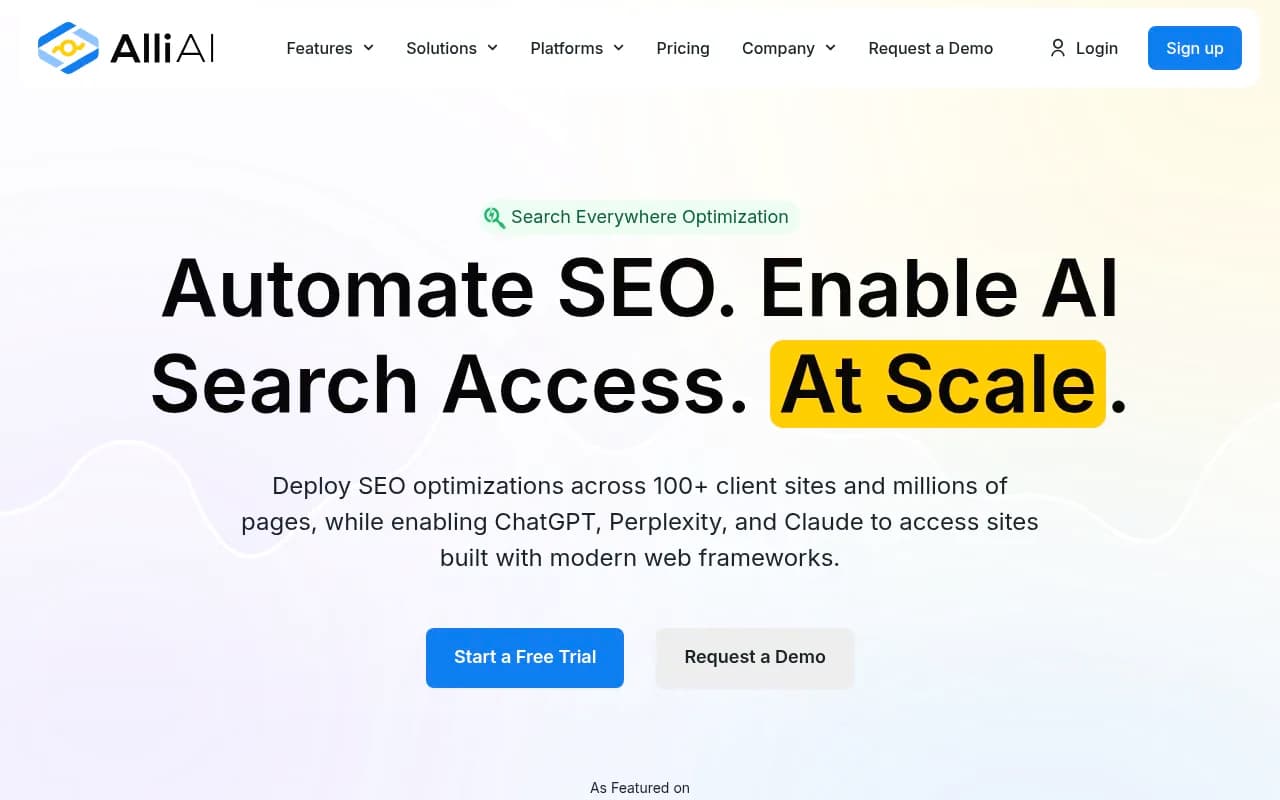
Alli AI
Alli AI is positioned around automating on-page SEO changes at scale. It sits in the same script-deployment family as OTTO, so the same questions apply. I did not find independent testing in my research, so run a trial on a small section of the site first.
Seology and other agent-style tools
A newer group of tools ships fixes differently. Seology, for example, describes itself as an autonomous SEO agent that ships fixes as pull requests. That is closer to how a developer would work, and the approval step is built in. It does assume your site is in a repository, so it suits a different setup than a typical WordPress shop.

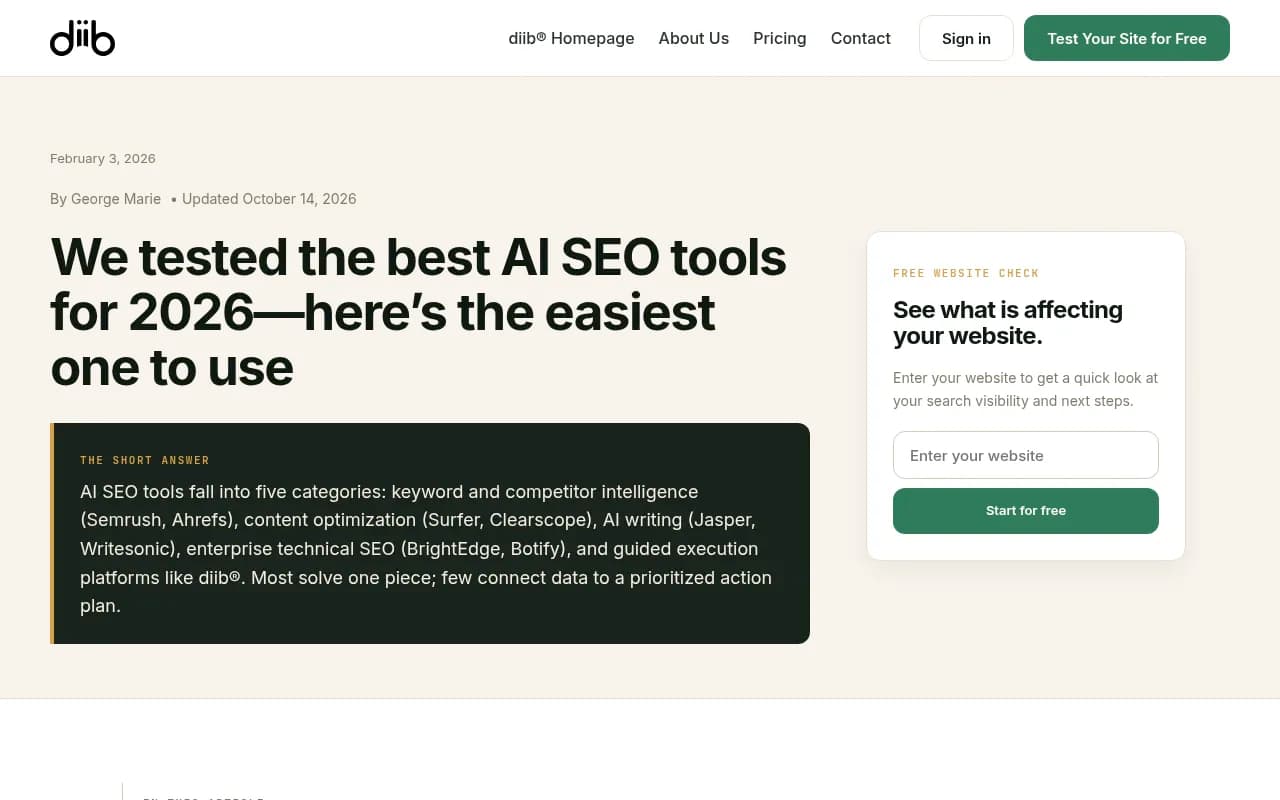
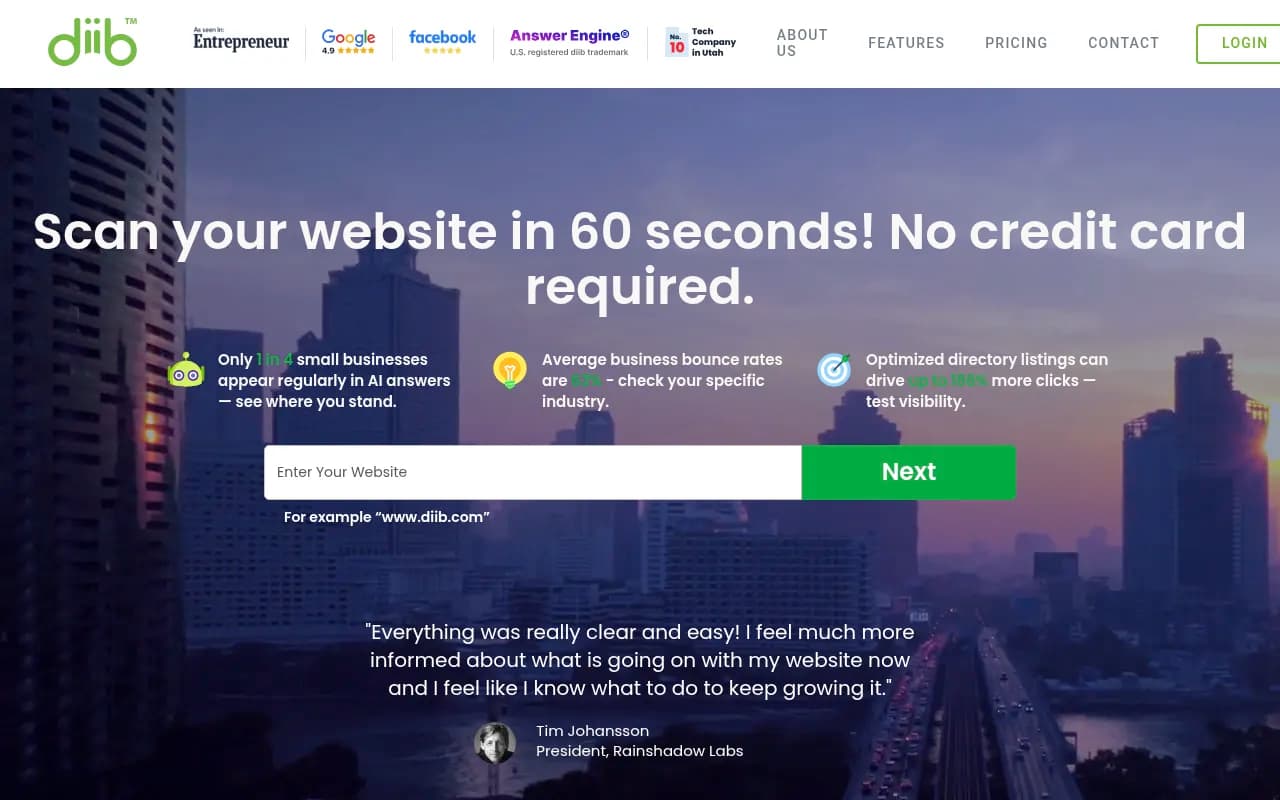
Diib
Diib takes a guided approach for small businesses. It turns site data into a short prioritized list of actions rather than auto-editing your pages. If your problem is "I don't know what to do first," that is a reasonable fit. If your problem is "I know and have no time," look at execution tools instead.
Comparison table
| Tool | Finds issues | Applies fixes | Developer needed | Best for |
|---|---|---|---|---|
| Screaming Frog | Yes, 300+ checks | No | Someone must apply fixes | Deep audits, AI-assisted alt text and classification |
| Sitebulb | Yes, plain-language priorities | No | Someone must apply fixes | Non-developers who want explanations |
| Semrush Site Audit | Yes, incl. AI crawler checks | No | Someone must apply fixes | Teams already in Semrush |
| Search Atlas OTTO | Yes | Yes, via script | No | Small teams wanting hands-off fixes |
| Alli AI | Yes | Yes, at scale | No (claimed) | On-page changes across many pages |
| Seology | Yes | Yes, as PRs | Reviewer for PRs | Repo-based sites with an approval step |
| Diib | Yes | Guided, not automatic | No | Small businesses needing a to-do list |
The pitfalls nobody mentions in the sales pages
Script-based fixes may live and die with the vendor
If a tool injects changes through its own script instead of writing to your CMS, those changes may disappear when you cancel. That is my inference from the Fimo note, not a statement I could verify from the vendor, so ask them directly before committing: "If I leave, what happens to the fixes?"
Client-side injection and crawlers
Fixes added by JavaScript after the page loads may not be seen by crawlers that do not run JavaScript. This matters more for AI search. Promptwatch's markdown in AI search report (7-day window, published Feb 19, 2026) found HTML makes up 99.94% of AI search citations across ChatGPT, Claude, Perplexity and AI Overviews. Its advice: fix heavy client-side rendering first, because a page a retrieval system cannot parse loses citations. Test any script-injected fix by checking whether the change appears in the raw HTML source, not just in the rendered page.
Do not build .md mirrors
Some AI SEO advice tells you to create markdown copies of your pages. The same Promptwatch data shows markdown files are just 0.05% of AI search citations. Markdown matters mostly for developer docs fetched by coding agents. For regular AI search visibility, put the effort into clear heading hierarchy, semantic markup and content that answers the question directly.
Approval is the whole game
An execution tool that rewrites 2,000 title tags overnight can also break 2,000 title tags overnight. Before you switch anything on, decide:
- Which change types run automatically (alt text, probably) and which need review (redirects, canonicals, anything affecting indexing)
- Who reviews, and how fast
- How you roll back
The no-developer fix most people skip: AI crawler access
Here is a technical problem that costs visibility and requires no code. Blocking AI crawlers in robots.txt, a CDN or a WAF can remove you from AI answers entirely, and it is often done by accident through a blanket bot-protection rule.
Promptwatch Data's AI crawler traffic report tracked IP-verified requests from June 8 to September 6, 2026. OpenAI accounted for 79.8% of verified AI crawler requests in the week of Aug 31 to Sep 6, down from 94.8% in the week of June 8 to 14, so the mix is spreading across providers. Spoofed user agents are excluded because a request only counts if its IP matches the operator's published ranges.
The practical check is simple. Compare your own crawler logs with that mix. If a provider is a large share in the report but near zero in your logs, you are probably blocked or unreachable for it. Then review robots.txt, CDN and WAF rules for every major AI provider.
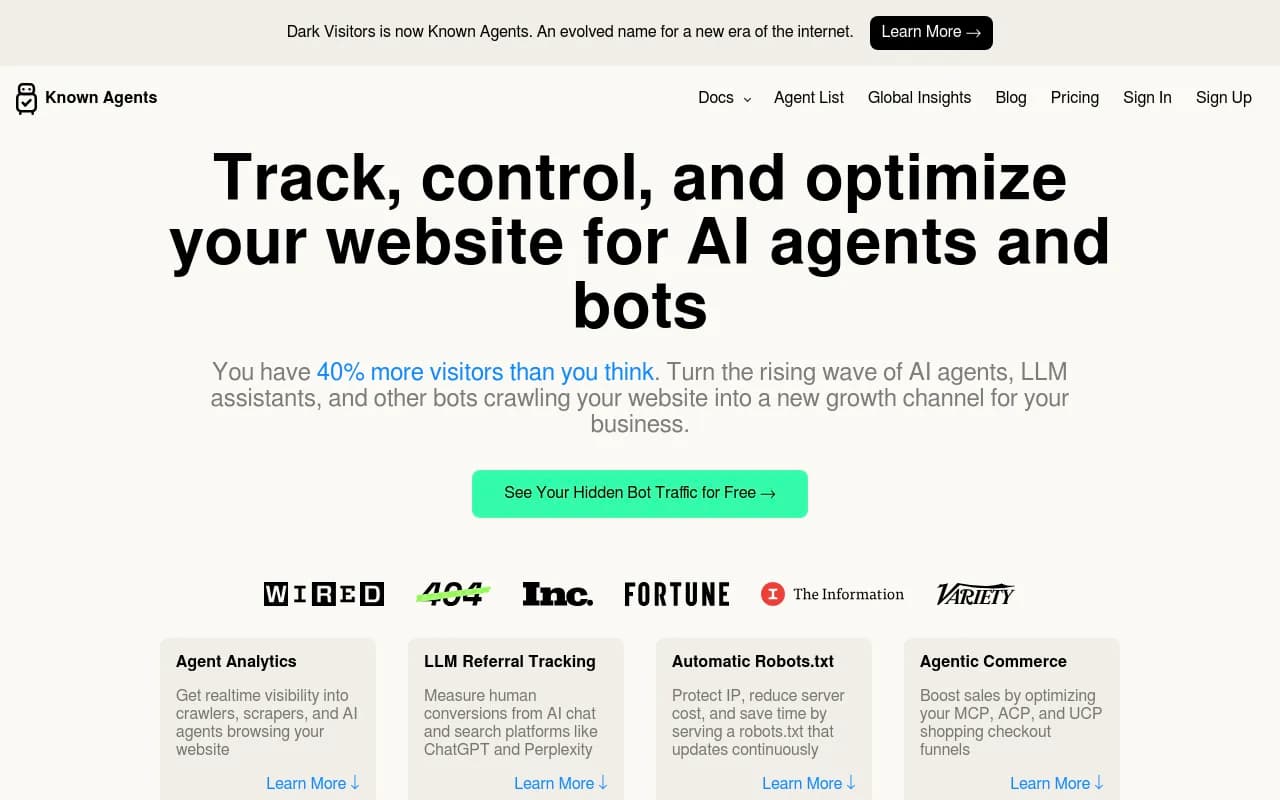
Tools that can help you see this: Semrush's audit includes a blocked-AI-crawler check, and Promptwatch offers IP-verified AI crawler logs and weekly site audits so you can see which bots reach which pages and where they hit errors. DarkVisitors is a lighter option focused on tracking AI agents and bots visiting your site.

For a free starting point, a robots.txt generator for AI bots and an LLMs.txt generator are both available from Promptwatch's free tools. Just note that llms.txt is not a ranking lever, and it is not a substitute for reachable, readable HTML.
A workable process for a team with no developer
- Crawl first. Run Sitebulb or Screaming Frog. Export the issues, and sort them into "I can fix this in the CMS," "a script tool can handle this," and "this needs real engineering."
- Fix access problems. Check robots.txt and CDN rules for AI and search crawlers. This is the highest-leverage item and often a ten-minute change.
- Pilot an execution tool on a slice. Pick one section of the site, such as a blog or a set of category pages. Turn on OTTO or a similar tool there, with review required.
- Verify in raw HTML. Fetch the page source and confirm the fix is present without JavaScript.
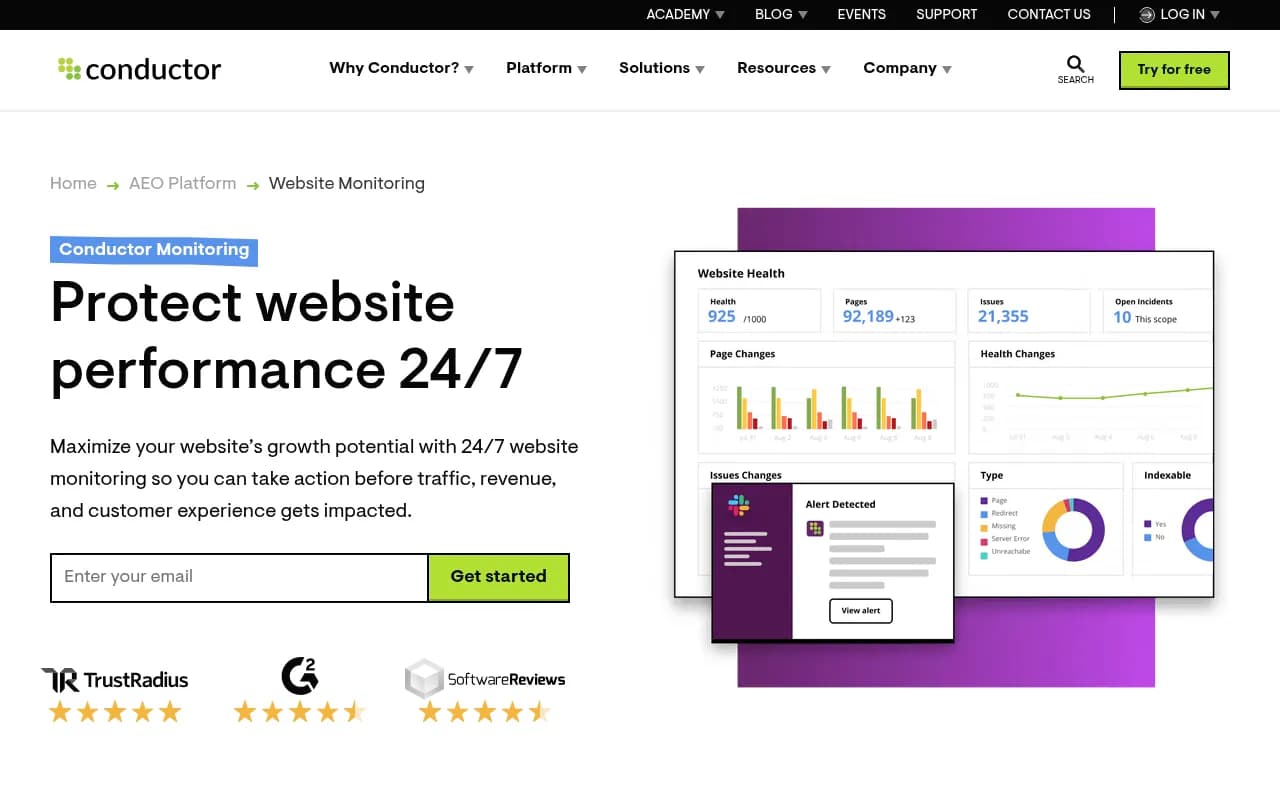
- Monitor changes. Schedule recurring audits so regressions show up. ContentKing is built for real-time monitoring of technical changes if you want alerts the moment something breaks.
- Measure whether it mattered. Look at crawl stats, indexing, and citations or AI referrals for the pages you changed.
What to be skeptical about
The seobeni article cites DataForSEO for 2,400 monthly US searches for "ai seo tools" in August 2026, down 33% year on year. That is a third-party claim I could not verify, but the broader point holds: vendor marketing is louder than the demand behind it. The same article notes Google's guidance rewards helpful, people-first content however it is produced, so no tool gets an edge for being AI-powered.
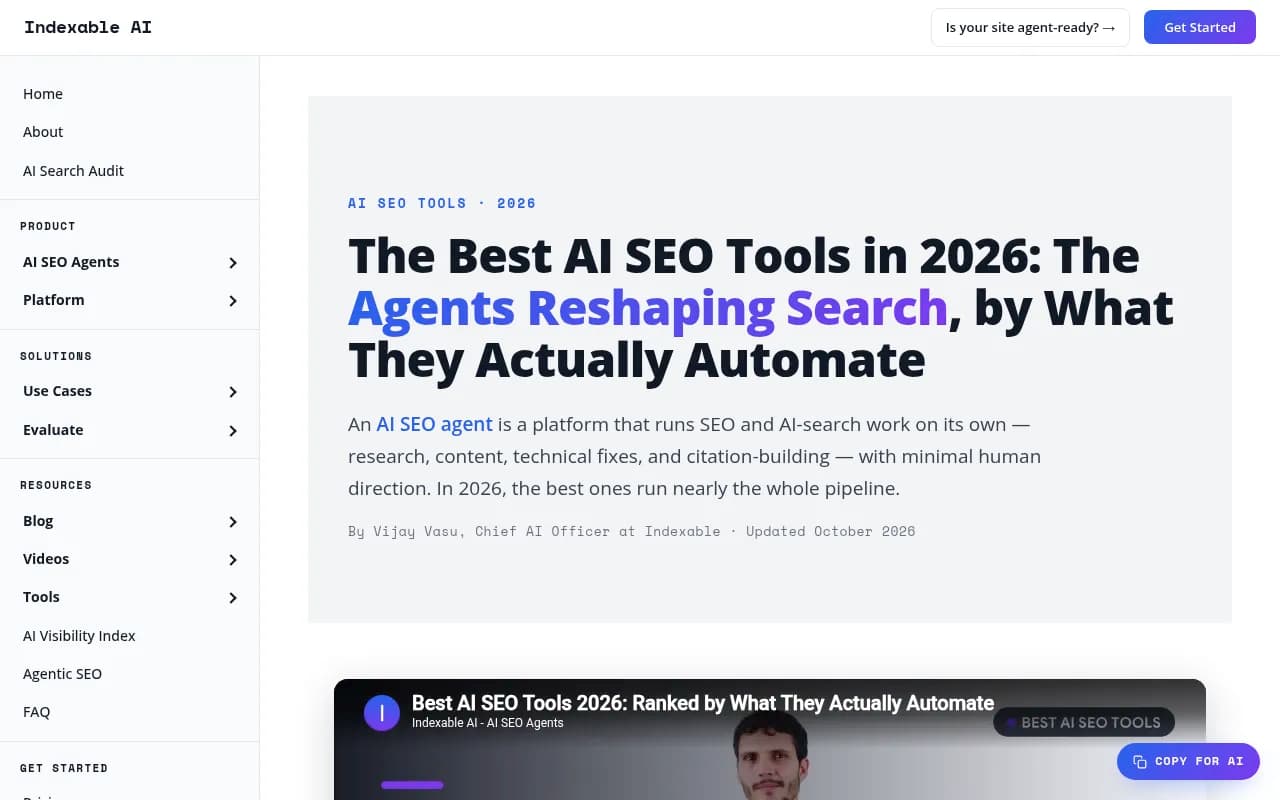
I also could not independently verify some vendors' flat-price claims, such as Ryze AI at $129/month, or the capabilities described in Indexable's ranking of agents. Read vendor-written rankings as vendor-written.
Which tool should you pick?
- You want to understand your site's problems: Sitebulb, then Screaming Frog if you outgrow it.
- You already pay for a suite: Semrush Site Audit, with the AI search checks turned on.
- You want fixes applied without a developer: Search Atlas OTTO or Alli AI, piloted on a small section with an approval step.
- Your site lives in a code repository: an agent that ships PRs, such as Seology, keeps a human review step.
- You do not know where to start: Diib's prioritized list.
- You suspect AI crawlers cannot reach you: check robots.txt and CDN rules now, then use crawler logs to confirm.
For more options in adjacent categories, the directory of agentic SEO tools lists tools that act on your behalf rather than just report.
The short version: crawl to find problems, fix access issues by hand, and let an execution tool handle the repetitive markup work only after you have decided who signs off on its changes.