Key takeaways
- Most AI visibility tools stop at monitoring -- they show you data but offer no path to acting on it
- Enterprise-grade platforms differentiate themselves through integrations: API access, crawler log analysis, traffic attribution, CRM/reporting connectors, and content generation workflows
- The ability to connect AI visibility data to revenue (via GSC, server logs, or analytics) is the single biggest gap between basic trackers and serious platforms
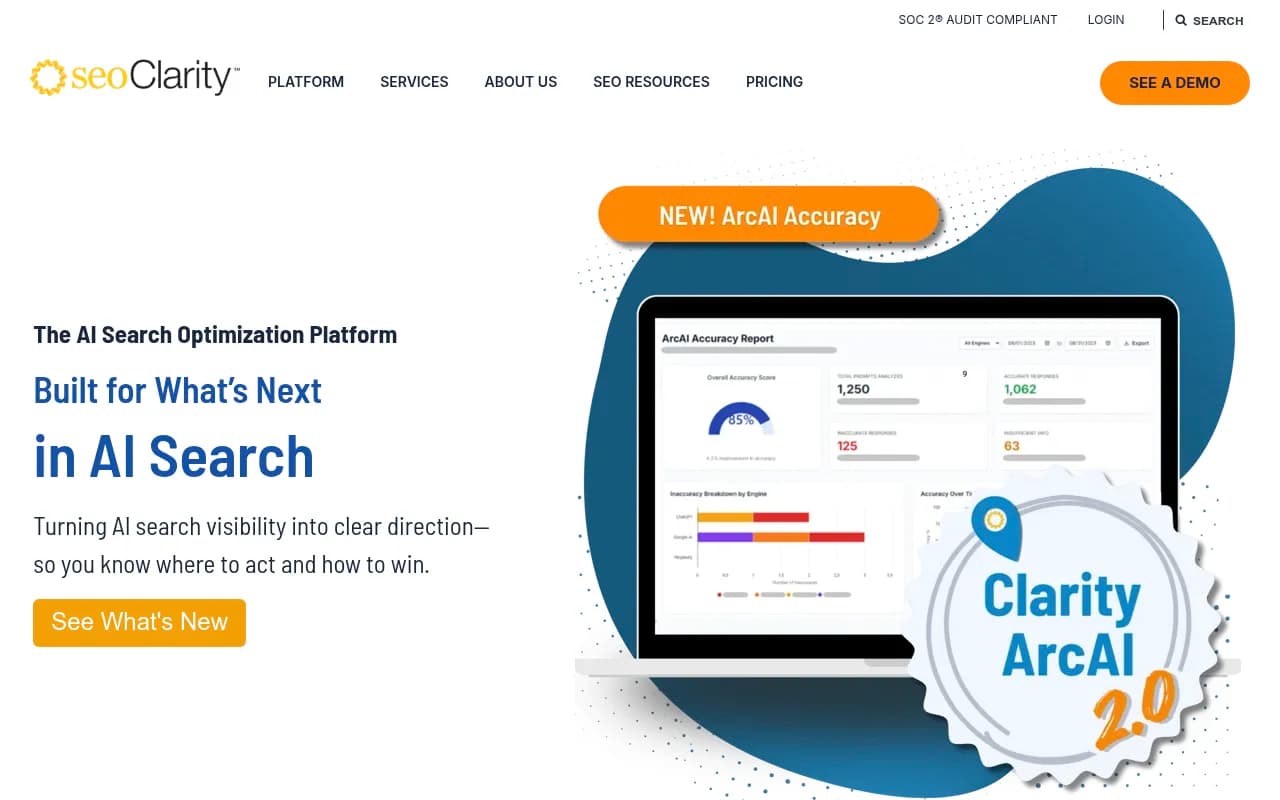
- Tools like Profound, seoClarity, and BrightEdge serve large organizations but carry price tags to match; mid-market teams have better options now
- Promptwatch is one of the few platforms that combines monitoring, content generation, crawler logs, and traffic attribution in a single workflow -- not just a dashboard
Why integrations matter more than the tracking itself
Here's the uncomfortable truth about most AI visibility tools in 2026: they're dashboards that tell you things you already suspect. Your brand appears in 34% of ChatGPT responses for your category. Your competitor appears in 67%. Now what?
That "now what" is where 90% of tools go silent.
The platforms that actually move the needle are the ones that connect AI visibility data to the rest of your marketing stack -- your CMS, your analytics, your reporting tools, your content workflows. Without those connections, you're paying for a scoreboard with no coach.
This guide breaks down exactly which integration capabilities matter, which tools have them, and how to evaluate what your team actually needs.
The integration tiers: what separates basic from enterprise
Before comparing specific tools, it helps to think about integrations in tiers. Not every team needs tier-three capabilities, but knowing where a tool sits tells you a lot about whether it's built for real workflows or just demos.
Tier 1: Data export and reporting connectors
The baseline. Any tool worth paying for should let you export raw data (CSV at minimum), connect to Looker Studio or Google Data Studio, and ideally offer a Slack or email alert system. This is table stakes -- if a tool doesn't have this, it's a prototype.
Tools like Otterly.AI and Peec AI sit here. They're affordable and useful for spot-checking visibility, but the data lives in their dashboard. You can't easily pipe it into your existing reporting stack.


Tier 2: API access and CRM/analytics integrations
Mid-tier platforms offer API access so your team can pull data programmatically, connect to Google Search Console, or push visibility metrics into a BI tool. This is where things get genuinely useful for marketing teams that already have data infrastructure.
SE Ranking's AI visibility toolkit, for instance, connects to GSC and lets you correlate traditional ranking data with AI appearance rates -- a combination that's more useful than either metric alone.

Profound offers API access and has built integrations aimed at enterprise content operations teams, though its price point reflects that positioning.

Tier 3: Full-stack workflow integrations
This is the real differentiator. Tier-three platforms don't just export data -- they integrate into your actual work. That means:
- Crawler log analysis (seeing which AI bots visit your site and what they read)
- Traffic attribution (connecting AI citations to actual sessions and conversions)
- Content generation workflows (using visibility gap data to create content directly in the platform)
- Multi-tool connectors (Zapier, Make, n8n, or native integrations with CMS platforms)
Very few tools reach this tier. The ones that do tend to be either expensive enterprise platforms or newer platforms that were built from the start around the full workflow rather than bolted-on features.
The crawler log gap: what most tools completely ignore
One of the most underrated integration capabilities is AI crawler log analysis. When ChatGPT, Claude, or Perplexity crawl your website, they leave traces in your server logs -- which pages they visited, how often, what HTTP errors they hit, whether they could access your content at all.
Most AI visibility tools ignore this entirely. They tell you whether you appear in AI responses, but they can't tell you why you don't appear, or whether the AI bots are even reaching your content in the first place.
This matters more than it sounds. If Perplexity's crawler is hitting a 403 error on your most important product pages, no amount of content optimization will fix your visibility problem. You need to know the crawl is happening before you can optimize for it.
Tools that offer crawler log analysis include Promptwatch (which provides real-time logs of AI crawlers hitting your site, including which pages they read and any errors they encounter) and BrightEdge, which has added AI crawler visibility to its enterprise suite.

For most mid-market teams, BrightEdge's price point ($2,500+/month for the full platform) is out of reach. That's part of why Promptwatch's inclusion of crawler logs at its Professional tier ($249/month) is notable -- it's a capability that was previously only available in enterprise contracts.
Traffic attribution: connecting visibility to revenue
The second major integration gap is traffic attribution. Knowing you appear in AI responses is useful. Knowing that AI appearances drive 12% of your qualified leads is what gets budget approved.
The challenge is that AI-referred traffic is messy. ChatGPT doesn't pass clean UTM parameters. Perplexity traffic often shows up as direct or referral depending on how the user navigates. Without deliberate attribution infrastructure, AI visibility looks like a vanity metric to finance teams.
The approaches that actually work:
Google Search Console integration -- GSC now captures some AI Overview click data, and platforms that connect to GSC can correlate visibility scores with actual click-through data. This is the easiest starting point for most teams.
JavaScript snippet tracking -- A code snippet on your site that identifies AI-referred sessions based on referrer patterns and user behavior signals. Promptwatch offers this as part of its traffic attribution module.
Server log analysis -- The most accurate method. Your server logs capture every request, including the referrer headers that identify AI-sourced traffic. More setup required, but the data is cleaner.
UTM-based tracking -- Works when you control the links (e.g., if you're publishing content that AI models cite, you can add UTMs to those source URLs). Limited but useful in specific scenarios.
Most basic trackers offer none of these. They show you visibility scores in isolation, with no connection to what those scores mean for your business.
Content workflow integrations: the action layer
Here's where the gap between monitoring tools and optimization platforms becomes most obvious. A monitoring tool tells you that a competitor appears in 78% of prompts about "best project management software for remote teams" while you appear in 12%. An optimization platform tells you why, shows you what content is missing, and helps you create it.
The content workflow integration requires several components working together:
- Gap analysis that identifies specific prompts where competitors are visible and you aren't
- Citation data that shows what types of content AI models actually pull from (articles, Reddit threads, YouTube videos, specific domains)
- A content generation layer that uses that citation data to produce content engineered for AI citation, not just keyword density
- A feedback loop that tracks whether newly published content improves visibility scores
Writesonic has built a similar workflow, combining AI visibility tracking with guided content optimization. It's worth evaluating for teams that want an all-in-one approach.
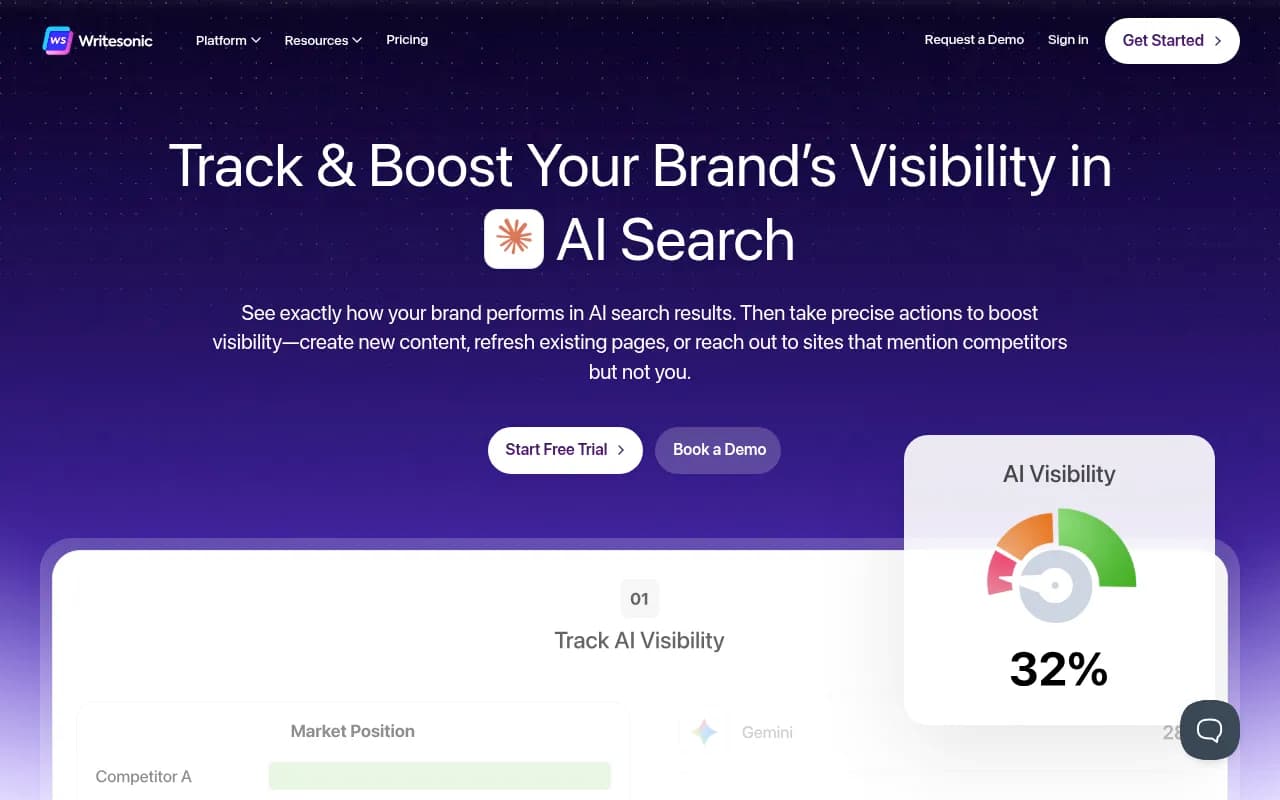
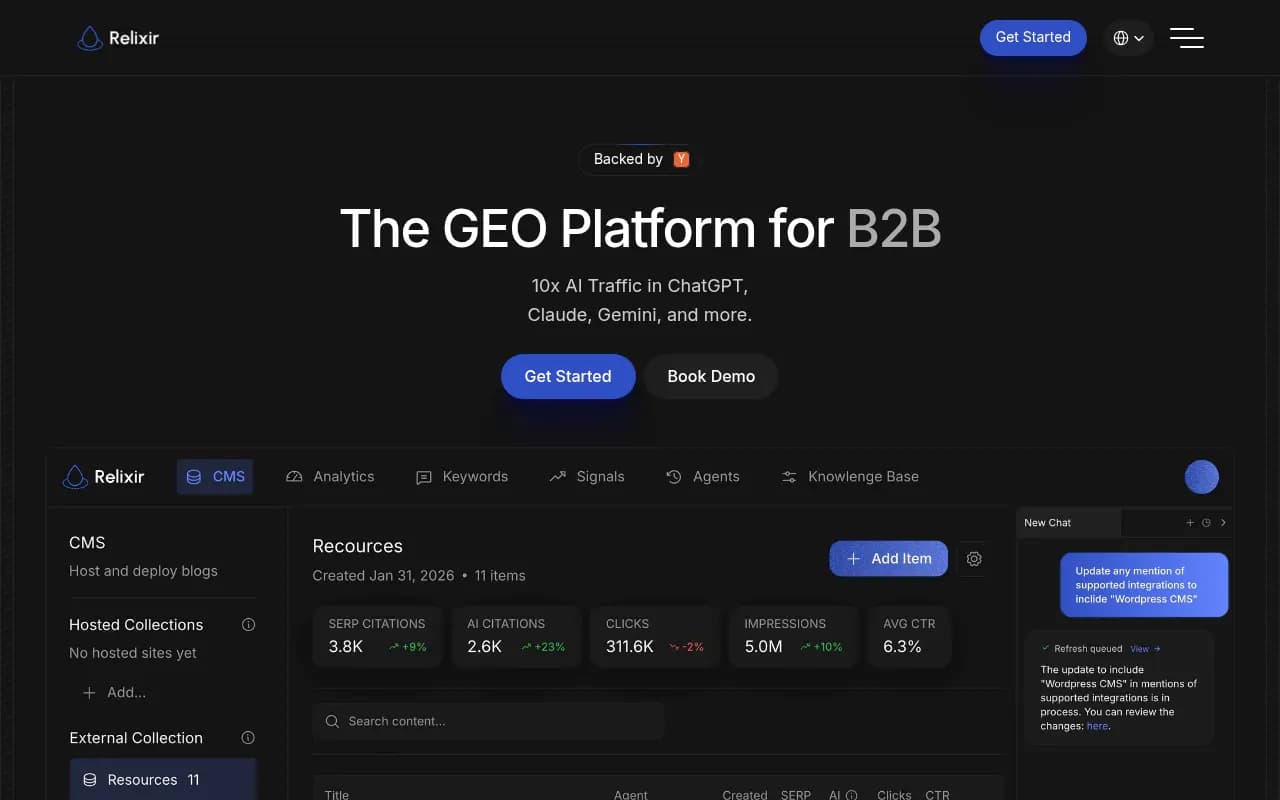
Relixir takes a more aggressive approach with what it calls an "AI-native CMS" -- content is generated and published with AI citation in mind from the start.
The honest caveat here: content generation features vary enormously in quality. Some platforms generate generic SEO filler that happens to mention the right keywords. The better ones ground their generation in actual citation data -- analyzing what sources AI models actually pull from and reverse-engineering the content characteristics that get cited.
Enterprise platform comparison
Here's how the major platforms stack up on integration capabilities:
| Platform | API access | Crawler logs | Traffic attribution | Content generation | GSC integration | Looker Studio | Starting price |
|---|---|---|---|---|---|---|---|
| Promptwatch | Yes | Yes | Yes (snippet + GSC + logs) | Yes | Yes | Yes | $99/mo |
| Profound | Yes | No | Limited | No | Partial | No | $99/mo |
| seoClarity | Yes | Partial | Yes | Limited | Yes | Yes | $2,500+/mo |
| BrightEdge | Yes | Yes | Yes | Limited | Yes | Yes | Enterprise |
| SE Ranking | Yes | No | GSC only | No | Yes | Yes | $65/mo |
| Otterly.AI | No | No | No | No | No | No | $29/mo |
| Peec AI | Limited | No | No | No | No | No | €89/mo |
| AthenaHQ | Limited | No | No | No | No | No | Custom |
| Writesonic | Yes | No | No | Yes | No | No | $199/mo |
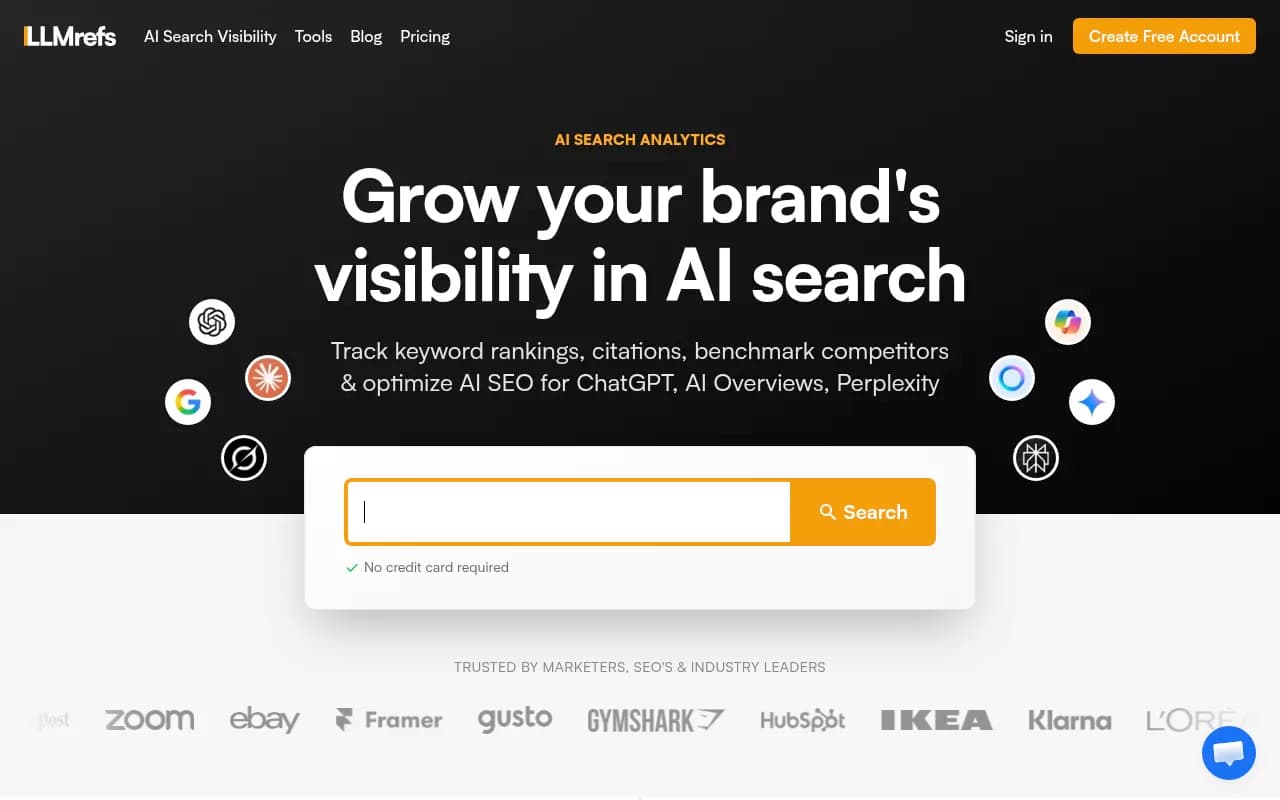
| LLMrefs | Limited | No | No | No | No | No | Custom |

The agency use case: reporting integrations matter most
For agencies managing AI visibility for multiple clients, the integration story is different. The priority shifts from "can I act on this data" to "can I report on this data efficiently across 20 clients."
The key integrations for agencies:
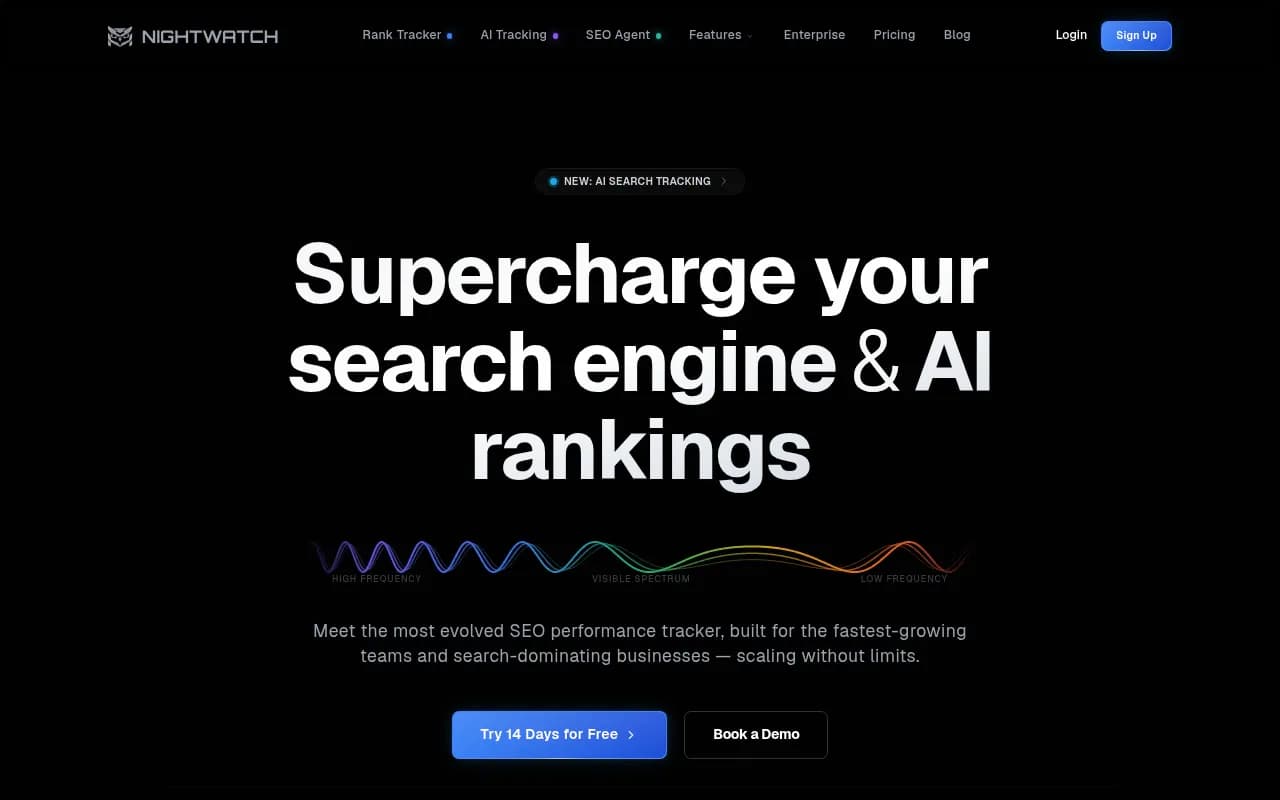
White-label reporting -- Can you generate branded reports without manually rebuilding dashboards every month? Platforms like SE Ranking and Nightwatch have invested in this.
Multi-client management -- Can you manage multiple brand profiles under one login, with separate data and permissions? This sounds basic but many tools make it surprisingly painful.
Looker Studio / Data Studio connectors -- Agencies that already have Looker Studio reporting infrastructure want to pull AI visibility data into existing dashboards, not maintain a separate reporting tab.
Zapier/Make integration -- For automating report delivery, alert routing, and workflow triggers. If a client's visibility score drops 10 points week-over-week, you want that to automatically create a task in your project management tool, not require someone to manually check a dashboard.
Search Party is built specifically for agencies and has invested in multi-client workflows, though its prompt metrics and content gap analysis are more limited than platforms built for in-house teams.
The Reddit and YouTube integration angle
This one catches a lot of teams off guard. AI models don't only cite official brand websites and authoritative publications. They cite Reddit threads, YouTube videos, forum posts, and community discussions -- often heavily.
If you're only tracking your own domain's citation rate, you're missing a significant part of the picture. The question isn't just "does AI cite my website" but "does AI cite content that accurately represents my brand, wherever that content lives."
Platforms that track Reddit and YouTube as citation sources give you a much more complete view. You can see which community discussions are shaping AI recommendations in your category, identify gaps where your brand has no presence in the conversations AI models are pulling from, and prioritize where to publish or engage.
Most platforms don't track this at all. It's one of the more meaningful differentiators for teams doing serious GEO work.
Multi-language and multi-region integrations
For global brands, the integration question extends to localization infrastructure. AI models behave differently across languages and regions -- a brand that dominates English-language AI responses might be nearly invisible in German or Japanese queries.
The platforms that handle this well let you:
- Set up monitoring in any language with native prompt construction (not just translated English prompts)
- Specify geographic regions so you're seeing responses as a user in that country would see them
- Create persona profiles that match how customers in different markets actually search
This is genuinely hard to do well. Many platforms claim multi-language support but are actually running English prompts through a translation layer, which produces different results than natively constructed prompts in the target language.
What to actually ask vendors before buying
If you're evaluating platforms, these are the questions that separate real integration capabilities from marketing claims:
-
"Can you show me the crawler log interface, not a screenshot?" -- Live demos reveal whether the feature is production-ready or a roadmap item.
-
"How does traffic attribution work technically?" -- If the answer is vague ("we use advanced tracking methods"), push for specifics. Is it a JS snippet? Server log analysis? GSC integration? Each has different accuracy and setup requirements.
-
"What happens to my data if I cancel?" -- Enterprise contracts sometimes include data portability provisions. Basic tools often don't. Know before you sign.
-
"What's the API rate limit and data freshness?" -- An API that refreshes data weekly is fine for trend analysis but useless for real-time monitoring. Know what you're getting.
-
"How do you handle prompt construction for non-English languages?" -- The answer will tell you immediately whether the team has thought seriously about localization.
The bottom line on integration tiers
The AI visibility tool market in 2026 has a clear split. On one side: monitoring dashboards that show you data and leave you to figure out what to do with it. On the other: platforms that connect visibility data to content workflows, traffic attribution, and reporting infrastructure.
For small teams or those just getting started with GEO, a basic tracker is fine. The data is useful even without deep integrations. But if AI search is becoming a meaningful traffic and revenue channel for your business -- and for most brands in competitive categories, it already is -- you need a platform that closes the loop.
The crawler log analysis, traffic attribution, and content generation capabilities aren't nice-to-haves. They're what turn AI visibility from a metric into a strategy.