
Key takeaways
- AI search optimization starts with plumbing. If an AI crawler can't reach, render, and parse a page, nothing you write on it will be cited.
- Treat each AI crawler separately in robots.txt. Blocking a training bot like GPTBot is a different decision from blocking a search bot like OAI-SearchBot.
- Compare your own crawler logs against the market mix. A provider that is big in the industry data but near zero in your logs usually means you are blocked.
- Schema markup is best treated as a clarity and credibility layer, not a magic ranking lever. Bad or stale schema can hurt.
- Run site health checks on a weekly schedule, because broken links, orphan pages, and redirect chains quietly pile up.
Why the unglamorous work comes first
Most AI search advice is about content: write direct answers, add FAQs, earn mentions. All fine. But I keep seeing teams do that work on pages that AI bots can't fetch, can't render, or can't tell apart from a duplicate.
The research behind this guide says the same thing in different words. One technical SEO checklist puts it bluntly: if bots can't access, read, or understand your site, your content won't rank, and the same applies to AI search. Another source frames it as a crawlable, parseable, indexable structure plus structured data. That is the foundation. Content sits on top of it.
This guide is the foundation checklist, in the order I would actually work through it: crawl access first, then rendering, then structure and schema, then ongoing site health.
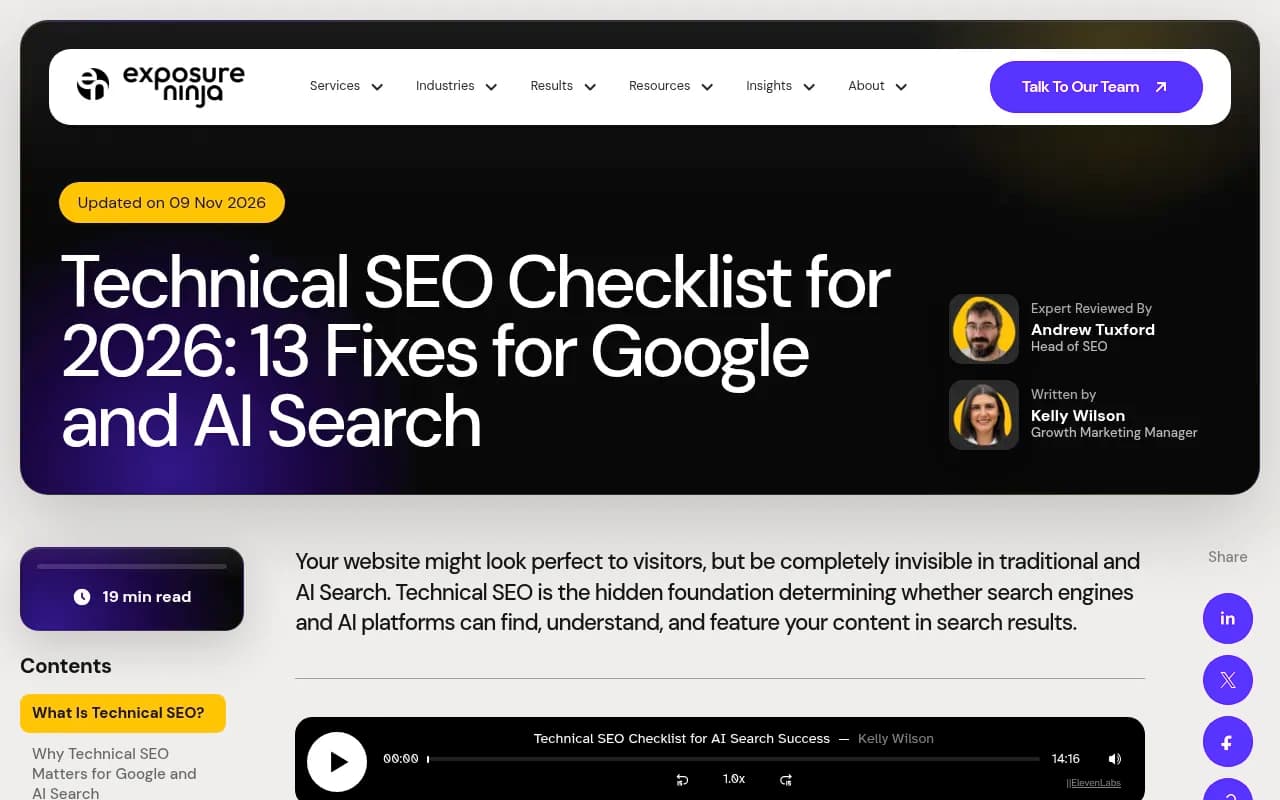
The checklist above (from Exposure Ninja's technical SEO guide) groups 13 checks into three blocks: bots can find and read pages, the site is fast and secure, and engines understand what the content is about. I'll follow a similar logic, with more emphasis on the AI-specific parts.
Step 1: Crawl access
Audit robots.txt, one bot at a time
Visit yourdomain.com/robots.txt and read it like a stranger would. A single leftover Disallow: / from a staging site can block everything. Also check that you aren't blocking the CSS and JavaScript files bots need to render pages.
Then look at AI bots individually. They don't all do the same job:
| Crawler | Operator | What it does | Blocking it means |
|---|---|---|---|
| OAI-SearchBot | OpenAI | Surfaces sites in ChatGPT search | You may not appear in ChatGPT search answers |
| GPTBot | OpenAI | Collects content for model training | You opt out of training only |
| Google-Extended | Controls use of content for Gemini | No effect on Google Search inclusion | |
| ChatGPT-User, Claude-User, Perplexity-User | OpenAI, Anthropic, Perplexity | Fetch a page live while answering a user | That page can't be used in a live answer |
The distinction matters because plenty of sites block every AI user agent in a panic and then wonder why they never show up in answers. If you want citations, don't block the search and answer-time bots by accident. If you want to opt out of training, do that deliberately and block only the training bot.
A sane starting point looks like this:
User-agent: OAI-SearchBot
Allow: /

User-agent: GPTBot
Disallow: /

User-agent: *
Allow: /
Whether you block GPTBot is a business decision, not a technical one. Just make it on purpose. Remember too that robots.txt controls crawling, not indexing. To keep a page out of Google, use noindex.
For generating and testing rules, Promptwatch has free utilities including a robots.txt generator for AI and an AI crawler URL inspector. Its AI bots and web crawlers directory lists 440+ crawlers with robots.txt guidance, which saves a lot of guessing about unfamiliar user agents.
Check CDN and WAF rules, not just robots.txt
This is the part people miss. Your robots.txt can say Allow while your CDN or web application firewall quietly returns 403s to anything that looks like a bot. Bot management features on Cloudflare, Akamai, and similar services often block AI crawlers by default or by a toggle someone flipped months ago.
Promptwatch Data's AI crawler traffic report (IP-verified requests, June 8 to September 6, 2026) offers a useful diagnostic. OpenAI made up 79.8% of verified AI crawler requests in the week of August 31 to September 6, down from 94.8% in the week of June 8 to 14, so the mix is shifting toward other providers. The report's advice is to compare your own logs with that market mix. If a provider is large in the report but near zero in your logs, you are probably blocked or unreachable for it. Check robots.txt, CDN, and WAF rules for each provider.
Shifts can be sudden, too. Promptwatch Data found Meta-WebIndexer grew from about 2% to nearly 38% of tracked AI crawler requests between mid-July and August 9, 2026. A bot you've never heard of can become a big share of your traffic in weeks, which is a good reason to read logs rather than assume.
Read your own logs
You need server or CDN logs with IP verification, because user agent strings are trivially spoofed. Only requests matching the operator's published IP ranges should count. Also separate training traffic from answer-time fetches, since they tell you different things: one is about being learned, the other about being used in a live answer.
Promptwatch does this through its AI crawler logs, which are IP-verified and work with Cloudflare, Vercel, Fastly, and other CDNs or a WordPress plugin. It also shows crawl errors in plain language and the crawl-to-citation path per page, so you can tell an access problem from a content problem.
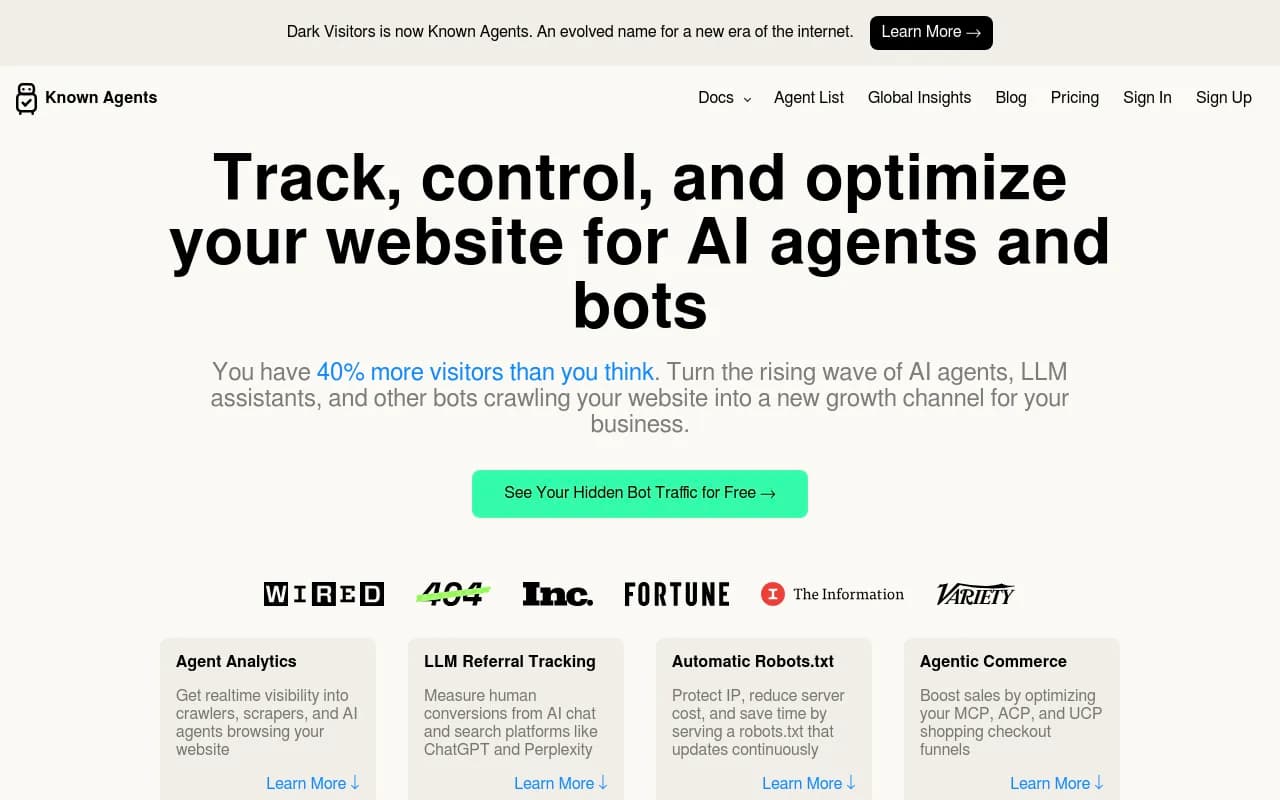
If you want something lighter, DarkVisitors tracks AI agents and bots hitting a site.
Step 2: Rendering and indexing
Don't hide key content behind JavaScript
The checklist research claims major AI crawlers don't render JavaScript, so content injected client-side can be missed entirely. I'd treat that as the safe assumption even where a specific bot does better. The test is simple: view the page source or fetch it with curl. If your product description, pricing, or main answer isn't in the raw HTML, assume some AI bots never see it.
Server-side rendering or static generation fixes this for most frameworks. Prioritize it for the pages you most want cited: product pages, docs, landing pages, comparisons.
That priority is not arbitrary. Promptwatch Data found product pages were the most cited content type in ChatGPT at 22.4% (September 28 to October 4, 2026), followed by landing pages and listicles. And the half-life data for pages ChatGPT cited on July 6, 2026 shows landing pages and docs stay cited longest while news loses half its pages within 36 days. Durable page types deserve the cleanest technical setup.
Confirm pages are indexed and canonicalized
A page that isn't indexed can't show up in classic results, and AI Overviews and AI Mode draw from the Google index. Check Search Console's page indexing report. Then set canonical tags so duplicate versions (tracking parameters, trailing slash variants, print views) resolve to one URL. Duplicates split signals and make it harder for any engine to know which version to cite.
If you update pages often, IndexNow lets you push changes to participating search engines instead of waiting for a recrawl. It is cheap to set up and useful for anything time-sensitive.
Skip the markdown hype
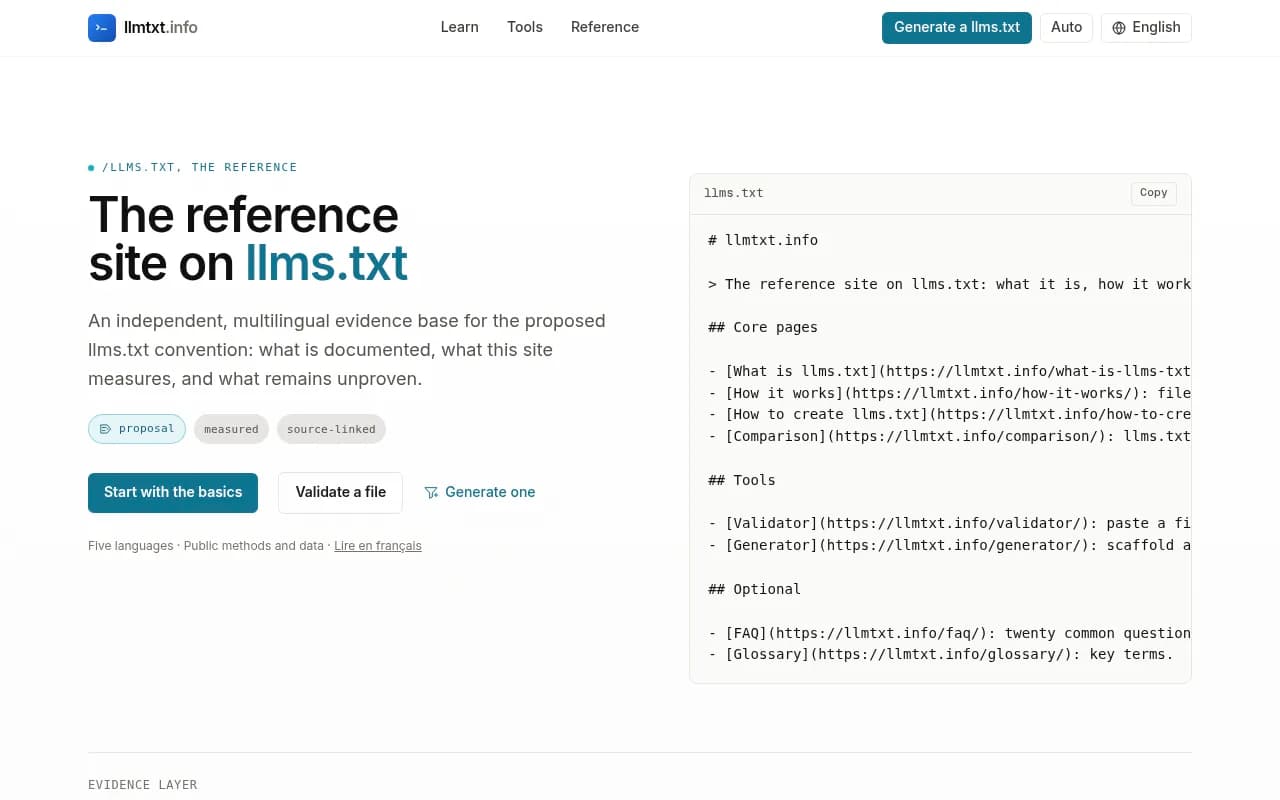
You may see advice to publish markdown or llms.txt versions of everything. Promptwatch Data's markdown report found markdown files are just 0.05% of AI search citations. They serve AI agents, not AI search. An llms.txt file is cheap, and there's a free LLMs.txt generator if you want one, but don't expect it to move citations.
Step 3: Structure and schema
Site architecture
Clear structure helps both bots and people see how pages relate and what you're an authority on. The practical list:
- Short, descriptive, consistent URLs, grouped in folders that mirror topics
- Internal links between related pages, with descriptive anchor text
- A complete XML sitemap submitted in Search Console
- Simple, consistent navigation with breadcrumbs
- Topic clusters: a pillar page linking to supporting subtopic pages
Orphan pages are the quiet killer here. A page with zero internal links might be in your sitemap and still get crawled rarely, because nothing signals it matters.
Schema markup: useful, but be realistic
One technical checklist claims schema improves AI search visibility by 30%. I'd treat that number cautiously, since I couldn't trace its methodology. A more measured take from a Reddit discussion on r/aiseosoftware is that schema acts like a credibility filter rather than a ranking factor, and that bad or outdated schema can backfire. That matches my experience: schema helps engines identify what a page is, who published it, and what entities are involved. It doesn't rescue thin content.
What to implement, in rough priority:
- Organization and WebSite markup on the homepage, with consistent name, logo, and sameAs profile links
- Article or BlogPosting with author and dates on editorial content
- Product, Offer, and Review where they genuinely apply
- FAQPage and HowTo only where the page really contains that content
- LocalBusiness for physical locations, plus Person markup for authors
The rules that keep schema from backfiring:
- Markup must match visible page content. Don't mark up things users can't see.
- Keep prices, dates, and availability current. Stale schema is worse than none.
- Validate with Google's Rich Results Test and the Schema Markup Validator after every template change.
- Make entity details (names, addresses, profiles) consistent across your site and profiles.
There is a people angle too. One checklist notes that AI increasingly evaluates who is behind information, so authors and executives should have clear bios and credentials. Pair visible author pages with Person schema. A healthcare-focused guide from DoctorsInternet makes the same point for a sector where trust is the whole game.
For entity-based internal linking and schema generation, InLinks is one option in this category.

Step 4: Site health
The boring checks that keep everything above working:
- Fix broken links and redirect chains so bots don't waste fetches on dead ends
- Keep Core Web Vitals healthy; slow pages risk timeouts for bots and bounce for people
- Serve everything over HTTPS
- Make sure the mobile version has the same content as desktop, since Google indexes mobile-first
- Set hreflang correctly on international sites
- Keep sitemaps current and free of redirected or noindexed URLs
The tooling choice depends on scale. Desktop crawlers are great for one-off audits, while cloud and enterprise crawlers monitor continuously.
| Tool | Type | Best for |
|---|---|---|
| Screaming Frog | Desktop crawler | Fast, detailed one-off audits |
| Sitebulb | Desktop and cloud crawler | Visual, prioritized audit reports |
| Lumar | Enterprise platform | Large-site monitoring including GEO |
| Oncrawl | Enterprise crawler | Log analysis at scale |
| JetOctopus | Enterprise crawler | Seeing how bots actually behave |
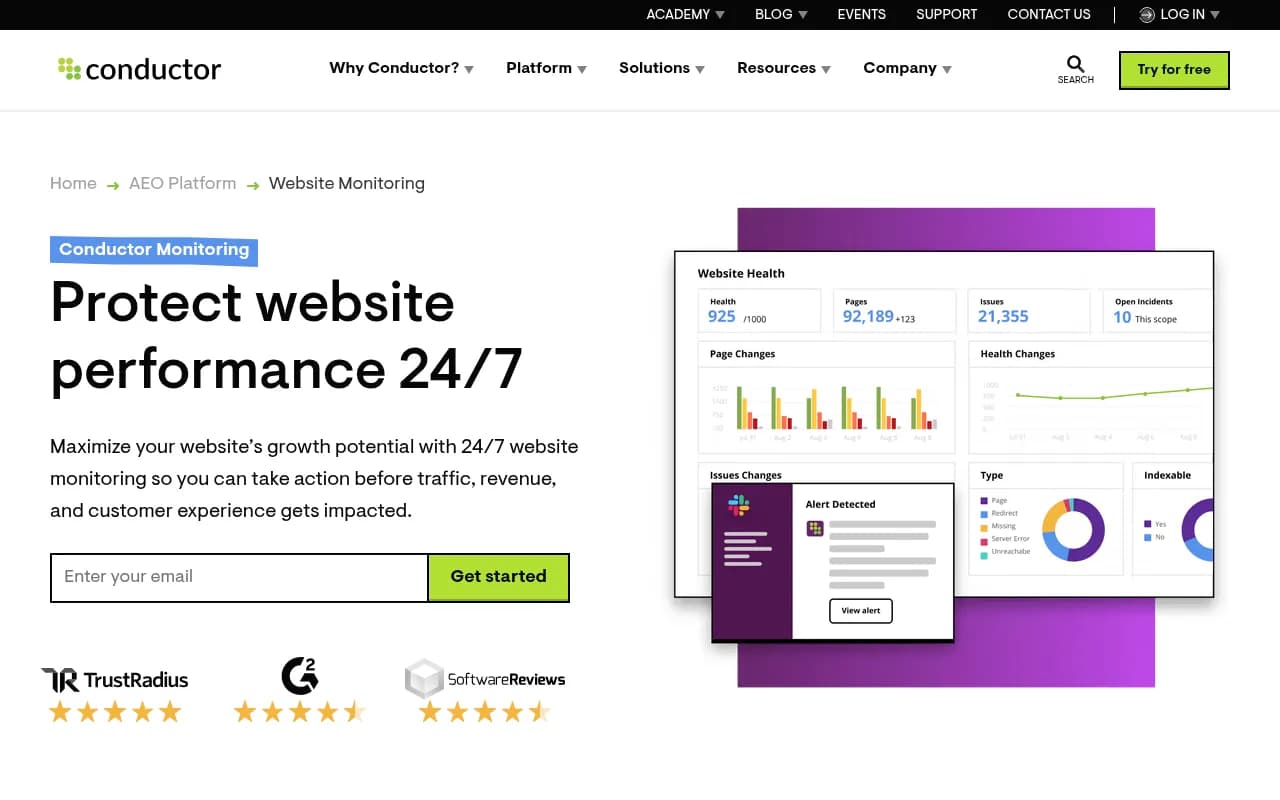
| ContentKing | Real-time monitoring | Catching issues the moment they appear |
| Promptwatch | AI visibility platform | Weekly audits tied to AI crawls and citations |
The difference with an AI-focused audit is that it connects findings to outcomes. Promptwatch runs weekly audits with 21 checks, a health score, and what changed since the last run, and it lays an internal linking map over orphan and thinly linked pages. Because it also sees crawler logs and citations, you can see whether a fixed page starts getting read and cited afterward, which a standalone crawler can't tell you.
A practical weekly routine
Here is a sequence that takes under an hour once set up:
- Review crawler logs for each major AI provider. Flag any that dropped to near zero.
- Check the audit for new broken links, orphan pages, and redirect chains.
- Validate schema on any template that changed.
- Confirm new pages are in the sitemap and submitted via IndexNow.
- Spot-check key pages with curl to confirm the main content is in raw HTML.
- Look at which pages rank in Google but never get cited by AI. Those are usually structure or clarity problems, not authority problems.
Step 6 is where the technical work pays off. Pages with Search Console impressions but no AI citations are your best candidates for restructuring: lead with a direct answer, tighten headings, add schema, link from stronger pages.
Some shifts are outside your control. Promptwatch Data recorded ChatGPT's citations per response dropping around the GPT-5.3 rollout on March 4, 2026, and ChatGPT starting to use the site: operator at scale on August 8, 2026, jumping from about 0.4% to about 17% of fan-out queries. When engines change behavior overnight, clean access and clear structure are what keep you eligible regardless.
Where to measure the results
Technical fixes are only worth it if you can see the effect. You need three things: whether bots crawl the page, whether AI cites it, and whether visitors arrive. Many trackers only cover the second. If you're comparing options, the GEO software directory at bestgeosoftware.com is a good place to browse the category.
When you need hands-on help rather than tooling, an agency can take on the audit and remediation. 1001 SEO Media, which publishes this site, does technical SEO and AI search work, and uses Promptwatch for AI visibility measurement.
Checklist summary
- robots.txt reviewed per AI crawler, with intentional training vs search decisions
- CDN and WAF rules checked for accidental bot blocking
- IP-verified crawler logs compared with the market mix
- Key content present in raw HTML, not injected by JavaScript
- Indexing confirmed, canonicals set, sitemap complete, IndexNow on
- Logical URLs, internal links, no orphan pages
- Schema valid, accurate, current, and matched to visible content
- Author and organization entities consistent and clearly documented
- Weekly audit for broken links, redirects, speed, and mobile parity
None of this is exciting. It is also the part that decides whether the exciting parts get seen. Start with the logs: they take an afternoon to check and usually reveal a surprise.