
Key takeaways
- Content half-life is the time it takes for half of the pages ChatGPT cited on day 0 to stop being cited. It varies a lot by content type.
- In Promptwatch Data's half-life study (pages cited July 6, 2026, tracked through Oct 4, 2026), news lost half its pages within 36 days. Product pages, reviews and how-tos reached half-life after 74 to 77 days.
- Landing pages, docs, comparisons and listicles kept more than 60% of citations after two months, with true half-lives likely near or beyond 90 days.
- A blanket "refresh everything every 2-3 weeks" rule comes from a different kind of study. Don't apply it to every page on your site.
- Set refresh cadence per content type, then verify it with your own citation and crawler data.
What content half-life actually means
Half-life is borrowed from physics. Take a group of pages that ChatGPT cited on one day. Count how many are still cited a week later, two weeks later, and so on. The point where the group shrinks to 50% is the half-life.
Simple idea. The trouble is that people measure it in different ways, and the resulting numbers get quoted as if they were interchangeable.
Two studies, two answers
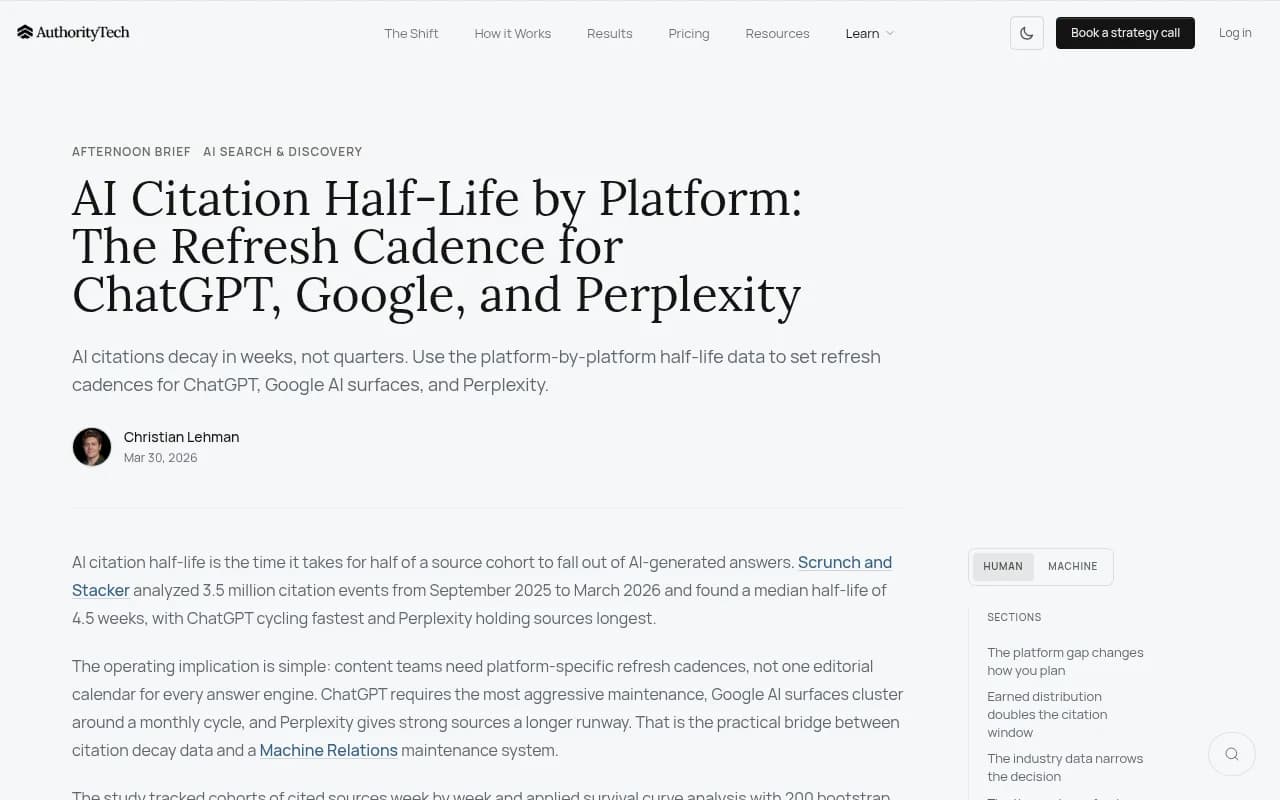
You will see a figure floating around that ChatGPT has a 3.4-week citation half-life, with the advice to refresh content every two to three weeks. It comes from a Scrunch and Stacker analysis of 3.5 million citation events between September 2025 and March 2026, which found a median half-life of 4.5 weeks across platforms. In that data ChatGPT cycled fastest at 3.4 weeks, Google AI Mode sat at 4.3, AI Overviews at 4.7, Gemini at 4.8, and Perplexity held sources longest at 5.8. The write-up that popularised the refresh-cadence advice is here.
Promptwatch Data measures something narrower and different: the survival of individual cited pages, split by content type. Its numbers look much longer-lived for most page types. Both can be true. A source cohort turning over every few weeks does not mean any given page you own loses its citation after three weeks. Different units, different windows, different answers.
My read: the platform-level number tells you the churn of the whole citation pool. The content-type number tells you what to do with a specific URL. For scheduling work, the second is more useful.
What Promptwatch Data found, by content type
Promptwatch followed every page ChatGPT cited on July 6, 2026 (day 0) and checked how many were still cited over the next 90 days, using real UI monitoring of ChatGPT. Here is how each type held up.
| Content type | Still cited at 30 days | Still cited at 60 days | Half-life |
|---|---|---|---|
| Landing pages | 78% | 69% | Likely near or beyond 90 days |
| Docs | 76% | 67% | Likely near or beyond 90 days |
| Comparisons | 72% | 63% | Likely near or beyond 90 days |
| Listicles | n/a | 60% | Likely near or beyond 90 days |
| Product pages | n/a | about 55% | 74 to 77 days |
| Reviews | n/a | about 55% | 74 to 77 days |
| How-tos | n/a | about 55% | 74 to 77 days |
| News | n/a | 41% | 36 days |
Two caveats from the study itself. First, lines drop faster in the last week because fewer days remain for a page to be cited again. That is a window-end artifact, which is why landing pages, docs, comparisons and listicles only appear to cross 50% in the final week. Second, pricing pages are classed as landing or product pages, so they land in those buckets.
One more number I like: 93% of docs were cited again at some point after day 0, the smallest drop of any type. For news it was 77%. Almost a quarter of news pages were never cited again.
For wider context on what ChatGPT cites in the first place, see Promptwatch's citation share by content type report, where product pages are the most cited type at 22.4% of citations (Sep 28 to Oct 4, 2026).
Turning half-life into a refresh calendar
Here is the schedule I would start from. It follows the Promptwatch findings and treats the Scrunch figure as a warning, not a rule.
| Content type | Suggested cadence | What to do on each pass |
|---|---|---|
| News and press coverage | Treat as a short burst; update within the first 2 to 5 weeks or accept decay | Add new developments, or move on |
| Product pages, reviews, how-tos | Every 60 days | Re-check specs, availability, prices, steps and screenshots |
| Comparisons and listicles | Every 60 to 90 days | Update entries, rankings and dates; these are worth lasting effort |
| Landing pages, docs, pricing pages | Accuracy check every 30 to 90 days | Verify prices, features and positioning; rewrite only if wrong |
Why the 60-day cycle for product pages
Product pages, reviews and how-tos hit half-life at 74 to 77 days. If you refresh at 60 days, you act before half of the cohort has gone. Promptwatch's own advice is blunt on this: don't assume product pages stay cited on their own. They decay about as fast as how-to guides.
Why not rewrite landing pages constantly
Landing pages, docs and pricing pages are your long-term citation assets. They don't need frequent rewrites. They need to be correct. A stale price on a pricing page is worse than an old publish date, because ChatGPT will repeat it.
Where news fits
Half of news pages dropped out within about 36 days. Don't build a maintenance plan around them. Use press and news pieces for a spike of visibility, and put your refresh budget into the evergreen pages that keep their citations.
Quarterly sprints versus continuous refresh
One practitioner rule says to plan a refresh sprint every three months and update three to 5 posts per sprint (Cassie Clark's 3-to-6 month rule). Another claims quarterly cycles beat annual ones by roughly 42% in AI citation retention (Quattr on the content decay cycle). Neither is first-party ChatGPT data, so treat them as reasonable starting points rather than laws.
A workable hybrid:
- Run a monthly accuracy pass on pricing, landing and docs pages. This is a checklist, not a rewrite.
- Run a 60-day refresh queue for product pages, reviews and how-tos.
- Run a quarterly sprint on comparisons and listicles, where lasting effort pays off.
- Let news age out unless a story is still developing.
What a refresh should actually change
Changing a date stamp does nothing for you. Real changes that tend to matter for ChatGPT search:
- Put the answer in the first one or two sentences under each heading.
- Keep key facts in HTML text, not images or scripts.
- Make sure OAI-SearchBot can crawl the page.
- Update numbers, versions, prices and screenshots.
- Use headers that read like a natural table of contents.
The crawl, answer-first and update-on-schedule points show up consistently in guides like Ansvisor's ChatGPT search guide, and Profound makes a similar case that answer engines parse and extract rather than scan.
Tools for scheduling and tracking refreshes
You need two things: a reminder system and a measurement system.
Reminders
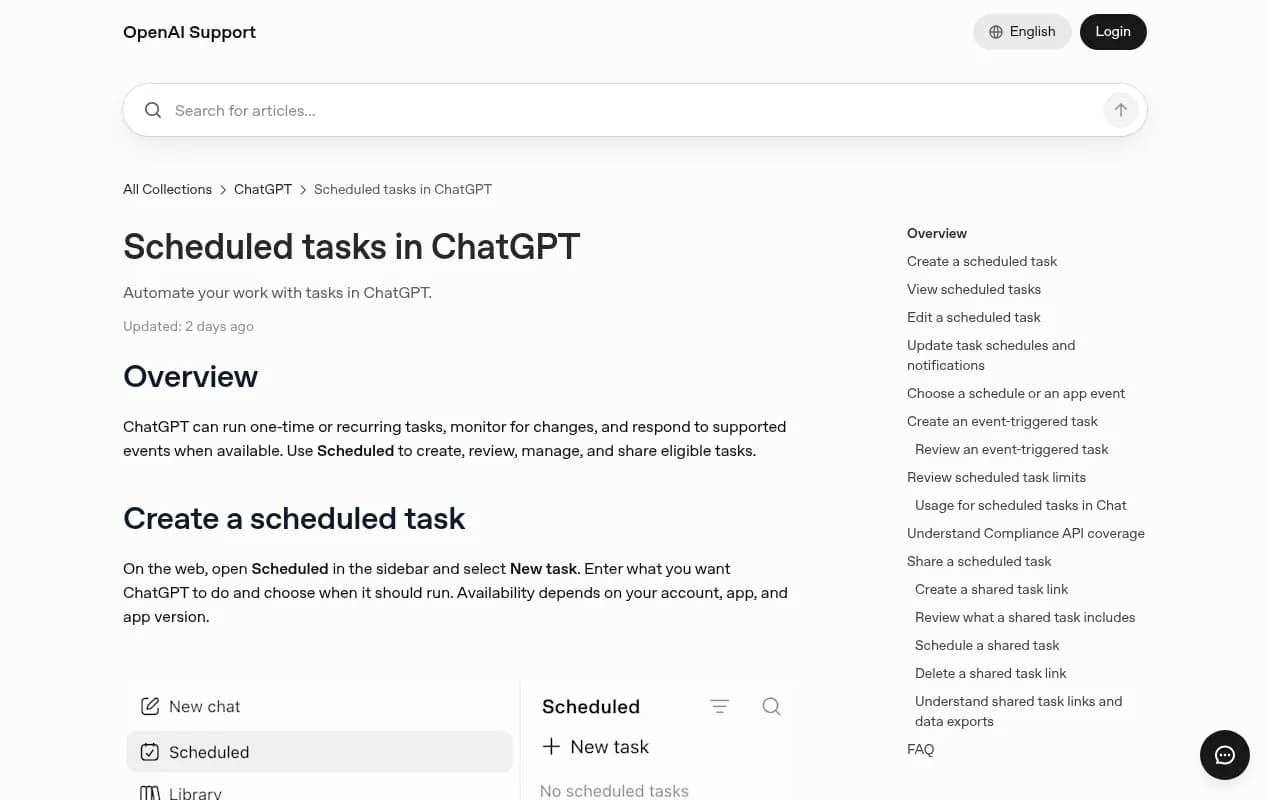
The cheapest reminder is ChatGPT's own scheduled tasks. In the web app, open Scheduled in the sidebar, select New task, describe what you want and pick when it runs. One catch from OpenAI's docs: a task created in a project can't access files you uploaded to that project. So keep the checklist in the task prompt itself.
For anything more structured, a workflow tool is better. Zapier and n8n can push a refresh ticket into a board every 60 days per URL.

Measurement
A calendar only works if you can see whether pages are still cited. Promptwatch is the one I would reach for here. Its Page Tracker shows the prompts and responses that cite any URL you watch, the Action Board turns decay into a prioritised to-do list, and the Content Agent can draft refreshes you review before publishing. Its AI crawler logs separate an access problem from a content problem, which matters because a page that stops being cited may simply have started returning errors to bots.
Other trackers in this space include Profound, Scrunch and Peec AI. Many are monitoring-first, so check whether they also help you write and publish the fix.

If you want to browse more options, the GEO software directory at bestgeosoftware.com lists many of them.
| Job | Option |
|---|---|
| Simple recurring reminders | ChatGPT scheduled tasks |
| Per-URL refresh tickets | Zapier or n8n |
| Citation tracking per page, crawler logs, refresh actions | Promptwatch |
| Monitoring-only dashboards | Profound, Scrunch, Peec AI |
Verify with your own data
Promptwatch's study covers one cohort from July 6 to Oct 4, 2026. Your pages, niche and domain will differ. Check these before you lock a calendar:
- Cited-page age: pull the pages ChatGPT cites for your prompts and note when each was last updated.
- Citation rate by content type: do your how-tos fade faster than the study says?
- Crawl health: confirm bots can reach the pages you plan to refresh.
- Before and after: compare citations in the weeks following each refresh.
Also keep an eye on how ChatGPT itself changes. Promptwatch Data found that ChatGPT began using the site: operator at scale on August 8, 2026, and citations per response dropped around the GPT-5.3 rollout. Shifts like these can move your numbers regardless of how often you refresh.
A simple 90-day plan
- Week 1: tag every important URL by content type.
- Week 2: set up tracking for those URLs and confirm crawler access.
- Weeks 3 to 4: run the first accuracy pass on landing, docs and pricing pages.
- Day 60: refresh product pages, reviews and how-tos.
- Day 90: refresh comparisons and listicles, then compare citation rates against day 0.
FAQ
How often should I refresh content for ChatGPT?
It depends on the type. Based on Promptwatch Data, about every 60 days for product pages, reviews and how-tos, quarterly for comparisons and listicles, and accuracy checks for landing, docs and pricing pages. News decays fastest, with half the pages gone after 36 days.
Is the 3.4-week ChatGPT half-life wrong?
Not wrong, just a different measurement. The Scrunch and Stacker study looks at source cohorts across 3.5 million citation events. Promptwatch tracks individual cited pages by content type. Use the first to understand churn, the second to schedule work.
Does updating the publish date help?
No. Change the facts, prices, steps and structure, not only the timestamp.
Should I refresh pages that are still being cited?
Yes, if the facts can go stale. A cited pricing page with an outdated price is a liability. Check accuracy even when citations look healthy.