
Key Takeaways
- Plenty of AI visibility tools say they "integrate with your CMS." Far fewer publish through an API, plugin or webhook, and fewer still can update pages that already carry your citations.
- WordPress, Webflow and Sanity have the widest support. Shopify, HubSpot and Drupal coverage is thin or uneven.
- Entry plans of several tools track but cannot publish. Check which tier unlocks the CMS connection before you buy.
- Most CMS platforms ship no native AI search features. Prismic's own testing of 744 sites found that the platform barely changed whether AI crawlers could read a page.
- Test any platform with a three-step check: publish a new draft, update one existing field, and confirm nothing you edited by hand gets overwritten.
Why CMS publishing is the part that separates tools
Tracking is the easy half of GEO. Every vendor can run prompts through ChatGPT and show you a chart. The hard half is turning "you are missing from these 40 answers" into a published page without a content team rebuilding the workflow by hand.
So the useful question is not whether a tool tracks AI answers. It is whether the tool can write into your CMS, and how carefully it does it. I used the vendor-checked data from Asky's comparison of nine tools (published Oct 29, 2026, vendor facts checked Nov 12, 2026) plus Prismic's CMS research as the base for this guide. A caveat up front: Asky is itself a vendor and ranks itself first, so I treat its ranking as biased and use only its per-tool facts. I did not run a hands-on test of every platform. What follows is a vendor-documented comparison plus a method you can use to verify claims yourself.
What a real CMS integration means
The word "integration" covers a lot of sloppy ground. Here are the four criteria I used, adapted from the test criteria in the Asky comparison:
- The tool tracks AI answers (otherwise it is just a writer).
- It publishes through an API, plugin or connector, not copy and paste.
- It updates existing pages, not only new ones.
- It respects page structure: fields, blocks, templates, metadata.
Criterion three matters more than people expect. The pages already earning your citations are the ones you least want to break, and also the ones most worth refreshing. A tool that only writes net-new posts leaves them untouched.
The comparison table
This is what each vendor lists, as checked on 12 November 2026. Confirm on the vendor's site before buying, since CMS lists change often.
| Tool | CMSs it publishes to | Updates existing pages | Entry price with publishing | Trial |
|---|---|---|---|---|
| Asky | Webflow, WordPress, Sanity | Yes, single field or block, with read-back | From EUR 399/mo (Scale) | 7 days |
| AirOps | 13 CMSs incl. WordPress, Webflow, Sanity, Contentful, Storyblok, Builder.io, HubSpot | Yes, only the fields you pass | No list price | 14 days |
| AthenaHQ | Shopify, Webflow, Wix, Framer, WordPress, Payload, Sanity, Contentful | Direct only on Sanity and Contentful; others need export | $295/mo Starter | Free tier |
| Profound | WordPress, Webflow, Sanity, Contentful, Drupal, Framer, Adobe Experience Manager | Contentful: only fields you set | Custom enterprise | 7 days |
| Frase | WordPress, Webflow, Sanity, Wix, FraseCMS | Only articles created in Frase | $49/mo ($39 yearly) | 7 days, no card |
| Writesonic | WordPress documented; others listed on integrations page | WordPress "Overwrite the Post" option | $99/mo ($79 yearly) | Free, no card |
| Sight AI | WordPress, Webflow, Framer, Shopify, Wix, HubSpot (webhook for Sanity) | Only articles it wrote | $99/mo ($79 yearly) | 7 days, card required |
| Indexly | WordPress, Webflow, Shopify, Framer, Ghost, Notion | WordPress, Webflow, Ghost | $49 + $49 Content Agents | Not stated |
| Semrush | WordPress only | Not described | $99 AI toolkit + $60 Content Toolkit, yearly | None on AI toolkit |
The platforms, one by one
AirOps
The widest CMS reach in the list. It uses native publishing steps against the CMS APIs rather than plugins, and updates can be narrow: on WordPress, attributes you leave empty stay unchanged, and on Builder.io only the fields you specify change. Playbooks can trigger a refresh when mention rate, share of voice or citation rate moves.
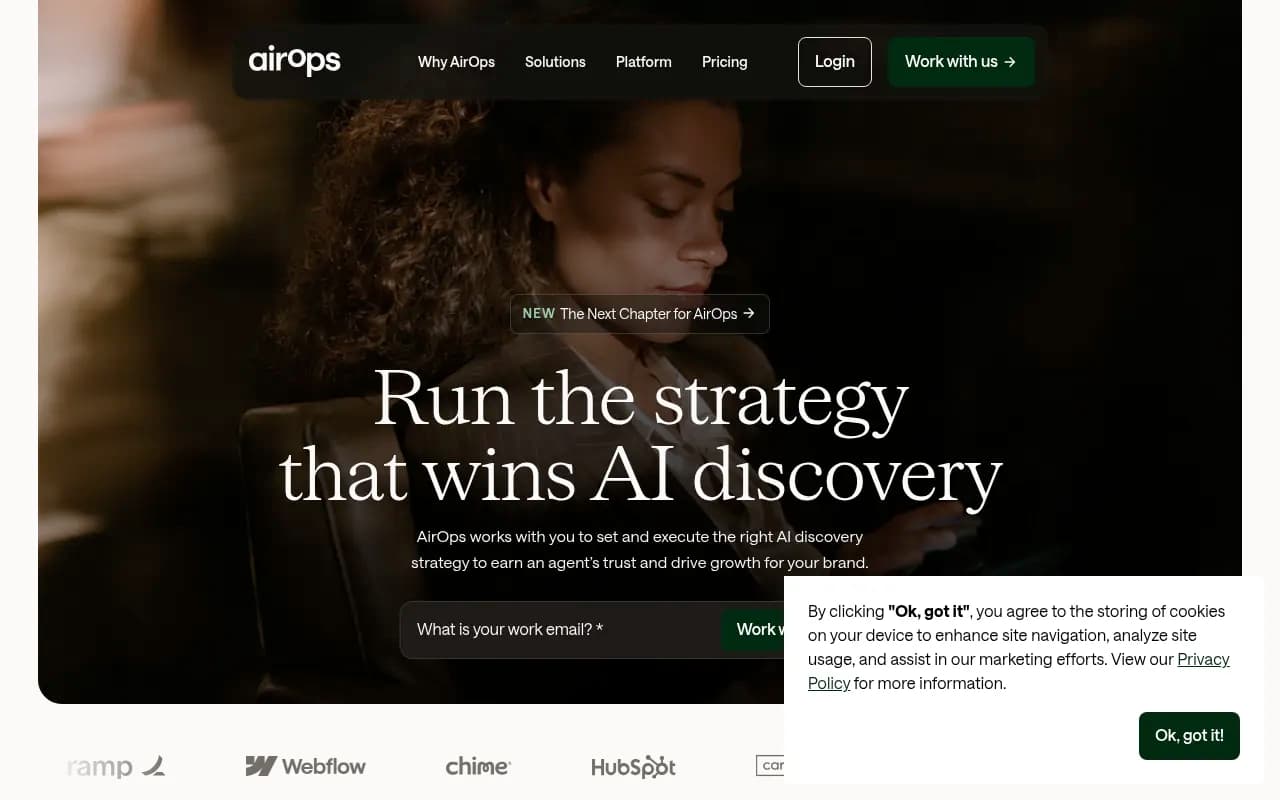
The catch is a pitfall the research flags directly: vendor "supported CMS" lists differ from what the docs and pricing pages show. AirOps' Solo plan tracks ChatGPT only, and its pricing table shows only Webflow in the CMS row. Ask which plan includes which connector.
AthenaHQ
AthenaHQ's Content Hub publishes and schedules to eight CMSs. The interesting detail is the post-delivery check: it compares title, meta description, main content and structured data field by field after delivery. That is the kind of verification I would want from any tool. The limitation is that Site Health edits go straight into existing items only on CMSs with direct delivery, such as Sanity and Contentful. Everywhere else you get an export.

Profound
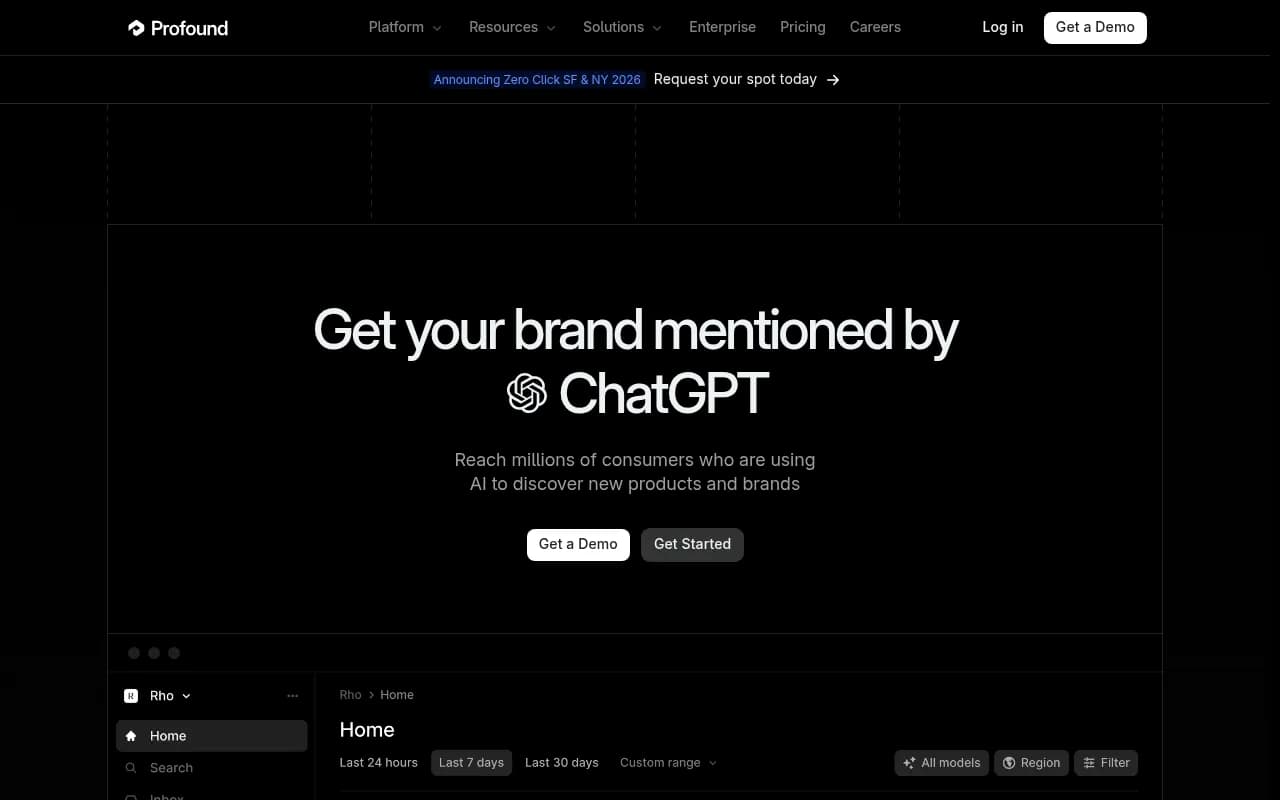
Profound covers the enterprise stack, including Drupal and Adobe Experience Manager, which most mid-market tools skip. Contentful updates change only the fields you set. Pricing is custom, so budget for a sales call.
Frase, Sight AI and Writesonic
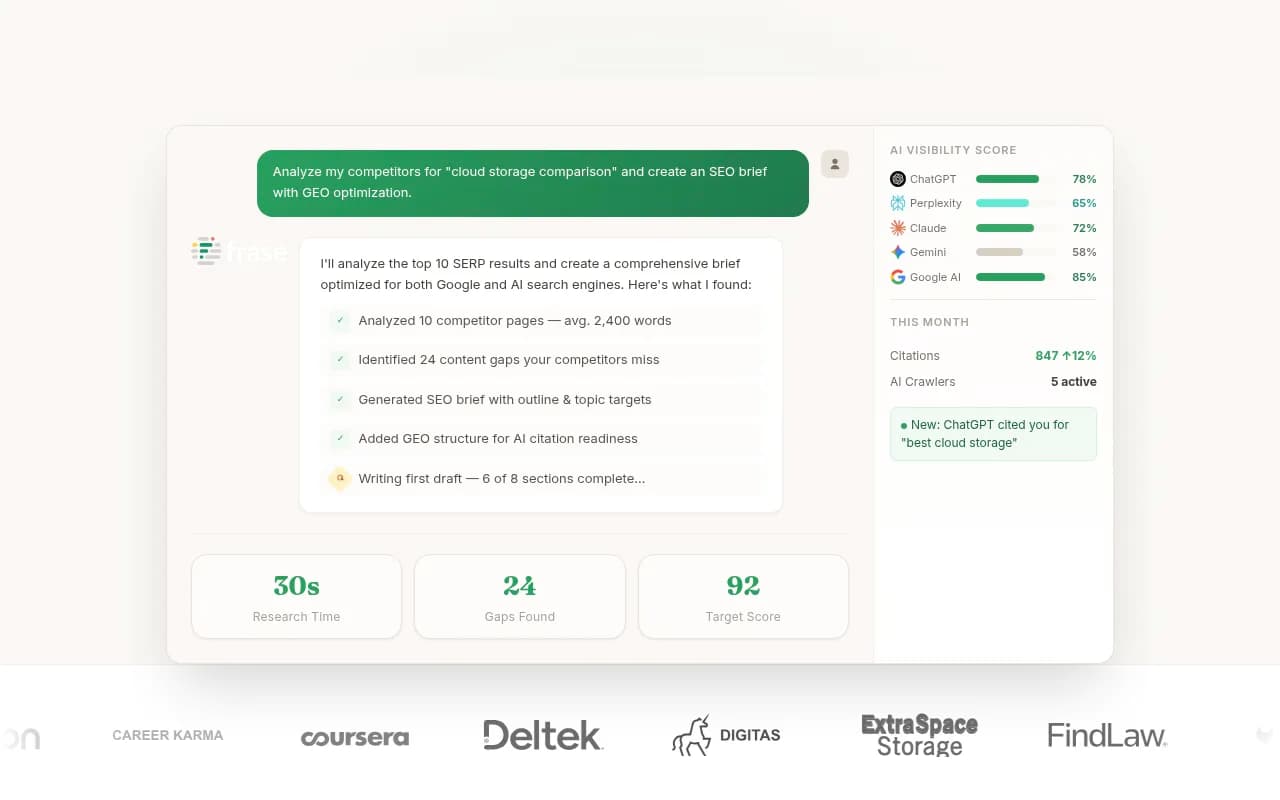
These three are the budget publishing tier, with a shared limitation: Frase and Sight AI update only articles they created themselves. If your existing library was written elsewhere, they will not refresh it. Writesonic's documentation covers WordPress only, even though its integrations page also names Sanity, Contentful, Contentstack and Drupal. Treat the longer list as unverified until you see the docs.
Indexly and Semrush
Indexly can rewrite existing pages on WordPress, Webflow and Ghost, and it triggers a rewrite when AI citation share drops. Semrush publishes to WordPress only and does not describe updating existing pages. If your team already lives in Semrush, that may be fine. If you run Webflow or a headless stack, it is a non-starter.
Asky
Asky's pitch is surgical updates: it changes a single field, block or Elementor widget, reads each change back, and reports edits made in the CMS instead of overwriting them. Shopify and HubSpot teams must copy content across. Remember the bias caveat, since this data comes from Asky's own page.
Where the CMS side stands
Prismic's research takes the opposite angle: instead of tools that publish into a CMS, which CMS platforms help you act on visibility data.
- Prismic connects AI assistants to the site through its MCP, so Claude or ChatGPT can draft or update a page from approved slices, with review before anything goes live. From $10 a month. It does not measure visibility itself.
- Webflow measures the most answer engines (ChatGPT, Gemini, Claude, Perplexity) but stops at telling you where you stand.
- Kontent.ai handles bulk fixes and scheduled expiry of stale pages. [tool:kontent-ai]
- Storyblok pairs its visual editor with an OtterlyAI integration for citation tracking, which means a second vendor and a second bill. [tool:otterly-ai]
- WordPress ships nothing native. Rank Math, Yoast and AIOSEO added AI visibility features on premium tiers, but none connect tracking to publishing.
- Contentful, Adobe Experience Manager, Sanity, Drupal, Shopify, Wix and Sitecore ship no dedicated AI search features at the time of that research.
The practical read: for most teams, keep the CMS you have and add a GEO platform that writes into it. Migrating a CMS for AI search is hard to justify. Prismic's own test of 744 live sites found four out of five arrived fully readable to AI crawlers, with the platform barely moving that number.
Don't forget crawler access
A published page only helps if AI crawlers can reach it. According to Promptwatch Data's AI crawler traffic report (IP-verified requests, weekly), OpenAI made up 79.8% of verified AI crawler requests in Aug 31 to Sep 6, 2026, down from 94.8% in Jun 8 to 14, 2026. Check robots.txt, CDN and WAF rules for every major provider, and compare your own logs to that mix. If a provider is large in the report but near zero in your logs, you are probably blocking it.
Where Promptwatch fits
Promptwatch covers the same loop from the tracking side: its Content Agent writes against visibility gaps and publishes to WordPress (via the official plugin), Webflow (OAuth or Marketplace app) and Framer, as a draft or live, with AI field mapping. It then follows each published URL through AI crawls, citations and AI-referred traffic, which answers the question most publishing tools skip: did the page actually work? Publishing is also available through the REST API and MCP. The Content Agent starts on the Business plan ($579/mo); confirm current limits at promptwatch.com/pricing. If you run Sanity, Contentful or Drupal, note that those are not in its native CMS list, so use the API or MCP route.
For wider shopping around, the GEO software directory at bestgeosoftware.com lists more platforms by category.
How to test a platform before you pay
Vendor lists are marketing. Run this check during the trial, which is 7 to 14 days for most of the tools above.
- Confirm the plan. Ask in writing whether your tier can publish, not just track. Several entry plans cannot.
- Publish a new draft. Push to a staging or draft state first. Check that title, slug, meta description, featured image and schema all land in the right fields.
- Update one existing page. Pick a low-stakes page that already earns citations. Change a single paragraph and see whether the tool touches anything else.
- Edit by hand, then re-run. Change something in the CMS manually, run the tool again, and check whether it overwrites your edit. Writesonic's "Overwrite the Post" option is a reminder that some tools will.
- Check the paper trail. Can you see what changed, when, and roll it back?
- Watch the page for two weeks. Confirm crawlers fetch it and see whether it gets cited.
Which one should you choose?
| Your situation | Look at |
|---|---|
| Headless CMS (Sanity, Contentful, Storyblok) with many fields | AirOps, AthenaHQ, Profound |
| WordPress or Webflow, want tracking and publishing in one loop | Promptwatch, Indexly, Asky |
| Enterprise on Drupal or Adobe Experience Manager | Profound |
| Small team, new content on a schedule, tight budget | Frase, Sight AI |
| Already deep in Semrush, WordPress only | Semrush |
| Shopify or HubSpot with updates to existing pages | Verify carefully; direct editing is often limited to headless CMSs |
What I would watch out for
Three pitfalls kept coming up in the research. First, tools that track in their own app but only write new posts, leaving your cited pages untouched. Second, entry plans that track but cannot publish. Third, supported-CMS lists that do not match the docs. A tool with eight logos on its integrations page may have deep support for two of them.
If you want help deciding on a GEO stack and wiring it into your CMS, 1001 SEO Media runs this kind of setup for clients. Otherwise, start with the six-step trial test above. It takes an afternoon and tells you more than any comparison page, including this one.
FAQ
Which AI visibility platforms publish to Sanity?
Per the vendor-checked data as of 12 November 2026: AirOps, AthenaHQ, Profound, Frase and Asky publish directly, and Sight AI reaches it through a signed webhook.
Do any tools update existing pages, not just new ones?
Yes, with limits. AirOps, Asky, Indexly (on WordPress, Webflow and Ghost) and Profound on Contentful can update existing content. Frase and Sight AI only update articles they created.
Is WordPress the safest choice for AI publishing?
It has the broadest tool support, and W3Techs puts WordPress at 39.2% of surveyed sites and a 57.9% CMS market share. But WordPress itself ships no native AI visibility publishing, so you still need a separate platform.
Should I switch CMS for AI search?
Usually no. Add a GEO tool alongside the CMS you have.