Key takeaways
- A local dashboard needs three layers: Google Business Profile actions and map visibility, local organic and site data, and AI search visibility. Rankings alone no longer explain results.
- Start with the client's business outcome (booked calls, store visits, form leads), then pick KPIs. Tool choice comes last.
- Segment AI prompts by intent and report each engine against its own baseline. ChatGPT, AI Overviews and Perplexity behave very differently.
- Build one template, clone it per client, white-label it, and automate delivery. Keep the written narrative human.
- Expect a few weeks for a clean first build. The two to four week figure floating around is vendor marketing, so treat it as a rough guide.
Why local reporting needs a rebuild in 2026
For years the Map Pack was the finish line. Rank in the top three, send the client a screenshot, done. That doesn't hold up anymore. Several recent agency guides put Google AI Overviews at roughly 13% of local queries, and zero-click behavior keeps eating the website visit. A client can be sitting at position two in the pack and still lose calls to an AI summary that names a competitor.
So the dashboard has to answer different questions. Can people find the business? Do they take an action from the results page (call, directions, message)? And is the business trusted enough that both Google and AI assistants surface it?
I'd also say most agency reports fail for a boring reason: they show data, not decisions. The dashboard design below is built around what changed, why, and what you're doing next.
Step 1: Define success before touching a tool
Most clients say "more traffic." What they usually mean is one of four things: more qualified leads, more revenue, more local market share, or better visibility. A plumber wants booked calls. A franchise group wants consistent visibility across 40 locations. A dentist wants new-patient appointments. Those clients should never get the same front page.
Write down, per client:
- The primary conversion (calls, form fills, bookings, directions)
- Where that conversion is recorded (GBP, call tracking, CRM, booking system)
- The service area or location list
- The three to five competitors who actually matter locally
That last list feeds both your map rank tracking and your AI visibility prompts later.
Step 2: Choose the KPI structure
A workable local dashboard has three pillars, which matches how several reporting guides frame it.
| Pillar | What to measure | Why it matters |
|---|---|---|
| Google Business Profile | Calls, direction requests, website clicks, messages, profile views, search vs Maps split | These actions are often the main conversion path for local searches |
| Local organic and site | Map Pack and local organic rankings by location, Search Console queries and clicks, GA4 sessions and conversions, device split | Shows demand and what the website does with it |
| Reputation | Rating, review count, review velocity, response rate, recurring themes | Trust signals influence both rankings and recommendations |
| AI search visibility | Mention rate, citation rate, position in answer, sentiment, share of voice vs local competitors | The new zero-click layer |
Resist the urge to add everything. A one-page view per audience is plenty. Put the deep tables behind a second tab.
Geographic coverage beats a single average rank
A "average position 3.2" number hides the fact that the business is invisible two miles north. Use grid-based rank tracking (tools like Local Falcon, Grid My Business and BrightLocal do this) and show a map, not a number. Clients understand a red patch on a map instantly.
Step 3: Pick your dashboard stack
There are basically three routes, and I haven't benchmarked their pricing here, so check vendor pages before you quote anything to a client.
| Route | Examples | Good for | Watch out for |
|---|---|---|---|
| Free DIY | Looker Studio with native Google connectors | Small agencies, Google-only data | Third-party connectors cost extra, and maintenance is on you |
| Agency reporting platforms | AgencyAnalytics, Reporting Ninja, Two Minute Reports, Agency Dashboard | Many clients, white-labeling, scheduled delivery | Per-client pricing adds up, AI visibility coverage varies |
| BI tools | Power BI, with a warehouse | Joining ad spend, CRM, ecommerce and call data with real modeling | Needs someone who can model data |
For Looker Studio versus Power BI, the honest rule of thumb: Looker Studio is fine for GA4, Search Console and GBP. Power BI earns its keep when you need to join revenue from a CRM or accounting system, or use row-level security across many clients.
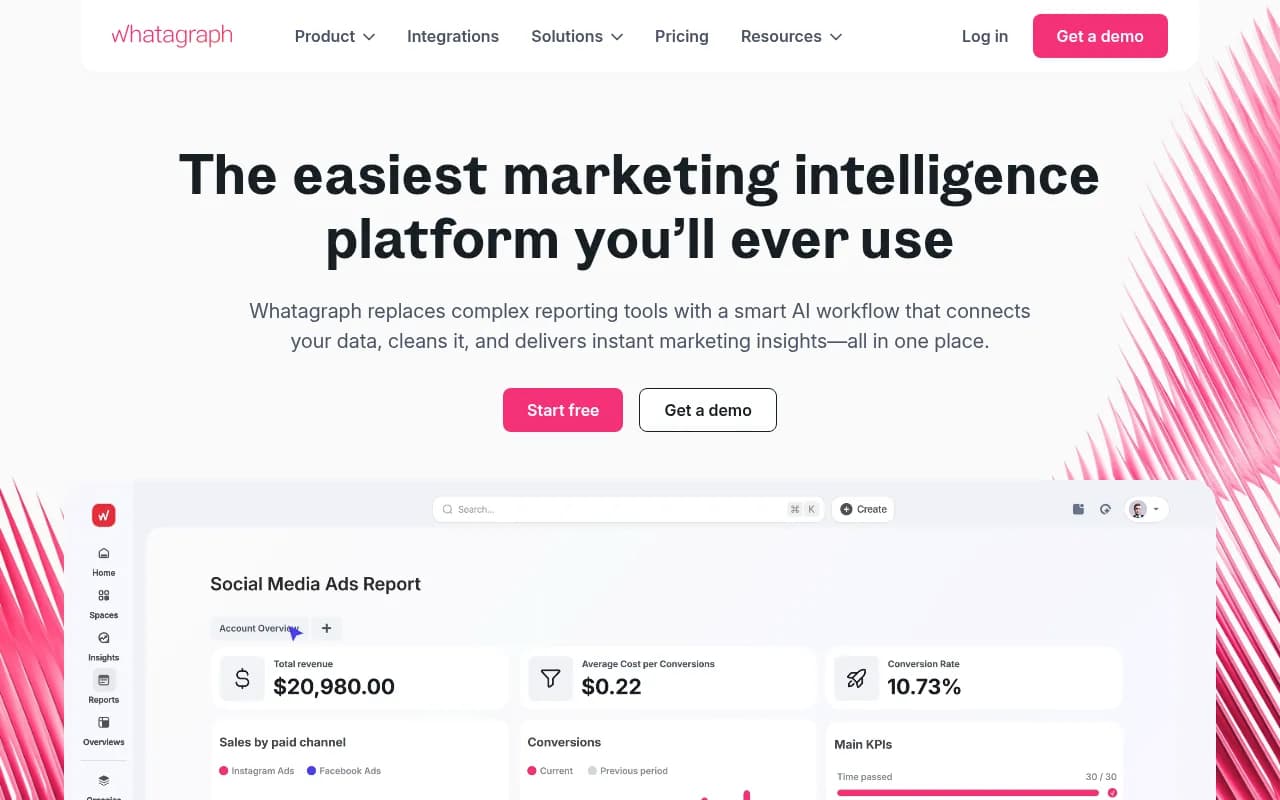
If you want a managed reporting layer, Whatagraph is one catalog option aimed at agency reporting.
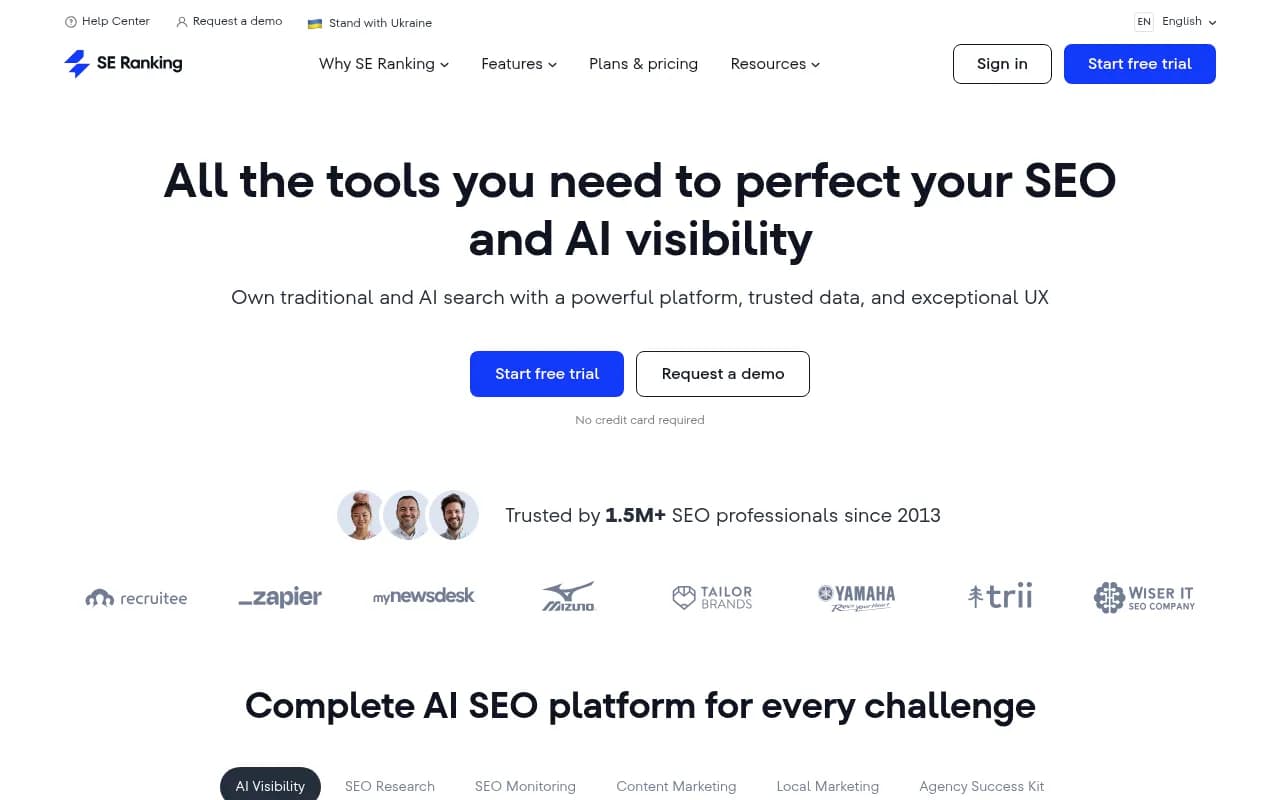
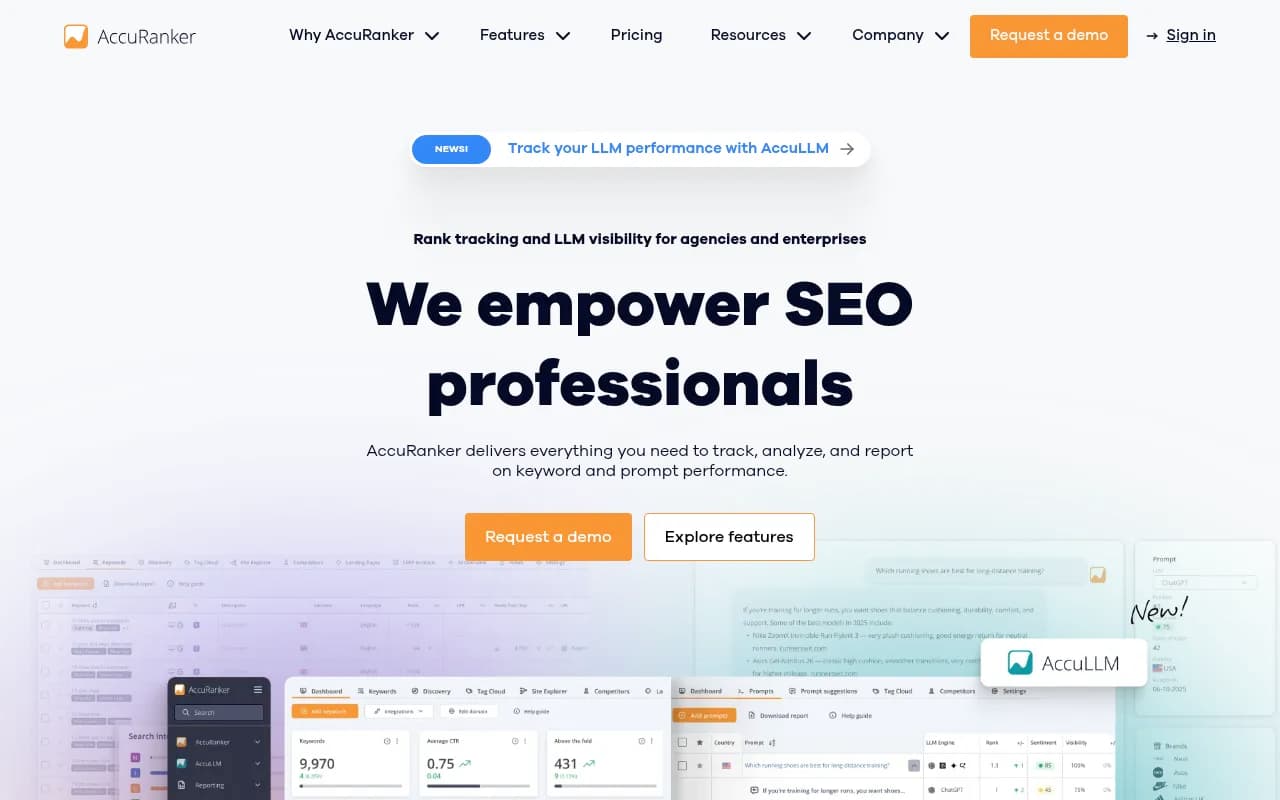
And for the rank side, SE Ranking and AccuRanker both cover traditional tracking with AI monitoring bolted on.
Step 4: Connect the data sources
Build your connection checklist in this order, since each layer depends on the one before it.
- Google Business Profile performance data. Calls, directions, website clicks, messages, search terms that triggered the listing.
- Google Search Console. Queries, pages, impressions and clicks, filtered by location pages.
- GA4. Sessions, key events, landing pages. Verify the key events are real before reporting them. A broken GA4 setup means there is nothing honest to report.
- Call tracking. Phone calls are the money action for most local clients. WhatConverts ties leads back to source and is a common pick.
- CRM or booking data. Closed revenue matched to source. HubSpot works if the client already uses it.
- Review platforms. Rating, count, velocity. Birdeye and similar tools centralize this for multi-location clients.
- AI search visibility. Covered in the next section.
Document each definition once. "Lead" should mean the same thing in every chart. Platforms disagree with each other constantly, and the dashboard is where you reconcile them.
Step 5: Add AI search visibility properly
This is where most agency dashboards are thin. Many reports still don't measure AI visibility at all, which is an opening for you.
A few things I'd bake in from the start.
Track prompts, not keywords
Build a prompt set per client that mirrors how a local customer asks: "best emergency plumber in Leeds," "who does same-day crown repair near me," "[brand] vs [competitor] reviews." Tag each prompt by intent: commercial, informational, or branded. That segmentation matters. According to Promptwatch's ChatGPT citation share by content type data (Sep 28 to Oct 4, 2026), product pages made up 26.0% of citations on commercial prompts, while how-tos rose to 10.7% on informational ones. For branded prompts, reviews rose to 5.6%, more than three times their overall share. Each intent rewards a different content mix, so one blended number would mislead you.
Report each engine against its own baseline
Don't average ChatGPT, AI Overviews and Perplexity into one score. Promptwatch's sources-per-response data shows ChatGPT citing about 5 sources per web-search answer, Google AI Overviews and Perplexity about 10, and Copilot swinging from under 2 to nearly 17 within a few weeks. If you compare raw citation counts across engines you'll draw the wrong conclusion. Judge noisy engines on monthly trends, not weekly snapshots.
Know which sources matter for local
Social citations vary by engine. In Promptwatch's social media citations report for Sep 28 to Oct 4, 2026, social platforms were 12.2% of Google AI Overviews citations but just 0.46% for ChatGPT. Within AI Overviews, YouTube was 4.28%, Facebook 2.38% and Instagram 1.61%. For a local client, that suggests an active public Facebook page and a tidy YouTube presence help in Google's AI surfaces far more than in ChatGPT. Also, Reddit's share of ChatGPT citations fell from about 4% to 0.5% on August 14, 2026, so a Reddit-heavy strategy deserves a second look.
Choose a tracker
Promptwatch is the one I'd point agencies to first. It monitors the real interfaces of ChatGPT, Google AI Overviews, AI Mode, Gemini, Perplexity and others by country, state and city, and pins monitors to exact coordinates for "near me" style queries. It also has white-label workspaces and branded read-only client access for agencies, plus Looker Studio and API connections so the data can land in your main dashboard.

Other options in the catalog worth a look, depending on budget:
| Tool | Angle | Best for |
|---|---|---|
| Promptwatch | Tracking plus content and crawler data, local targeting, agency plans | Agencies wanting one platform from monitoring to fixes |
| OpenLens | Built for agencies | Lean agency tracking |
| Cairrot | LLM visibility for marketing agencies | Agency-first workflows |
| Otterly.AI | Affordable monitoring | Small budgets, basic tracking |
| Peec AI | Multi-language tracking | Multi-country clients |
| Rankability | Agency-focused analytics | Reporting-led teams |


For a wider shortlist, the GEO software directory at bestgeosoftware.com lists far more options.
Set the local geography
This is the part people skip. AI answers change by location. If your tracker queries from a generic region, a Manchester client gets measured against answers a London user would see. Pin each monitor to the client's real service area and report by location for multi-site clients.
Step 6: Design the dashboard layout
A layout that holds up across clients:
- Headline row. Total actions (calls + directions + form leads), trend vs last period, and one-line verdict.
- Map visibility. Grid map or rank by location.
- GBP actions. Split by type, with search vs Maps.
- Local organic. Search Console clicks and top queries, GA4 conversions.
- Reputation. Rating, new reviews, response rate.
- AI visibility. Mention rate and citation rate per engine, share of voice vs named competitors, sentiment.
- Next actions. Three to five items, with owners.
The best agency dashboards answer three questions on one screen: what did we spend, what did we get, and what should we change. If yours can't, it's a design problem, not a data problem.
Read the AI numbers together
A mention rate that's low is a coverage problem: you need more content for more prompts. A late position in the answer is a prominence problem. Mentions without citations to the client's own site usually point to content or crawlability. Weak sentiment is a reputation issue, which loops back to your review pillar. Putting those diagnoses in the dashboard notes saves a lot of explaining on calls.
Step 7: White-label and automate
Once the template works for one client, stop rebuilding.
- Clone the template per client and swap data sources.
- Apply your branding: logo, colors, and a custom domain if the platform allows it.
- Schedule monthly PDF delivery, but keep the live link available.
- Set alerts for sudden drops in GBP actions, review rating, or a lost listing.
- Give clients a 15 minute walkthrough at onboarding. It saves hours of questions later.
If you're stitching systems together, n8n or Zapier can push alerts to Slack or email when a metric breaks a threshold.


Step 8: Write the narrative
The dashboard is the evidence. The narrative is the product. A monthly report should fit on a page: what happened, why, and what changes next. Anything longer belongs in the dashboard, not the email.
A simple structure that works:
- Result. "Calls from your profile rose 18% while map visibility in the north side improved."
- Cause. "The new service pages and 14 new reviews likely drove it." Say "likely" when it's likely.
- Gap. "We're still not cited in AI answers for emergency queries; two competitors are."
- Next month. Two or three specific actions.
I'd rather an honest "we don't know why this dipped yet, here's what we're checking" than a confident story that falls apart in the next report.
Common mistakes
- Reporting rankings as the headline metric. They're a diagnostic, not the outcome.
- Averaging AI engines into one score.
- Skipping call tracking, then being unable to prove value for a phone-driven business.
- Using one national rank instead of location-specific data.
- Trusting platform numbers without reconciling against CRM or booking data.
- Quoting AI visibility changes from a single day. Engines are noisy.
A realistic rollout timeline
Costs and timelines vary widely, and published claims of "live in 2 to 4 weeks" or "a few thousand dollars" come from agencies selling those services, so treat them as ballpark. A realistic plan for a first client:
| Week | Work |
|---|---|
| 1 | Goals, access, definitions, fix any broken GA4 or call tracking |
| 2 | Connect sources, build the three pillars |
| 3 | Add AI prompt set and local geography, validate numbers |
| 4 | Branding, automation, client walkthrough |
| Month 2 | First full narrative on clean data |
After the first client, the template makes each new one far faster.
Where to go from here
If you're deciding whether to build this in-house or hand it off, the choice mostly comes down to whether you have someone who owns data definitions. If you want a hand with the SEO and AI search work behind the reporting, 1001 SEO Media covers local SEO, GEO and audits. For more tool options, browse the rank tracking directory at ai-rank-tools.com.
Build one clean template, tie it to a business outcome, and keep the AI layer honest about noise. That's most of the job.