Key takeaways
- Most "best GEO tools" lists are published by vendors who rank themselves, so build your own scorecard before you read any of them.
- Score tools on eight criteria: data source, engine coverage, prompt realism, crawler and traffic data, action capacity, reporting, team fit, and cost per response.
- Ask every vendor whether data comes from real user interfaces or from API calls. The answers can differ.
- Pick by execution capacity. A monitoring-only tool is fine if you have a content team, and a poor buy if you don't.
- Run a two-week pilot with the same 30 prompts in every shortlisted tool before you sign anything.
Why a scorecard beats a ranked list
Search for the best GEO tools and you get a pile of listicles. Most of them are written by one of the vendors in the list, and surprise, that vendor tends to land at number one. I'm not saying the lists are useless. I'm saying you should treat them as a way to find names, not as a way to decide.
A scorecard fixes this. You decide what matters for your team first, weight it, then score each tool against the same yardstick. It takes an afternoon and saves you from a twelve-month contract with a dashboard nobody opens.
The category is also crowded. Our tools catalog alone lists well over a hundred products that claim some form of AI visibility tracking, from free graders to enterprise platforms. If you want to browse the field, the GEO software directory at bestgeosoftware.com is a decent starting point, and ai-rank-tools.com covers AI rank trackers specifically.
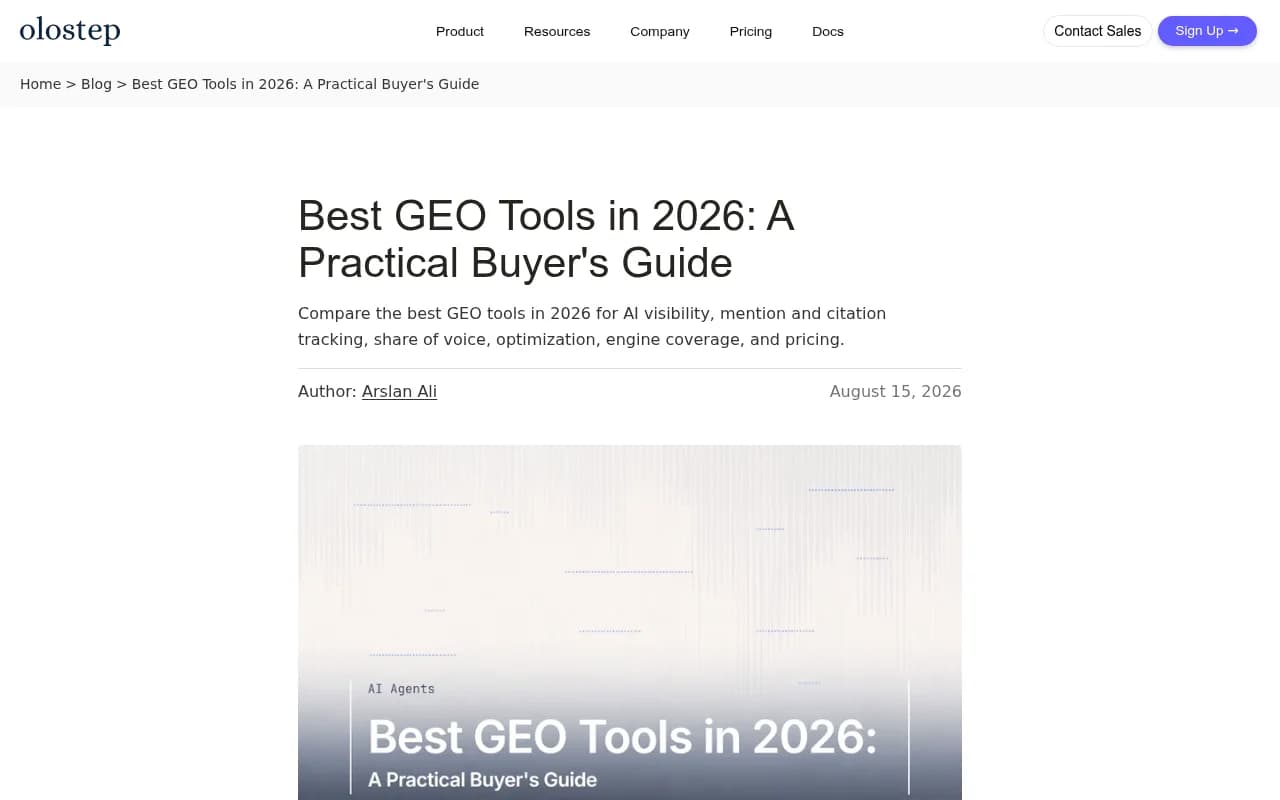
The Olostep guide above makes a similar argument: match criteria to how your buyers actually use AI engines before looking at any ranking. It's vendor-authored too, like most of the genre, so read it with that in mind.
What GEO tools actually do
Strip away the branding and nearly every tool does some mix of four jobs across the engines it covers:
- Mention tracking: does the engine name your brand?
- Citation tracking: which pages does it link to?
- Sentiment: is the mention positive, neutral, or negative?
- Share of voice: how often do you appear compared with competitors?
The wide gap between tools is in what comes after those four. Some stop there. Others tell you why you're missing, write content to fix it, and check whether the fix worked. That gap is where most of the scorecard weight should go.
The scorecard
Copy this table into a spreadsheet. Score each criterion 1 to 5 for each tool, multiply by the weight, and sum. I've set the weights for a typical mid-size marketing team. Change them if your situation differs.
| # | Criterion | Weight | What a 5 looks like |
|---|---|---|---|
| 1 | Data source | 20% | Real UI monitoring of each engine, per country and language |
| 2 | Engine coverage | 10% | All engines your buyers use, tracked separately |
| 3 | Prompt realism | 15% | Prompt volumes, difficulty, and query fan-out data |
| 4 | Crawler and traffic data | 15% | IP-verified crawler logs plus AI-referred visitor analytics |
| 5 | Action capacity | 20% | Prioritized to-dos, content generation, publishing, and re-measurement |
| 6 | Reporting and integrations | 5% | Exports, dashboards, API, Slack, Looker Studio |
| 7 | Team and security fit | 5% | Roles, SSO if needed, ISO 27001 or equivalent |
| 8 | Cost per response | 10% | Predictable price per tracked response, not just per seat |
Let's go through each one, with the question you should ask the vendor.
1. Data source
This one is easy to skip and expensive to get wrong. Some tools query the engines through APIs. Others capture what a real user sees in the actual interface. The two can return different answers, different citations, and different shopping results.
Ask: "Is your data from the live user interface or from API calls, and can I see raw responses?" A vendor that dodges this question has told you something.
Promptwatch, for example, collects from the real interfaces of ChatGPT, Gemini, Perplexity, Claude, AI Overviews and others, and reports 26B+ data points. Whichever vendor you choose, get the answer in writing.
2. Engine coverage
Counting engines is not enough. The citation inventory differs sharply by engine. According to Promptwatch's sources-per-response data, ChatGPT cites about 5 sources per web-search answer, while Google AI Overviews cites about 10 and Perplexity sits almost exactly at 10 every day. Copilot swung from under 2 to nearly 17 sources within a few weeks before settling at the low end.
What that means for you: a tool that blends everything into one "AI visibility" number hides real differences. Look for per-engine reporting. Also ask how the vendor separates engine-side volatility from genuine changes in your visibility. Perplexity's stability makes it a handy test bench for measuring your own content changes, and Copilot is better judged on monthly trends than weekly snapshots.
3. Prompt realism
Tracking 50 prompts you typed yourself tells you how the engine answers 50 prompts you typed yourself. Real users phrase things differently, and the engines then rewrite those prompts into their own searches.
Promptwatch's ChatGPT query fanout data shows a single prompt can trigger 3 to 8+ separate searches, though the average per response has moved around: about 2.15 in early December and about 1.84 by early March. Average query length dropped over the same period, from roughly 117 characters to the high 80s. Fanout behavior also changes suddenly. Promptwatch's research found ChatGPT started using the site: operator at scale on August 8, 2026, taking site: queries from about 0.4% to about 17% of fanouts overnight.
So ask: does the tool show fanout or sub-query data? Does it give prompt volumes and difficulty, or just a blank box where you type prompts? A tool that can't tell you which prompts are worth tracking leaves the hardest part to you.
4. Crawler and traffic data
Monitoring tells you whether you show up. Crawler logs tell you why you don't. If GPTBot or ClaudeBot can't reach your pages, no amount of content work helps.
Check whether the tool offers IP-verified crawler log analysis, meaning only requests whose source IP matches the operator's published ranges are counted, so spoofed user agents are filtered out. Also check whether it separates training crawlers from answer-time fetchers.
A useful sanity check: Promptwatch's AI crawler traffic report shows OpenAI at 79.8% of verified AI crawler requests in the week of Aug 31 to Sept 6, 2026, down from 94.8% in the week of June 8 to 14. Compare your own logs against that mix. If a provider is large in the mix but near zero in your logs, you are probably blocking it. The mix also moves: Promptwatch's data shows Meta-WebIndexer going from about 2% to nearly 38% of tracked requests between mid-July and August 9, 2026, so a tool with stale crawler lists will miss things.
Then traffic. Mentions are nice. Visits and conversions from AI platforms are what you'll defend in a budget meeting. Ask whether the tool attributes actual visitors from ChatGPT, Perplexity, Gemini and others, or stops at mentions.
5. Action capacity
This is where I'd put the most scrutiny. The cheapest tools are trackers. They'll tell you your share of voice is 8% and leave you there.
The question is who does the work. One buying rule I agree with from the research: pick by execution capacity. If you already have a content team with spare hours, a deep monitoring tool is a fine buy. If you don't, you need something that turns data into a prioritized to-do list, drafts content against the gaps, publishes it, and then checks whether it was crawled and cited.
A quick way to test this in a demo: ask the vendor to take one prompt where you're invisible and show the full path from that gap to a published page to a measured result. If the path ends at a chart, it's a tracker.
6. Reporting and integrations
Boring, but it decides whether the tool gets used. Check for CSV and Excel exports, scheduled PDF reports, a Looker Studio connector, Slack, and an API. If you run an agency, check white-label options. If your team lives in Claude or ChatGPT, an MCP server or plugin is worth something.
7. Team and security fit
If you sell to enterprises or handle regulated data, procurement will ask for security certification. ISO/IEC 27001 and GDPR compliance save weeks. Check role types (owner, editor, viewer), audit logs, and SSO availability, and note which plan tier they sit on. They're often gated to the top tier.
8. Cost per response
Seat price is a distraction. What matters is how many tracked responses you get across how many engines, countries and languages for the money. A $50 plan that tracks one engine in one country can cost more per useful data point than a $250 plan that tracks all of them. Calculate it: monthly price divided by monthly responses.
How the main tool types compare
Before scoring, sort your candidates into types. It narrows the list fast.
| Type | Examples | Strength | Typical gap |
|---|---|---|---|
| Prompt trackers | Otterly.AI, Peec AI, Rankscale | Cheap, quick setup | No crawler logs, no content generation |
| Monitoring plus analytics | Profound, Scrunch, AthenaHQ, Qwairy | Deeper citation and competitor views | Often weaker on execution and AI traffic attribution |
| SEO suites with AI add-ons | Semrush One, Ahrefs Brand Radar, SE Ranking | Fits existing workflow | Fixed prompt sets, shallower AI-specific data |
| Content-first tools | AirOps, Frase, Writesonic | Strong drafting | Weak grounding in citation and crawler data |
| End-to-end platforms | Promptwatch | Monitoring, diagnosis, content, and re-measurement in one place | Heavier than you need if you only want a dashboard |
Promptwatch sits in the last row because it pairs prompt tracking and IP-verified crawler logs with visitor analytics, a content gap analysis, a Content Agent that can publish to Webflow, Framer, or WordPress, and an Action Board of prioritized fixes.

On the monitoring side, tools like Profound and Scrunch are worth a look if deep citation analytics is the main thing you're after.

For lighter budgets, Otterly.AI and Peec AI are common starting points.


And if you already pay for a big SEO suite, check what its AI add-on really tracks before assuming it covers you.
For a wider view of agentic options, the directory at agenticseotools.com lists tools that go beyond monitoring.
Red flags that cost you points
- No answer on data source. If they can't say UI or API, assume API.
- One blended score. If you can't split by engine, country and prompt type, you can't diagnose anything.
- Only your own prompts. No suggested prompts, no volumes, no fanouts.
- Citations without crawler context. You'll see that a competitor got cited and have no clue why.
- Vanity pricing. A free tier that tracks ten prompts on one engine is a demo, not a product. That's fine, as long as you treat it as one.
- Ranking pages written by the vendor itself with no disclosure. I've lost count.
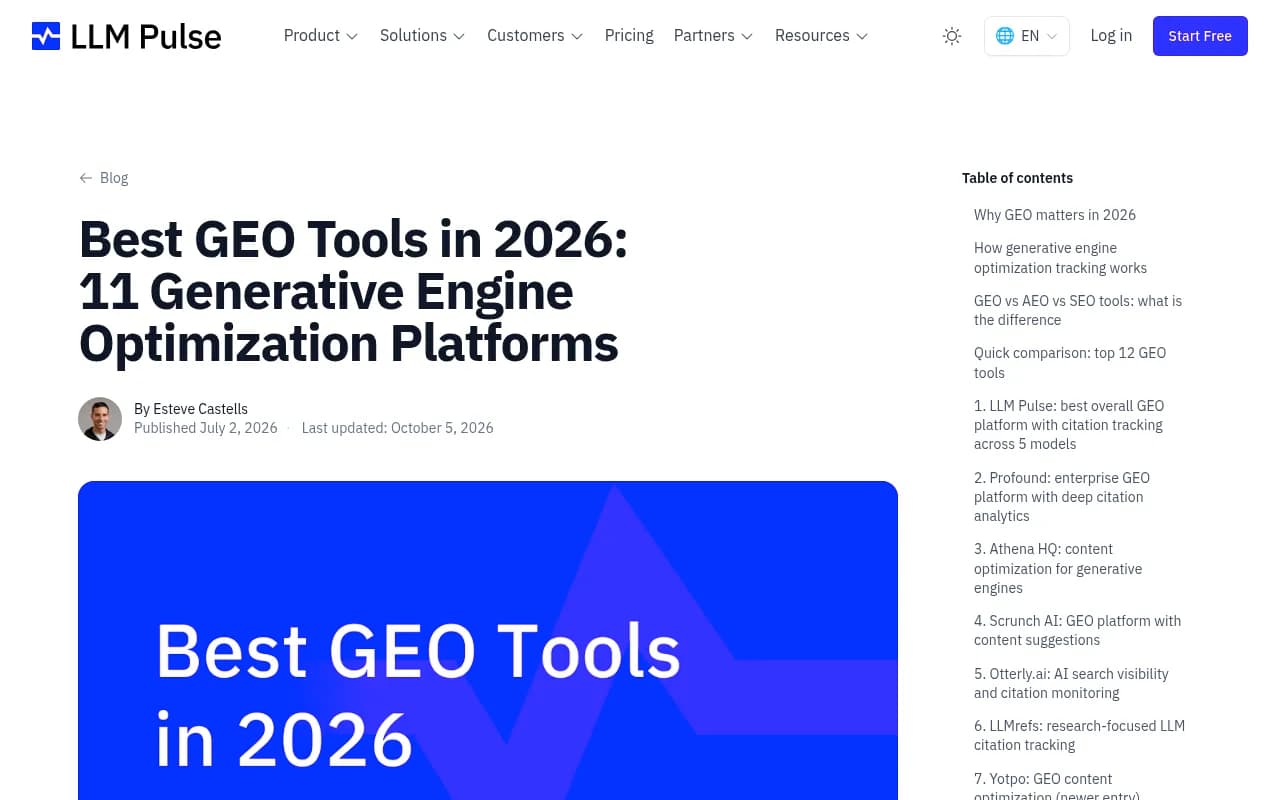
The screenshot above is a good example of the genre: a useful comparison table, published by a company that also appears at position one. Use roundups like this for names and feature checklists, then verify claims in a trial.
Run a two-week pilot
A scorecard on paper only gets you so far. Before signing, run the same test in every shortlisted tool.
- Pick 30 prompts: 10 category questions, 10 competitor comparisons, 10 brand-specific. Include at least a few phrased the way a customer would actually talk.
- Load them in each trial with the same countries, languages and engines.
- Compare raw responses for the same prompt across tools. If two tools disagree about whether you were mentioned, open the real engine and check.
- Connect crawler logs if the tool supports it. Note setup time. A two-hour setup versus a two-day setup matters.
- Pick one content gap and see how far each tool gets you toward fixing it.
- Fill in the scorecard at day 14, not day 1. First impressions favor pretty dashboards.
Most paid GEO platforms have trials. Promptwatch, for instance, offers a 7-day free trial on its monthly Essential and Professional plans, and the free Explore plan tracks ChatGPT only, which is enough to sanity-check the interface. Confirm current terms at promptwatch.com/pricing.
Weights by situation
The default weights above suit a mid-size team. Shift them if you're in a different spot.
| Situation | Raise the weight on | Lower the weight on |
|---|---|---|
| Solo marketer or small team, no content staff | Action capacity, cost per response | Team and security fit |
| Agency with many clients | Reporting, cost per response, white-label | Content generation |
| Enterprise with a security review | Team and security fit, data source | Cost per response |
| Developer-tool or API company | Engine coverage (coding agents) | Shopping features |
| E-commerce brand | Engine coverage, shopping visibility | Prompt realism, slightly |
| Local or multi-location business | Prompt realism, location targeting | Everything else, a bit |
Vertical matters too. Promptwatch's ChatGPT citation data for software prompts found GitHub, Microsoft's docs and G2 leading, with documentation and help centers earning the largest share. For travel prompts, booking and search sites take more than half. If the sources that win in your category are third-party platforms, you need a tool that shows offsite mentions and citation source types, not just your own pages.
Common questions
Do I need a GEO tool at all?
If AI engines send you no traffic and nobody asks about it, probably not yet. A free visibility check will tell you. If you sell something people research with AI, a tool pays for itself the first time it finds a blocked crawler or an obvious content gap.
Should I use my existing SEO suite?
Maybe, to start. The tradeoff is usually fixed prompt sets and thinner AI-specific data. Score it honestly with the same scorecard.
What about hiring an agency instead?
It's a legitimate route when you lack the staff to act on data. Whichever you pick, the scorecard still helps, because you'll want to know what tooling the agency uses and what data you'll be able to see yourself.
Final scoring template
Here's the sheet in plain text. Paste it into a spreadsheet:
Criterion               Weight  Tool A  Tool B  Tool C
Data source             20%
Engine coverage         10%
Prompt realism          15%
Crawler + traffic data  15%
Action capacity         20%
Reporting/integrations   5%
Team/security fit        5%
Cost per response       10%
Weighted total         100%
If two tools land within five points of each other, break the tie with action capacity. Seeing a gap is easy. Closing it is what moves your numbers, so the tool that gets you from "invisible" to "published and measured" with the least manual work wins.