Key takeaways
- Google AI Overviews appear on roughly 48% of all queries as of April 2026, up from 31% a year ago — optimizing for them is no longer optional
- 76% of AI Overview citations come from pages already in the top 10, but 46.5% of cited URLs rank outside the top 50 — traditional ranking isn't the only path in
- The most reliable structural signal: a direct, 50-word answer placed immediately under each H2 or H3 heading
- Pages combining text, images, and short-form video see a 317% higher selection rate for AI Overviews
- Content under 3 months old is 3x more likely to be cited, making freshness a real factor
- Tracking whether your page actually gets cited requires dedicated tooling — not just Google Search Console
Why this experiment matters
AI Overviews now appear on nearly half of all Google searches. That's not a trend to watch — it's the current reality. And the traffic math is uncomfortable: organic click-through rates drop 34.5% to 61% when an AI Overview appears above the results. But if your page is the one being cited inside that overview, the dynamic flips. AI Overview traffic converts at around 14.2% versus 2.8% for traditional organic clicks — roughly five times higher quality.
So the question isn't whether to care about AI Overviews. It's how to actually get a specific page cited.
This guide walks through a practical, step-by-step approach to optimizing one page for AI Overview inclusion. Not a general content strategy — a focused test you can run on a single URL, measure, and learn from.
Step 1: Pick the right page and query
Not every page is worth testing first. You want a page that:
- Already ranks somewhere on page one or two for its target query (AI Overview citations heavily favor pages Google already trusts)
- Targets an informational or comparison query, not a pure transactional one ("best running shoes for flat feet" vs. "buy running shoes")
- Covers a topic where Google currently shows an AI Overview — you can verify this by searching the query in an incognito window
The sweet spot is queries that are specific enough to have a clear answer but broad enough that Google wants to synthesize one. Think "how does X work," "what's the difference between X and Y," or "best X for [specific situation]."
One practical check: search your target query and look at what's already in the AI Overview. If the cited sources are all massive domain authority sites with 10,000-word guides, a single-page optimization test is a harder fight. If the citations include mid-size sites with focused, well-structured content, you have a real shot.
Step 2: Restructure the page around direct answers
This is the single highest-leverage change you can make. Google's AI Overview system is essentially scanning your page for reusable answer units — short, self-contained explanations it can lift and synthesize.
The format that works: place a clear, 50-word summary answer directly under each H2 or H3 heading, before any elaboration. The answer should stand alone. If someone read only that paragraph, they'd understand the core point.
Here's the difference in practice:
Before:
## How does keyword density affect rankings?

Keyword density has been a topic of debate in SEO for many years.
Some practitioners believe that...
After:
## How does keyword density affect rankings?

Keyword density has minimal direct impact on modern rankings.
Google's algorithms prioritize semantic relevance and topical
coverage over raw keyword repetition. Aim for natural usage
rather than hitting a specific percentage.

[Elaboration follows...]
The second version gives the AI a clean, extractable answer. The first buries the point in hedging.
Apply this pattern to every major section of the page. Each H2 and H3 should open with a direct answer, not a wind-up.
Step 3: Match the query intent precisely
AI Overviews are built to answer the question a user actually asked. If your page is optimized for a slightly different version of that question, it won't get cited even if the content is excellent.
Go back to your target query and ask: what does someone actually want when they type this? Then check whether your page's opening paragraph, headings, and summary answers reflect that intent directly.
A few patterns that help:
- Use the exact question as an H2 heading (e.g., "What is the best way to...?")
- Mirror the language users use, not industry jargon
- If the query is "how to," make sure your page has numbered steps, not just prose
- If the query is "what is," make sure your page has a clear definitional paragraph near the top
The AI isn't just matching keywords — it's matching the shape of the answer to the shape of the question.
Step 4: Add structured data (schema markup)
Schema markup doesn't guarantee AI Overview inclusion, but it helps Google understand what your content is about and how to parse it. For most pages targeting informational queries, two schema types are worth adding:
FAQPage schema — Add this if your page includes a Q&A section. It explicitly marks up questions and answers in a format AI systems can read cleanly.
HowTo schema — If your page explains a process with steps, HowTo schema makes each step machine-readable.
Article schema — For any editorial content, Article schema with a clear datePublished and dateModified signals freshness, which matters more than most people realize.
You can implement these via JSON-LD in the <head> of your page. Most CMS platforms (WordPress, Webflow, etc.) have plugins or native fields for this. If you're not sure whether your schema is valid, Google's Rich Results Test will tell you immediately.
Step 5: Improve E-E-A-T signals on the page
Google uses Experience, Expertise, Authoritativeness, and Trustworthiness signals as a filter — particularly for AI Overviews, where the stakes of citing bad information are higher. Generic content that could have been written by anyone is less likely to get cited than content that signals genuine expertise.
Concrete things to add or improve:
- An author byline with a linked bio that includes credentials or relevant experience
- First-hand observations, data, or examples (not just restated information from other sources)
- A clear publication date and a "last updated" date — freshness matters, and content under 3 months old is 3x more likely to be cited
- Outbound links to authoritative sources (studies, official documentation, primary data)
- A "reviewed by" or "fact-checked by" note if the topic is sensitive
None of these are magic bullets. But together they shift the page from "generic content" to "content with a credible author and a clear point of view."
Step 6: Add multimodal content
Pages that combine text with images and short-form video see a 317% higher selection rate for AI Overviews. That's a significant enough difference to act on.
For a single-page optimization test, this doesn't mean producing a full video series. It means:
- Adding at least one original image (a diagram, screenshot, or annotated visual) that illustrates the main concept
- Embedding a short explainer video if one exists — even a 60-second clip helps
- Writing descriptive alt text for every image (this is how AI systems "read" images)
- Using a clear image filename that describes the content, not "image-001.jpg"
The multimodal signal matters because Google's AI Overview system is increasingly multimodal itself. Pages that speak the same language — text plus visual — are easier to synthesize from.
Step 7: Fix the technical foundation
None of the content work above matters if Google's AI crawlers can't access and read the page cleanly. A few technical checks worth running before you consider the page "optimized":
- Core Web Vitals: the page should load in under 2.5 seconds (LCP), have minimal layout shift (CLS below 0.1), and respond quickly to interaction (INP below 200ms)
- Mobile rendering: test the page on a real mobile device, not just a browser emulator
- Crawlability: check that the page isn't accidentally blocked in
robots.txtor via anoindextag - Internal linking: make sure at least 2-3 other pages on your site link to this page with relevant anchor text
For deeper crawl analysis, tools like Screaming Frog are useful for catching technical issues at scale.
If you want to see specifically how AI crawlers (ChatGPT, Claude, Perplexity) are accessing your site — which pages they're reading, how often they return, and what errors they encounter — Promptwatch has an AI Crawler Logs feature that shows this in real time. Most SEO tools don't track AI crawler behavior at all.

Step 8: Build topical depth around the page
A single well-optimized page is more likely to get cited if it exists within a broader cluster of related content. Google's AI Overview system favors sources that demonstrate genuine topical authority — not just one good article.
This doesn't mean you need to publish 50 pages before your test page can get cited. But it does mean:
- Linking to and from related pages on your site
- Making sure your site has at least a few other pages covering adjacent aspects of the topic
- Avoiding thin or duplicate content nearby that might dilute the signal
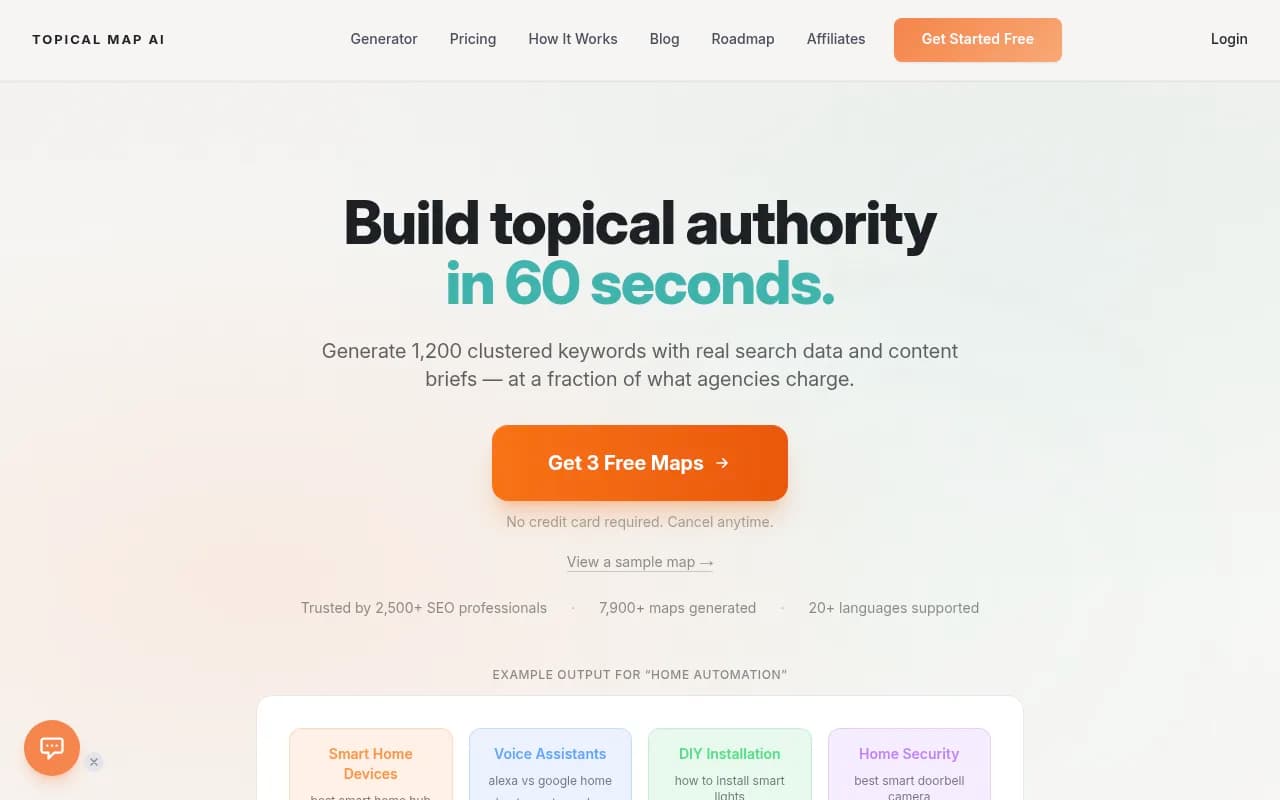
If you're building from scratch, a topical map helps you see which subtopics to cover first.
Step 9: Track whether it's working
This is where most optimization guides stop giving useful advice. "Publish good content and wait" isn't a measurement strategy.
Tracking AI Overview citations requires tools beyond Google Search Console, which doesn't yet report AI Overview impressions reliably for most sites. Here's what to actually monitor:
What to track:
- Whether your page appears in the AI Overview for your target query (and related queries)
- Which AI models are citing you (Google AI Overviews, but also ChatGPT, Perplexity, etc.)
- Changes in citation frequency over time after you make updates
- Traffic from AI sources and how it converts
Tools worth using:
For AI Overview monitoring specifically, several platforms track this:

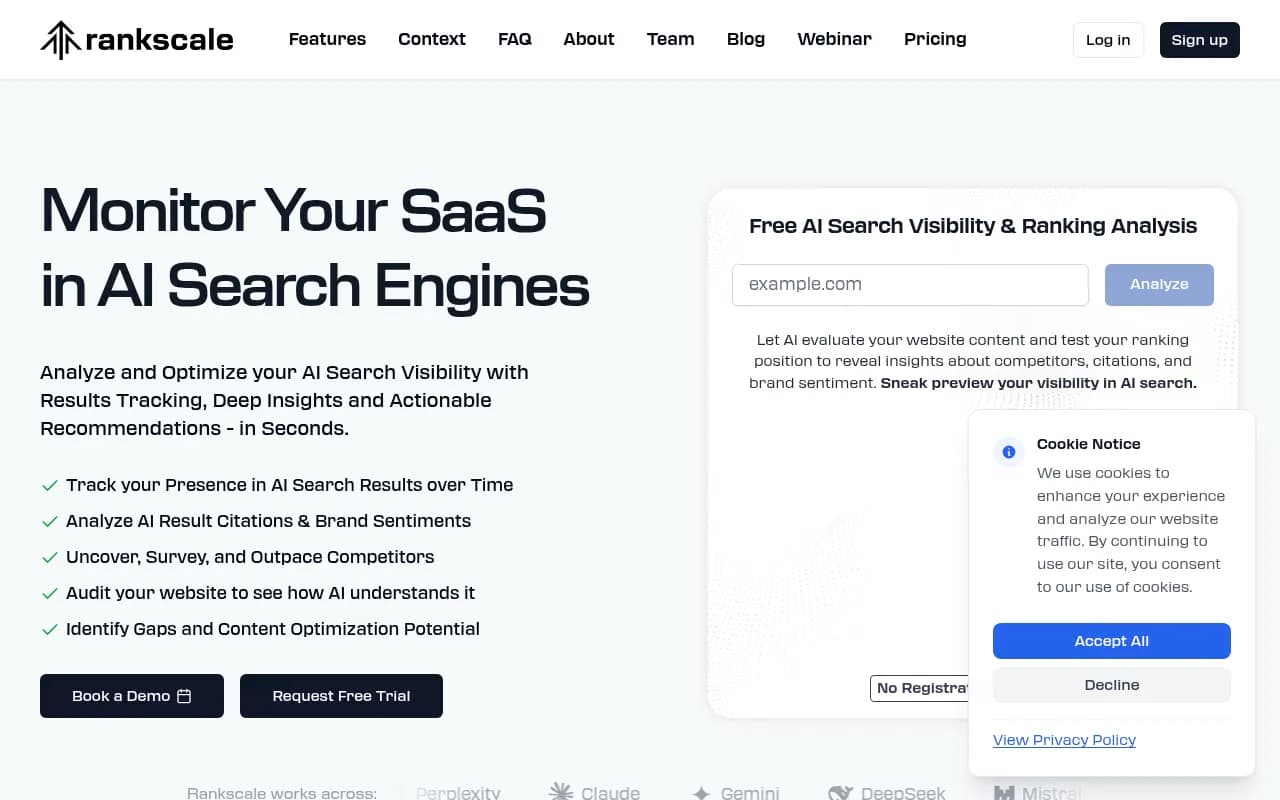
For broader AI search visibility across ChatGPT, Perplexity, Claude, and Google AI Overviews simultaneously, Promptwatch tracks all of them and connects visibility data to actual traffic attribution — so you can see whether getting cited is actually moving the needle on revenue.
Step 10: Iterate based on what you see
The first version of your optimized page probably won't get cited immediately. The typical timeline is 2-6 weeks for Google to re-crawl, re-evaluate, and potentially include a page in AI Overviews. Some pages take longer.
What to do while you wait — and after:
- Check the AI Overview for your target query every week (manually or with a tracking tool)
- If you're not cited after 4 weeks, look at what IS being cited and compare it to your page. What does the cited content have that yours doesn't?
- If you are cited, note which section of your page was used. That tells you which structural patterns worked.
- Update the page's "last modified" date when you make changes — freshness is a real signal
The goal of a single-page test is to learn what works for your specific site and topic, then apply those lessons at scale.
What the data actually says about who gets cited
A few numbers worth keeping in mind as you run this test:
| Signal | Impact on AI Overview citation |
|---|---|
| Page ranks in top 10 | 76% of citations come from top-10 pages |
| Page ranks outside top 50 | 46.5% of cited URLs are outside the top 50 |
| Content under 3 months old | 3x more likely to be cited |
| Pages with multimodal content | 317% higher selection rate |
| Direct answer in first 50 words of section | Strongest single structural signal |
| Schema markup present | Improves parsability, not a direct ranking factor |
The top-10 statistic is encouraging if your page already ranks well. The outside-top-50 statistic is even more interesting — it means AI Overviews aren't purely a reward for existing SEO performance. A page that answers a question better than anything else can get cited even without strong traditional rankings.
Tools to support your optimization
Here's a quick overview of tools that are useful at different stages of this process:
| Stage | Tool | What it helps with |
|---|---|---|
| Content optimization | Surfer SEO | On-page scoring and semantic coverage |
| Content optimization | Clearscope | Topic coverage and readability |
| Schema markup | Google Rich Results Test | Validate structured data |
| Technical audit | Screaming Frog | Crawl issues, broken links, indexability |
| AI visibility tracking | SE Ranking | Monitor AI Overview appearances |
| AI visibility tracking | Promptwatch | Multi-model tracking + traffic attribution |
| Topical planning | Topical Map AI | Build content clusters |
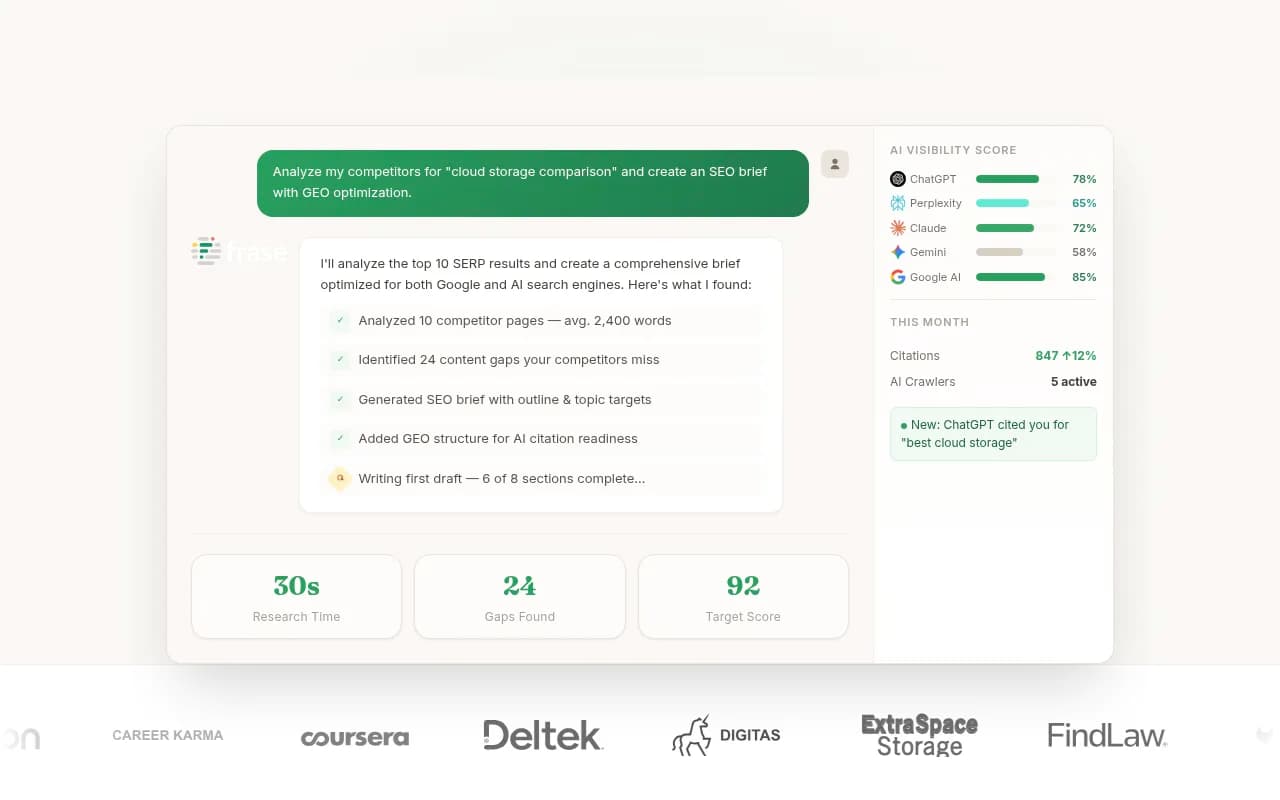
| Content writing | Surfer SEO / Frase | AI-assisted drafting with SEO signals |
The honest reality of this test
Getting cited in Google AI Overviews isn't a formula you execute once and walk away from. The system changes, the queries change, and what gets cited shifts over time. Content under 3 months old is 3x more likely to be cited — which means freshness is an ongoing commitment, not a one-time fix.
What a single-page test gives you is signal. You'll learn whether your content structure is readable by AI systems, whether your E-E-A-T signals are strong enough, and whether your topic is one where Google trusts your site to contribute. That's worth knowing before you try to scale the approach across your entire site.
Start with one page. Measure it properly. Then decide what to do next based on what you actually observe — not what a general guide told you to expect.