Key takeaways
- AI visibility trackers collect data through three main methods: direct API queries to LLMs, web scraping of AI interfaces, and crawler log analysis -- each with different accuracy and freshness tradeoffs.
- Most tools send automated prompts to AI models on a scheduled basis and parse the responses for brand mentions, citations, and sentiment.
- The freshness of your data depends heavily on how often a tool re-queries -- some update daily, others weekly, and a few near-real-time.
- Crawler log analysis (watching which AI bots visit your site) is a separate but complementary data source that most monitoring-only tools skip entirely.
- Understanding how your tracker collects data helps you interpret what the numbers actually mean -- and spot where they might mislead you.
There's a question most people don't think to ask when they sign up for an AI visibility tracker: where does this data actually come from?
It sounds simple. The tool shows you a score. Your brand appears in 34% of relevant ChatGPT responses. Competitor A is at 51%. You need to close the gap. Fine. But if you don't understand how that 34% was calculated -- which prompts were sent, how often, to which models, with what configuration -- you can't really trust it. And you definitely can't act on it intelligently.
This guide breaks down the actual mechanics. How do these platforms query AI models? What do they do with the responses? What are the blind spots in each approach? And what should you look for when evaluating a tracker?
The core data collection loop
Every AI visibility tracker, regardless of how it's packaged, does some version of the same thing:
- Take a list of prompts (questions your target audience might ask)
- Send those prompts to one or more AI models
- Parse the responses for brand mentions, citations, and sentiment
- Store the results and surface them as metrics over time
That's the skeleton. The differences between tools come down to how they handle each step -- and what they do with the data afterward.
How prompts get sent to AI models
Direct API access
Most serious trackers use the official APIs of AI providers. OpenAI's API, Anthropic's API, Google's Gemini API -- these give programmatic access to the same models powering the consumer products. The tracker sends a prompt, gets a response, parses it.
This is reliable and scalable. You can send thousands of prompts per day, log every response, and build consistent historical data. The tradeoff: API responses can differ from what a real user sees in the ChatGPT or Claude interface. Models sometimes behave differently depending on the access method, system prompts, or whether web browsing is enabled.
Browser automation and scraping
Some tools go further and simulate actual user sessions -- opening a browser, typing into the ChatGPT interface, and scraping the response. This captures what a real user would see, including any UI-specific features like citations panels or shopping carousels. It's more representative but also slower, more fragile (interfaces change), and harder to scale.
A few tools combine both: API queries for volume and speed, browser automation for spot-checking that the API results match real-world behavior.
Perplexity and search-augmented models
Perplexity is a special case. It retrieves live web results before generating its answer, which means its responses are more dynamic than a pure LLM. Trackers that monitor Perplexity need to account for this -- the same prompt can produce different citations on different days depending on what Perplexity's retrieval layer surfaces. Tools that don't re-query frequently will miss this volatility entirely.
Prompt construction: the part that matters most
The prompts a tracker uses are arguably more important than the technical collection method. Send the wrong prompts and your visibility score is measuring something irrelevant.
Fixed vs. custom prompt sets
Some platforms come with a fixed library of industry prompts. You pick your category, and the tool monitors a pre-built set of questions. This is fast to set up but often misses the specific language your actual customers use.
Better platforms let you define custom prompts -- or better yet, help you discover which prompts to track in the first place. Prompt volume data (how often a question is actually being asked) and difficulty scores (how competitive a prompt is) help you prioritize instead of just monitoring everything equally.
Persona and context configuration
AI models give different answers depending on context. "What's the best project management tool?" asked by someone who identifies as a freelance designer gets a different answer than the same question from an enterprise IT manager. Some trackers let you configure personas -- simulated user contexts that affect how the model responds. This matters a lot if your brand serves a specific audience.
Query fan-outs
One prompt rarely tells the whole story. When someone asks "what's the best CRM for startups," the AI might internally branch into sub-queries: "CRM features for small teams," "CRM pricing comparison," "CRM ease of use reviews." Platforms that model these fan-outs give you a more complete picture of where you're visible and where you're not.
Parsing responses: what trackers actually measure
Once a response comes back from an AI model, the tracker needs to extract signal from it. This is harder than it sounds.
Brand mention detection
The simplest metric: does your brand name appear in the response? But brand detection has edge cases. Abbreviations, misspellings, parent/subsidiary relationships, product names vs. company names. A tracker that only does exact string matching will miss a lot.
Better tools use semantic matching and entity recognition to catch variations. Some also track sentiment -- whether the mention is positive, neutral, or negative -- which matters more than raw mention count in many cases.
Citation tracking
Many AI responses include cited sources: links or references to the pages the model drew on. Citation tracking records which URLs are being cited, how often, and in what context. This is valuable because it tells you not just whether your brand is mentioned, but whether your actual web content is being used as a source.
Yext's research found that 86% of AI citations link to brand-managed sources -- meaning your own website, not third-party coverage, is often the primary driver of whether you get cited. That makes citation tracking a direct feedback loop on your content strategy.
Share of voice
Most trackers calculate a "share of voice" metric: out of all the times a set of prompts was answered, what percentage included your brand? This is useful for benchmarking against competitors, but it's only meaningful if the prompt set is well-constructed. A high share of voice on irrelevant prompts is noise.
Crawler log analysis: the other data source
There's a second, completely different way to collect AI visibility data that most monitoring-only tools ignore: watching which AI crawlers visit your website.
ChatGPT's crawler (GPTBot), Perplexity's crawler (PerplexityBot), Claude's crawler (ClaudeBot), and others regularly crawl the web to update their knowledge. By analyzing your server logs or using a dedicated crawler monitoring tool, you can see:
- Which AI bots are visiting your site
- Which pages they're reading (and which they're ignoring)
- How often they return
- Whether they're encountering errors (404s, blocked pages, slow load times)
This is a fundamentally different signal from prompt-response monitoring. It tells you about discoverability -- whether AI models can even find and index your content -- rather than just whether they're citing it. A page that AI crawlers never visit will never get cited, no matter how good the content is.
Promptwatch is one of the few platforms that combines both approaches: prompt-response monitoring across 10+ AI models and real-time AI crawler log analysis. Most competitors offer one or the other.

How often data gets refreshed
Freshness matters a lot in AI visibility tracking. AI models update their knowledge, citation patterns shift, and competitors publish new content. A tracker that only re-queries monthly is showing you a snapshot that may already be outdated.
Here's how the refresh cadence typically breaks down across tool categories:
| Refresh frequency | What it means | Typical use case |
|---|---|---|
| Real-time / daily | Prompts re-sent every 24 hours or less | Active optimization, competitive monitoring |
| Weekly | Prompts re-sent once per week | Trend tracking, reporting |
| Monthly | Prompts re-sent once per month | High-level benchmarking |
| On-demand | User triggers a query manually | Ad-hoc research, one-off checks |
For most brands actively trying to improve their AI visibility, weekly is the minimum useful cadence. Daily is better if you're in a competitive space or running content experiments.
The multi-model problem
Different AI models give different answers. ChatGPT might recommend your brand for a given prompt while Claude doesn't mention you at all. Perplexity might cite a competitor's blog post while Google AI Overviews cites yours.
A tracker that only monitors one model gives you an incomplete picture. The question is which models to prioritize.
As of 2026, the models with the most commercial relevance for most brands are:
- ChatGPT (OpenAI) -- highest consumer usage, also has shopping recommendations
- Google AI Overviews -- integrated into Google Search, massive reach
- Perplexity -- high-intent research queries, strong citation behavior
- Claude (Anthropic) -- growing enterprise and developer usage
- Gemini -- Google's standalone AI, separate from AI Overviews
- Copilot (Microsoft) -- integrated into Windows and Bing
Tools like Profound, AthenaHQ, and Otterly.AI cover multiple models, but the depth of coverage varies.



The more models a tracker covers, the more complete your picture -- but also the more prompts you're burning through if you're on a usage-based plan.
Traffic attribution: closing the loop
Knowing you're being cited is useful. Knowing that citations are driving actual traffic and revenue is much more useful.
This is where most trackers fall short. They show you visibility scores but can't connect those scores to business outcomes. The gap exists because AI-driven traffic is hard to attribute -- users don't always click through, and when they do, the referral source often shows up as direct traffic in analytics.
A few approaches exist for closing this loop:
- JavaScript snippet on your site that detects AI referral signals
- Google Search Console integration to catch AI-sourced clicks
- Server log analysis to identify AI-related traffic patterns
This is still an evolving area. But platforms that offer even partial traffic attribution give you something most competitors don't: a way to justify the investment in AI visibility work.
What the data collection method tells you about a tool
When you're evaluating an AI visibility tracker, asking "how do you collect your data?" is one of the most useful questions you can ask. Here's a quick framework:
| Question | Why it matters |
|---|---|
| Do you use official APIs or scraping? | APIs are more stable; scraping captures real-user experience |
| How often do you re-query? | Determines data freshness |
| Can I define custom prompts? | Fixed prompts may not match your actual audience |
| Do you support persona/context configuration? | Affects answer relevance |
| Which AI models do you monitor? | Coverage breadth affects completeness |
| Do you track AI crawler activity on my site? | Discoverability vs. citation monitoring |
| Can you attribute AI visibility to traffic or revenue? | Connects metrics to business outcomes |
Most tools answer "yes" to the first few questions and "no" to the last two. That's not necessarily disqualifying -- it depends on what you need. But if you're trying to run a full optimization loop (find gaps, fix them, measure the result), you need a platform that handles the whole chain.
Tools worth knowing
The tracker market has expanded fast. Here are some worth looking at depending on your needs:
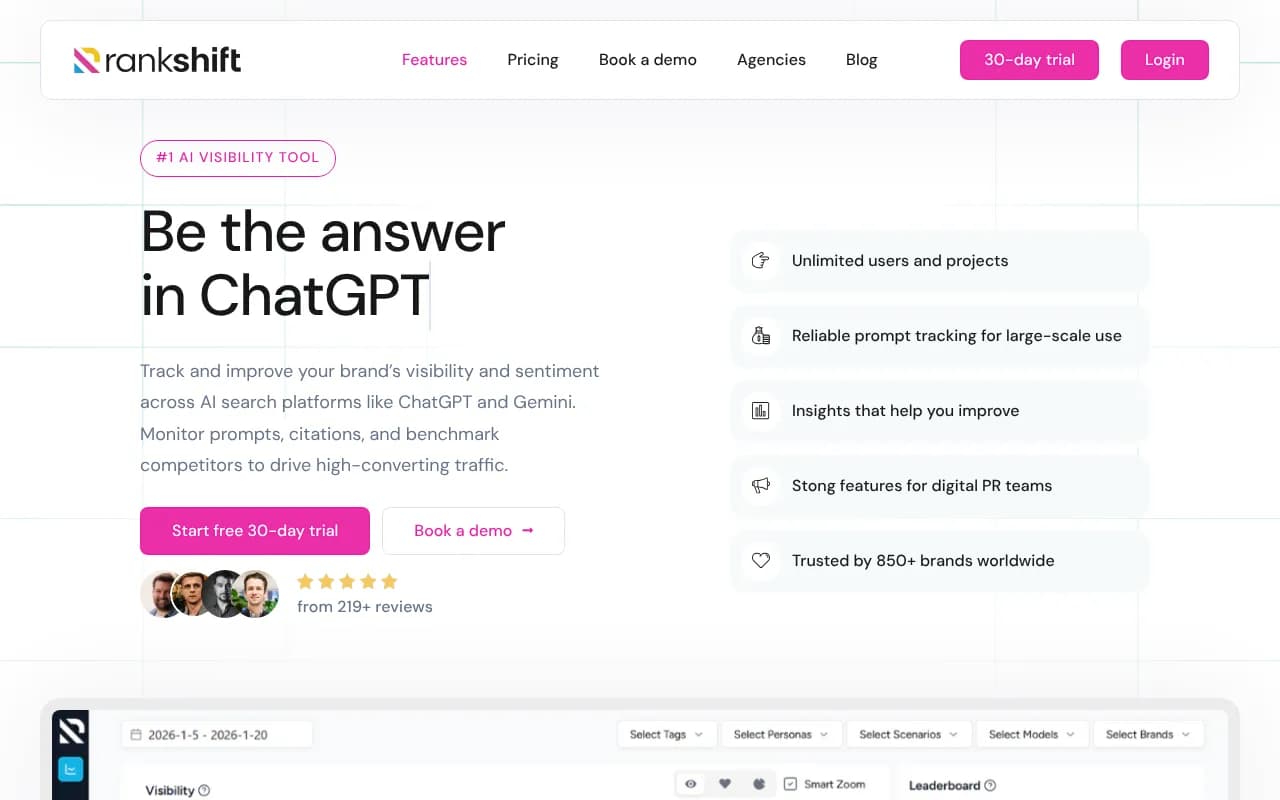
For teams that want straightforward monitoring without complexity:

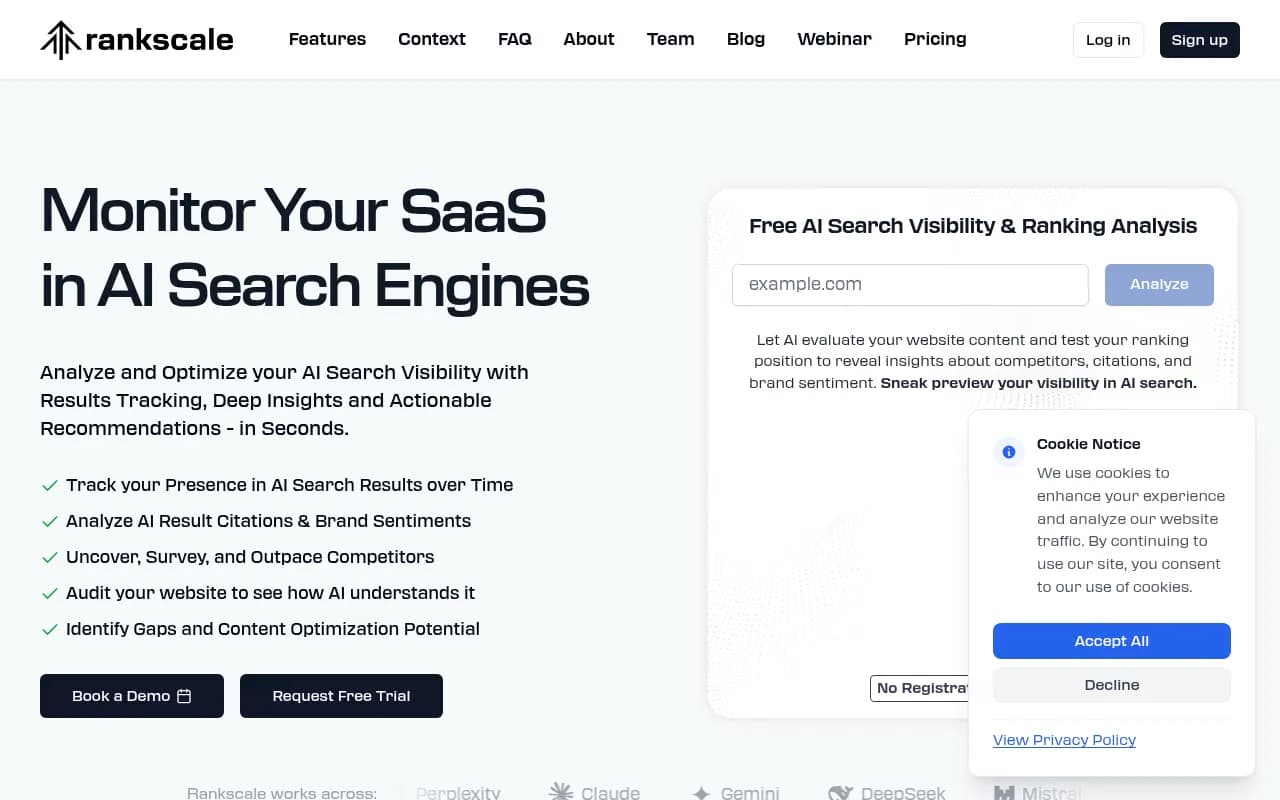
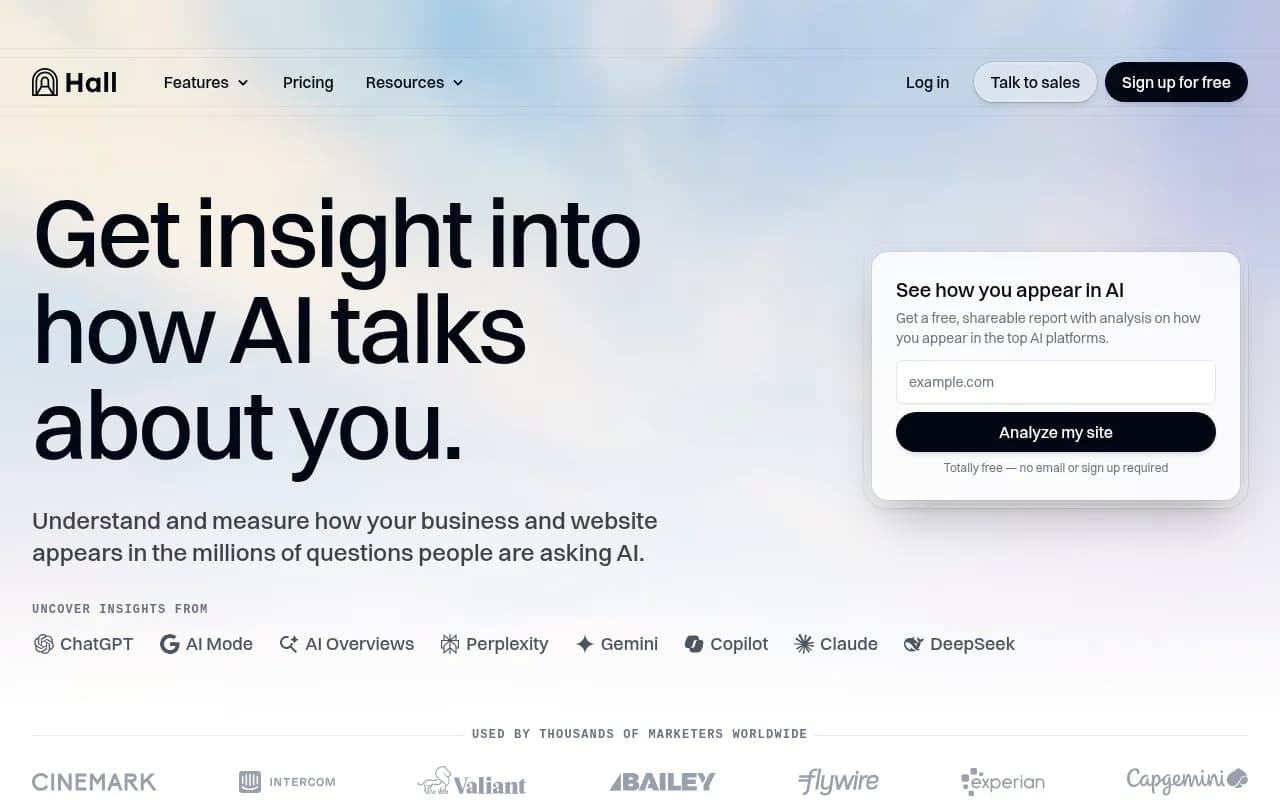
For teams that want deeper prompt intelligence and competitive analysis:
For enterprise teams with complex multi-brand or multi-region needs:
For teams that want to go beyond monitoring and actually optimize:
The honest limitation of all these tools
Here's something worth saying plainly: no AI visibility tracker has perfect data. The models themselves are probabilistic -- the same prompt sent twice can produce different responses. Citation patterns shift as models update. Some models don't expose their full reasoning through APIs.
What good trackers do is give you a consistent, structured sample over time. The absolute numbers matter less than the trends. Is your share of voice going up or down? Are competitors gaining ground on specific prompts? Are your newly published pages starting to get cited?
That's the real value of the data -- not a single snapshot, but a signal you can act on over time.
The platforms that understand this build their products around the action loop: show you where you're invisible, help you create content that addresses the gap, then track whether that content starts getting cited. The ones that don't understand it build dashboards that look impressive and tell you very little about what to do next.
Understanding how the data gets collected is the first step to using it well.