Key takeaways
- Most AEO platforms can be set up in under 30 minutes, but "set up" and "useful data" are very different things -- some tools take days or weeks to populate meaningful results.
- The fastest path to insight combines prompt tracking, citation analysis, and content gap identification in one workflow. Tools that separate these into different modules slow you down.
- Monitoring-only platforms show you where you stand but leave you to figure out what to do next. Platforms with built-in content generation close that gap faster.
- Onboarding friction varies significantly: some tools require no code, others need crawler snippet installs or API connections before you see anything worthwhile.
- Your choice of platform should match your team's goal -- brand monitoring, content creation, competitive analysis, or all three.
There's a specific kind of frustration that comes with signing up for a new AEO tool. You enter your domain, pick a few prompts, hit "start tracking" -- and then wait. Maybe you get a dashboard full of zeros. Maybe you get a sentiment score with no context. Maybe the data looks impressive but you have no idea what to do with it.
The question of which AEO platform gets you to useful data fastest is genuinely underexplored. Most comparison articles focus on feature lists. This one focuses on the onboarding experience: what you see on day one, what you can act on by day three, and which platforms actually close the loop between "I need to appear in AI answers" and "here's what to do about it."
What "useful data" actually means in AEO
Before comparing platforms, it's worth being precise about what you're looking for. In the context of answer engine optimization, useful data means:
- Which AI models mention your brand (and how often)
- Which prompts trigger competitor mentions but not yours
- Which pages on your site are being cited by AI crawlers
- What content you're missing that would change those answers
A tool that shows you your brand sentiment in ChatGPT responses is interesting. A tool that shows you the exact prompts where a competitor ranks and you don't -- and then helps you create content to close that gap -- is useful.
That distinction shapes everything that follows.
The onboarding spectrum: from instant to involved
AEO platforms fall into roughly three categories when it comes to onboarding speed.
Category 1: Instant dashboards (data in under 10 minutes)
These tools connect to your domain, run a batch of pre-configured prompts against major AI models, and return results quickly. You don't need to install anything. The tradeoff is that you're working with the tool's prompt library rather than your own, and the data is often surface-level.
Tools like Otterly.AI and Peec AI fall here. You can get a basic visibility score and see whether your brand appears in responses to common industry queries within minutes of signing up. That's genuinely useful for a quick sanity check or an initial client audit.


The limitation: these platforms are primarily monitoring tools. They tell you what's happening but not why, and they don't help you change it.
Category 2: Configured tracking (data in 1-3 days)
Most mid-tier AEO platforms sit here. You set up a prompt library (typically 50-200 prompts depending on your plan), configure competitor tracking, and wait for the platform to run queries across AI models. Results start populating within 24-48 hours, and you get a clearer picture by day three.
SE Ranking's AI visibility toolkit works this way, as does AthenaHQ. The setup process is more involved -- you're building out your prompt set, selecting competitors, and choosing which AI models to monitor -- but the resulting data is more relevant to your actual business.


The limitation: you're still primarily looking at monitoring data. The gap between "I can see my visibility score" and "I know what to do next" can be wide.
Category 3: Full-stack platforms (data in 3-7 days, but with action built in)
These platforms take longer to set up because they're doing more. They're not just tracking mentions -- they're analyzing citation patterns, identifying content gaps, and in some cases generating content to fill those gaps. The onboarding involves more configuration, but the payoff is a complete workflow rather than a dashboard you check periodically.
Promptwatch sits in this category. The setup involves connecting your domain, installing a crawler snippet (or using GSC integration), building your prompt library, and configuring competitor tracking. That takes a few hours spread across a couple of days. But once it's running, you're not just looking at visibility scores -- you're seeing which specific pages AI crawlers are reading, which prompts competitors rank for that you don't, and you have a content generation tool that's grounded in those specific gaps.

Profound also fits here, with a strong enterprise focus and good prompt volume data.

A practical comparison of onboarding steps
Here's how the major platforms compare on the actual steps required to get from signup to actionable data:
| Platform | Time to first data | Prompt setup required | Crawler/code install | Content gap analysis | Built-in content creation |
|---|---|---|---|---|---|
| Otterly.AI | < 10 min | Optional | No | No | No |
| Peec AI | < 10 min | Optional | No | No | No |
| SE Ranking | 1-2 days | Yes | No | Limited | No |
| AthenaHQ | 1-2 days | Yes | No | Basic | No |
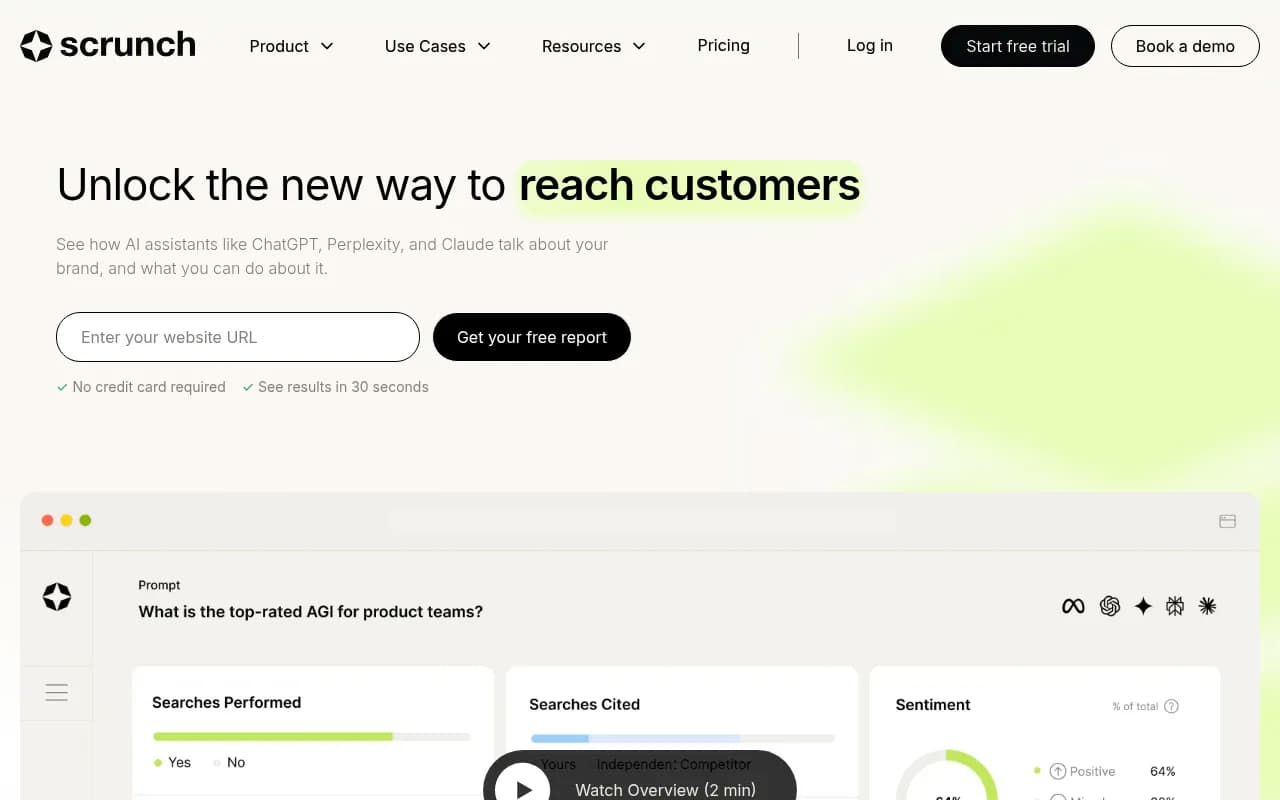
| Scrunch | 1-3 days | Yes | No | No | No |
| Profound | 2-4 days | Yes | Optional | Yes | Limited |
| Promptwatch | 2-4 days | Yes | Recommended | Yes | Yes |
| Semrush (AI toolkit) | 1-2 days | Partial | No | No | Via ContentShake |
A few things stand out from this comparison. First, the tools with the fastest initial data are the ones with the least actionable output. Second, the platforms that include content gap analysis and content creation consistently require more setup -- that's not a flaw, it's a reflection of the complexity involved. Third, Semrush deserves a mention as a familiar entry point for teams already using it for traditional SEO, though its AI visibility features are more bolt-on than native.
What the onboarding experience actually looks like
Signing up for a monitoring-only tool
With a tool like Otterly.AI, the experience is close to frictionless. You enter your brand name, select a few industry categories, and the platform starts running prompts. Within minutes you have a visibility score and can see whether your brand appears in AI responses to common queries in your space.
This is great for a first look. It's also where a lot of teams get stuck -- they have a number, but no clear path from that number to better performance.
Signing up for a full-stack platform
Promptwatch's onboarding is more involved but more deliberate. The setup flow walks you through:
- Adding your domain and brand details
- Building a prompt library (you can import from templates or build from scratch)
- Adding competitors
- Optionally installing the crawler log snippet to see which AI bots are hitting your site
- Connecting Google Search Console for traffic attribution
By the time you've done all that -- which takes a couple of hours, not days -- the platform has enough context to surface genuinely useful data. The Answer Gap Analysis, which shows prompts where competitors appear but you don't, is available once your first tracking run completes. That's where most teams find their first clear action item.
The crawler logs are worth mentioning specifically because most platforms don't offer them. Seeing that Perplexity's crawler visited your pricing page three times last week but never your product comparison page tells you something concrete about where to focus.
The prompt library problem
One underappreciated aspect of AEO onboarding is the prompt library itself. Most platforms require you to define the prompts you want to track -- the questions and queries you want to appear in AI answers for. If you don't know what those prompts should be, you're stuck before you start.
Better platforms help with this. Promptwatch's prompt intelligence feature suggests prompts based on your industry and competitors, with volume estimates and difficulty scores so you can prioritize. Profound has similar functionality. Tools like Otterly.AI and Peec AI use pre-built prompt libraries that get you started quickly but may not match your specific business.
The practical advice here: spend time on your prompt library before you evaluate any platform. Know the 20-30 questions your ideal customers are asking AI models, and use those as your baseline. Any platform that can't track those specific prompts isn't the right fit, regardless of how fast it onboards.
Agencies vs. in-house teams: different onboarding priorities
The fastest path to useful data looks different depending on who's doing the onboarding.
For in-house marketing teams, the priority is usually getting to a clear action item quickly -- something they can brief a content writer on or bring to a weekly meeting. Full-stack platforms with content gap analysis and built-in writing tools are worth the extra setup time because they compress the workflow from insight to output.
For agencies managing multiple clients, speed across accounts matters more than depth on any single one. Tools with good multi-site management and white-label reporting (Promptwatch's agency tier, Search Party's workflow) are worth prioritizing.
For enterprise teams, the onboarding conversation is usually about data integration -- can this connect to our existing BI tools, can we get API access, does it support SSO? Platforms like Profound and Promptwatch both have enterprise tiers with API access and custom integrations.
Common onboarding mistakes
A few things that slow teams down unnecessarily:
Starting with too many prompts. It's tempting to track 200 prompts from day one. The problem is you can't act on 200 data points simultaneously. Start with 20-30 high-priority prompts, see where you're visible and where you're not, and expand from there.
Ignoring the crawler logs. If your platform offers AI crawler logs, set them up before you do anything else. Knowing which pages AI models are reading (and which they're ignoring) is foundational context for everything else.
Treating visibility scores as the goal. Your visibility score going from 23% to 31% is a leading indicator, not an outcome. Connect your AEO platform to traffic data (GSC, server logs, or a code snippet) so you can see whether improved AI visibility is actually driving clicks and conversions.
Not tracking competitors from day one. Competitor visibility data is often more actionable than your own. Seeing that a competitor appears in 60% of prompts you're invisible for tells you exactly where to focus your content efforts.
Which platform should you start with?
The honest answer depends on what you need right now.
If you want a quick read on your current AI visibility with minimal setup, Otterly.AI or Peec AI will get you there in under 10 minutes. Useful for a first audit or a client pitch.
If you're an SEO team that already uses SE Ranking and wants to add AI visibility tracking without switching tools, SE Ranking's AI toolkit is the path of least resistance.
If you want to go from "I don't know why I'm not appearing in AI answers" to "I have a content plan that addresses the specific gaps" -- and you want a platform that supports that entire workflow rather than just the monitoring piece -- Promptwatch is the most complete option available. The onboarding takes longer, but you're building something you can actually act on.
The AEO tool market is moving fast, and the gap between monitoring-only platforms and full optimization platforms is widening. The tools that get you to useful data fastest aren't necessarily the ones with the quickest signup flows -- they're the ones that give you something to do with the data once you have it.