Key takeaways
- A user-agent string proves nothing. Spotting fake Googlebots and malicious scrapers means checking the source IP against the operator's published ranges, then comparing behavior.
- Cloaking detection is a comparison job: fetch the page as a normal browser and as a crawler, then diff the results. Logs tell you who is asking, crawlers tell you what they get back.
- Log analyzers (Screaming Frog, Botify, JetOctopus, Oncrawl) are best for SEO forensics. Edge tools (Cloudflare, DataDome) are best for blocking. Pick at least one of each.
- AI crawlers are now a big slice of bot traffic. In Promptwatch Data, OpenAI was 79.8% of verified AI crawler requests in the week of Aug 31 to Sep 6, 2026, and Meta-WebIndexer briefly hit 37.8% of tracked requests, enough to look like an attack.
- Verify before you block. Blocking a legitimate crawler by mistake costs you more than the load it creates.
Why logs are the only honest source
Analytics tools like Google Analytics never see most bots. They run JavaScript, and many crawlers do not. Search Console shows Google's view, but only Google's, and only sampled. Your server or CDN logs are the one place where every request is recorded, including the ones pretending to be something else.
Two problems keep coming up in practice:
- Impostors. Someone sets their user agent to Googlebot to get past a paywall, bypass rate limits, or scrape at will. The CS-Cart guide on crawler handling puts "Fake Googlebot" at the top of its block list for exactly this reason.
- Cloaking. Either you were hacked and a malicious script serves spam to crawlers while showing owners a clean page, or someone on your team (or a plugin) is deliberately serving different content to bots. Both are visible if you know how to compare.
Cloudflare's own guidance says the same thing about volume: manual analysis of millions of log lines is nearly impossible, so you need a log analytics tool and a habit of searching by user-agent string.
How to tell a real crawler from a fake one
Before picking tools, get the method straight. Every tool below automates some version of it.
Step 1: Verify the IP, not the user agent
Google, Bing, OpenAI, Anthropic, Perplexity and most major operators publish IP ranges or support reverse DNS verification. A request claiming to be Googlebot from a residential ISP or a cheap VPS is fake. The classic manual check:
host 66.249.66.1
# should return something ending in .googlebot.com or .google.com
host crawl-66-249-66-1.googlebot.com
# forward lookup must return the same IP
If the reverse lookup does not end in the operator's domain, or the forward lookup does not round trip, treat it as spoofed.
Step 2: Look at behavior
Real crawlers have patterns. Fake ones tend to show:
- Hitting login, cart, search and API endpoints that real crawlers skip
- Ignoring robots.txt completely, or never requesting it
- Very even request timing, or bursts from many IPs with the same user agent
- High request counts with zero asset requests and no referrers
- Rotating IPs and user agents in the same session
DataDome's bot detection guide makes a similar point: the bots worth worrying about rotate IPs and mimic human behavior, so single-signal rules fail.
Step 3: Check status code patterns
A spike of 404s on URLs that never existed (often WordPress admin or PHP paths) is probing. A crawler that gets 200s on pages your robots.txt forbids is ignoring the rules. A real Googlebot that suddenly gets 403 or 5xx is a problem on your end, usually a WAF rule you wrote last month.
Step 4: Compare what bots get with what humans get
This is the cloaking check, covered in its own section below.
HUMAN's crawler list (last updated January 2026) is a useful reference for user agent strings and who sends them. It also cites HUMAN telemetry showing agentic traffic up 6900% year over year, which is the main reason the "known bot" category is messier than it used to be.
The tools at a glance
| Tool | Type | Best at | Cloaking checks | Malicious bot blocking |
|---|---|---|---|---|
| Screaming Frog (Log File Analyser plus SEO Spider) | Desktop | Verified bot filtering, crawl vs log comparison | Via user agent switching and rendering comparison | No |
| Botify | Enterprise cloud | Log analysis at scale, crawl budget | Yes, through crawl vs logs | No |
| JetOctopus | Cloud crawler and log analyzer | Large sites, fast log dashboards | Yes, through crawl vs logs | No |
| Oncrawl | Cloud crawler and log analyzer | Segmentation, data joins | Yes, through crawl vs logs | No |
| Sitebulb | Desktop and cloud crawler | Rendering and audit hints | Partial, through rendering comparison | No |
| ContentKing | Real-time monitoring | Catching sudden changes | Partial, change alerts | No |
| Cloudflare | CDN and WAF | Edge logs, bot scoring, blocking | No | Yes |
| DataDome | Bot protection | Behavioral detection | No | Yes |
| DarkVisitors | Agent analytics | Tracking AI agents and bots | No | Partial, robots.txt control |
| Promptwatch | AI visibility platform | IP-verified AI crawler logs | No | No, visibility only |
I could not verify current pricing for most of these while writing, so check each vendor's site before you budget.
Log analyzers and SEO crawlers
These are the tools you reach for when the question is "what is Googlebot actually doing on my site, and is it really Googlebot?"
Screaming Frog
Screaming Frog is the default for a reason. The SEO Spider crawls your site, and its separate Log File Analyser imports raw access logs, verifies bots against known IP ranges, and flags the spoofed ones. You can then compare crawled URLs against what bots actually requested, which surfaces orphan pages, wasted crawl on parameters, and URLs bots hit that your crawl never found.
For cloaking, the SEO Spider lets you switch user agent and enable JavaScript rendering. Crawl once as Googlebot, once as a standard Chrome user, and diff titles, word counts, canonicals and outlinks. It is manual, but it works and it is cheap compared with enterprise options.

Botify
Botify is the enterprise choice when logs run into the hundreds of millions of lines. It joins log data with crawl data and search performance, so you can see not just which bots visited but whether what they saw matches what your crawl sees. The tradeoff is cost and setup time. If you run a large e-commerce or publishing site, it is worth a demo.
JetOctopus
JetOctopus pairs a fast cloud crawler with log analysis, and the pitch is seeing how search engines actually behave on your site. It handles big files well, and the dashboards make it easy to spot a sudden jump in hits from a bot-labeled user agent on a strange URL pattern.
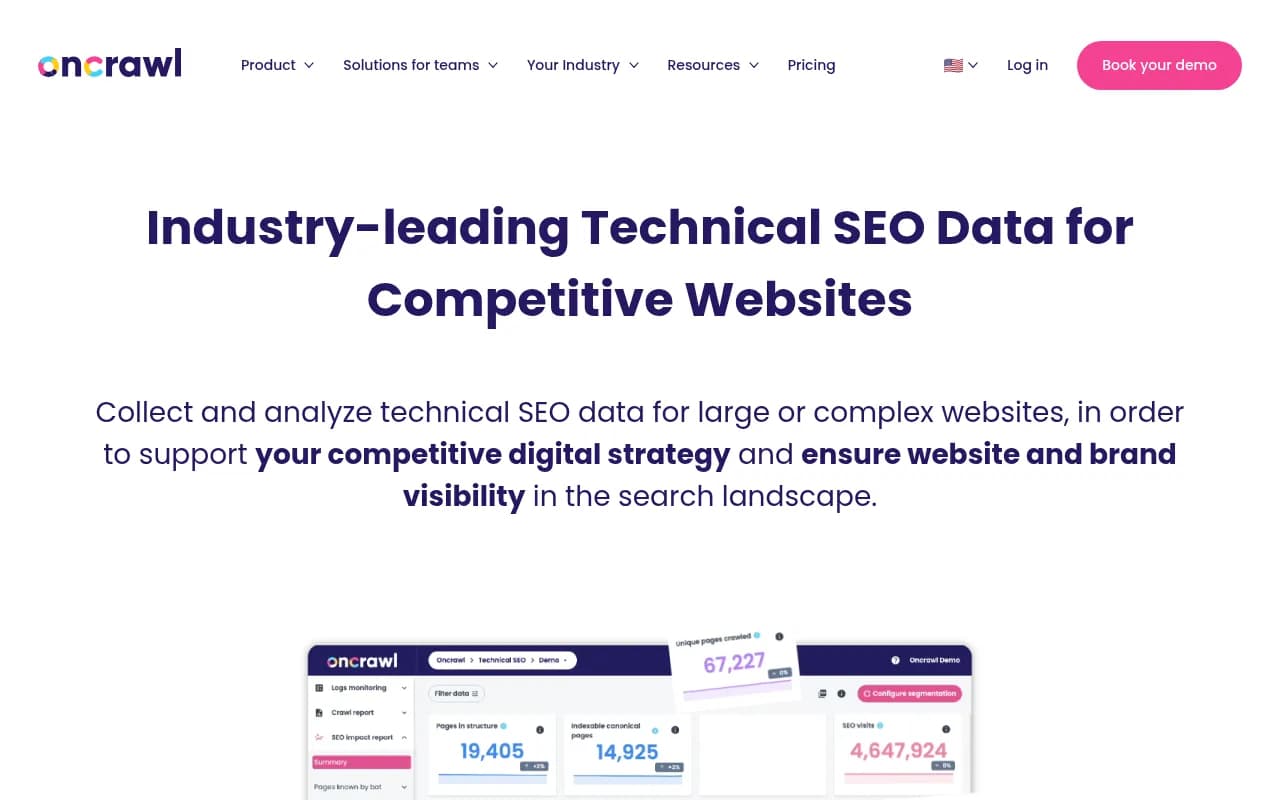
Oncrawl
Oncrawl is another cloud crawler with log analysis built in. Its strength is segmentation: group URLs by template, then see bot behavior per group. That makes it easier to notice that Googlebot visits product pages normally but a suspicious bot only touches your pricing pages.
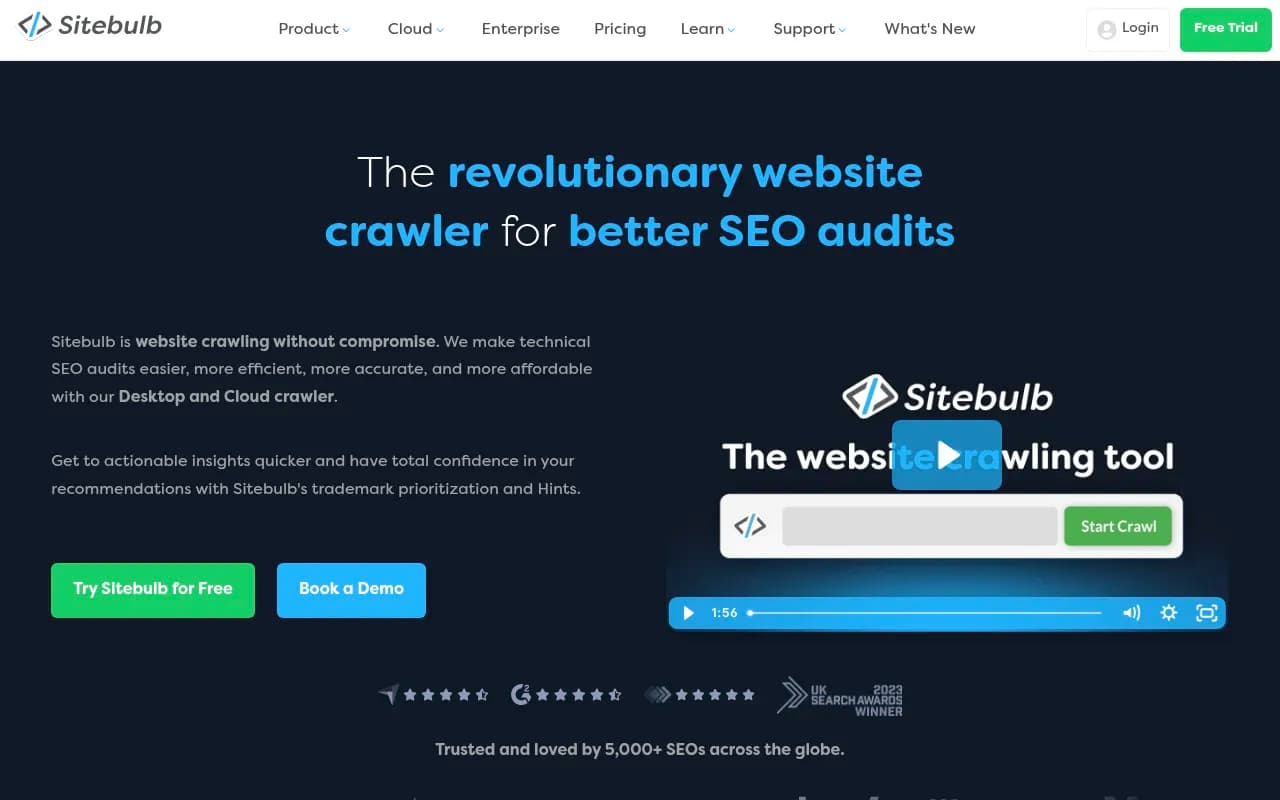
Sitebulb and ContentKing
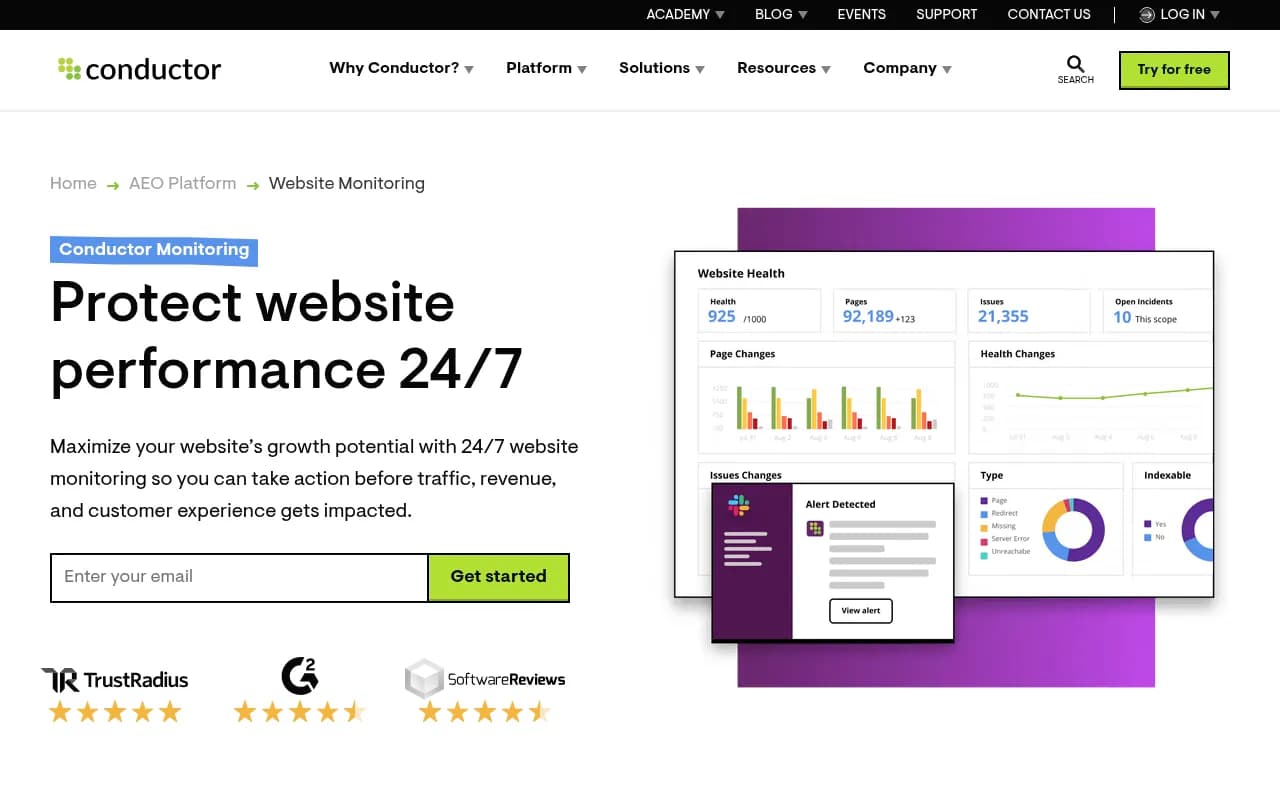
Sitebulb is a friendlier crawler with solid rendering audits, handy for the browser versus crawler comparison. ContentKing is different: it monitors your site continuously and alerts on changes. If a hacked plugin injects spam links or swaps your robots meta tag overnight, a change alert beats a monthly audit.
Edge and bot protection tools
Log analyzers tell you what happened. These tools stop it while it is happening.
Cloudflare
Cloudflare sits in front of the site, so its logs include requests your origin never sees. Its AI Crawl Control uses machine learning, behavioral analysis and fingerprinting to identify bot traffic, including disguised bots, and its Log Explorer lets you search by user agent. For many teams the practical setup is Cloudflare for blocking and challenge rules, with logs exported to an SEO log analyzer for deeper study. One caution: Cloudflare's default bot settings can block legitimate AI or search crawlers you want, so review rules after enabling them.
DataDome
DataDome focuses on behavioral bot detection that survives IP rotation and human mimicry. It is the stronger choice when your problem is scraping, credential stuffing or inventory hoarding rather than SEO visibility. The research I pulled lists it alongside Imperva and Akamai as common Cloudflare alternatives, with DataDome noted for detection accuracy and Akamai for its global edge. I did not find comparable pricing data for any of them.
Tools focused on AI crawlers
AI bots are the newest source of confusion in logs. They are not always malicious, they do not always send referral traffic, and their volume can swing wildly.
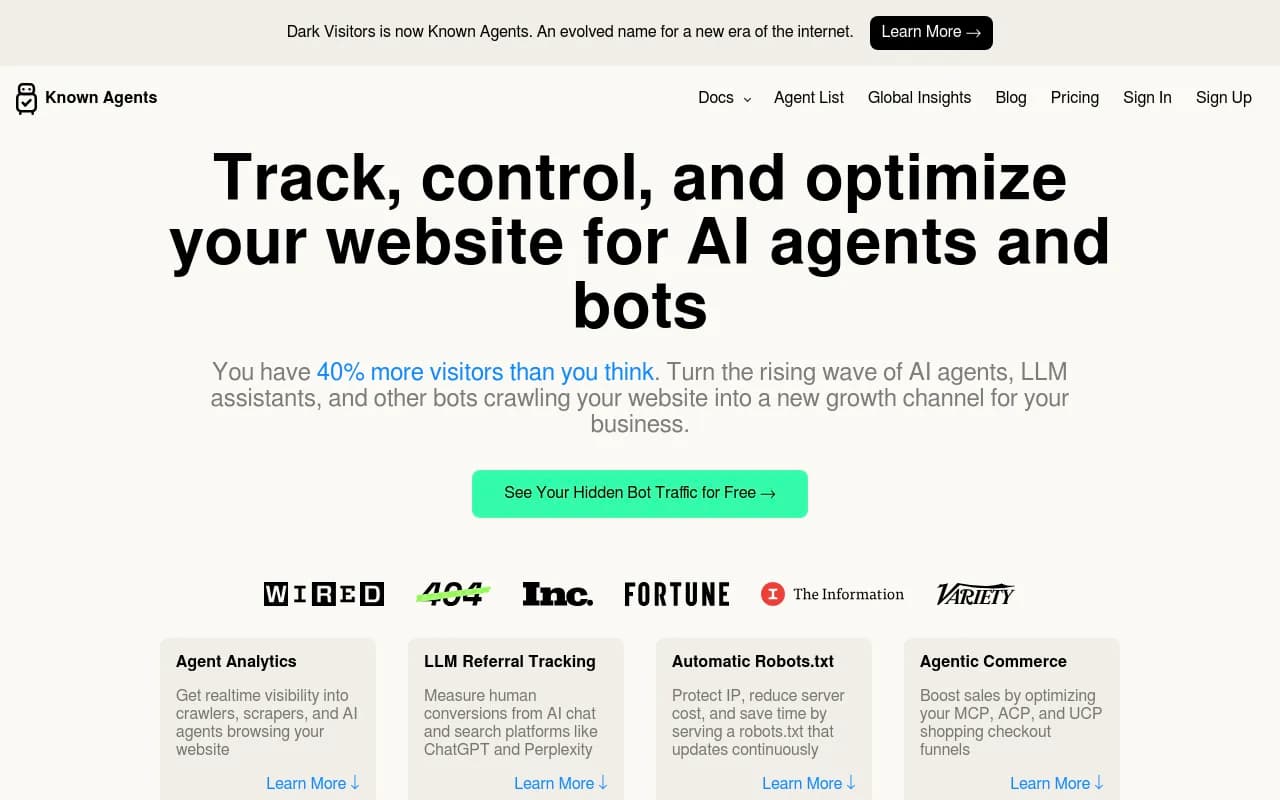
DarkVisitors tracks AI agents, bots and LLM referrals visiting your site, and can help keep your robots.txt current as new agents appear.
Promptwatch includes IP-verified AI crawler logs, which count only requests whose source IP matches the operator's published ranges, so spoofed user agents are excluded. It works with Cloudflare, Vercel, Fastly and raw server logs, and shows which pages crawlers read, what errors they hit, and whether crawling leads to citations. It is not a WAF and will not block anything, but it answers "is this AI traffic real?" better than most generic log tools.

What the data says about AI crawler volume
Benchmarks help you judge whether your own logs look normal. In Promptwatch's AI crawler traffic report (June 8 to September 6, 2026), OpenAI accounted for 79.8% of verified AI crawler requests in the week of Aug 31 to Sep 6, down from 94.8% in the week of Jun 8. The report's advice is sensible: if a provider is large in the benchmark but near zero in your logs, you are probably blocked or unreachable for it. Check robots.txt, CDN and WAF rules for each provider.
Then there is the Meta example. According to Promptwatch Data on Meta-WebIndexer, its share of tracked AI crawler requests went from about 2.2% in mid-July 2026 to 37.8% on August 9, roughly 17x in under a month. On August 6, @levelsio posted that Meta was scraping his sites hard enough to trigger server load alerts. That is the textbook case for verifying before blocking: the traffic looked like an attack, but it came from a legitimate operator.
The same report lists user agents worth recognizing by operator:
| Operator | User agents |
|---|---|
| OpenAI | GPTBot, OAI-SearchBot, ChatGPT-User, OAI-AdsBot |
| Anthropic | ClaudeBot, Claude-User, Claude-SearchBot, claude-web |
| Google-Extended, Google-Agent | |
| Perplexity | PerplexityBot, Perplexity-User |
| xAI | GrokBot, xAI-Grok, Grok-DeepSearch |
| Mistral | MistralAI-User, MistralAI-Index |
| Meta | meta-webindexer, meta-externalagent, meta-externalfetcher, FacebookBot |
| Cohere | cohere-ai |
| DeepSeek | DeepSeekBot |
A large share from one operator can be training traffic, answer-time fetches, or both, so split by individual crawler before deciding anything. If your infrastructure bills per request, budget for sustained crawler load too.
For the wider list of GEO and visibility tools, the GEO software directory at bestgeosoftware.com is a good next stop.
How to catch cloaking
Cloaking means serving different content to crawlers than to users. Search engines treat deceptive cloaking as a spam violation, so you want to find it on your own site before Google does. I did not find a dedicated cloaking detection tool in my research, so this is the workflow I would use with the tools above.
The diff method
- Fetch key URLs with a normal browser user agent. Save the rendered HTML.
- Fetch the same URLs with Googlebot and Bingbot user agents (Screaming Frog, Sitebulb or curl).
- Fetch again from a different IP range, since some cloaking keys on IP rather than user agent.
- Compare titles, meta robots, canonicals, visible text, outbound links and hidden elements.
- Compare against Google's cached or rendered view in Search Console's URL Inspection tool, which shows what Google actually saw.
A quick spot check from the command line:
curl -s -A "Mozilla/5.0 (Windows NT 10.0; Win64; x64)" https://example.com/page | md5sum
curl -s -A "Googlebot/2.1 (+http://www.google.com/bot.html)" https://example.com/page | md5sum
Different hashes are not proof, since pages contain timestamps and tokens, but large differences in size or link count deserve a closer look.
Use logs to confirm
If a page differs by user agent, check your logs: which response sizes did verified Googlebot receive versus regular visitors for the same URL? Consistently smaller or larger responses for bots point to server-side logic treating them differently. Hacked sites often show this: spam pages that return 200 to Googlebot and 404 or a redirect to everyone else.
Watch for hacked-site signals
- New URLs in logs that you never published, especially with foreign-language or pharma patterns
- Googlebot crawling thousands of URLs from one template that is not in your sitemap
- Sudden crawl spikes followed by indexed-page count jumps in Search Console
- Changes in robots.txt or .htaccess you did not make
Continuous monitoring with ContentKing, or scheduled crawls in Botify, JetOctopus or Oncrawl, catch these faster than waiting for rankings to drop.
Spotting malicious bots in practice
A repeatable routine beats a clever one-off investigation. Here is a short version.
Weekly
- Filter logs to claimed Googlebot and Bingbot, then verify IPs. Anything unverified goes in a block or challenge list.
- Rank user agents by request count and look at the top 20. Unknown names with large volume deserve a look.
- Check 4xx and 5xx rates for verified search and AI crawlers. If real crawlers are failing, fix that first.
Monthly
- Compare crawled URLs in your logs against your sitemap and crawl data to find hidden or injected pages.
- Review robots.txt and WAF rules against the operator list above, so you are blocking or allowing on purpose.
- Run the cloaking diff on your top 50 URLs.
What to block, what to challenge, what to allow
| Traffic type | Action |
|---|---|
| Verified Googlebot, Bingbot | Allow |
| Spoofed search bots | Block |
| Verified AI crawlers you want citations from | Allow, monitor load |
| Verified AI training crawlers you do not want | Disallow in robots.txt, enforce at the WAF |
| Unknown high-volume scrapers | Challenge, then block if they fail |
| Bots probing admin and login paths | Block and rate limit |
Robots.txt is only a request. Well-behaved operators honor it, and malicious bots do not, which is why enforcement has to happen at the edge.
Which stack should you choose?
- Small site or solo SEO: Screaming Frog for logs and cloaking diffs, plus Cloudflare's free or low tier for blocking.
- Mid-size site with a technical SEO team: JetOctopus or Oncrawl for cloud log analysis, Cloudflare for the edge, ContentKing for change alerts.
- Enterprise e-commerce or publisher: Botify for logs at scale, DataDome or Akamai for bot defense, and a dedicated owner for the weekly review.
- Brands focused on AI search: add an AI crawler view with DarkVisitors or Promptwatch so you can see which AI systems read you and whether they reach you at all.
If you would rather have specialists run this for you, 1001 SEO Media handles technical SEO audits that include log analysis, which is where many cloaking and bot problems first show up.
More tools in adjacent categories are listed at surferstack.com.
Closing checklist
- Collect raw logs from your CDN and origin, not just analytics.
- Verify bot IPs against published ranges or reverse DNS.
- Diff browser and crawler responses on your highest-value URLs.
- Block spoofed and abusive bots at the edge, not in robots.txt.
- Benchmark AI crawler traffic against public data before declaring an attack.
Start with step 2. Most sites that run it for the first time find at least one fake Googlebot in the top 20 user agents.