Key takeaways
- Most AI visibility platforms give you 7 or 14 days. Some tools sold as "free" are trials, and a few free checkers are one-time snapshots with no ongoing tracking.
- Trial terms are inconsistent across comparison articles, and many of those articles are written by vendors. Confirm length, prompt caps, engine caps and card requirements on each vendor's pricing page before you sign up.
- Seven days is enough to test setup, prompt quality, engine coverage and reporting. It is not enough to judge trends, especially for volatile engines.
- The best use of a trial is a plan: pick prompts before you start, include sub-question prompts, and check whether the tool tells you what to do next.
Free trial, free tier, free checker: three different things
Before comparing anything, sort the offers into buckets. People mix them up constantly, and vendors are happy to let them.
- A free trial gives you the product, sometimes limited, for a fixed window. Usually 7 to 14 days.
- A free tier is a permanently free plan with caps, such as one brand or a handful of prompts.
- A free checker is a one-time snapshot. You get a score, maybe a short report, and no ongoing tracking.
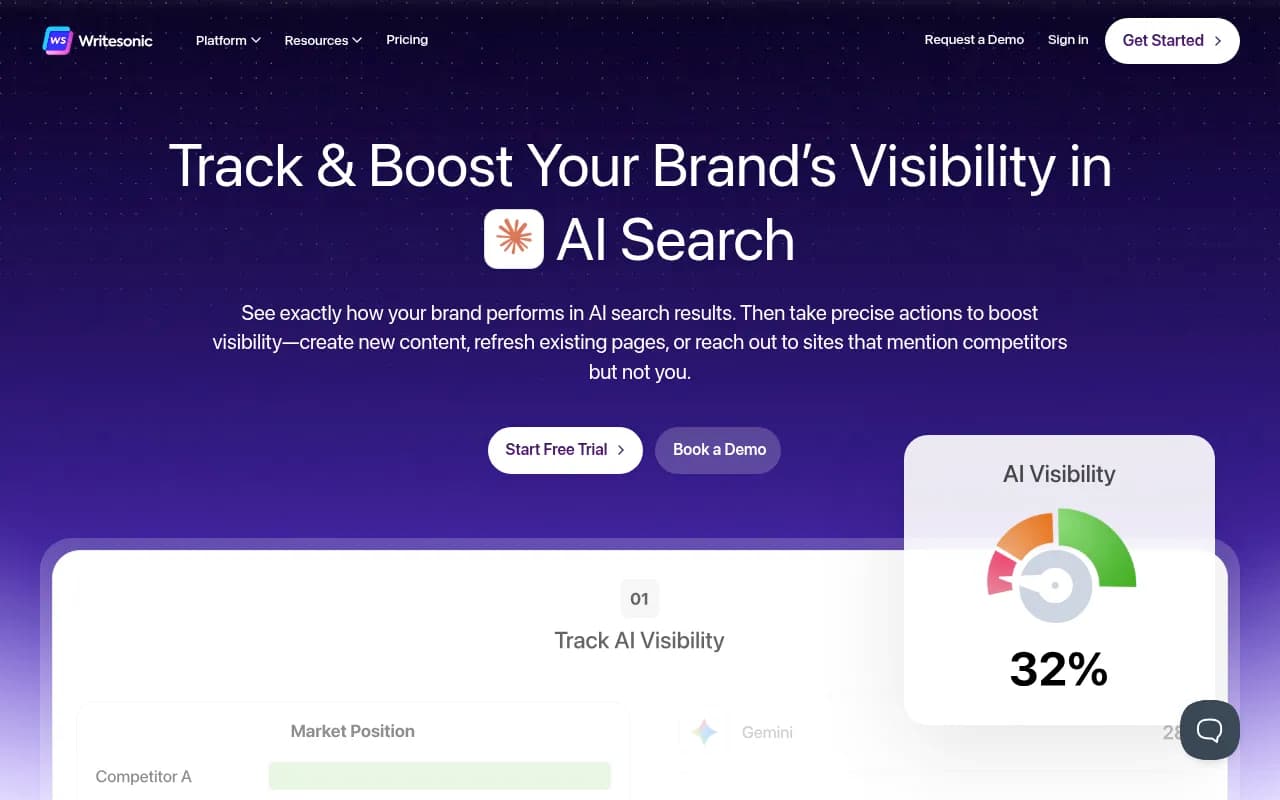
Metricus makes the same point in its free AI visibility tools roundup: most "free" AI visibility tools are trials in disguise. Writesonic's offer is a 7-day trial with 25 prompts and three engines. Trakkr's is 14 days before a $100/mo plan kicks in. Genuinely free checkers include the ones from HubSpot, Mangools, Frase, Semrush and Ahrefs, but they are snapshots.
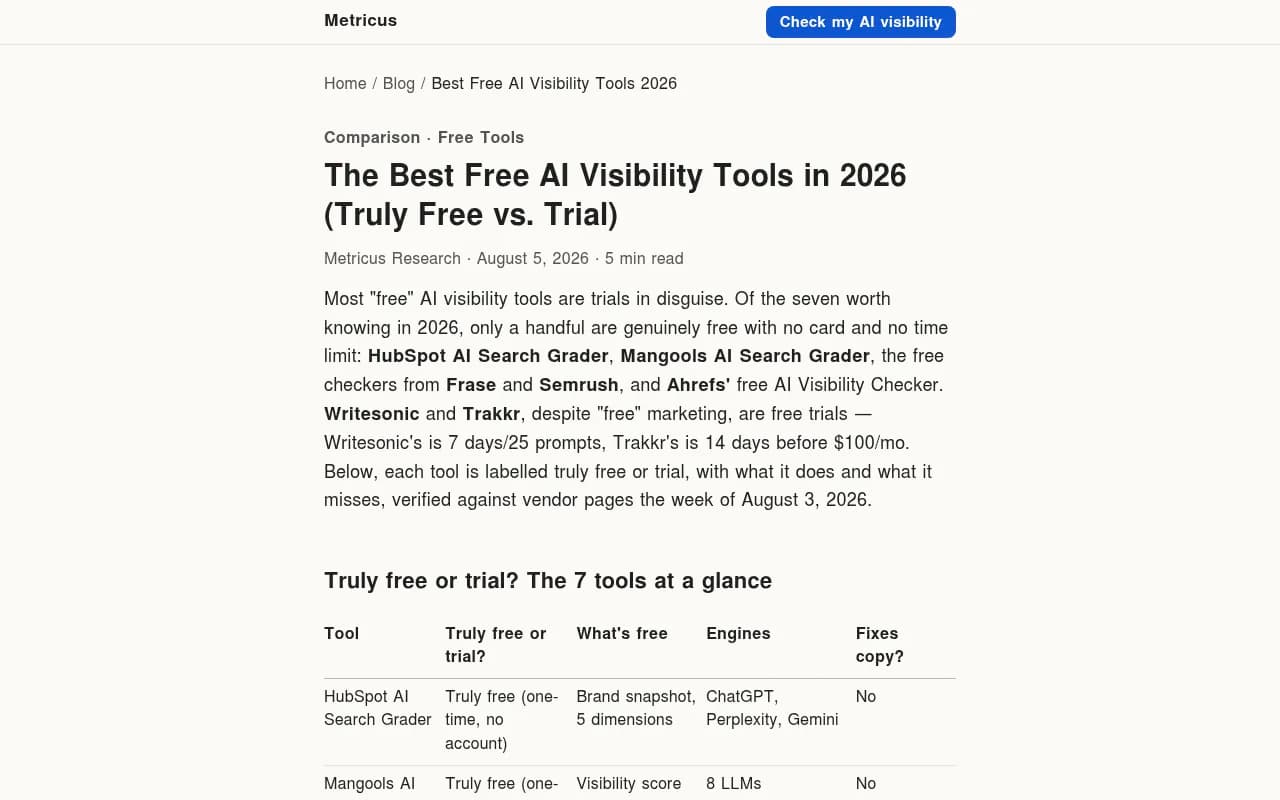
A caveat on sources. Most roundups on this topic (Arobis, Rankry, KIME, Metricus, Profound's own blog) are written by companies with something to sell, and they sometimes disagree with each other on trial length. I have treated the numbers below as a starting point, not gospel. Check the vendor's pricing page the day you sign up.
Free trial terms at a glance
The table collects terms as reported in the comparison articles above. Treat it as unverified until you confirm with each vendor.
| Platform | Reported trial | Notes from sources |
|---|---|---|
| Promptwatch | 7 days on monthly Essential, Professional, Kick-off and Growth; free Explore plan | Free plan is 1 project, 10 prompts, ChatGPT only. Confirm at promptwatch.com/pricing |
| Profound | 7 days (Growth plan) | Enterprise is custom pricing |
| Scrunch | 7 days | Entry plan from $250/mo, 4 engines on Core |
| Semrush AI Visibility Toolkit | 7 days | $99/mo per domain after trial |
| Goodie AI | 7 days | From $399/mo |
| Writesonic | 7 days, no card | 25 prompts, 3 engines |
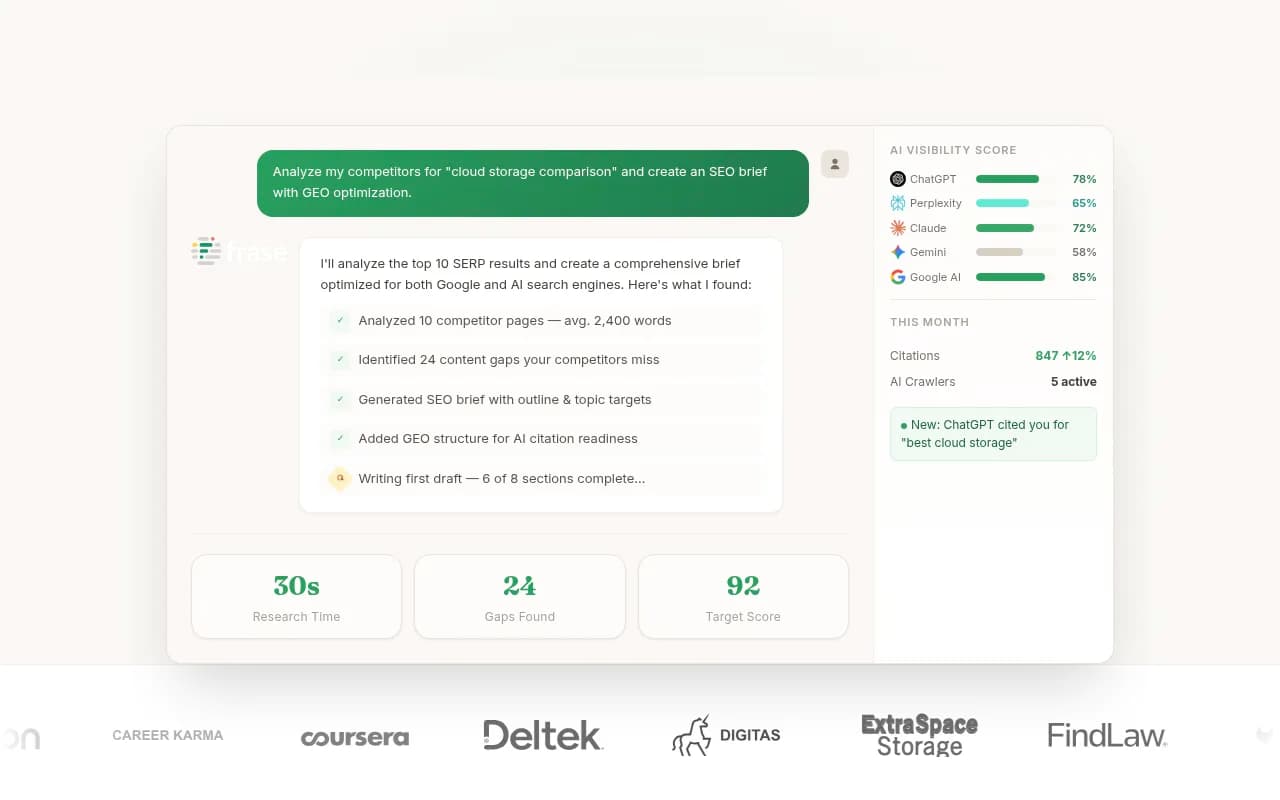
| Frase | 7 days, no card | Free checker also available |
| KIME | 7 days | On the EUR 99/mo Explorer plan |
| Otterly.AI | 14 days, no card | Per Rankry |
| ZipTie | 14 days | Per Rankry |
| Searchable | 14 days | Per Rankry |
| Allmond | 14 days, no card | From $29/mo |
| Trakkr | 14 days | $100/mo after |
| Peec AI | Free trial | Length not stated in sources; from $95/mo |
If you want to see more options than this table, the GEO software directory at bestgeosoftware.com lists far more tools than any one article can.
What the trials look like in practice
Platforms built around monitoring plus action
Promptwatch is the one I would put on the shortlist if you want a trial that goes past "was my brand mentioned." The 7-day trial on the paid monthly plans lets you test real-UI prompt tracking, AI crawler logs, site audit and the Action Board in the same window. Annual billing and the Explore free plan are separate, so check which one you are signing up for.

Profound is the enterprise-depth option and offers a 7-day trial on its Growth plan according to its own blog. Scrunch is another 7-day trial, with a higher entry price.

Lower-cost trackers
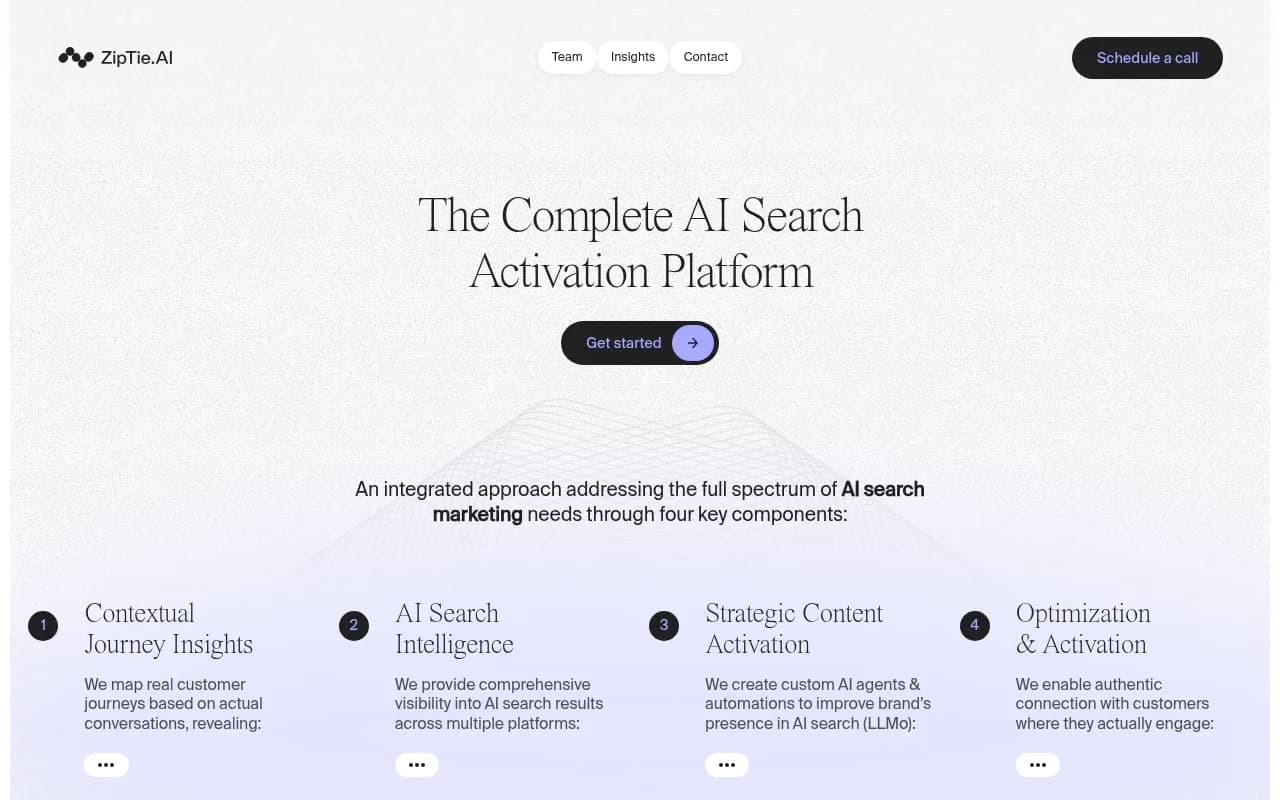
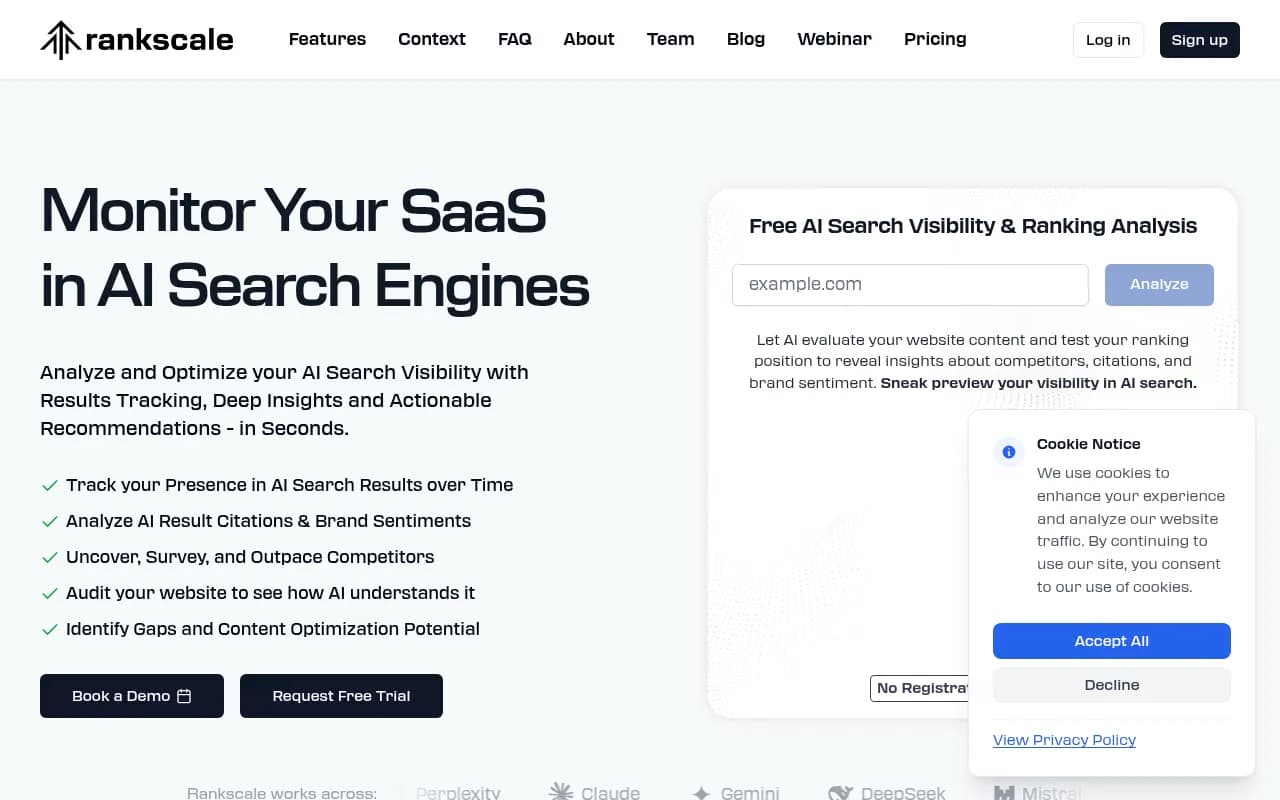
Otterly.AI, Peec AI, ZipTie and Rankscale are the usual names when budget is the main constraint. Otterly and ZipTie are listed at 14 days, which gives you a second week to see whether the numbers settle down.


SEO suites with AI add-ons
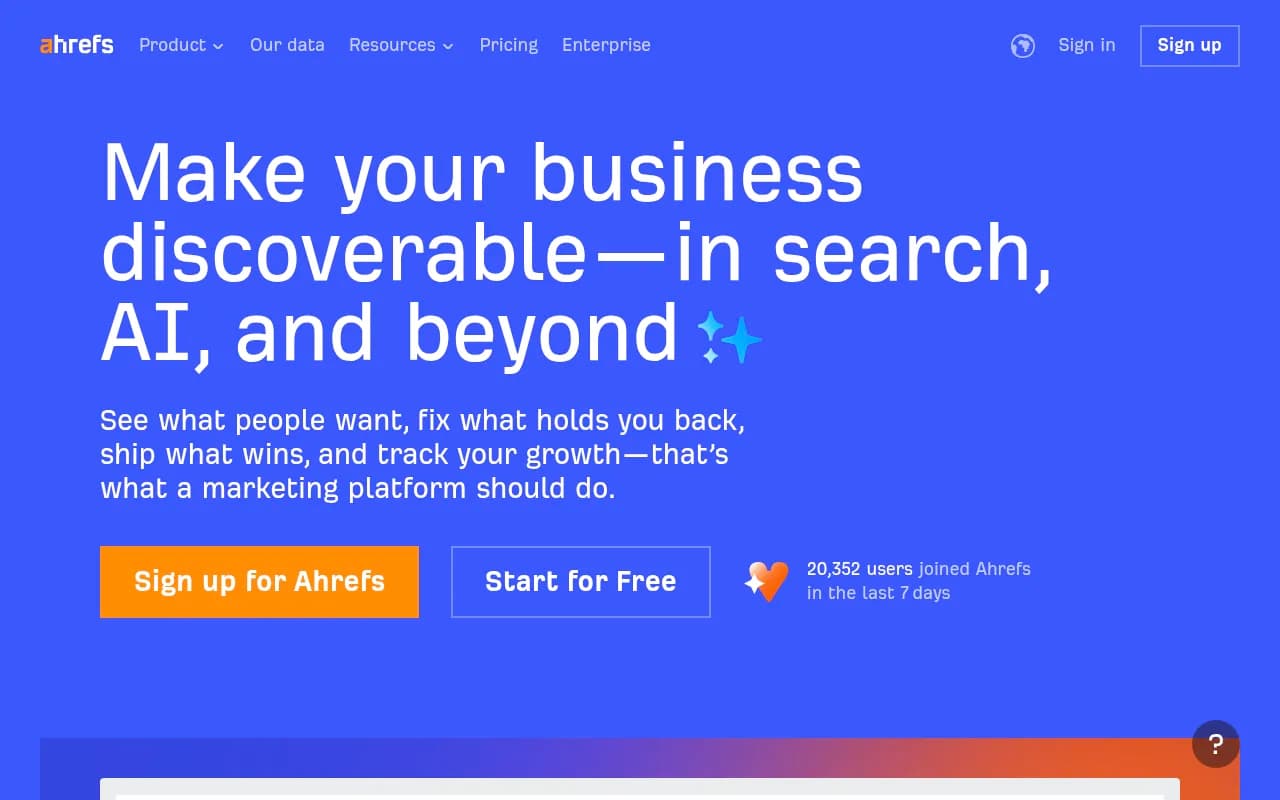
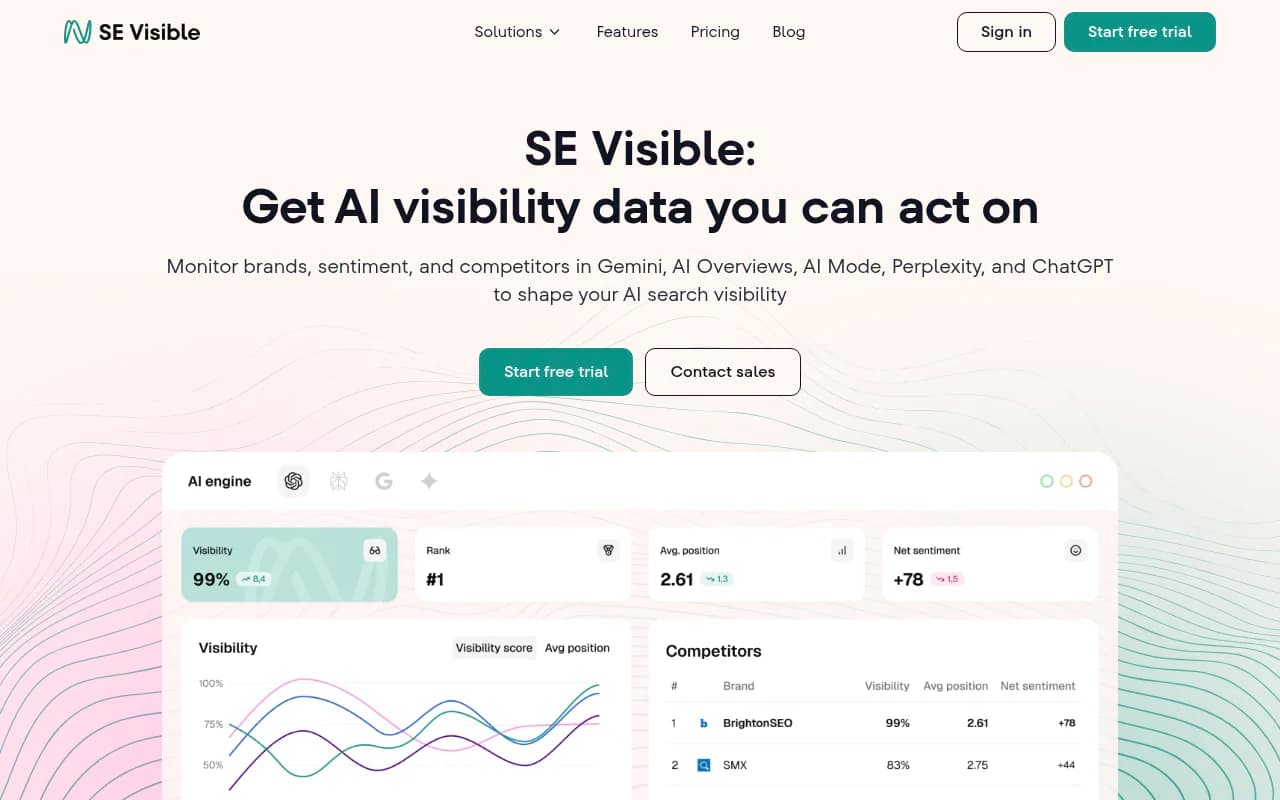
If you already pay for Semrush, its AI Visibility Toolkit trial is the easiest to justify because the data lives next to your other reports. Ahrefs Brand Radar and SE Visible sit in the same group.
Trials that bundle content tools
Writesonic and Frase pair tracking with drafting. That is useful if you want to see whether a tool can move from "you are invisible" to "here is a draft," but the tracking side is narrower.
Free checkers for a quick read
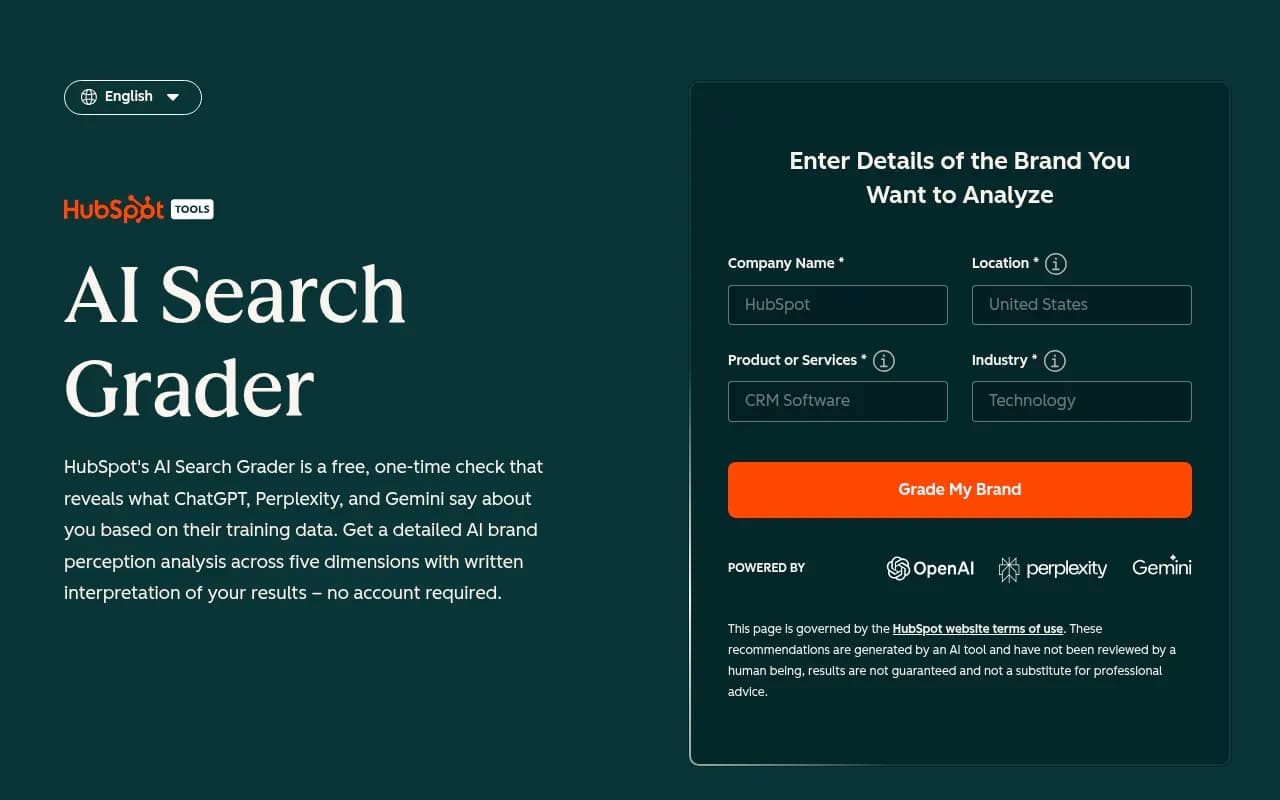
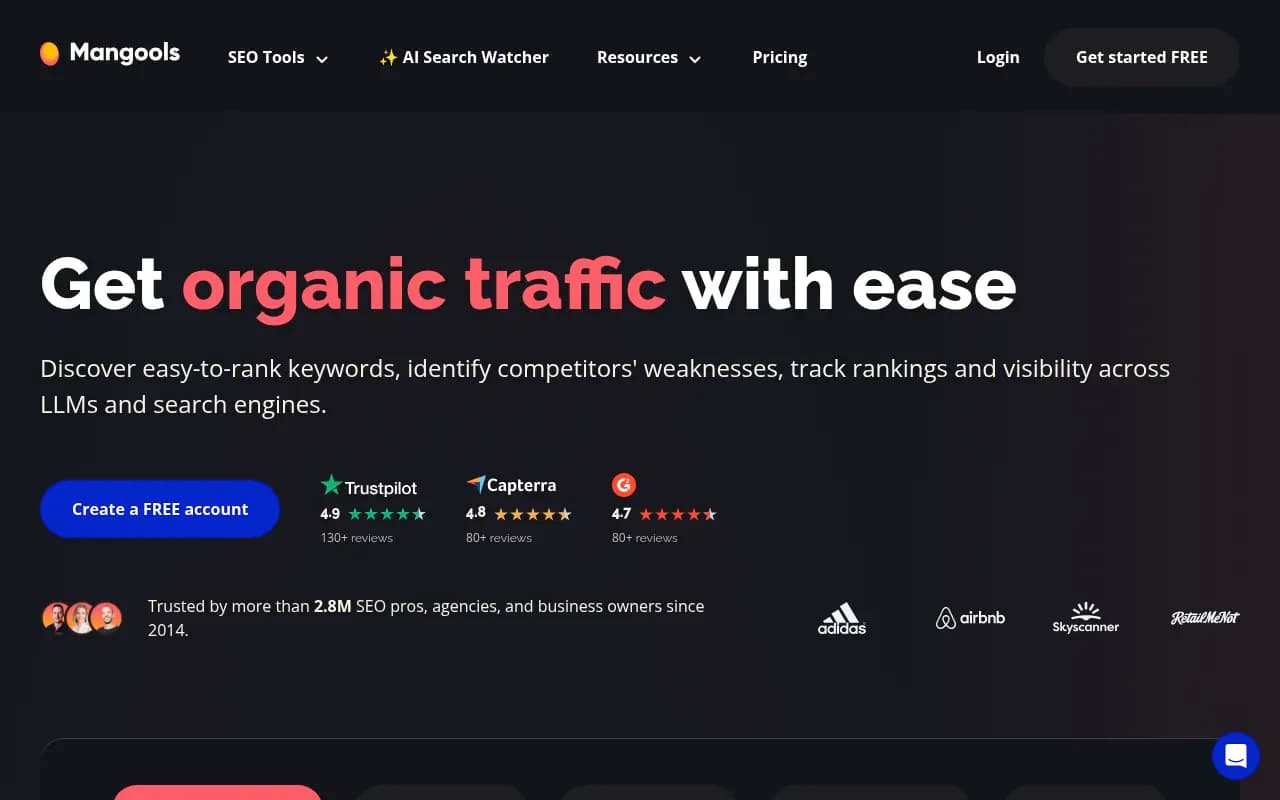
HubSpot's AEO Grader and Mangools' AI Search Grader give a one-off snapshot, no card. They are a fine way to decide whether a trial is worth starting. They are not a way to measure change.
What 7 days can and cannot tell you
What you can test
- Setup friction. How long until you see your first real data?
- Engine coverage. Does the tool track the engines your buyers use, and does it use the real interface or an API?
- Prompt quality. Can you import your own prompts, and does the tool suggest useful ones?
- Reporting. Can you export something your boss or client will read?
- Whether the tool tells you what to do next.
What you cannot test
- Trends. Seven days of data is a snapshot.
- Whether your fixes work. Content published on day 3 rarely gets cited by day 7. Promptwatch's content half-life data tracks how long cited pages stay cited, and the point is that citation behaviour plays out over weeks.
- Cost at scale. Trial caps hide what your real prompt count will cost.
Engine noise is real
Promptwatch's average sources per response report shows why. ChatGPT cites about 5 sources per web-search answer, so one run can swing a lot. Google AI Overviews cites about 10 and is steady. Perplexity cites almost exactly 10 every day, which makes it the most stable test bench in a short window. Copilot's average swung from under 2 sources to nearly 17 within weeks. Judge Copilot on monthly trends, never on a trial week.
So if your trial shows ChatGPT visibility moving 15 points between Tuesday and Thursday, don't conclude anything. Watch Perplexity and AI Overviews for signal and treat ChatGPT as noisy.
The prompts you type are not the searches ChatGPT runs
ChatGPT breaks a prompt into its own web searches, called query fanouts. Promptwatch's fanout data shows average query length falling to about 53 characters from April 2026, and the searches look like short keyword queries. One honest caveat: the report's average fanout counts per response (roughly 1.0 to 2.15) sit oddly next to its statement that a single prompt can trigger 3 to 8 or more searches, so don't lean on one number.
The practical lesson for a trial is to include sub-question prompts: "X vs Y", pricing, alternatives, how-tos. If your 25-prompt cap is all head terms, you are testing the wrong thing.
A day-by-day plan for a 7-day trial
- Day 0, before signing up. Write 20 to 40 prompts: category terms, comparisons, alternatives, pricing questions and a few branded ones. Name 3 competitors. Decide the two engines that matter most.
- Day 1. Sign up, enter prompts, connect Search Console or analytics if offered. Note how long setup took.
- Day 2. Check the first results. Spot-check three answers by running the prompt yourself in the live product. Do they match?
- Day 3. Look for diagnosis. Does the tool show which pages get cited, which sources AI uses, or whether AI crawlers can reach your site?
- Day 4. Test the action layer. Ask what to fix. Is there a to-do list, content brief or draft, or just a chart?
- Day 5. Test reporting and exports. Build the report you would send a stakeholder.
- Day 6. Check pricing at your real prompt count and engine list. Check whether the cancel button is easy to find.
- Day 7. Decide. If it is a 14-day trial, use the extra week for trend checks on stable engines.
Questions to ask on any trial
| Question | Why it matters |
|---|---|
| Does it track the real UI or an API? | Answers and citations can differ between the two |
| How many prompts and engines are capped in the trial? | Some trials, like Writesonic's, limit both |
| Does it need a card? | Affects whether you get auto-billed |
| Can I see which pages AI cites and which crawlers visit? | Separates diagnosis from monitoring |
| What happens after day 7? | Data deletion, downgrade to free, or paid plan |
| What does the plan cost at 150 prompts? | Entry prices rarely cover real usage |
Which trial to start with
If you want one trial that covers monitoring, diagnosis and content action, start with Promptwatch. If you live in Semrush already, try its toolkit. If you are price-sensitive, start with the 14-day trackers like Otterly or ZipTie and see if the extra week helps. If you just want a score before committing, use a free checker first.
The real mistake is not picking the wrong tool. It is entering 10 vague prompts, glancing at a dashboard, and calling it an evaluation. Bring a plan and seven days is plenty.