Key takeaways
- Google Search Console, Google's AI tools, and a handful of free browser extensions cover the basics of AEO monitoring without spending anything
- Free tools are genuinely useful for discovering what questions people ask, auditing your content structure, and spotting obvious gaps
- The hard ceiling hits when you need to track actual AI citations, measure visibility across ChatGPT/Claude/Perplexity, or generate content specifically engineered to rank in AI search
- Several freemium AEO platforms offer limited free tiers worth knowing about -- but read the fine print on what's actually included
- If you're serious about AI search visibility, free tools are a starting point, not a strategy
Answer Engine Optimization is still young enough that the tooling hasn't fully consolidated. That's actually good news if you're working with a tight budget -- there are real gaps in the market that free tools can fill, and the paid platforms haven't yet locked up every useful data source.
That said, let's be honest about what "free AEO tools" means in practice. Most of what exists is either repurposed SEO tooling (useful but not purpose-built for AI search), freemium platforms with meaningful limitations, or manual workflows using AI assistants. None of it gives you the full picture. But for many teams, especially those just getting started, it's enough to make real progress.
Here's what you can actually do without paying for a platform.
Understanding what AEO actually requires
Before diving into tools, it helps to be clear on what AEO work involves. At its core, you're trying to answer three questions:
- Which prompts and questions are people asking AI engines in your category?
- Are you being cited in those responses -- and if not, why?
- What content changes would make AI models more likely to reference you?
Free tools can help meaningfully with question one. They're weaker on question two. And for question three, you're largely on your own unless you pay for something purpose-built.
What Google's free tools can do for AEO
Google Search Console
Search Console is the most underrated free AEO tool available, and most people use only a fraction of its capability.
The "Queries" report shows every search term that triggered an impression of your site. For AEO purposes, the interesting ones are long-tail, conversational queries -- the kind that look like something a person would type into ChatGPT. Filter by queries containing words like "how to", "what is", "best way to", "vs", or "should I" and you'll surface the question-format content that AI models tend to cite.
The regex filter is particularly powerful. You can write a custom filter like (how|what|why|when|which|best|vs) to pull all question-style queries at once. Sort by impressions, look for queries where your average position is 8-20 (you're ranking but not prominently), and those become your content improvement targets.
One practical workflow: export your top 100 question-format queries from Search Console, paste them into a spreadsheet, and identify which ones you have dedicated content for and which ones you're only tangentially covering. The gaps in that list are your AEO content priorities.
Google Keyword Planner
Keyword Planner is free with a Google Ads account (even if you're not running ads). Its most useful AEO application is URL-based competitor research -- enter a competitor's domain and it surfaces the keyword themes their content targets.
For AEO, you're less interested in exact-match keywords and more interested in question clusters. Planner's "Expand search" suggestions often surface related question formats you wouldn't have thought to target.
Google's "People Also Ask" and autocomplete
These aren't tools in the traditional sense, but they're free data sources that directly reflect what AI models are trained on. The PAA boxes in Google results show you the question hierarchy around any topic -- and that hierarchy maps closely to how AI models structure their understanding of a subject.
Manually extracting PAA data is tedious. Tools like AlsoAsked (free tier available) automate this, giving you a visual tree of related questions that you can use to structure comprehensive content.
Free browser extensions worth installing
Detailed SEO Extension
This Chrome extension (free) analyzes heading structure, meta data, and on-page elements as you browse. For AEO specifically, heading hierarchy matters a lot -- AI models parse H1-H6 structure to understand what a page covers and how topics relate to each other.
Run it on your own pages and your competitors' pages. If your content has a flat heading structure (everything is H2, no H3 or H4 nesting), you're likely missing the semantic depth that helps AI models extract and cite specific answers.
MozBar
MozBar's free tier shows Domain Authority and basic on-page metrics. Less directly useful for AEO than for traditional SEO, but helpful for quickly assessing whether a competitor page that AI models cite has any obvious authority signals you're missing.
Using AI assistants as free AEO research tools
This is where things get genuinely interesting. ChatGPT, Claude, and Gemini are all free to use at a basic level, and they're surprisingly useful for AEO research -- because you can ask them directly what they know and don't know about your category.
Prompt testing (manual)
The simplest free AEO audit: open ChatGPT, Claude, and Perplexity and ask the questions your customers would ask. Note which competitors get cited. Note whether your brand appears. Note the specific phrasing of questions where you're absent.
This is manual and doesn't scale, but it's free and it works. A one-hour session across three AI engines will tell you more about your current AI visibility than most free tools can.
Using AI to analyze your content gaps
Take the question list you built from Search Console and paste it into Claude or ChatGPT. Ask: "Which of these questions does my website content answer well, and which are only partially covered?" Then paste in your existing article text for context.
This won't give you citation data, but it helps you prioritize which content needs the most work before it's likely to be cited.
Free and freemium AEO-specific tools
A few purpose-built AEO/GEO tools offer free tiers. Here's what they actually include:
Otterly.AI
Otterly has a free tier that lets you run a limited number of prompt checks across AI engines. It's genuinely useful for getting a first look at your brand's presence in AI responses, though the free tier caps out quickly if you're tracking more than a handful of prompts.

Peec AI
Peec offers basic AI visibility monitoring with a free entry point. Good for initial benchmarking -- you can see whether you're appearing in responses to your core category prompts without committing to a paid plan.

AI Rank Checker
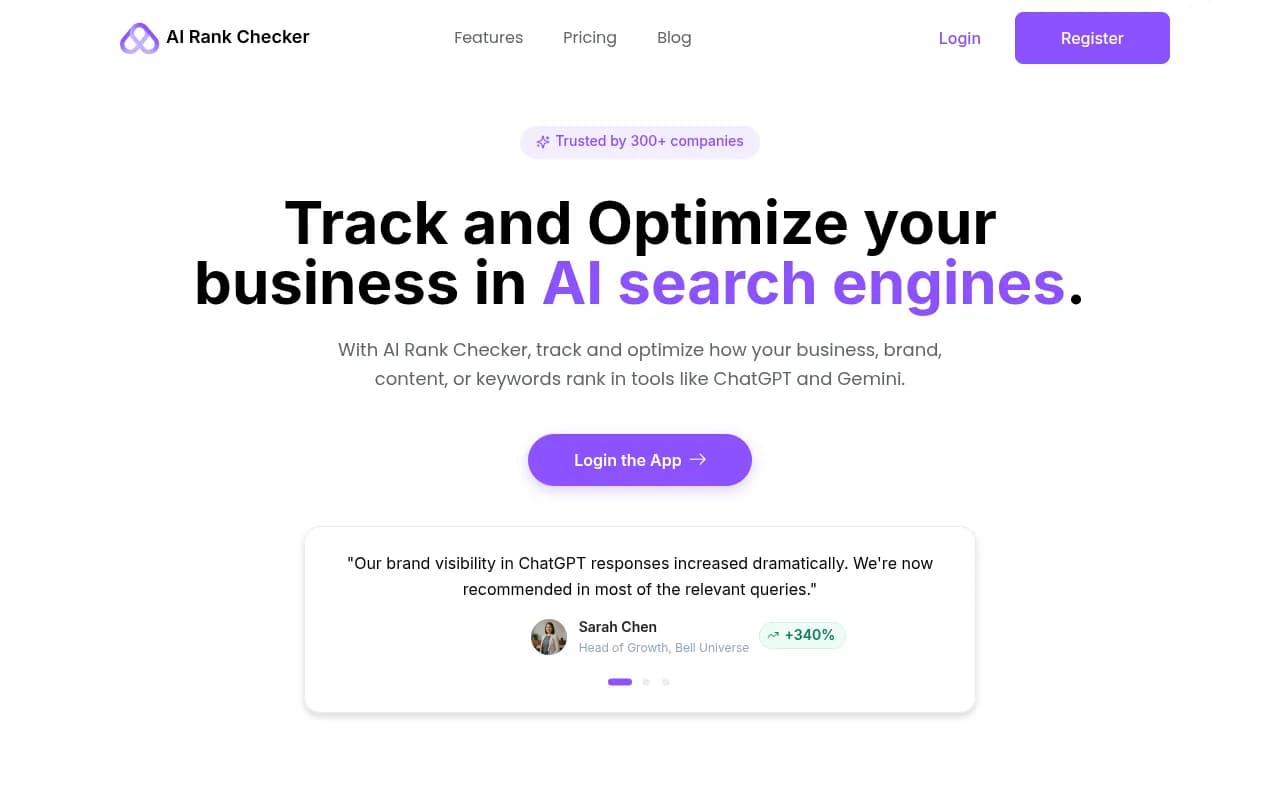
A simple, no-frills tool for checking whether your brand appears in AI search results for specific queries. No dashboards, no trend data -- just a quick check. Useful for spot-checking rather than ongoing monitoring.
GPT Rank Tracker
Similar positioning -- lets you monitor prompt presence in GPT-based responses. The free tier is limited but gives you a starting point for understanding your baseline visibility.

DarkVisitors
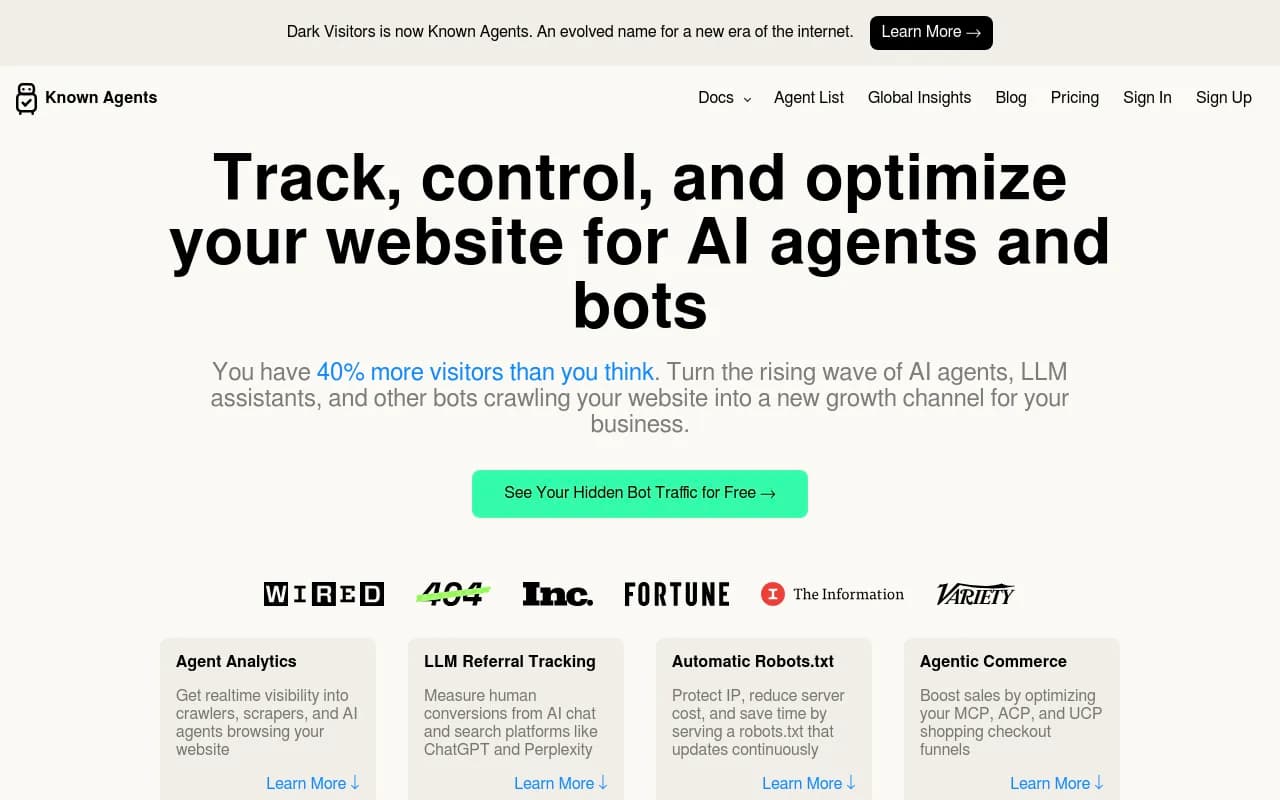
Free to use for basic AI crawler monitoring. Shows you which AI bots are visiting your site and which pages they're reading. This is genuinely useful data for AEO -- if Perplexity's crawler never visits your blog, that's a signal worth acting on.
Free tools for content structure and schema
Google's Rich Results Test
Free, official, and directly relevant. Tests whether your pages are eligible for rich results -- which correlates with AI citation likelihood. FAQ schema, HowTo schema, and Article schema all help AI models parse and extract your content.
Schema Markup Validator
Also free from Schema.org. Paste in your page URL or markup and it validates your structured data. Fixing schema errors is one of the highest-ROI technical AEO tasks, and you don't need a paid tool to do it.
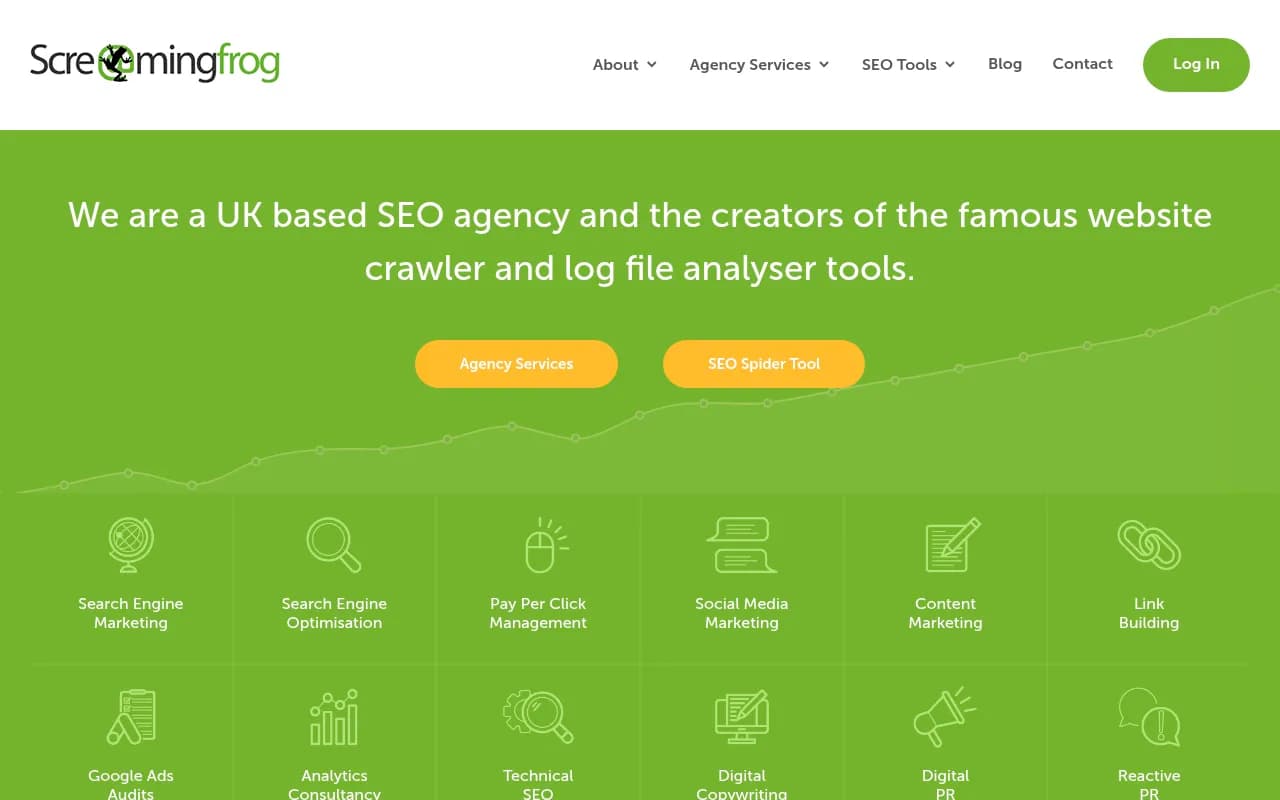
Screaming Frog (free tier)
The free version of Screaming Frog crawls up to 500 URLs. For most small sites, that's enough to audit heading structure, identify missing schema, find pages with thin content, and spot crawl errors that might prevent AI bots from indexing your content properly.
A practical free AEO workflow
Here's how to put all of this together into something that actually moves the needle:
Week 1: Baseline audit
- Run manual prompt tests across ChatGPT, Claude, and Perplexity for your 10 most important category questions. Document who gets cited.
- Pull your top question-format queries from Search Console. Note which have dedicated content and which don't.
- Run Screaming Frog on your site. Flag pages with missing H1s, broken heading hierarchies, or no schema markup.
Week 2: Content gap mapping
- Use Google's PAA data (manually or via AlsoAsked free tier) to map the question hierarchy in your category.
- Compare that hierarchy against your existing content. Every question cluster without a dedicated page is a gap.
- Use Claude or ChatGPT to help you draft content briefs for the top 3-5 gaps.
Week 3: Technical fixes
- Add FAQ schema to your most important pages. Use Google's Rich Results Test to verify.
- Fix heading hierarchy issues identified in Screaming Frog.
- Check DarkVisitors to confirm AI crawlers are actually reaching your key pages.
Week 4: Measure
- Re-run your manual prompt tests. Has anything changed?
- Check Search Console for movement on your question-format queries.
- Decide whether you have enough data to justify a paid AEO tool.
Comparison: free vs. paid AEO capabilities
| Capability | Free tools | Paid platforms |
|---|---|---|
| Manual prompt testing | Yes (time-consuming) | Automated at scale |
| Citation tracking | No | Yes |
| Visibility trends over time | No | Yes |
| Competitor citation analysis | No | Yes |
| Content gap analysis | Partial (manual) | Automated with data |
| AI content generation for AEO | Basic (generic AI) | Citation-grounded generation |
| Crawler log monitoring | Basic (DarkVisitors) | Full logs with error tracking |
| Multi-model tracking | Manual only | 10+ models simultaneously |
| Prompt volume data | No | Yes |
| Traffic attribution from AI | No | Yes |
The table tells the story pretty clearly. Free tools cover the discovery and audit phase well. Everything that requires ongoing monitoring, trend data, or scale requires paying for something.
Where the free approach breaks down
There are a few specific situations where free tools genuinely can't help you:
You need to know if you're being cited right now. Manual prompt testing is a snapshot. AI responses change constantly -- a competitor publishes a new article, an AI model updates its training, and your citation status shifts. Free tools give you no way to track this over time.
You're managing more than one brand or website. The manual workflow above takes 3-4 hours per site per month at minimum. That's fine for a single site. It doesn't scale to an agency or a multi-brand company.
You need to connect AI visibility to revenue. Free tools can tell you whether you're appearing in AI responses. They can't tell you whether those appearances are driving traffic or conversions. That attribution layer requires either a paid platform or a custom implementation.
You want to know why competitors are getting cited and you're not. This is the hardest question to answer without paid tooling. You can guess based on content quality and structure, but you can't see the actual citation data that would tell you which specific pages, Reddit threads, or external sources are influencing AI responses.
For teams that have hit these walls, a platform like Promptwatch is worth looking at -- it's one of the few tools that closes the loop from gap identification through content creation to traffic attribution, rather than just showing you a dashboard of where you're missing.

The honest verdict on free AEO tools in 2026
Free tools are genuinely useful for getting started. The combination of Search Console, manual prompt testing, Screaming Frog, DarkVisitors, and a few freemium monitoring tools gives you enough to understand your baseline, identify obvious gaps, and make meaningful content improvements.
But the ceiling is real. You're working with snapshots instead of trends, manual checks instead of automated monitoring, and educated guesses instead of citation data. For a solo blogger or a small business with one site and limited competition, that might be enough. For anyone trying to compete seriously in AI search, the free toolkit is a starting point -- not a destination.
The good news is that the starting point is better than it's ever been. A year ago, there were almost no free AEO-specific tools. Now there are several, and the free tiers of the major platforms are more generous than they used to be. The gap between free and paid is narrowing, even if it hasn't closed.
Start free, measure what you can, and upgrade when the manual work starts costing you more in time than a paid tool would cost in money.