Key takeaways
- AI Overviews and ChatGPT cite very different sources, so a client report should track them as separate surfaces instead of blending them into one score.
- Agency-grade tracking comes down to six things: white-label reports, client portals, multi-brand limits, predictable per-brand pricing, prospecting features, and API access.
- Structure projects by client, then by market and language. A client selling in Germany and France needs two projects, not one.
- Vendors define "white-label" differently. Some brand only the PDF, some brand the live dashboard, and some still attach their own name to scheduled emails. Read the fine print.
- Verify every vendor price on the vendor's own pricing page. Much of the public comparison content is written by the vendors themselves.
Why AI Overview tracking is now an agency service
A few years ago clients asked where they ranked on Google. Now they ask why a competitor shows up in the AI answer above the results and they don't. That question is urgent, easy for a board to understand, and hard to answer without tooling.
For agencies it is also a product you can package. Ayzeo, one vendor in this space, claims agencies reselling AI visibility reporting charge $500 to $1,500 per client per month for monitoring, reporting and remediation. Treat that as a vendor claim, not a benchmark, but it matches the retainer sizes I see discussed.
The catch is that most tools were built for one brand with a few team seats bolted on. Run twenty clients through one of those and things get painful fast: logins multiply, reports carry someone else's logo, and every new client triggers a pricing conversation.
AI Overviews are not ChatGPT, so don't report them together
Before picking software, settle the measurement model. Promptwatch Data's report on social media citations by AI model, covering Sep 28 to Oct 4, 2026, shows how far apart the engines are:
- Social platforms made up 12.2% of Google AI Overviews citations, roughly 26 times ChatGPT's share.
- Inside AI Overviews, YouTube was 4.28%, Facebook 2.38%, Reddit 2.15%, Instagram 1.61% and LinkedIn 1.55%.
- ChatGPT drew just 0.46% of its citations from social platforms, with LinkedIn the top one at 0.3%.
- Perplexity sat in between at 2.7%.
The practical consequence: a client's "AI visibility score" averaged across engines hides the thing you need to act on. A YouTube strategy might matter a lot for AI Overviews and almost nothing for ChatGPT. Promptwatch's live AI Overviews domain report shows the same pattern at the domain level, with YouTube around 4.1% and Reddit around 2.7% of citations on a rolling 30-day window. For wider context on how the numbers keep moving, the Promptwatch Data hub is worth bookmarking.
So in every client report, give AI Overviews its own section, with its own competitor set and its own source mix.
What to track for each client
Keep the metric set small and consistent across clients, otherwise you can't compare accounts or train junior staff on one format.
- Brand mention rate: how often the client is named in AI Overview answers for the tracked prompts.
- Citation rate: how often the client's own domain is in the source list. Mentions without citations usually point to a content or crawlability problem.
- Share of voice against two to four named competitors.
- Position or prominence within the answer.
- Sentiment, if the client is in a category where reputation matters.
- Prompt set by intent: category prompts, comparison prompts and branded prompts behave differently.
One caveat I'd be upfront about with clients: AI answers vary by location, language and sampling. Nothing in the vendor material I reviewed documented how any tool controls for that variance, so ask each vendor how many runs they average and how location is set. If a client is local, the location setting matters more than any other option.
Structuring a multi-client setup
One project per client, per market
The cleanest pattern is one project per client and market combination, each with its own domain, prompts, competitors and history. Ayzeo is explicit about this: each region and language gets its own project. It sounds like overhead until the first time you try to explain a blended German and French report to a client who only sells in Germany.
Standardize prompt templates
Build three prompt templates (category, comparison, branded) and fill them per client. You get comparable reports and a repeatable onboarding checklist. Aim for the same number of prompts per client in the same tier, so your costs stay predictable.
Decide the report cadence once
Monthly PDFs with a short written summary are enough for most retainers. Weekly alerts are worth offering only to clients who are visibly volatile. Whatever you choose, write it into the contract so you aren't rebuilding reports ad hoc.
Use viewer roles for clients
If the tool supports it, invite clients as read-only viewers. It cuts the "can you send me the latest numbers" emails and makes the retainer feel tangible.
What white-label actually means
The word gets used loosely. Based on the vendor pages I reviewed, there are at least three layers:
- Branded exports. PDF or Word files carry your logo and colors.
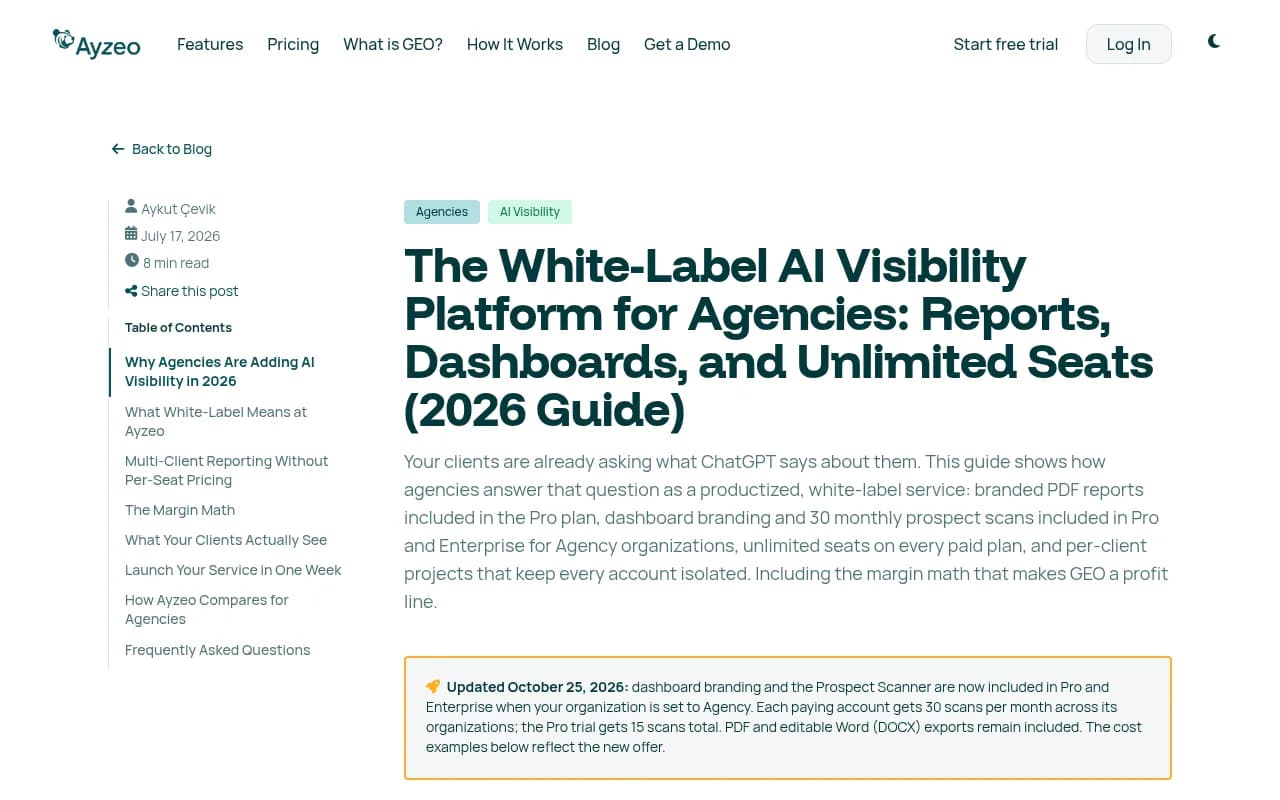
- Branded scheduled delivery. Reports land in the client's inbox without the vendor's name on them. Ayzeo notes that its scheduled report emails keep Ayzeo attribution, even on Enterprise, which is a good example of why you read the details.
- Branded live dashboard. Clients log into something with your logo, colors and ideally domain.
Most tools cover layer 1. Fewer cover 2 and 3 fully. Decide which layer your clients actually care about. Many are perfectly happy with a polished monthly PDF.
Tools worth shortlisting
Below is a practical shortlist. Pricing and plan details come from vendor-authored pages, so confirm them before you quote anything to a client.
Rank Prompt
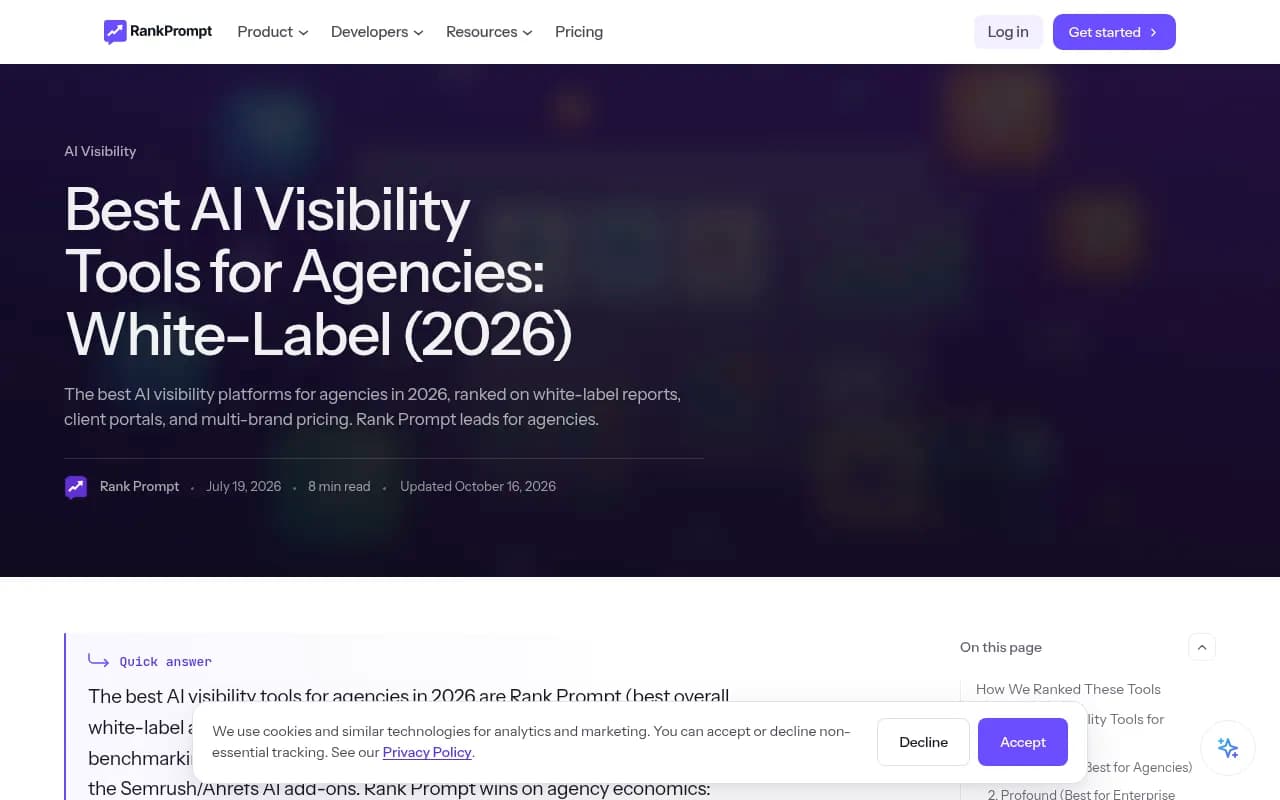
Rank Prompt positions itself around the agency use case. Per its own pricing material, the Agency plan is $149/mo with white-label reports emailed after scheduled runs and a client portal, covering 500 brands. Agency Plus at $299/mo adds client logins, prospecting and 1,000 brands. It tracks ChatGPT, Gemini, Perplexity, Grok, Claude and Google AI Overviews.
Ayzeo
Ayzeo includes white-label PDF and Word reports in its $149/month Pro plan, with 3 projects included and additional projects at $49 each. Its October 25, 2026 update says dashboard branding and the Prospect Scanner are now included in Pro and Enterprise when the organization is set to Agency, with 30 scans per month. Its own example costs for ten clients predate that change, so recalculate. ChatGPT and AI Overviews are in every plan; Claude, Perplexity, Gemini and Grok are $29/month per model per project add-ons.
Promptwatch
If you want tracking plus the work that follows, Promptwatch is the stronger fit for agencies that actually deliver GEO work, not only reports. The Agencies plans (Kick-off $199/mo, Growth $399/mo, Scale $799/mo) include unlimited projects, pitch projects and prompts, 10 seats, white-label branding on PDF exports and schedules, branded read-only client access, and country, state and city tracking. It monitors the real interfaces of Google AI Overviews, AI Mode, ChatGPT and others, and adds IP-verified AI crawler logs and visitor analytics, which most pure trackers lack. Note that agency plans don't include the Content Agent or Knowledge Base; those sit on Business and Enterprise. Confirm current numbers at promptwatch.com/pricing.

OpenLens, Cairrot and Rankability
Three catalog tools are pitched specifically at agencies. I haven't verified their white-label depth in the research, so check portal, branding and per-brand pricing in a trial.
Peec AI, Otterly.AI and Profound
Peec AI is strong on competitor benchmarking, but the vendor roundup notes its white-label and portal features are thinner than agency-first platforms, so expect manual branding work. Otterly.AI is lightweight and affordable, with a Looker Studio route for your own branding. Profound is the enterprise-reporting option.



Suites: SE Ranking, Semrush and Ahrefs Brand Radar
SE Ranking offers automated white-label reports, guest links and customizable dashboards, plus a visibility add-on. One vendor roundup claims Semrush discontinued its Agency Growth Kit and client portal and moved white-label reporting into My Reports Pro reports. Verify that against Semrush before relying on it.
Reporting layers: Whatagraph and AgencyAnalytics
If your clients already get a branded multi-channel report, you may prefer to pipe AI data into that. Whatagraph is in our catalog; AgencyAnalytics targets agencies with 10 to 30 clients and bundles SEO tools.
Comparison table
| Tool | White-label exports | Client access | Multi-client fit | Notes |
|---|---|---|---|---|
| Rank Prompt | Yes, Agency $149/mo | Portal; logins on Agency Plus $299/mo | 500 to 1,000 brands | Prospecting on Agency Plus |
| Ayzeo | PDF and DOCX on Pro $149/mo | Branded dashboard for Agency orgs | 3 projects included, $49 each extra | Emails keep Ayzeo attribution |
| Promptwatch | White-label PDF exports and schedules | Branded read-only client access | Unlimited projects on Agencies plans | Crawler logs, visitor analytics, real-UI tracking |
| Peec AI | Not published | Limited | Per-brand pricing varies | Good benchmarking |
| Otterly.AI | Looker Studio own-brand ($189 tier cited) | Via Looker Studio | Lightweight | Simple monitoring |
| SE Ranking | Automated white-label reports | Guest links | Suite-based | Also covers classic SEO |
Pricing math for a ten-client book
Do this before you sign anything. Take your real client count, the markets each one needs, and the engines each one cares about, then price three scenarios.
- Per-brand pricing: every client adds a fixed fee. Predictable, but cost scales linearly.
- Bundle pricing: a large brand allowance for a flat fee. Cheapest when you have many small clients.
- Response-based pricing: you pay by volume of prompt runs. Good value for unlimited projects, but you need to budget prompts.
Ayzeo's own example illustrates how quickly add-ons stack: ten clients, one market each, came to $492/month before the optional dashboard add-on, under its older pricing. The point isn't that it's expensive; it's that sticker prices rarely equal real prices. Include model add-ons, extra markets and white-label dashboards in your math.
Onboarding a client in a week
- Day 1: Create the project, set country and language, add the domain and two to four competitors.
- Day 2: Load 20 to 40 prompts across category, comparison and branded intent. Pull ideas from Search Console queries and People Also Ask.
- Day 3: Run the first scan and sanity-check it manually against the live AI Overview for a few prompts.
- Day 4: Export the first branded report and write a half-page summary of what you see.
- Day 5: Present findings, agree the priority fixes, and invite the client as a viewer.
If you're still pitching, a prospect scan before the call is a strong opener. Several tools above offer one. It's a snapshot of one answer on one day, so use it to open the conversation, not to promise outcomes.
Choosing the right setup
- Many small clients on a tight budget: a flat-bundle tool like Rank Prompt or Ayzeo.
- Clients who need proof of business impact: a platform that adds crawler logs and AI traffic attribution, such as Promptwatch.
- Already invested in a classic suite: stay with SE Ranking or Semrush and accept thinner AI features.
- Enterprise client with a procurement process: ask about security certifications and audit logs before anything else.
For wider browsing, the GEO software directory at bestgeosoftware.com lists more options than fit here. If you'd rather hand the whole service to specialists than build it in-house, 1001 SEO Media runs AI search and GEO work for brands and works with agency partners.
The bottom line
Pick the tool after you've decided how you'll report: separate AI Overviews from ChatGPT, one project per client and market, three prompt templates, one monthly cadence. Then trial two or three platforms with a real client's prompts and check the branding on the actual email that lands in an inbox. That test tells you more than any vendor comparison page, including this one.