Key takeaways
- API and MCP access is now the dividing line between AI visibility tools built for agencies and tools built for one in-house marketer. Plan gating, request quotas, and key scoping matter more than the headline price.
- Several vendors lock API or MCP behind Enterprise tiers. Others include both from the first paid plan. Check this before you sign anything.
- Quota is the hidden cost. A cap of 2,000 requests a month looks fine until you sync a dozen client dashboards.
- Write-capable MCP tools can add prompts or run audits. Scope keys per client and default to read-only.
- Most of the numbers below come from vendor-authored comparisons. Treat them as claims and verify on the vendor's pricing page.
Why agencies care about API and MCP access
A single brand can live with a dashboard. An agency with 15 clients cannot. Logging into 15 workspaces on a Monday morning to screenshot visibility charts is the kind of work that eats a junior's week and produces nothing the client values.
API access fixes the reporting half. You pull visibility, citation, and sentiment data into your own warehouse, Looker Studio, or client portal. MCP (Model Context Protocol) fixes the analysis half. It lets Claude, ChatGPT, Cursor, or Codex query the platform directly, so you can ask "which clients lost share of voice this week and why?" and get an answer built from live data instead of a stale export.
The two are not interchangeable. API is for deterministic pipelines: a cron job, an n8n flow, a scheduled report. MCP is for exploratory work where a person (or an agent) decides the next question based on the last answer. Agencies usually need both.
One more point before the comparison. This is a young category and the data is messy. The most detailed comparisons I found were written by vendors with products in the race, and I could not verify current limits on the vendors' own pages. Read the numbers as a map of what to ask, not a final verdict.
What to check before you pick a platform
Plan gating
The first question is simply which plan unlocks API and MCP. According to Geoptie's October 2026 comparison (a vendor-authored piece), the spread is wide:
- ZeroRank AI: both from $39/mo
- Geoptie: both from $99/mo (its $49 Starter has neither)
- SE Ranking: both from $129/mo
- Ahrefs Brand Radar: both from $129/mo
- Otterly AI: both from $189/mo
- Scrunch: both from $500/mo
- Peec AI: MCP from $95/mo, API on Enterprise only
- Profound: both on Enterprise only
Promptwatch's own comparison, updated in August 2026, says REST API and MCP come with every paid plan, starting at $95/mo. It also claims Profound limits MCP to Enterprise and that Searchable needs its $400 Scale plan for API and MCP. Same caveat applies: that page is written by Promptwatch.
Rate limits and quotas
Plan price tells you little. Usage ceilings tell you more. From the same Geoptie comparison:
- Geoptie: 120 requests/min per key, no monthly cap
- Peec: 200 requests/min per project
- Profound: about 600 requests/hour per key
- Otterly: 2,000 API plus 2,000 MCP requests/month on Standard
- SE Ranking: 25,000 API credits/month on Core
- Ahrefs: 200,000 API units/month on Lite, shared between API and MCP
- ZeroRank: 60 requests/min on Starter
Two different metering models are hiding in that list. Request-based limits are predictable. Credit or unit-based limits (Ahrefs, SE Ranking) mean the cost of a call depends on how much data comes back, so a heavy citation export can burn a month of budget in an afternoon.
Tool count and write access
MCP servers expose tools. More tools is not automatically better, but the read/write split matters. Reported counts: Peec has 51 read and 48 write tools, Otterly 31 read and 15 write, Geoptie 24 and 24, Profound around 60 total, Scrunch 51, and SE Ranking more than 180.
Write tools are the risk. An assistant with write access can add prompts, change monitors, or run audits that consume quota. Give your analysts read-only keys and keep write keys for the automation you actually trust.
Authentication
OAuth-based servers can be added through the connector settings in ChatGPT and Claude, which is friendly for account managers who do not live in a terminal. Key-based servers generally need Claude Code, Cursor, or Codex. Otterly is OAuth only. Peec supports OAuth or a personal access token. Decide which of your people will actually connect these things.
Per-client key scoping
For agencies this is the one that separates serious from not. Can a key be limited to one brand or workspace? Geoptie says yes (scoped to one brand). ZeroRank scopes keys read-only or read/write per workspace. Promptwatch lists scoped API keys and owner, editor, and viewer roles. If a tool cannot scope keys per client, you will end up handing every contractor access to every account.
Platform comparison for agencies
| Platform | API and MCP from | Notable limits | Agency angle |
|---|---|---|---|
| Promptwatch | Every paid plan, $95/mo (per vendor) | Agent Credits included; 110+ MCP tools | Dedicated agency plans, white-label workspaces |
| Peec AI | MCP from $95/mo, API Enterprise | 200 req/min per project | Credit-based agency plans, unlimited client seats |
| SE Ranking / SE Visible | $129/mo (SE Ranking) | 25,000 API credits/mo on Core | Existing agency SEO suite |
| Ahrefs Brand Radar | $129/mo | 200K units/mo on Lite, shared | Familiar to SEO teams |
| Otterly.AI | $189/mo | 2,000 + 2,000 requests/mo | Tight quota for multi-client sync |
| Scrunch | $500/mo | 1,000 records per request | Higher entry point |
| Profound | Enterprise only | ~600 req/hour per key | Enterprise-focused |
Verify every cell against the vendor's pricing page. Prices and limits in this category change quarterly.
The platforms, briefly
Promptwatch
Promptwatch is the option I would put first for agencies that want automation, mostly because the API and MCP are not held back for a top tier and the MCP server is large: 110+ read and write tools that work with Claude, Claude Code, ChatGPT, Cursor, Lovable, Codex, and any MCP client. Agency plans (Kick-off at $199/mo, Growth at $399/mo, Scale at $799/mo) include unlimited projects, 10 seats, Agent Chat, crawler logs, visitor analytics, and white-label reporting. The plans do not include the Content Agent or AEO articles, which is worth knowing if you hoped to publish at scale from the same account.
The part that matters for multi-client work is that the data is not limited to prompt tracking. Crawler logs, AI-referred traffic, and Search Console data sit in the same place, so an automated weekly report can say what was cited and what that traffic did. Promptwatch also tracks the real interfaces of ChatGPT, AI Overviews, AI Mode, Gemini, Perplexity, and others rather than API output only.

Peec AI
Peec is popular with agencies because of its credit-based plans and unlimited client seats. Its MCP server is available broadly, but the API is Enterprise only per Geoptie's comparison, so a pure pipeline approach costs more. The tool count is large and OAuth makes onboarding easy.

SE Ranking and SE Visible
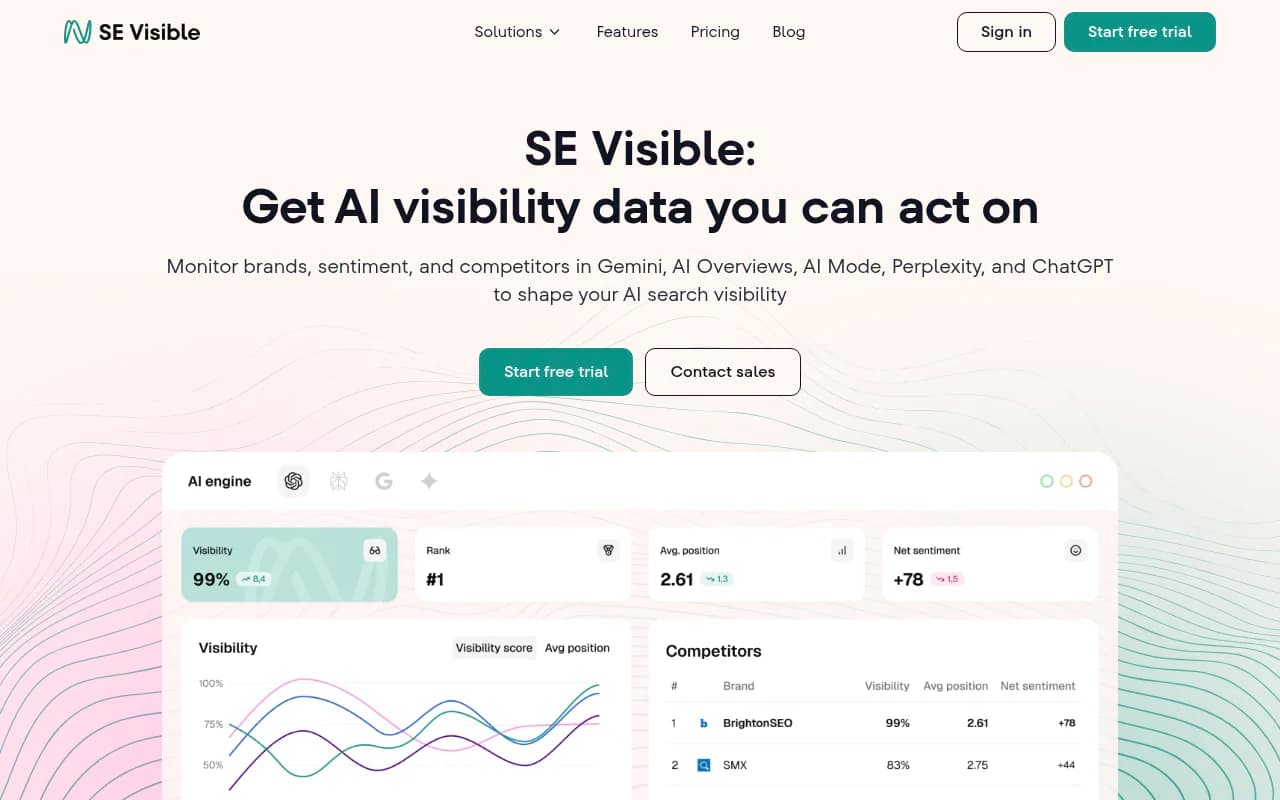
If your team already lives in SE Ranking, the AI visibility toolkit with 180+ MCP tools is the path of least resistance. Watch the credit metering.
Ahrefs Brand Radar
Familiar interface, API and MCP from $129/mo, but the 200,000 units a month are shared across everything you do through the API, not just AI visibility.
Otterly.AI
Otterly is affordable on the entry side, but the Standard quota of 2,000 API and 2,000 MCP requests per month is the example Geoptie uses for a tight limit. For a few clients it is fine. For a dozen it gets uncomfortable.

Profound and Scrunch
Both are capable. Both put API or MCP behind a high price tier or Enterprise contract, which suits larger accounts more than a lean agency.

Agency-focused newer options
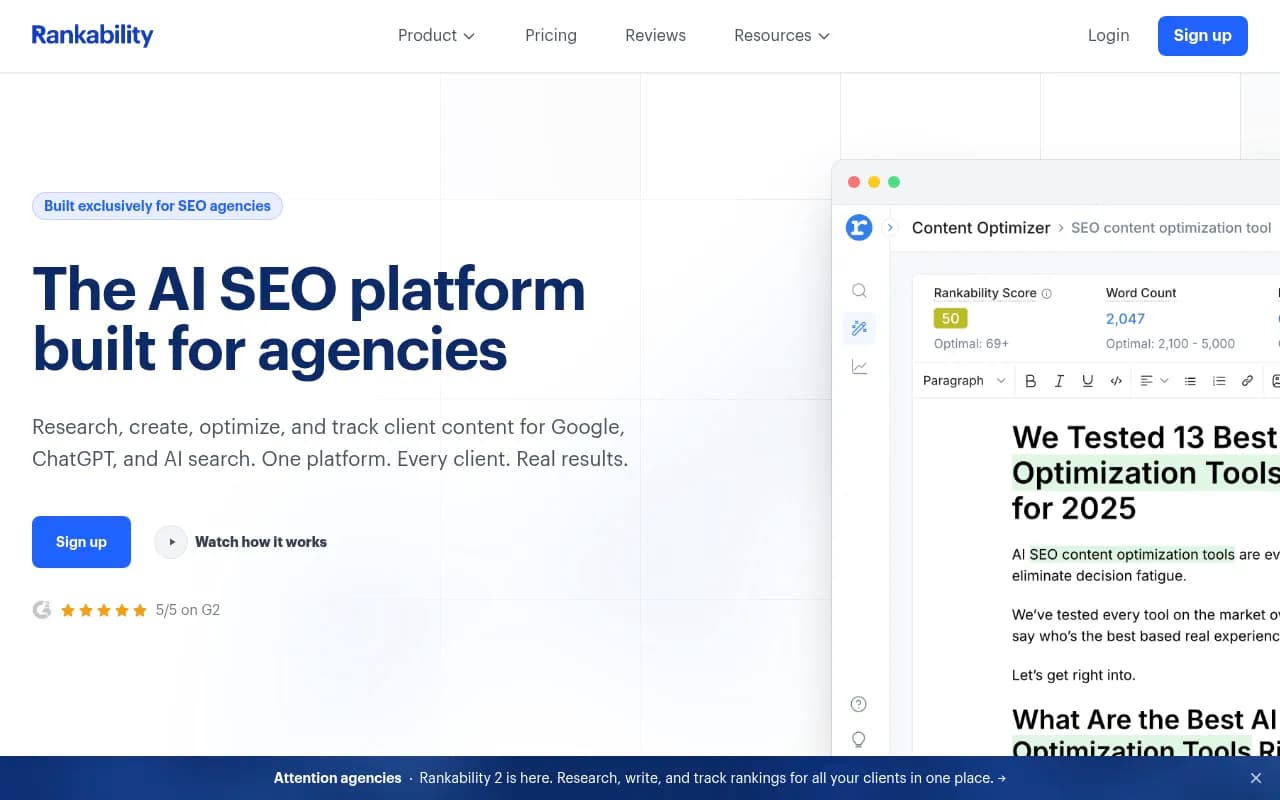
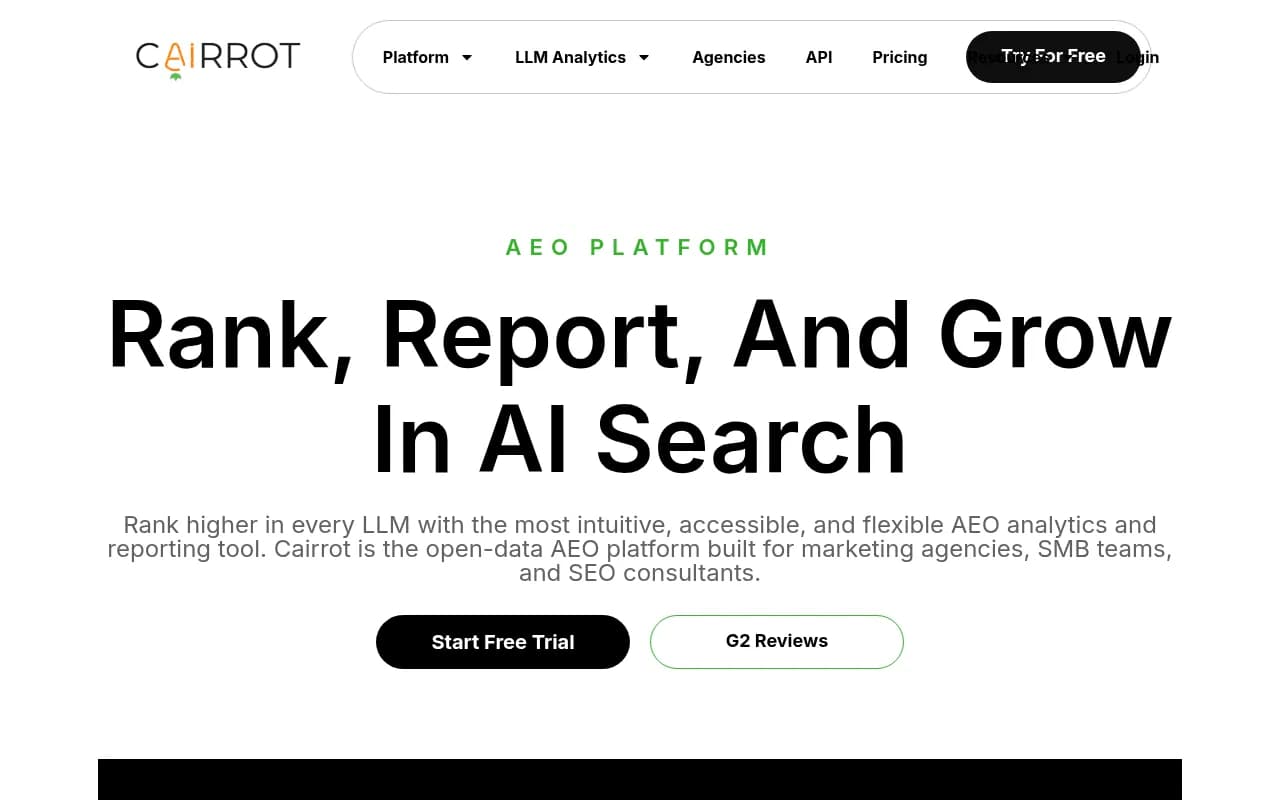
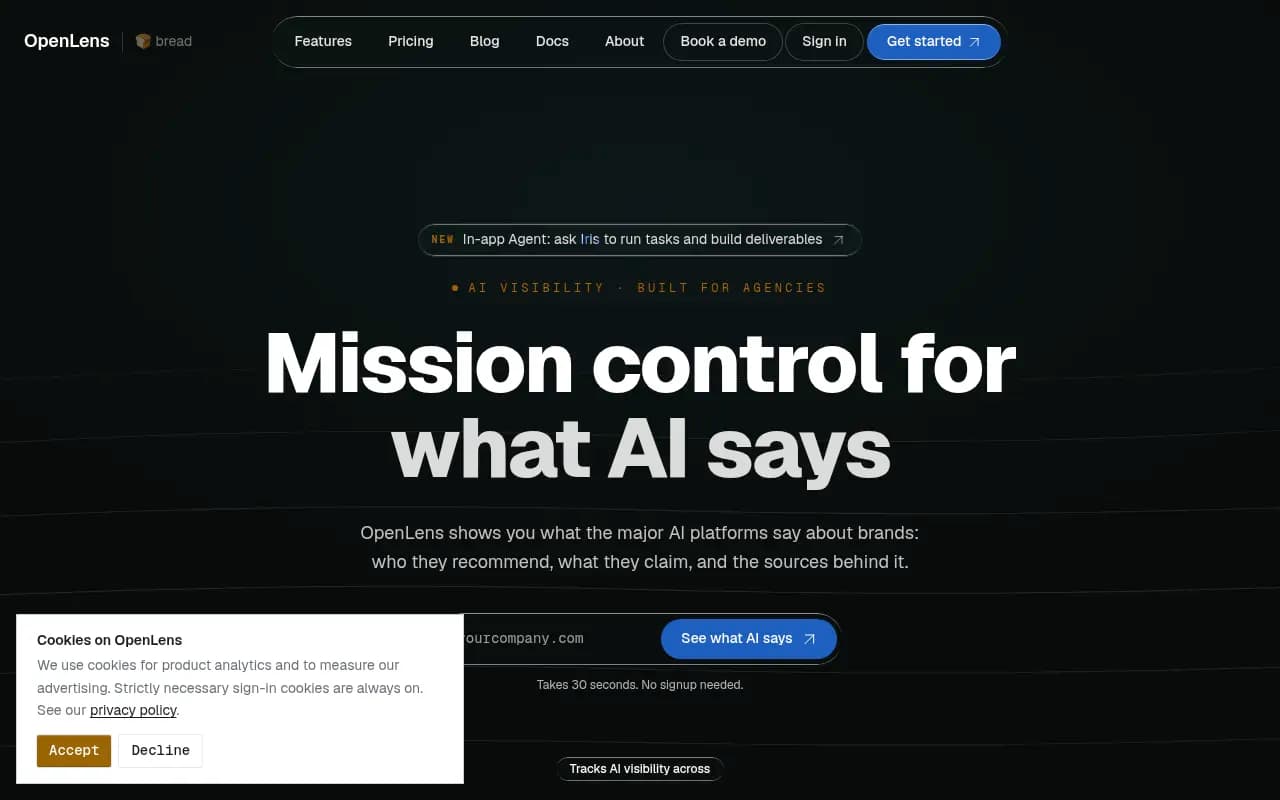
A few tools in the catalog are pitched specifically at agencies, including Rankability, Cairrot, OpenLens, and Wellows. I have not verified their API or MCP details, so ask for limits and scoping in writing before committing.
For a wider list of options, the GEO software directory at bestgeosoftware.com is a reasonable place to keep browsing.
Where the search-API layer fits
There is a second category people confuse with this one. Web search APIs and MCP servers (Firecrawl, Exa, Perplexity Sonar, Parallel, Tavily, and similar) give your own agents the ability to search and fetch the live web. They are infrastructure for building agents, not tools for measuring client visibility in ChatGPT.
For example, Parallel's Search MCP at search.parallel.ai/mcp offers web_search and web_fetch with no API key, according to Braintrust's 2026 roundup. Useful for a research agent that drafts competitor briefs. Not a substitute for a visibility platform.
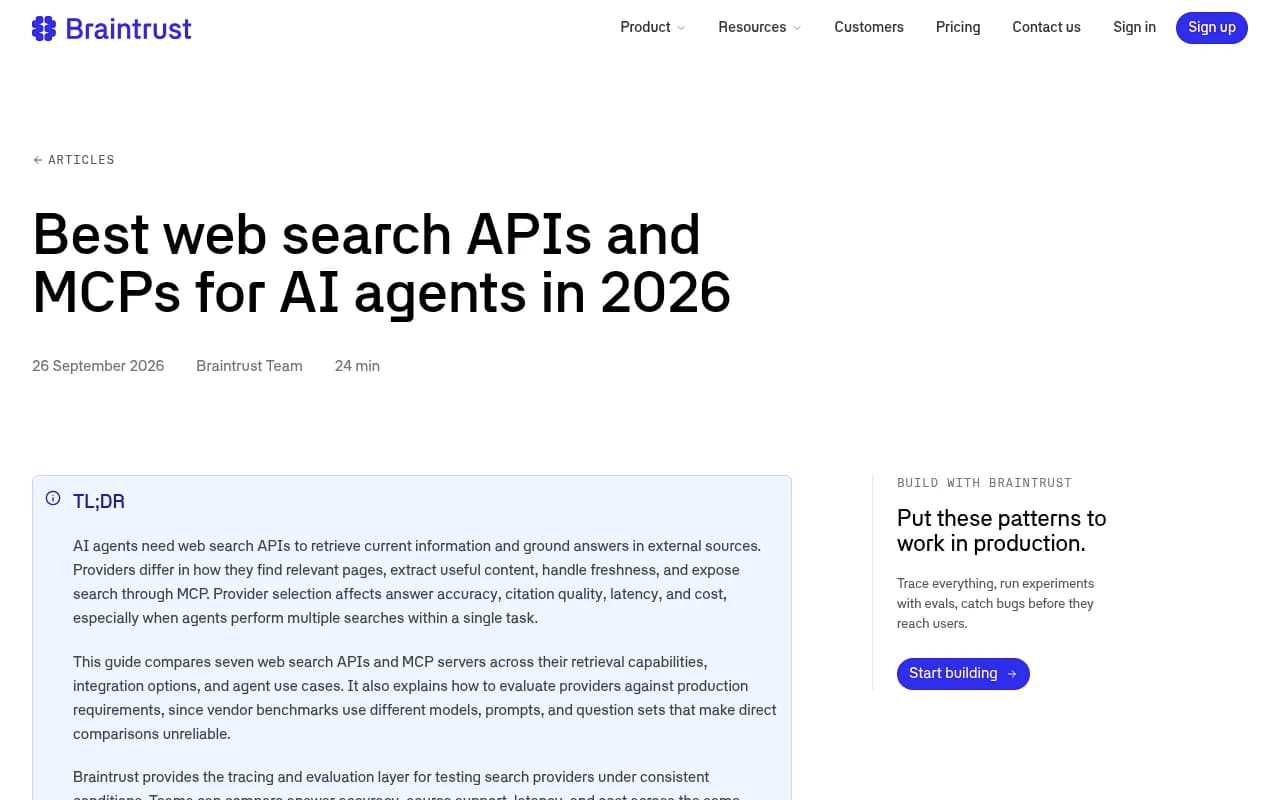
Braintrust makes a point worth borrowing: vendor benchmarks use different models, prompts, and question sets, so comparing them directly is unreliable. Test candidates under the same conditions with your own tasks. The same logic applies to AI visibility vendors. Run the same 30 prompts for one real client on two platforms for two weeks and compare what you get.
Automation patterns that work for multi-client agencies
I found no independent data on agency workflow patterns specific to these MCP servers, so what follows is practical reasoning, not benchmarked results.
Weekly client reporting
The most boring and most valuable automation. A scheduled job calls the API for each client workspace, pulls visibility, share of voice, and top citations, and writes the results to a Google Sheet or Looker Studio source. A language model then drafts a three-paragraph summary for the account manager to edit. Two tools handle the orchestration well:


n8n suits you if you want self-hosting and code flexibility. Zapier suits you if account managers build their own flows. Make is a third option if you prefer visual scenarios.
Alerting on drops
Poll visibility daily and send a Slack message when a client's score falls by more than a set threshold. Keep the threshold loose. Daily AI answers vary, and a tight trigger will page you for noise.
Crawler checks against the market mix
Promptwatch's AI crawler report (IP-verified weekly requests, June 8 to September 6, 2026) shows OpenAI at 79.8% of verified AI crawler requests in the week of August 31 to September 6, down from 94.8% in the week of June 8. Promptwatch's AI crawler traffic data suggests comparing each client's crawler logs with that mix. If a provider is large in the market but near zero on a client's site, a robots.txt, CDN, or WAF rule is probably blocking it. This is an easy check to script across every client.
Prompt research with fanouts
When you build prompt sets for a new client, look at how ChatGPT breaks questions into searches. Promptwatch's ChatGPT query fanout data shows averages fell from 2.15 fanouts per response in early December to about 1.84 by early March, with average query length dropping from about 117 characters to the high 80s. The practical advice there is to write headings that read like short search queries and build focused pages for each sub-question. Note that the page's own headline says 3-8+ searches per prompt, which conflicts with its charted averages, so use the averages. A separate report covers ChatGPT's use of the site: operator, which started at scale on August 8, 2026.
Conversational analysis
For ad hoc questions, connect the MCP server to Claude and ask directly. This works best when the account manager has a clear question, like which competitor gained citations in a client's category. Tools like Claude and ChatGPT both support remote MCP connections.
Security and governance for client data
Multi-client automation raises a few issues that single-brand teams never face.
- One key per client, per purpose. A reporting key should be read-only. Keep a separate write key for anything that adds prompts or runs audits.
- Rotate keys when staff leave. An analyst with a personal access token for 12 clients is a risk.
- Prefer platforms with audit logs. Business and Enterprise tiers on some platforms include them. If a client asks who changed their monitors, you want an answer.
- Check certification. Enterprise clients will ask. Promptwatch lists ISO/IEC 27001 certification and GDPR compliance, which shortens procurement conversations.
- Do not pipe client data into a model you have not cleared in your contracts.
A short decision guide
| Your situation | What to prioritize |
|---|---|
| 3 to 5 clients, one analyst | Low price, MCP on entry tier, OAuth for easy setup |
| 10 to 30 clients | High or no monthly cap, per-client key scoping, white-label reporting |
| Existing SEO suite customer | SE Ranking or Ahrefs, but check unit metering |
| Enterprise clients with security reviews | Certifications, audit logs, SSO |
| Building your own agents | Add a web search API like Firecrawl, Exa, or Parallel on top |
How to run a two-week trial
- Pick one real client and write 30 prompts across branded, comparison, and category queries.
- Load the same set into two or three platforms.
- Connect the MCP server to Claude and the API to a simple n8n flow on each.
- Count how many requests the flow uses. Compare against the monthly quota.
- Try to break scoping: create a key and test whether it can see another client's data.
- Ask an account manager, not an engineer, to produce a client summary using only the MCP connection. If they cannot, the setup is too fiddly.
Then choose. Not by feature count, but by which one your team will actually use on a Tuesday afternoon.
Pricing and limits cited here come from vendor-authored comparisons and were not checked against vendor pages, so confirm them at promptwatch.com/pricing and each competitor's pricing page before buying. If you want help turning this into a working client reporting stack, 1001 SEO Media builds and runs GEO programs for agencies and brands, and also uses Promptwatch as its AI visibility platform.