Key takeaways
- Grammarly Pro ($12/month) is the best all-round pick for non-native writers, mainly because of its "Write fluently in English" feature and full-sentence rewrites.
- LanguageTool is the best value and the only one of the four that handles 30+ languages, which matters if you write in more than English.
- Writer is an enterprise brand-governance platform. It is a poor fit for an individual learning to write better English.
- Rytr is a cheap drafting tool, and its current positioning has shifted toward communication workflows. Check what you are buying before you subscribe.
- Pricing changes often. Confirm every number on the vendor's page before paying.
These four tools are not the same kind of product
The title of this guide lumps four tools together, and I will be upfront: they are not direct competitors. Comparing them is a bit like comparing a spell checker, a style police department, a ghostwriter and a CRM assistant.
- Grammarly is a real-time writing assistant that checks and rewrites what you have already written.
- LanguageTool is a multilingual proofreader, with a self-hosting option for teams that care about data.
- Writer is an enterprise platform for enforcing brand voice and compliance.
- Rytr started as a short-form AI copywriter and its current pricing page leans toward relationship and communication tooling.
For a non-native English speaker, the real question is what is going wrong in your writing. If it is grammar and word choice, you want a checker. If it is a blank page, you want a drafter. If you are a company with 200 people writing in English as a second language, you want governance. Pick based on that.
One more point. Most "Grammarly alternative" lists are built for native English speakers who want something cheaper. Diglot's comparison for non-native writers makes a fair argument: many tools are monolingual English engines that assume you already think in English. Non-native writers often need help that understands the mistakes they typically make, such as word order carried over from their first language.
Quick comparison
| Tool | Best for | Entry price | Languages | Main limit for non-native writers |
|---|---|---|---|---|
| Grammarly | Everyday writing and fluency rewrites | Free, Pro $12/month | English-focused | Fluency features are paywalled |
| LanguageTool | Multilingual writers, budget users | Free, Premium about $5.83/month annual | 30+ | AI rewriting is weaker than Grammarly's |
| Writer | Companies enforcing brand voice | Starter (per seat), Enterprise via sales | English-focused | Built for organizations, not individuals |
| Rytr | Quick short-form drafts | Free, Lite $9/month | 30+ | Drafting tool, not a proofreader |
Prices come from each vendor's own page at the time of writing. LanguageTool's figures include VAT, so your price may differ.
Grammarly: the strongest all-rounder
Grammarly now has three tiers: Free, Pro at $12/month, and Enterprise through sales. The old Premium and Business plans were folded into Pro. The company says it has over 40 million users and 50,000 organizations.
The free plan covers spelling, grammar and tone detection, plus 100 AI prompts per month. That is enough to catch the obvious mistakes. Where it gets useful for non-native speakers is Pro, which adds:
- Full-sentence rewrites
- Tone adjustment
- A feature called "Write fluently in English"
- Inclusive-language suggestions
- Plagiarism and AI-text detection
- 2,000 AI prompts per member per month
The fluency feature is the one that matters. A grammar checker tells you a sentence is wrong. A rewrite tool shows you how a native speaker would phrase it, and over months you start absorbing the patterns. That is how I would use it: accept a suggestion, read the changed sentence, and notice what moved.
The downside is cost and focus. It is English-centric, so if you also write in German or Spanish, you will want something else alongside it. And the best bits sit behind the paywall. Enterprise adds SSO, data loss prevention, audit logs and bring-your-own-key encryption, and Grammarly states SOC 2 Type II attestation, which matters to IT teams.
Who should pick Grammarly
Professionals who write English emails, reports and documents daily and want rewrites, not just red underlines. If you can only pay for one tool, this is the default.
LanguageTool: best for multilingual writers and tight budgets
LanguageTool supports more than 30 languages. Its Premium page highlights English, German, French, Spanish, Dutch and Portuguese (Brazil). That alone makes it the right choice for anyone who switches between languages in a single day, which many non-native speakers do.
Premium adds more than 20,000 extra checks for English, German, French, Spanish, Dutch, Polish and Portuguese, up to 150,000 characters per text field, unlimited AI paraphrasing (formal, fluid or shorter), a custom style guide and a browser add-on.
Individual pricing, including VAT:
| Billing | Price | Per month |
|---|---|---|
| 2 years | $119.80 | $4.99 |
| Annual | $69.90 | $5.83 |
| Quarterly | $49.90 | $16.63 |
| Monthly | $24.90 | n/a |
Note that monthly billing is expensive. The low price only shows up on annual or longer commitments. Older articles quote $5.99/month; the page now shows about $5.83 on annual billing, so ignore the stale figure.
The examples LanguageTool shows are very non-native in flavor: word order ("Why I am not living..."), wrong verb form after "did", plural agreement, "who" versus "that", comma errors, even suggesting metric equivalents for an international audience. That is the kind of mistake pattern a second-language writer actually makes.
The Teams plan has a per-user price, a two-user minimum, a Team Style Guide and a Team Dictionary. A self-hosted option also exists, which appeals to organizations that cannot send text to third-party servers.
Where it falls short: the AI rewriting is not as polished as Grammarly's. Business-focused reviews, such as Rework's Grammarly alternatives roundup, describe its AI features as weaker than competitors, and that matches my expectation. I did not find independent accuracy benchmarks for non-native text, so treat claims of superiority on either side with suspicion and test with your own writing.
Who should pick LanguageTool
Multilingual writers, students, and anyone who wants a decent checker for around six dollars a month. Also teams with privacy requirements.
Writer: strong, but not for individuals
Writer has moved well beyond grammar checking into an enterprise agentic AI platform. The public pricing page now shows only Starter and Enterprise.
Starter has a 14-day free trial with no credit card, up to 5 users, the Writer Agent, up to 5 Playbooks, one team personality profile and basic connectors, billed per seat. Enterprise (contact sales) adds unlimited users, departmental brand and voice profiles, a Knowledge Graph, audit logs, SAML SSO, SCIM, SOC 2 Type II, a HIPAA BAA and a GDPR DPA. Writer says it keeps zero data retention and does not train on customer data by default.
An $18 per seat Team price shows up in older guides, but I could not find it on the current pricing page. Do not rely on it.
So is Writer good for non-native speakers? Indirectly. If a company has hundreds of people writing in English as a second language, a shared style guide and terminology rules mean everyone ends up sounding like the same brand, regardless of their native tongue. That is a real benefit. But a freelancer or student trying to improve their own English will get little from it, and the setup is heavy for small teams.
Who should pick Writer
Mid-size and large organizations with a brand voice to protect, compliance needs, and a team willing to configure Playbooks and style guides. Everyone else can skip it.
Rytr: cheap drafting, with a caveat
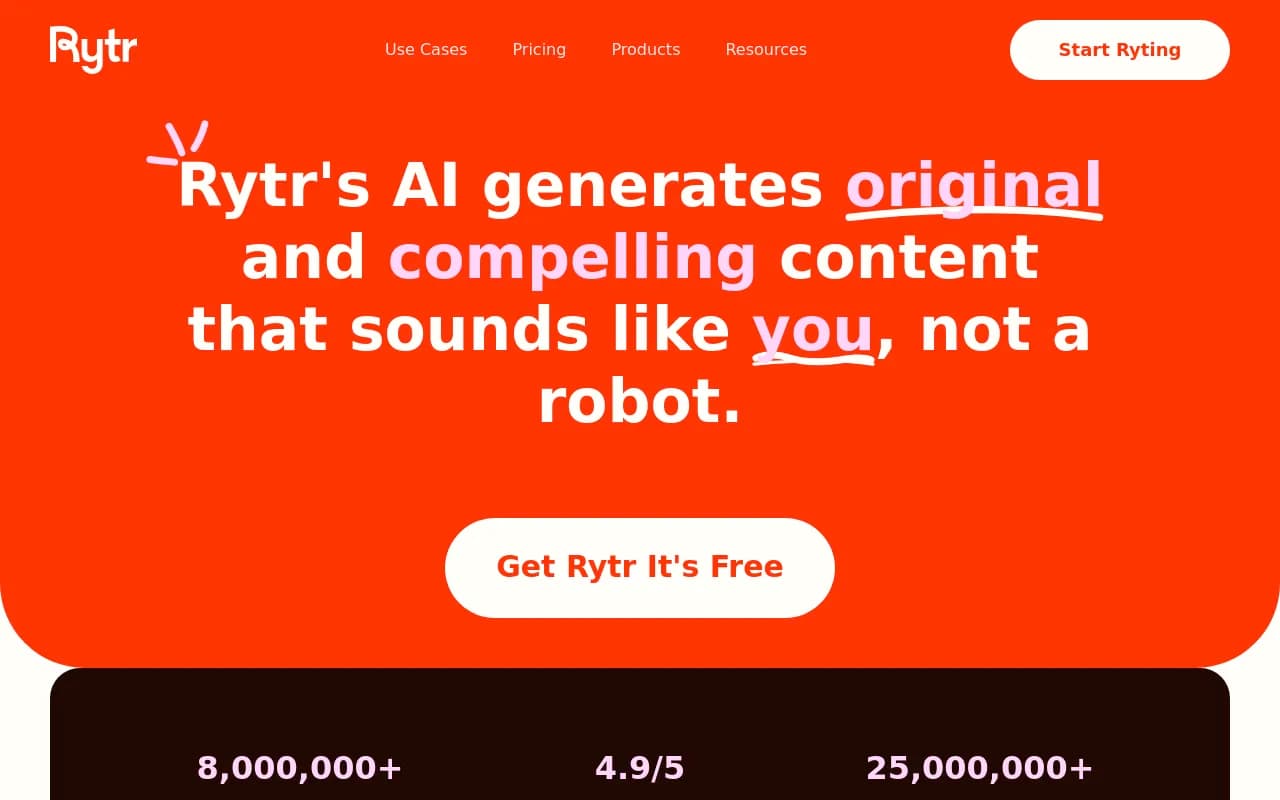
Rytr is the odd one out. It historically generated short-form copy from a use-case template. Its current pricing page describes something different: "Engage actions", person research runs, a daily briefing and connected sources, under the tagline "Built for relationships worth remembering".
Plans listed right now:
- Free: 10,000 characters per month, 40+ writing use cases, 30+ languages
- Lite: $9/month, unlimited characters
- Personal: $19/month
- Pro: $49/month, with custom use cases
- Yearly billing saves 20%
Older guides quote different numbers, so verify on the site before buying.
For a non-native speaker, Rytr can help you get past a blank page. Give it a topic and tone and it produces a draft you can edit. The danger is obvious, though. If your English is still developing, you may not spot the awkward phrasing or odd claims in AI-generated text, and the draft is not proofreading. Use it to generate raw material, then run the result through a checker like Grammarly or LanguageTool.
Who should pick Rytr
People who want quick short drafts in many languages on a small budget. Not people who want to improve their own writing.
Which one for which situation
| Your situation | Pick |
|---|---|
| Daily English emails and documents, want to learn from rewrites | Grammarly Pro |
| Write in English plus other European languages | LanguageTool |
| Tight budget, need a solid checker | LanguageTool Premium (annual) or the free tier |
| Company-wide brand voice and compliance | Writer Enterprise |
| Need rough drafts fast | Rytr, followed by a proofreader |
| Privacy-sensitive team | LanguageTool self-hosted or Grammarly Enterprise |
Other tools worth a look
The research notes mention several tools I could not verify here, so I will not make claims about them: DeepL Write, Ginger Software, QuillBot, Paperpal, Trinka and Writefull all show up in other roundups. Academics in particular tend to be pointed toward Paperpal, Trinka and Writefull. From our own catalog, Wordtune is a rewriting tool aimed at the same problem as Grammarly's fluency feature, and it deserves a trial if sentence-level rephrasing is your main need.
For a wider look at software, the directory at surferstack.com covers writing and content tools with reviews and alternatives.
A practical workflow for non-native writers
Tools help most when you use them in a consistent order.
- Draft in your own words first. Even broken English is better than something generated that you do not understand.
- Run a checker (Grammarly or LanguageTool) and read each suggestion before accepting it.
- Use a rewrite feature only on sentences that still feel clumsy.
- Keep a personal list of your recurring mistakes. LanguageTool and Grammarly both surface patterns, such as articles, prepositions and word order.
- Read the final version aloud. Checkers still miss meaning problems.
Try the free tiers of both Grammarly and LanguageTool on the same three documents before paying for anything. The differences show up quickly on your own writing.
Final recommendation
If you want one answer: start with Grammarly Pro for English-heavy work, or LanguageTool Premium if you write in several languages or are watching the budget. Treat Writer as an organizational decision, not a personal one, and treat Rytr as a drafting helper that still needs a proofreader behind it. Verify prices on each vendor's page, because three of the four changed their plans recently.