Key takeaways
- The general-purpose chatbots (ChatGPT, Claude, Gemini) are the strongest free starting point for drafting. The specialist tools are better at narrower jobs like grammar and paraphrasing.
- "Free" often means a trial or a tight cap. Rytr's free plan is 10,000 characters a month, which is roughly 1,500 to 2,000 words.
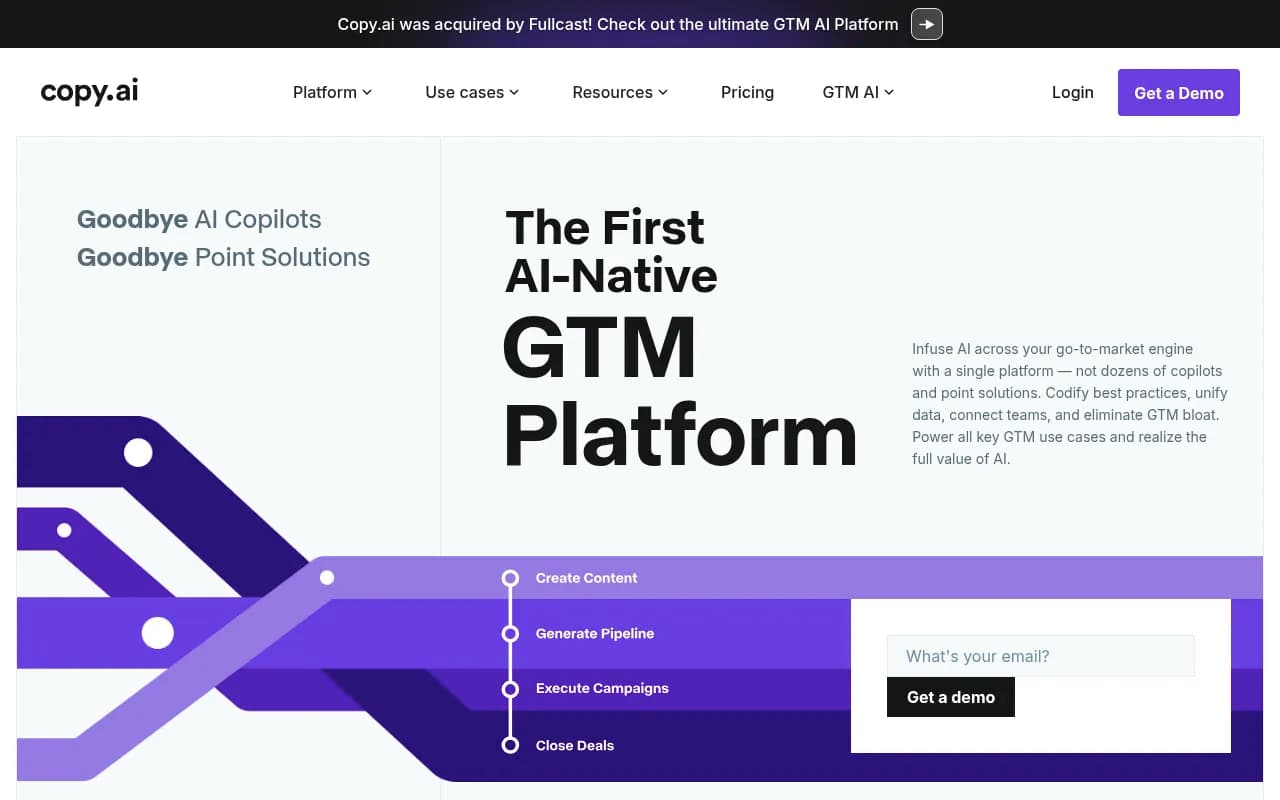
- Some free-plan claims in older roundups are stale. Copy.ai's current pricing page shows no free plan, even though several 2026 lists still say it has 2,000 free words.
- A good free stack is one chatbot for drafting, one editor for polish, and a human pass for facts and voice.
- Check each vendor's pricing page before you build a workflow around a limit. Free tiers change often.
What "free" actually means in 2026
I went into this expecting a tidy list. It is not tidy. The word "free" covers at least three different things, and mixing them up is how people end up hitting a paywall in the middle of a client deadline.
- Forever-free plans with caps. You can use them indefinitely, but with message, character or prompt limits.
- Free trials. A week or a handful of generations, then a card prompt.
- One-shot demos. One full article or one image, designed to get you to buy credits.
The eesel roundup of free writers makes the same distinction and says it only counted tools with "forever free" plans, not trials. That is a sensible filter. Worth noting though: eesel ranks its own product first, so treat any vendor-run "best of" list with some suspicion. The same goes for lists I could not verify in full, like the PublishIQ and Rework ones.
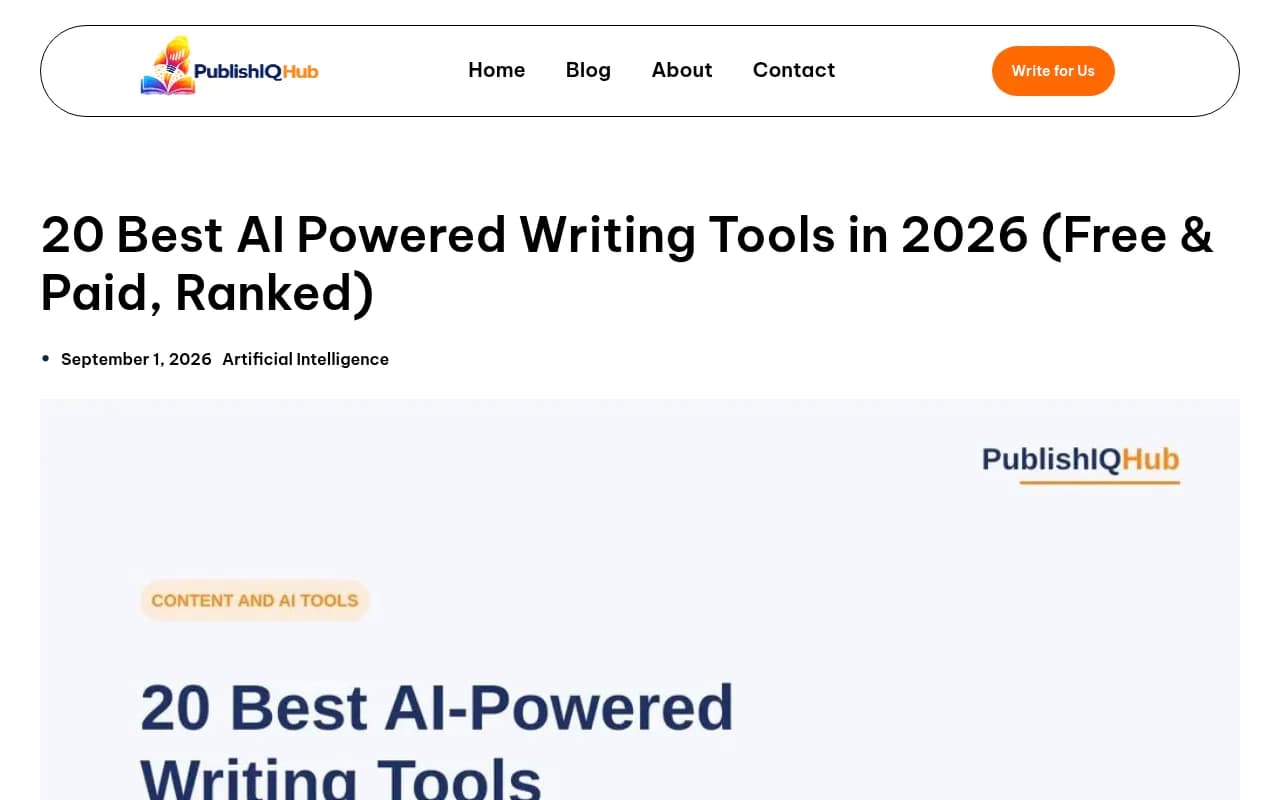
The screenshot above is from one of those roundups. Its quick answer is a fair summary of the market: no single best tool, and ChatGPT, Claude and Gemini are the most flexible free-to-start options.
The quick comparison
| Tool | Best for | What the free tier gives you | Paid entry point |
|---|---|---|---|
| ChatGPT | General drafting, research, brainstorming | Limited access to the current model, web browsing, file uploads | Plus, $20/mo |
| Claude | Long-form drafting, following style guides | Free tier with usage limits | Pro, $20/mo ($17 annual) |
| Gemini | Google Workspace-style writing, quick research | Free tier with usage limits | Paid Google plans |
| Rytr | Short-form copy from templates | 10,000 characters/month, 40+ use cases, 30+ languages | Lite, $9/mo |
| Grammarly | Grammar, clarity, tone | 100 AI prompts/month (per eesel, Jan 2026) | Pro, $12/mo annual |
| QuillBot | Paraphrasing and rewriting | Paraphraser handles 125 words at a time | Premium, about $8.33/mo annual |
| Wordtune | Sentence-level rewrites | Limited free rewrites | Advanced, about $4.89/mo annual |
Two caveats on that table. The free-tier limits for Claude and Gemini move around, so I have not put numbers on them. And the Grammarly and QuillBot figures come from a January 2026 snapshot, so confirm them before you rely on them.
The general-purpose chatbots
If you only try one thing, start here. These are not marketed as "AI content writers", but they do the job better than most dedicated tools on a free plan.
ChatGPT
The free tier gets you limited access to OpenAI's current model, plus web browsing, data analysis and file uploads. Sources disagree on which model version that is (one says GPT-5.2, another lists GPT-5.6), so I would not promise a specific one. What matters in practice is the cap: once you burn through your messages, you get bumped to a lighter model.
For beginners, it is the lowest-friction option. You type, it writes. Quora commenters in 2026 still name it first among useful free beginner tools.
Claude
Claude is the one I would reach for when the draft is long or the style guide is picky. It follows detailed instructions well and handles big documents. The free tier is usage-limited, and you feel that limit most when you paste in long source material.
Gemini
Gemini is the pick if you live in Google's ecosystem, and one Quora answer says it is better for social posts. Another commenter says it has basically replaced Wikipedia for them. Fair enough for lookups, but verify anything you plan to publish.
NotebookLM
Not a writer in the usual sense. It reads your own sources and answers from them, which makes it handy for research and outlines before you draft. It also appears on the Quora lists of useful free beginner tools.
Dedicated writing tools with free plans
Rytr
Rytr has long been the budget favorite, and the free plan is still real: 10,000 characters per month, 40+ writing use cases and 30+ languages, with no credit card. That is about 1,500 to 2,000 words. Enough for a few product descriptions and social captions, not enough to run a blog.
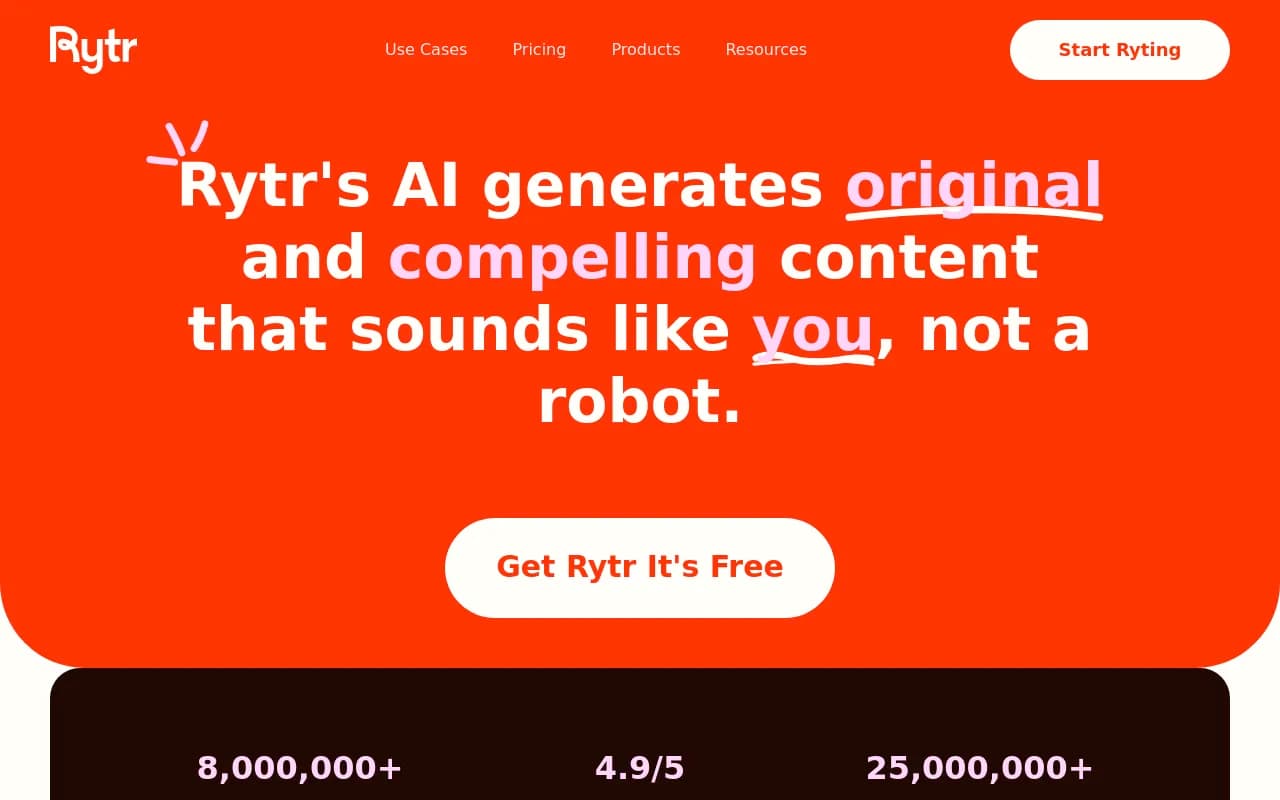
One thing I noticed while checking the live pricing page: Rytr now lists items like connected sources, relationships and "Engage" actions on the free plan. It looks like the product is repositioning toward relationship and communication tooling. Older reviews may describe it inaccurately, so look at the current page before you commit. Paid tiers are Lite at $9/mo (removes the character cap), Personal at $19/mo and Pro at $49/mo, with 20% off for yearly billing.
Grammarly
Grammarly is an editor, not a drafter. Use it after you have text. The free plan gave 100 AI prompts a month at the last published check, plus the usual grammar and clarity suggestions.
QuillBot
Good at one thing: rewriting. The free Paraphraser takes 125 words at a time, which is annoying for long drafts but fine for fixing a clumsy paragraph.
Wordtune
Wordtune offers sentence-level rewrites with tone controls. It suits non-native writers and fast editors who want options, not a whole draft.
Copy.ai: a correction
Several 2026 roundups (eesel, Rework, SmartArticleBot) say Copy.ai has a free plan with 2,000 words a month. The live pricing page I checked shows no free plan. The self-serve Chat tier is $29/mo monthly or $24/mo billed annually, and Growth jumps to $1,000/mo. If a list still sells it as free, treat that list with caution.
Where the paywalls bite
| Tool | Typical wall you hit first |
|---|---|
| ChatGPT | Message cap, then a lighter model |
| Claude | Usage limit on long documents |
| Rytr | 10,000-character monthly cap |
| Grammarly | Monthly AI prompt limit, premium rewrites |
| QuillBot | 125-word paraphrase limit, premium modes |
| ParagraphAI | 5 uses per day |
| eesel AI blog writer | One free post, then credits (from $99 for 50 posts) |
The pattern is clear. Free plans are generous for short tasks and stingy for volume. If you need more than a few thousand words a month of structured output, the free tier of any single tool will run out.
A free stack that works
Here is how I would combine these for a solo blogger or small marketer with no budget:
- Research and outline: NotebookLM for your own sources, a chatbot for angle brainstorming.
- First draft: Claude or ChatGPT. Give it a brief, audience, tone and a sample of your own writing.
- Short-form copy: Rytr for product blurbs and captions while the character allowance lasts.
- Edit: Grammarly for errors, Wordtune or QuillBot for stubborn sentences.
- Human pass: Fact-check every claim, add one real example or opinion, cut filler.
That last step is not optional. Raw AI output is easy to spot, and it tends to be confident about things it got wrong.
Pitfalls to watch
- Stale reviews. Pricing pages change monthly. Rytr and Copy.ai are both examples where older write-ups no longer match reality.
- Character caps are smaller than they look. 10,000 characters disappears fast once you regenerate a few times.
- Vendor bias. A tool ranking itself first is marketing, not a test.
- Data privacy. Free tiers may use your inputs differently than paid ones. Do not paste client secrets.
- Sameness. If everyone uses the same model with the same prompt, everyone's content reads alike. Your own examples and opinions are the fix.
When free is not enough
If you are publishing at volume, the SEO layer matters more than the raw writing. Tools such as [tool:surfer-seo] and [tool:frase] score drafts against what already ranks, and [tool:jasper] focuses on brand-voice control for teams. Those are paid, so treat them as a step up once the free stack stops keeping pace.
If you want to see more options in the category, the software directory at surferstack.com is a good place to browse.
One more thing worth checking once your content is live: whether AI assistants actually cite it. Tools like Promptwatch can track that, and Promptwatch Data has research on which content types ChatGPT cites most. In its Sep 28 to Oct 4, 2026 window, product pages led at 22.4% of citations, followed by landing pages and listicles, which is a useful hint about what to write.

Which one should you pick?
| If you are... | Start with |
|---|---|
| A beginner who wants one tool | ChatGPT free |
| Writing long, style-sensitive pieces | Claude free |
| Working heavily in Google apps | Gemini free |
| Writing short product or social copy | Rytr free |
| Polishing existing drafts | Grammarly plus Wordtune or QuillBot |
My honest take: the dedicated "AI writer" category has been squeezed by the chatbots. For most people the best free setup in 2026 is a chatbot for drafting and one editor for polish. Spend money only when a specific limit blocks real work, and check the vendor's pricing page the day you decide.