Key takeaways
- Map your topic clusters first, then pick a tool. Software that inserts links into a messy structure just makes the mess faster.
- Link Whisper, LinkBoss and Rank Math's AI Link Genius suit WordPress sites; InLinks and LinkStorm suit teams that need entity-based or any-CMS options.
- Crawlers like Screaming Frog and Sitebulb show you the structure. Plugins fix it. Suites like Semrush audit it but rarely place links sentence by sentence.
- Automated insertion always needs a human to check anchors and relevance.
- Topical authority matters for AI search too, and tools like Promptwatch can show whether your clusters earn citations.
What internal linking tools actually do
There are really three jobs here, and people lump them together.
The first is discovery: finding pages that should link to each other. The second is insertion: putting the link in the right sentence with sensible anchor text. The third is auditing: finding orphan pages, broken links, and pages that are buried too deep to matter.
Most tools are strong at one and passable at another. A crawler is great at the audit and useless at insertion. A WordPress plugin is the opposite. Knowing which job you need done saves you from paying for a suite when a $97 plugin would do.
Why topical authority and internal links go together
Awilix's 2026 guide puts the standard view plainly: pillar pages link to cluster pages, and cluster pages link back, which tells Google your site covers a topic in depth. The same guide says to map the clusters before you place a single link. I agree with that completely. I have seen sites auto-link 400 posts and end up with a spaghetti diagram that helps nobody.
Treat the numbers in that article with some caution. It cites an 82% figure for missed linking opportunities (attributed to InLinks) and a claimed 40% ranking and 30% traffic lift. Those are vendor-style claims, not controlled studies. The direction is plausible. The exact percentages are marketing.
There is also a reason to care about clusters beyond Google. Promptwatch's data on ChatGPT query fanouts shows that one prompt can split into several searches, covering sub-questions like "X vs Y", pricing, alternatives and how-tos. The report's advice is to favor a cluster of focused pages over one mega-page and to write headings that read like search queries. That is an interpretation, not a measured link effect, but it fits the cluster model neatly: if your hub links to focused pages that each answer one sub-question, you have something to offer each fanout query.
Quick comparison of the main options
Prices come from third-party roundups checked in July and August 2026. Roundups disagree with each other, and one audit found 9 of 23 tools misquoted in top-ranking lists. Confirm on the vendor page before you buy.
| Tool | Type | Platform | Starting price | Best for |
|---|---|---|---|---|
| Link Whisper | Plugin, AI suggestions | WordPress (Shopify per one roundup) | $97/yr, 1 site | Overall WordPress pick |
| LinkBoss | Cloud service | WordPress, Shopify | Free tier; $11/mo Launch | Silo and audit work on a budget |
| Rank Math Pro (AI Link Genius) | SEO plugin add-on | WordPress | From EUR 7.99/mo billed annually | Sites already on Rank Math |
| InLinks | Entity-based | Any site | Free for 25 pages; $49/mo Freelancer | Semantic topical authority |
| LinkStorm | Ranking-aware suggestions | Any CMS | $30/mo for 1,000 URLs | Non-WordPress sites |
| Linkilo | Plugin, analytics | WordPress | $59 to $149/yr (sources conflict) | Anchor text reporting |
| Linkbot | Full automation | Any platform | $19 to $49/mo (sources conflict) | Hands-off JavaScript approach |
| Screaming Frog | Crawler | Desktop | Free to 500 URLs, then GBP 199/yr | Structure audits |
| Sitebulb | Crawler | Desktop, cloud | From $18/mo | Visual audits |
WordPress plugins for placing links
Link Whisper
The Answer Socrates roundup ranks Link Whisper first, and the author says two years of use across multiple sites earned it that spot. Annual plans run from $97 for one site up to $497 for 50 sites. Premium adds bulk insertion, auto-linking and broken link management, plus orphan page tools.
The weaknesses are real. It is WordPress-centric, there is no cross-site dashboard, no link visualization, and nothing that measures whether the links you inserted helped. Reviewers also note its suggestions still need editorial judgment. Fair enough.
LinkBoss
LinkBoss is a cloud service for WordPress and Shopify. The free tier includes audit, analytics and silo functions plus 50 insertion credits, which makes it a low-risk way to test the idea. Paid plans start at $11/month for 200 credits on one site. An in-post link costs one credit and a Smart Internal Link Generator link costs two. The vendor says inserted links stay if you remove the plugin.
Search Engine Watch's caution is worth repeating: the fastest modes need the strictest editorial review. Speed and accuracy pull in opposite directions.
Rank Math Pro and Yoast
If you already run Rank Math, check AI Link Genius before buying anything else. It covers contextual suggestions, link audits, keyword-based auto-linking, orphan page work and bulk updates, from EUR 7.99/month billed annually. One reviewer's take is that dedicated plugins no longer win just because SEO plugins lack linking features. That is where the market has moved.
Yoast SEO Premium costs about $118.80/yr and shows five suggestions in the editor. It is fine for a writer working one post at a time. It is not a bulk workflow.
Smaller WordPress options
Internal Link Juicer has a free version, with Pro from $69.99/yr. It is rule and keyword based, so discovery is limited. AIOSEO Link Assistant starts at $199.50/yr, and Link Manager from DAEXT at $59/yr. Linkilo, at $59 to $149/yr depending on which roundup you trust, is mostly about anchor text reports and audit modules.
Entity-based and any-CMS tools
InLinks
InLinks is the one on this list built around entities rather than keywords. It builds a knowledge graph of your content and adds schema and content briefs alongside the linking. That makes it the closest match for teams that say "topical authority" and mean it.
The free plan covers 25 pages for internal linking. Freelancer is $49/month for 100 pages, and Agency starts around $196/month. The catch, per Search Engine Watch, is that entity recognition can still pick the wrong destination when several of your pages cover the same entity. If you have overlapping pages, fix the cannibalization first.
LinkStorm and Linkbot
LinkStorm works with any CMS and prices by URL count, from $30/month for 1,000 URLs to $200/month for 50,000. It offers ranking-aware suggestions and auto-linking, and allows unlimited projects but no client workspaces. Linkbot goes the other way: a JavaScript snippet that automates everything. Hands-off is appealing until you want to know why a link exists.
SEOJuice and Search Atlas
SEOJuice uses AI to learn content relationships across a site, with internal linking as one piece of a wider automation suite. Search Atlas, available in our catalog as SearchAtlas LLM Visibility, describes itself as an agentic platform that finds link gaps and ships fixes through OTTO SEO, from $99/month. Internal linking is one of many automated fixes there, so it makes sense if you want the whole package rather than a dedicated linker.

Crawlers and suites: seeing the structure
Before you insert anything, you need to see the current graph. This is where crawlers earn their keep.
Screaming Frog is free up to 500 URLs and then GBP 199/yr. It surfaces orphan pages, click depth and inlink counts quickly.

Sitebulb, from about $18/month, does the same with more visual output, which helps when you have to explain the problem to a client.
For larger sites, Oncrawl, JetOctopus and Botify crawl at enterprise scale, and Quattr and seoClarity's Link Seeker sit in the custom-pricing tier.
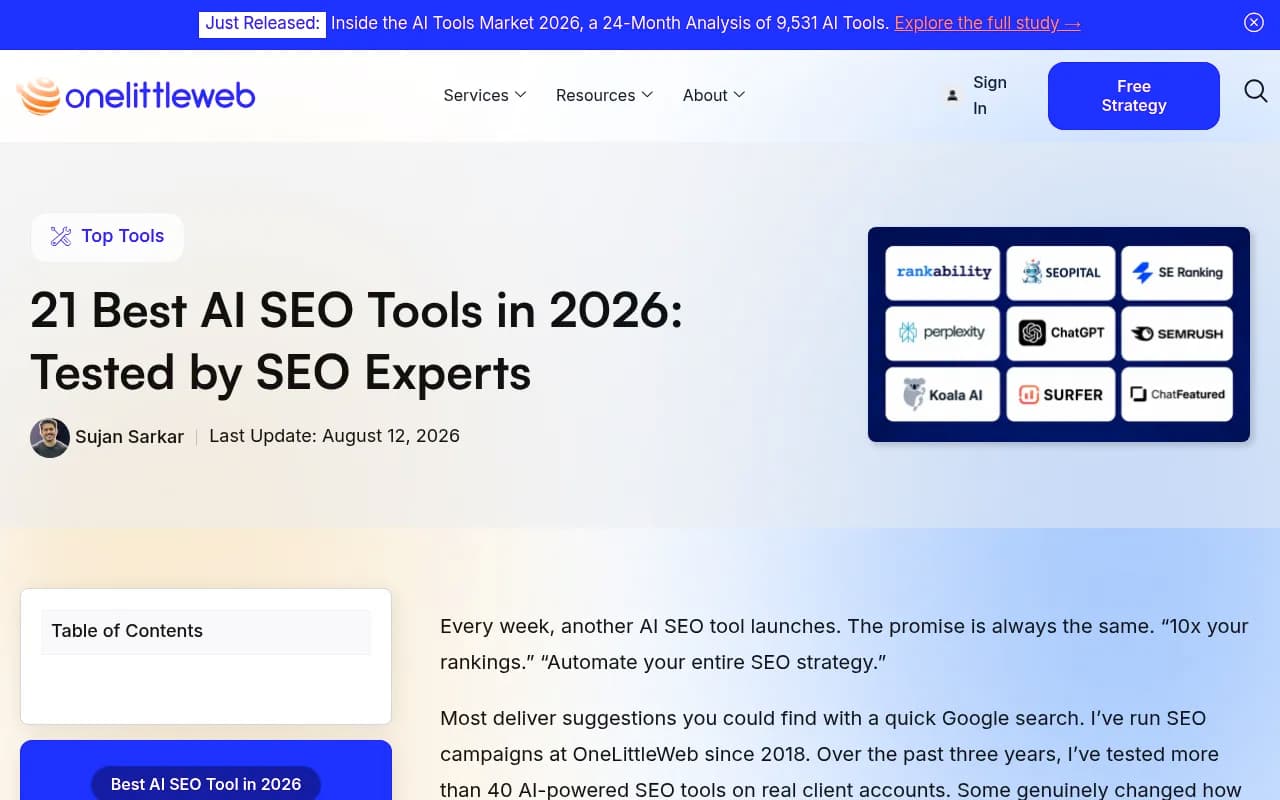
The all-in-one suites are a separate category. Semrush (from about $139/month) runs structural audits but not sentence-level suggestions. Ahrefs (from about $129/month) is analysis only. OneLittleWeb's testing of 40+ AI SEO tools names Semrush One its overall pick for 2026, but that is a general ranking, not an internal linking verdict.
If you already pay for one of these, or for Rank Math or Yoast, you may own some linking functionality already. Check before adding another subscription.
Tools that build topical authority upstream
Linking works only if the content exists. A few tools help plan the clusters themselves.
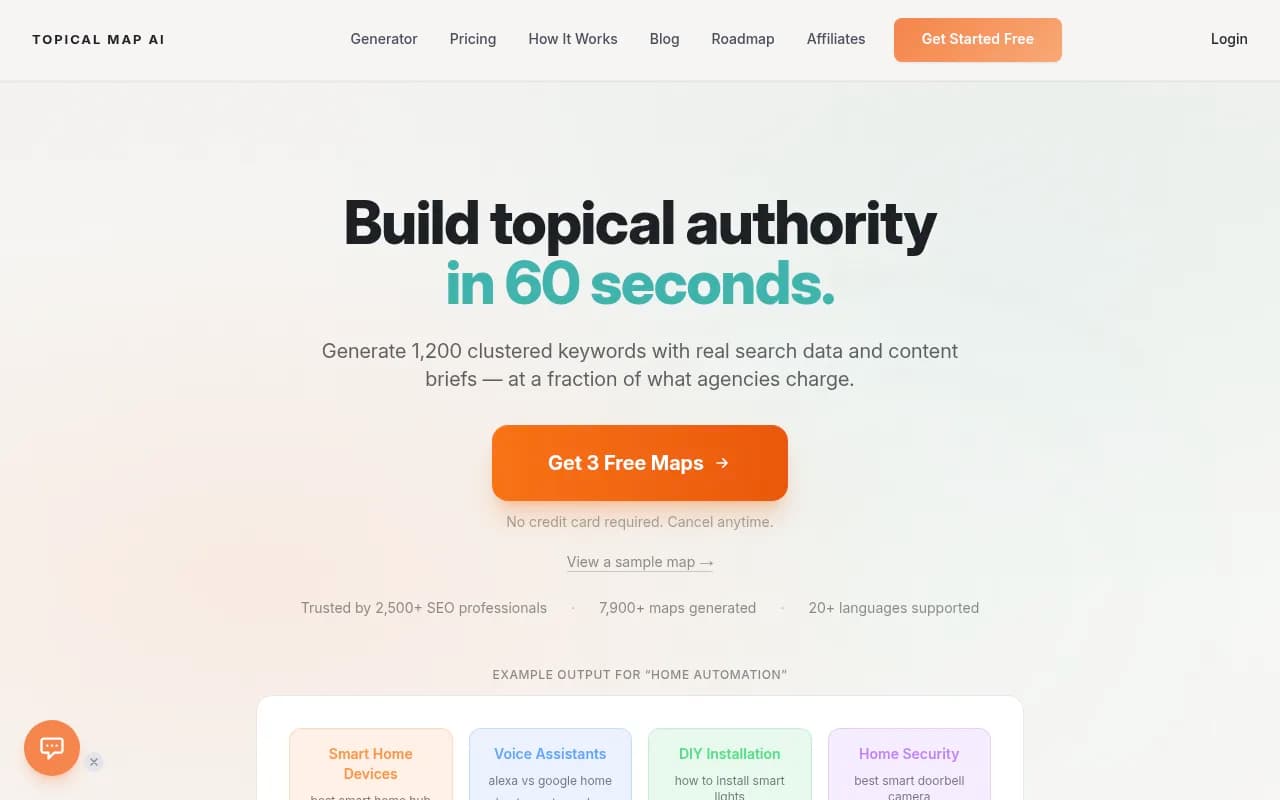
- Topical Map AI generates content maps aimed at building topical authority.
- Frase, Surfer SEO, NeuronWriter and Clearscope help you cover a topic thoroughly inside individual pages.
- MarketMuse does content planning with an authority angle.
- NeuralText handles keyword clustering and briefs.
A caveat: I did not test these for this guide, and the research behind it did not go deep on them. Surfer's Pro plan is around EUR 182/month billed annually, which is expensive if linking is your only need. Treat these as planning aids, not linking tools.
Checking whether AI search rewards your clusters
Topical authority used to be judged only by Google rankings. Now you also want to know whether ChatGPT, Perplexity and AI Overviews cite your cluster pages. Tools like Promptwatch can show which of your pages get cited, which AI crawlers read them, and where the gaps are, which is useful for deciding what a hub page should link to next.

The content-type data is useful for planning. In Promptwatch's data for Sep 28 to Oct 4, 2026, product pages made up 22.4% of ChatGPT citations, landing pages 16.8%, listicles 13.6%, documentation 7.5% and how-to guides 8.7%. Another report on the half-life of content in ChatGPT found that news loses half its cited pages within about five weeks, while landing pages and docs stay cited for months.
My takeaway, and it is an inference rather than a measured link effect: link your evergreen pillar, landing and docs pages prominently from the topical hub, and do not rely on news-style posts to carry a cluster. For other tools in this space, the GEO software directory at bestgeosoftware.com is a decent starting point.
A workflow that holds together
- Crawl the site with Screaming Frog or Sitebulb. Note orphan pages, deep pages and pages with very few inlinks.
- Group content into clusters on paper or a spreadsheet. One pillar per topic, with cluster pages beneath it.
- Fix cannibalization and merge overlapping pages. This matters especially before using an entity tool like InLinks.
- Pick one insertion tool that matches your CMS: Link Whisper, LinkBoss or Rank Math on WordPress, LinkStorm or InLinks elsewhere.
- Review every suggestion for anchor text and relevance. Do not run the fastest automated mode unattended.
- Re-crawl a month later and compare inlink counts and click depth. Check Google Search Console for movement on the target pages.
- Look at AI citations for the same clusters, using an AI visibility platform, and adjust.
Which tool should you pick
| Your situation | Start with |
|---|---|
| Solo WordPress blog | Link Whisper, or Rank Math Pro if you already use it |
| Shopify store | LinkBoss or Link Whisper |
| Non-WordPress site | LinkStorm, InLinks or Linkbot |
| Semantic authority focus | InLinks |
| Agency with many sites | Link Whisper Agency plan, or a crawler plus manual review |
| Enterprise site | Botify, Oncrawl, Quattr or seoClarity |
| Just exploring | Screaming Frog free tier and Google Search Console |
If you would rather hand the whole thing to specialists, an SEO team such as 1001 SEO Media handles technical SEO and content strategy, including cluster planning. For most small sites, a crawler, a plugin and an afternoon of careful review will get you most of the way.
Mistakes worth avoiding
- Buying a tool before mapping clusters.
- Accepting every automated suggestion. Generic anchors like "click here" or exact-match anchors repeated everywhere look sloppy and help nobody.
- Trusting price tables blindly. Among the sources used here, Linkilo, Linkbot and SEOJuice are all quoted at different prices.
- Assuming a plugin measures results. Link Whisper, for example, does not tell you whether inserted links helped.
- Ignoring links in navigation, footers and hub pages, which the plugins mostly do not touch.
Pick the cheapest tool that handles your CMS, run it on one cluster first, and measure that cluster before rolling it out to the rest.