Key takeaways
- Google and Microsoft have said structured data helps their AI systems understand content. ChatGPT and Perplexity have confirmed nothing, and I found no independent controlled study linking LocalBusiness schema to more AI citations.
- Treat local schema as an accuracy and disambiguation tool, not a ranking lever. Its best-supported job is keeping your name, address, phone and hours consistent with your Google Business Profile.
- A single-location business can hand-write one JSON-LD block in an afternoon. Schema App is built for multi-location and enterprise sites, and its pricing is quote-only.
- Promptwatch Data shows ChatGPT cites product and landing pages most, and nearly half of its responses cite 10 or more domains. Your location pages and third-party listings matter at least as much as markup.
- Whichever route you choose, validate the markup, keep it matched to visible page content, and measure before and after.
The short answer
Yes, local structured data is worth doing in 2026. No, it will not rescue a weak local presence, and nobody has proven it moves AI citations by some magic multiple.
That is a less exciting answer than the one you will find in many vendor blogs. Some claim schema gives a "2.5x higher chance" of appearing in AI answers, or up to 40% more AI Overview appearances. I could not find methodology behind those numbers, so I would not plan a budget around them. A founder of an AI schema tool pushed back on the 2.5x claim in a Quora answer, saying schema still helps but less than articles suggest, mostly by disambiguating entities.
The question that matters for most local owners is practical: do I write this myself, use a plugin, or pay for a platform like Schema App? That depends on how many locations you have and how often your data changes.
What the evidence says about schema and AI search
Here is what is actually supported, and how strongly.
Google's position. Google's own LocalBusiness documentation (last updated 2026-09-08) is blunt: Google does not guarantee that features consuming structured data will show up in search results. Its general guidance asks you to mark up only what is visible to users, supply fewer but complete and accurate properties rather than many incomplete ones, and monitor validity after deployment because templating problems can silently break markup.
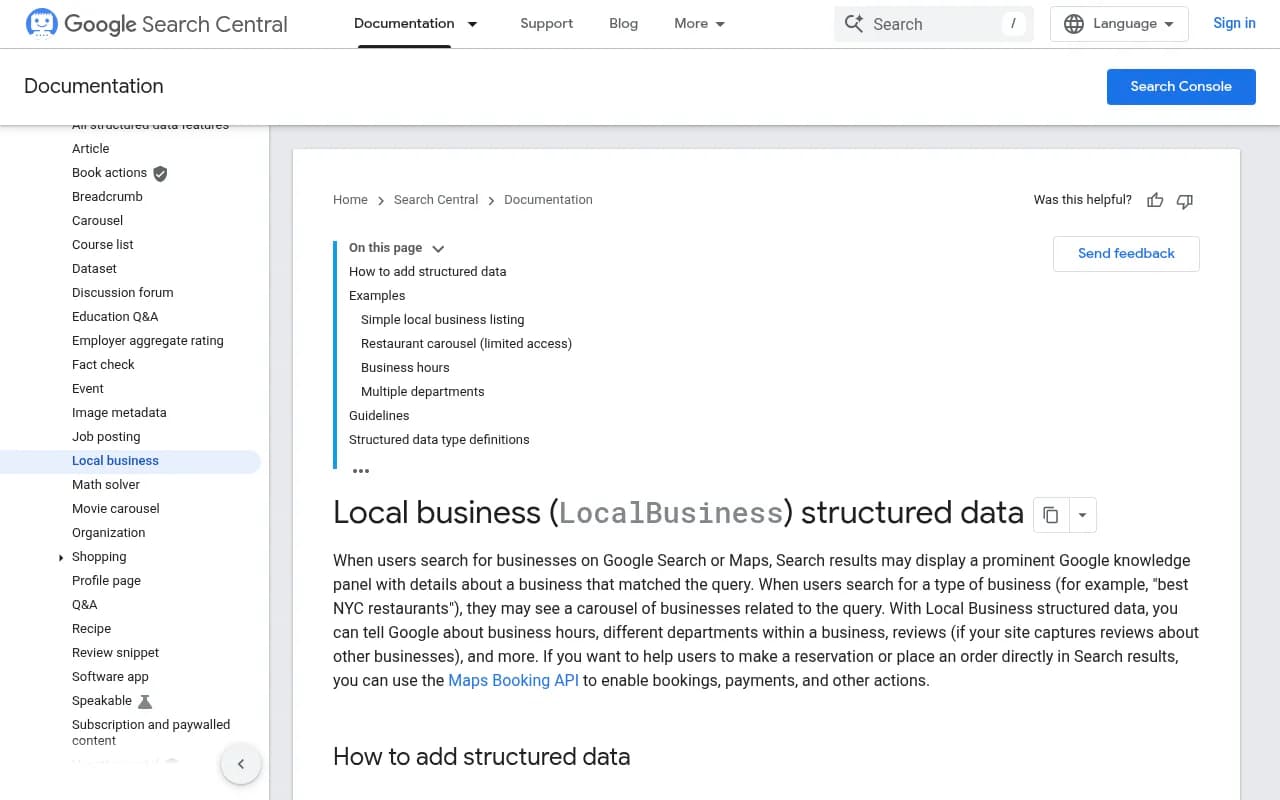
Google and Microsoft on AI. A July 2026 post from Globerunner cites a Search Engine Land report saying Google's Search team confirmed structured data gives an advantage in search, and that Microsoft Bing's principal product manager confirmed schema helps its LLMs understand content for Copilot. Globerunner's framing is that schema is now "a trust signal, not a display trigger." The Bing confirmation is specifically about Copilot, not about every AI assistant.
Everyone else. Qwestyon's summary is that Google and Bing have confirmed structured data helps their AI search features, while ChatGPT and Perplexity have confirmed nothing. I think that is the honest state of play.
Where sources agree. The best-supported local advice is boring: keep LocalBusiness schema consistent with your Google Business Profile data (name, address, phone, hours). Several sources say inconsistencies reduce confidence in the entity. Opace's 2026 guide adds the right caveat: schema alone will not guarantee local rankings, but it reinforces business entity and location signals alongside a complete Google Business Profile, consistent citations, local landing pages and reviews.
Uberall makes a related point about the local pack: the ranking factors are proximity, relevance and prominence. Schema is not on that list.
What AI actually cites for local-style queries
Markup only helps if the page it describes is a page AI wants to cite. Promptwatch Data gives a useful picture of that, though none of its reports measure schema directly. They show which pages get cited, not whether markup caused it.
From Promptwatch's ChatGPT content type data (Sep 28 to Oct 4, 2026):
- Product pages get 22.4% of classified ChatGPT citations and landing pages 16.8%, so roughly 39% go to pages describing what a company sells.
- Listicles get 13.6%, how-tos 8.7%, documentation 7.5%, FAQ pages 3.3% and reviews 1.7%.
- For branded prompts, reviews rise to 5.6%, more than three times their overall share.
From Promptwatch's unique domains per response data (same period): 47.6% of ChatGPT responses with citations cite 10 or more domains, and organic, unbranded prompts are the most crowded at 52.5%. Brand-specific prompts are narrower, with the most common count at 5 domains.
My reading, and this is inference rather than a Promptwatch finding: for a "best plumber near me" style prompt, you share the answer with a lot of other sources. Service and location landing pages, third-party listings and reviews are the main citation surface. Schema is a way to keep those pages accurate and machine-readable. It is not a substitute for having them.
One more data point worth knowing: in Promptwatch's AI crawler traffic data (verified requests, June 8 to Sep 6, 2026), OpenAI made up 79.8% of requests in the last week, down from 94.8% in early June. If you block AI crawlers in robots.txt or a WAF, markup will not matter. Also be wary of markup injected only through client-side JavaScript or a tag manager. I could not confirm which crawlers execute JS, so the safest move is to serve JSON-LD in the server-rendered HTML.
Manual markup: when it is enough
Manual markup means writing JSON-LD yourself (or generating it once) and pasting it into the page head or a code block your CMS allows. For one location, this is usually the right call.
A minimal example, adapted from Google's documentation pattern:
<script type="application/ld+json">
{
  "@context": "https://schema.org",
  "@type": "Plumber",
  "name": "Example Plumbing Co",
  "url": "https://www.example.com/",
  "telephone": "+15555550123",
  "priceRange": "$$",
  "image": "https://www.example.com/photos/storefront.jpg",
  "address": {
    "@type": "PostalAddress",
    "streetAddress": "123 Main St",
    "addressLocality": "Austin",
    "addressRegion": "TX",
    "postalCode": "78701",
    "addressCountry": "US"
  },
  "geo": {
    "@type": "GeoCoordinates",
    "latitude": 30.2672,
    "longitude": -97.7431
  },
  "openingHoursSpecification": [{
    "@type": "OpeningHoursSpecification",
    "dayOfWeek": ["Monday","Tuesday","Wednesday","Thursday","Friday"],
    "opens": "08:00",
    "closes": "17:00"
  }]
}
</script>
A few habits that matter more than the syntax:
- Use the most specific subtype that fits (Restaurant, Plumber, Dentist, Store) rather than generic LocalBusiness. schema.org has many subtypes.
- Copy your name, address, phone and hours from the Google Business Profile, not from memory.
- For service-area businesses, schema.org supports Service with areaServed, which is a better fit than faking a storefront address.
- Do not mark up reviews or details that visitors cannot see on the page.
The weak point of manual markup is maintenance. Hours change, a phone number gets updated on the website but not in the JSON-LD, someone redesigns the template and the script disappears. For one location you can catch this with a quarterly check. For 40 locations you cannot.
Tools for checking hand-written markup
Google's Rich Results Test and the Search Console reports are the baseline. For checking markup across many pages, a crawler that can extract structured data does the job.
Screaming Frog can crawl a site and surface structured data so you can see which location pages are missing it.

Sitebulb is another desktop and cloud crawler that makes technical SEO audits easier to read.
Schema App: what you are paying for
Schema App is an enterprise structured data platform. Based on its public pricing page, here is what I could verify:
- Pricing is custom and quote-only. There is no public price list or self-serve tier that I could find.
- There is a one-time strategy and setup fee that varies with scope. It covers markup strategy per page type with entity connections, setup in the Schema App Editor (single pages) or Highlighter (templates), and integration setup.
- Highlighter templates generate dynamic markup for sets of templated pages, such as a physician page or a product page. That is the feature that matters for multi-location businesses.
- It builds a content knowledge graph, with an optional Entity Hub add-on. Listed customers include Wells Fargo, SAP, Houston Methodist and AdventHealth. Ratings shown are 4.75/5 on G2 (18 reviews) and 4.9/5 on Capterra (18).
The appeal is clear. Template-driven markup means that when a location's hours change in your data source, the schema updates across pages without a developer touching JSON-LD. For a hospital system or a bank with hundreds of branch pages, that is the entire value.
For a dentist with one office, it is almost certainly overkill. I did not research Schema App's competitors' pricing (WordPress plugins like Yoast or Rank Math, or listings tools), so I will not quote numbers for those. Check each vendor directly.
Other routes between the two
There is a middle ground between hand-coding and an enterprise platform.
Listings and local presence platforms keep your core business data consistent across directories, which addresses the same consistency problem schema tries to solve. Yext positions itself as a digital presence platform for search and AI answers.

SOCi targets multi-location brands with local search, social and reviews management.
Birdeye is a customer experience and reputation platform, and Birdeye publishes its own local schema guide. Reviews matter here because Promptwatch's data shows review content gains share on branded prompts.
For entity-focused markup on content-heavy sites, InLinks offers entity-based internal linking and schema aimed at GEO.

If you want a broader list of options, the directory at surferstack.com covers SEO and schema tooling by category.
Comparison: manual vs Schema App vs the middle options
| Approach | Best for | Cost model | Maintenance burden | Main risk |
|---|---|---|---|---|
| Manual JSON-LD | Single location, rarely changing data | Your time | You own every update | Drift between markup and visible page |
| CMS plugin | Small sites on WordPress or similar | Check each vendor | Low to medium | Generic output, limited local detail |
| Schema App | Multi-location, enterprise, large template sets | Quote-only, setup fee plus ongoing | Low once templates are built | Cost and setup effort for small sites |
| Listings platform (Yext, SOCi) | Consistent NAP across directories | Check each vendor | Low | Does not replace on-page markup |
Which one should you pick
One location, stable details: write it by hand, validate it, set a calendar reminder to recheck it. You will spend more time on your Google Business Profile and reviews, which is where the effort pays off.
A handful of locations (say 2 to 10): a plugin or a templated approach in your CMS, generating one block per location page from the same data source as the page content. The rule is one source of truth for hours and addresses.
Dozens or hundreds of locations, or a regulated industry with department and practitioner pages: this is where a platform like Schema App starts to make economic sense, because the alternative is engineering time spent maintaining templates. Get a quote and ask specifically how updates flow from your data source.
Multi-location brands should also follow the structure Uberall recommends: LocalBusiness (or a specific subtype) for each branch with address, geo and hours, and Organization for the parent brand.
A local schema checklist
- Use the specific subtype that matches the business.
- Match name, address, phone and hours exactly to your Google Business Profile and visible page text.
- Include recommended properties such as priceRange and image where they apply.
- Link the entity to its profiles (Organization with sameAs to your Google Business Profile and LinkedIn is the disambiguation use case the AI-schema founder pointed to).
- Serve the JSON-LD in the initial HTML.
- Check robots.txt, CDN and WAF rules for AI crawlers.
- Re-validate after every template or theme change.
Measuring whether it worked
Google suggests a before-and-after test on stable pages using Search Console and the URL Inspection tool. It also cites a Nestlé measurement of an 82% higher click-through rate for pages shown as rich results, but that is a general rich-result stat, not a local one, and many visual rich results have since been removed.
For the AI side, you need to look at actual AI answers. Run your real customer prompts ("emergency plumber in Austin", "best family dentist near me") and record whether you are mentioned, cited, and which sources appear beside you. Tools like Promptwatch can track this across ChatGPT, AI Overviews, Gemini, Perplexity and others, and show which of your pages get cited and which AI crawlers are visiting them.

If you want to compare other trackers, the GEO software directory at bestgeosoftware.com lists them side by side.
Change one thing at a time. If you update schema, fix your location pages and collect 30 new reviews in the same month, you will never know which one moved the needle. That is the real reason the schema-causes-citations claims are hard to trust: almost nobody isolates the variable.
Bottom line
Do local schema, keep it accurate, and keep it boring. For one location, hand-written JSON-LD is enough. Pay for Schema App when the number of locations makes manual upkeep the bigger cost. Spend the rest of your effort on what the citation data actually points at: complete location and service pages, consistent listings, and reviews on sites AI trusts.