Key takeaways
- Local tracking is the deciding feature for law firms. You need city, state, and "near me" prompts split by office and practice area, not one firm-wide score.
- Expect to share every AI answer with many other sites. Almost half of ChatGPT responses cite 10 or more domains, so position, framing, and the third-party sources behind your mentions matter more than a simple yes/no.
- AI visibility has no clean click column yet. Track leading indicators: AI impressions, branded search, AI referral sessions in GA4, and inquiry quality.
- Test any tool with at least two offices, two practice areas, direct firm comparisons, and review-style prompts before you commit.
Why law firms need their own GEO tracking setup
A personal injury firm in Phoenix and an estate planning office in Scottsdale are not competing for the same questions. They don't share prompts, competitors, or even the same sources that AI tools lean on. Yet most generic AI visibility dashboards roll everything into one brand score and call it a day.
That is the core problem with applying standard GEO tooling to law firms and other professional services such as accounting, wealth management, and consulting. The buyer's question is almost always local and specific: "best divorce lawyer in Tempe," "do I need a trust attorney after a parent dies," "[Firm name] reviews." A national average hides the office that never shows up in its own market.
The demand side is real. An iLawyerMarketing consumer study cited by SearchEye found that 21% of respondents would use ChatGPT while researching legal representation, while nearly 98% wanted to speak with at least two firms. I haven't verified that study independently, so treat it as directional. But the second number is the more interesting one. People compare. If an AI answer names three firms and you're not one of them, you may never make the shortlist.
How AI answers about law firms get built
Before picking a tool, it helps to know what the tool is measuring. A few patterns from Promptwatch Data are worth keeping in mind. None of these reports is law-specific or local-specific, so read them as general ChatGPT behavior, not legal-vertical findings.
Many sources per answer
In Promptwatch's report on unique domains per ChatGPT response (Sep 28 to Oct 4, 2026), 47.6% of responses cited 10 or more domains and 66.1% cited at least 8. Only 6% cited three or fewer. For organic prompts with no brand named, the share citing 10 or more rose to 52.5%.
For a firm, that means every answer is crowded. Being cited is the start. Where you land in the list and how you're described is what moves a reader.
Branded prompts behave differently
When the prompt names one company, the pattern shifts. Only 21.3% of brand-specific responses cited 10 or more domains, and the most common count was five. So a query like "[Firm name] reviews" is shaped by a short list of sources, usually review sites, directories, and forums. If those profiles are thin, outdated, or inconsistent, that short list is what AI tells prospects about you.
Which content types get cited
Promptwatch's content type report shows product pages at 22.4% of ChatGPT citations and landing pages at 16.8%, with listicles at 13.6% (Sep 28 to Oct 4, 2026). For commercial prompts like "best X," product pages, landing pages, listicles, and comparisons made up almost 70% of citations. Branded prompts pulled in more reviews (5.6%, over three times their overall share) and FAQ pages (4.8%).
The report doesn't mention law firms. My inference, and it is only that, is that practice-area pages and attorney pages play the role of product and landing pages for a firm. Third-party "best lawyers in [city]" listicles and review profiles are the other half of the equation.
Behavior changes overnight
On August 8, 2026, ChatGPT started using the site: operator at scale. According to Promptwatch's data on ChatGPT site: operator fan-outs, site: queries jumped from 0.37% to 16.8% of fan-out queries, and average fan-out queries per response rose from about 1.08 to 1.83. In practice, ChatGPT now checks specific domains directly. A thin or unindexed practice-area page costs you answers. It also means one-off audits go stale fast, so continuous monitoring beats a quarterly snapshot.
What local tracking should actually include
The SearchEye guide on GEO tools for law firms is vendor-authored and ranks its own product first, so weigh it accordingly. Still, its testing checklist is sensible and matches how I'd approach it.
Build the prompt set around real intent
Pair each practice area with a place, then vary the intent:
- Practice area plus city or state: "personal injury lawyer in Phoenix"
- Comparative wording: "best family law attorney in Scottsdale"
- Urgent need: "arrested for DUI what do I do tonight"
- Reputation language: "[Firm name] reviews"
- Head-to-head comparisons: "[Firm A] vs [Firm B]"
- Neighborhood and "near me" variants
Country-level support does not establish city-level accuracy. If a tool can only set a country, a nationwide score can conceal an office that never appears in its own market. Ask any vendor exactly how location is applied, and whether city or state tracking costs extra.
Keep offices and practice areas separate
Averaging personal injury, family law, criminal defense, and estate planning into one number hides the exact area where a competitor is winning. The tools worth paying for let you split by project, workspace, tag, or tracked-prompt set. For multi-office firms this is the single most important buying criterion.
Record the competitor and the source
A useful gap report names the missing firm, the competitor that is visible, the source that influenced the answer, the office, the practice area, and the observation date. "You weren't mentioned" is not actionable. "Firm X is cited via a local bar association listicle that doesn't list you" is.
Separate mentions from citations, and track framing
A mention names your firm. A citation links a source. You can have one without the other. Also watch how the answer frames you: as a top option, a fallback, or with a caveat pulled from a review.
The metrics worth tracking monthly
| Metric | What it tells you | Where to get it |
|---|---|---|
| Mention rate by office and practice area | Whether you appear in the local prompts that matter | AI visibility platform |
| Position and framing in the answer | How prominently and how favorably you're described | AI visibility platform |
| Citation sources | Which third-party pages shape answers about you | AI visibility platform |
| Competitor gaps | Firms that appear when you don't | AI visibility platform |
| AI referral sessions | Real visits from ChatGPT, Perplexity and others | GA4 acquisition filters |
| Generative AI impressions | Trend in visibility inside Google's AI layer | Search Console |
| Branded search volume | People reading an AI answer, then searching your name | Search Console |
| Crawler access | Whether AI bots can read your practice-area pages | Server or CDN logs |
Proving ROI without click data
9Sail's guide on AEO/GEO ROI for law firms makes a point that partners need to hear: AI visibility reporting doesn't have a clicks column yet. Google Search Console's generative AI performance report shows impressions only, and it combines AI Overviews and AI Mode into one number. Not every property has access to it yet, either.
GA4 is currently the best free way to see AI referral traffic that actually lands on your site, using acquisition filters for sources like ChatGPT and Perplexity. It won't show citations or mentions, just the sessions from people who clicked. Search Console tells you visibility is happening somewhere in the AI layer, but not where or how much converts.
So the honest reporting stack for a managing partner looks like this: Search Console impressions as a trend line (never a single snapshot), branded search volume, direct traffic with the usual caveats, GA4 AI referral sessions, and the quality of inbound inquiries. Add intake-form questions like "How did you hear about us?" with an AI option. It's crude, but it catches what analytics can't.
Tool options by firm type
There is no single best pick. Here is how I'd think about the categories, based on the catalog and the criteria above. Always confirm pricing and location features on each vendor's own page, because I haven't verified current plans.
| Tool | Type | Best for |
|---|---|---|
| Promptwatch | Full AI visibility and optimization platform | Firms that want tracking plus content actions and crawler data |
| Otterly.AI | Low-cost monitoring | Single-office firms that only need tracking |
| Semrush | SEO suite with AI tracking | Firms already running SEO there |
| AthenaHQ | Broad engine coverage with action workflows | Larger firms with budget for credits |
| Scrunch | Monitoring with strong support reputation | Teams that want hands-on onboarding |
| Yext | Listings and digital presence | Keeping office data consistent across directories |
| Birdeye | Reputation management | Review collection and response |
Platforms that track and help you act
Promptwatch is the one I'd shortlist for firms that want more than a scoreboard. It tracks real ChatGPT, AI Overviews, AI Mode, Gemini, Perplexity, and Copilot interfaces, supports country tracking on every paid plan and state and city tracking from the Business plan, and logs which AI crawlers hit your site, which matters now that ChatGPT searches domains directly. Its Action Board and Content Agent turn gaps into drafted and published content. Plans start at $95/month for a single project, so check promptwatch.com/pricing for current details, and note that multi-office firms will likely need the tier with location tracking.

Otterly.AI is the low-cost choice if all you need is monitoring.

Semrush makes sense if your SEO work already lives there and you'd rather add AI tracking than add a vendor.
AthenaHQ covers a wide range of engines and turns findings into prioritized workflows. SearchEye's own review notes that credit use can climb quickly with several offices and engines, and that starter pricing is steep for a single-office firm.
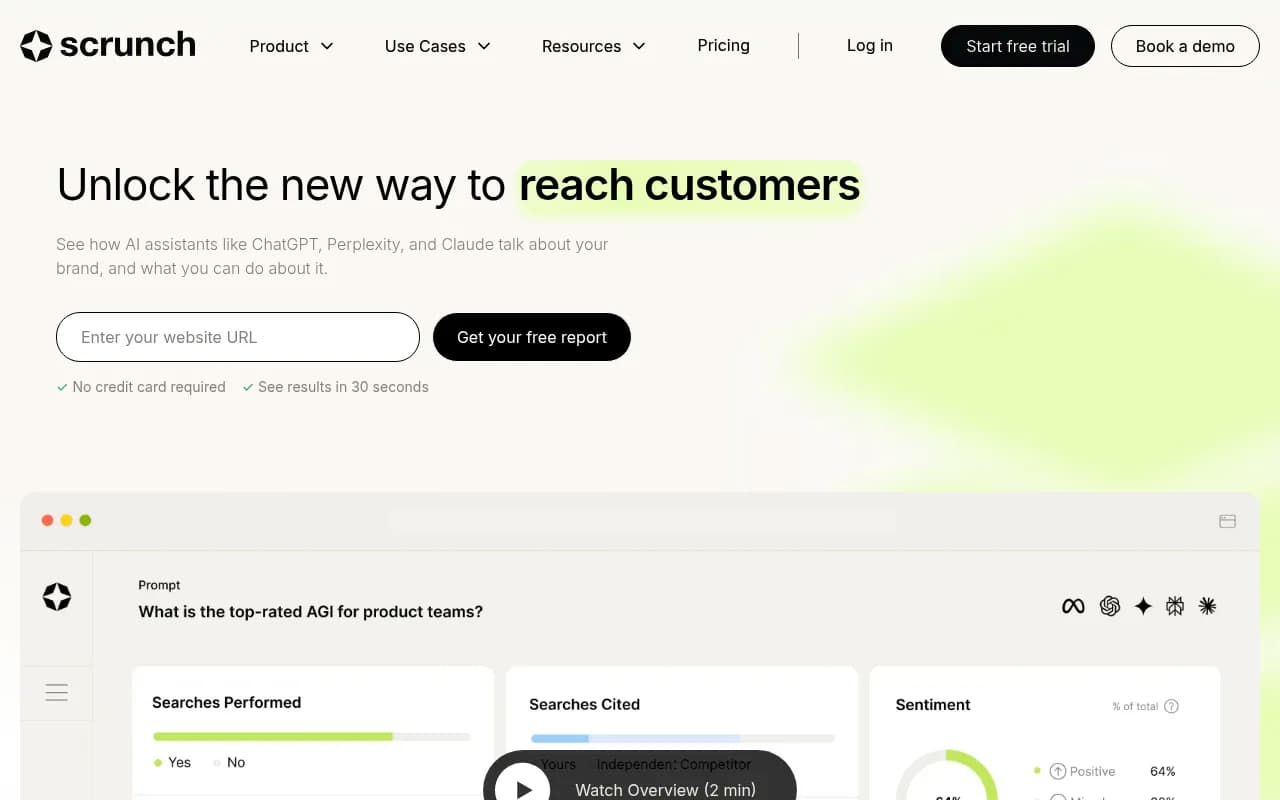
Scrunch gets positive user feedback around support, onboarding, and citation insights.
Listings and reputation tools
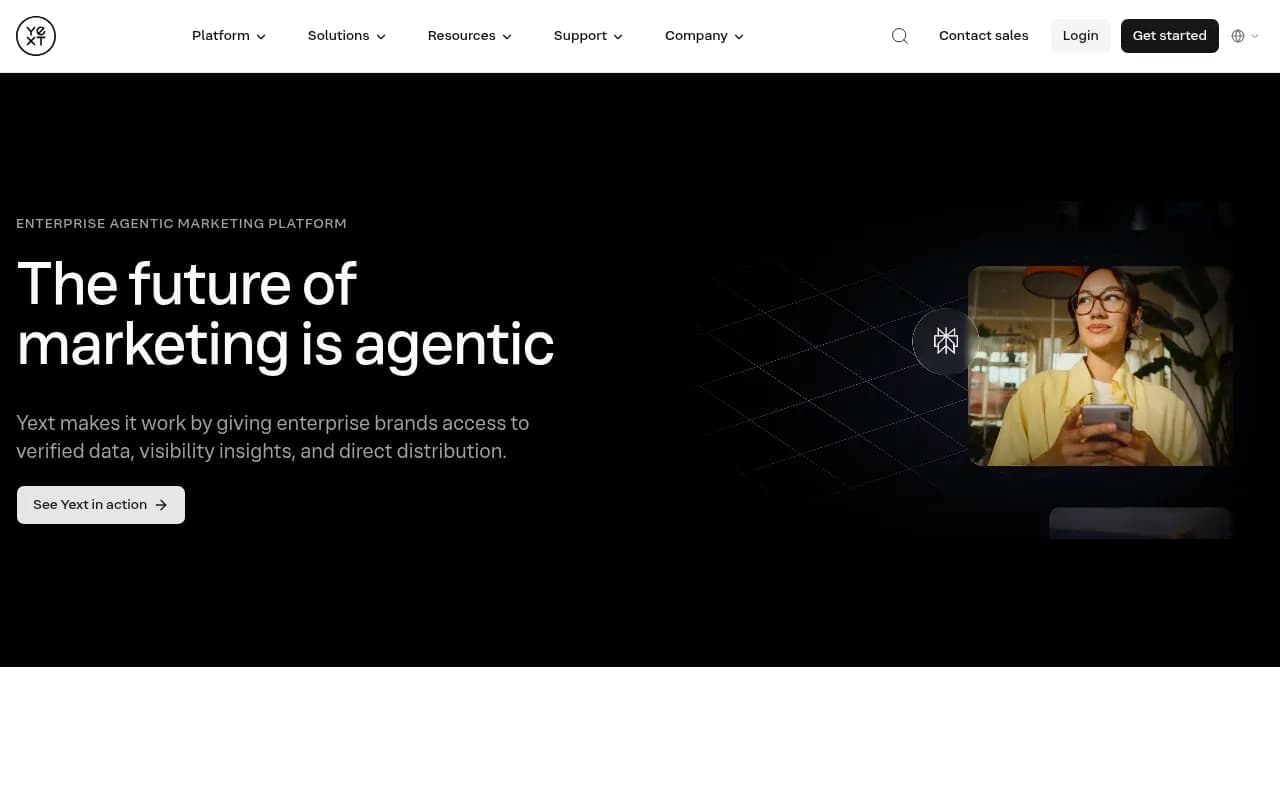
Branded prompts lean on review sites and directories, so the boring stuff matters. Yext helps keep office names, addresses, and hours consistent across listings, and Birdeye handles review requests and responses. Neither is a GEO tool, but both feed the sources AI reads.
For a wider view of the category, the directories at bestgeosoftware.com and ai-rank-tools.com list far more options than I can cover here.
Test before you buy
SearchEye's trial advice is worth copying. A cheap plan gets expensive fast if every city, practice area, model, and refresh frequency eats a separate allowance. During a trial, use at least:
- Two offices, if you have them
- Two separate practice areas
- Direct firm-versus-firm comparisons
- Review-oriented questions
- Commercial-intent questions
Then check four things. Does the report keep offices and practice areas separate? Can you see which sources were cited, not just that you were mentioned? Is history preserved with consistent tracking conditions, so month-over-month comparisons mean something? Can a managing partner read the output without a translator?
Firms with regulated review and approval processes should also look at permissions, audit history, and governance. This applies equally to accounting, financial advisory, and healthcare-adjacent practices.
What to fix on your own site
Tracking only pays off if you act on it. Best Lawyers' GEO guide suggests auditing each priority page for indexing, topic clarity, the location and jurisdiction it covers, freshness, internal links, and whether it's readable by people and machines.

A short checklist:
- Make sure each practice-area and attorney page is indexed and crawlable, since ChatGPT now queries domains directly.
- State the jurisdiction and office on every page. "Family law" is vague. "Family law in Maricopa County, Arizona" is not.
- Add LegalService schema with office locations, as the La Fleur guide recommends.
- Build FAQ content and make pages easy to compare. Promptwatch's content report suggests this for commercial and branded prompts.
- Clean up third-party profiles: bar directories, Google Business Profile, Avvo-style listings, and review sites. Make names, addresses, and practice areas match.
- Refresh content on a schedule. Promptwatch's content half-life data shows landing pages and docs stay cited longest while news loses half its pages within 36 days, so evergreen practice pages are worth maintaining and news-style posts decay fast.
Don't over-invest in social. Promptwatch's social citation data found ChatGPT drew just 0.46% of its citations from social platforms between Sep 28 and Oct 4, 2026, versus 12.2% for Google AI Overviews. Where your prospects search determines whether LinkedIn and Reddit presence is worth the hours.
If you'd rather hand the work to a team, an agency like 1001 SEO Media covers technical SEO, content, and GEO. For in-house teams, a monitoring tool plus a disciplined monthly review is enough to start.
A simple monthly routine
- Run your tracked prompts by office and practice area and note where you appear, where you don't, and who does.
- Check which third-party sources drive the answers where competitors win.
- Pull GA4 AI referral sessions and Search Console impressions and compare to last month.
- Review crawler access on your most important pages.
- Pick two or three fixes: a page to rewrite, a profile to correct, a review request campaign.
- Re-check in four weeks.
Prompt answers vary run to run, so judge trends across many prompts, never a single result. One prompt tells you very little.
Bottom line
For law firms and professional services, the right GEO tool is the one that keeps offices, cities, and practice areas separate and shows the sources behind each answer. Test with real local prompts, report on leading indicators rather than pretending clicks exist, and fix the pages and profiles AI actually reads. Everything else is dashboard decoration.