Key takeaways
- A store needs a tracker that separates text citations from shopping and product cards, and that splits results by prompt intent. A single visibility score hides both.
- Ask exactly what the tool checks: which AI surface, which country, how often, and through the real interface or an API.
- Product pages and landing pages together earn about 39% of ChatGPT citations, so page-level reporting matters more than domain-level mention counts.
- Measure the outcome too. A mention is not a click, and a click is not a sale.
- Start with 20 to 40 prompts, run them for at least 30 days, and only then judge a tool.
Why stores need a different checklist
Most comparison articles about AI visibility tools are written around B2B software. "Best CRM for startups" is a very different prompt from "waterproof hiking boots under $150," and the answers look different too. Product cards, price comparisons, marketplaces and merchant feeds all play a role in retail answers, and a lot of trackers ignore them.
I would not buy anything until I could answer ten questions about it. They are below, in roughly the order I would ask them in a demo. If you want a wider view of the market first, the directories at bestgeosoftware.com and ai-rank-tools.com list far more tools than I can cover here.
Question 1: What exactly does it check, and where?
The Montgomery Group makes a point that I think is the most useful one in this whole space: an AI answer, a mention, a citation and a customer are four different things. Google AI Overviews, Google AI Mode and ChatGPT are separate experiences, and coverage of one says nothing about the others.
So ask the vendor to write down, in plain language:
- Which AI surfaces are checked (ChatGPT, AI Overviews, AI Mode, Gemini, Perplexity, Copilot)
- Whether the data comes from the real user interface or from an API
- Which countries and languages are covered
- How often prompts run
The interface-versus-API distinction matters for shops. User-facing answers, citations and shopping recommendations can differ from what an API returns. Tools like Promptwatch collect from the real interfaces of ChatGPT, AI Overviews, AI Mode, Gemini, Perplexity and others, per country and language. Whatever you choose, get the answer in writing.

Question 2: Does it track shopping and product cards separately?
This is the question that eliminates the most tools. Promptwatch's data on ChatGPT shopping feature usage shows that product cards and price comparisons appear on only a low single-digit percentage of web-search responses. The rate moves in steps: it roughly doubled overnight in late May and fell back weeks later, which looks like OpenAI tuning when cards appear. Cards concentrate on commercial and transactional prompts, where trigger rates are far higher than the average.
Two consequences for a buyer:
- A tracker that only logs text citations will miss the surface that matters most to a store.
- You need to see which brands fill the cards when they do show up.
Promptwatch has ChatGPT Shopping insights on its Business plan, and also covers Amazon Alexa product results (details). Azoma and Goodie AI are in our catalog and aim at AI shopping surfaces too.
I could not verify which other trackers support product-card tracking, so ask each vendor to show it live on a retail prompt, not in a slide.
Question 3: Can it report by page type and prompt intent?
Domain-level mention counts tell a shop very little. Promptwatch's ChatGPT citation share by content type report (Sep 28 to Oct 4, 2026) found product pages are the most cited type at 22.4% of citations, with landing pages at 16.8%. Together that is about 39% of citations going to pages that describe what a company sells.
The split by intent is where it gets useful for a store:
| Prompt intent | Product pages | Landing pages | Other notable types |
|---|---|---|---|
| Commercial | 26.0% | 20.6% | Listicles 15.0%, comparisons 7.9% |
| Branded | 23.3% | 22.8% | Reviews 5.6%, FAQ 4.8% |
| Informational | 19.1% | n/a | How-tos 10.7%, docs 8.5% |
If a tracker cannot tell you which of your own product and category pages were cited, and for what kind of prompt, you cannot decide what to fix. Ask to see a page-level view and an intent filter in the demo.
Question 4: How does it handle prompt selection?
Prompt tracking has no reliable volume data, no stable positions and technically infinite variations. SE Ranking's guide on choosing prompts says the same thing and recommends starting with 20 to 40 prompts, across 2 to 3 AI models, tracked for at least 30 days before drawing conclusions.
For a store, a decent starter set covers:
- Category discovery ("best running shoes for flat feet")
- Comparison ("Brand A vs Brand B trail shoes")
- Price and constraint prompts ("under $100," "vegan leather," "ships to Canada")
- Branded prompts ("is [your store] legit")
- Problem prompts that come from customer service tickets and Search Console queries
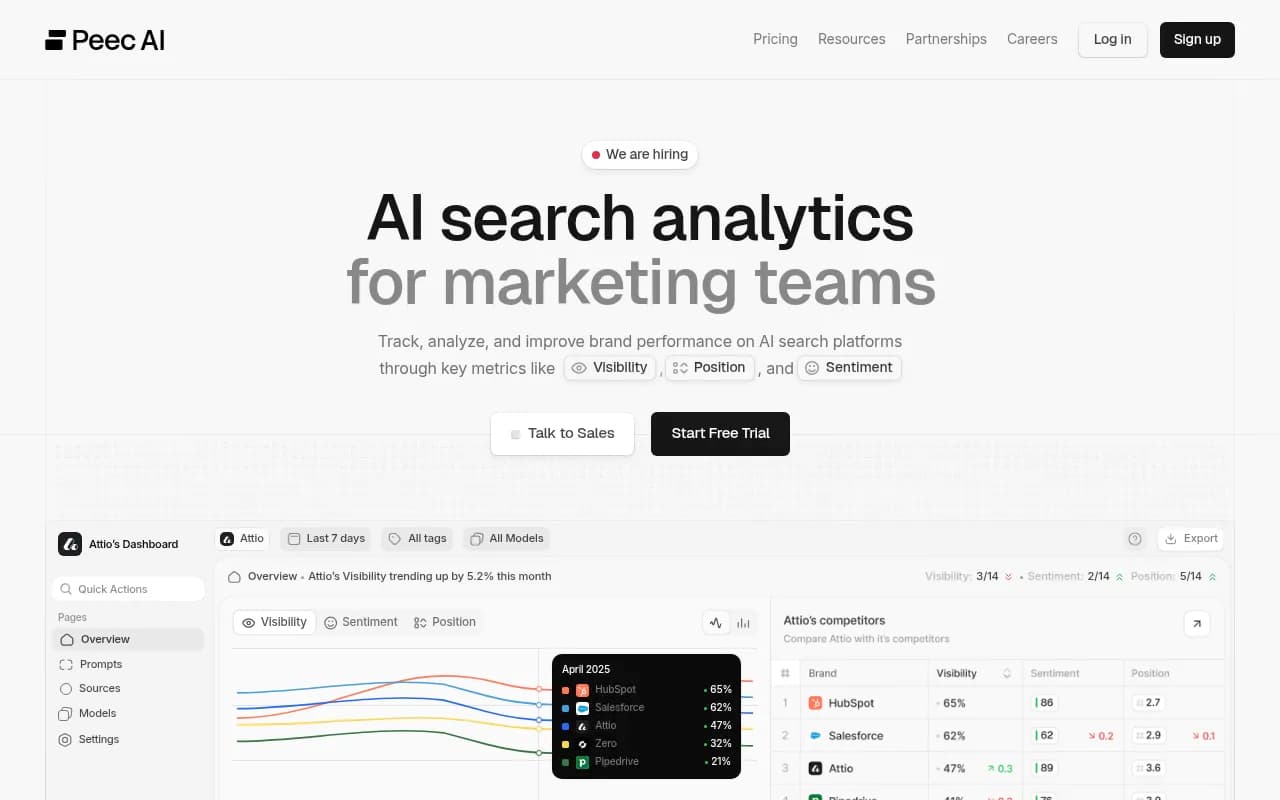
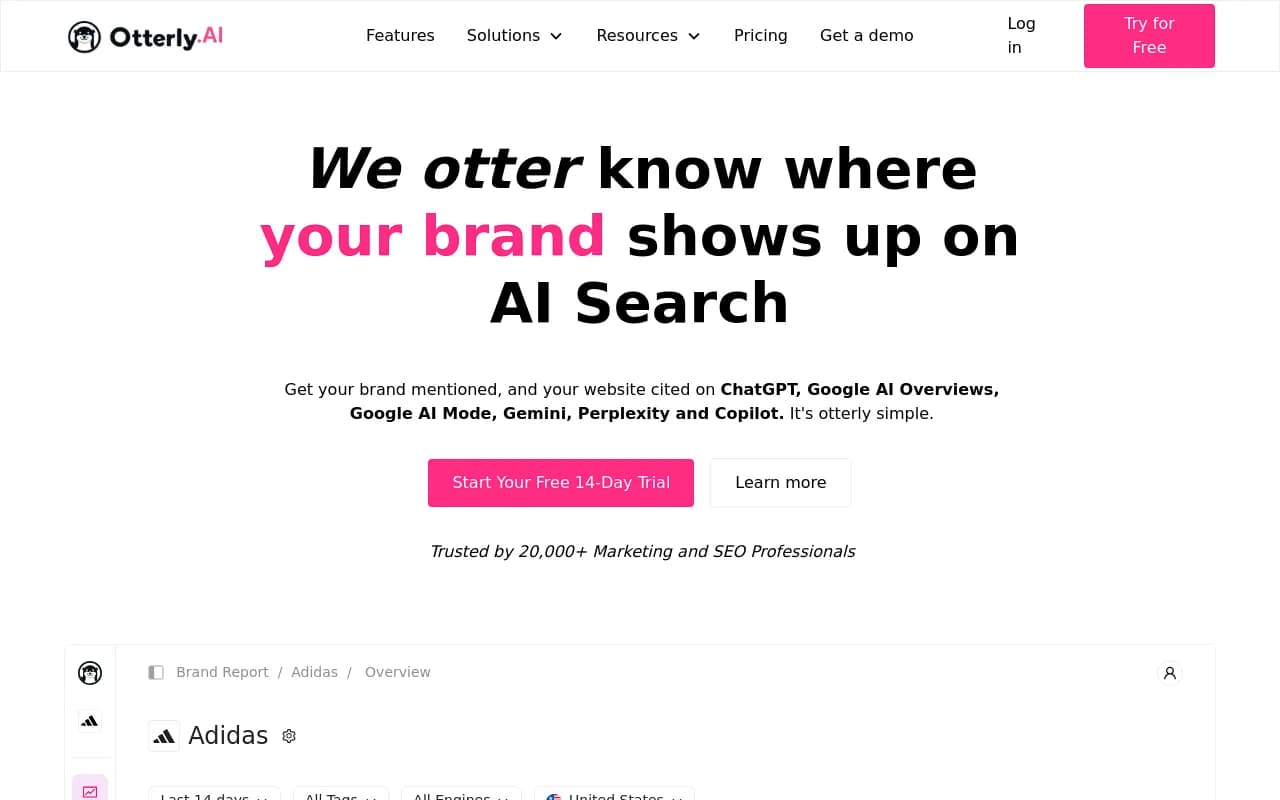
Keep branded and competitor-comparison prompts in their own bucket. Mixed in with category prompts, they inflate your numbers. Good tools help you find prompts (from Search Console, People Also Ask, a page on your site) and attach difficulty or volume estimates. Promptwatch's prompt volumes and Prompt Explorer do this; Peec AI and Otterly are lighter-weight options where you mostly bring your own list.
Question 5: Does it show the queries behind the answer?
ChatGPT does not search with the user's exact words. It generates its own queries, called fan-outs. Promptwatch's ChatGPT query fanouts report shows the average query length falling from about 117 characters in December to roughly 53 in April, which suggests short, keyword-like phrasing is what your pages have to match. On August 8, 2026 ChatGPT also began using the site: operator at scale, from about 0.4% to about 17% of fan-out queries, per Promptwatch Data.
So a tracker that shows fan-outs lets you write headings and product descriptions that match real retrieval queries. Without it you are guessing. There is also a free route: the ChatGPT Query Fan-Out Generator from Promptwatch gives you a rough idea of the sub-queries for any prompt.
Question 6: Will it tell me whether AI bots can read my store?
Online stores break in boring ways. Faceted navigation, JavaScript-rendered product grids, a CDN rule that blocks unknown bots, a robots.txt written in 2019. If GPTBot or OAI-SearchBot gets a 403 on your product pages, no amount of prompt tracking will fix it.
Look for:
- AI crawler logs verified against operators' published IP ranges (not just user-agent strings, which are easy to spoof)
- Per-page error reporting in plain language
- A link between crawls and citations, so you can tell an access problem from a content problem
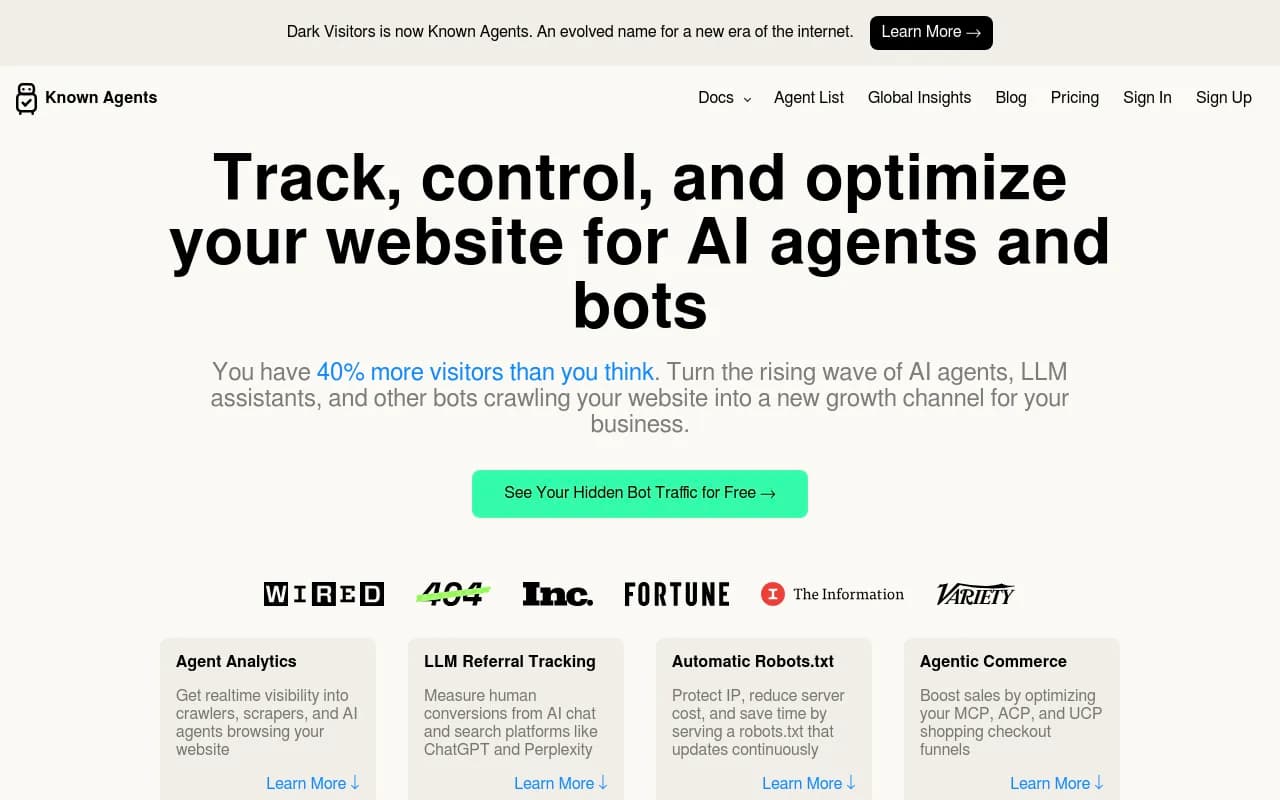
Most prompt trackers lack this entirely. Promptwatch's AI crawler logs cover it, and DarkVisitors is a narrower option focused on agent and bot traffic. For a free first check, use the Agentic Readiness Check and the AI crawler URL inspector.
One more data point on crawler behavior: Promptwatch's AI crawler traffic report is worth a skim to see how much of the load is training versus citation fetching.
Question 7: Does it connect to revenue?
The Montgomery Group's last question is the hardest one: did any of this lead to visits, inquiries or sales? A tracker that stops at a visibility score cannot answer it.
Check whether the tool offers AI-referred visitor analytics, conversion tracking, or at least a clean export into GA4. There is a wrinkle worth raising with every vendor: ChatGPT stopped sending a referrer on October 8, 2026. Ask how they attribute that traffic now. Promptwatch offers an optional setting that counts visits tagged utm_source=chatgpt.com as ChatGPT traffic, and the Academy guide on attributing AI traffic walks through the setup.
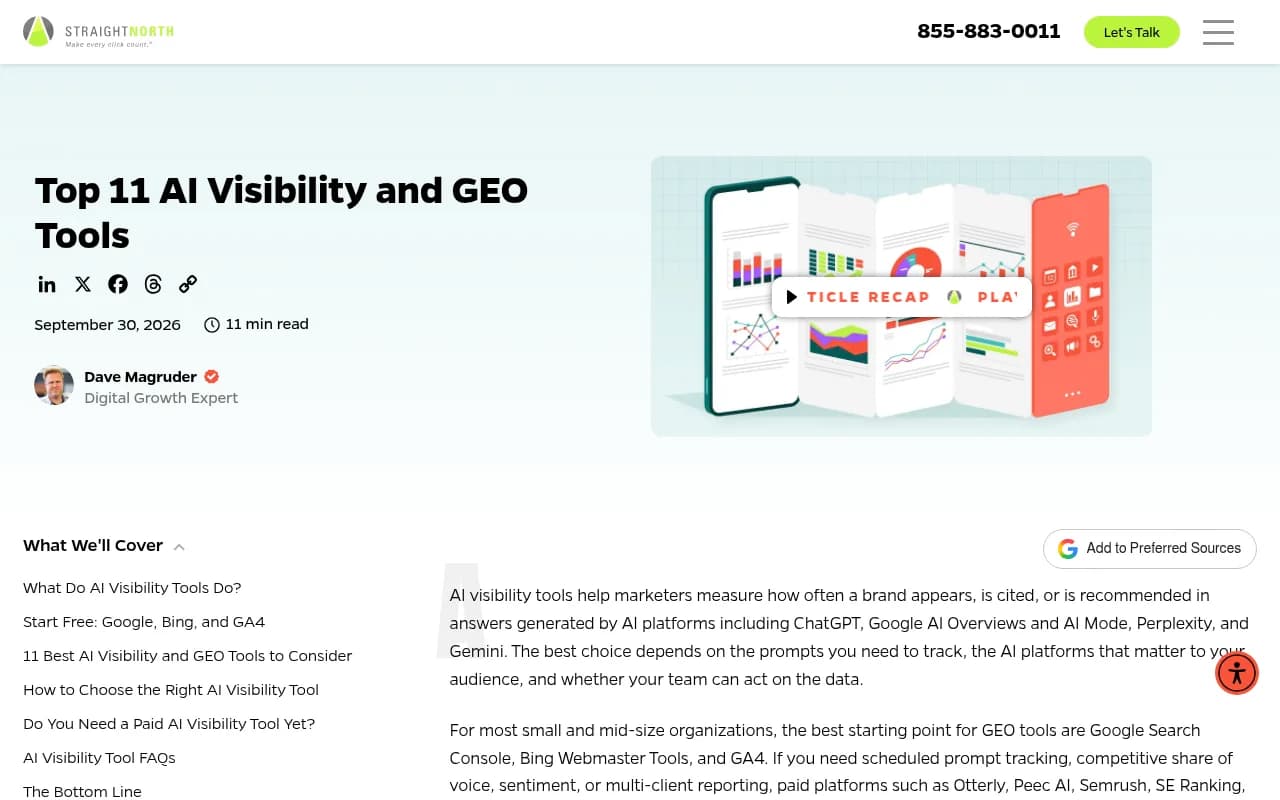
If you want the free baseline, Straight North points to Google Search Console, Bing Webmaster Tools and GA4 as sensible starting points for small and mid-size organizations. They will not run scheduled prompts, but they will tell you whether AI-referred sessions exist at all.
Question 8: Who are the competitors in the data, and who is filling the answers?
In retail-like categories, marketplaces and aggregators often beat brand sites. Promptwatch's automotive citation report is the clearest example: Autotrader and Cars.com outrank every car brand in ChatGPT citations. Your real competitor in an AI answer may be Amazon, a review site or a listicle, not the shop down the road.
Also keep in mind the following from Promptwatch Data:
- Almost half of ChatGPT responses cite 10 or more unique domains (source), so there is room to appear as one of many sources.
- Mid-authority sites (domain rank 46 to 75) earned almost half of ChatGPT citations in August 2026 (source). A smaller store is not shut out.
- ChatGPT cited social media for only 0.46% of citations in late September, while AI Overviews drew 12.2% from social platforms (source). Reddit and YouTube tracking matters more for Google surfaces than for ChatGPT.
So ask whether the tool auto-discovers competitors (including non-obvious ones like marketplaces), shows the cited domains per prompt, and breaks sources into types such as directory, marketplace, editorial and forum.
Question 9: Does it help me fix things, or only report?
A dashboard that says "visibility 23" does not tell you what to do on Monday. Look at what happens after the score:
- Does it map your pages against the prompts AI answers and flag gaps?
- Does it prioritize a to-do list?
- Can it draft or refresh content, and publish it to your CMS?
- Does it re-check whether the fix worked?
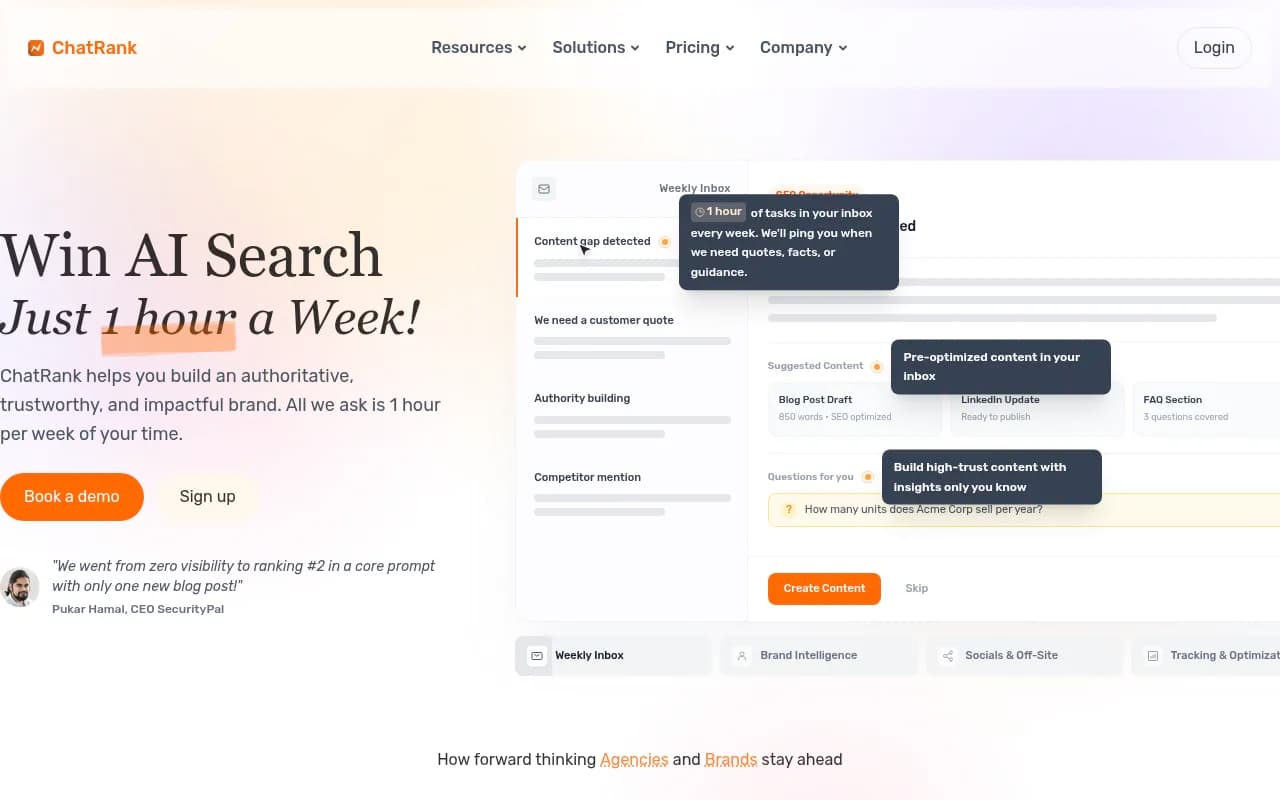
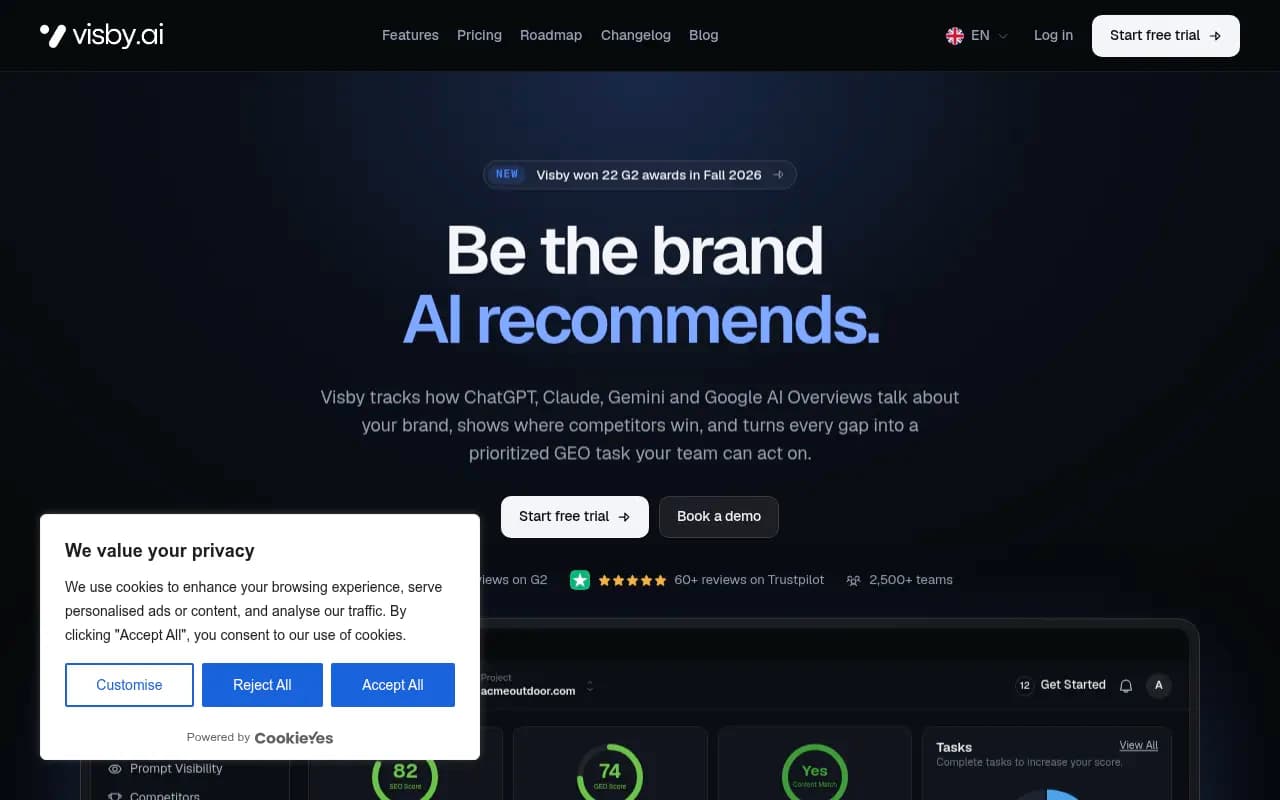
This is where tools split into monitors and optimization platforms. Promptwatch is built as the second kind: content gap analysis, an Action Board, a Content Agent that publishes to WordPress, Webflow or Framer, then page tracking and crawler logs to check the result. Crisp reported 2x higher conversion rates from AI traffic than from traditional channels (case study). Note that the Content Agent starts on the Business plan, so budget accordingly. Several smaller tools also lean toward action, including ChatRank, Visby and Nuwtonic.
Shopify-specific integrations are the one area I could not verify for any vendor, so test your own platform during the trial.
Question 10: What does it really cost at my volume?
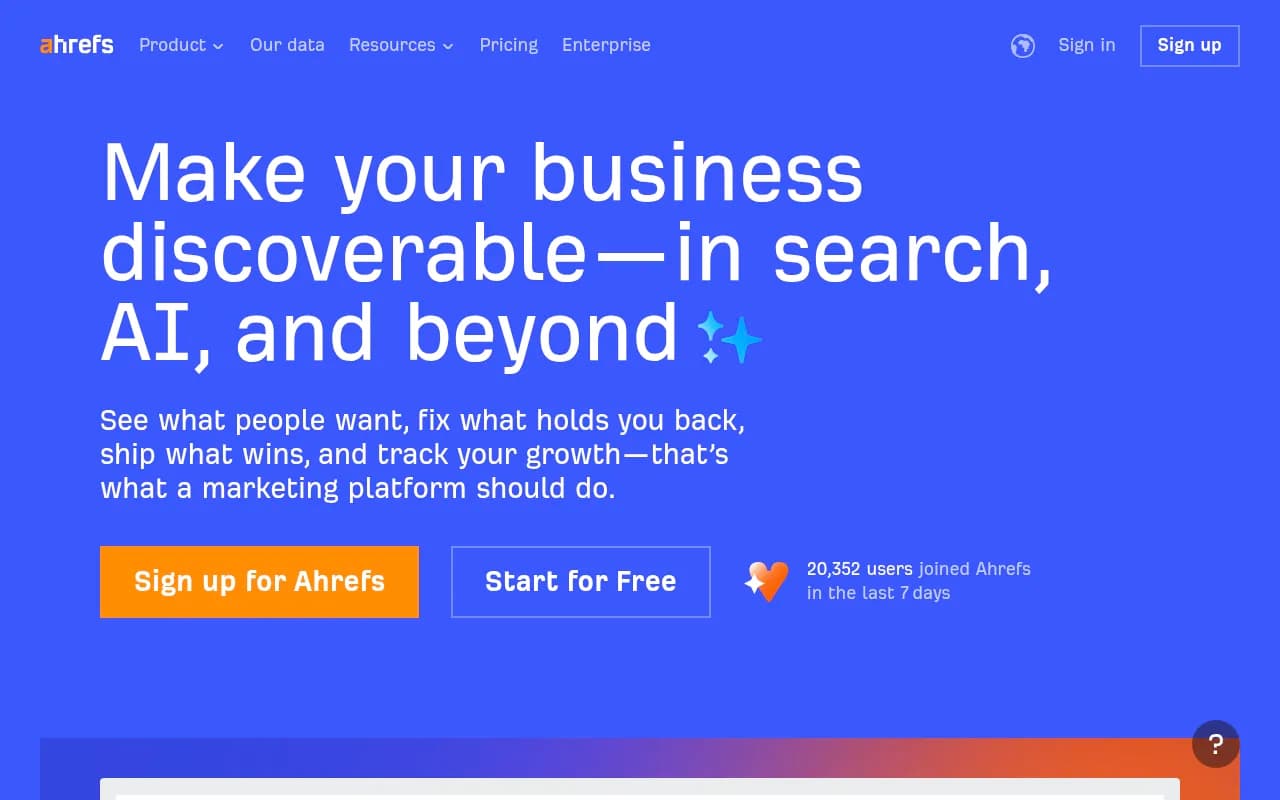
Prompt tracking costs scale with prompts, models, countries and frequency. Ahrefs Brand Radar, for example, is worth pricing in two parts: index coverage and custom prompt checks, plus the allowance already inside your Ahrefs plan. Semrush needs the same scrutiny about which platform each report samples and what your subscription includes.
Before signing, work out:
- How many prompts you need times how many countries you sell into
- Whether all AI models are included or priced as add-ons
- Whether team seats, reports and API access are capped
- What happens when you exceed the response allowance
- Monthly versus annual billing
For reference, Promptwatch lists Essential at $95/mo (50 prompts), Professional at $245/mo (150 prompts) and Business at $579/mo (350 prompts), with a 7-day free trial on monthly billing; confirm current figures at promptwatch.com/pricing. I did not verify current prices for the other tools, so get quotes in writing.
A quick comparison for store owners
| Need | What to look for | Tools worth a demo |
|---|---|---|
| Shopping and product-card tracking | Separate logging of cards vs citations | Promptwatch, Azoma, Goodie AI |
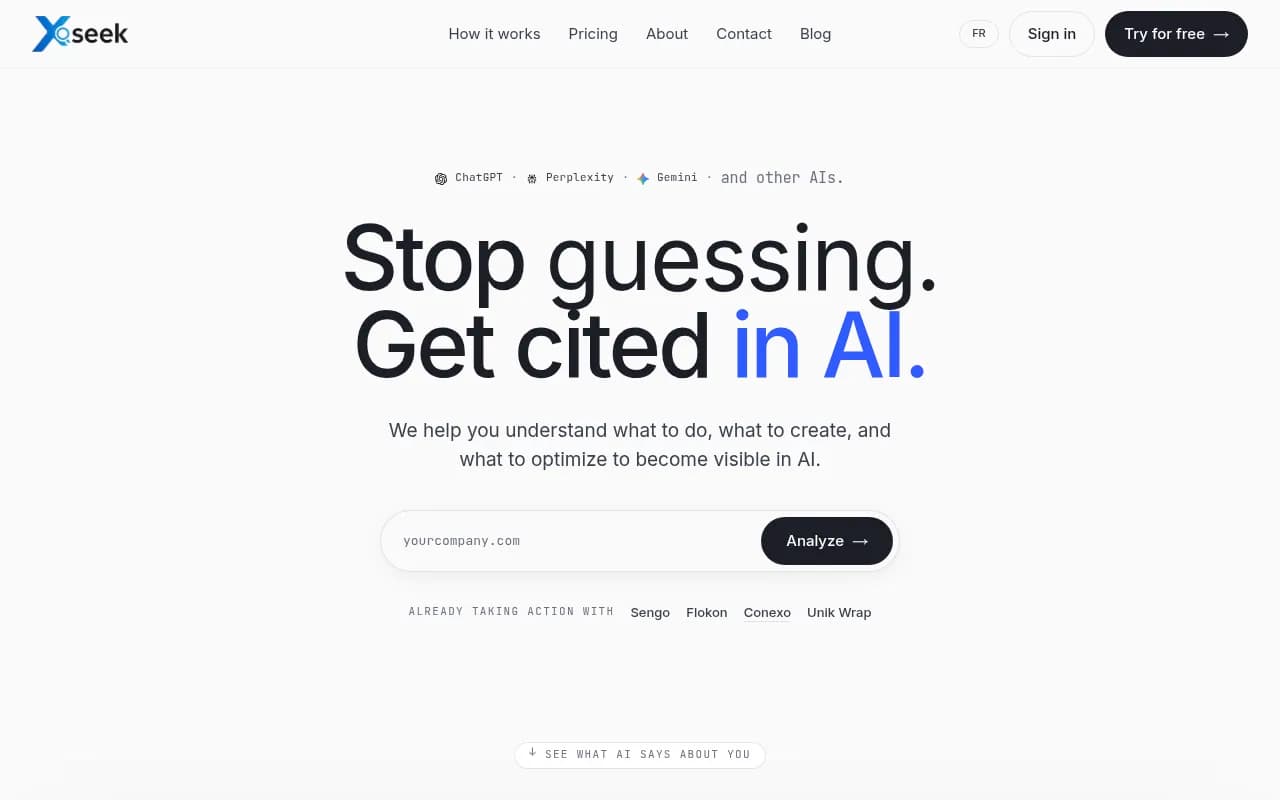
| Page-level citation reporting | Split by page type and intent | Promptwatch, xSeek |
| Crawler access checks | IP-verified AI bot logs | Promptwatch, DarkVisitors |
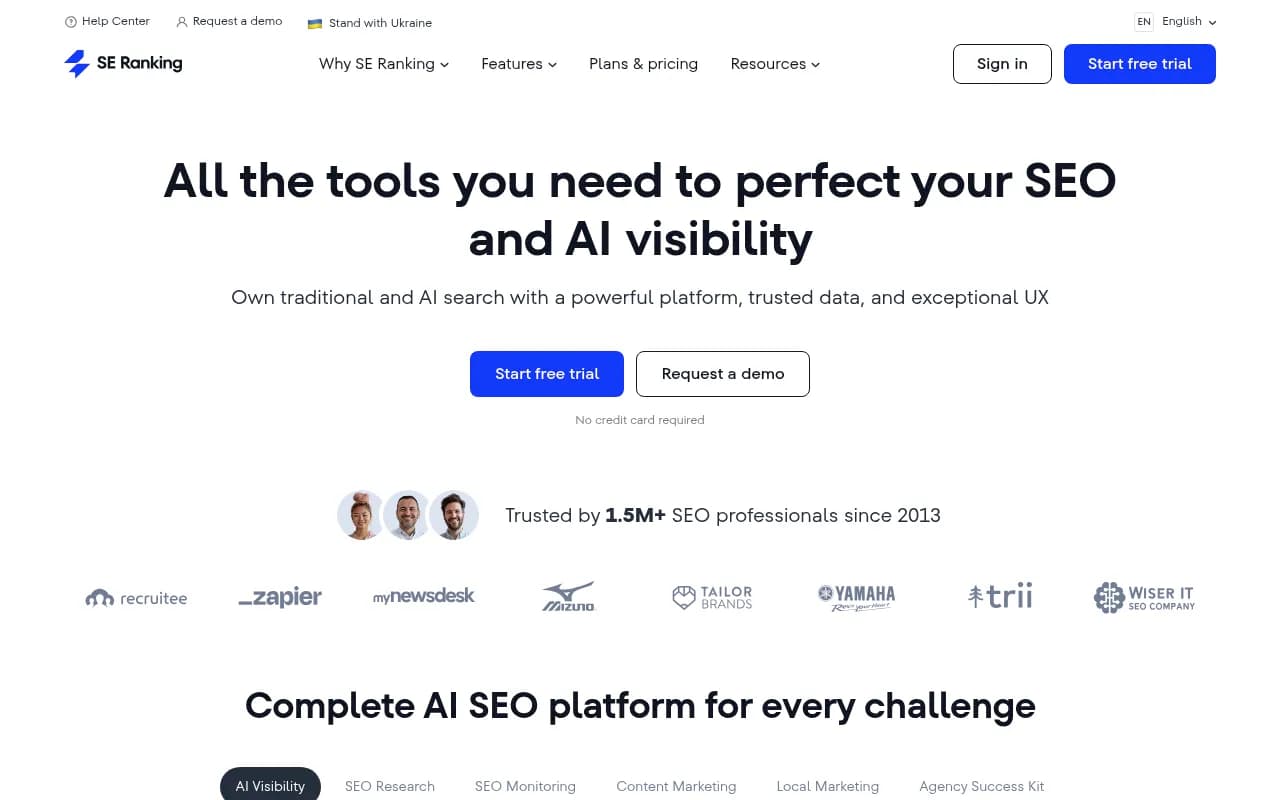
| Add-on to an existing SEO suite | Check sampling and prompt limits | Semrush, Ahrefs Brand Radar, SE Ranking |
| Light, cheaper monitoring | Bring your own prompts | Peec AI, Otterly.AI |
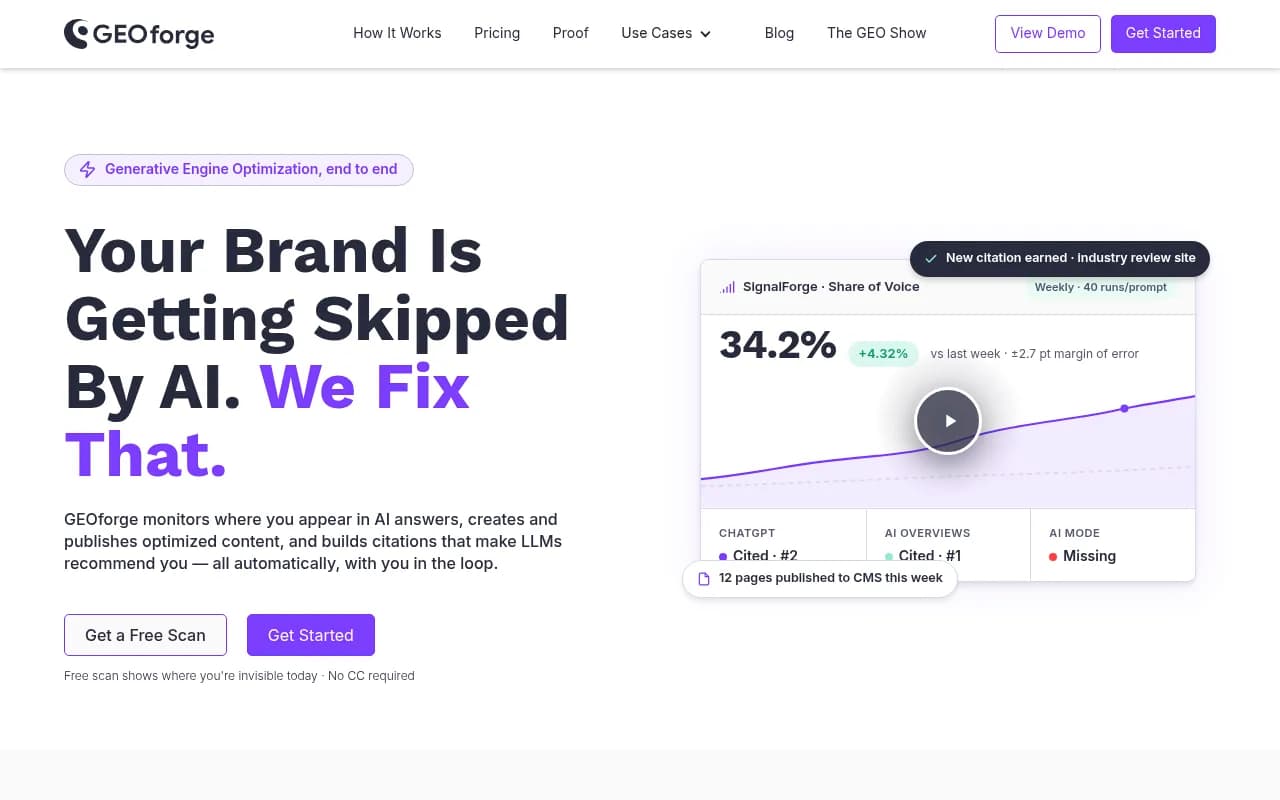
| Closed-loop fixing | Gap analysis, publishing, re-check | Promptwatch, GEOforge |
Running a fair trial
A demo shows the best day of a product. A trial shows the average one. Here is how I would run it:
- Build 20 to 40 prompts from customer questions, Search Console and sales or support tickets. Tag each as discovery, comparison, price-constrained or branded.
- Pick one or two trackers and load the identical list into both.
- Run for at least 30 days. Early swings are mostly noise.
- Check three things: did it record shopping cards, did it show which of your pages were cited, and did it surface a fix you would not have thought of?
- Compare against GA4. If the tool says you are cited but no AI-referred sessions show up, find out why.
If you want a no-commitment look first, the free AI visibility report scans how ChatGPT, Gemini and Perplexity describe your brand without a login. For a more structured plan after you pick a tool, the 90-day GEO program in the Academy is a sensible template.
Final checklist
Print these and take them into every demo:
- What surfaces, countries and frequency are checked, and from the real UI or an API?
- Are shopping and product cards logged separately?
- Can I filter by page type and prompt intent?
- How are prompts chosen and grouped?
- Can I see the fan-out queries?
- Does it verify AI crawler access to my store?
- Can it tie visibility to traffic and conversions?
- Does it show who actually fills the answers, including marketplaces?
- Does it help me fix gaps and verify the fix?
- What does it cost at my prompt count and country list?
A tool that answers eight of these clearly beats one with a prettier dashboard. If a vendor dodges question two or question seven, that tells you what you need to know.