Key takeaways
- "AI search tools" means two different purchases: answer engines you use (ChatGPT, Perplexity, Claude, Gemini) and visibility tools that show whether those engines cite your startup.
- Free tiers are fine for testing. Pay when limits slow real work a few times a week, or when you can name what the paid tier does that the free one can't.
- Rule of thumb: upgrade when the time saved per month is worth more than the subscription at your effective hourly rate.
- On the visibility side, a free check is enough until you have pages worth tracking. After that, a tracker only pays off if it tells you what to fix.
- Content type matters more than most founders think. Product and landing pages are 39% of ChatGPT citations, so complete pricing and positioning pages beat a pile of blog posts.
Two meanings of "AI search tools"
When a founder says they need AI search tools, they usually mean one of two things, and the budget logic is different for each.
The first is an answer engine you use yourself: ChatGPT, Perplexity, Claude, Gemini. You ask questions, you get cited answers, you do market research and competitor teardowns faster. This is a productivity purchase.
The second is AI search visibility. Your buyers are asking those same engines "best CRM for small teams" and you either show up or you don't. Tools here track mentions and citations, and the better ones help you change the outcome. This is a growth purchase.
Mixing the two up is how startups end up paying $20 a month for five overlapping chatbots while having no idea whether ChatGPT recommends them.
Part one: answer engines you use for research
What the plans cost
Pricing is converging. Based on HubSpot's startup roundup and Perplexity's own help center, as of late 2026:
| Tool | Free | Entry paid | Mid | Top |
|---|---|---|---|---|
| ChatGPT | Yes, limited | Go from $8/mo | Plus from $20/mo | Pro from $100/mo |
| Perplexity | Yes, limited weekly usage on top models | Education Pro $10/mo (verification needed) | Pro $20/mo | Max $200/mo |
| Claude | Yes, generous by most reports | Pro around $20/mo | n/a | n/a |
| Gemini | Yes, generous by most reports | Bundled with Google plans or Workspace | n/a | n/a |
I did not verify current Claude and Gemini prices directly, so check their pricing pages before budgeting. Perplexity Pro, ChatGPT Plus and Claude Pro all land at roughly $20 a month, which means price almost never decides this. Fit does.
Free tiers are better than they look, with one catch
One writer who runs AI workshops put it plainly in March 2026: Gemini and Claude have the most generous free tiers, and ChatGPT's free tier got pretty limited once the low-cost Go plan arrived. That matches what I'd expect, since a cheap paid tier gives a company a reason to tighten the free one.
The catch is the hidden cost. Free tools hit usage walls and, per one hands-on comparison, can kick you out during high-traffic periods. That is fine for a Tuesday afternoon experiment. It is not fine when you are prepping an investor update at 11pm.

Pick the one that fits your stack
The most useful framing I found is not "which model is best" because the lead changes every time one is updated. It is "which one fits inside the work and tools you already use."
- Google Workspace shop: upgrading the existing account can give you more Gemini and more usage of NotebookLM, a strong research tool. [tool:notebooklm]
- Microsoft 365 shop: Copilot is the obvious path.
- Starting from scratch: use free tiers of Gemini and Claude first, add a paid plan only when you hit walls.
Perplexity specifically
Perplexity is the one most startups use as a search replacement because every answer comes with sources. The free plan gives cited answers and basic models. I would not quote a fixed daily search count, since older guides list numbers that are now out of date and the official page only says "limited weekly usage" for top models.
Pro at $20 a month adds model selection, Deep Research, file and app search, and 400+ connectors. Max at $200 a month only makes sense if $200 is small next to the time saved, or an employer pays. For a seed-stage team of four, it almost never is.
A simple upgrade test
Two rules from the research agree with each other:
- Test the free version first and write down what you lose by staying free. Upgrade only if you can point to specific ways the paid version makes your work measurably better.
- The paid plan should save more time per month than it costs at your effective hourly rate. If you value your time at $30 an hour and a $20 plan saves you an hour a month, you are already ahead.
Both are blunt, and both work. The founder mistake I see is the opposite: paying for three assistants because each one is "best" at something, then using one.
Part two: AI search visibility for your own startup
This is where startups either waste money or find a real channel.
What the data says about getting cited
Promptwatch Data's ChatGPT citation share by content type report (Sep 28 to Oct 4, 2026) is the most practical thing I read for early-stage teams:
- Product pages are 22.4% of classified ChatGPT citations and landing pages are 16.8%. That is 39% going to pages describing what a company sells.
- Listicles are 13.6%, how-tos 8.7%, documentation 7.5%, comparisons 5.9%, news 5.7%, reviews 1.7%.
- For commercial prompts like "best CRM for small businesses", product pages rise to 26.0%, landing pages to 20.6%, listicles 15.0%.
- For branded prompts, reviews climb to 5.6%.
If you are a startup with a thin blog and a vague homepage, the order of work is clear. Make product and pricing pages complete, get into "best of" roundups, collect reviews, and keep docs public. Blog volume comes last. The content half-life report points the same way: news loses half its citations in about five weeks, while landing pages and docs hold most of theirs for months.
Also worth knowing: per Promptwatch's average sources per response data (published September 2025, so check the live numbers), ChatGPT cites about 5 sources per web-search answer while Google AI Overviews and Perplexity cite about 10. More slots generally means more room for newer or mid-authority domains.
Stage one: free checks
Before paying anything, find out whether you have a problem. Free options:
- Promptwatch's free AI visibility report scans how ChatGPT, Gemini and Perplexity talk about your brand, with a crawler access check.
- The Agentic Readiness Check shows which AI crawlers can read your site.
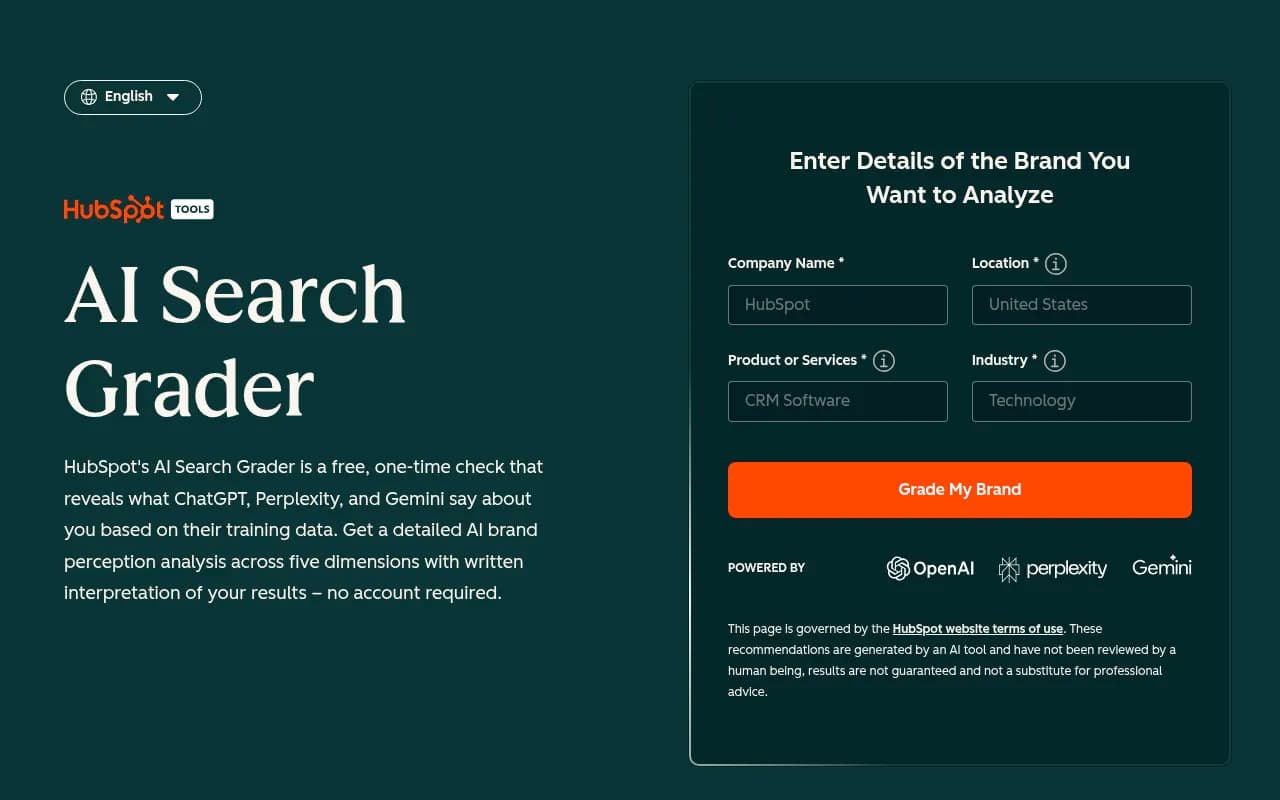
- HubSpot's AEO Grader is a free one-off grader.
- Manually ask ChatGPT and Perplexity ten buyer questions and record who gets named.
This stage is genuinely enough if you have fewer than a dozen meaningful pages or have not shipped a product yet. A paid tracker watching an empty site produces expensive charts of nothing.
Stage two: a cheap tracker
Once you have a live product, a few comparison pages, and someone responsible for growth, repeat measurement beats one-off checks. Visibility moves daily, and one-off screenshots hide that. A budget tracker is reasonable here. The catalog includes several aimed at small teams:
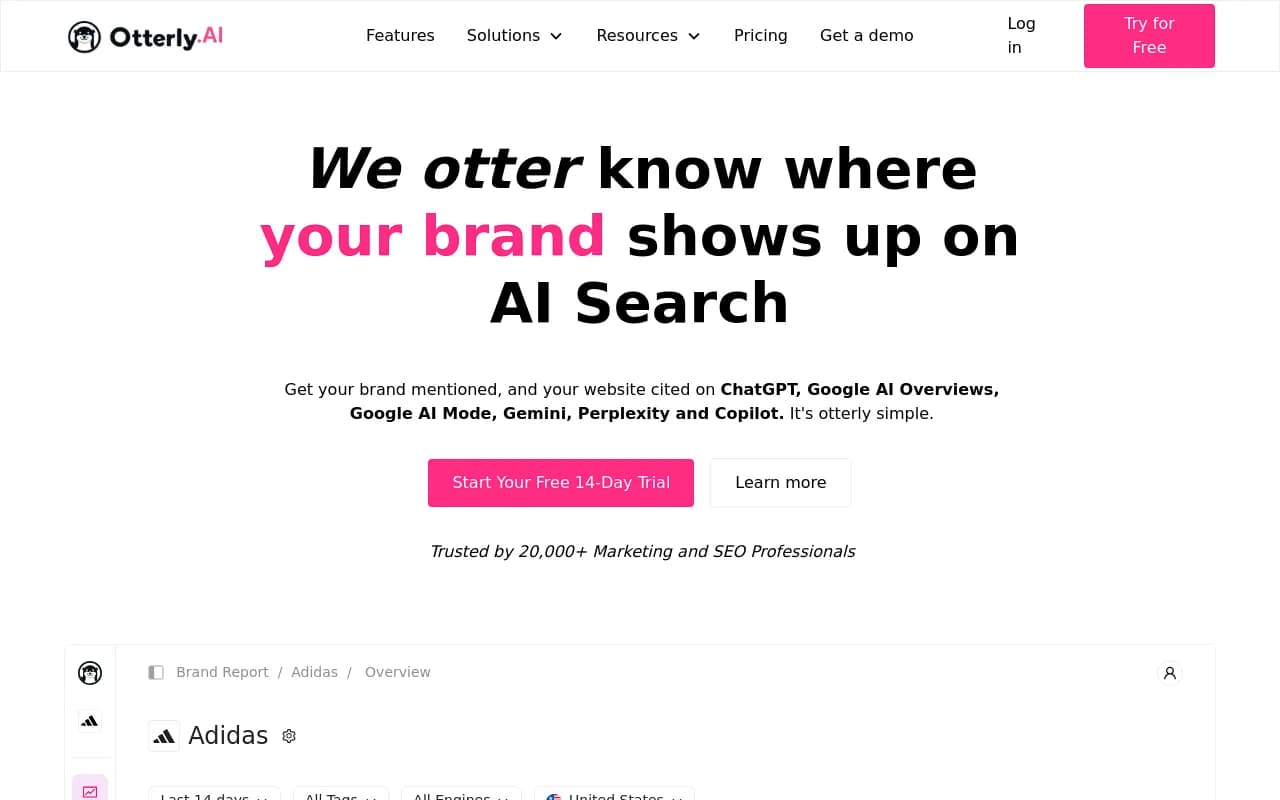
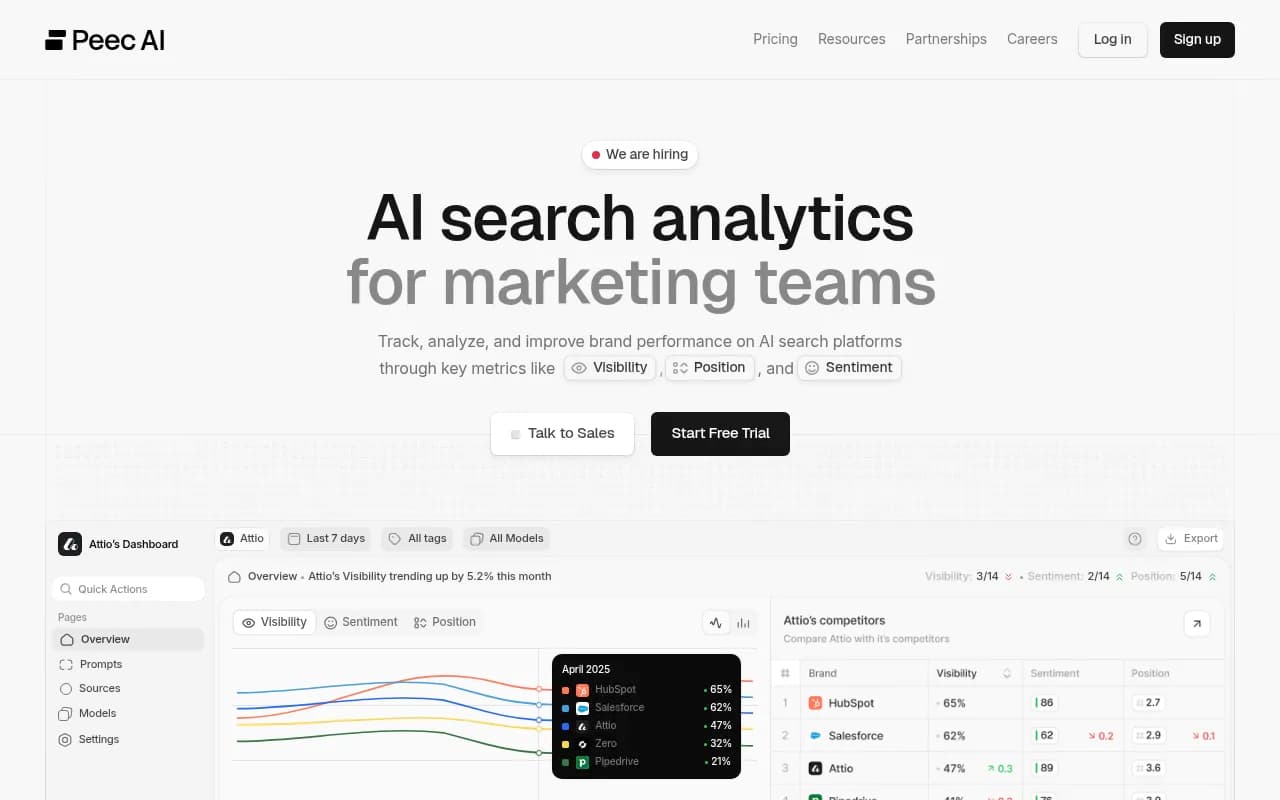
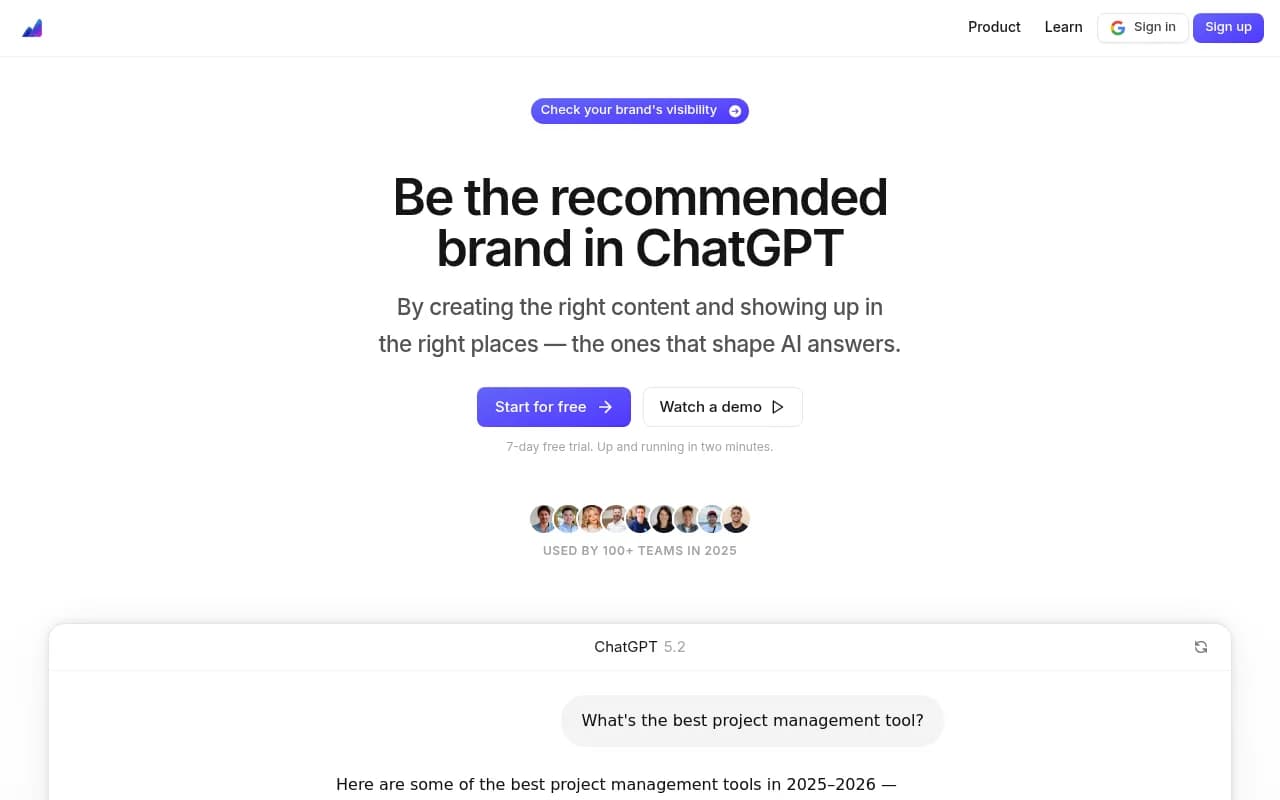
I did not find or verify startup pricing for any of these, so treat the positioning as marketing until you see the pricing page. For a fuller list, the GEO software directory at bestgeosoftware.com is a good place to compare options.
The limitation of this tier is simple. A tracker answers "was I mentioned?" It does not tell you which page to write, whether AI crawlers can even read your site, or whether any of it brought a customer.
Stage three: when upgrading pays off
Move up when at least two of these are true:
- You know you are invisible on prompts that matter and need to fix it, not just watch it.
- You are publishing content regularly and cannot tell which pages get cited.
- AI-referred visitors are showing up in analytics and you want to tie them to signups.
- Crawler access is a suspected problem (blocked bots, rendering issues).
- You are shipping content at a pace where writing it by hand is the bottleneck.
This is the territory of end-to-end platforms. Promptwatch is one example: it monitors prompts across real AI interfaces, traces which of your pages get cited, runs a Content Agent that writes and publishes to WordPress, Webflow or Framer, and shows crawler logs and AI-referred visitors so you can check whether a page worked. It is aimed at the point where monitoring alone stops being useful. Essential starts at $95 a month and Business, the first plan with the Content Agent, is $579, so confirm current numbers at promptwatch.com/pricing and use the 7-day free trial before committing.

The Crisp case study is a useful reference for what "pays off" looks like: the team reported 2x higher conversion rates from AI traffic than traditional channels and scaled to 5 to 10 articles a day. Read it at promptwatch.com/case-studies. One customer is not a benchmark, but it shows the mechanism.
If you want a comparison of other tools first, the AI rank tracker directory at ai-rank-tools.com lists the monitoring-focused ones.
Free vs paid at a glance
| Need | Free is enough when | Pay when |
|---|---|---|
| Research and answers | You hit limits less than weekly | Limits slow real work a few times a week |
| Deep research and file analysis | Occasional use | It saves more time monthly than it costs at your hourly rate |
| Knowing if AI mentions you | You have under a dozen key pages | You need daily tracking across competitors |
| Fixing visibility | Manual page edits are manageable | You publish often and need to know which pages get cited |
| Crawler and traffic proof | You have no AI traffic yet | AI visitors appear in analytics and you want attribution |
A realistic budget by stage
These are my suggestions, not benchmarks. I found no startup-specific ROI studies, only the generic hourly-rate rule above.
- Pre-launch, solo: $0. Free Claude or Gemini, free Perplexity, one free visibility report.
- Launched, 2 to 5 people: one $20 assistant that fits your stack, plus a free visibility check each month. Tracker optional.
- Growing, content-led: one assistant, one visibility platform that connects to your CMS and analytics. Cancel any chatbot nobody opened last month.
- Funded, with a marketing lead: the above, plus whoever runs it. The tool is not the expensive part. The hours are.
Mistakes I would avoid
- Paying for a tracker before your product pages are complete. Fix the page first.
- Buying multiple $20 assistants. Overlap is the most common waste.
- Treating a visibility score as a goal. It is a symptom. Look for the cause: missing page, blocked crawler, no third-party mentions.
- Quoting fixed free-tier limits. They change. Check the pricing page the week you decide.
The short version
Stay free until you can name what you are losing. Pay for the assistant that fits your existing stack. For visibility, start with a free check, graduate to tracking when you have pages worth measuring, and pay for a platform that acts only when watching has stopped teaching you anything new. If you want to browse more options beyond this guide, surferstack.com has reviews and alternatives across the whole category.