Key takeaways
- Many tools labeled "free AI tracking" do not query Google AI Mode at all. They cover ChatGPT, Claude or Gemini, or only AI Overviews. Check the surface before you sign up.
- Free is fine for a spot check: three to five prompts, one market, one afternoon. It breaks when you need history, repeat runs, competitor benchmarks or a number you can show a client.
- AI Mode citations are fragmented and shift month to month, so a single manual check tells you very little about trend.
- Google Search Console now reports some AI Mode impression data for free, which is worth setting up before you pay for anything.
- Paid tools split into trackers that only report and platforms that also tell you what to fix. Decide which one you need.
Why this question comes up now
AI Mode is a different surface from AI Overviews. Overviews sit above classic results as a summary block. AI Mode is a separate conversational experience that runs on more capable Gemini models and answers follow-up questions. Performing well in one says little about the other. Omnia reports, from its own dataset of nearly 30 million citation events, that 63% of AI Mode citations go to domains no other engine cited for the same prompt. That is a vendor statistic, not ours, but it matches what most people see when they compare engines side by side: the sources do not overlap much.
So the first question about any rank tracker is not price. It is whether it actually queries Google AI Mode.
What counts as a free AI Mode tracker
There are really three things people call free:
- A free forever plan or a no-signup checker that returns real AI Mode data.
- A one-time free tool that gives a snapshot with no stored history.
- A free trial, usually 7 days, often asking for a credit card.
Only the first two are free in a useful sense. The trial is a paid product you have not paid for yet.
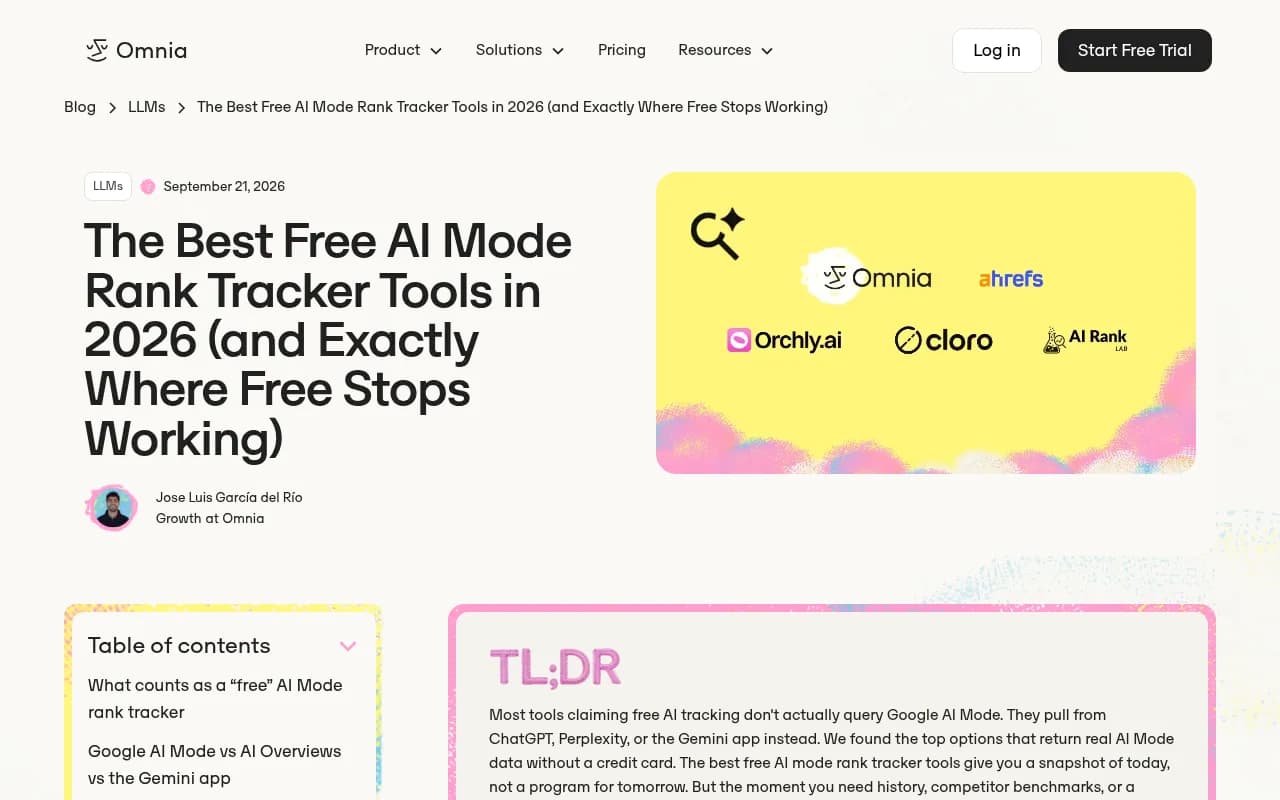
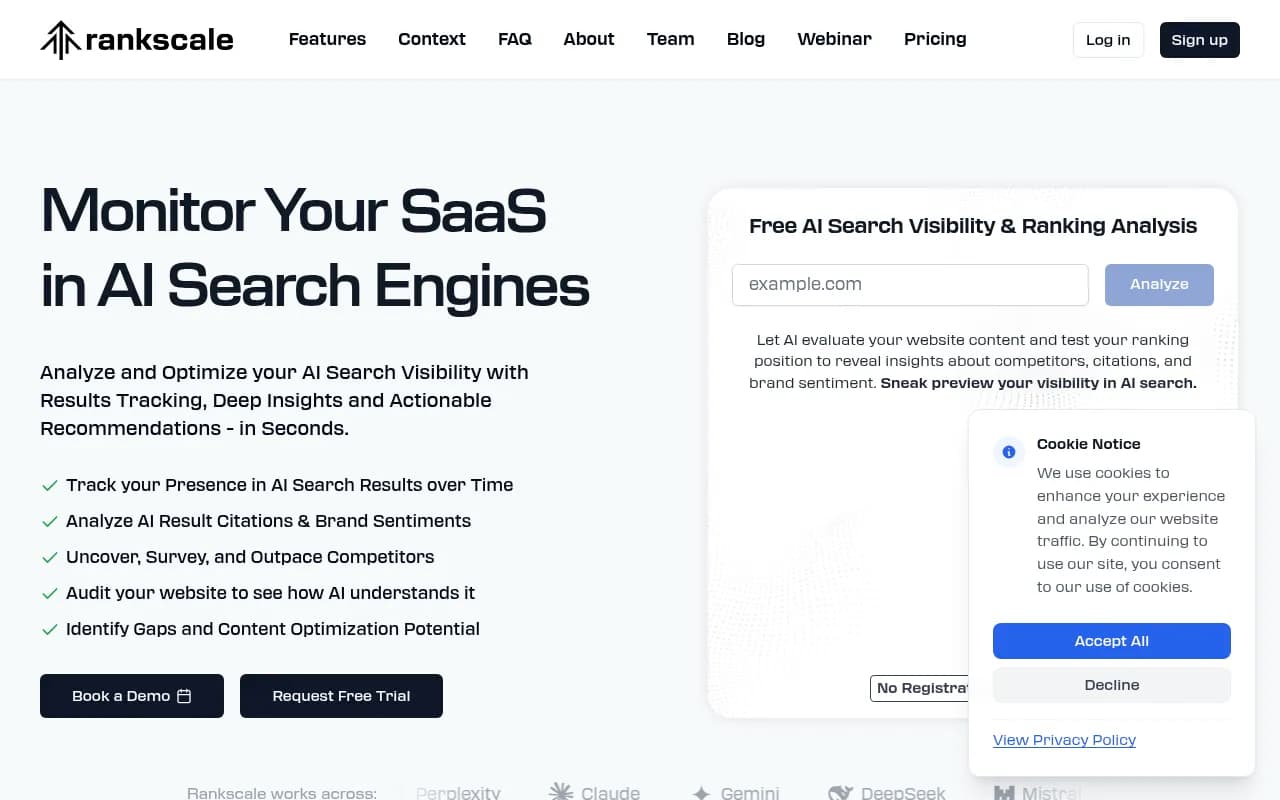
Then there are the disqualified ones. Omnia's roundup calls out BrandPeek, whose free plan covers ChatGPT, Claude and Gemini only, with AI Overviews paid and AI Mode not covered on any tier. Rankscale does track AI Mode, but only on paid plans (vendor-reported from \u20ac20 a month); its free offering is a one-time website audit that checks crawlability and trust signals. Useful, but it is not tracking. Re-check these details on the vendor pages before relying on them, since pricing and coverage change fast.
A useful rule from one comparison I read: when a vendor will not name the surface, assume it does not track it.
The free options that actually work
Manual checking
Open AI Mode, type the prompt, read the answer, note whether your brand or URL appears and which sources are cited. It costs nothing and needs no software. Do it for a handful of prompts you care about and write results in a spreadsheet with the date, location and exact wording.
The problem is not accuracy on the day. It is that the answer you see is one sample. Promptwatch Data's Google AI Mode citation share report for June 2026 shows how unstable the citation mix is: google.com took 7.31% of AI Mode citations in June, up from 4.24% in May, while YouTube slipped from 3.42% to 2.88%. No independent site in the top 17 cleared 1%. When the mix moves that much in a month, one manual look cannot tell you whether you gained or lost ground.
Source counts per answer also drift by engine. Promptwatch's average sources per response data (a 2025 series, with no AI Mode line) shows ChatGPT citing about 5 sources per answer, Google AI Overviews about 10, and Copilot swinging from under 2 to nearly 17 within weeks. Single snapshots are noisy.
Google Search Console
Since June 2025, Search Console includes AI Mode impressions and clicks in performance data. It does not break AI Mode out as neatly as you might want, and it will not show you which competitors were cited, but it is first-party and free. Set it up first. It tells you whether AI Mode is sending you anything at all.
Free checkers and graders
Single-query checkers exist, mostly for AI Overviews. LLM Pulse's roundup of 11 checkers splits them into free one-shot tools (some with a few free checks a day) and continuous trackers. The distinction it draws is the right one: a checker answers "am I in this answer right now," a tracker answers "how has that changed." HubSpot's AEO grader is a free one-off view of answer engine visibility, though it is a grader rather than an AI Mode tracker.
Tools in our catalog worth checking for free or low-cost entry points include Orchly, Knowatoa for AI Overviews and AI Mode monitoring, and Finseo for AI Mode and AI Overviews tracking:
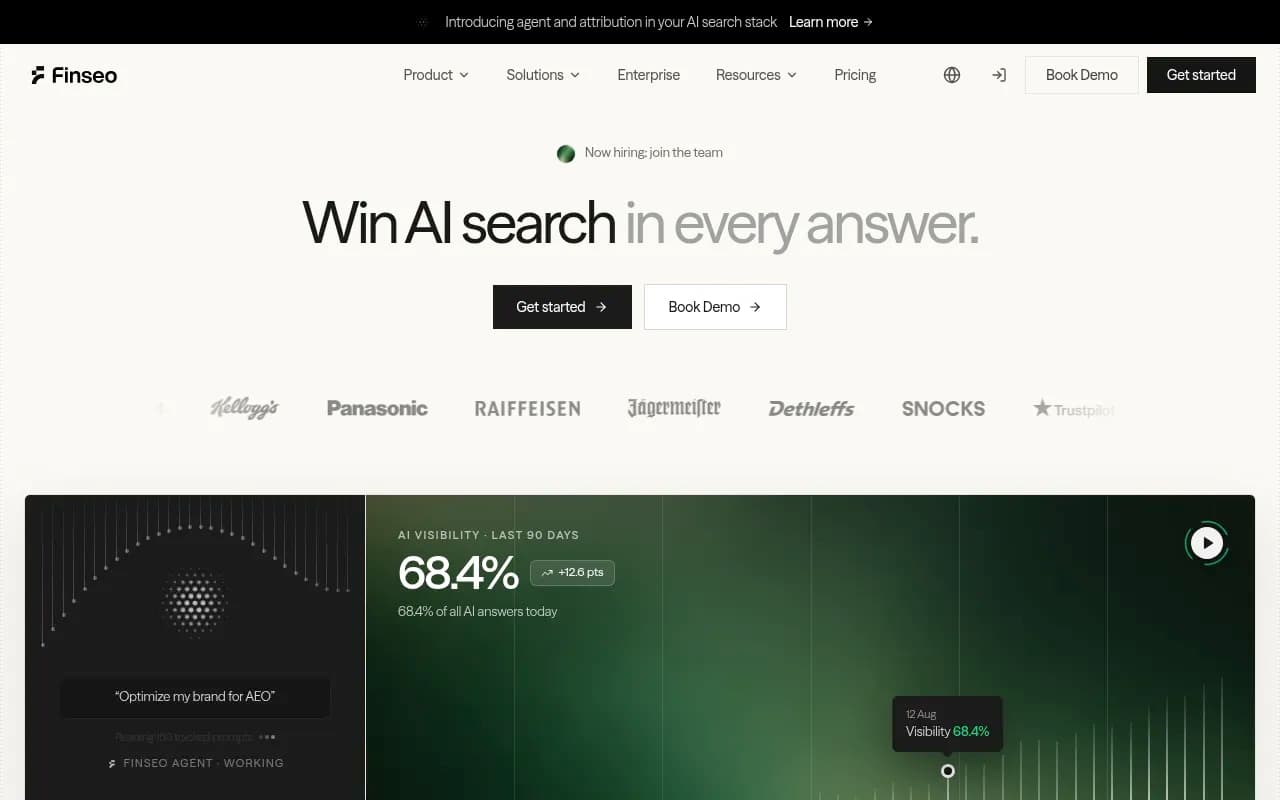
Verify on each site whether the free tier genuinely covers AI Mode before you invest time.
Where free stops working
Omnia puts it neatly: free gives you a snapshot of today, not a program for tomorrow. In practice you hit the wall at one of these points.
You need history
A number without a baseline is trivia. To see whether a content change helped, you need the same prompts run on a schedule before and after. Manually that is a part-time job, and you will skip days.
You need repeatable prompt sets
Phrasing changes answers. A tracker runs the identical prompt set every time, from the same location, so differences reflect the engine and not your typing.
You need competitors
Knowing you appear in 4 of 20 prompts is less useful than knowing a competitor appears in 11. Free tools rarely include benchmarks, and doing it by hand doubles the work.
You need a number to show someone else
A client or executive will ask how the figure was collected. A spreadsheet of screenshots does not hold up. A scheduled, logged tracker does.
You need the why
This is the number-to-action gap. Seeing that visibility fell is one thing. Knowing whether Google-owned surfaces such as Maps or Business Profile took your slot, whether a competitor published something, or whether your page stopped being crawled is another. That is where paid tooling earns its fee, and it is the main dividing line among paid products.
Free vs paid at a glance
| Manual / free | Free checkers | Paid tracker | |
|---|---|---|---|
| Real AI Mode data | Yes, you read it yourself | Sometimes, often AI Overviews only | Yes, if the vendor names the surface |
| History | Only what you log | None | Stored and charted |
| Repeat runs on a schedule | No | No | Daily or faster |
| Competitor benchmarks | Manual | Rarely | Usually |
| Citation and source detail | Manual copy | Limited | Yes |
| Reporting for clients | Spreadsheet | No | Dashboards and PDFs |
| Cost | Your time | $0 | Roughly tens to hundreds of dollars a month |
Paid options worth a look
Pricing changes often. Treat the lines below as orientation and confirm on each vendor's page.
Monitoring-first trackers
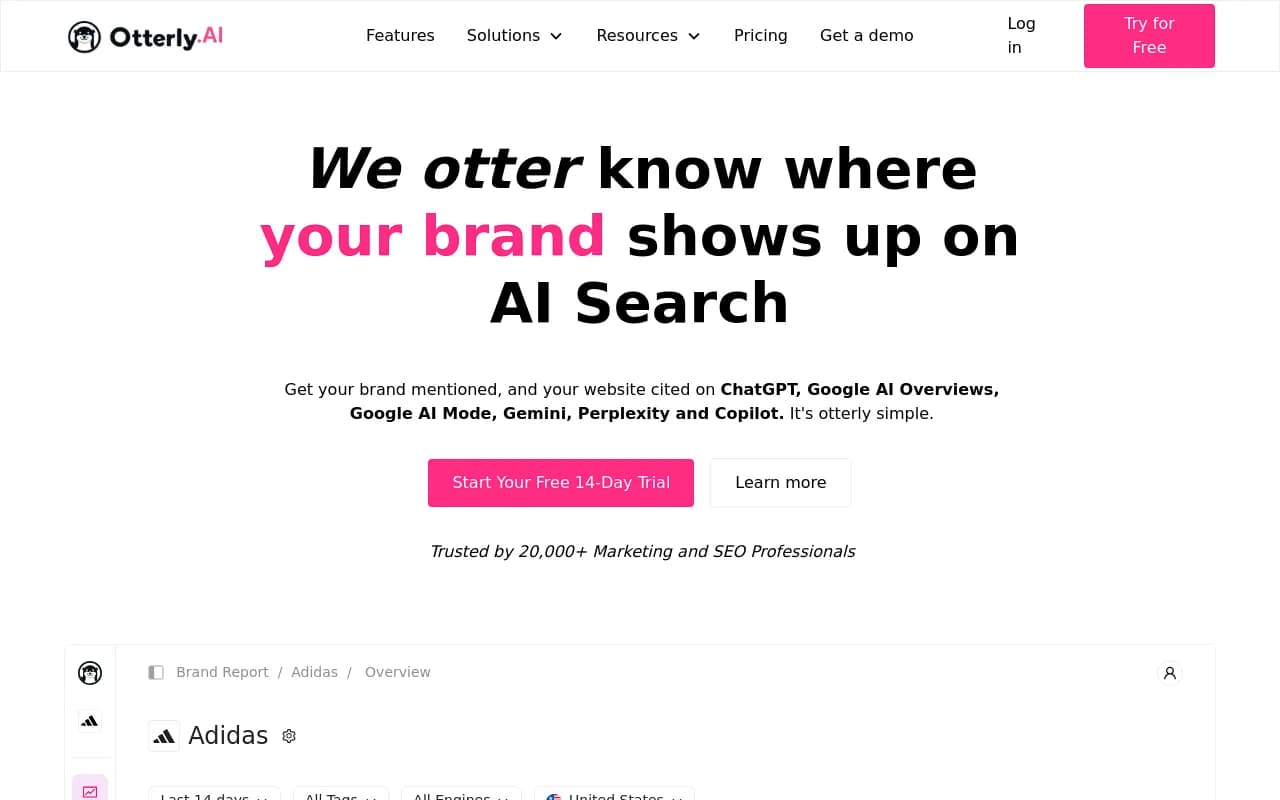
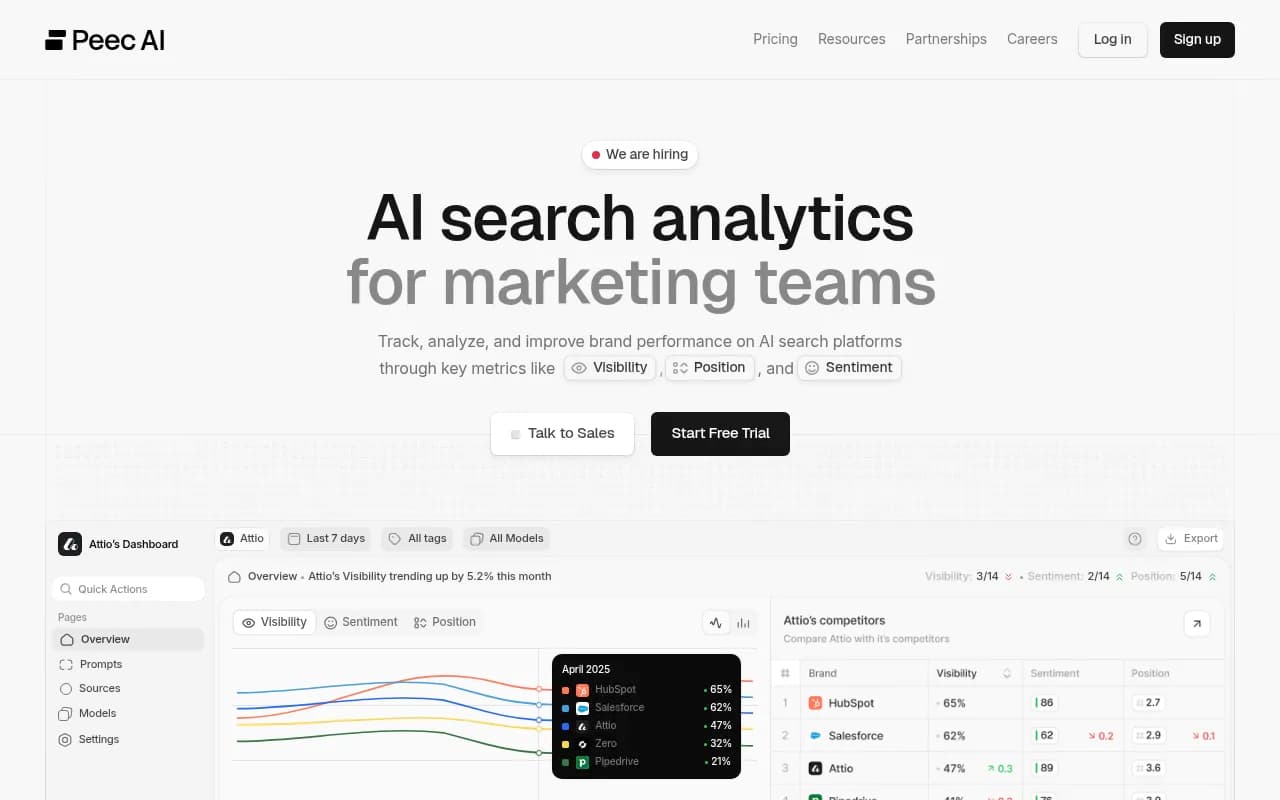
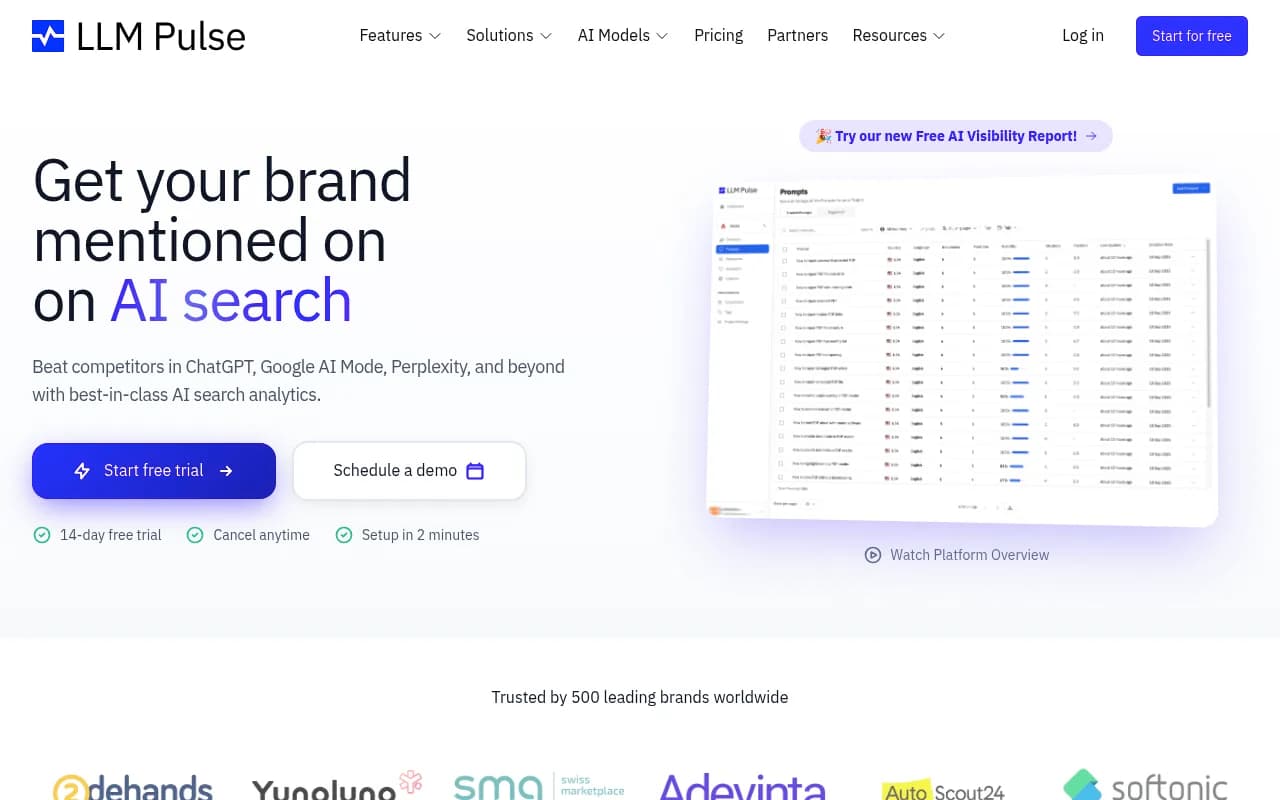
These answer "where do I appear, and how has it moved." Otterly.AI and Peec AI are budget-friendly entries, LLM Pulse covers multiple models, and Rankscale tracks AI Mode on paid plans.
Rank-tracking suites adding AI Mode
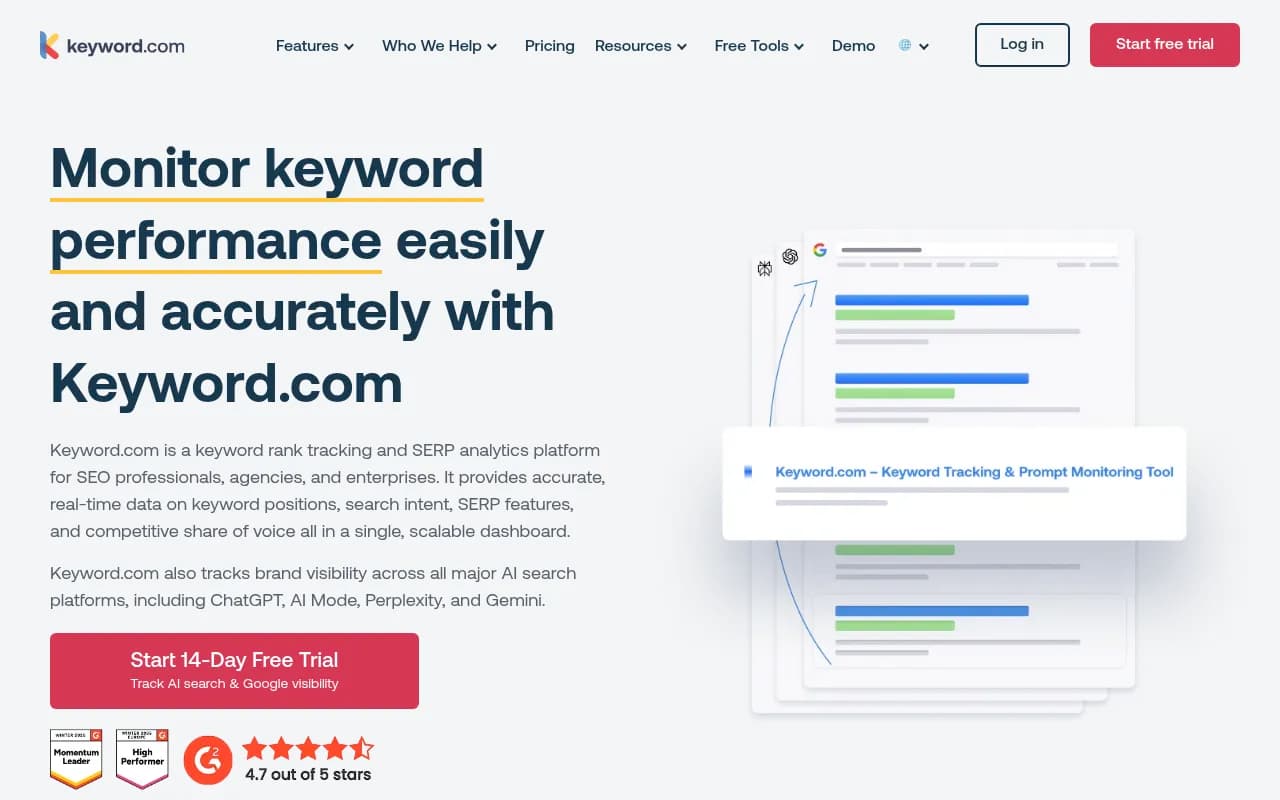
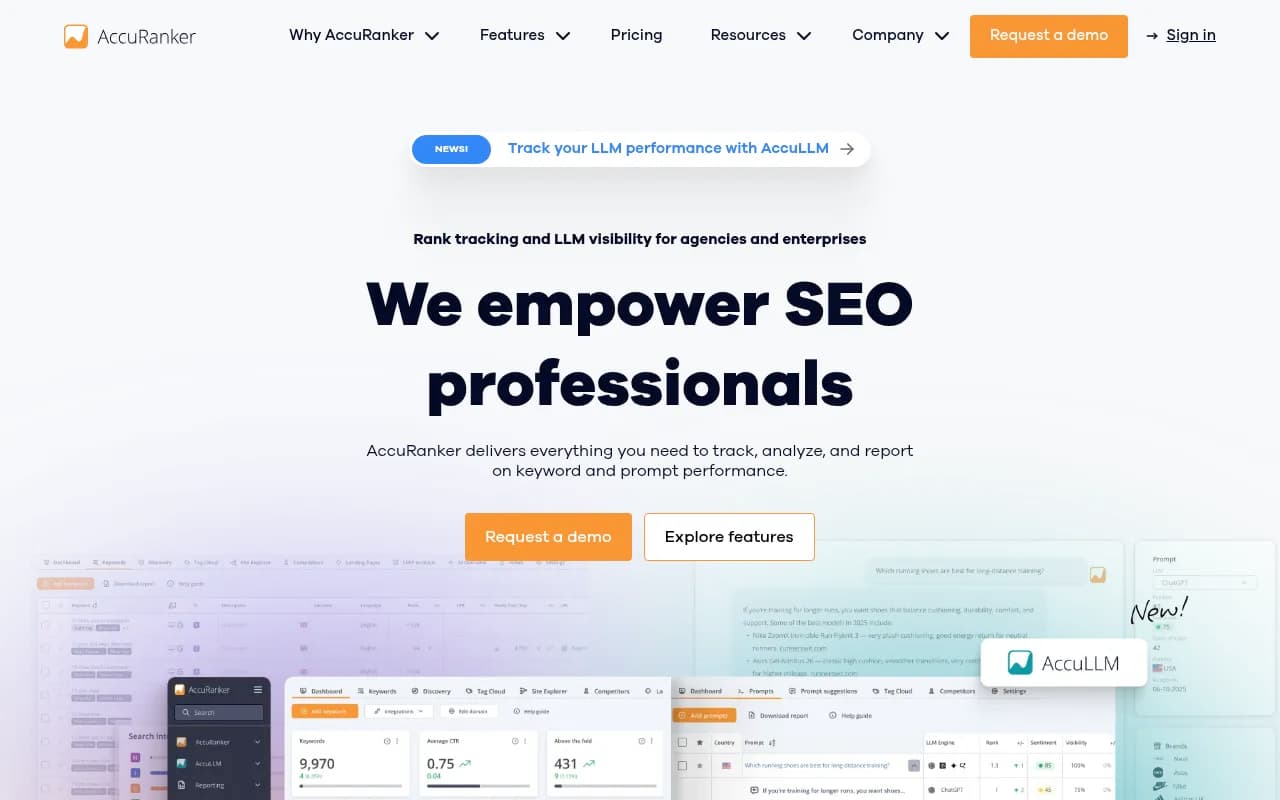
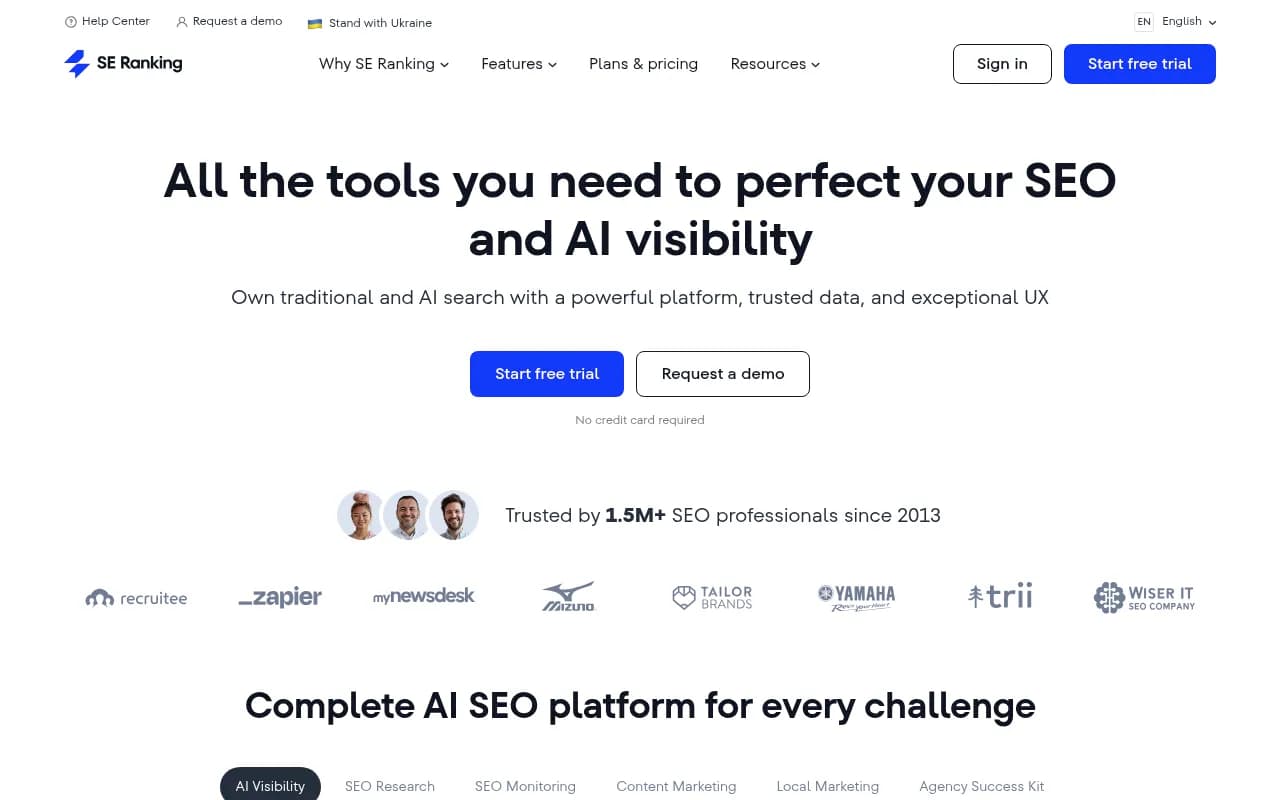
If you already pay for a rank tracker, check whether AI Mode is included before buying another tool. Keyword.com, AccuRanker, SE Ranking and Semrush have added AI search tracking in various forms.
Platforms that also tell you what to do
The cheaper trackers mostly stop at the number. Platforms like Promptwatch go further: they collect answers from the real AI interfaces, including Google AI Mode and AI Overviews by country and language, show which pages get cited, and surface content gaps through an action board and a content agent. They also read AI crawler logs and visitor analytics, so you can tell whether a drop is an access problem or a content problem. Plans start at $95 a month (Essential) with a 7-day free trial; confirm current pricing at promptwatch.com/pricing. There is also a free AI visibility report if you only want a first look.

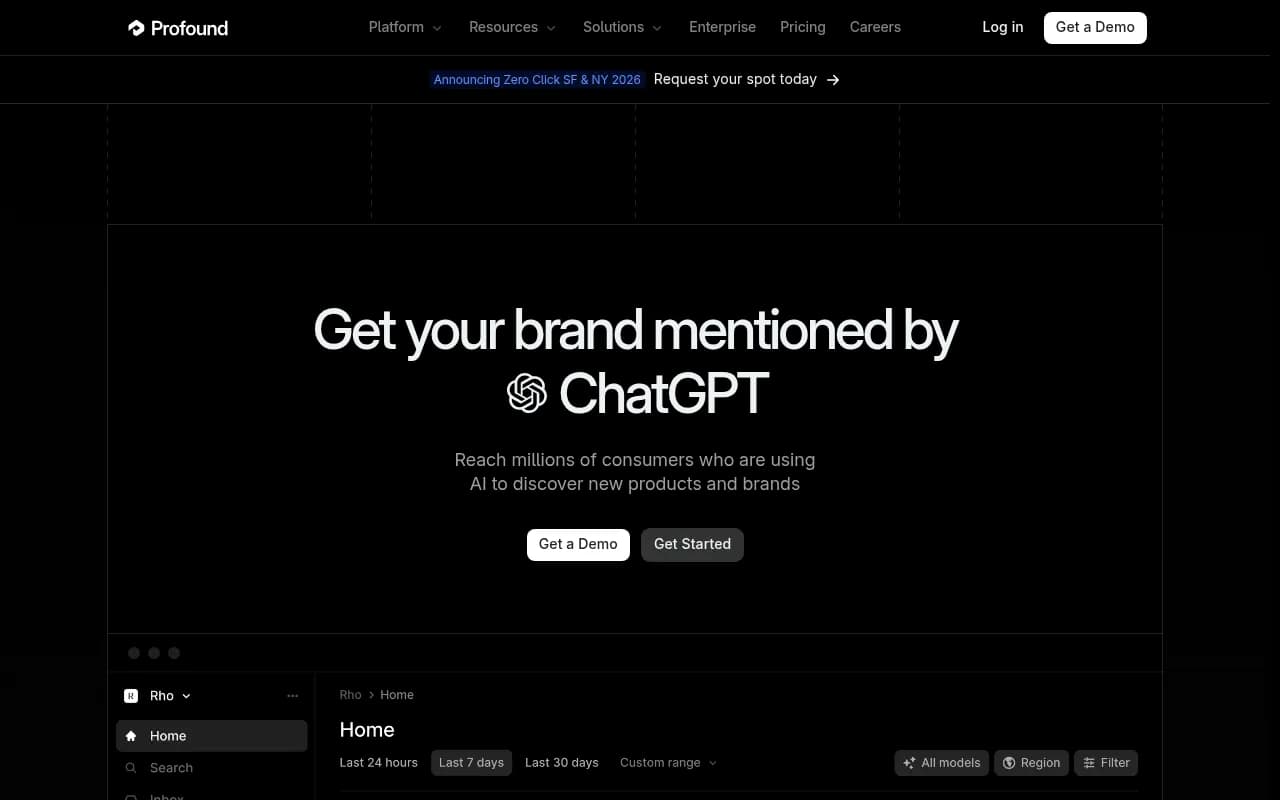
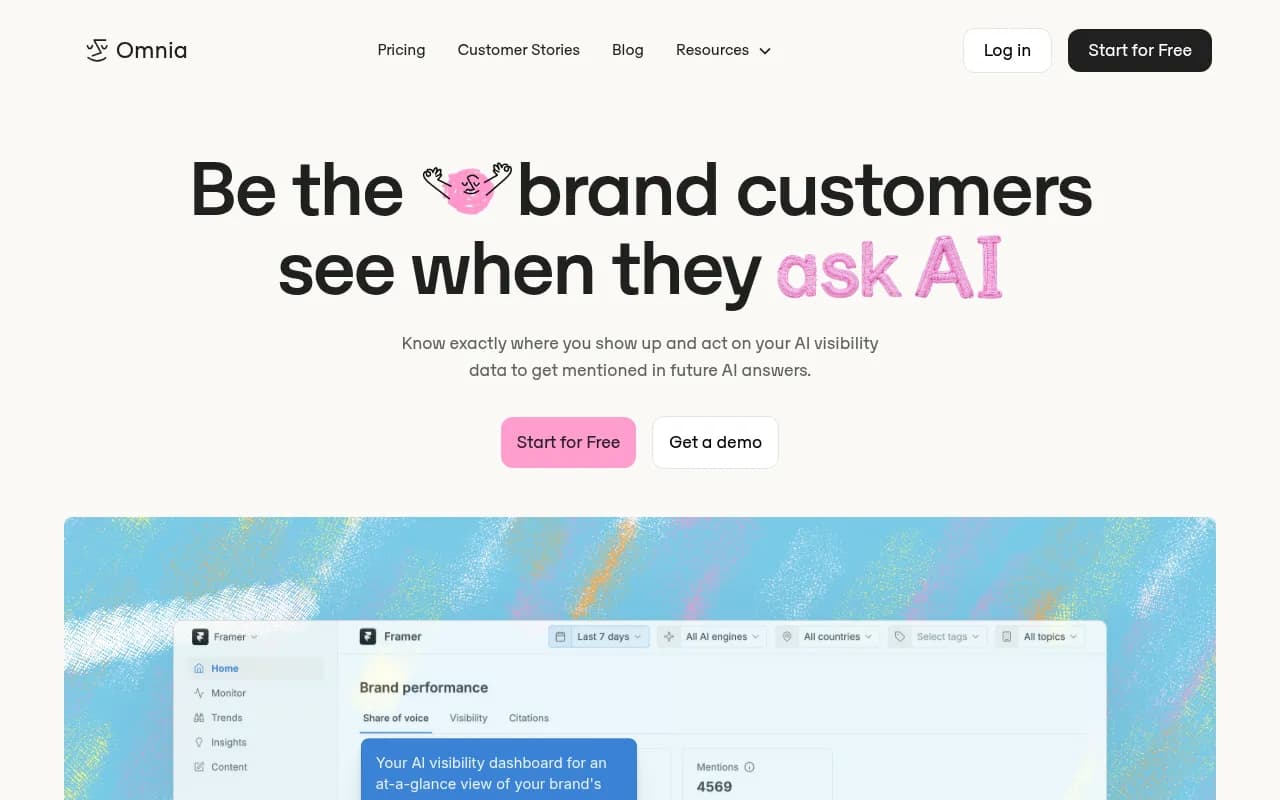
Other tools in this tier include Profound, AthenaHQ and Omnia:

For a wider scan of the category, the GEO software directory at bestgeosoftware.com and the AI rank tracking directory at ai-rank-tools.com list far more options than fit here.
How to test any tracker before paying
One tip from RankMonster's free-tools guide is worth repeating: pick three to five prompts you know trigger AI-generated answers, run them in the tool, then verify the results by hand in AI Mode itself. If the tool says you are absent and you can see yourself cited, or the reverse, walk away. Also confirm:
- The vendor names Google AI Mode explicitly, not just "Google AI" or "Gemini."
- Location and language are configurable, since AI Mode answers vary by market.
- Prompts run on a schedule, and you can see how many responses your plan includes.
- Citations are stored per response, not only a visibility score.
- You can export data, so you are not locked in.
A sensible upgrade path
Start with Search Console and a manual log of 10 to 20 prompts. Run it for two or three weeks. If you notice you are checking daily, copying results into slides or arguing about whether a change is real, you have outgrown it. Move to a low-cost tracker for history and competitors. Move to a fuller platform when the question changes from "where am I" to "what do I publish next and did it work."
If you would rather hand the whole thing to specialists, agencies like 1001 SEO Media run AI search and GEO programs, but you do not need one to get started with the steps above.
The short version
Free tracking of Google AI Mode exists, but it is a spot check. The moment you need a trend, a competitor comparison or a reason, manual checking costs more in time than a paid tool costs in dollars. Pick a tool that names AI Mode, test it against your own manual results, and pay only for the depth you will actually use.