Key takeaways
- A connector means plug in and chart. An API means pull raw rows and build your own pipeline. Know which one you need before you compare vendors.
- Profound is described by third parties as API and SDK first, with no native Looker Studio connector. Treat that as a claim to verify, not a settled fact.
- Otterly.AI and Peec AI both have Looker Studio connectors, but they sit on different plan tiers. Peec's own pricing page puts its connector on Advanced and above.
- A clean export keeps engine, date, prompt type and country as separate columns. Averages hide big differences between engines and prompt types.
- Vendor sources in this space conflict with each other. Check live pricing pages before you buy.
Why the export matters more than the dashboard
Most AI visibility tools have a decent in-app dashboard. The trouble starts when your CMO wants the numbers in the same Looker Studio report as Search Console and GA4, or your analyst wants to join prompt data to revenue in BigQuery.
Then you find out what the tool actually lets you take with you. Some give a CSV button. Some give a connector. Some give an API and a polite suggestion to write your own pipeline.
I think this is the most under-checked part of buying in this category. People compare prompt counts and engine lists, then discover on month two that exporting needs a plan upgrade.
One naming note first. Funnel reports that Google renamed Looker Studio to Data Studio in April 2026, and vendors still use both names. This guide uses Looker Studio, since that is what most connector docs still say.
Funnel's argument is worth reading even if you never buy their product: most teams do not have a visualization problem, they have a data harmonization problem. If the exported fields are messy, a new BI tool just draws the mess in nicer colors.
Connector, API or CSV: pick the right export path
These three get conflated in vendor marketing, and they solve different problems.
| Export path | What you get | Best for | Watch out for |
|---|---|---|---|
| Native connector | Plug into Looker Studio, often with a template | Marketing teams, agency client reports | Fixed fields, plan gating, Google's 5-source blend cap |
| REST API / SDK | Raw rows you shape yourself | Warehouse pipelines, BigQuery, dbt | Needs engineering time |
| CSV or Sheets drop | Manual or scheduled files | One-off analysis, small teams | Fine for reporting, weak for pipelines |
The pattern that shows up most in practice is export to Sheets or BigQuery, then Looker Studio on top. It is less glamorous than a native connector, but it survives vendor changes better.
Funnel also notes that Google caps data blends at five sources and that slow loading is a common complaint. If you are planning a dashboard that blends AI visibility, GA4, Search Console, CRM and ad data, you will hit that ceiling. A warehouse in the middle avoids it.
What a clean export should contain
Before comparing tools, decide what columns you need. Promptwatch Data gives a good reason to be picky here.
In Promptwatch's average sources per response data, ChatGPT cites about 5 sources per web-search answer, Google AI Overviews about 10, and Perplexity almost exactly 10. Copilot swung from under 2 to nearly 17 within weeks before settling at the low end. Since those averages drift, an export that drops engine and date as dimensions is close to useless for trend work.
Prompt type matters just as much. In Promptwatch's unique domains per ChatGPT response report (Sep 28 to Oct 4, 2026), 47.6% of responses cited 10 or more domains. But for organic prompts that rose to 52.5%, and for brand-specific prompts it fell to just 21.3%. A blended average hides that gap completely.
A minimum field model, based on what the better connector guides recommend:
- Presence: coverage %, mentions, average position, share of voice
- Citations: count by domain, citation share, top cited URLs
- Segments: prompt tag, topic, prompt type, engine, country, competitor set
- Time: a date column on every row, not just a period summary
Build two views on top. An executive rollup with weekly trend and competitor deltas, and an analyst drill-down with prompt clusters and sources.
Where Profound stands on exports
Profound is a strong monitoring product, and this guide is not trying to knock it. But the export story is where people look for alternatives.
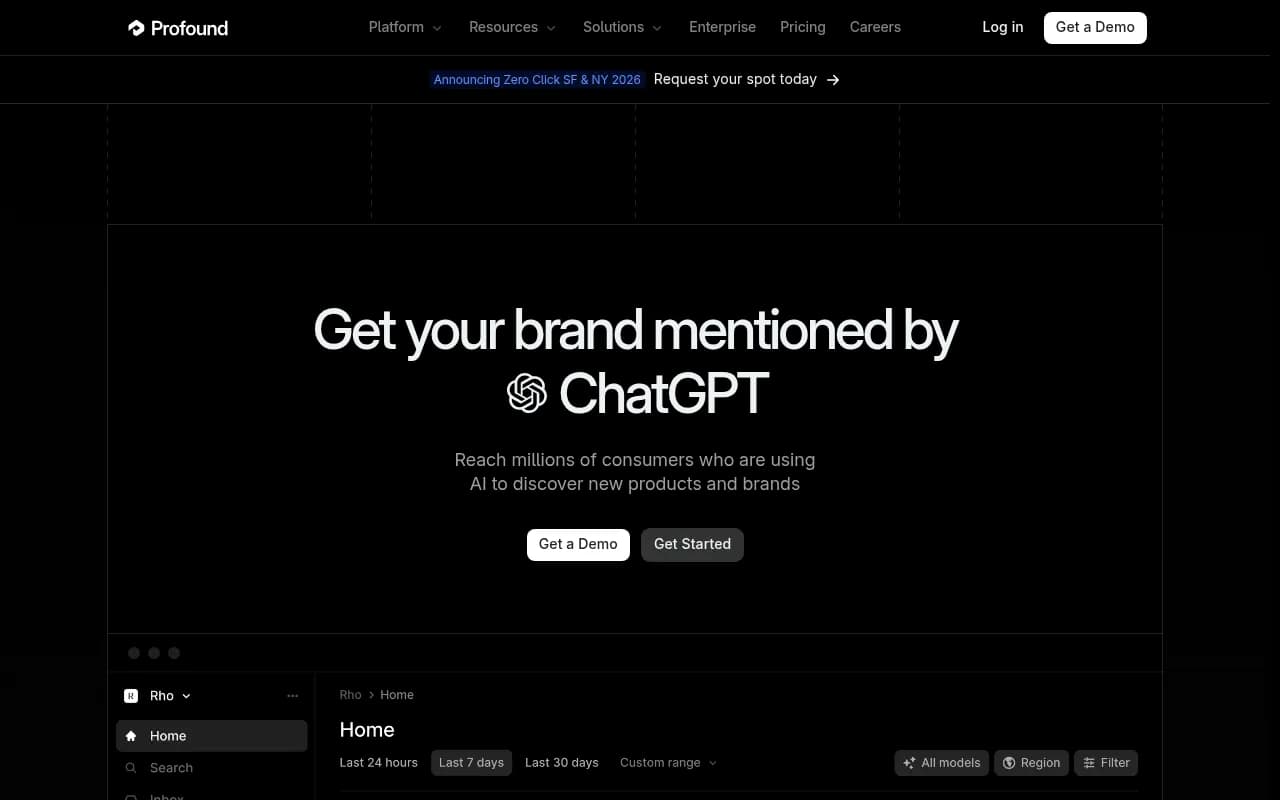
What the sources say, with caveats:
- A third-party guide from RankMasters lists Profound as REST API plus SDKs, suited to BigQuery, dbt or warehouse pipelines, and names no native Looker Studio connector.
- A HubSpot comparison says Profound has no Looker Studio connector and offers CSV export on Enterprise only.
- Reported pricing is $99/mo Starter, $399/mo Growth and custom Enterprise. BlazeHive says the practical entry point is $399/mo.
Here is the honest caveat. The HubSpot piece compares Profound to Peec, and the Peec comparison page is written by a competitor. I did not check Profound's own docs or pricing page, so confirm the current export and API tiers with Profound directly before ruling it in or out.
If your team has engineers and a warehouse, an API-first tool may be exactly what you want. If you need a marketer to drop a template into Looker Studio on Friday, it probably is not.
Alternatives with Looker Studio connectors
Otterly.AI
Otterly.AI has the most clearly documented connector in the research. It ships a native Looker Studio connector with a prebuilt report template: connect, click Create Report, and the template loads.
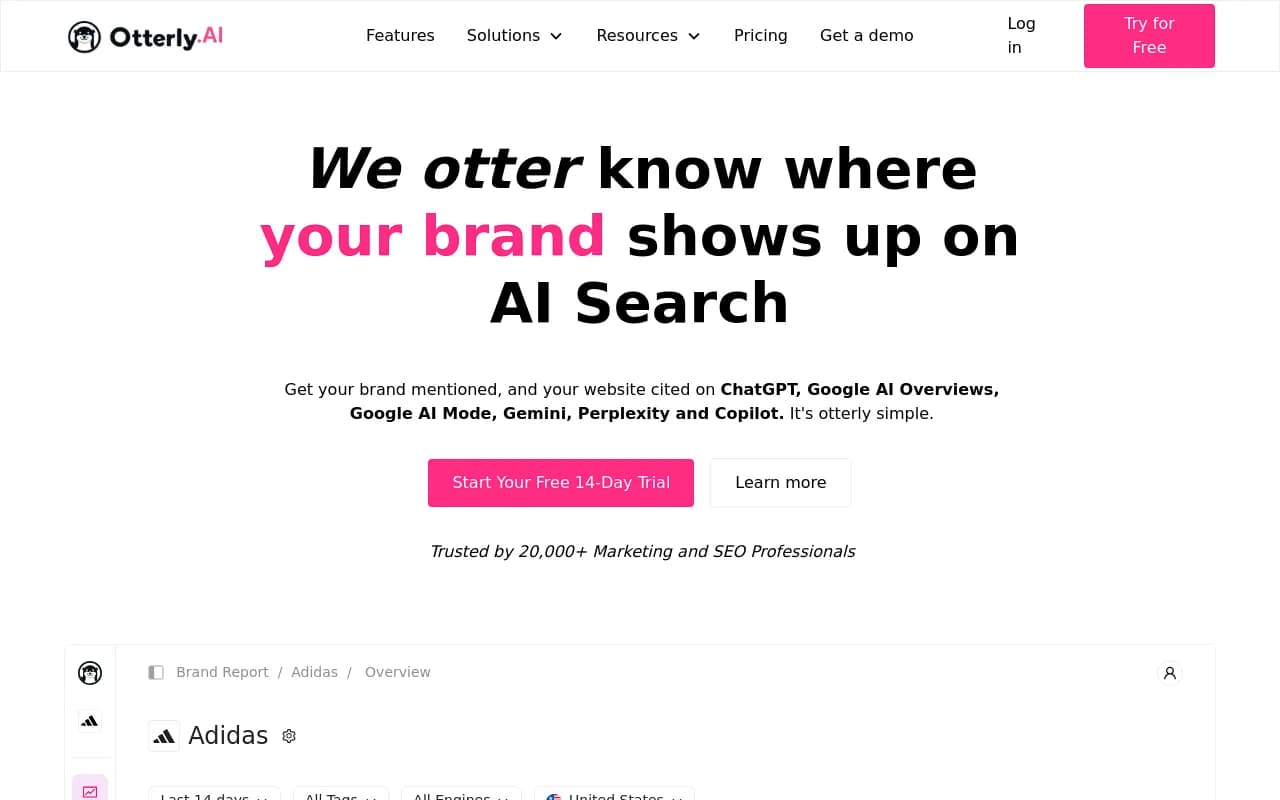
What it covers:
- Engines: ChatGPT, Perplexity, Google AI Overviews, AI Mode and Copilot
- Fields: brand coverage %, mentions, share of voice, average rank, domain coverage and ranking, and URL-level citation data
- Filters: date, country and brand report
- Plans: included on Standard, Premium and Enterprise at no extra cost
Agencies get a useful extra. You can create a separate data source per workspace for white-label dashboards, and viewers do not need an Otterly account. The sync is automatic, though the vendor post gives no refresh interval.
The tradeoff: RankMasters notes Otterly has no API at present. So it is a connector-only story. Great for reporting, not for pushing rows into a warehouse. Setup docs are at help.otterly.ai/lookerstudio.
Peec AI
Peec AI is where the contradictions pile up, so read this part slowly.
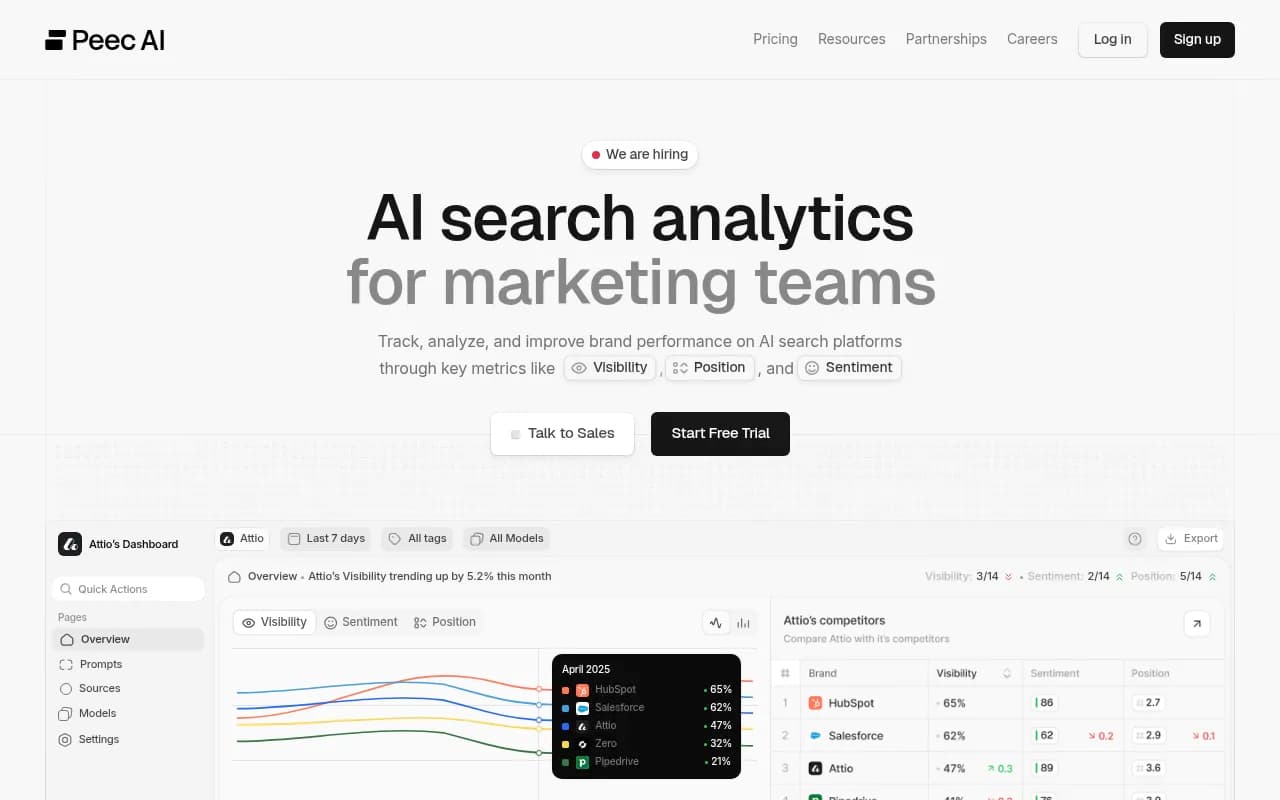
Peec's own pricing page lists Starter at $95/mo, Pro at $245/mo, Advanced at $495/mo and Enterprise as custom. On that page:
- Data Studio connector: not on Starter or Pro, included on Advanced and Enterprise
- API: not on Starter, included on Pro and above
- CSV custom exports: all plans
- Active models: 3 on Starter, Pro and Advanced, unlimited on Enterprise
- Monthly AI answers: 4,500 on Starter, 13,500 on Pro, 31,500 on Advanced
Now the conflicts. HubSpot says the API is Enterprise-only. Peec's own comparison page claims a Looker connector, API and MCP on a Starter-level plan, which contradicts its pricing page. An older Cairrot review, in euro pricing, says there was no API even on Advanced, which looks stale.
My read: trust the vendor's live pricing page over any comparison, and screenshot it before you sign. Also note that country caps differ by plan (1 on Starter, 3 on Pro and Advanced) and per-engine add-ons can raise the real cost.
The documented connector dimensions are Brand, Source: Domain and Date, with metrics Visibility, Citations and Chats. That is a thinner model than Otterly's list, so check it covers your segments.
LLM Pulse and others
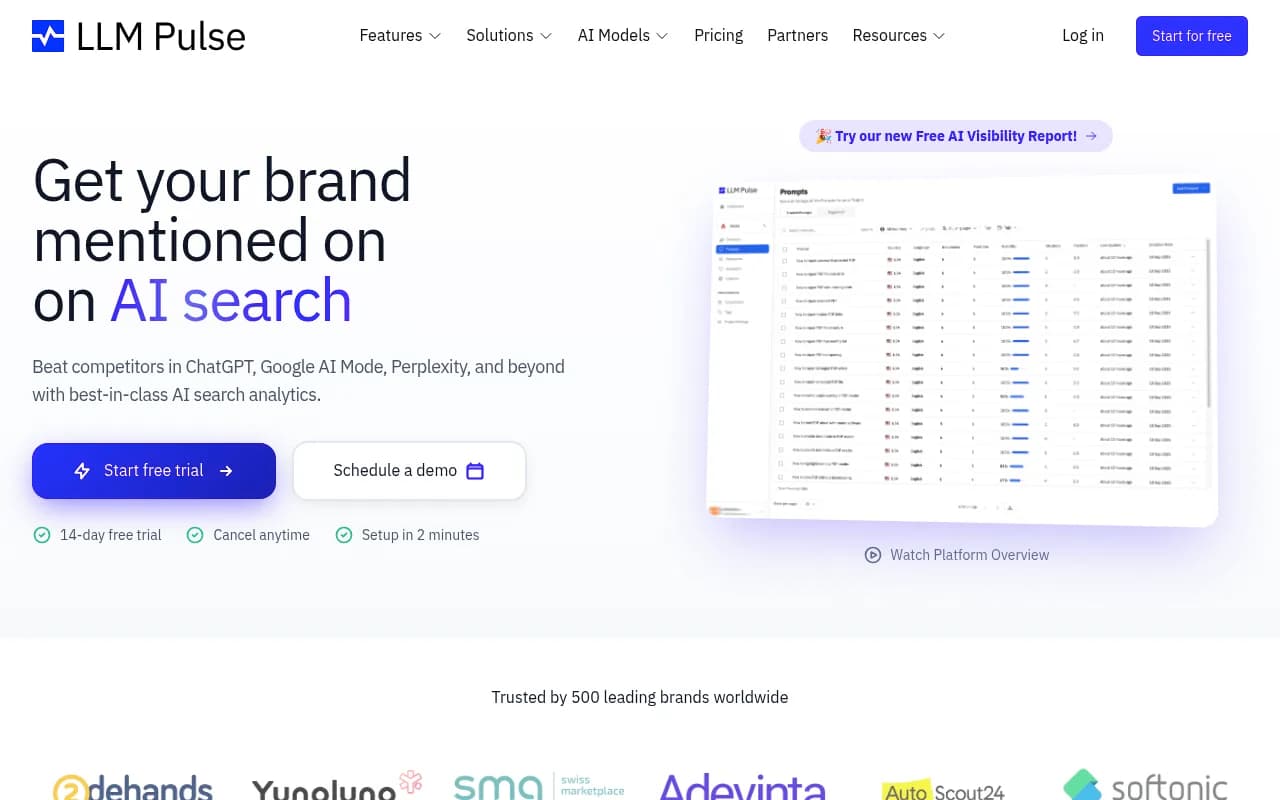
LLM Pulse is listed with a Looker Studio connector, CSV and API, tracking 10+ models with weekly monitoring. That list comes from a vendor-published roundup, so it is self-interested. Verify it.
A few more worth a look, with the evidence level stated plainly:
- AEO Vision advertises Google Sheets export and API access for Looker Studio integration. I only saw a snippet.
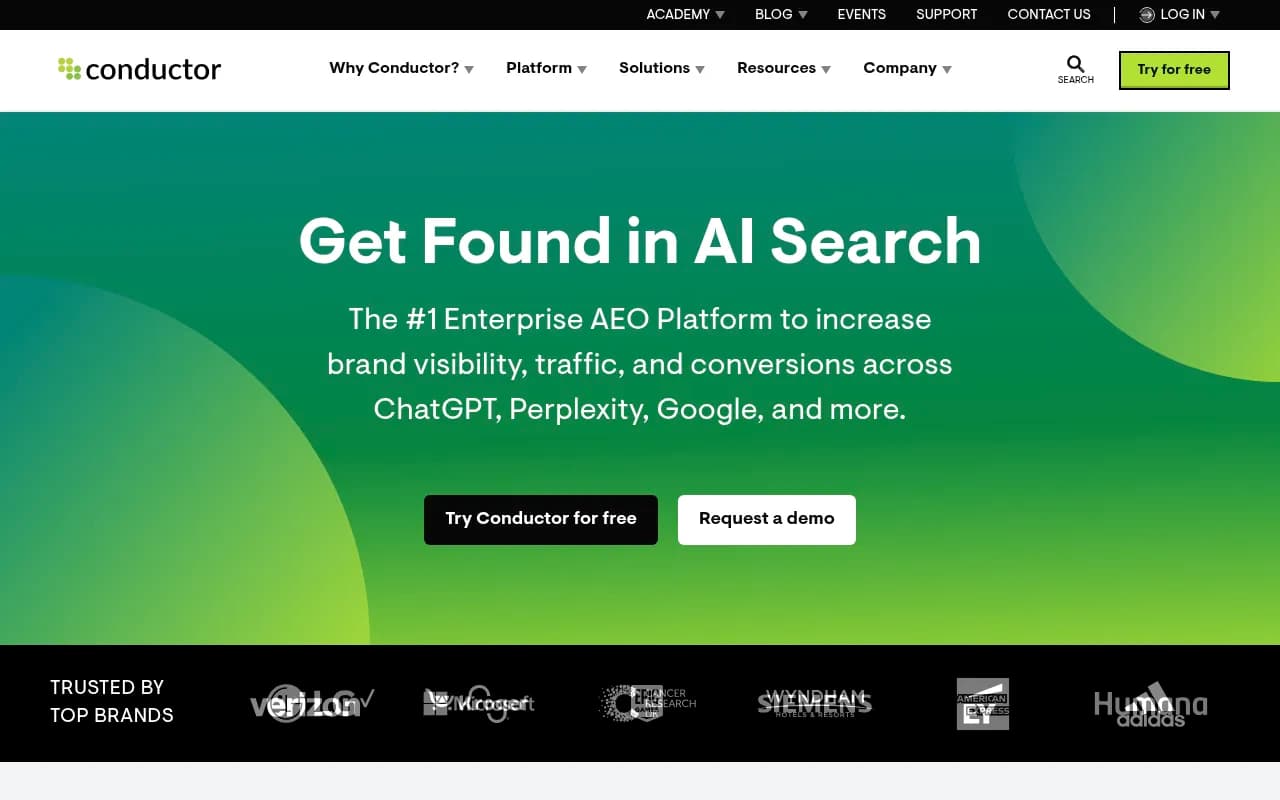
- Conductor has a Data API that includes AI visibility signals.
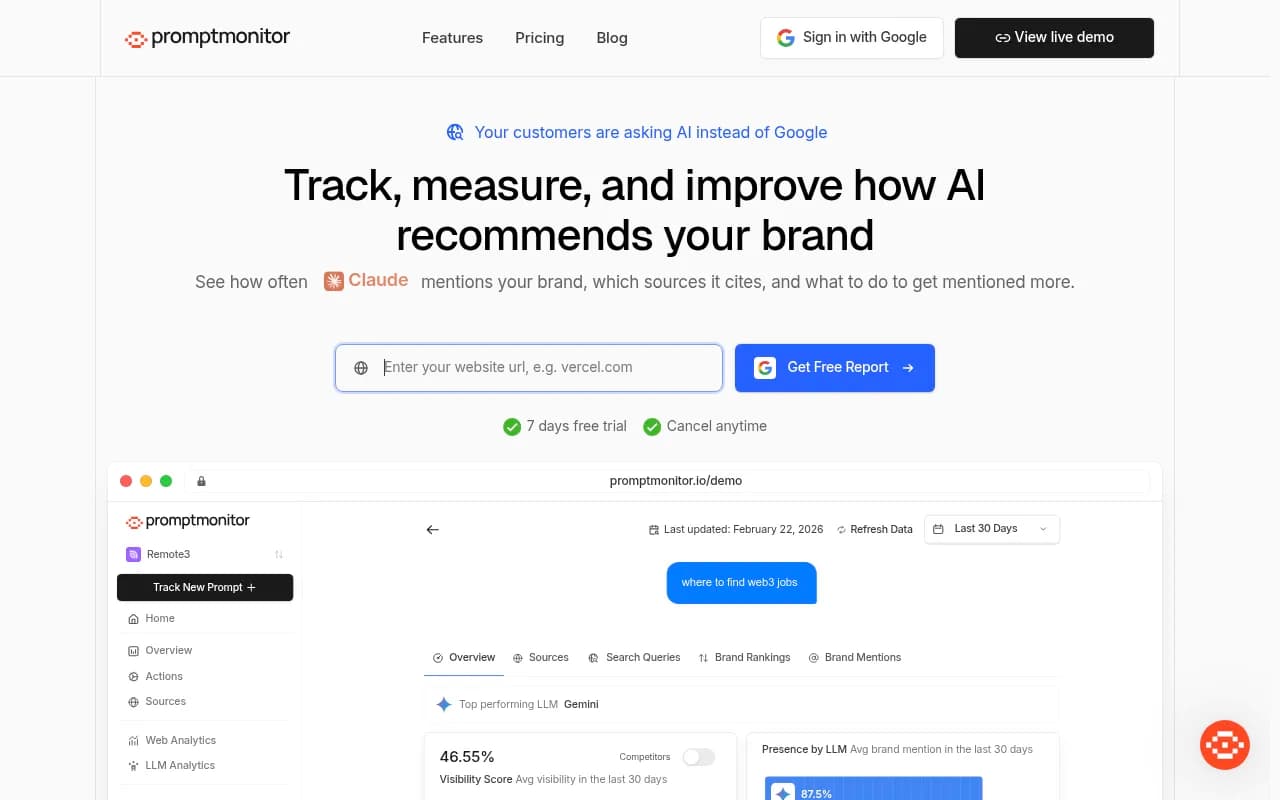
- Promptmonitor typically works through export, then a connector, then Looker, so the BI layer depends on your own setup.
A LinkedIn roundup makes the broader point that most "integration" in this category is CSV or Sheets drops, sometimes a Looker connector. That is fine for reporting and not for pipelines.
Where Promptwatch fits
Promptwatch is the AI visibility platform we use at 1001 SEO Media, and it is built for teams that want data flowing outward, not just a dashboard to look at. Its Looker Studio connector is a documented feature page, and it also has a REST API v2, a hosted MCP server, Excel and CSV exports, and scheduled PDF reports.

I did not test the connector for this article, so check fields and limits on the Looker Studio page before committing. What I can say from the plan details:
- Looker Studio is available from the Professional plan ($245/mo), and custom reports start there too
- The REST API allows date ranges up to 92 days, so a full quarter fits in one request
- CSV and Excel exports cover prompts, responses with brand positions, citations, crawler data, offsite mentions and fan-outs
- Agent Chat or the MCP server can build a dashboard for you if you do not want to wire one by hand
The other difference is what sits behind the export. Beyond prompt tracking, it has IP-verified AI crawler logs, visitor analytics and Search Console data, so the BI view can join visibility to traffic rather than stopping at mentions. Confirm current pricing at promptwatch.com/pricing, and the 7-day free trial is the quickest way to test the export against your own report.
For agencies, the agency plans (Kick-off $199/mo, Growth $399/mo, Scale $799/mo) include custom reports, MCP and API with unlimited projects. A white-label client portal needs Enterprise.
Side-by-side comparison
| Tool | Looker Studio connector | API | CSV / Sheets | Notes |
|---|---|---|---|---|
| Profound | Not documented (third-party claim) | Yes, REST + SDKs | Enterprise only (per HubSpot) | Verify directly with the vendor |
| Otterly.AI | Yes, with template, on Standard and up | Not currently | Not confirmed | Per-workspace sources for agencies |
| Peec AI | Advanced and Enterprise (per its pricing page) | Pro and up (per its pricing page) | All plans | Sources conflict, check live page |
| LLM Pulse | Listed | Listed | Listed | Vendor-published claim |
| Conductor | Not confirmed | Data API | Not confirmed | Enterprise suite |
| Promptwatch | Yes, Professional and up | REST API v2 and MCP | CSV and Excel | Also crawler logs and visitor data |
Treat every cell marked "per" as unverified until you have seen the vendor's current page.
How to choose
Start from who consumes the data, not from the feature list.
If a marketer builds the reports
Pick a native connector with a template. Otterly is the cleanest documented example. Promptwatch and Peec Advanced are the other candidates. Check whether the connector exposes engine, date, country and prompt type as separate fields.
If an analyst owns a warehouse
Pick API access first. That points toward Profound, Promptwatch or Peec Pro and above. Land the rows in BigQuery, model them with dbt, then point Looker Studio at the clean tables. This also gets you past the five-source blend cap.
If you are an agency
Look at per-client separation. Otterly's per-workspace sources and Promptwatch's agency plans with unlimited projects are built for this. Test whether a client viewer can open a report without a vendor login.
If you just need Sheets
A CSV drop is enough. Do not pay for a connector tier you will not use. Peec's CSV exports are on every plan, which suits this case.
A short pre-purchase checklist
- Ask for the export field list and compare it to the minimum model above
- Confirm the connector and API tiers on the live pricing page, not a comparison post
- Ask the refresh interval and row limits. I could not verify either for any connector
- Check country and engine caps, since add-ons can change the real price
- Run one real report from the trial before signing anything
If you want to browse more options, the GEO software directory at bestgeosoftware.com lists far more tools than fit here.
The bottom line
No single tool wins on every axis, and the public evidence is messier than any vendor page admits. Otterly has the best-documented connector. Peec is cheap but gates its connector. Profound looks API-first. If you want visibility data that connects to traffic and crawler behavior, and exports through a connector, API and MCP, test Promptwatch's trial against your actual Looker Studio report and see which fields survive.