Key takeaways
- API responses and the answers people see in ChatGPT, Gemini, or AI Overviews can differ, including the sources cited. If your tracker polls APIs, your dashboard may describe a product your customers never use.
- Real-interface collection means each prompt runs through the actual user-facing product, per country and language, and the answer and citations are captured from there.
- Several Profound alternatives claim real-UI data, including Promptwatch, AIclicks and AI Peekaboo. Most of these claims are vendor statements, so test them yourself.
- Profound has one thing no alternative replicates: its Conversation Explorer dataset of real user conversations. If you need prompt volume from that source, a swap has a cost.
- Collection method is only one filter. Ask also whether the tool helps you fix gaps, and whether it shows AI crawler activity and AI-driven traffic.
Why the collection method matters
There are two ways a tool can ask ChatGPT what it thinks of your brand. It can call the model through an API, or it can open the real product and type the question the way a person would. The second is slower, harder to build and more expensive. It is also closer to what your buyers experience.
The gap is not theoretical. The ChatGPT product runs web search, shows shopping carousels and ads, and builds answers with its own retrieval. An API call to a model often does none of that, or does it differently. A model answering from training data tells you what it believes. A live interface tells you what it will say to a customer today, and which pages it will cite.
So they answer different questions, and both are legitimate. The mistake is mixing them up. If a dashboard says you are mentioned in 40% of responses and that number came from an API, you do not know how often a real user sees you.
What real-interface collection looks like
Promptwatch describes its own approach as collecting prompt responses, citations and click data from the actual user interfaces of major AI platforms, with 26 billion+ data points behind its public research. The interfaces it names include ChatGPT, Gemini, Perplexity, Claude and Google AI Overviews. You can read the method on its Promptwatch Data report on average sources per response.
A well-built real-UI setup should let you:
- Pick a country and language per monitor, so markets do not blur together.
- See the cited sources in the same order the user would see them.
- Capture surfaces that only exist in the interface, like shopping results.
- Run prompts on a schedule that is steady enough to compare week to week.
Why it changes what you can see
Here is a concrete example of something you only learn from interface-level data. Promptwatch's data for Sep 28 to Oct 4, 2026 shows that 47.6% of ChatGPT responses cite 10 or more unique domains, and only 6% cite three or fewer. Organic prompts with no brand named are higher, at 52.5% citing 10+ domains. That means you are rarely alone in an answer. You are one of many sources, and the co-citation pattern is the useful part.
That pattern is my inference about what matters, not Promptwatch's claim, but it follows from the numbers: if each answer cites many domains, a tracker that only records "mentioned yes or no" is throwing away most of the signal. You want position, tone and which competitors appear next to you.
Note that other Promptwatch reports quote different averages. An earlier tracker page puts ChatGPT at about 5 sources per web-search answer, while Google AI Overviews and Perplexity sit near 10. The averages drift with model updates, so check the date on any figure before you quote it.
How to test a vendor's "real UI" claim
Every vendor in this category says it tracks "what users actually see." Few explain how. Before you sign anything, run a short test.
- Pick five prompts you can check by hand in the live product, ideally including one where ChatGPT shows shopping results or a list of local businesses.
- Run them manually, in the same country, and save screenshots of the answer and the source list.
- Ask the vendor to track the same prompts on a trial.
- Compare the brands mentioned, their order, and the cited URLs.
- Repeat a day later. Real answers vary, but the tool's record should still look like something you could have seen.
If the vendor cannot show you the raw response and the citation list for a given run, treat the claim as unproven. Also ask which surfaces are collected from the interface and which come from an API. Many tools mix the two, which is fine if they tell you.
Profound alternatives that claim real-interface data
The research for this guide turned up three vendors that say they use real interfaces. I could not verify any of the claims independently, so treat them as starting points for the test above.
| Tool | Real-interface claim | Beyond monitoring | Pricing note |
|---|---|---|---|
| Promptwatch | Monitors real UIs of ChatGPT, AI Overviews, AI Mode, Copilot, Gemini, Perplexity, Meta AI and more, per country and language | Content Agent, Action Board, AI crawler logs, visitor analytics | From $95/mo, confirm at promptwatch.com/pricing |
| AIclicks | Sends each prompt through each platform's actual interface, per its own blog | Built-in recommendations engine | Says it starts at $59/month |
| AI Peekaboo | Says it captures data from real AI interfaces | Aimed at SaaS companies | Check the vendor |
Promptwatch
Promptwatch is the one I would test first, partly because its method is documented and partly because it goes past tracking. It monitors the real interfaces of ChatGPT, Google AI Overviews, Google AI Mode, Copilot, Gemini, Perplexity, Amazon Alexa and Meta AI, in each country and language you choose. API models like Claude, DeepSeek, Mistral and Grok are tracked alongside, so you can compare what the product says with what the model believes from training data. That side-by-side is the honest way to handle the API-versus-UI question.

Where it separates from pure monitors is what happens after you find a gap. The Action Board prioritizes fixes, the Content Agent writes and publishes pages to WordPress, Webflow or Framer, and IP-verified AI crawler logs show whether bots actually read the page. Visitor analytics then show whether AI search sent traffic. Agent Chat and the MCP server let you query all of it from where you already work.
Pricing as listed: Essential $95/mo (50 prompts), Professional $245/mo, Business $579/mo, with agency plans from $199/mo. Business is the first plan with the Content Agent, faster-than-daily tracking and local targeting. Confirm everything on the pricing page. There is a 7-day free trial on monthly billing, and a free AI visibility report if you only want a quick look. A third-party roundup from BrandAxis described Promptwatch as scraping real LLM interfaces and quoted 4.5B+ citations, but Promptwatch's own pages cite 26B+, so use the larger first-party number.
For a direct comparison with Profound, see Promptwatch vs Profound.
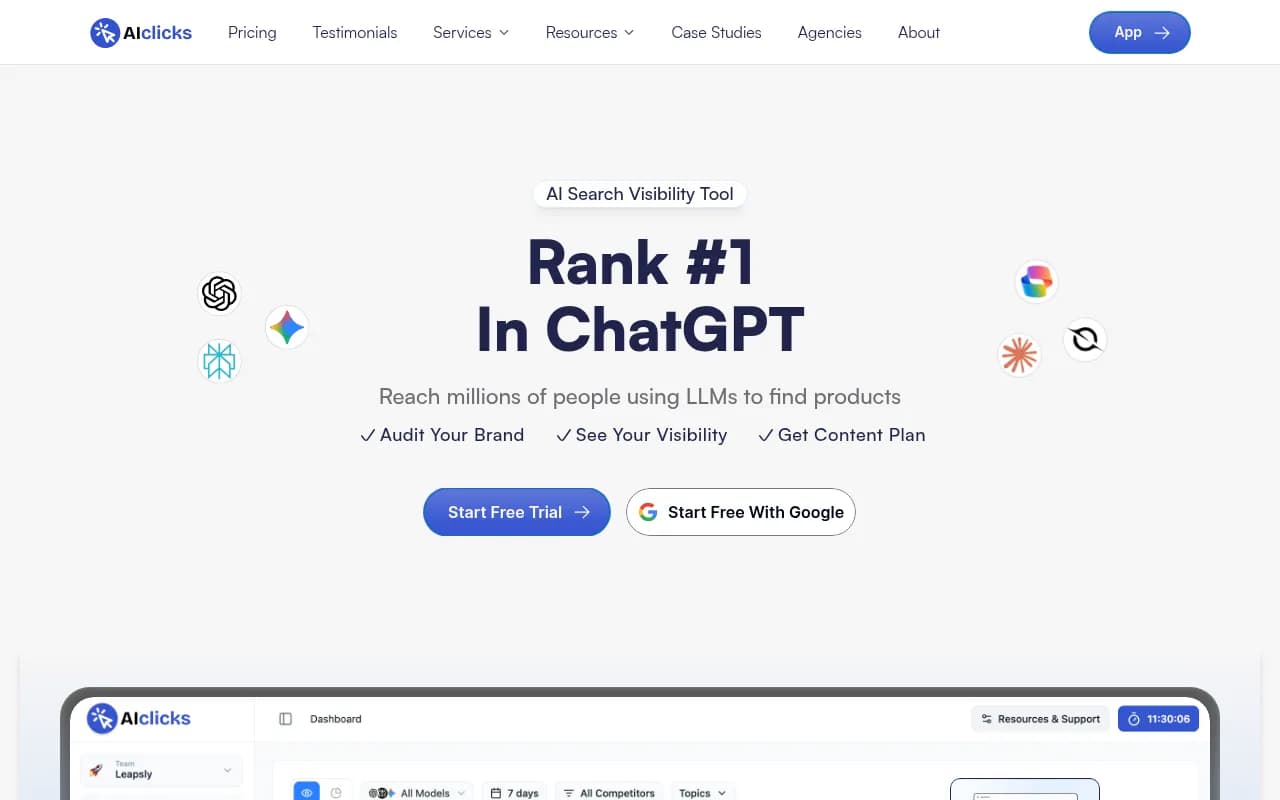
AIclicks
AIclicks says it queries real user-facing interfaces instead of APIs, tracks 10+ AI platforms and includes a recommendations engine, starting at $59/month. Its pitch is explicit that tracking the wrong source quietly distorts your data, which is the right argument. Note that this comes from its own blog post, so run the manual test.
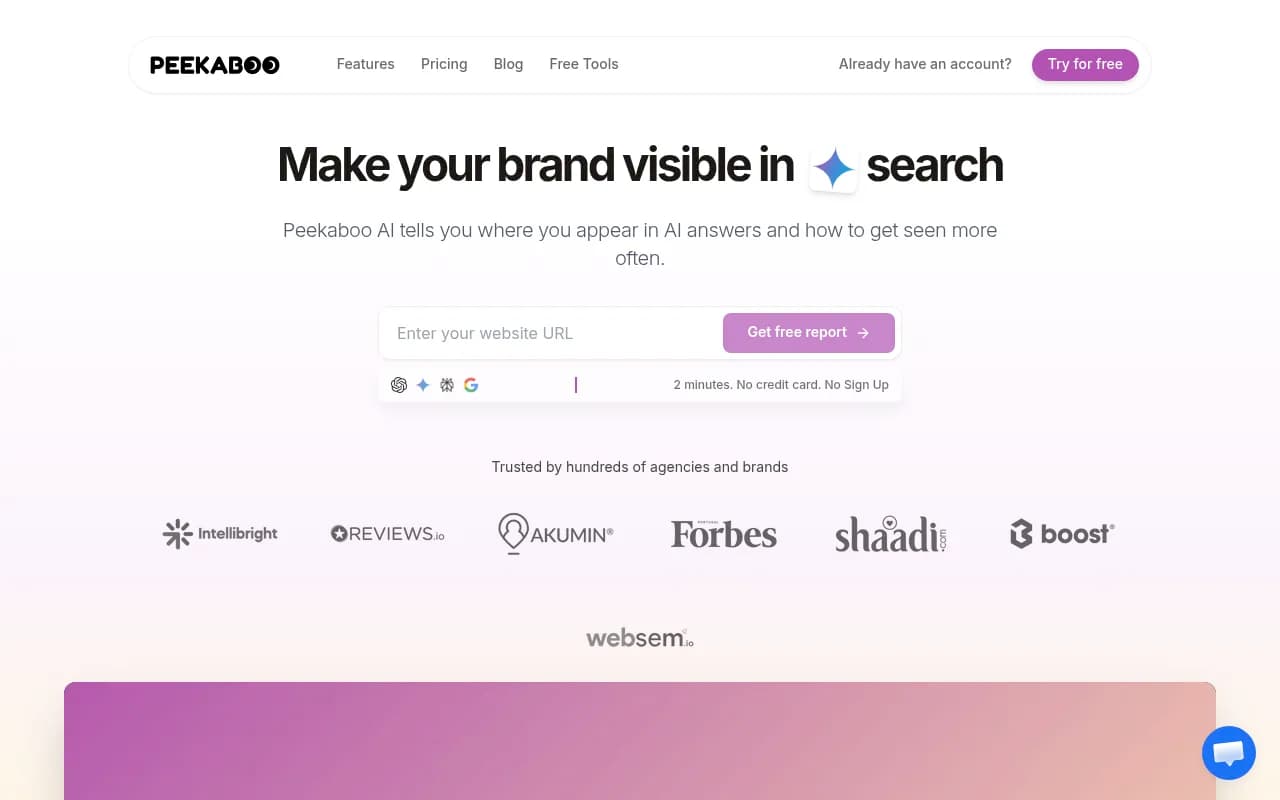
AI Peekaboo
AI Peekaboo is listed as capturing data from real AI interfaces and is aimed at SaaS companies. Public detail is thin in the research I had, so ask for a trial and compare against your manual screenshots.
Other tools people compare to Profound
The roundups behind this guide also name several tools whose collection method I could not confirm. They may still fit your budget or workflow.
| Tool | Positioning | What to ask |
|---|---|---|
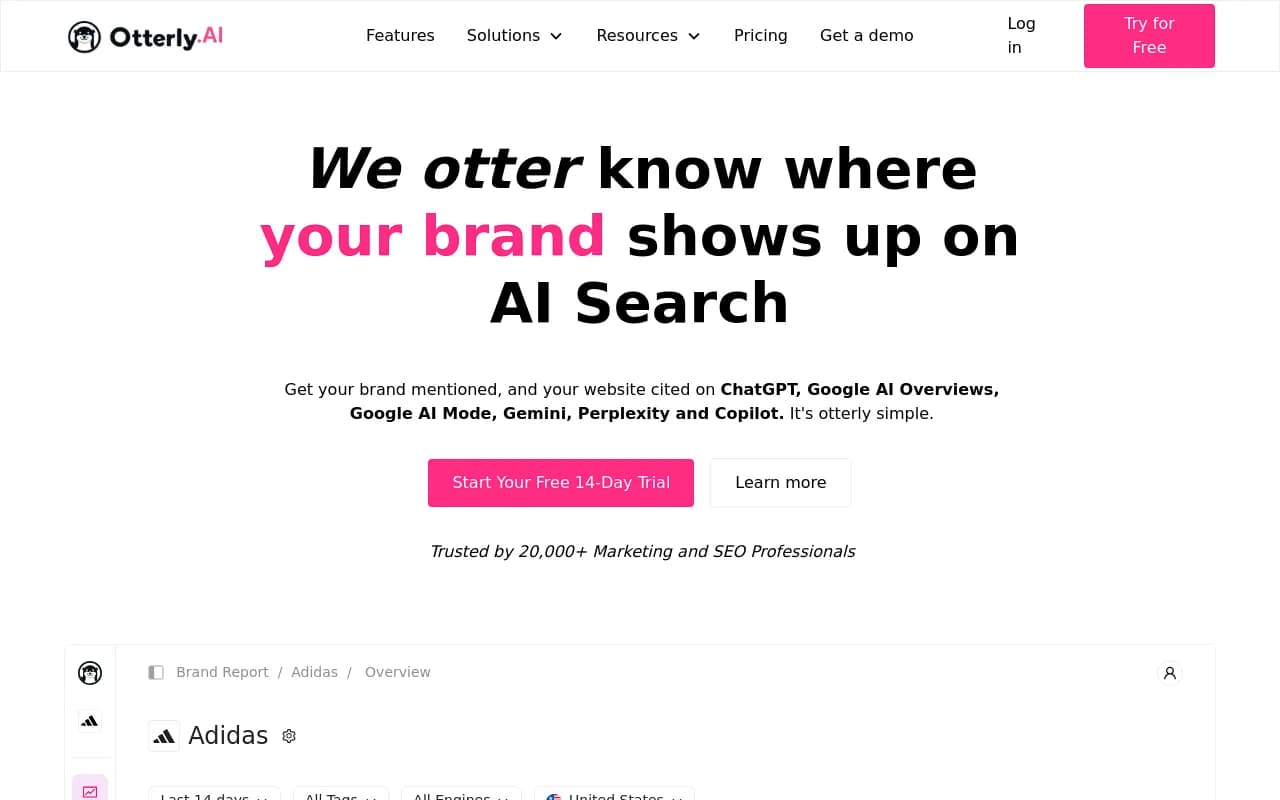
| Otterly.AI | Lower-cost monitoring | Is the data from interfaces or APIs? |
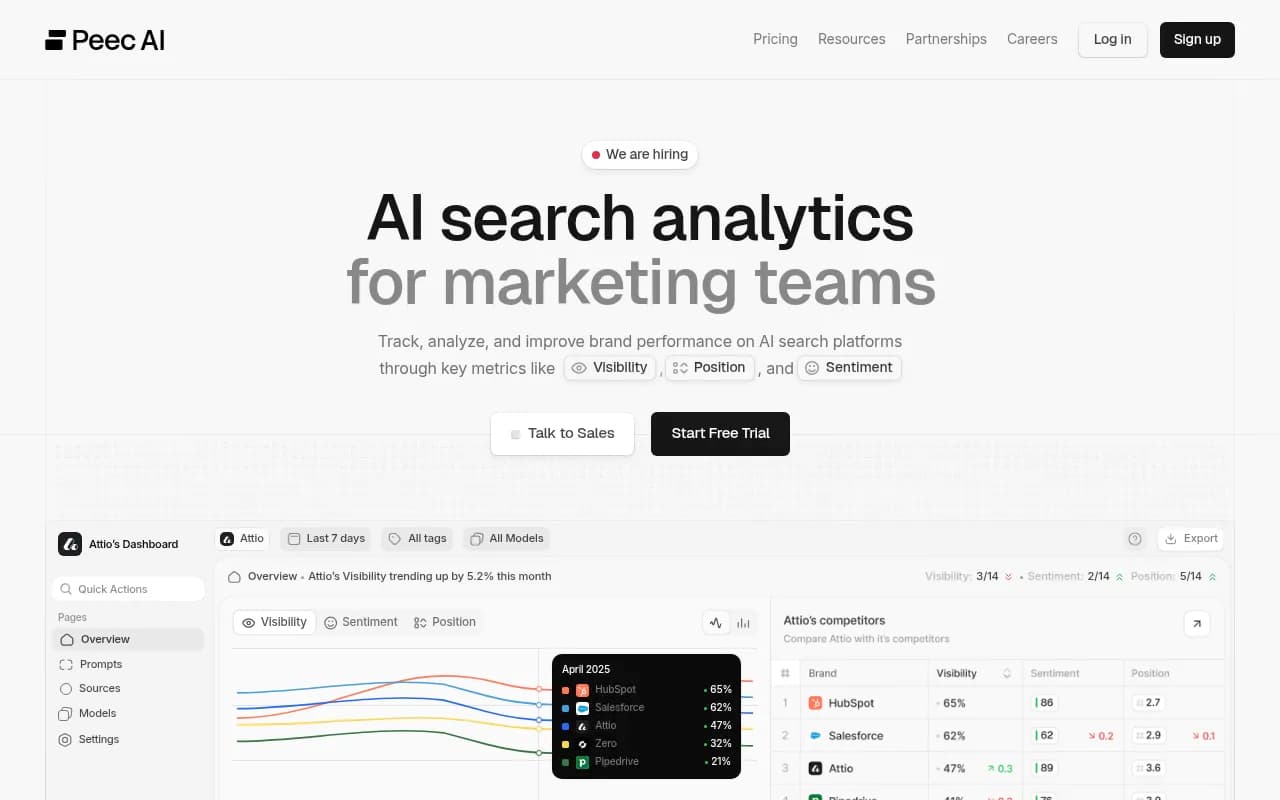
| Peec AI | Multi-language tracking | Does it show crawler or traffic data? |
| Scrunch AI | Monitoring and brand control | How does pricing scale with prompts? |
| Rankscale AI | Budget tracking | How often do prompts run? |
| Semrush and Ahrefs Brand Radar | AI modules inside SEO suites | Are prompt sets fixed? |
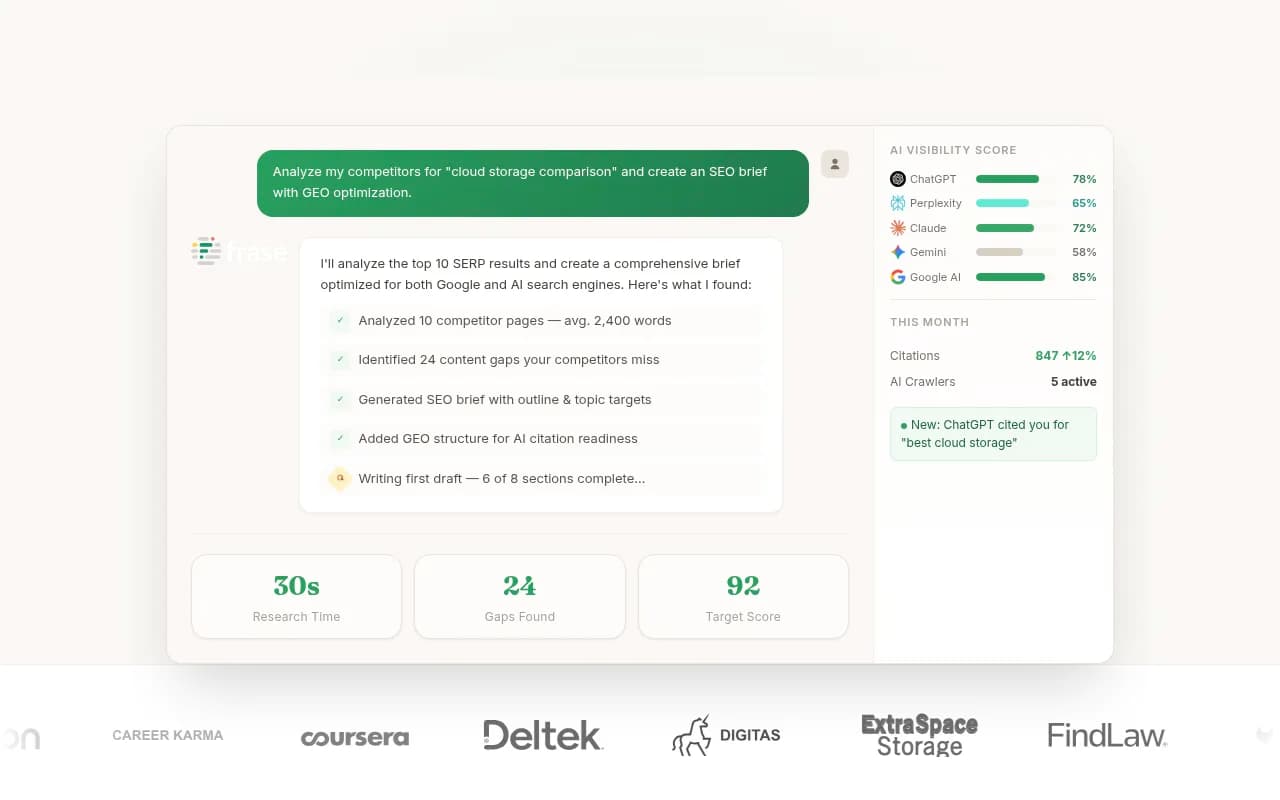
| Writesonic and Frase | Content workflows plus tracking | Which models are tracked? |
If you want a broader list of options, the GEO software directory at bestgeosoftware.com is a good place to browse.
What you give up by leaving Profound
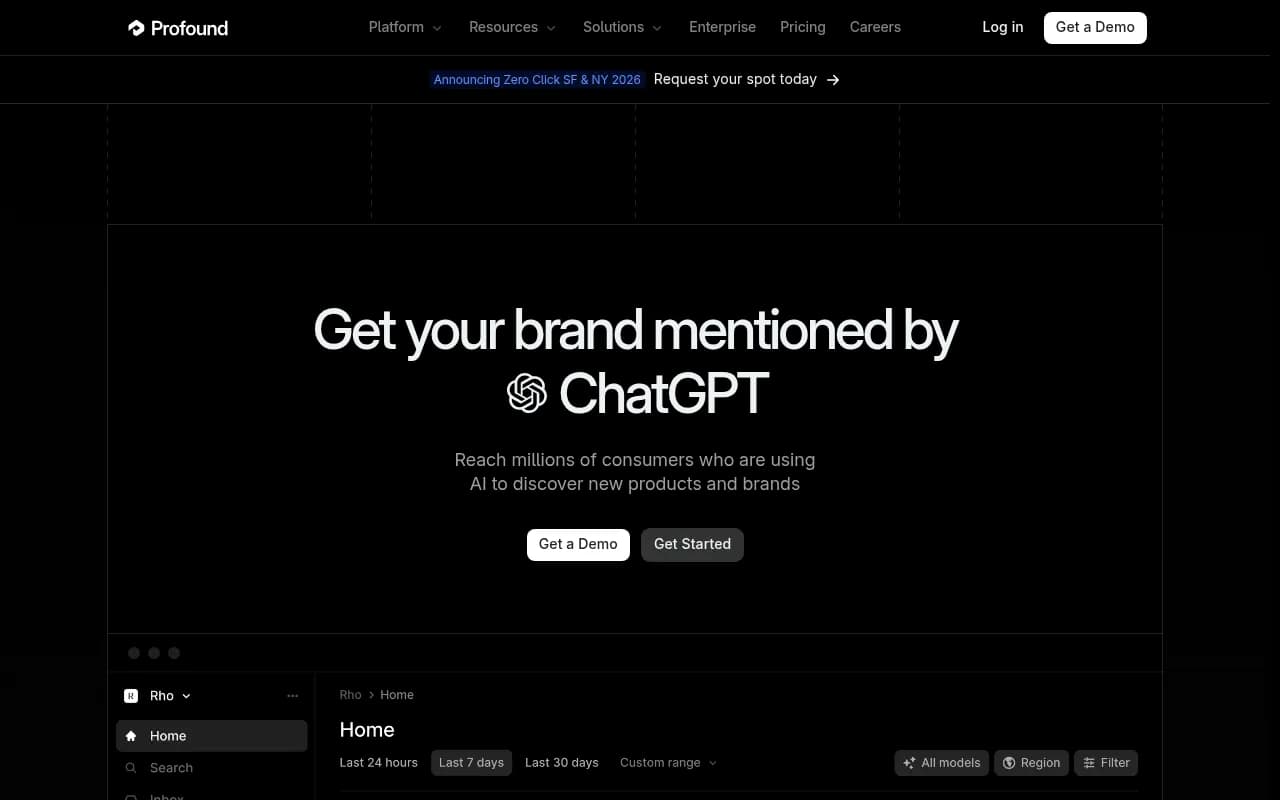
Be honest about this part. Profound is still the deepest option for some teams. Roundups describe it as strong for analyst-led enterprise programs, and its Conversation Explorer gives access to 1.5B+ real user conversations. One comparison guide says no alternative offers that dataset, and I could not check that claim myself. If you rely on that conversation data for prompt discovery, an alternative will not replicate it.
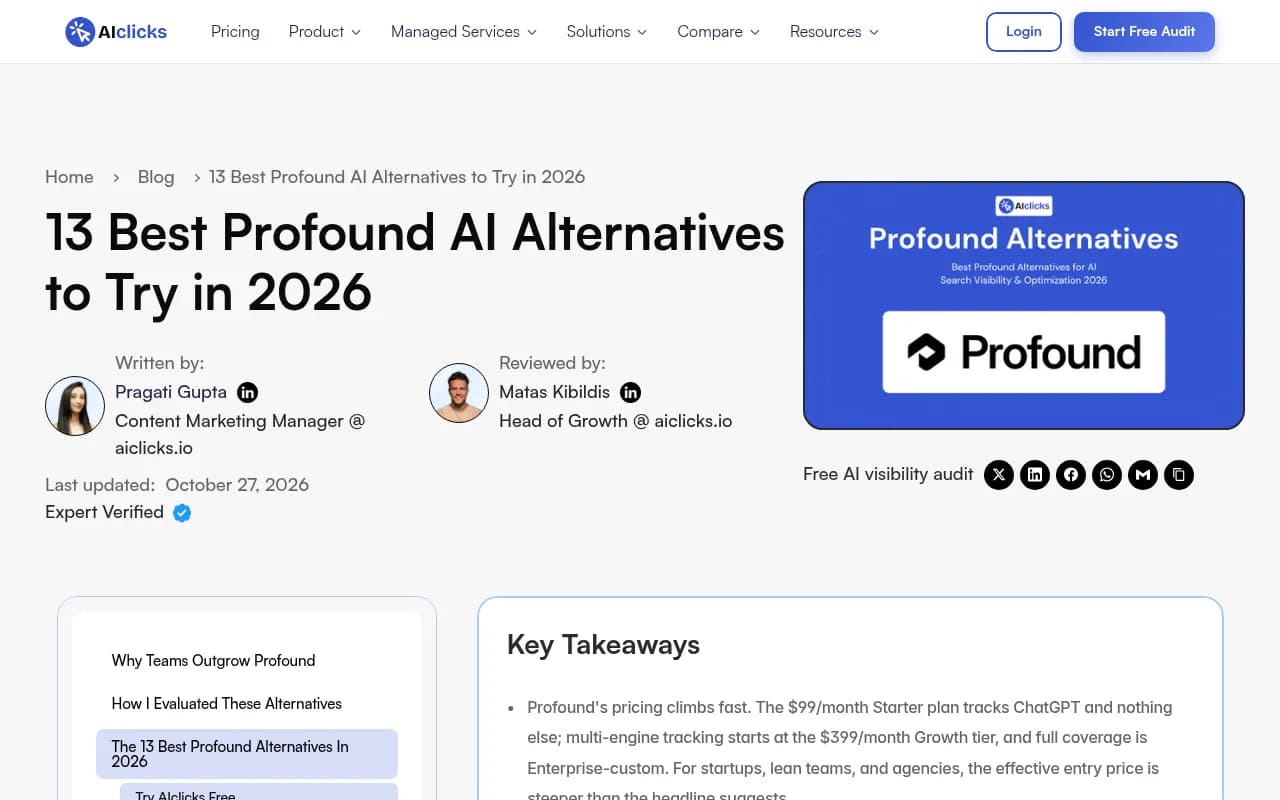
Pricing is another reason teams look around. According to AIclicks, Profound's $99/month Starter tracks only ChatGPT, with multi-engine tracking from a $399/month Growth tier. Rework reports that Profound stopped publishing a base price. I did not verify either, so confirm current terms with Profound directly. Reports also mention changes at Profound in September 2026 that I could not check.
For prompt volumes and difficulty without Profound's dataset, Promptwatch offers prompt volume estimates and query fan-outs, which show the web searches AI runs per response. They come from a different source, so expect differences.
A short decision guide
- You want to verify the data first: pick two or three vendors from the real-interface table and run the five-prompt test during their trials.
- You want the data to lead to action: choose a platform with content creation, crawler logs and traffic attribution in one place, not only a dashboard.
- You are an agency: look at plans with unlimited projects and seats. Promptwatch's agency tiers start at $199/mo, and the agency page lists what is included.
- You are budget-limited: a cheaper monitor can be fine for a pilot, as long as you know whether its data is API-based.
- You need Profound's conversation dataset: stay, or run a second tool next to it for the parts Profound does not cover.
If you would rather have a team run the program, 1001 SEO Media is the agency behind this site and uses Promptwatch for its own AI visibility work.
Questions worth asking any vendor
- Which surfaces are collected from the real interface, and which from APIs?
- Can I see the raw response and the ordered source list for any run?
- Can I set country and language per monitor, and can prompts run more often than daily?
- Do you log AI crawler visits, or measure AI-referred traffic?
- What happens to my data if I cancel?
The answers will tell you more than any feature grid. A vendor that can explain its collection method in two clear paragraphs usually has one worth trusting.
Screenshots from the roundups
The vendor roundups below are worth a skim, with the usual caveat that each one ranks its own product first.
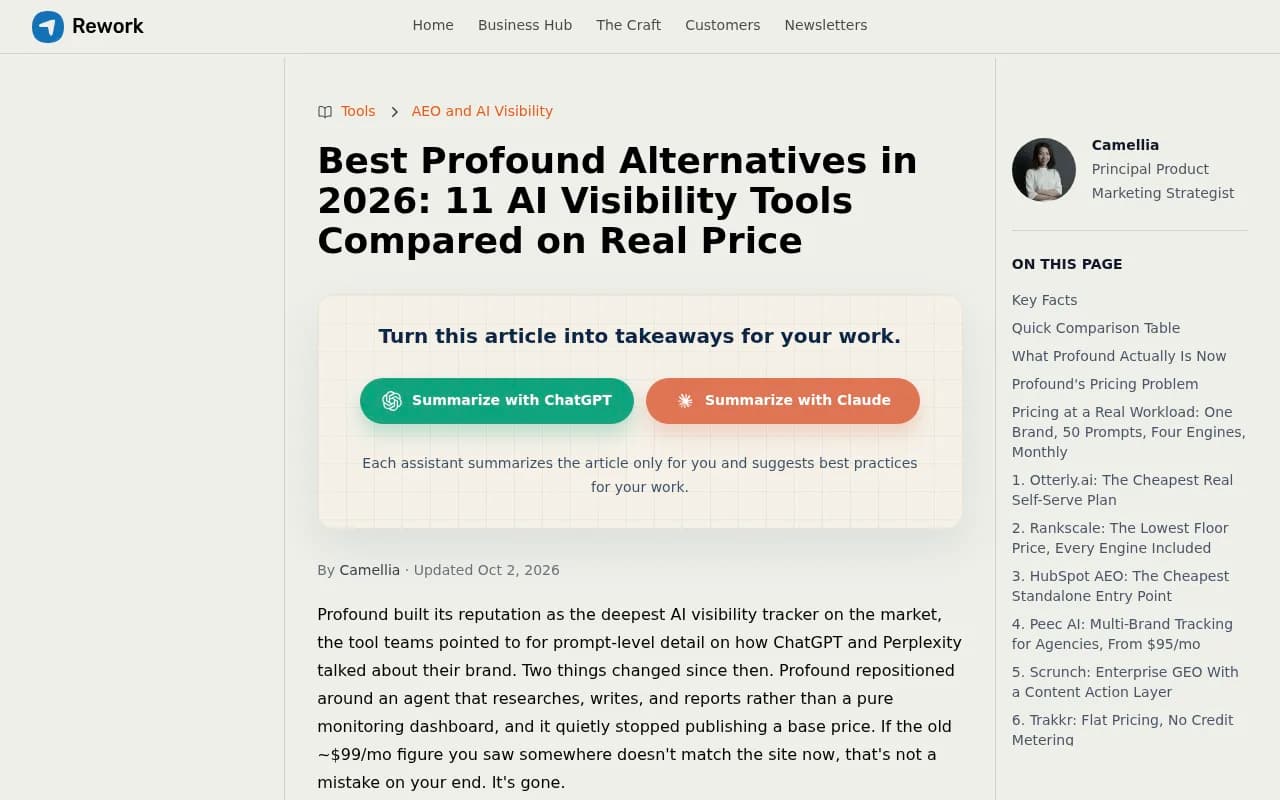
The Rework piece is the most useful of the three for pricing, since it focuses on what each tool actually costs.
Bottom line
Treat collection method as a first filter, not a footnote. Run the same five prompts by hand and in two or three trials, and drop any tool whose record you cannot reconcile with what you saw. Of the candidates, Promptwatch is the one that documents its real-UI method and pairs it with the work of fixing gaps, so start your test there. For more AI rank tracking options, the directory at ai-rank-tools.com lists many others.