Key takeaways
- HubSpot's free CRM covers 2 users with no credit card, but branding, email caps and no sales automation push most growing teams to paid tiers quickly.
- The $7 per seat Starter price on HubSpot's pricing page is a promotional price for new customers. The struck-through list price is $20 per seat.
- Pipedrive ($14 to $79 per seat, billed annually) suits pipeline-focused sales teams, but add-ons like LeadBooster and Web Visitors raise the real bill.
- Zoho CRM has the more generous free plan (3 users) and the widest budget range, Insightly adds built-in project management, and Salesforce fits teams that need deep customization.
- Pick based on what you actually do all day (selling, supporting, or marketing), not on brand recognition.
Why teams leave the HubSpot free CRM
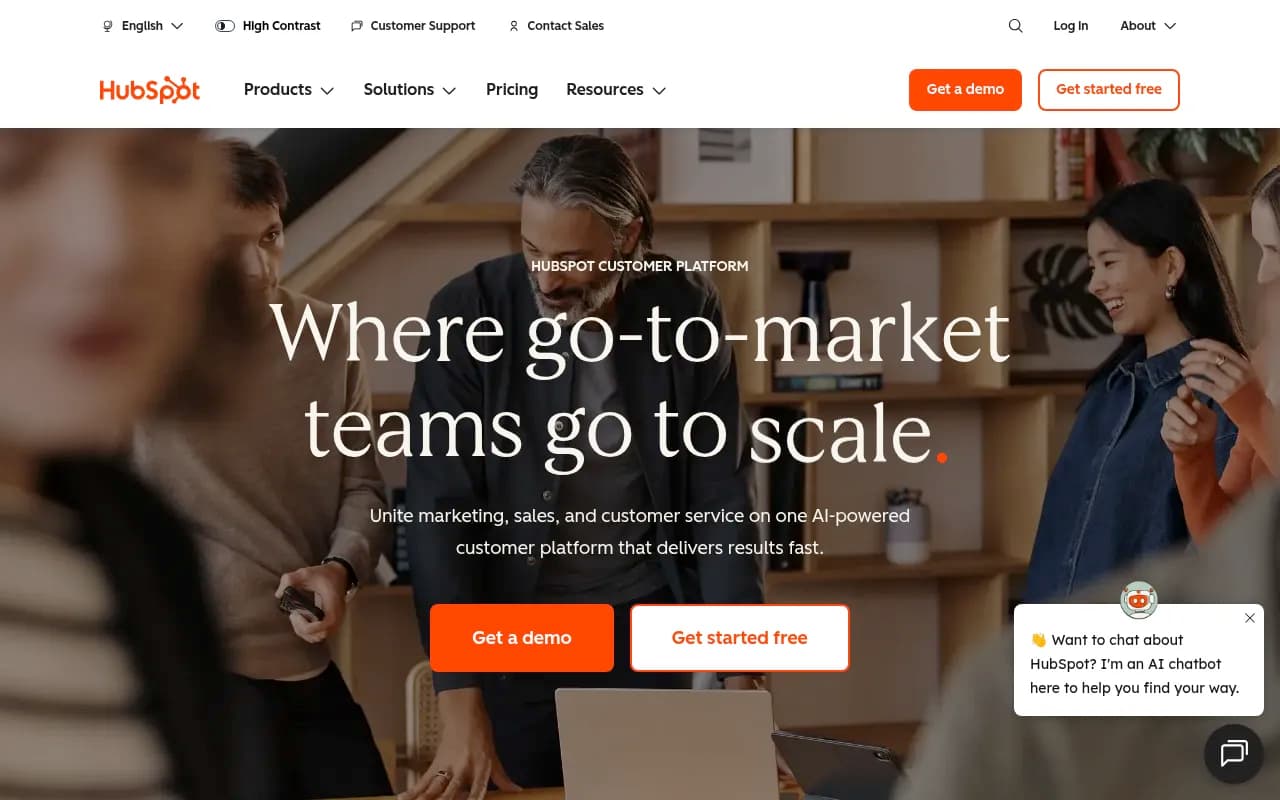
HubSpot is the default CRM for a reason. The free tier is good, the interface is friendly, and the academy content is solid. I don't think anyone who starts there made a mistake.
The trouble shows up around the 5 to 20 person mark. The free CRM is free for up to 2 users, and the limits that push you to upgrade are specific and annoying:
- 2,000 email sends per month, with HubSpot branding
- 1 meeting link, also branded
- Only 3 snippets and 3 email templates
- 1 automated email action
- No calling and no sales automation
None of that is a dealbreaker alone. Together they mean the free plan stops being a real sales tool the moment you have a process. Then you start comparing paid tiers, and that's where the frustration tends to begin.
HubSpot began as an inbound marketing platform, and the CRM grew around it. That works well if you're marketing-first. Several vendor comparison articles (all written by competitors, so read with salt) describe the same pattern: Insightly cites a closed ecosystem where you get the most value from using every Hub together, and a $125K per year bill for a 50-person team is not unusual once multiple Hubs are involved. That figure is Insightly's claim, not an audited number, but the direction is believable.
The pricing traps to know about
Before you compare alternatives, understand what you're leaving.
The Starter bundle advertises "from $7/mo/seat" on a monthly commitment, with a struck-through $20 per seat list price and a "save up to 65%" banner for new customers for a limited time. Plan your budget around $20, not $7. Starter also comes with limits: up to 15 pipelines, up to 50 workflows with restricted triggers and actions, 500 calling minutes, 1 phone number and 1,000 marketing contacts.
HubSpot is also now pushing AI agents (Agent Hub, Agent Builder, a Prospecting agent) and HubSpot Credits. I couldn't verify how credits are priced, so ask your sales rep for a written estimate of consumption before you commit.
How to choose before you compare
A feature checklist is a bad way to pick a CRM. Every vendor ticks the same boxes. These questions are better:
- Who lives in the tool every day? Reps, support agents, marketers, or the founder?
- What's your real seat count in 12 months? Per-seat pricing punishes growth differently than per-contact pricing.
- Do you need marketing automation inside the CRM, or can you bolt on something separate?
- How much customization do you need, and who will build it? A LinkedIn thread in the research made a fair point: Salesforce, Pipedrive, Attio and HubSpot are all not very useful until customized to fit your process. Budget time for setup, not just licenses.
- What are you migrating? Contacts and deals are easy. Workflows, reports and email history are where migrations go wrong.
Best HubSpot alternatives at a glance
| CRM | Best for | Free plan | Entry paid price (verified or reported) |
|---|---|---|---|
| Pipedrive | Sales-led teams that live in a pipeline | No, 14-day trial | $14 per seat/month, billed annually |
| Zoho CRM | Budget-conscious SMBs wanting an all-in-one | Yes, 3 users | Reported around $14 per user/month (unverified) |
| Insightly | Teams that need CRM plus project management | Check vendor | Check vendor |
| Freshworks (Freshsales) | Small teams wanting a simple AI-assisted suite | Check vendor | Reported around $15 per user/month |
| Salesforce | Larger teams needing deep customization | No | Reported from $165 per user/month for larger editions |
| Monday CRM | Teams with unusual sales processes | Trial only | Check vendor |
| Helpmonks / Freshdesk | Support-heavy teams that don't need a sales CRM | Freshdesk has a free plan | Varies |
Prices marked as reported come from competitor comparison pages, not vendor pricing pages I could confirm. Always verify on the vendor's own site.
Pipedrive: best for pipeline-focused sales teams
Pipedrive does one thing and does it cleanly: visual deal pipelines. If your team sells and your HubSpot usage is 80 percent deals and email, this is the most direct downgrade in complexity with an upgrade in focus.
Verified US pricing, billed annually, per seat per month:
| Plan | Price | What you get |
|---|---|---|
| Lite | $14 | Lead, calendar and pipeline management, AI report creation, 500+ integrations |
| Growth | $39 | Email sync with tracking, automations, sequences, forecast reports, meeting scheduler |
| Premium | $59 (most popular) | Lead routing, LeadBooster capture, custom scoring and enrichment, shared inboxes, e-signature, custom fields and permissions |
| Ultimate | $79 | Security rules, phone and email enrichment, sandbox, extended phone support |
The catch is add-ons. LeadBooster starts at $32.50, Projects at $16.66, Campaigns at $13.33, Web Visitors at $41 and Smart Docs at $32.50. Stack three of those on a 10-person team and the comparison to HubSpot gets a lot closer than the headline price suggests.
Also note there's no permanent free plan, only a 14-day trial. If you're leaving HubSpot's free CRM because you outgrew it, that's fine. If you're a two-person shop still testing process, it's an irritating step backward.
Pipedrive's reported ratings (Capterra 4.5, G2 4.2) are vendor-supplied, so treat them as a rough indicator.
Zoho CRM: best for budget and breadth
Zoho is the pick I'd look at first if cost is the main reason you're leaving. The free plan is forever free for 3 users (one more than HubSpot) and includes workflow automation, up to 10 email templates, standard reports, 5,000 API calls per day and mobile apps. Data exports are limited to 10 free times, which matters if you want to leave later.
The paid tiers climb in a sensible order:
- Standard (small team): email integration and mass email, built-in calling, multiple pipelines, sales forecasting, data enrichment, custom modules
- Professional (growing team): AI agents, process management, inventory, unlimited reports, CPQ, custom portals
- Enterprise: multi-team management, reporting hierarchy, approval processes, developer sandbox, field-level encryption, extended Zia AI
There's also Bigin, a lighter CRM for people moving off spreadsheets, and Zoho CRM Plus, which bundles sales, marketing and service from $20 per user per month. Zoho also offers free migration assistance when you switch.
The honest downside: Zoho's breadth can feel like a maze. If your complaint about HubSpot is bloat, Zoho may feel familiar. I couldn't confirm Zoho's paid-tier dollar amounts from the pricing page, so check them directly.
Insightly: best when sales and projects overlap
Insightly's pitch is a unified CRM similar to HubSpot's, but with built-in project management and no heavy ecosystem lock-in. The vendor claims 2,000+ AppConnect integrations and customization that doesn't require consultants. That's marketing, but the project management angle is real and genuinely useful for agencies, consultancies and services firms where a closed deal turns into delivery work.
If you sell products with a short cycle and no delivery phase, you probably won't use that feature and Pipedrive will feel lighter.
Freshworks and Freshsales: best for simple, small-team suites
Freshworks covers sales, marketing and service with an AI assistant (Freddy) and omnichannel engagement. Comparisons list it at around $15 per user per month for entry plans. It's easier to pick up than Salesforce, with fewer moving parts than HubSpot's full suite.
Freshdesk, from the same family, is worth a separate look if your real need is support. A common complaint with HubSpot is paying for sales and marketing features when you just need a good helpdesk. Freshdesk's free plan is useful for small teams, though its ticket-centric model can feel formal if not every customer interaction should be a ticket.
Salesforce: best when you need real depth
Salesforce is the opposite of HubSpot's simplicity. You get Sales, Service and Marketing Cloud, Einstein AI and nearly unlimited customization. You also get a steeper setup, higher cost (one comparison lists $165 per user per month for larger editions) and a strong case for a dedicated admin.
It makes sense when your sales process is complex, when you have multiple business units or when integration with an existing enterprise stack matters. It doesn't make sense for a 6-person team that left HubSpot because it felt heavy.
Salesforce does list small-business options and says it selected alternatives with an average G2 rating of 4.2 or above. Its own list naturally names Salesforce, Zoho CRM and Freshsales as popular HubSpot alternatives, so keep the source bias in mind.
Monday CRM, Helpmonks and other niche picks
Monday CRM is rated 4.5 on G2 according to Reevo's comparison and is recommended for teams with unusual sales processes who want to shape the CRM around them. If your process doesn't fit a standard pipeline, a flexible board-based tool can beat a rigid CRM.
Helpmonks is a shared-inbox tool with a lightweight CRM layer. It charges per mailbox rather than per contact, which makes costs predictable. It fits support teams and agencies that live in email, and not teams that need a full sales pipeline.
I didn't research Attio, Close, Folk or Freshsales pricing in depth, so I'm not ranking them here. They're worth a trial if you want a modern, data-model-first CRM (Attio) or a calling-heavy inside-sales tool (Close).
Cost comparison: a 10-person sales team
Using only verified pricing, here's a rough annual look at 10 seats. This excludes add-ons and implementation.
| Option | Per seat/month | Approx. annual for 10 seats |
|---|---|---|
| HubSpot Starter (list price) | $20 | $2,400 |
| HubSpot Starter (promo, new customers) | $7 | $840 |
| Pipedrive Lite | $14 | $1,680 |
| Pipedrive Growth | $39 | $4,680 |
| Pipedrive Premium | $59 | $7,080 |
The cheapest line is a promotion that ends. The Pipedrive numbers rise fast once you need email sync, automations and sequences, which start at Growth. Compare the plan that has the features you need, not the entry plan.
Migration tips that save real pain
- Export everything first: contacts, companies, deals, notes, activities and custom properties. Keep a copy even after you're live.
- Clean before you move. Merge duplicates and drop dead leads, or you'll pay to store them in the new system.
- Map custom fields on paper before importing. Mismatched field types are the most common source of broken imports.
- Rebuild only the workflows you actually use. Most teams have a pile of automations nobody remembers.
- Run both systems in parallel for two weeks, then cut over.
- Ask vendors about migration help. Zoho, for one, advertises free migration assistance.
If you want to keep automations alive between tools during the transition, a connector like Zapier or Make can bridge gaps.

Don't forget the marketing side
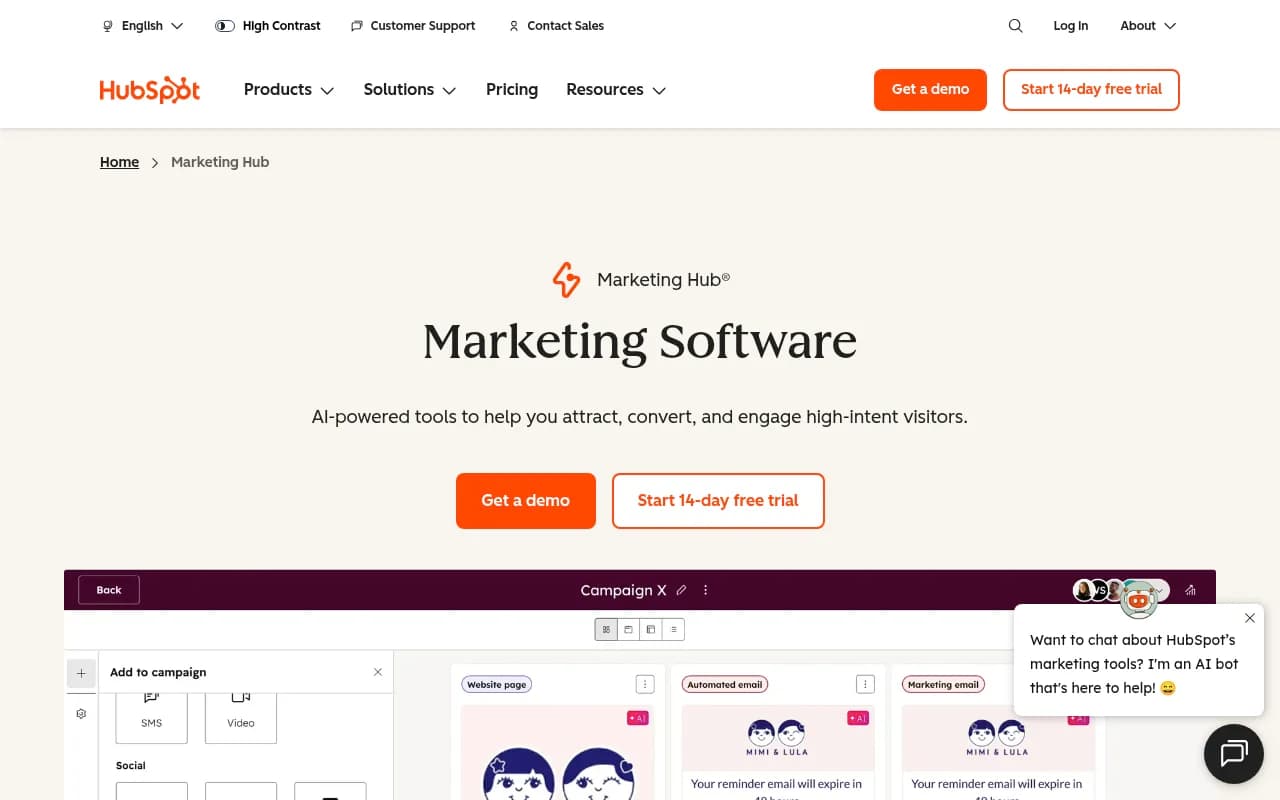
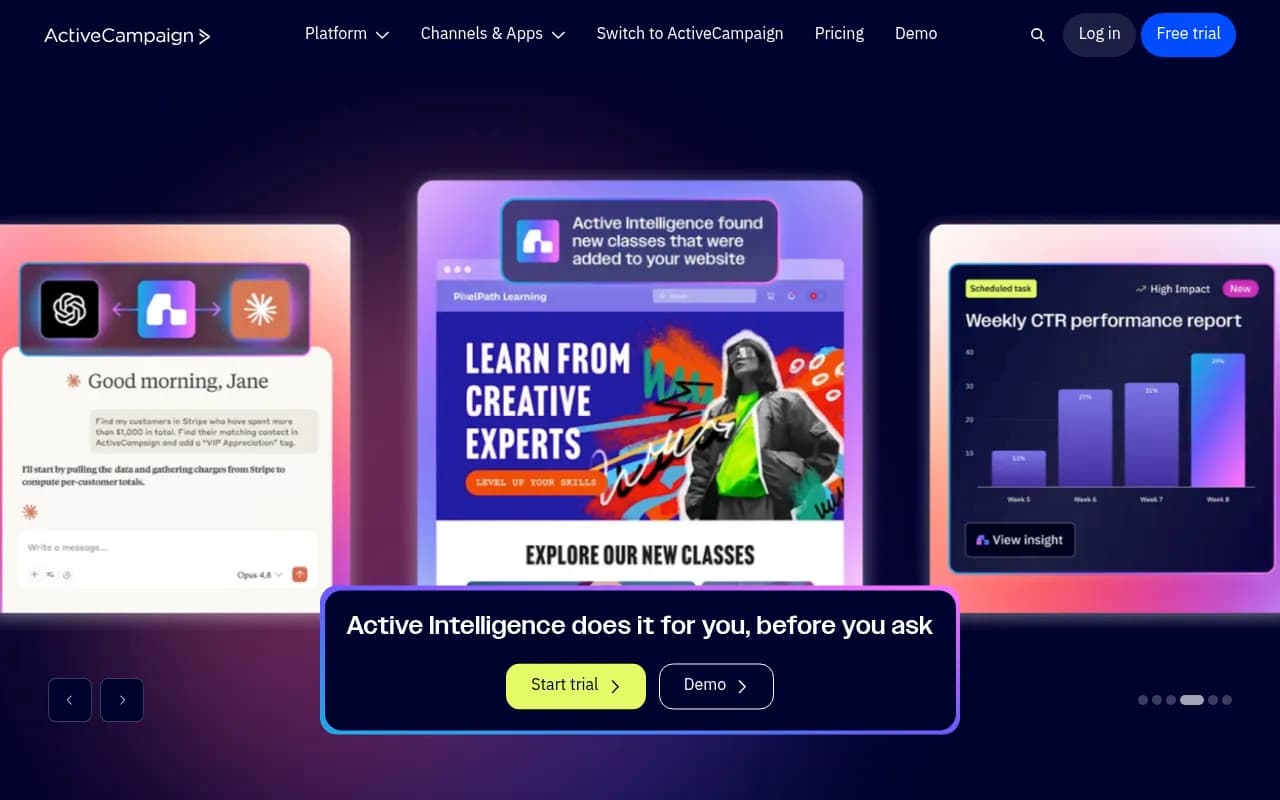
Many teams use HubSpot because of Marketing Hub, not the CRM. If that's you, leaving means replacing email, landing pages and lead capture as well. Decide whether you'll keep HubSpot Marketing Hub alongside a different CRM, switch to something like ActiveCampaign, or move to a CRM with native campaigns.
If your marketing team also wants to know how your brand shows up in ChatGPT and Google AI Overviews as you rebuild your stack, tools like Promptwatch can track that separately from your CRM. For a broader view, see how Promptwatch Data reports on citation behavior.

Which alternative should you pick?
- You sell, and you want pipeline clarity: Pipedrive.
- You want the cheapest credible path with a real free plan: Zoho CRM.
- You sell and deliver projects: Insightly.
- You want a simple suite for a small team: Freshworks.
- You need heavy customization and have admin capacity: Salesforce.
- Your process is unusual: Monday CRM.
- You're really a support team: Freshdesk or Helpmonks.
- You like HubSpot and just hate the price jump: negotiate, or keep the free CRM and add a separate tool for the one feature you miss.
My blunt take: most teams outgrowing the free CRM don't need a bigger platform. They need two or three specific features, like email sync, sequences and a decent report. Price those out first, and you'll often find the best HubSpot alternative is whichever tool gives you exactly those at a per-seat price you can live with in year two.
For more software comparisons across categories, browse the directory at SurferStack.