
Key takeaways
- Koala and Byword are the two tools I could verify publish to both WordPress and Webflow. Koala lists one-click publishing on its Starter plan; Byword lists WordPress and Webflow first among its integrations.
- Pricing units differ and make quick comparisons misleading. Koala bills in words and credits, with model multipliers of 2x to 3x. Byword bills per article, from about $2.78 to $3.32.
- Bulk AI output mostly lands in editorial formats. Promptwatch Data shows product pages are the most cited content type in ChatGPT (22.4%, Sep 28 to Oct 4, 2026), so the pages with facts you own matter more than a pile of generic posts.
- Publish as drafts first. Direct publishing saves time, but nobody should let unreviewed text go live on a site they care about.
- Check each vendor's current pricing and integration list before buying. Some of the numbers below came from sale-period pages.
What "publishes directly" actually means
The phrase gets used loosely. Some tools push a finished article into your CMS as a draft with title, body, featured image and slug mapped. Others only give you a copy-paste button or an export file. A third group relies on a webhook that sends content to Zapier or Make, which then does the real work.
They are all useful, but they are not the same thing. Before you pick a tool, check four things:
- Does it publish as a draft, as a live post, or both?
- Does it map fields (title, meta description, featured image, categories) or just dump the body?
- Does it handle Webflow CMS collections, which need field mapping, and not just WordPress posts?
- Can you schedule, or does everything go out the moment you click?
A scheduled draft inbox is the safest setup. A tool that fires articles live on a timer with no review is how sites end up with a hundred thin posts and a manual-action headache.
Quick comparison
| Tool | WordPress | Webflow | Pricing unit | Starting price | Best for |
|---|---|---|---|---|---|
| Koala (KoalaWriter) | Yes, one-click | Yes, one-click | Words and credits | $25/mo monthly, $15/mo annual (sale pricing when checked) | Affiliate and SEO blogs, bulk writing |
| Byword | Yes | Yes | Per article | $99/mo monthly, $83/mo annual for 25 articles | Programmatic SEO and agencies |
| Frase | Check vendor | Check vendor | Subscription | Check vendor | Research-to-draft workflow |
| Surfer | Check vendor | Check vendor | Subscription | Check vendor | Optimizing drafts to a score |
| Jasper | Not verified | Not verified | Subscription, 7-day trial | Check vendor | Brand-governed marketing teams |
| Outrank | Check vendor | Check vendor | Subscription | Check vendor | Hands-off SEO autopilot |
| Promptwatch | Yes (plugin) | Yes (OAuth, Marketplace app) | Subscription | $579/mo (Business) | Writing against AI citation gaps |
"Check vendor" means I could not verify the detail, so I will not pretend otherwise. Integration lists change often.
Koala (KoalaWriter)
Koala is the clearest example of a writer built around publishing. Its pricing page lists one-click publishing to WordPress, Shopify, Webflow and Ghost, plus webhooks for Zapier and Make, and puts that on the Starter plan. API access and an MCP server come with paid plans too.
The pricing model is the part to read slowly. Koala bills in words per year and credits, and the quoted word counts assume its default model. Some models count words at 2x and Claude Opus 5.5 counts at 3x, so a plan that looks like 540,000 words on Starter can shrink fast if you choose a heavier model.
| Plan | Monthly | Annual, per month | Words per year |
|---|---|---|---|
| Free | $0 | $0 | 5,000 one-time |
| Starter | $25 | $15 | 540,000 |
| Professional | $49 | $29 | 1.2M |
| Boost | $99 | $59 | 3M |
| Growth | $179 | $107 | 6M |
These were captured during a Black Friday sale of 40% off annual plans, so confirm list prices on koala.sh/pricing. Professional adds Deep Research, the article editor with an SEO score and internal linking tools. Boost adds Content Calendar Autopilot. If you want scheduled output on a calendar, that is the tier to look at.
Koala also has a Brand DNA feature that reads your site once and uses your voice and existing pages in each article. Extra brand slots cost $29 per month each. Claims like "25M internal links placed" are the vendor's own numbers.
My take: it is a good fit for blogs where volume and affiliate-style content matter. I would not use it unedited for pages where accuracy is the product.
Byword
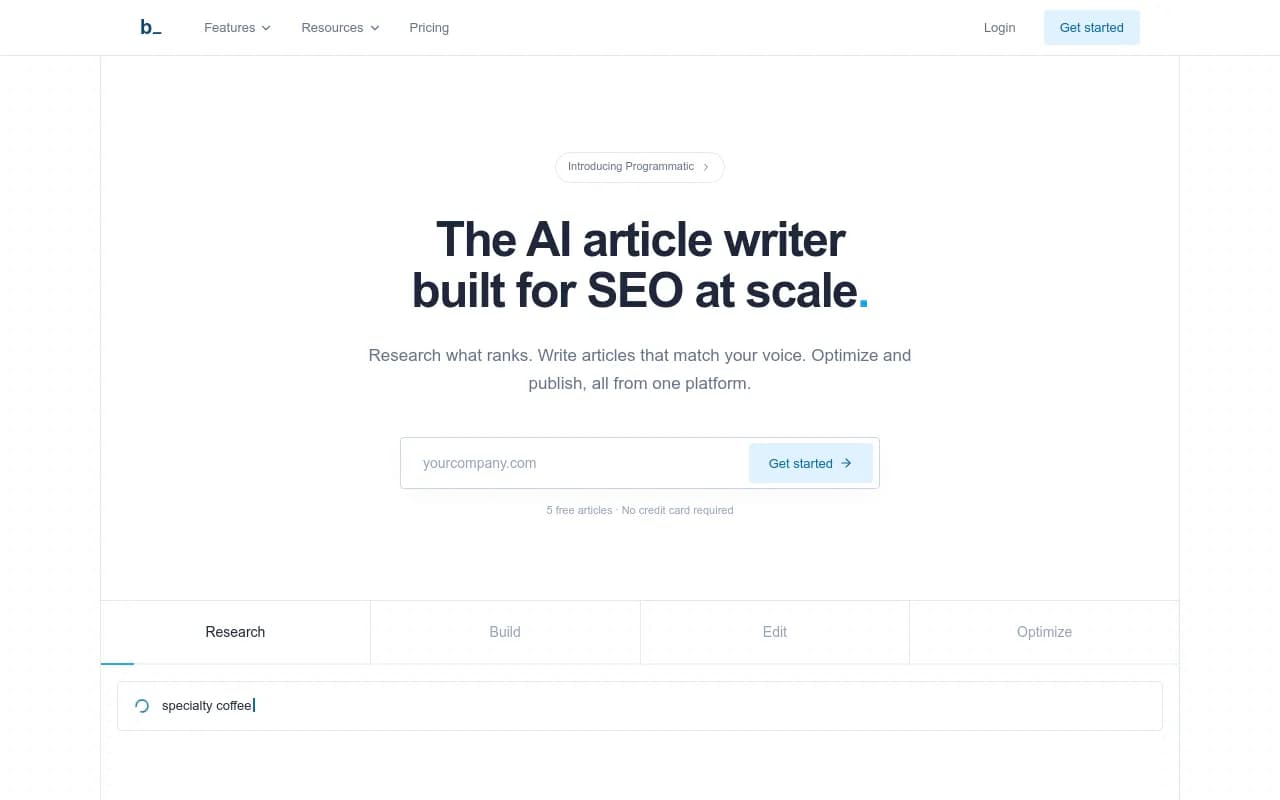
Byword prices per article, which makes budgeting much easier. On annual billing (17% off):
| Plan | Per month | Articles per month | Per article | Notes |
|---|---|---|---|---|
| Starter | $83 | 25 | $3.32 | 5 domains |
| Standard | $249 | 80 | $3.11 | 3 seats, unlimited domains, API |
| Scale | $833 | 300 | $2.78 | 10 seats, priority support |
Monthly billing is listed at $99, $299 and $999 for the same plans. There are 5 free articles with no credit card, which is a fair way to test output quality before paying. An Unlimited plan exists for agencies doing 500+ articles monthly; the scraped price was garbled, so ask Byword for a quote.
Its integration list opens with WordPress and Webflow, then Ghost, HubSpot, Medium, Airtable, Notion, Google Docs, Google Sheets and webhooks. I could not confirm which plans include which integration, so check that before you commit. It also does programmatic SEO, internal linking, 47 languages and 17 image styles.
Per-article pricing is easier to compare against a freelancer, and Byword itself puts freelancers at $50 to $200 an article. That comparison is the vendor's framing, but even if it is half right the unit economics are the draw. The catch is that cheap articles at $3 each are only a good deal if they are worth publishing.
Frase, Surfer and other SEO-first writers
These tools started as research and optimization products and added writing. I did not verify their CMS publishing details for this guide, so treat the entries below as pointers.
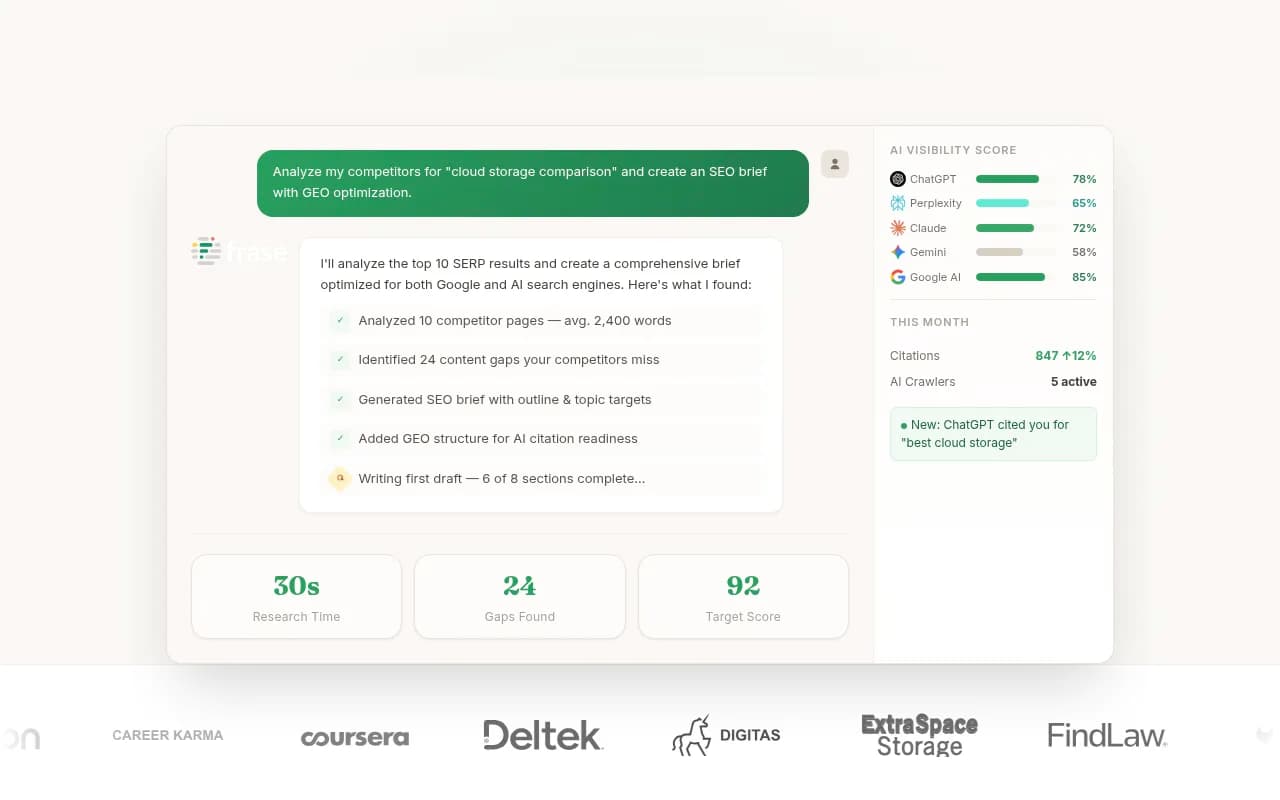
Frase describes itself as an SEO and GEO platform that researches, writes and publishes. It is a reasonable pick when you want the brief, the draft and the optimization in one place.
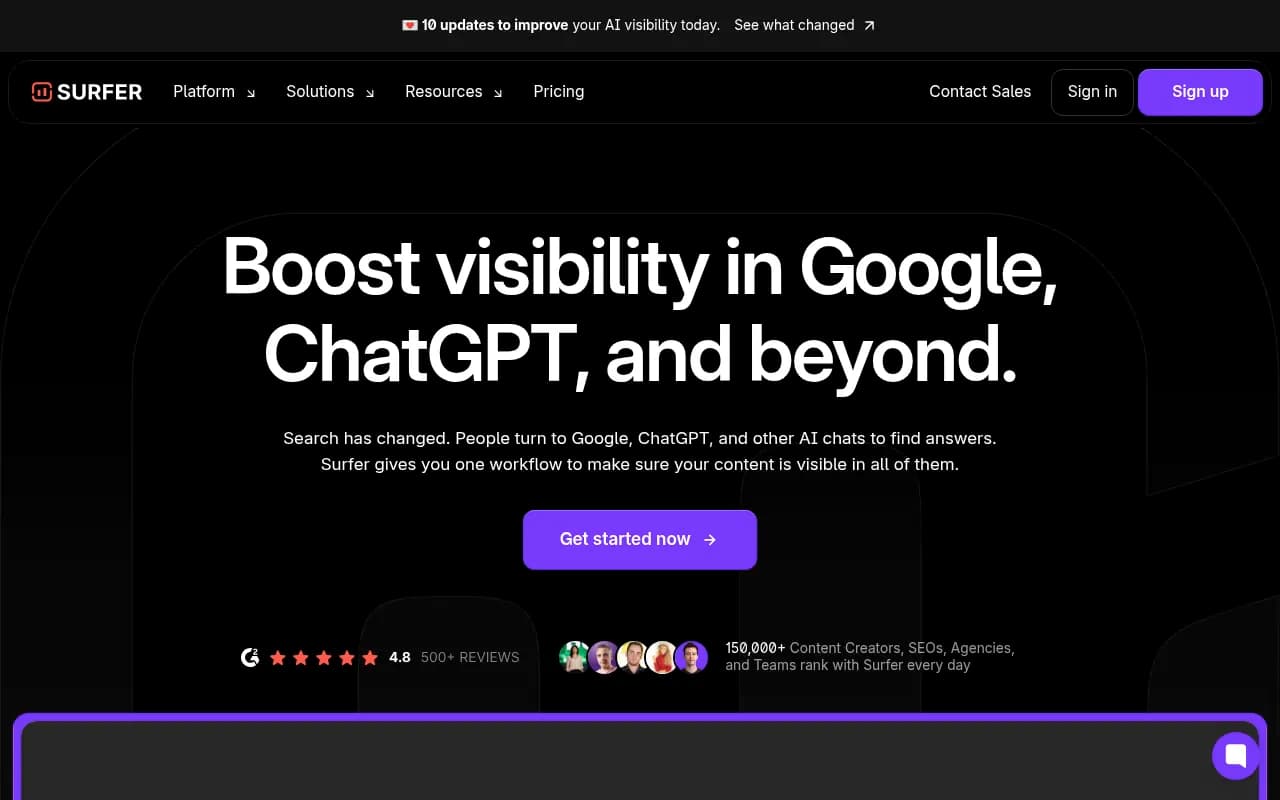
Surfer is strongest at scoring and tuning a draft against what already ranks. Many teams pair it with a separate writer rather than using it as the only tool.

WriteSonic now leans into AI search visibility as well as writing, so look at what it publishes and where on your current plan.

Outrank sells automated SEO content on autopilot. The appeal is zero effort. The risk is also zero effort: you need a review step you trust.

Scalenut covers AI content creation plus SEO planning, and is worth a trial if you want planning and drafting together.
Jasper
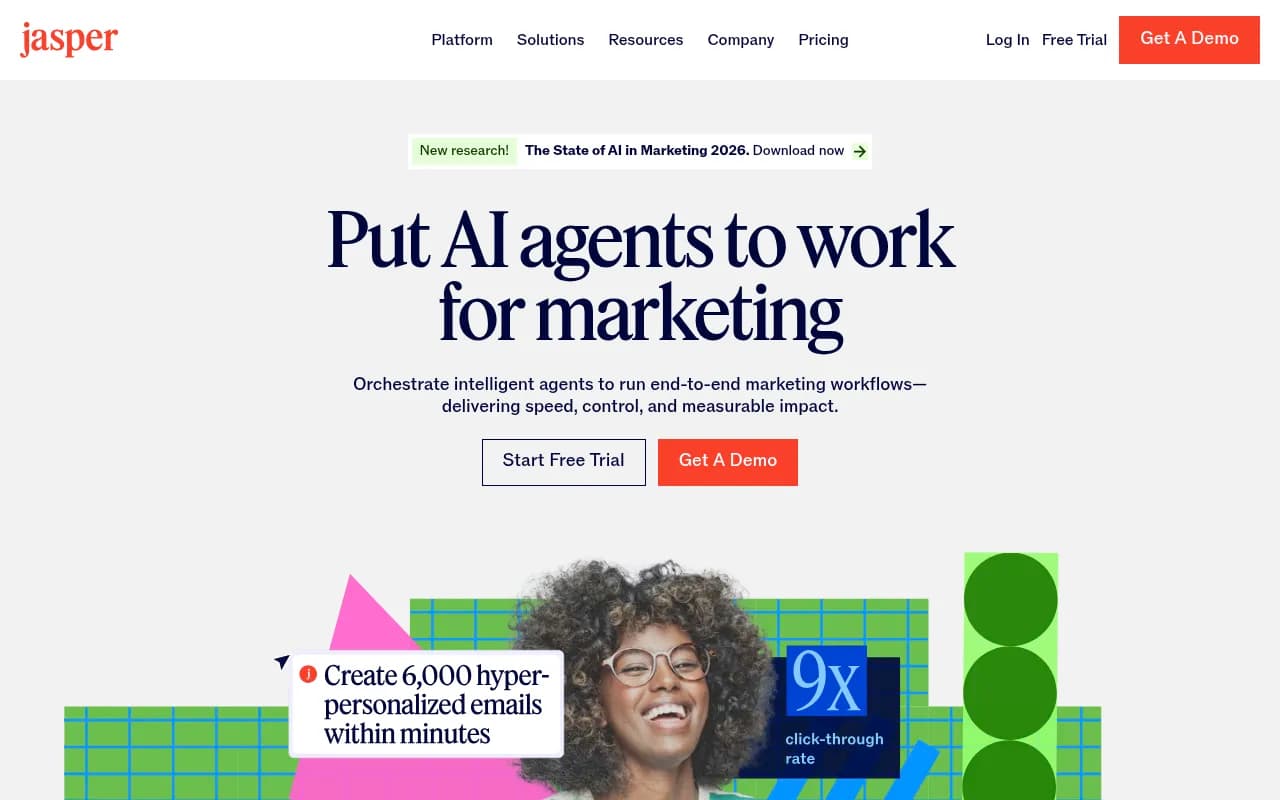
Jasper has moved from a pure writer into brand-governed marketing AI, with Brand IQ, agents, and GEO features like citation monitoring and content gap analysis. Its pricing page mentions Pro and Business plans and a 7-day free trial. I could not verify WordPress or Webflow publishing from the material I gathered, so ask sales directly if direct publishing is a must-have. It suits larger marketing teams that care more about brand control than raw volume.
Writing for AI search, not just Google
Most of the tools above optimize for a keyword and an SEO score. That is fine for classic search, but AI answers cite pages differently. Promptwatch Data for Sep 28 to Oct 4, 2026 found product pages are the most cited content type in ChatGPT at 22.4%, followed by landing pages at 16.8% and listicles at 13.6%. How-tos were 8.7% and comparisons 5.9%. Editorial formats together made up about 43%.
For commercial prompts, product pages were 26.0% and landing pages 20.6%. Branded prompts were 23.3% product pages and 22.8% landing pages.
The practical read: bulk AI blogging mostly feeds listicles, how-tos and comparisons. The biggest citation surface is product and landing pages, and those need accurate facts that a person at your company owns. Shelf life matters too. In Promptwatch's content half-life report, news pages lost half their citations in roughly five weeks, while landing pages and docs kept most of theirs for months. Evergreen pages are worth the human effort.
If you want the writer to be driven by what AI engines actually cite and what is missing from your site, Promptwatch does that. Its Content Agent plans and writes against your visibility gaps and publishes to WordPress (official plugin), Webflow (OAuth or the Marketplace app) and Framer, as a draft or live. It then tracks whether the published page gets crawled, cited and clicked. The Content Agent is on the Business plan ($579/mo), with a 7-day free trial; confirm details at promptwatch.com/pricing.
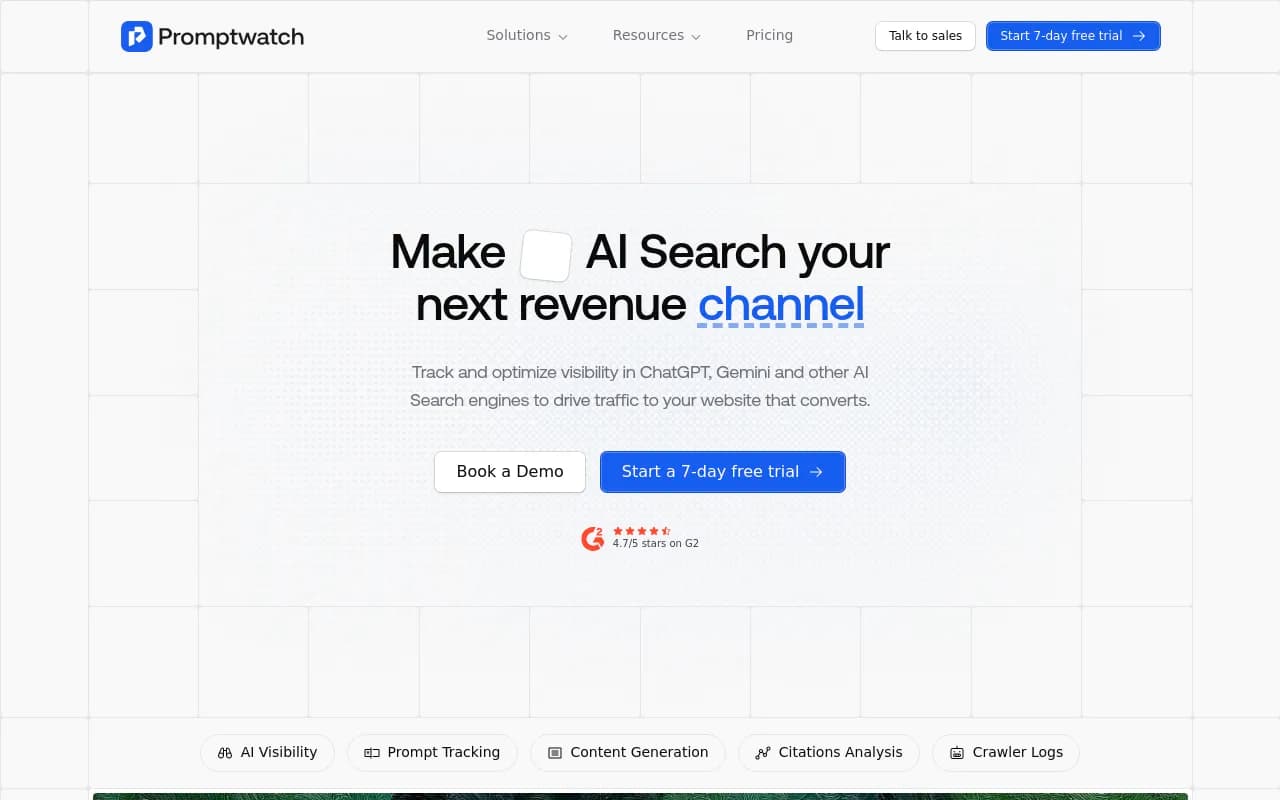
It is a different kind of tool from Koala or Byword: those are writers, this is a visibility platform that includes a writer. If you only want cheap bulk articles, it is more than you need. See the Content Agents page for specifics. For other options in the category, the GEO software directory at bestgeosoftware.com lists more.
Automation fallbacks
If your favorite writer has no native connector, a workflow tool can bridge the gap. Koala's webhooks, for example, are meant for this.

Zapier and Make are the easy options. n8n is the pick if you want self-hosting and more control. All three can send a draft to WordPress or a Webflow CMS collection, but you own the field mapping, and that is where Webflow setups usually break.
How to choose
- If you budget per post, start with Byword.
- If you want a calendar and bulk mode with brand voice, try Koala, and watch the model word multipliers.
- If you already live in an SEO optimizer, add its writer rather than switching.
- If the goal is showing up in ChatGPT, Perplexity and AI Overviews, pick a tool that starts from citation data.
- If you are an agency, test the free tiers of two tools on the same keyword and compare the drafts side by side.
Agencies that would rather hand off strategy entirely can look at 1001 SEO Media, which runs content and GEO work for clients and uses Promptwatch for AI visibility tracking.
A safe publishing workflow
- Connect the CMS and publish a single test article as a draft.
- Check the field mapping: title, slug, meta description, image, categories, and for Webflow, every collection field.
- Set a review step. Never auto-publish live in the first month.
- Add real facts: pricing, specs, quotes, screenshots. Generic text is what gets ignored.
- Track what happens. Look at indexing, crawls, citations and traffic after 30 days, then keep what works.
FAQ
Do these tools publish straight to Webflow collections?
Koala and Byword both list Webflow. Verify that your collection fields map correctly before running anything in bulk.
Is unreviewed AI content safe to publish?
No. It is the main risk of direct publishing. Use drafts and review.
Which is cheapest?
On the verified numbers, Koala's annual Starter at $15 per month is lowest in entry price, and Byword's Scale tier at $2.78 per article is lowest per article. They are measured differently, so compare on your real volume.
Pricing and integrations change often. Confirm everything on the vendor pages before you buy.