Key takeaways
- ChatGPT, Google AI Overviews and Google AI Mode answer local prompts differently depending on where the user is. A tracker with no location is measuring a fallback guess, not your customers.
- A pinned monitor sets an exact point and a radius (20 m to 5 km) so the answers are collected as if asked from that spot. One monitor per branch keeps each location's data clean.
- For a single store or neighborhood, 1,000 m is a sensible default. Go smaller for dense city blocks, larger to mimic approximate location sharing.
- Track inclusion, position and sources per pin, then fix the gaps with local pages and citations.
- Pinning needs a plan that supports it. In Promptwatch that means Business, Agency Scale or Enterprise.
Why a country-level monitor fails local prompts
Take a prompt like "best pizza near me." No city in it. A human asking from Williamsburg gets Williamsburg pizza. A tracker running from a data center gets whatever the model decides to guess.
On March 26, 2026, OpenAI added location sharing to ChatGPT. Users on iOS and web can switch it on under Settings > Data Controls, either as approximate (roughly a city or neighborhood) or precise (address-level). OpenAI says precise coordinates are deleted after the response is generated. So ChatGPT has three ways to know where you are: a shared location, a place named in the prompt, or a fallback guess. Trackers with no location sit in the third bucket.
Promptwatch ran a test on this and published it in its local GEO write-up (Nov 2, 2026). The setup: 25 "near me" prompts with no city named, 7 monitors (one country-level with no pin, one NYC at 5,000 m, four NYC neighborhoods at 1,000 m, and a Chicago Loop control), 698 ChatGPT responses and 8,965 citations.
Without a pin, four runs of "best pizza near me" placed the user in four different places: a general NYC list, Miami, Manhattan's Financial District and Houston. The first recommendation changed every time. Across the country-level citations, at least 10 metro areas showed up, and only 199 of 1,287 citations (15.5%) were New York pages.
With a 1 km pin, the picture changed. ChatGPT named the neighborhood first and listed places with walking distances, often in meters. Times Square, Greenwich Village, Williamsburg and Chicago pins landed in or next to the pinned neighborhood in all 4 runs. New Dorp was the weak one: it landed in neighboring Richmondtown in 2 of 4 runs.
My read: country-level tracking of "near me" prompts is close to meaningless, and the New Dorp result is a useful reminder that even pinned results are not perfect in low-density areas. Treat a pin as a strong signal, not a guarantee.
What a pinned monitor is
A monitor is a panel of prompts that runs across models, countries and languages. Pinning adds a point and a radius so that supported engines answer as if the user were standing there.
How it works in Promptwatch, released October 27, 2026:
- When you create a monitor, open Local GEO/SEO targeting.
- Set the pin by searching an address, city or landmark, by clicking the map, or by typing coordinates.
- Choose a radius from 20 m to 5 km.
- Optionally name the location. The monitor header shows the pinned place.

The pin goes to ChatGPT, Google AI Overviews and Google AI Mode. Other engines use the monitor's country, state and city instead. Answers are collected from the live ChatGPT and Google interfaces, so they include the distances, ratings and map links a local user actually sees. The API and MCP docs cover the same location fields for bulk setup.
Two constraints to know up front. The location is fixed once a monitor is created, so a mistake means a new monitor. And Promptwatch measures AI answers and citations, not local-pack rankings. If you need map-pack positions, that is a different tool category (more on that below).
Choosing coordinates and a radius
Get the coordinates right
Pin the place customers actually search from, which is not always the front door. For a store, use the storefront. For an office, use the building. For a service-area business, pick the center of the area you want to win.
If you already have addresses in a spreadsheet, you can pull decimal-degree coordinates from Google Maps. Google's own ad tools use the same format. Display & Video 360, for instance, accepts bulk lists of latitude/longitude pairs in decimal degrees, one per line, like this:
40.7505045,-73.9956274
40.8296426,-73.9283632
48.8606111,2.3354553
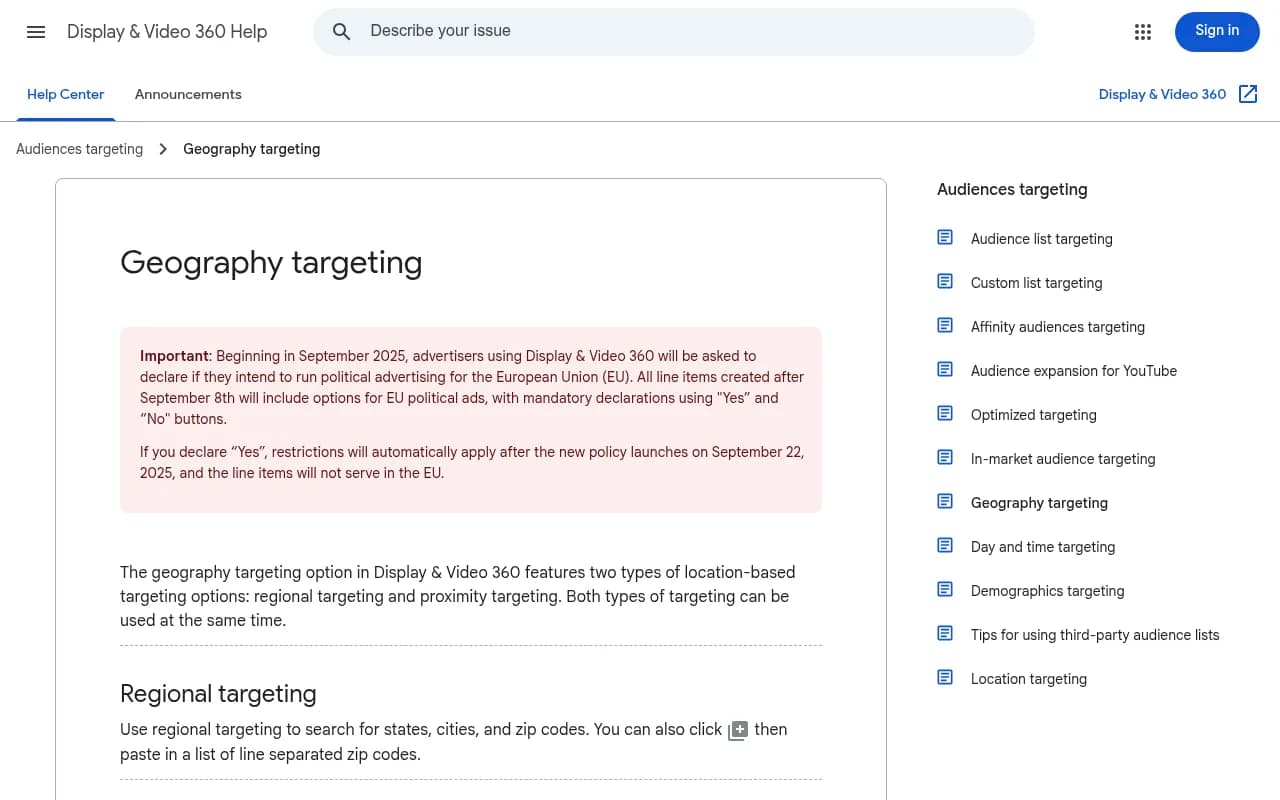
That page is worth a skim even if you never buy display ads. It shows how a mature ad platform treats proximity: a point, a radius in miles or kilometers, and a note that the allowed radius depends on population density for privacy. Promptwatch's 20 m to 5 km range is a different product with different limits, but the mental model is the same.
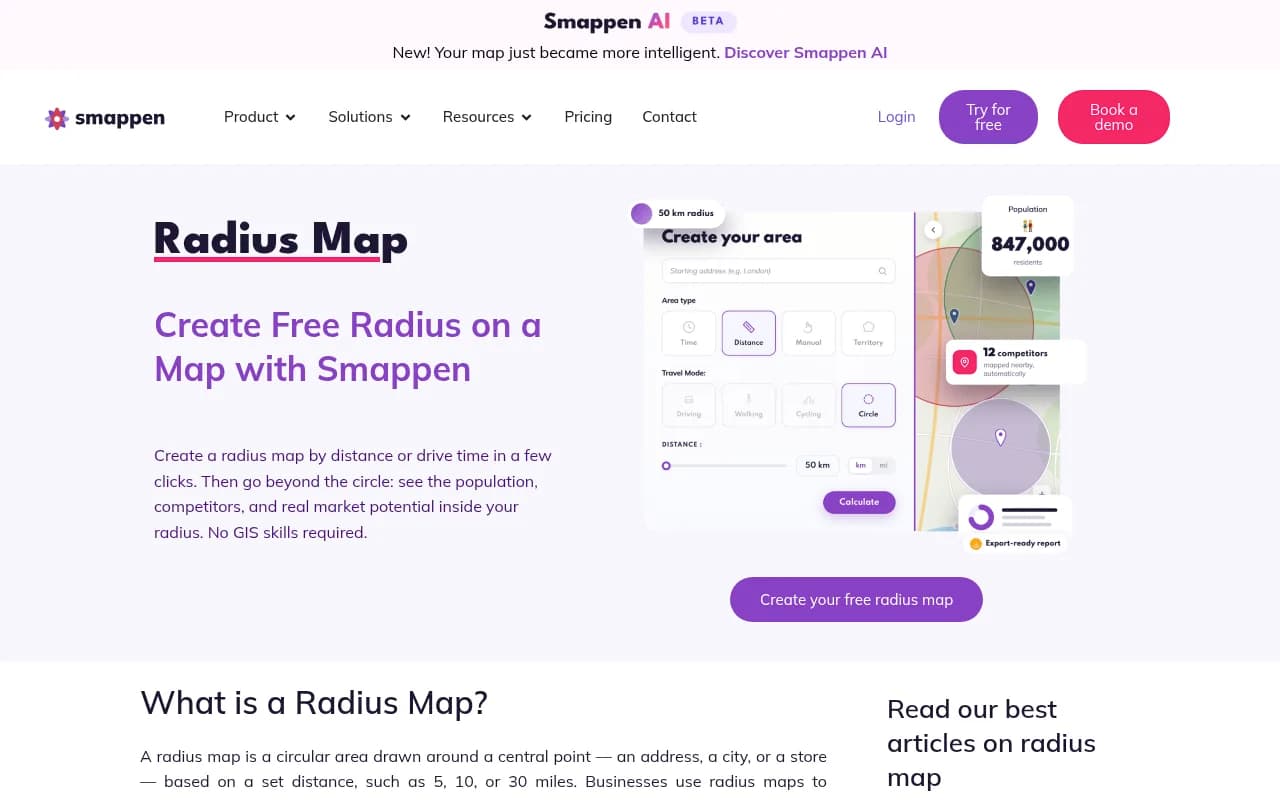
To sanity-check a circle visually before you commit, free tools like Smappen and Free Map Tools let you draw a radius around an address or coordinates.
Pick a radius
I could not find independent guidance on radius choice for AI answers, so treat this as working practice based on Promptwatch's test, not a law.
| Situation | Suggested radius | Why |
|---|---|---|
| Single store in a dense city block | 20 m to 250 m | Pins you to a specific spot, useful when two competitors sit on the same street |
| Branch or neighborhood presence | 1,000 m | The radius Promptwatch used in its pizza test, and the one it recommends as a default |
| Suburban or small-town location | 2 km to 3 km | Fewer businesses per square kilometer, so a tiny circle may sit on empty ground |
| Town or city-wide service area | 5 km | Mimics approximate location sharing, where ChatGPT knows roughly your neighborhood |
A practical trick: run the same prompt set at 1 km and 5 km for one location. If your inclusion rate collapses at 1 km but holds at 5 km, you are visible in the wider area but not where it counts.
Setting up monitors for a store, office or franchise
The flow Promptwatch describes in its local GEO guide is simple.
- List your locations with one pin per branch, store or service area. Agencies create one project per client.
- Create one monitor per location.
- Set the radius for each.
One location per monitor matters more than it sounds. Each branch gets its own time series and its own competitor set, so you can see that the Brooklyn shop is winning while the Queens shop is invisible, instead of a blended average that hides both.
Rolling out 40 branches
Copying a monitor keeps its location, but you still change the pin per branch. The REST API and MCP tools accept and return the same location fields, so monitors can be created and reported on in bulk. If you have a spreadsheet of branch coordinates, scripting creation is the sane route. An MCP client like Claude can do the same thing conversationally.
What to put in the prompt set
Write prompts the way local customers do, and keep them city-free so the pin does the work:
- best [category] near me
- [category] open now
- cheapest [category] nearby
- [category] with [attribute] close to me
- [your brand] reviews (for branded checks)
Promptwatch Data's ChatGPT Query Fanouts report shows fanout queries getting shorter over 2026, from about 117 characters in early December to about 53 from April. Promptwatch's advice is to write headings that read like short search queries, entity and category first. Short queries probably carry the location and category (something like "pizza Williamsburg"), though I did not find that confirmed, so test it rather than assume it.
Plans and what you need
Point and radius pinning is on Business, Agency Scale and Enterprise only. Country, state and city targeting is on every plan. Check promptwatch.com/pricing for current numbers, since plans change.
Published prices at the time of writing: Business is $579/mo with 5 projects and 350 prompts. Agency Scale is $799/mo with unlimited projects, which is the natural fit for an agency running pins for many clients. Enterprise is custom.
For franchises, the math to run is prompts times locations. Fifty prompts across 40 branches is 2,000 prompt slots, so you will probably want a lean local prompt set (10 to 15 prompts) per branch rather than your full brand set.
What to measure per pin
Three things, in this order.
- Inclusion: does the business appear in the answer at all for this location?
- Position: where in the list does it land, and what is named first?
- Sources: which pages did the answer cite for this pin?
Promptwatch's Citations view shows which sources each answer used for that pin, and Content Gap Analysis tests the sub-queries behind the answers against your site. That second part is where the work comes from. If ChatGPT keeps citing a directory page for your category instead of your location page, you have a content or listing problem, not a tracking problem.
Promptwatch Data's content type report (Sep 28 to Oct 4, 2026) is a useful guide to what to fix first. Product pages are 22.4% of classified ChatGPT citations, landing pages 16.8% and listicles 13.6%. For commercial prompts, landing pages rise to 20.6% and comparisons are 7.9%. For branded prompts, reviews reach 5.6%. Translated to local: each location needs its own landing page with real details, and a "best X in [area]" listicle on someone else's site counts for a lot.
If you see a business lead in one neighborhood and vanish a few kilometers away, that is normal. It is also exactly the finding a country-level monitor would never have surfaced.
Fixing what the pins reveal
When a pin shows you absent, the usual causes look like this:
- No location page, or a thin one that only lists an address
- Inconsistent name, address and phone data across directories
- Weak or sparse reviews compared with the competitors AI names
- Cited third-party lists that do not mention you
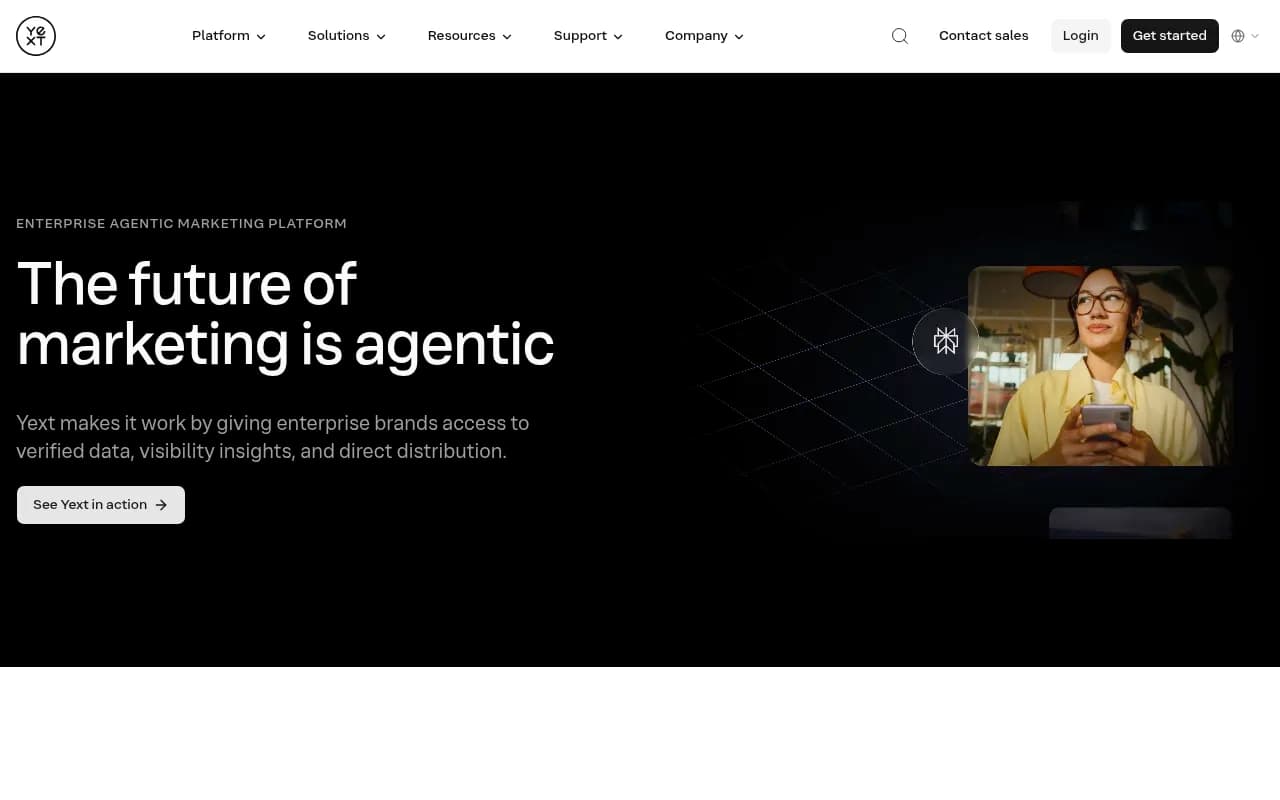
For listings and reviews, local-focused platforms such as BrightLocal and Yext cover that ground, and Reputation.com and ReviewTrackers are also in the catalog.
For content, Promptwatch's Content Agent can plan, write and publish location pages against the gaps (Business and Enterprise), and the AI crawler logs show whether bots can read those pages in the first place. If you are on a smaller budget, publish the pages by hand and use the pins to verify that they get cited.
How other tools handle location
Promptwatch's own comparison table (vendor-sourced, so treat it as Promptwatch's view, and I did not verify competitor prices independently) groups location handling into four methods: point and radius, city or state targeting, geo-grid scans, and anchoring to a business location.
| Platform | Location method | Engines (per Promptwatch's table) |
|---|---|---|
| Promptwatch | Point and radius, 20 m to 5 km | ChatGPT, AI Overviews, AI Mode get the pin; others use country, state, city |
| Local Falcon | Geo-grid scan, 3x3 to 21x21 points | ChatGPT, Gemini, AI Overviews, AI Mode, Grok |
| BrightLocal | Anchored to each business location | ChatGPT, AI Overviews, AI Mode |
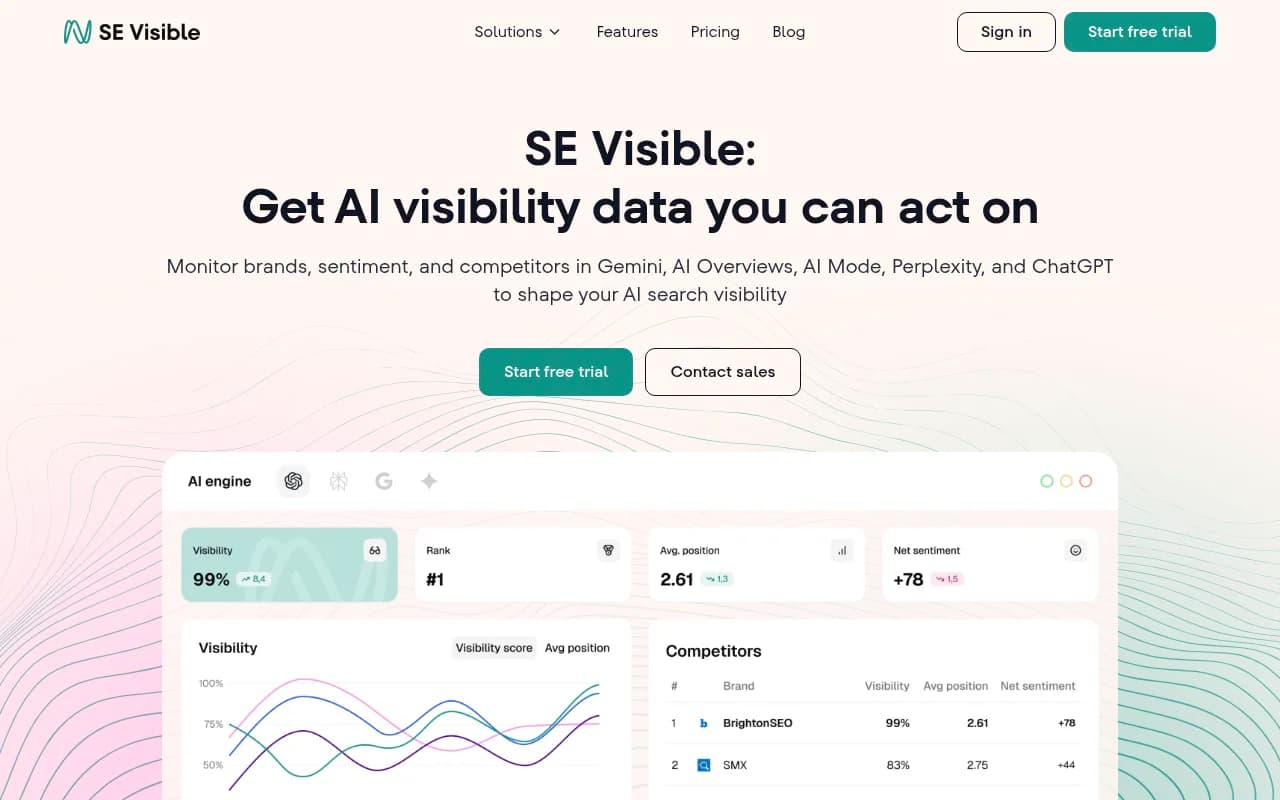
| SE Ranking (Visible) | City and region | ChatGPT, AI Overviews, Gemini, AI Mode |
| Yext Scout | Per business location, by category and region | ChatGPT, Gemini, Perplexity, Grok, plus Google search |
| Peekaboo | City (65,000+ cities) | AI Mode, others on expanded coverage |
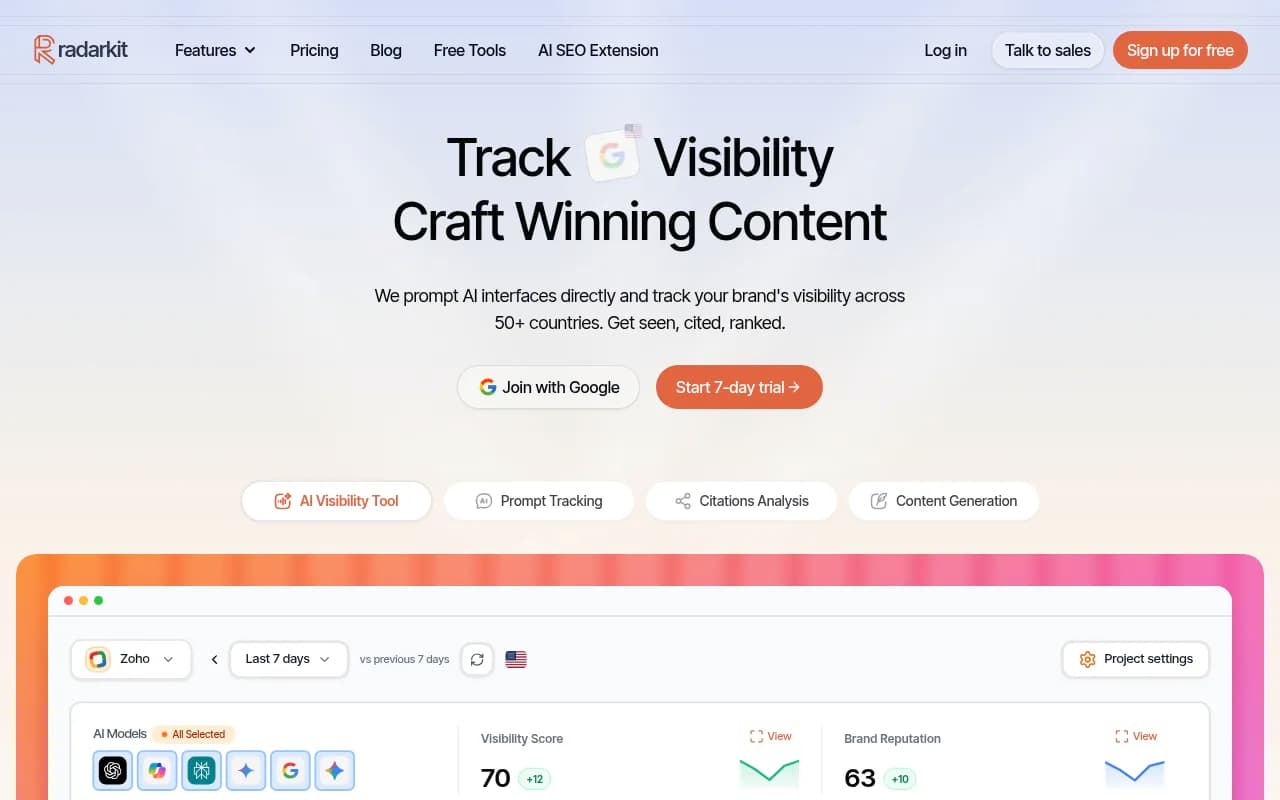
| RadarKit | City-level residential IPs | Not specified |
Geo-grid scans answer a different question: how does visibility vary across a map? Pinned monitors answer: how do we show up from this exact spot, over time, against this competitor set? Both are valid. Multi-location brands might reasonably use a grid tool for map-style exploration and pinned monitors for ongoing tracking.
For wider comparisons, the GEO software directory at bestgeosoftware.com lists many more options.
A starter checklist
- Export your locations with coordinates (decimal degrees).
- Choose a default radius: 1,000 m unless you have a reason not to.
- Write 10 to 15 city-free local prompts per branch.
- Create one monitor per location and name each one.
- Run for two weeks before drawing conclusions, since single runs vary.
- Compare inclusion, position and cited sources per pin.
- Fix location pages, listings and reviews for the weakest branches first.
- Re-test at 5 km for any branch that is invisible at 1 km.
One last caveat. The research behind this topic is young. Promptwatch's NYC test is a single vendor's experiment with a modest prompt set, and I found no official documentation from Google on how AI Overviews and AI Mode use location signals. Use pins to compare your own locations over time, and be skeptical of anyone promising a precise "local AI rank."