Key takeaways
- GEO Inspector is a free Chrome extension from Promptwatch that shows what ChatGPT did behind an answer: the fan-out queries it ran, the pages it fetched, and the pages it cited.
- ChatGPT usually fetches far more pages than it cites. One FanoutFox capture in a public teardown showed 4 searches, 104 sources and only 4 cited. That gap is where most GEO work lives.
- Since August 8, 2026, about 1 in 6 fan-outs uses the site: operator, so your own domain is now a retrieval surface.
- The extension is free, needs no account, and runs locally. You can export CSV, Markdown or JSON.
- It is a one-conversation microscope. For tracking across hundreds of prompts, countries and models over time, you need a monitoring platform.
What the GEO Inspector actually does
When you ask ChatGPT a question with search turned on, it does not just search your phrase. It rewrites the prompt into one or more sub-queries (the fan-out), fetches a pile of pages, and then cites only some of them in the final answer. None of that is visible in the normal chat window.
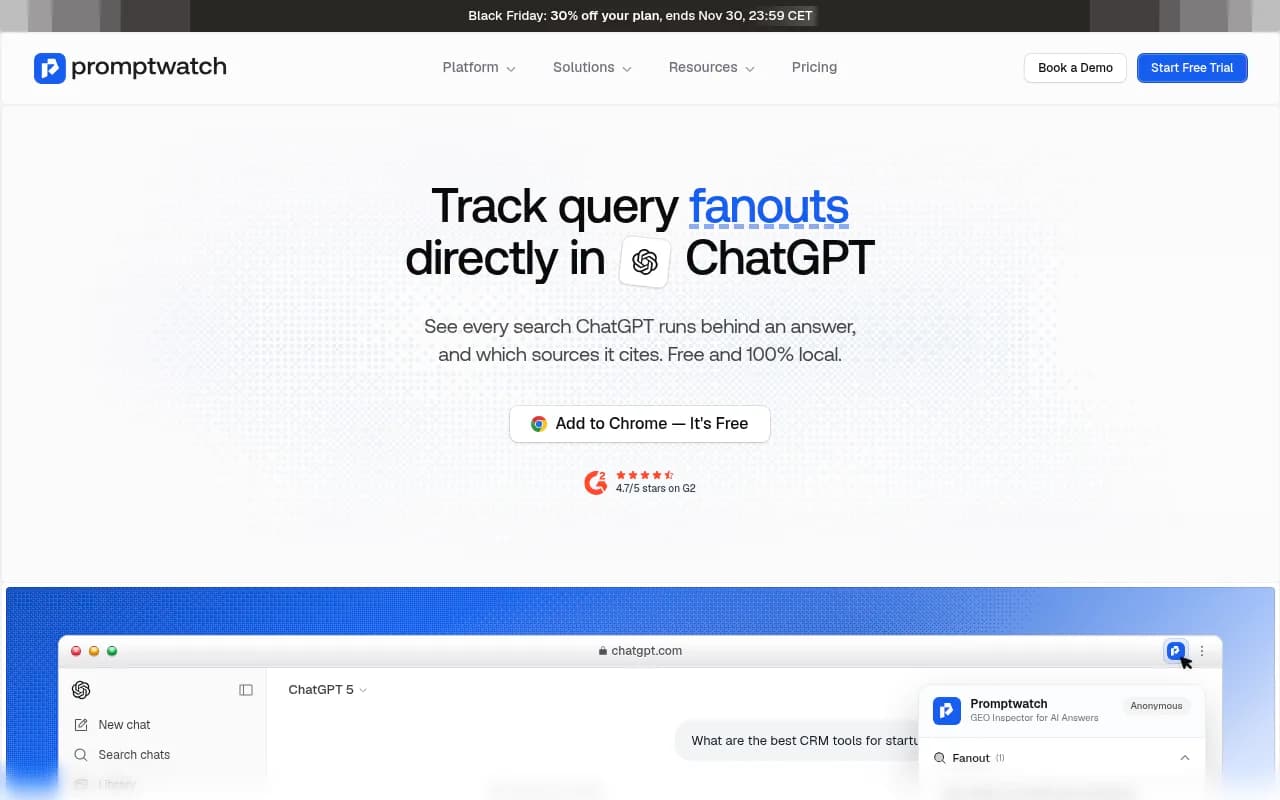
The Promptwatch GEO Inspector for ChatGPT surfaces it. Per its listing, it reveals every fan-out query ChatGPT searched, which web pages it fetched, which of those were cited, the model used, and the reasoning trail from prompt to answer.

The first release (v1.1.0, August 10, 2026) has three views:
- Fanout: every sub-query ChatGPT generated, deduped, with site: and official badges.
- Citations: the sources the answer actually cited, and how many were fetched but ignored.
- Sources: every page fetched, grouped by host, marked cited or fetched-only.
It costs nothing, has no usage limits, and needs no account. The page describes it as 100% local, and says it cannot read other tabs, your browsing history, or other websites.
Why fan-outs and fetched vs cited matter
Fan-outs are the queries you are really competing for
People type one prompt. ChatGPT runs its own searches. Promptwatch's ChatGPT query fan-out data says a single prompt can trigger 3-8+ searches, although the report's own charts show lower averages: about 2.15 per response in early December and about 1.84 by early March, with average query length falling from roughly 117 characters to the high 80s over that stretch. The numbers move, which is exactly why looking at your own live examples is useful.
The bigger shift came on August 8, 2026. Promptwatch Data found that the share of fan-out queries containing site: jumped from 0.37% to 16.8% in one day, and average fan-out queries per response rose from about 1.08 to about 1.83. The site: searches look additive, not replacements. In practice ChatGPT is going to specific domains, often tagged official, to check a claim. The GEO Inspector's site: and official badges exist for exactly this pattern, and the extension shipped two days after the shift.
The fetched-but-not-cited gap is the opportunity
Citing is the visible outcome. Fetching is the audition. If ChatGPT fetched your page and did not cite it, you passed the access test and failed the usefulness test. If it never fetched your page, that is a discoverability or crawlability problem. These need different fixes, and without a tool you cannot tell them apart.
The extension gives you an "X of Y sources cited" breakdown. In Promptwatch's own demo mockup, 6 of 12 sources were cited for a CRM query. In a FanoutFox teardown screenshot, a live-chat software query showed 104 sources and only 4 cited. Expect big gaps on comparison and listicle style prompts.
Step-by-step: install and run your first inspection
1. Install the extension
Open the extension page at promptwatch.com/features/chrome-extension, click Add to Chrome, and confirm. Pin it to your toolbar so it is one click from any tab.
2. Ask a prompt your buyers actually ask
Skip vanity prompts about your own brand name. Use the shapes that drive decisions:
- Comparisons: "HubSpot vs Pipedrive for a five person startup"
- Recommendations: "best CRM for startups in 2026"
- Constraint prompts: "project management tool under $20 per user with Gmail integration"
Make sure web search is active in ChatGPT, then wait for the answer to finish. Capturing a half-finished answer gives you partial data.
3. Open the Fanout tab
Read the sub-queries as if they were a keyword list written by the model. Check for:
- Rewrites that add a year, a category word, or a qualifier you did not type.
- Queries ending in official or naming a vendor, which signal that ChatGPT wants first-party confirmation.
- site: queries pointing at one domain. If yours is among them, your own pages (pricing, docs, features) are being probed directly.
Write down the recurring sub-questions. Each one is a candidate page or heading on your site.
4. Read the Citations tab
This shows who made it into the answer and the fetched-but-ignored count. Look at domain types. If the cited set is review sites and marketplaces, a first-party page will struggle; you may need a presence on those sources instead. Promptwatch's software citation data (Sep 28 to Oct 4, 2026) found GitHub, Microsoft's docs and G2 leading, with documentation and help centers earning the largest share, so category context matters.
5. Compare against the Sources tab
Sources groups every fetched page by host and marks each cited or fetched-only. Questions to ask:
- Is my domain in the fetched list at all?
- If yes and uncited, what did the cited competitor page have that mine lacks (a clear price, a comparison table, a direct answer)?
- Which hosts are fetched many times but never cited? Those are low-trust sources for this prompt type.
6. Export what you found
You can download fetched and cited sources as CSV, copy a formatted Markdown summary for a team or client, or copy the full capture as JSON. Save one capture per prompt, with the date in the filename, so you can compare after you ship changes.
Turning a capture into actions
| What you see | Likely cause | What to do |
|---|---|---|
| Your domain never appears in sources | Discoverability or crawl access | Check robots.txt for AI bots, sitemap, indexing, and build pages for the sub-queries |
| Fetched, not cited | Page fetched but not useful enough | Add direct answers, specifics, tables, fresher data |
| site: query for your domain returns thin pages | Weak category or internal pages | Strengthen pricing, features and comparison pages |
| Cited set is mostly review sites | Third-party sources win the prompt | Work on listings and reviews, not just your site |
| Competitor cited with an official-tagged query | ChatGPT wants first-party proof | Publish clear first-party claims with evidence |
Two free resources help with the technical side: the Agentic Readiness Check shows which AI crawlers can read your site, and the Robots.txt generator for AI helps fix access rules.
Limits you should know about
Be realistic about a one-conversation tool.
- One capture is an anecdote. ChatGPT answers vary run to run, by account, location and model. Run each prompt a few times before drawing conclusions.
- You see your session, not your market. Your history and location can shape the result.
- ChatGPT only. The GEO Inspector is built for ChatGPT.
- Undocumented internals change. Extensions like this read fields OpenAI does not document. The FanoutFox author reported two breaking payload changes in 48 hours after launch. I did not verify how GEO Inspector handles this, but if a card goes blank after an update, that is the first suspect.
- Markets and personas are invisible. The extension will not tell you how a buyer in another country or with another profile sees the answer.
Alternatives and the manual method
| Option | Cost | Engines | Notes |
|---|---|---|---|
| GEO Inspector (Promptwatch) | Free | ChatGPT | Fanout, Citations, Sources views with site: and official badges; CSV, Markdown, JSON export |
| FanoutFox | Free | ChatGPT only | Shows searches, fetched pages, cited vs mentioned; pin captures and diff over time; optional Ahrefs and Reddit lookups |
| Search & fan-out capture (Resoneo) | Free extension | ChatGPT and Gemini | Extracts every citation; on Gemini, includes the highlighted passage tied to each cited page |
| AI Search Query Fan-Out Tracker | Free (Chrome Web Store) | ChatGPT and Gemini | Captures the transformed queries |
| Chrome DevTools | Free | Any chat you can open | Manual, slower, no install |
The DevTools method
If you do not want to install anything, Aiso's guide describes a manual route:
- Open a ChatGPT conversation that used Search.
- Copy the conversation ID from chatgpt.com/c/<conversation-id>.
- Open DevTools, go to Network, enable Preserve log, reload, and filter Fetch/XHR by the ID.
- Open the matching conversation response and search for search_model_queries and search_queries.
- Copy the query strings.
{
  "metadata": {
    "search_model_queries": {
      "queries": ["query one", "query two"]
    }
  }
}
It works, but one FanoutFox author said it takes the better part of an afternoon per answer. That is the argument for an extension. Field names also change, so treat the structure as a snapshot.
When to move beyond the extension
Use the extension for diagnosis: why did this answer cite them and not me? Use a platform for the questions it cannot answer:
- How often am I mentioned across hundreds of prompts, models and countries?
- Are the AI crawlers actually reading my pages, and where do they error?
- Did the page I fixed last month start getting cited, and did it send traffic?
Promptwatch covers that loop in one product: prompt monitoring from the real ChatGPT, AI Overviews, Gemini and Perplexity interfaces, IP-verified AI crawler logs, Page Tracker, and visitor analytics, plus a Content Agent that writes and publishes pages for the gaps. You can start with the free AI visibility report or the 7-day free trial. Pricing is on promptwatch.com/pricing. For a broader shortlist, the GEO software directory at bestgeosoftware.com lists other options.
A repeatable weekly routine
- Pick 5 to 10 prompts your buyers use, mixing comparison, recommendation and constraint prompts.
- Run each in ChatGPT with search on, two or three times.
- Export CSV or Markdown from the extension and save it with the date.
- Note recurring fan-out sub-queries and whether your domain is fetched, cited, or absent.
- Ship one fix per week: a new page for an uncovered sub-query, a rewritten page for a fetched-not-cited one, or a crawl access fix.
- Re-run the same prompts next week and compare.
Because fan-out behavior shifted sharply on August 8, 2026, any keyword mapping built before then is worth redoing with fresh captures.
Frequently asked questions
Is the GEO Inspector really free?
Yes. The listing says it is free, with no usage limits, paywalls or account requirements.
Does it send my conversations anywhere?
The listing describes it as 100% local with no account. Check the permissions on the Chrome Web Store page before installing, as you would with any extension.
Does it work on Gemini or Perplexity?
It is built for ChatGPT. Resoneo's extension and the AI Search Query Fan-Out Tracker also cover Gemini.
Why would ChatGPT fetch my page and not cite it?
The extension tells you that it happened, not why. The usual suspects are an answer buried in the page, missing specifics, and a stronger competing source. Compare the cited pages side by side with yours.
Can I use it for client work?
Yes. The Markdown export is made for sharing, but remember a single capture is a sample, not a benchmark.