Key takeaways
- Free prompt tracking works if you keep conditions identical: same prompts, same engines, same account state, same cadence, saved in a log.
- Free checkers (Rank.ai, CitedSpy, SEO.com, HubSpot's AEO Grader) give snapshots, not trends. They are good for a first look and bad for measuring change.
- Google Search Console, Bing Webmaster Tools, Microsoft Clarity and a GA4 AI channel group cover impressions, citations and AI-referred traffic at no cost, each with a blind spot.
- A tracked prompt is not what ChatGPT actually searches. Fan-outs mean one prompt can trigger several queries, so log more than the prompt itself.
- Free stops making sense when manual testing eats more staff hours than a subscription costs.
What "prompt tracking" actually means
Prompt tracking is simple on paper. You pick a set of questions your buyers ask AI assistants, run them on a schedule, and record whether your brand shows up, where, and which sources get cited. Paid tools automate that loop. Free methods make you do it by hand or give you a single snapshot.
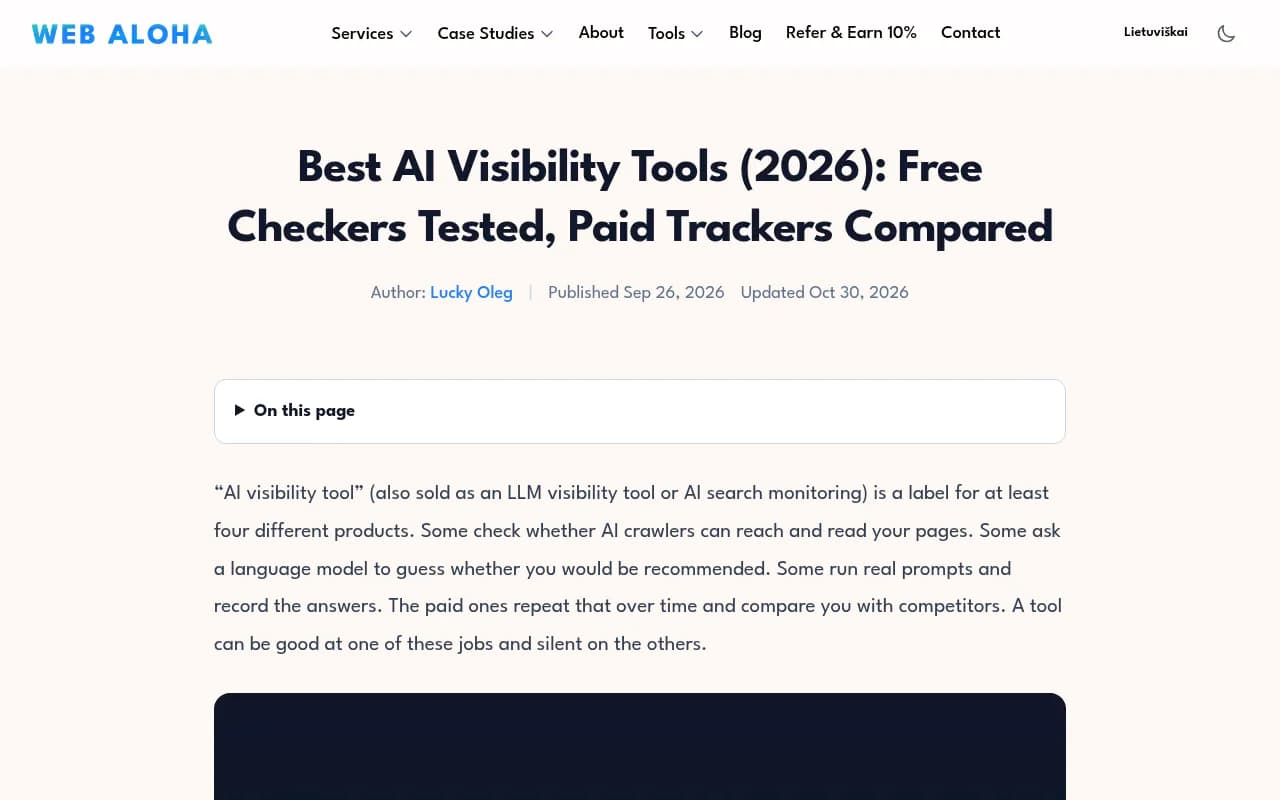
One warning before the methods. "AI visibility tool" is a label stretched over at least four different products. Some check whether AI crawlers can read your pages. Some ask a model to guess whether you would be recommended. Some run real prompts and record the answers. The paid ones repeat that over time against competitors. Web Aloha makes this point well in its free checker tests, and it matters because a free tool that is great at crawler checks tells you nothing about what a buyer sees in ChatGPT.
Match the evidence type to your task:
| Your task | Evidence you need | Free method |
|---|---|---|
| Check crawler access and readable content | Technical findings you can recheck | Readiness checkers, robots.txt review |
| Inspect an answer and its sources once | Answer text, cited URLs, date | Free checkers like Rank.ai or CitedSpy |
| See what a buyer sees in a given assistant | Saved answer with mode and account state | Manual prompt panel in a spreadsheet |
| Measure AI-referred visits | Sessions and conversions by source | GA4 channel group, Clarity |
| Compare repeated runs or competitors | Same prompts and conditions over time | Spreadsheet log, or a paid tracker |
Method 1: the spreadsheet prompt log
This is the most reliable free method, and I would start here even if you plan to buy a tool later. It forces you to decide what you are measuring.
Build the prompt panel
Pick 15 to 30 prompts. Cover three types: organic category questions ("best project management tool for agencies"), comparisons ("Brand A vs Brand B"), and branded questions ("is Brand A good for small teams"). Add the buyer personas you care about as a column, because a CFO and a developer phrase things differently.
Keep the panel fixed. Changing prompts mid-stream destroys your baseline, and that is the most common way free tracking falls apart.
Columns that matter
Web Aloha publishes a downloadable CSV prompt observation log you can start from. If you build your own, use at least these columns:
- Date and tester name
- Engine and mode (ChatGPT with search on, Gemini, Perplexity, Copilot, Claude, AI Overviews)
- Logged in or out, and country
- Prompt text, exactly as typed
- Brand mentioned (yes or no), position in the answer, tone
- Competitors named
- Cited URLs, and whether any are yours
- Link or screenshot of the saved answer
Tone and position are subjective, so write a one-line rule for each and stick to it. Position, for example, can be "order of brand appearance in the answer".
Keep conditions identical
Proof Digital's advice here is right: a monthly test across ChatGPT, Gemini, Perplexity, Copilot and Claude is the most reliable free way to track mentions, provided you keep conditions identical each run. Same browser profile, same location, same time of month. Run each prompt more than once if you can, because answers vary between runs. Three runs per prompt per engine is a sensible compromise before it becomes a part-time job.
Account for fan-outs
The prompt you type is not what the engine searches. Promptwatch Data's ChatGPT query fan-out report found a single prompt can trigger 3 to 8 or more separate searches, with an average of 2.15 fan-outs per response in early December easing to about 1.84 by early March. The same data shows average query length shrinking, from about 117 characters to the high 80s. In August, Promptwatch Data also documented ChatGPT using the site: operator at scale, jumping from about 0.4% to about 17% of fan-out queries overnight.
Practical consequence: add a "fan-out queries" column when your tooling shows them (the free GEO Inspector Chrome extension does, more on that below), and write page headings that read like short keyword queries.
Know the baseline for each engine
Engines behave differently, so compare yourself to the engine's own norm. According to Promptwatch's sources-per-response data, ChatGPT cites about 5 sources per answer when search triggers, Google AI Overviews about 10, and Perplexity almost exactly 10 every day. That makes Perplexity a steady test bench: if your citations there move, it is probably your content, not engine noise. Copilot swung from under 2 to nearly 17 sources within weeks, so judge it on monthly trends, not weekly snapshots.
The cost of this method is time. Twenty prompts across five engines, three runs each, is 300 answers a month to read and log. That is the break-even point I mention later.
Method 2: first-party free tools
These do not track prompts. They show what platforms already report about you, and they are free forever.
| Tool | What it shows | Blind spot |
|---|---|---|
| Google Search Console | AI-related impressions in Google surfaces | Impressions but no clicks split out |
| Bing Webmaster Tools | Copilot citations in the AI Performance report | Citations but no traffic |
| Microsoft Clarity | AI-referred visits via AI traffic channels | Misses AI features inside search engines |
| GA4 | AI referrals if you build a custom channel group | Referrer data is patchy |
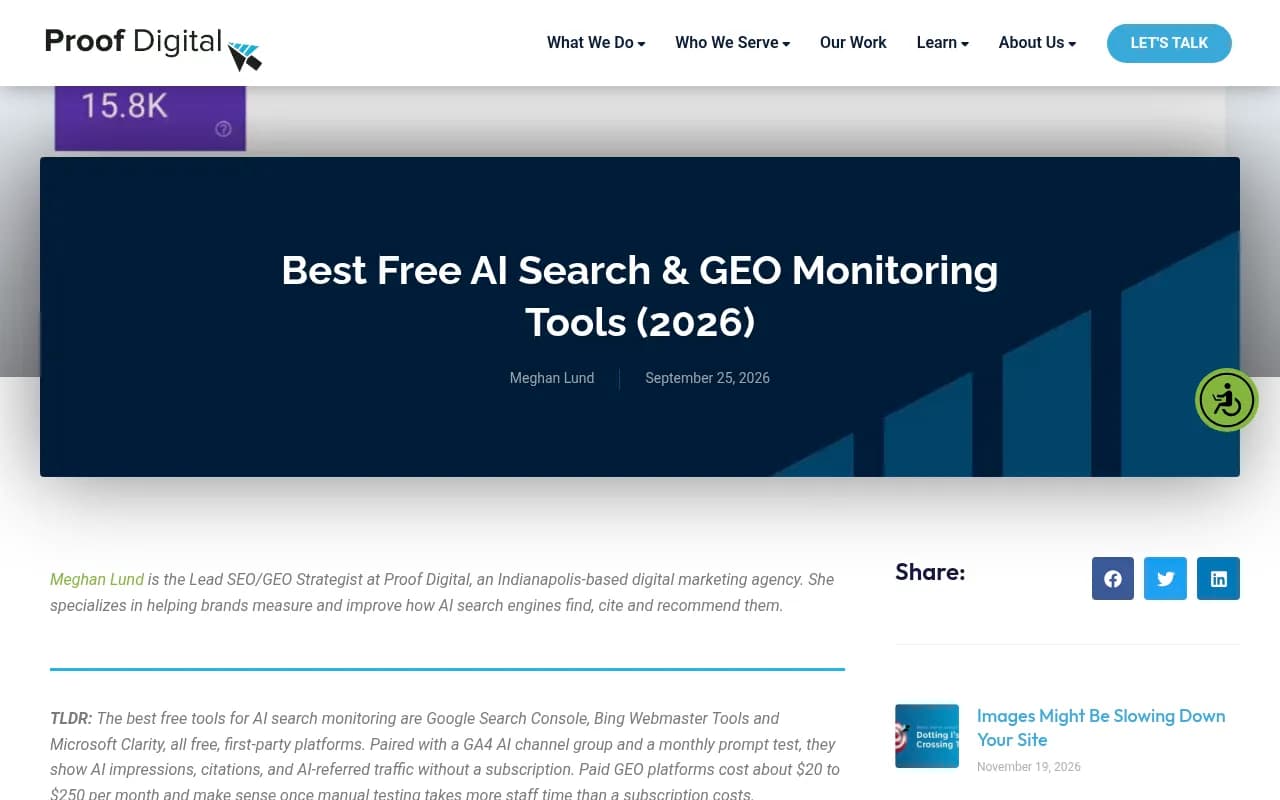
Proof Digital's free monitoring guide recommends exactly this stack plus a monthly prompt test, and I agree with it. Each tool has a hole, and the other two plug it partly.
Setting up an AI channel in GA4
Create a custom channel group with a rule matching session source against a regex of AI referrers, such as chatgpt.com, perplexity.ai, gemini.google.com, copilot.microsoft.com, claude.ai. Put it above the Referral channel so it matches first.
One catch worth knowing: ChatGPT stopped sending a referrer on October 8, 2026, so some of its visits now land as direct. If you control the links you share, tag them with utm_source=chatgpt.com and count that as ChatGPT traffic. Promptwatch's guide on attributing AI traffic walks through the options.
Method 3: free checkers
Free checkers are the fastest way to get a first read. They are snapshots. Treat them as such.
| Checker | What you get | Limit |
|---|---|---|
| Rank.ai AI Visibility Checker | One-off answer excerpts and citations | Snapshot only |
| CitedSpy AI Search Checker | One-off answers and cited sources | Snapshot only |
| SEO.com AI Overview Checker | Which of your keywords trigger an AI Overview, with cited URLs | 3 checks per day |
| GEO Check Tool | Free single-query check | No signup, one query |
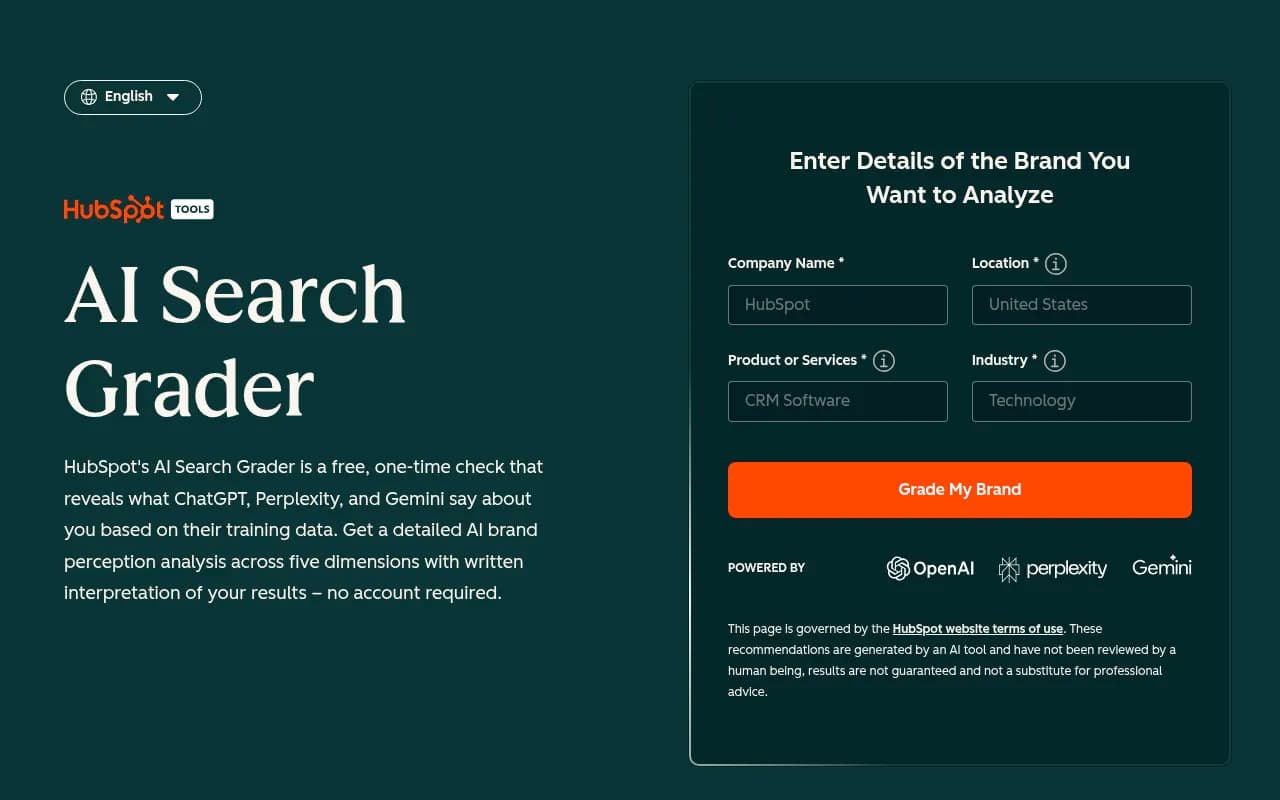
| HubSpot AEO Grader | Grade of answer engine visibility | One-off grader |
| Ahrefs AI Visibility Checker | Quick visibility read | One-off |
| Conductor checker | 3 engines (ChatGPT, Perplexity, Gemini) | One on-demand check, no history, no export |
The Conductor row comes from a tier-by-tier breakdown of free options, which also lists Ahrefs Brand Radar Lite as a free add-on with 5 custom prompts, daily refresh, and up to 150 checks a month, though it is tied to a paid Ahrefs subscription. So "free" there means free if you already pay Ahrefs.
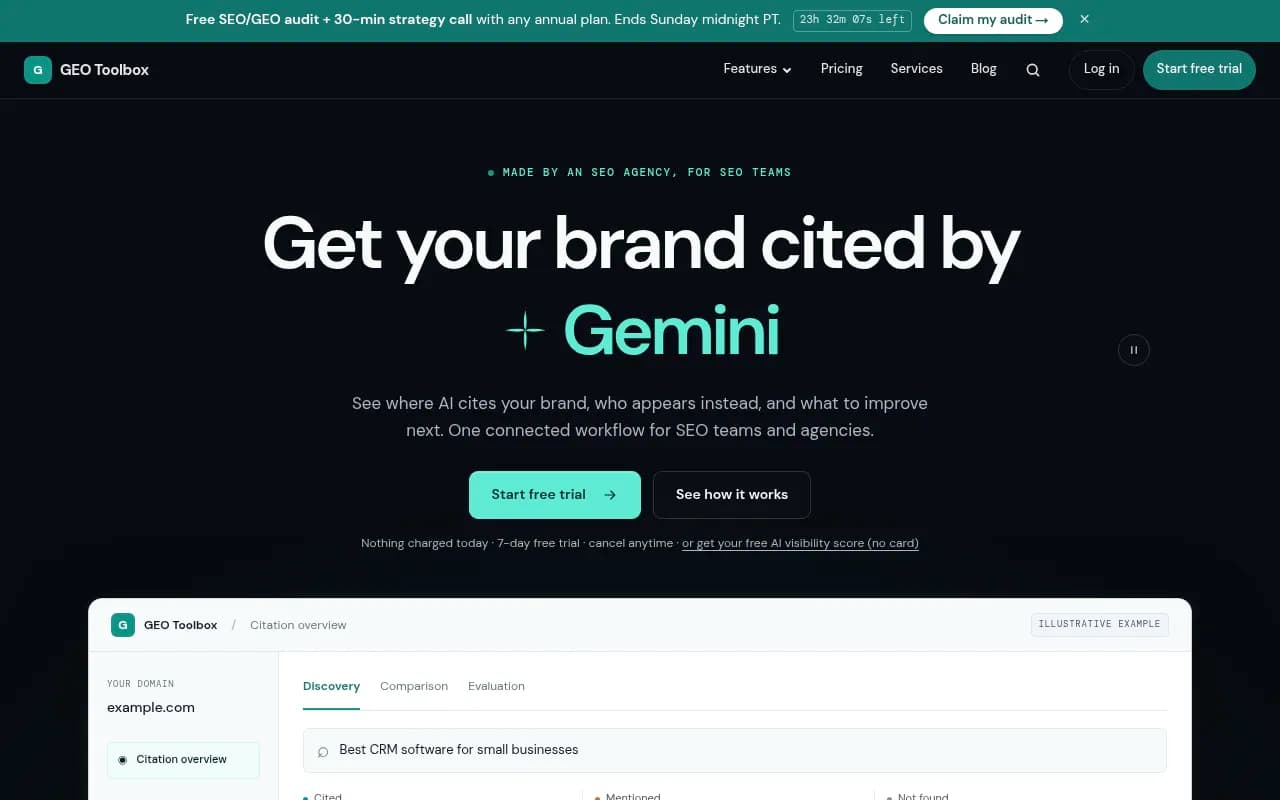
Several catalog tools fit the same free-checker niche, and they are worth a look if you want a second opinion on a snapshot:
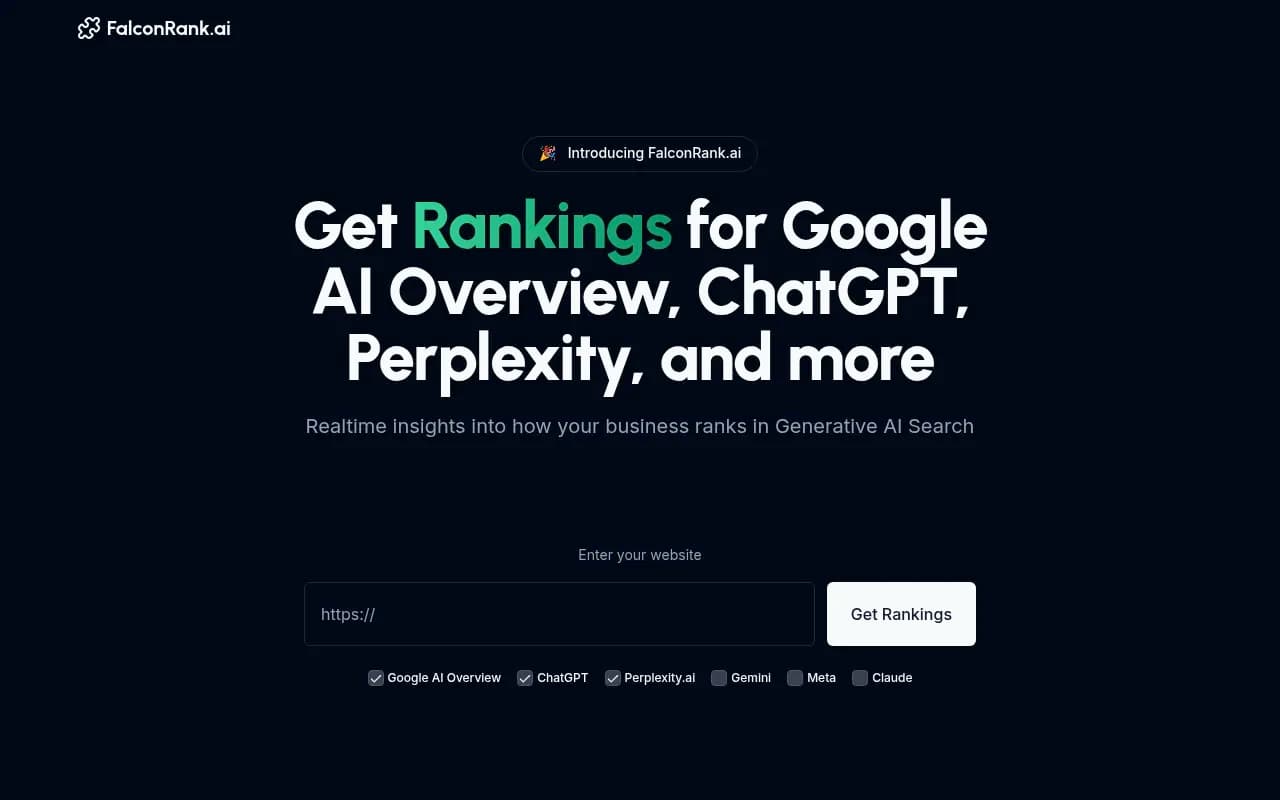
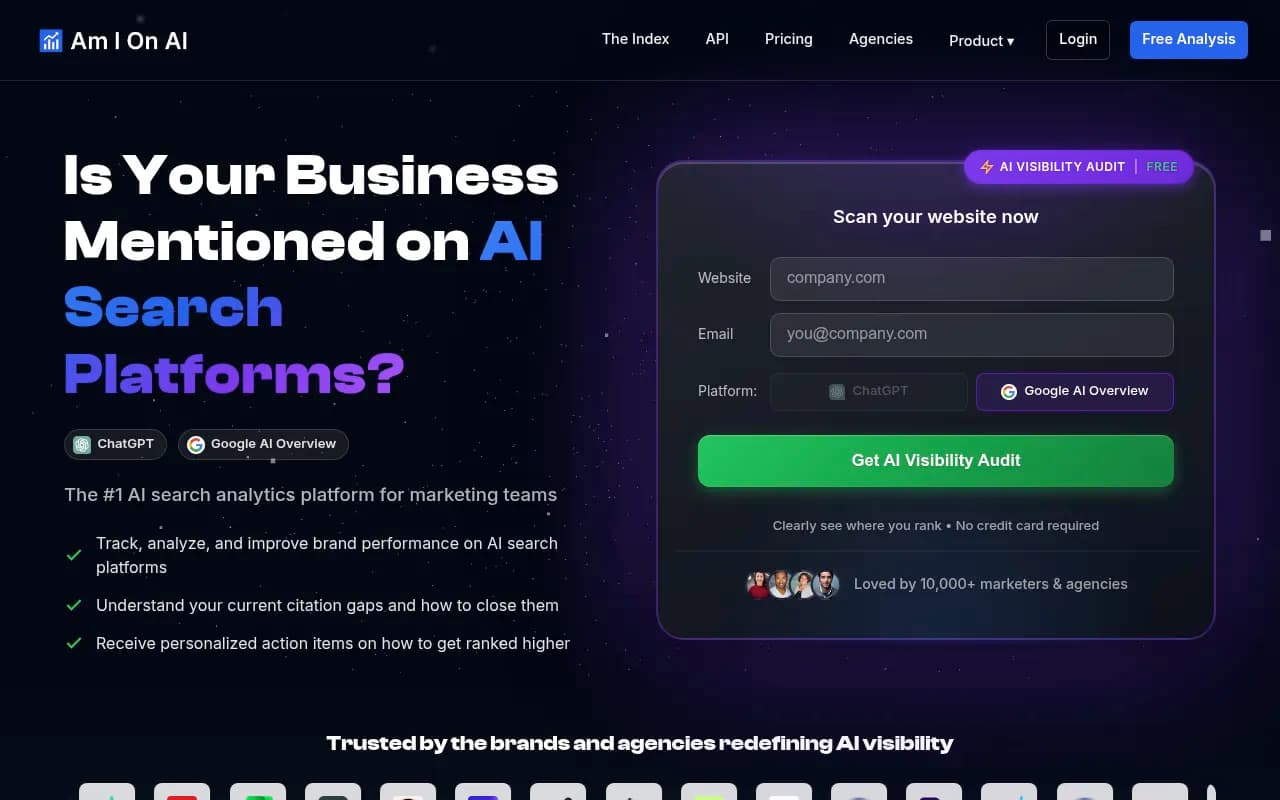
A sensible habit: run two or three checkers on the same day and compare. When they disagree, that disagreement is the finding. It tells you the answer is unstable, which is itself useful. Then save the outputs into your spreadsheet with the date.
What checkers cannot do
They will not hold history. The Conductor checker is explicit: each run is a fresh snapshot, nothing retained, no export. They also cannot tell you whether a result reflects the consumer interface or an API model. Real UI answers and citations can differ from API outputs, which matters if you are making decisions from the result.
Method 4: browser extensions and manual capture
Extensions fill the gap between a spreadsheet and a platform. They do not schedule anything, but they make each manual run richer.
The most useful one I know of for this is the GEO Inspector Chrome extension from Promptwatch. It is free, runs 100% locally with no sign-in, and shows ChatGPT's query fan-outs, fetched versus cited sources, and the reasoning trail. That fills three columns of your log that you cannot otherwise see: what ChatGPT searched, what it read, and what it actually cited. Fetched but not cited pages are the most interesting rows, because they show you were reachable but lost.
A few other manual-capture habits worth adopting:
- Export or screenshot every answer. A link to a shared chat is better than nothing, but screenshots survive deletion.
- Record whether search or browsing was on. A ChatGPT answer without search comes from training data and says nothing about your current citations.
- Use a fresh browser profile for logged-out runs, and note the country. Web Aloha ran its own checker tests in headless Chromium with a fresh logged-out profile for this reason.
Method 5: free technical checks
If your brand never appears, the cause might be access, not content. Several free tools test that side:
- Promptwatch's Agentic Readiness Check shows which AI crawlers can read your site and which agent standards you support
- The AI Crawler URL Inspector for checking a specific page
- The Robots.txt Generator for AI and LLMs.txt Generator
- The AI Bots and Web Crawlers Directory, covering 400+ crawlers
One caution on llms.txt and markdown: Promptwatch Data found markdown files make up just 0.05% of AI search citations. Markdown serves AI agents, not AI search, so do not spend a week on it before fixing basics like crawler access.
Putting the free stack together
Here is a monthly routine that costs nothing and takes a few hours:
- Week 1: run the fixed prompt panel across your engines, log everything in the spreadsheet.
- Week 2: check Search Console, Bing Webmaster Tools and Clarity. Note changes in AI impressions, citations and AI-referred sessions.
- Week 3: run one or two free checkers and a crawler readiness check, and log any technical failures.
- Week 4: compare to last month. Pick two pages to improve and one gap to fill.
What to improve is easier when you know what gets cited. Promptwatch Data shows product pages are the most cited content type in ChatGPT at 22.4% of citations (Sep 28 to Oct 4, 2026), and that landing pages and docs stay cited longest while news loses half its pages within 36 days. Tracking by content type in your log will show you where you are weak.
Also log citation domains by source type. In the same period, ChatGPT drew only 0.46% of its citations from social platforms while Google AI Overviews drew 12.2%, so a Reddit strategy that helps in one engine may do little in another.
Where free methods break
Be honest about the limits:
- Sampling. Thirty prompts once a month is a small sample, and AI answers vary run to run. You will see big swings that are noise.
- No competitors at scale. Logging five competitors by hand across 300 answers is tedious, so most people drop it.
- No crawler data. Free methods cannot tell you whether GPTBot or ClaudeBot hit a page that later got cited, unless you read raw server logs yourself.
- No attribution beyond referrers. Without visitor-level tracking you will undercount AI traffic.
- Time. Someone has to do it, and the person is usually expensive.
Proof Digital puts paid GEO platforms at roughly $20 to $250 a month and suggests upgrading once manual testing takes more staff time than a subscription costs. That is a good rule. If you spend more than two or three hours a month logging answers, you have already crossed it.
When to move to a paid tracker
Before paying anyone, take Web Aloha's advice: ask the vendor for raw answers, failed-run handling, exports, and its sampling method. A tool that only shows a score without the underlying answers is a black box, and a free spreadsheet beats it.
Budget trackers worth shortlisting from the catalog:

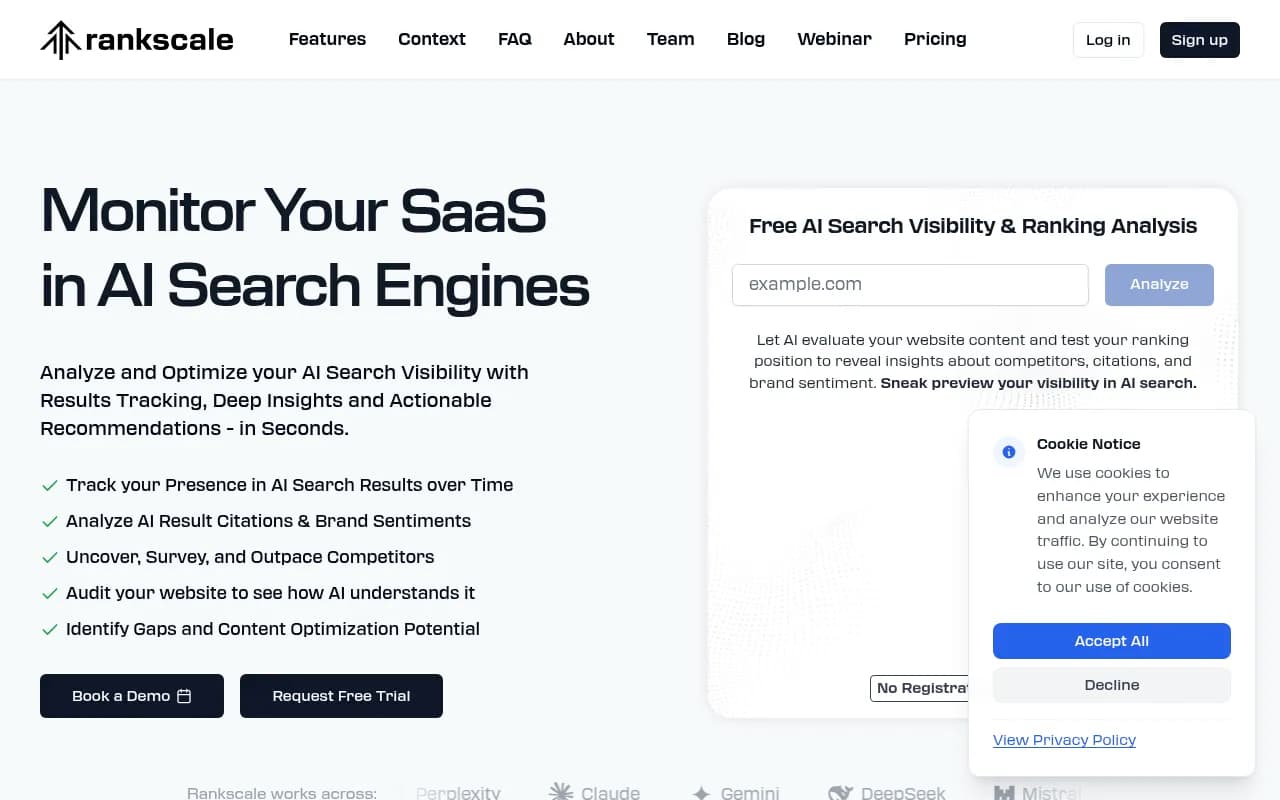
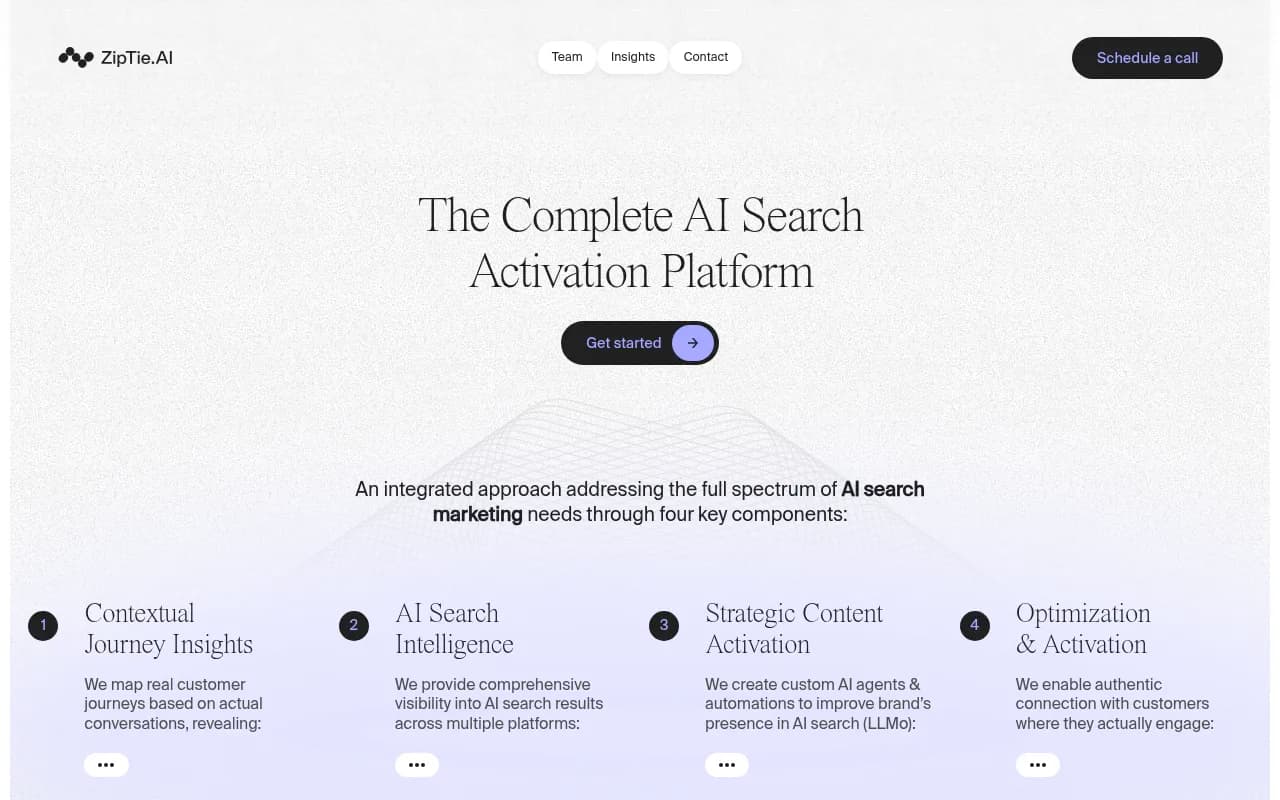
Third-party figures put Rankscale around $17 a month on yearly billing and ZipTie around $25.65, but I have not verified those, so confirm on each vendor's pricing page. Browse more options in the AI rank tracking tools directory.
If you want the whole loop in one place and not just a dashboard, Promptwatch tracks prompts across ChatGPT, Gemini, Claude, Perplexity, Google AI Overviews, AI Mode and Copilot from the real interfaces, shows IP-verified AI crawler logs and AI-referred traffic, and then helps you publish content to fill the gaps it finds. Plans start at $95 a month for Essential with a 7-day free trial on monthly billing (confirm current pricing at promptwatch.com/pricing), and the free AI visibility report is a no-login way to see a first scan before you commit.

Quick comparison: free vs paid
| Capability | Spreadsheet log | Free checkers | First-party tools | Paid platform |
|---|---|---|---|---|
| Cost | Free, plus your time | Free | Free | From about $20 per month |
| History | Yes, if you keep it | No | Yes | Yes |
| Multiple engines | Manual | Usually 1 to 3 | Google, Bing only | Typically all |
| Competitor comparison | Manual, painful | Limited | No | Yes |
| AI traffic | No | No | Yes, partly | Yes |
| Crawler logs | No | No | No | Some tools |
| Scales past 50 prompts | No | No | n/a | Yes |
A few mistakes to avoid
- Changing the prompt list every month. Add prompts, never silently replace them.
- Testing logged in with personalized history. Note account state or use a clean profile.
- Trusting a single run. One answer tells you almost nothing.
- Treating an AI Overview checker as a ChatGPT checker. They measure different surfaces.
- Chasing a score. A visibility number from a free checker has no stable definition across tools.
Final word
Start with the spreadsheet and the three first-party tools. They cost nothing, they teach you which prompts matter, and they give you a baseline that any paid tool has to beat. Use free checkers as a quick second opinion, add GEO Inspector for richer manual runs, and upgrade when the monthly logging time costs more than a subscription. If you are weighing options, the GEO software directory lists dozens of trackers to compare.