Key takeaways
- Most lightweight AI visibility tools (Otterly.AI, Peec AI, Peasy) can get you tracking in under 30 minutes -- just add your domain, enter a few prompts, and you're live.
- Platforms with deeper capabilities (crawler logs, content generation, attribution) require more setup time, but that time pays off quickly in actionable data.
- The biggest onboarding bottleneck isn't the tool -- it's prompt strategy. Teams that skip this step end up with dashboards full of data that doesn't connect to business goals.
- Promptwatch sits in a middle ground: setup is fast (under an hour for core tracking), but the full action loop -- gap analysis, content generation, attribution -- takes a few days to configure properly.
- If you just need a quick pulse check, start simple. If you're serious about improving AI visibility, invest the extra setup time upfront.
Onboarding friction is one of the most underrated factors when choosing an AI visibility platform. You're already busy. The last thing you need is a tool that takes three weeks of back-and-forth with a customer success team before you see a single data point.
But here's the tension: the tools that are fastest to set up are often the ones that leave you stuck. You get a dashboard, some mention counts, maybe a sentiment score -- and then what? Meanwhile, the platforms with real depth sometimes bury their value behind a painful setup process.
This guide breaks down exactly what onboarding looks like across the major AI visibility platforms in 2026, which ones genuinely get you tracking in under 30 minutes, and where the hidden time costs are hiding.
What "onboarding" actually means for these tools
Before comparing platforms, it's worth being precise about what we mean. Onboarding for an AI visibility tool typically involves several distinct phases:
- Account creation and domain verification
- Prompt setup (defining the queries you want to track)
- Competitor configuration
- Integration with your website (for crawler logs and traffic attribution)
- Baseline data collection (waiting for the first round of AI queries to run)
The first three steps can often be done in minutes. The last two are where timelines diverge dramatically. Some platforms skip website integration entirely -- they just query AI models on your behalf and report back. Others require you to install a tracking snippet, connect via Cloudflare or Vercel, or pipe in data from Google Search Console.
Neither approach is wrong. They just serve different needs.
Tier 1: Under 30 minutes -- lightweight monitoring tools
These platforms are designed for fast time-to-value. You sign up, enter your brand name and a handful of prompts, and you're tracking within the hour.
Otterly.AI
Otterly is probably the fastest onboarding in the category. The setup flow is genuinely simple: add your brand, define your prompts, pick your AI models (ChatGPT, Perplexity, Gemini, Google AI Overviews), and you're done. No code, no integrations, no waiting for a sales call.
The tradeoff is depth. Otterly is a monitoring tool. It shows you whether you're mentioned, how often, and roughly how competitors compare. There's no crawler log, no content generation, no traffic attribution. For a quick competitive pulse check, it's excellent. For actually improving your AI visibility, you'll hit a ceiling fast.

Peec AI
Peec has a similarly clean onboarding experience, with the added benefit of multi-language support from day one. Setup takes maybe 20 minutes if you're deliberate about prompt selection. The interface is straightforward and the initial data starts populating within a few hours.

Peasy
Peasy leans into simplicity even harder. It's built around real AI performance tracking with minimal configuration overhead. Good for teams that want something running quickly without a steep learning curve.
SE Visible
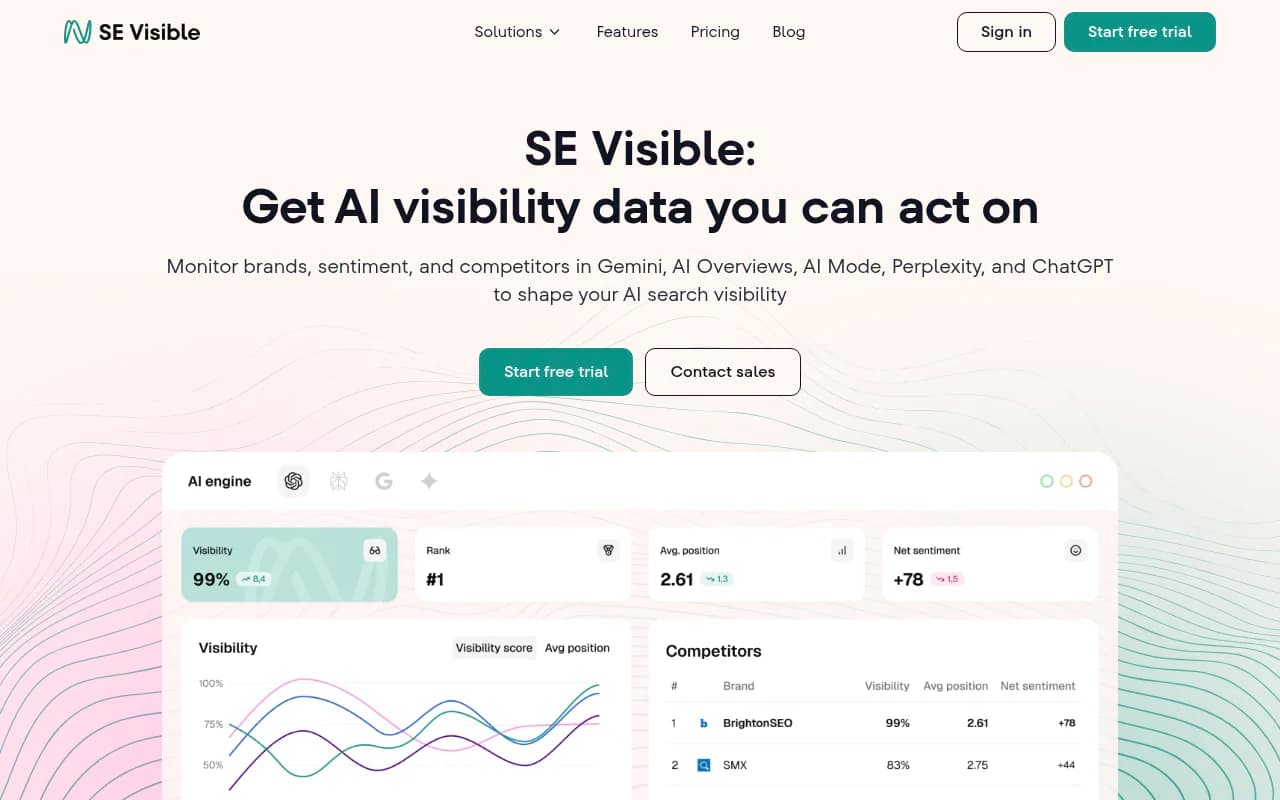
SE Visible (from SE Ranking) has a slightly longer setup because it integrates with SE Ranking's broader SEO infrastructure, but the AI visibility module itself can be configured in under 30 minutes. You get 200 prompts on the base plan, which is generous at this tier.
Tier 2: 30 minutes to 2 hours -- mid-depth platforms
These tools require a bit more configuration but start delivering meaningful data within the same day.
Profound
Profound's onboarding is well-documented and the UI is clean. You'll spend time on prompt strategy -- which is actually a feature, not a bug. The platform pushes you to think carefully about which queries matter before you start tracking. Expect 45-60 minutes to get properly set up.
The main limitation at the starter tier is LLM coverage: the entry plan focuses on ChatGPT. If you need Perplexity, Claude, and Gemini coverage from day one, you're looking at a higher tier.

Ranksmith
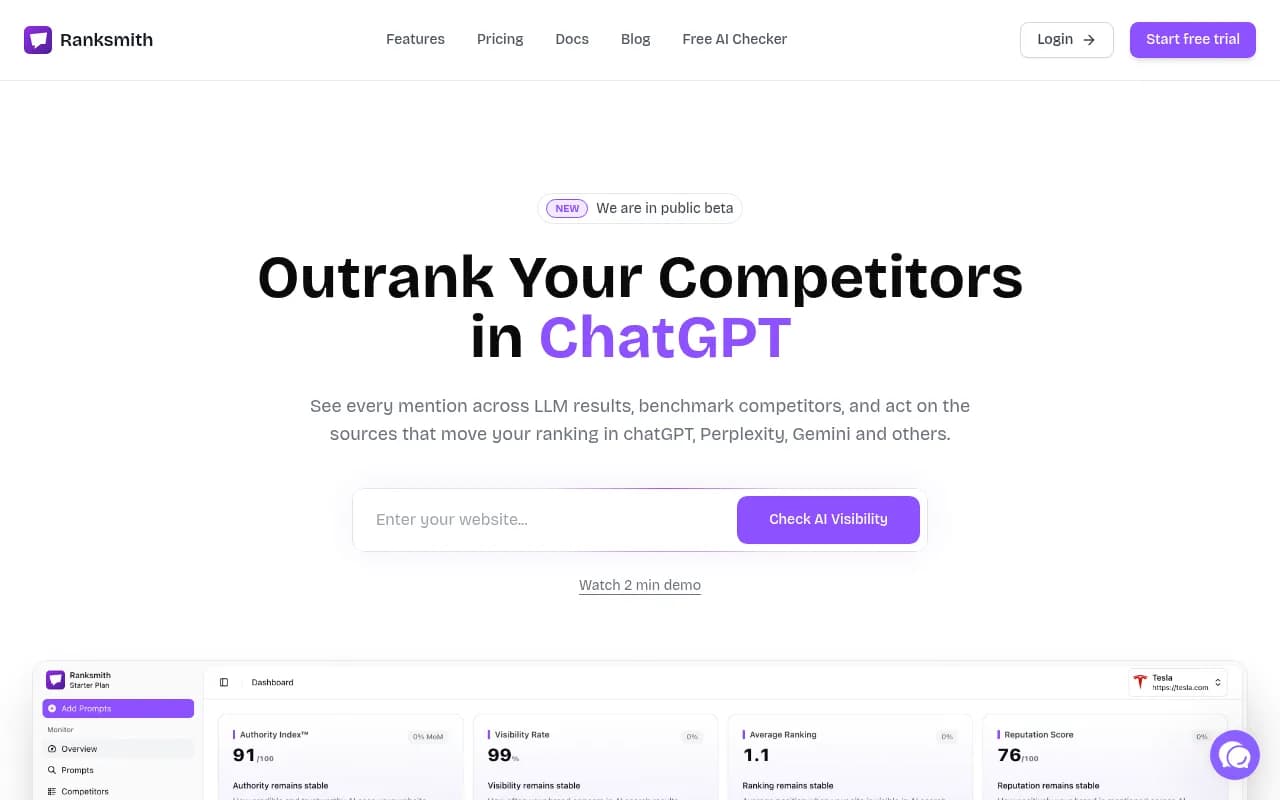
Ranksmith is positioned around actionable insights rather than raw data dumps. The setup flow is guided and takes about an hour. It's a good middle ground for teams that want more than basic monitoring but aren't ready to commit to a full enterprise platform.
Visiblie
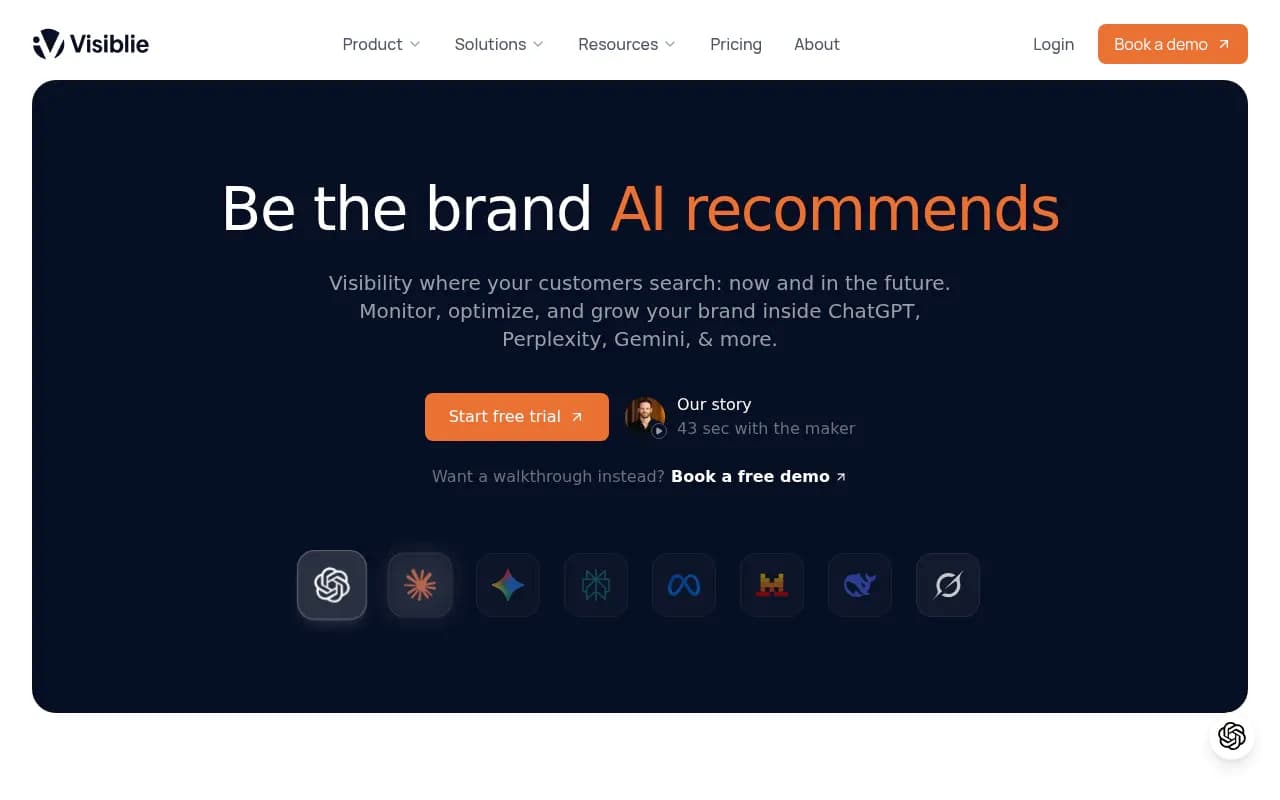
Visiblie's onboarding is thorough -- they tested 8 platforms over 4 months for their own comparison guide, so they clearly think carefully about the user experience. Setup covers prompt configuration, competitor tracking, and their accuracy tracking system. Budget about an hour. The 9 free tools bundled in the starter plan add some initial configuration overhead but are worth it.
Nightwatch
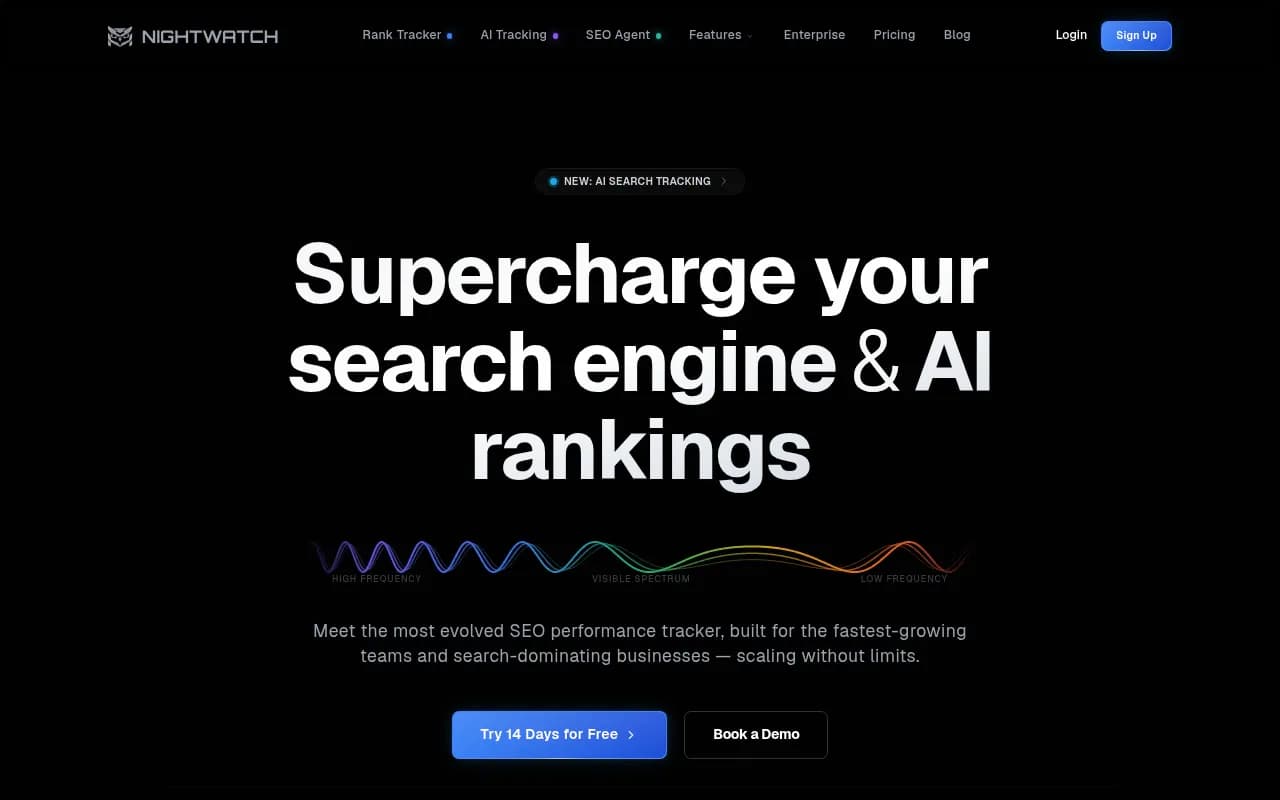
Nightwatch is primarily a rank tracker that added AI search monitoring, so onboarding involves setting up both traditional and AI tracking in parallel. This takes longer than pure-play AI visibility tools -- closer to 90 minutes -- but you end up with a unified view of traditional SEO and AI visibility in one place.
Tier 3: A few hours to a few days -- full-stack platforms
These platforms offer significantly more capability, but that capability requires configuration. The payoff is real; you just need to budget the time.
Promptwatch
Promptwatch is a good example of a platform where setup time scales with how much you want to use it. Core tracking -- adding your domain, setting up prompts, configuring competitors -- takes under an hour. You'll see your first visibility scores within a day.
But Promptwatch's real value is the action loop: Answer Gap Analysis shows you which prompts competitors rank for that you don't, Content Agents generate articles targeting those gaps, and page-level tracking shows when your new content starts getting cited. Getting all of that configured properly -- connecting your website via Cloudflare, Fastly, Vercel, or a tracking snippet; setting up Google Search Console integration; defining your personas -- takes a few days of deliberate work.
That said, the crawler log setup alone is worth the time. Seeing exactly which pages ChatGPT and Perplexity are reading (and which ones they're ignoring) is data most platforms simply don't have.

AthenaHQ
AthenaHQ covers 8+ AI engines and has a more structured onboarding process. Expect a guided setup that takes a few hours, particularly if you're configuring multiple brands or locations. It's monitoring-focused, so you won't need to configure content generation pipelines -- but that also means there's less to do once you're set up.
Evertune
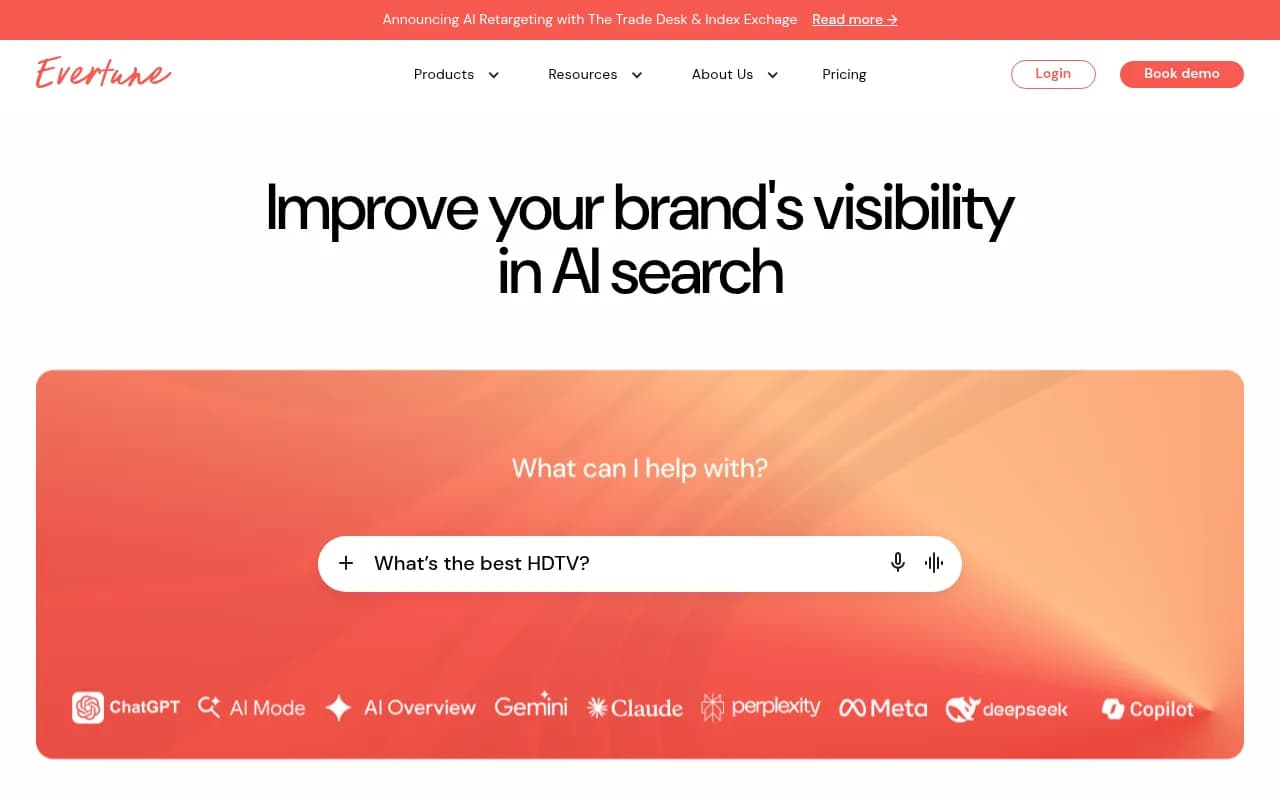
Evertune is positioned at the enterprise end of the market. Their onboarding typically involves a customer success team, which means faster time-to-value for complex setups but slower time-to-first-data for teams that just want to get started. If you're a Fortune 500 brand with multiple product lines and regions to track, this structure makes sense. If you're a mid-market team, it might feel like overkill.
Semrush (AI Toolkit)
Semrush's AI visibility features are bolted onto an existing SEO platform, which means onboarding involves navigating a large product surface. If you're already a Semrush user, adding AI tracking is relatively quick. If you're new, expect a longer ramp-up just to understand where everything lives. The AI toolkit uses fixed prompts, which limits flexibility but also reduces setup complexity.
The hidden time cost nobody talks about: prompt strategy
Here's something that doesn't show up in any onboarding time estimate: figuring out which prompts to track.
This is genuinely hard. You need to think about:
- What questions your target customers actually ask AI models
- Which prompts have enough volume to be worth tracking
- How to balance branded vs. category-level queries
- Which competitor comparisons matter most
Teams that skip this step end up with dashboards full of vanity data. They're tracking prompts like "what is [Brand Name]" instead of "what's the best [category] tool for [use case]."
Platforms that help you with this -- either through prompt suggestions, volume estimates, or query fan-out analysis -- save you significant time in the long run. Promptwatch's Prompt Intelligence feature, for example, gives you volume estimates and difficulty scores so you can prioritize high-value, winnable prompts instead of guessing. That's worth more than a fast signup flow.
Comparison table: onboarding time and depth
| Platform | Setup time | LLM coverage | Crawler logs | Content generation | Prompt guidance | Best for |
|---|---|---|---|---|---|---|
| Otterly.AI | < 15 min | 4 | No | No | Basic | Quick monitoring |
| Peec AI | < 20 min | 3 | No | No | Basic | Multi-language tracking |
| Peasy | < 20 min | 3-4 | No | No | Minimal | Lightweight tracking |
| SE Visible | < 30 min | 5 | No | No | Moderate | Budget-conscious teams |
| Profound | 45-60 min | 1-10 (tier-dependent) | No | No | Good | Structured monitoring |
| Visiblie | ~60 min | 4-8 | No | No | Moderate | Accuracy-focused teams |
| Nightwatch | ~90 min | 4 | No | No | Moderate | SEO + AI combined |
| Promptwatch | 1 hr (core) / 2-3 days (full) | 10+ | Yes | Yes | Advanced | Full optimization loop |
| AthenaHQ | 2-3 hrs | 8+ | No | No | Moderate | Multi-engine monitoring |
| Evertune | Days (CS-guided) | Enterprise | Varies | Varies | High-touch | Enterprise brands |
| Semrush AI | 30-60 min (existing users) | 5 | No | No | Limited (fixed prompts) | Existing Semrush users |
What actually slows down onboarding
Beyond prompt strategy, a few other factors consistently add time:
Website integration. Platforms that offer crawler logs or traffic attribution need some form of website connection. This usually means installing a snippet, configuring a Cloudflare Worker, or connecting server logs. For teams with developer resources, this is a few hours. For marketing teams without technical support, it can take days or weeks to get prioritized.
Multi-site or multi-region setups. If you're tracking multiple brands, domains, or languages, every platform takes longer. Most tools are designed around a single-site, single-language default. Configuring for regional variations (different AI responses in different countries, different personas for different customer segments) adds meaningful setup time.
Data baseline. Every platform needs time to collect initial data before you have anything to act on. Most tools run their first prompt batch within a few hours of setup. But getting a statistically meaningful baseline -- enough data to spot trends rather than noise -- typically takes 1-2 weeks regardless of how fast the signup flow is.
Team alignment. This is the most underrated factor. Getting the right people to agree on which prompts to track, which competitors to benchmark against, and what "success" looks like takes longer than any technical setup step.
Which platform should you start with?
It depends on what you're trying to accomplish.
If you need a quick competitive snapshot -- "are we showing up in AI answers at all?" -- start with Otterly.AI or Peec AI. You'll have data within the hour and can make a decision about whether to invest in something deeper.
If you want to actually improve your AI visibility, not just measure it, you need a platform with content gap analysis and some form of optimization workflow. Promptwatch is the clearest option here: the monitoring is solid, but the real value is the gap-to-content loop. Yes, it takes longer to configure fully. But monitoring-only tools will leave you staring at a score with no clear path to improving it.
If you're an enterprise brand with multiple product lines, regions, and a dedicated team, the CS-guided onboarding of platforms like Evertune might actually be faster in practice -- even if the calendar time is longer -- because you're not figuring everything out yourself.
A practical onboarding checklist
Regardless of which platform you choose, this sequence will get you to useful data faster:
- Define your top 10-20 prompts before you touch the tool. Think about the questions your customers actually ask AI models when looking for solutions like yours.
- List 3-5 competitors you want to benchmark against. Be specific -- "Competitor A" not "the market."
- Sign up and configure the basics: domain, prompts, competitors, AI models.
- If the platform supports it, connect your website for crawler data. Do this on day one, even if you don't look at the data immediately -- you want the historical log building from the start.
- Wait 48-72 hours for a meaningful first data set.
- Review your first visibility scores and identify the biggest gaps.
- If your platform has content generation or optimization features, start there. If not, use the gap data to brief your content team manually.
The tools that support steps 4, 6, and 7 natively are the ones worth the extra setup time.
The bottom line
Fast onboarding is a real advantage -- but only if the tool has somewhere useful to take you once you're set up. A 10-minute signup that leads to a monitoring dashboard with no optimization path isn't actually saving you time. It's just deferring the harder work.
The best approach for most teams in 2026: start with a quick-setup tool to get your bearings, then migrate to a platform with a full optimization loop once you understand what you're tracking and why. Or skip the migration entirely and invest the extra setup hours upfront in a platform that can actually move the needle.