Key takeaways
- AI perception tracking means knowing whether AI engines mention your brand, how they describe it, and which sources they cite. You can start at $0 with manual prompt sampling, GA4 and server logs.
- Free methods work for a baseline, but they break down once you need daily data, several engines or competitor comparisons.
- Budget tools (free checkers, Answer Socrates, Otterly.AI, Peec AI, Airefs and similar) cover monitoring for a small monthly fee. Tools that also fix gaps cost more, and the price of an end-to-end platform starts at $95/mo with Promptwatch Essential.
- Track each engine separately. Promptwatch Data shows ChatGPT cites about 5 sources per answer, while AI Overviews and Perplexity cite about 10, so one engine tells you little about another.
- A sensible path: free baseline in week one, a free scanner in week two, a paid tool only when manual work costs more than the subscription.
What AI perception tracking actually measures
People use "AI visibility", "AI perception" and "GEO tracking" almost interchangeably, but perception is the more specific idea. It asks three questions:
- Does the AI mention you at all when someone asks a relevant question?
- What does it say? Is it accurate, flattering, outdated, or wrong?
- Which sources does it pull that opinion from?
The third question is the one small teams skip, and it is the one you can act on. If ChatGPT describes your product as "expensive" because it read one old review on a directory site, the fix is on that directory site, not on your homepage.
The tooling market is crowded. The AI visibility category has dozens of products, and our catalog alone lists well over a hundred. Most small teams do not need most of them. Start free, find out what you cannot answer by hand, and buy only that.
Free method 1: manual prompt sampling
This is the oldest trick and still the most useful for week one. Open ChatGPT, Gemini, Perplexity, Claude and Google (for AI Overviews) in separate windows and ask the questions your customers ask.
Build a prompt list that is worth running
Write 15 to 25 prompts across four types:
- Category prompts: "best project management tool for small agencies"
- Comparison prompts: "[your brand] vs [competitor]"
- Brand prompts: "is [your brand] worth it?" and "what are the downsides of [your brand]?"
- Problem prompts: the pain point your product solves, with no brand named
Keep prompts short and keyword-like. Promptwatch's ChatGPT query fanout data shows average fanout query length falling from about 117 characters in December 2025 to about 53 characters by April 2026. ChatGPT is searching in short, search-style queries, so your category prompts should read the same way.
Record results in a spreadsheet
Use a simple sheet with these columns:
| Date | Engine | Prompt | Mentioned? | Position in answer | Tone | Sources cited | Notes | | --- | --- | --- | --- | --- | --- | --- | | 2026-11-14 | ChatGPT | best CRM for small agencies 2026 | Yes | 3rd | Neutral | G2, Capterra, own site | Pricing claim outdated |
Run each prompt three times per engine. AI answers vary from run to run, and one sample proves nothing. Count it as a mention only if it shows up in at least two of the three runs, then note the rate.
Where this breaks down
I have done this by hand for a client with 20 prompts across 4 engines. That is 240 responses a round, around two hours of copy-pasting. Do it monthly and it is fine. Do it weekly and you will stop doing it by March.
Two other limits. Your logged-in account has memory and location, which skews results, so use a private window or a clean profile. And the consumer apps do not behave like the APIs, so do not try to shortcut this with a quick script against an API model. The user-facing answer is what your customers see.
Free method 2: GA4 and referral tracking
Perception is one half. The other half is whether AI sends visitors. GA4 can show this for free.
Create an AI referral channel
In GA4, go to Admin, then Data display, then Channel groups, and create a custom channel called "AI search". Use a source condition that matches a regex such as:
chatgpt|openai|perplexity|gemini|copilot|claude|deepseek|mistral
Place it above the default Referral channel so it takes priority. From then on, look at Acquisition reports for sessions, engagement and conversions from AI sources.
The ChatGPT caveat
ChatGPT stopped sending a referrer on October 8, 2026, so a chunk of its traffic now lands in "Direct". The workaround is to tag links you control with utm_source=chatgpt.com, and where you can, to ask new customers how they found you. Neither is perfect. Attribution of AI traffic is partial for everyone, paid tools included. Promptwatch's academy has a decent explainer on attributing AI traffic.
Free method 3: Search Console and your own server logs
Search Console for prompt ideas
Search Console is a free source of the questions people already ask about you. Filter queries by length (long, question-shaped ones) and by brand terms. Pages with many impressions but few clicks are often the same pages AI engines summarize without sending visitors. Those are good candidates for your tracked prompt list.
Server logs for AI crawlers
If an AI bot cannot read your site, no amount of content work will make it cite you. If you have access to raw logs, search for user agents like GPTBot, OAI-SearchBot, ChatGPT-User, ClaudeBot, PerplexityBot and Google-Extended:
grep -iE "GPTBot|OAI-SearchBot|ChatGPT-User|ClaudeBot|PerplexityBot" access.log | awk '{print $1, $7, $9}' | sort | uniq -c | sort -rn | head -50
Look at the status codes. A wall of 403 or 429 responses means your CDN or firewall is blocking the very crawlers you want. Also check robots.txt. Be aware that user agents can be spoofed, so a raw log count overstates real bot traffic. For context on how much volume these bots generate, see Promptwatch Data's AI crawler traffic report (IP-verified requests, June 8 to September 6, 2026).
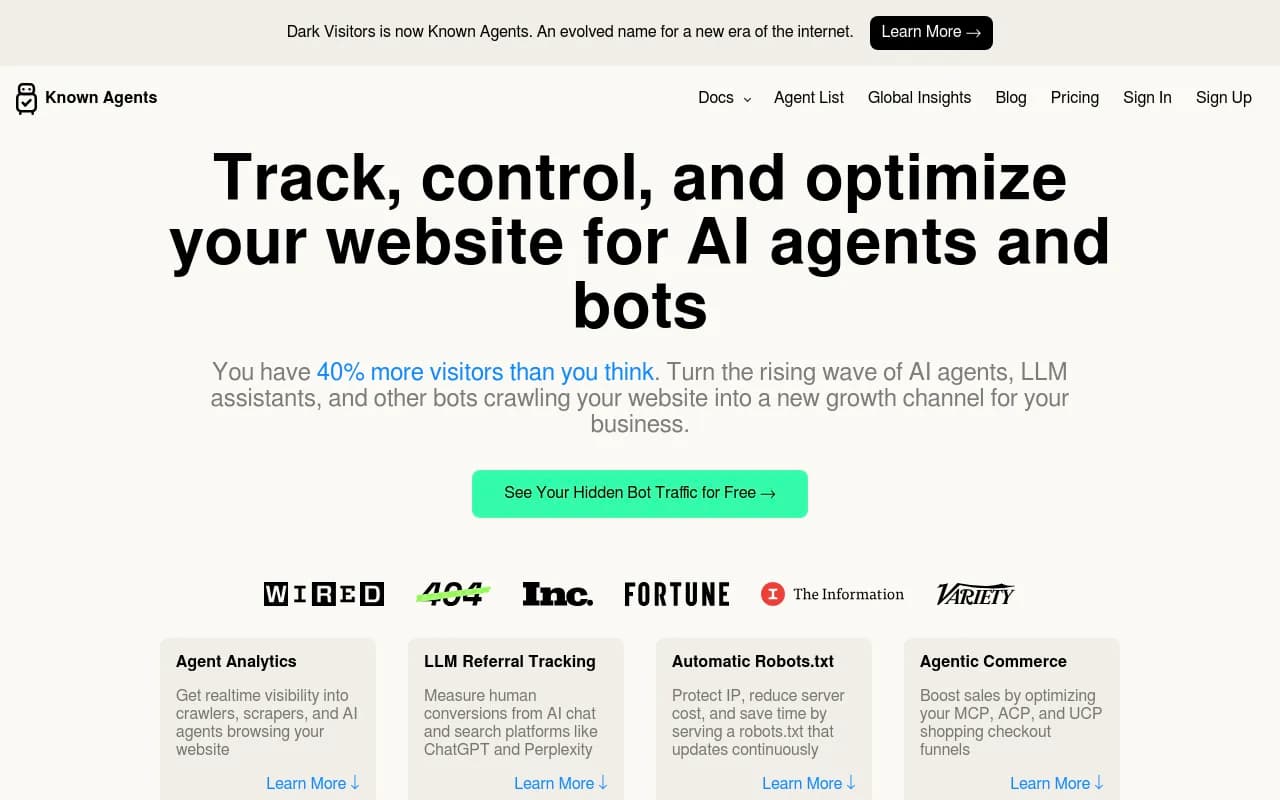
Two free helpers worth bookmarking: the AI Crawler URL Inspector and the Agentic Readiness Check, which tell you which AI crawlers can read a page. If logs are a hassle on your host, DarkVisitors tracks AI agents and LLM referrals.
Free method 4: free scanners and one-off graders
Before you pay for anything, run a few free checkers. They give you a snapshot, not a trend, but a snapshot is what you need in week one.
- Promptwatch's free AI visibility report: a no-login scan of how ChatGPT, Gemini and Perplexity talk about your brand, with a score and crawler access check.
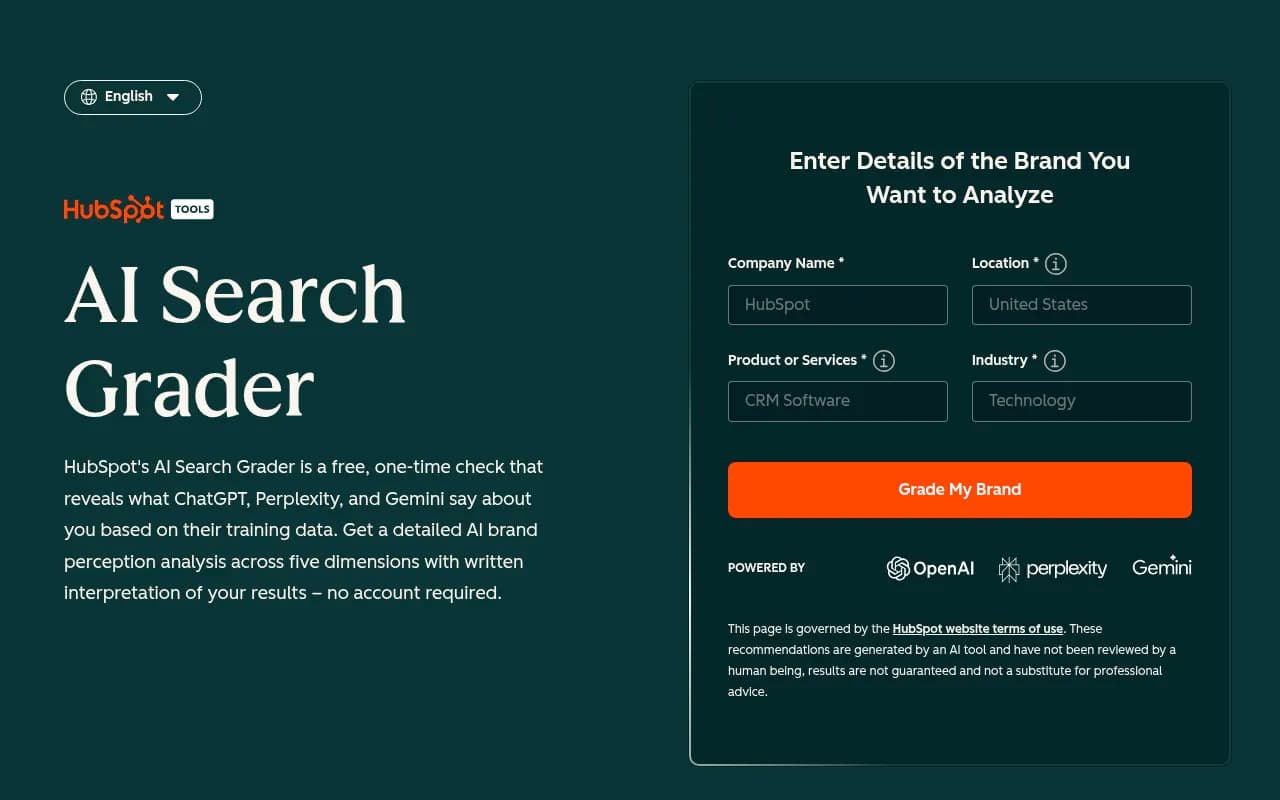
- HubSpot AEO Grader: a free one-off grader for answer engine visibility.
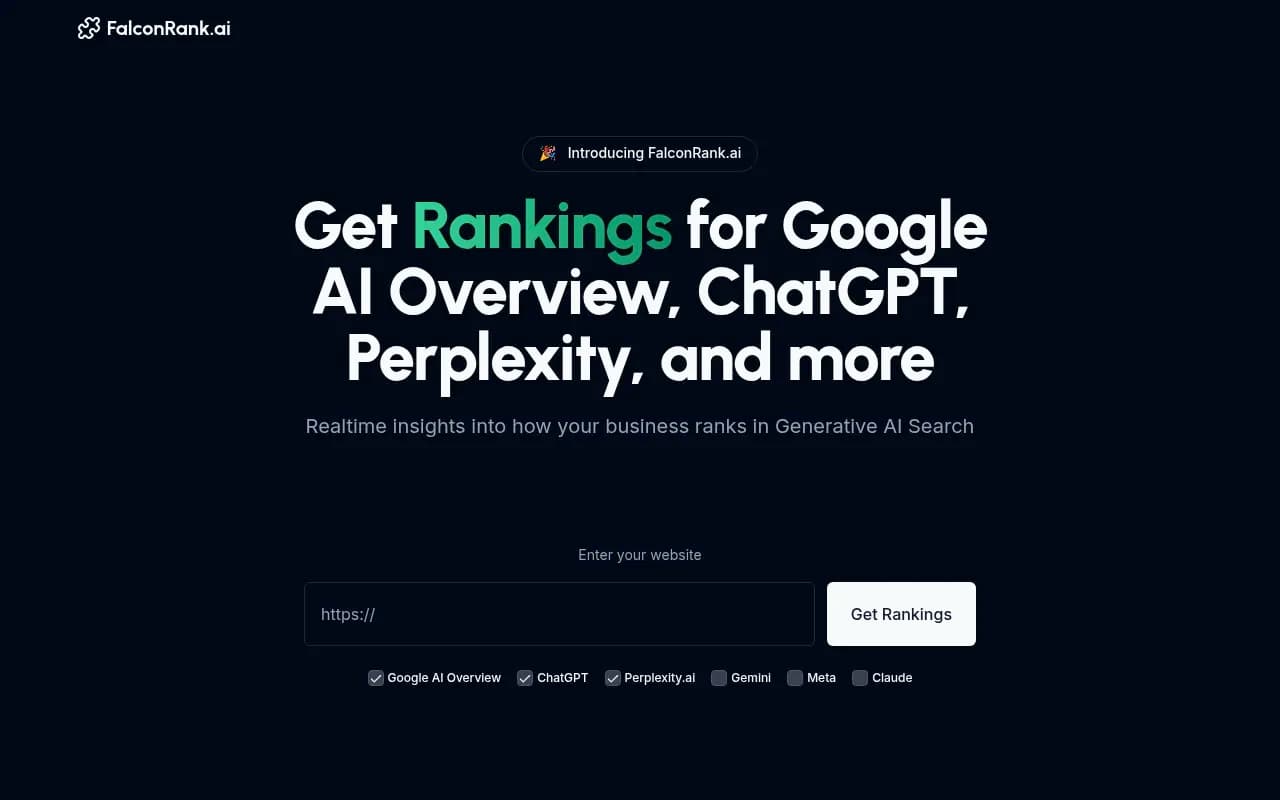
- FalconRank: a free instant check of how AI sees your brand.
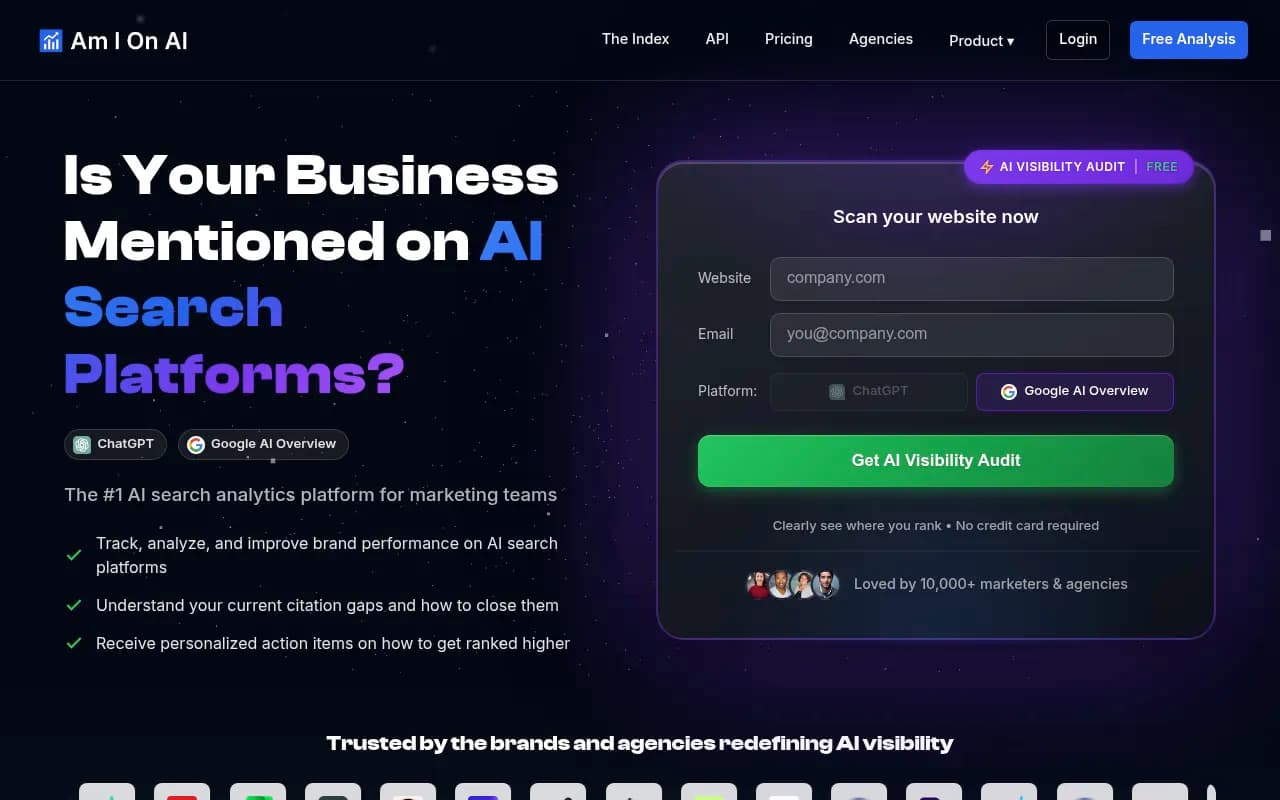
- Am I on AI?: an entry-level checker.
Treat their scores as directional. Different tools use different prompts and different scoring, so a 62 in one and a 48 in another is not a contradiction. Compare a tool against itself over time, never against another tool.
Free method 5: alerts for the sources AI reads
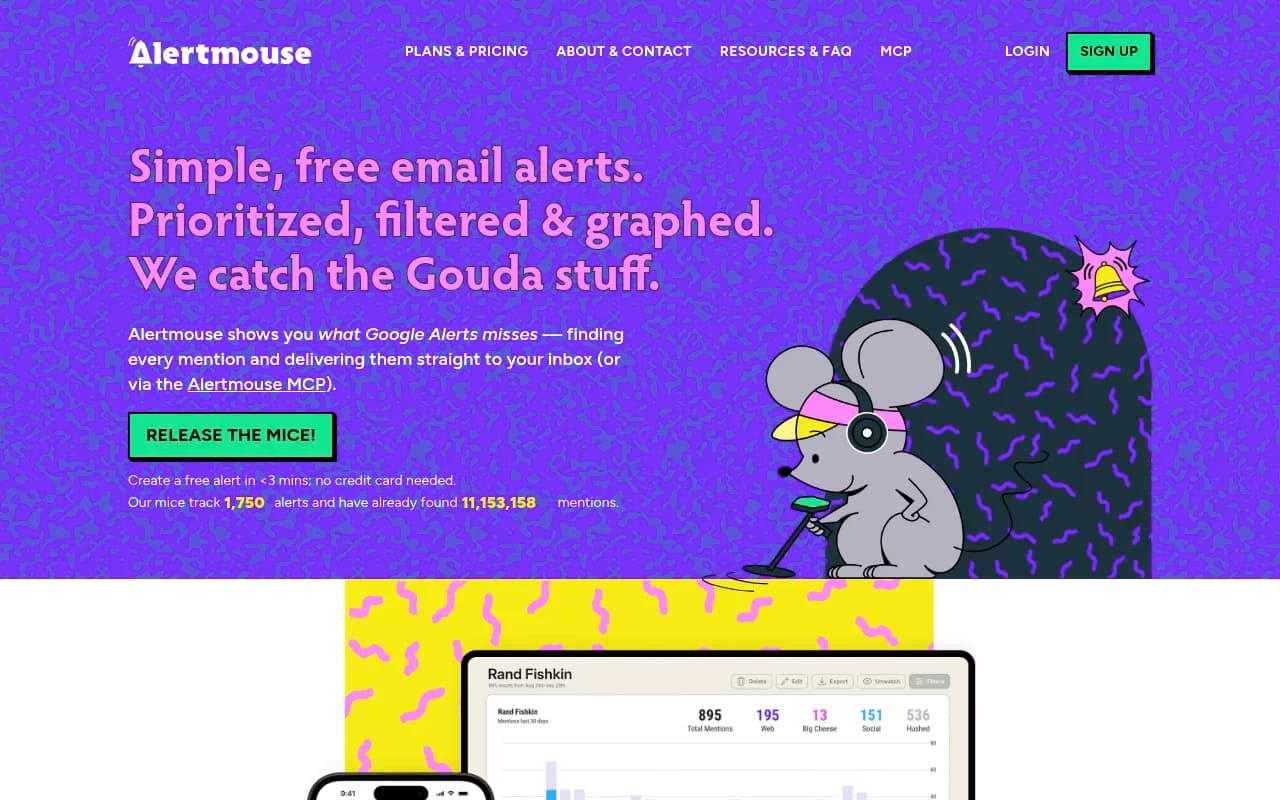
AI answers are built from third-party pages as much as from your site. Setting up brand-mention alerts catches new reviews, listicles and forum threads that may end up in answers. Google Alerts is free. If you outgrow it, Alertmouse is a low-cost upgrade and Brand24 covers social and web mentions at a higher tier.
The social side is shifting. According to Promptwatch Data's social media citations report (Sep 28 to Oct 4, 2026), ChatGPT got only 0.46% of citations from social platforms while Google AI Overviews got 12.2%. And reddit.com's share of ChatGPT citations fell from about 4% to 0.5% on August 14, 2026. So a Reddit-heavy strategy helps for AI Overviews, but it is a weak lever for ChatGPT right now. Spend alert effort on review sites, directories and listicles instead.
What the free methods cannot do
Be honest with yourself about the limits. Free tools are fine until you hit one of these:
- You need daily trends instead of monthly snapshots
- You track more than two engines or more than a few countries
- You need to know competitor share of voice
- You want to see which exact pages get cited
- Someone asks you to prove a content change moved the needle
That last one is the real trigger. Reporting upward is where manual spreadsheets die.
Low-cost tools worth a look
The catalog has many budget trackers. I have not tested all of them, so use this as a shortlist and verify current pricing on each vendor's site before buying. Pricing changes quickly in this category.
| Tool | Positioning | Good for |
|---|---|---|
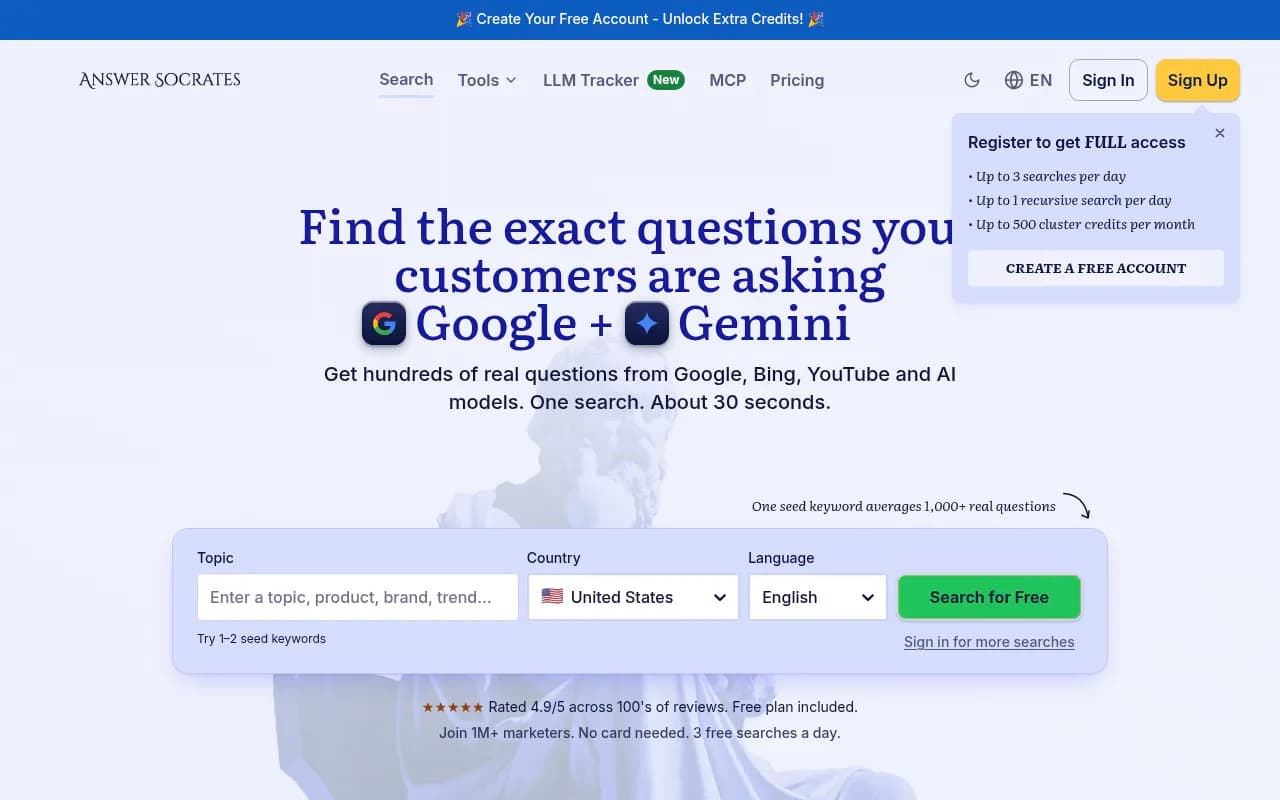
| Answer Socrates | Low-cost LLM brand tracker with content ideas | Solo marketers who want prompt ideas too |
| Otterly.AI | Affordable AI visibility monitoring | Straightforward monitoring on a modest budget |
| Peec AI | Multi-language AI visibility tracking | Teams working in several languages |
| Airefs | Affordable AI search visibility tracking | Very small budgets |
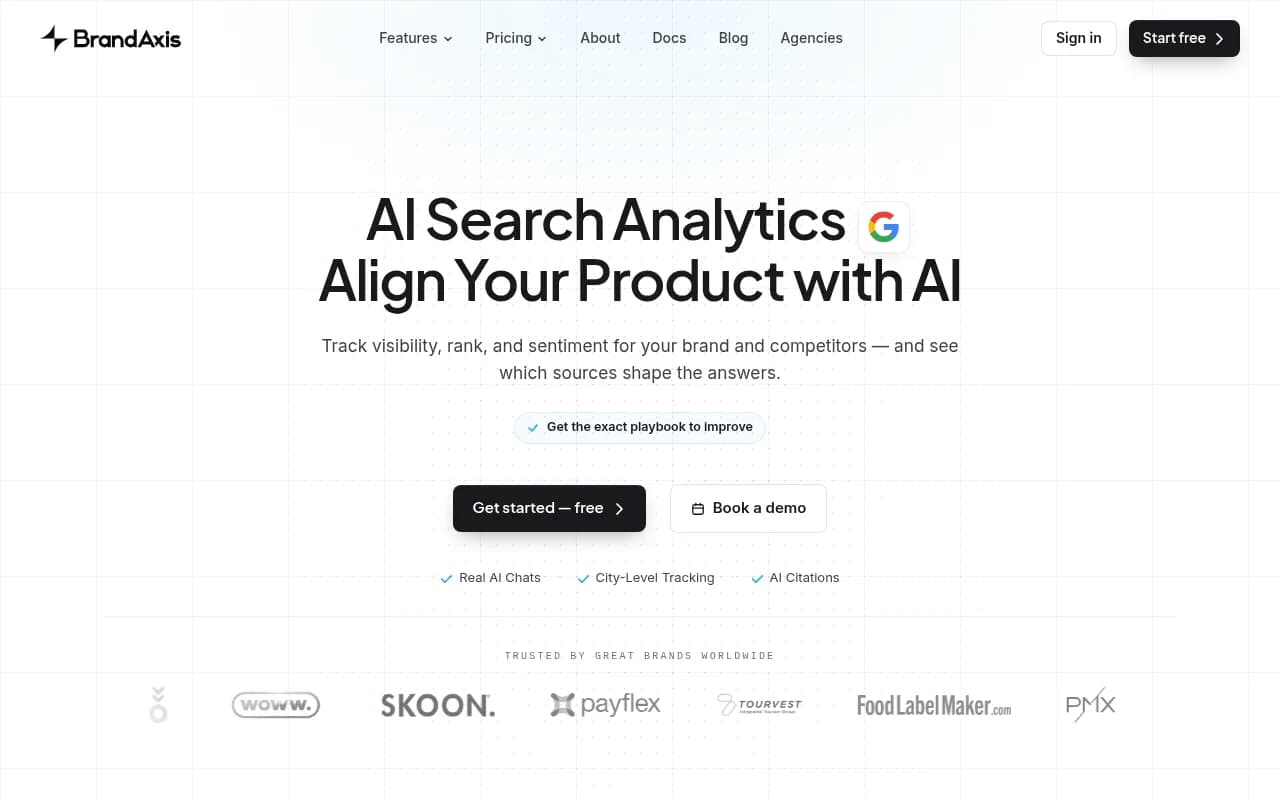
| BrandAxis | Lower-cost tracking for small teams | Small in-house teams |
| Radix AI | Budget tracker with prompt research | Teams still building a prompt list |
| Atyla | Budget AI search optimization | Small teams who want some optimization help |
| Geoptie | Budget all-in-one GEO toolkit | Teams wanting a toolkit rather than a dashboard |
| MaxAEO | Self-serve AEO platform for SMBs | Startups wanting self-serve |
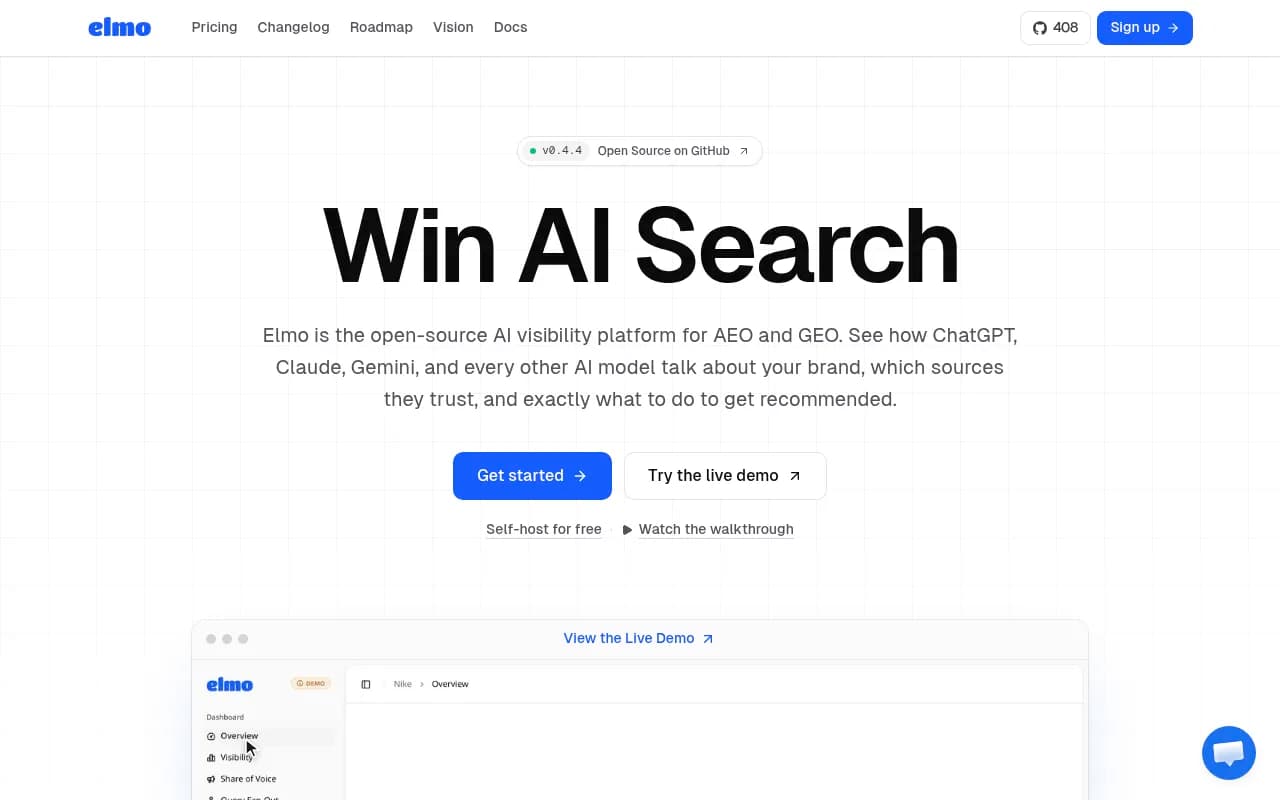
| Elmo | Open-source, self-hosted AI visibility | Technical teams comfortable hosting |


A few notes on picking
Most budget trackers are monitors. They report mentions, and you do the rest. That is fine if you have a content person who will act on it. Ask three questions before paying:
- Does it collect from the real consumer interface or only from APIs? Answers can differ.
- Can you see the cited sources, not only your mention rate?
- What happens when you hit the prompt cap? Per-prompt pricing can balloon fast.
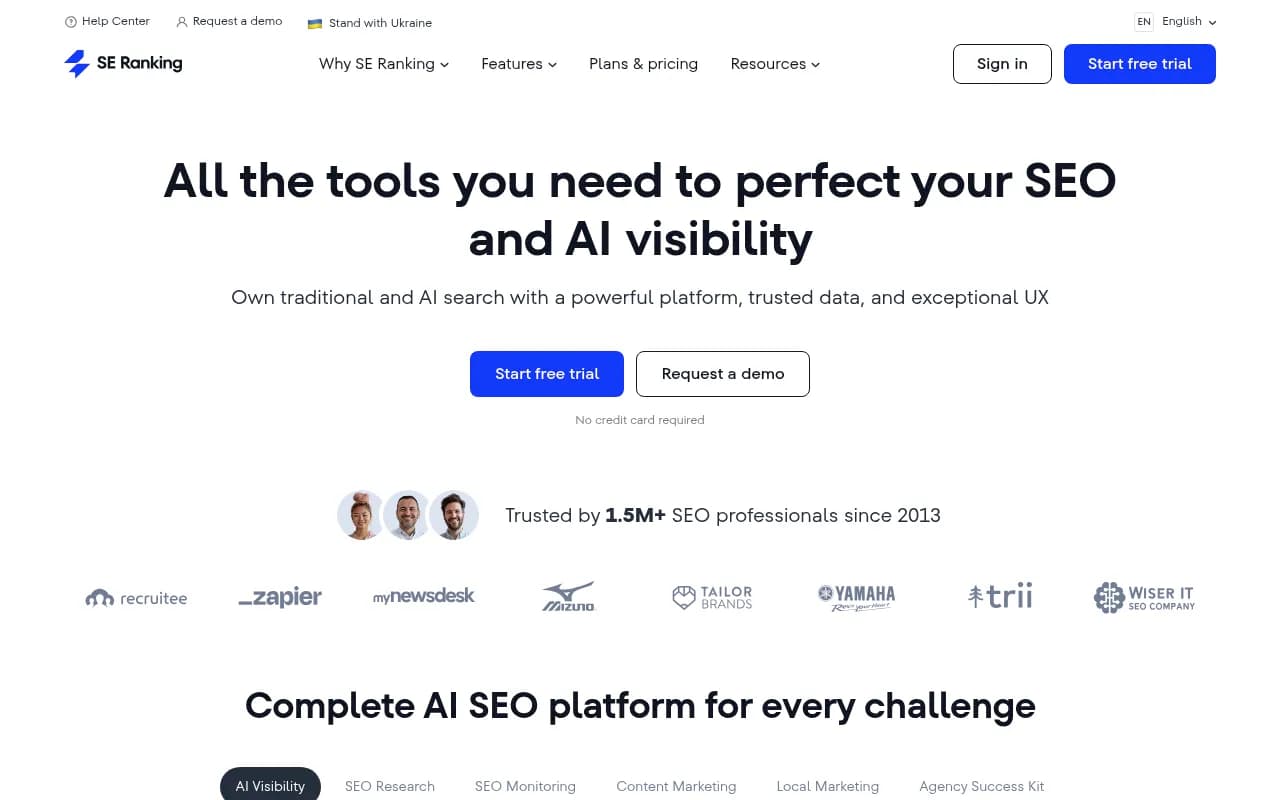
If you have developer time, Elmo is open source and self-hosted, so the software costs nothing, though you pay in setup and API usage. For small SEO suites you already use, check whether an AI module is bundled. SE Ranking and Semrush One both have AI visibility add-ons, and Ahrefs Brand Radar covers brand monitoring in AI results.
When to move to an end-to-end platform
Monitoring tells you that you are missing from answers. It does not publish the page that fixes it. When that gap starts to cost you time, a platform that closes the loop is worth the jump.
Promptwatch is built for that. It monitors the real interfaces of ChatGPT, Gemini, Perplexity, AI Overviews, AI Mode, Copilot and more, traces which pages and third-party sources get cited, and then helps you act with the Action Board, the Content Agent and Agent Chat. IP-verified crawler logs and visitor analytics show whether the fix got crawled, cited and clicked. For a small team the entry point is the Essential plan at $95/mo (1 project, 50 prompts, daily tracking, 500 Agent Credits, unlimited seats, all AI models, Brand Narrative and site audits). Professional is $245/mo and adds crawler logs and 5 AEO articles. Confirm current numbers at promptwatch.com/pricing.

To be fair, Essential does not include crawler logs or AEO articles, and the Content Agent starts on Business at $579/mo. If your plan is "monitor now, write content ourselves", Essential is the realistic fit. If you want the agents publishing for you, budget for Business. You can try it with the 7-day free trial, or run the free AI visibility report first and see whether the gaps justify a subscription. For how it stacks up against the cheaper monitors, see the 2026 GEO platform comparison, or browse the GEO software directory at bestgeosoftware.com.
Budget tiers at a glance
| Budget | What you get | Setup time | Main limit |
|---|---|---|---|
| $0 | Manual sampling, GA4 channel, logs, free graders | 3 to 5 hours up front, 2 hours monthly | No trends, no competitors, easy to abandon |
| About $0 to $50 | Free scanners plus an alerts tool or low-cost tracker | 1 to 2 hours | Mostly monitoring, small prompt caps |
| $95/mo | End-to-end platform entry, daily tracking, all models, Agent Chat | Under an hour | 50 prompts, no crawler logs |
| $245 to $579/mo | Crawler logs, AEO articles, then Content Agent and local targeting | Under a day | Price, but replaces manual work |
A four-week plan for a small team
Week 1: baseline
Write 20 prompts, run them by hand across four engines, and log the results. Set up the GA4 AI channel. Check robots.txt and your firewall for blocked AI crawlers. Save screenshots of the answers, because they are your before picture.
Week 2: free scanners and a source audit
Run two or three free graders. For every answer that mentions a competitor but not you, write down the cited sources. You will likely find the same five or six domains recurring. Those are your real targets.
Week 3: fix the cheap things
- Unblock AI crawlers if logs showed 403s
- Update the pages AI cites with accurate pricing and current facts
- Add an
llms.txtusing the LLMs.txt generator, though treat it as low-impact housekeeping, since markdown files make up just 0.05% of AI search citations - Match your headings to the short, search-style prompts you track
Freshness matters more than most people assume. Promptwatch Data's content half-life study found that news pages lost half their ChatGPT citations within 36 days, while landing pages and docs stayed cited longest. Put your effort into evergreen landing pages and docs first.
Week 4: re-run and decide
Repeat the same prompts and compare. If mentions improved, you have proof the approach works. If your sampling now eats a full day a month, pick a tool from the shortlist above. Keep what you learned about your prompt list, since it transfers to any paid product.
Mistakes that waste a small budget
- Tracking too many prompts. Twenty good ones beat 200 vague ones.
- Reading one engine as the whole market. Promptwatch Data's average sources per response report puts AI Overviews and Perplexity near 10 sources per answer versus about 5 for ChatGPT, so each engine needs its own baseline. It also notes Copilot swung from under 2 to nearly 17 sources within weeks, so judge Copilot on monthly trends.
- Chasing a score. A visibility number with no list of cited pages tells you nothing to do next.
- Paying for monitoring and never acting on it. A cheap tracker that nobody opens is the most expensive option.
- Ignoring accuracy. A mention with wrong pricing or stale features can hurt more than no mention.
The bottom line
Start with the free stack: manual sampling, a GA4 channel, a log check and one or two free graders. It costs a few hours and gives you a real baseline. Add a budget tracker when the spreadsheet becomes a chore, and move to a platform like Promptwatch when you need the cited sources, the crawler data and the publishing to live in one place. If you would rather hand the whole job to specialists, agencies such as 1001 SEO Media run AI search and GEO programs for teams that lack the hours.