GrowthBar Review 2026
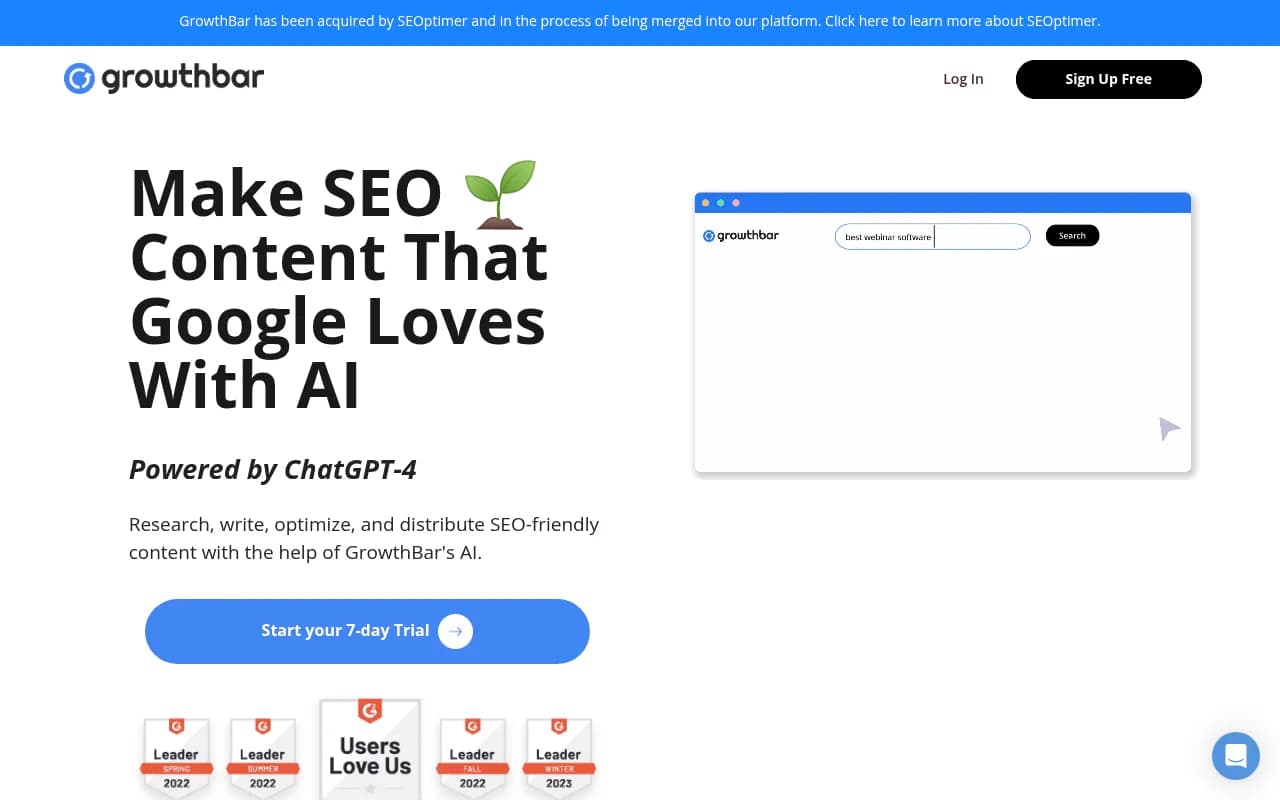
GrowthBar is an AI writing and SEO tool built for bloggers, marketers, and agencies who want to create long-form content faster. Powered by GPT-4, it generates SEO-optimized blog outlines and drafts in minutes, complete with keyword research, competitor analysis, rank tracking, and content auditing.
Summary
- Best for: Bloggers, content teams, and agencies creating 10+ SEO articles per month who want AI assistance with research, writing, and optimization
- Strengths: Fast content generation (1,500-word drafts in 2 minutes), built-in keyword research with 7 billion suggestions, custom AI models trained on your brand voice, Chrome extension for WordPress integration
- Limitations: Monthly article limits can be restrictive for high-volume publishers, AI content requires editing and fact-checking, competitor data caps may frustrate power users
- Pricing: Standard $36/mo (25 articles), Pro $74.25/mo (100 articles), Agency $149.25/mo (300 articles) -- annual billing, 7-day free trial
GrowthBar is an AI writing tool designed specifically for SEO content creation. Built by the team behind Growth Marketing Pro, it combines GPT-4-powered writing with keyword research, rank tracking, and competitor analysis in a single platform. The pitch is simple: research, write, and optimize blog posts 10x faster than doing it manually. For content teams churning out articles every week, that speed matters.
The tool launched as a Chrome extension for keyword research and has evolved into a full content platform. Today it's used by 6,000+ customers including recognizable brands like Dell, Ramp, AllTrails, and Bubble. It holds a 4.9/5 rating on G2 and 5/5 on Capterra, which puts it near the top of AI writing tools for SEO.
Who is GrowthBar for?
GrowthBar targets three main groups. First, bloggers and solo content creators who publish regularly and need to speed up their workflow without hiring writers. Second, in-house marketing teams at SaaS companies, e-commerce brands, or service businesses that produce 10-50 articles per month and want to scale output without ballooning headcount. Third, agencies managing content for multiple clients who need a tool that supports collaboration, white-label work, and high article volumes.
It's not built for enterprise SEO teams running 500+ keyword campaigns or technical SEO specialists who need advanced crawling and site audit features. Those users should look at Ahrefs, Semrush, or Screaming Frog. GrowthBar is for people who spend most of their time writing and optimizing content, not diagnosing technical site issues.
AI Content Generation: The 2-Minute Blog Builder
The core feature is the AI content generator. You enter a target keyword, and GrowthBar scans the top-ranking pages in Google to build an SEO-optimized outline. This outline includes recommended headings (H2s and H3s), target word count, internal linking suggestions, and a list of keywords to include. You can drag and drop headings to reorder them, add or remove sections, and customize the structure before generating the draft.
Once you're happy with the outline, click a button and GrowthBar writes the full article. A 1,500-word blog post takes about 2 minutes to generate. The AI pulls from GPT-4 and has been trained on 175 billion parameters, which means it understands context and can write in a natural tone. The output isn't perfect -- you'll need to edit for accuracy, add your own examples, and inject personality -- but it gives you a solid first draft instead of a blank page.
GrowthBar also includes an article audit feature. Paste in the URL of an existing blog post, and it imports the content so you can optimize it. The tool shows you missing keywords, suggests new headings, and recommends internal links. This is useful for refreshing old content that's lost rankings or updating articles to match current search intent.
Custom AI Models: Write in Your Brand Voice
One standout feature is the ability to train a custom AI model on your existing content. Upload 5-10 of your best-performing articles, and GrowthBar analyzes your writing style, tone, and structure. When you generate new content, the AI mimics your brand voice instead of producing generic output. This is a big deal for brands with a distinct editorial style or agencies managing multiple clients with different tones.
Most AI writing tools (Jasper, Copy.ai, Writesonic) let you set a tone (professional, casual, friendly) but don't actually learn from your content. GrowthBar's custom models go deeper. The feature is available on all paid plans, which is rare -- competitors often gate this behind enterprise tiers.
Keyword Research: 7 Billion Suggestions
GrowthBar includes a full keyword research tool. Search for any term, and you get a list of related keywords with search volume, difficulty scores, and estimated revenue potential. The database pulls from 7 billion keyword suggestions, which is competitive with tools like Ahrefs and Semrush.
Keyword difficulty scores are calculated based on domain authority, backlink profiles, and content quality of the top 10 results. This helps you prioritize low-competition keywords you can actually rank for instead of chasing high-volume terms dominated by major publishers.
The tool also generates "keyword roadmaps" -- content plans that group related keywords into topic clusters. For example, if you're targeting "email marketing," GrowthBar suggests related terms like "email marketing software," "email marketing best practices," and "email marketing examples." You can export these roadmaps as CSV files or use them to plan your editorial calendar.
One limitation: the Standard plan caps you at 2 keyword roadmaps per month, which feels stingy if you're planning content for multiple sites or clients. The Pro plan bumps this to 5, and Agency gets 25.
Competitor Analysis: Keywords, Backlinks, and Google Ads
GrowthBar lets you spy on competitors. Enter a domain, and you see the keywords they rank for, their estimated organic traffic, and the backlinks pointing to their site. You can also view their Google Ads campaigns, including ad copy and target keywords.
This data comes from SpyFu, a trusted provider in the SEO space. The quality is solid, but there are limits. The Standard plan shows 300 competitor keywords, 300 backlinks, and 300 Google Ads per query. The Pro plan increases this to 1,000 each, and Agency goes up to 2,000 keywords and ads (but only 1,500 backlinks). If you're doing deep competitor research, these caps can be frustrating. Ahrefs and Semrush don't have these limits.
Rank Tracking and Google Search Console Integration
GrowthBar includes rank tracking for your target keywords. You can monitor up to 25 keywords on 1 site (Standard), 1,000 keywords on 3 sites (Pro), or 5,000 keywords on 25 sites (Agency). The tool checks rankings daily and shows movement over time in a simple dashboard.
You can also connect Google Search Console to import real traffic data. This is useful for seeing which keywords are driving clicks and impressions, and for identifying pages that need optimization. The integration is limited to 1 website on Standard, 3 on Pro, and 25 on Agency.
The rank tracking is basic compared to dedicated tools like AccuRanker or SERPWatcher, but it's good enough for most content teams who just want to monitor progress on their target keywords.
Chrome Extension: Write in WordPress, Research While You Google
GrowthBar's Chrome extension is included free with every subscription. It does two things. First, it overlays keyword data on Google search results. When you search for a term, you see search volume, difficulty, and related keywords directly in the SERP. This is handy for quick research without switching tabs.
Second, it integrates with WordPress. You can write and optimize content directly in the WordPress editor using GrowthBar's AI tools. This is a time-saver if you publish on WordPress and don't want to copy-paste from a separate app.
The extension has a 5-star rating on the Chrome Web Store, which is rare for SEO tools. Most extensions are clunky or slow, but GrowthBar's is fast and unobtrusive.
Other AI Writing Tools
Beyond blog posts, GrowthBar includes AI tools for other content types. You can generate meta descriptions, product descriptions, press releases, and social media captions. There's also a general AI chat feature (similar to ChatGPT) for brainstorming ideas or answering questions.
The tool supports about 20 languages and 25 countries, so you can write in Portuguese and optimize for Brazil, or write in English and optimize for France. This is useful for international brands or agencies with multilingual clients.
GrowthBar also offers a "blog to audio or video" feature that converts written content into audio files or video scripts. This is capped at 2 conversions per month on Standard, 10 on Pro, and 25 on Agency. It's a nice bonus, but not a core feature.
Team Collaboration
GrowthBar supports multiple user accounts. Standard includes 2 seats, Pro includes 5, and Agency includes 10. You can invite writers, editors, and marketers to collaborate on content. The Pro and Agency plans also include "Writer DraftSharing," which lets you share drafts with team members for review and feedback.
This is basic compared to dedicated content management platforms like Contentful or CoSchedule, but it's enough for small teams who just need to assign tasks and track progress.
Integrations and Ecosystem
GrowthBar integrates with Google Search Console (as mentioned) and WordPress (via the Chrome extension). There's no API or Zapier integration, which limits automation options. If you want to connect GrowthBar to other tools in your stack, you'll need to export data manually as CSV files.
The lack of integrations is a weakness compared to tools like Surfer SEO (which integrates with Google Docs, Jasper, and Contentful) or Clearscope (which integrates with WordPress, HubSpot, and Airtable).
Pricing and Value
GrowthBar offers three plans, all with annual billing discounts. Standard is $36/mo (normally $79/mo) and includes 25 AI blog articles or audits per month, 500 AI paragraph generations, unlimited keyword research, rank tracking for 25 keywords on 1 site, and 2 user accounts. This is a good entry point for solo bloggers or small teams.
Pro is $74.25/mo (normally $139/mo) and includes 100 AI blog articles, 2,000 AI paragraph generations, rank tracking for 1,000 keywords on 3 sites, and 5 user accounts. This is the sweet spot for in-house marketing teams or small agencies.
Agency is $149.25/mo (normally $249/mo) and includes 300 AI blog articles, 5,000 AI paragraph generations, rank tracking for 5,000 keywords on 25 sites, and 10 user accounts. This is for agencies managing multiple clients or high-volume publishers.
All plans include a 7-day free trial. GrowthBar offers a 100% money-back guarantee if you request a refund within 7 days after the trial expires.
How does this compare to competitors? Jasper (AI writing) starts at $49/mo for 50,000 words. Surfer SEO (content optimization) starts at $89/mo for 30 articles. Ahrefs (keyword research and rank tracking) starts at $129/mo. GrowthBar bundles all three functions at a lower price point, which makes it a good value if you need all three.
The catch is the monthly article limits. If you're publishing 50+ articles per month, you'll hit the cap on the Agency plan and need to upgrade or buy add-ons. High-volume publishers might find better value with unlimited tools like Frase ($44.99/mo for unlimited articles) or Writesonic ($19/mo for unlimited words).
Strengths
Fast content generation: The 2-minute blog builder is legitimately fast. You can go from keyword to 1,500-word draft in the time it takes to make coffee. This is a huge time-saver for teams that publish regularly.
Custom AI models: Training the AI on your brand voice is a standout feature. Most competitors don't offer this at all, or charge extra for it. GrowthBar includes it on all plans.
All-in-one platform: Combining keyword research, AI writing, rank tracking, and competitor analysis in one tool reduces tool sprawl. You don't need separate subscriptions for Ahrefs, Jasper, and Surfer.
Chrome extension: The WordPress integration and Google SERP overlay are genuinely useful. The extension is fast, unobtrusive, and has a 5-star rating.
Limitations
Monthly article limits: The caps on AI blog articles (25, 100, or 300 per month) can be restrictive for high-volume publishers. If you hit the limit, you either wait for the next billing cycle or pay for add-ons.
AI content requires editing: The AI drafts are solid, but they're not publish-ready. You'll need to fact-check, add examples, and inject personality. This is true of all AI writing tools, but it's worth noting.
Competitor data caps: The limits on competitor keywords, backlinks, and Google Ads (300, 1,000, or 2,000 per query) can be frustrating if you're doing deep research. Ahrefs and Semrush don't have these caps.
No API or Zapier integration: The lack of automation options limits how you can connect GrowthBar to other tools in your stack.
Bottom Line
GrowthBar is a strong choice for bloggers, content teams, and agencies who want to speed up SEO content creation without juggling multiple tools. The AI writing is fast, the keyword research is solid, and the custom AI models are a standout feature. The pricing is competitive, especially if you need keyword research, writing, and rank tracking in one platform.
It's not the best fit for high-volume publishers who need unlimited article generation, or for technical SEO specialists who need advanced site audits and crawling. But for most content teams, GrowthBar delivers on its promise: research, write, and optimize blog posts 10x faster.
Best use case in one sentence: Small to mid-sized content teams (1-10 people) publishing 10-100 SEO articles per month who want AI assistance with research, writing, and optimization in a single platform.
Tags:
Frequently asked questions
What is GrowthBar and what does it do?
How much does GrowthBar cost?
Who should use GrowthBar?
What are the main features of GrowthBar?
Does GrowthBar have a free trial?
What are the limitations of GrowthBar?
Similar and alternative tools to GrowthBar