Key takeaways
- MCP (Model Context Protocol) lets a coding agent call real tools: Chrome DevTools, Cloudflare's readiness scanner, crawler logs. It audits your live site instead of guessing from source code.
- Lighthouse's Agentic Browsing category is informational and unbenchmarked. It gives pass/fail results and warnings, not a 0-100 score.
- Third-party scanners disagree wildly. One site scored 100/100 on Cloudflare's checker and 4/10 on Agentchecker. Treat each score as a different lens.
- Agent readiness reduces parsing cost for crawlers already visiting you. It does not buy citations on its own.
- The loop that works: audit, hand failing checks to a coding agent, re-run, then check crawler logs and citations to see whether anything changed.
What "AI search readiness" means for a coding agent
Two things get called the same name, and mixing them up wastes time.
The first is whether AI systems can reach and read your pages: robots.txt, CDN rules, semantic HTML, a clean accessibility tree. The second is whether agents can act on your site: WebMCP tools, forms with declarative metadata, MCP server cards, OAuth discovery.
A coding agent is good at both because most fixes are small, mechanical edits. Add an aria-label. Register a tool. Publish a well-known file. The hard part has always been knowing what is broken on the live, rendered site. That is where MCP comes in.
Why MCP changes the audit workflow
MCP servers expose actions that an agent can discover and call. Instead of you pasting Lighthouse output into a chat window, the agent opens the page, runs the audit, reads the result, edits the code, and runs it again.
AgentMail's 2026 roundup of MCP servers makes a sensible point: most agents need two or three servers for a real job, not ten. For an audit job, a reasonable set is:
- A browser server (Chrome DevTools MCP or Playwright) to render and test pages.
- A scanner server (Cloudflare's isitagentready.com exposes one).
- A crawl or SEO data server (Firecrawl, or the Ahrefs MCP on paid plans) for site-wide context.
- Your visibility platform's MCP for crawler logs and citation data.
The agent itself can be Claude Code, Codex, Cursor or similar. If you use Claude as your assistant, the Claude Connector route works the same way.
Step 1: Run Lighthouse's Agentic Browsing audit through Chrome DevTools MCP
Chrome's June 2026 developer toolkit post describes a new Agentic Browsing category in Lighthouse, alongside improvements to Chrome DevTools for agents. It also ships a webmcp skill so you can delegate WebMCP implementation to your coding agent.
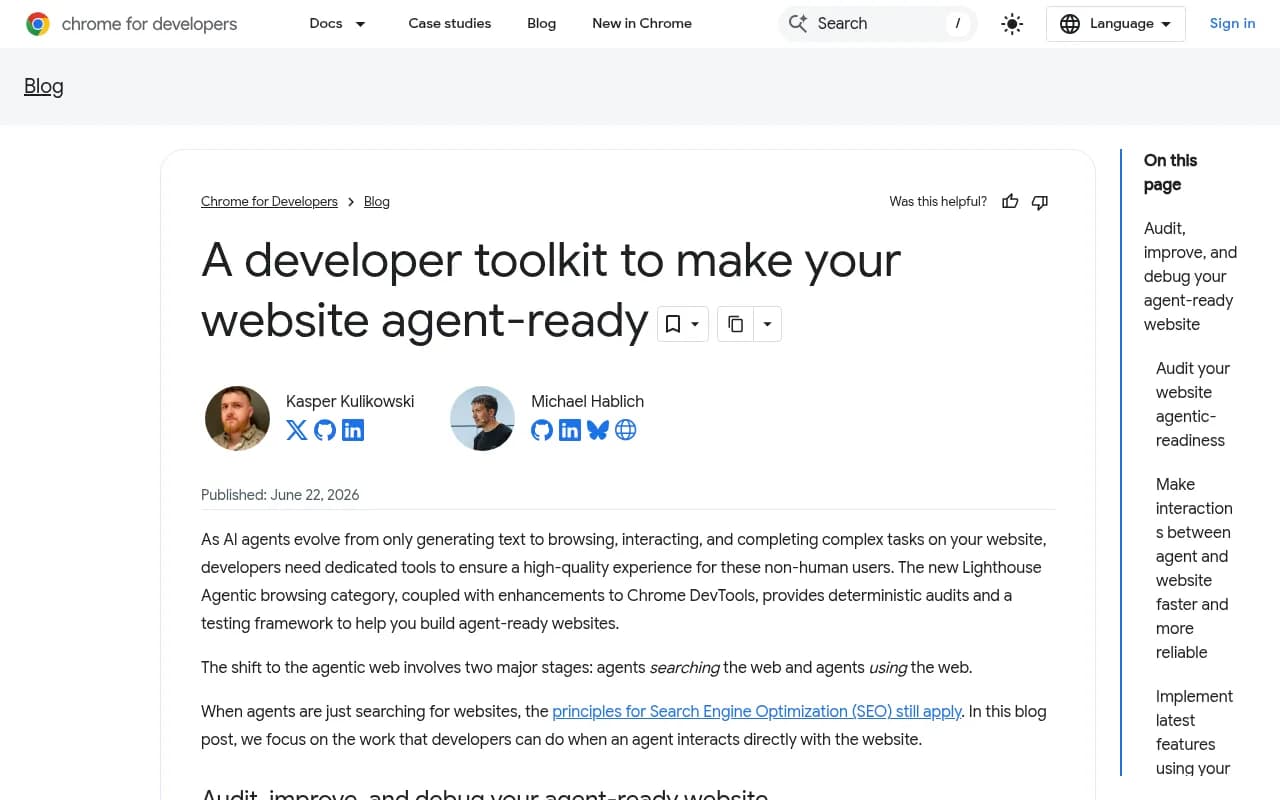
According to the Lighthouse documentation, the category checks:
- Accessibility subset: every interactive element has a programmatic name, roles and parent-child relationships are valid, and interactive content is not hidden from the accessibility tree.
- WebMCP: registered tools (both declarative ones in HTML and imperative ones in JavaScript), forms missing declarative WebMCP, and schema validity.
- Stability: Cumulative Layout Shift, since a shifting layout moves elements between the moment an agent finds them and the moment it clicks.
- Discoverability: a valid
llms.txtat the domain root.
A prompt that works
With Chrome DevTools MCP connected, you can say something like:
Using Chrome DevTools MCP, go to https://yoursite.com/pricing and run an agentic browsing Lighthouse audit. List every failing audit and warning, then map each one to a file in this repo.
The exact setup syntax varies by client, so check the Chrome DevTools MCP docs for your agent rather than copying a config from a blog post.
How to read the result
There is no weighted score. Chrome says the category is informational and unbenchmarked because the standards are still emerging. You get a fractional pass ratio, pass/fail statuses, and warnings such as an invalid WebMCP schema. Don't report "we scored 80" to your boss. Report "these seven checks fail."
Results can also wobble between runs, for three documented reasons:
- Imperative tools registered in JavaScript may register too late for the snapshot.
- Large DOM changes alter the accessibility tree.
- Ads, unsized images and injected content cause layout shifts.
If a check flips between runs, suspect one of those before you suspect your fix. The docs describe the audits as reproducible enough for CI/CD, so wire it into your pipeline and compare trends, not single runs.
Step 2: Scan the protocol layer with Cloudflare's checker
Cloudflare's isitagentready.com scores the layer around the page: robots.txt, sitemaps, Link headers, well-known files, Markdown negotiation, MCP and A2A discovery, OAuth metadata, Web Bot Auth and Content Signals.
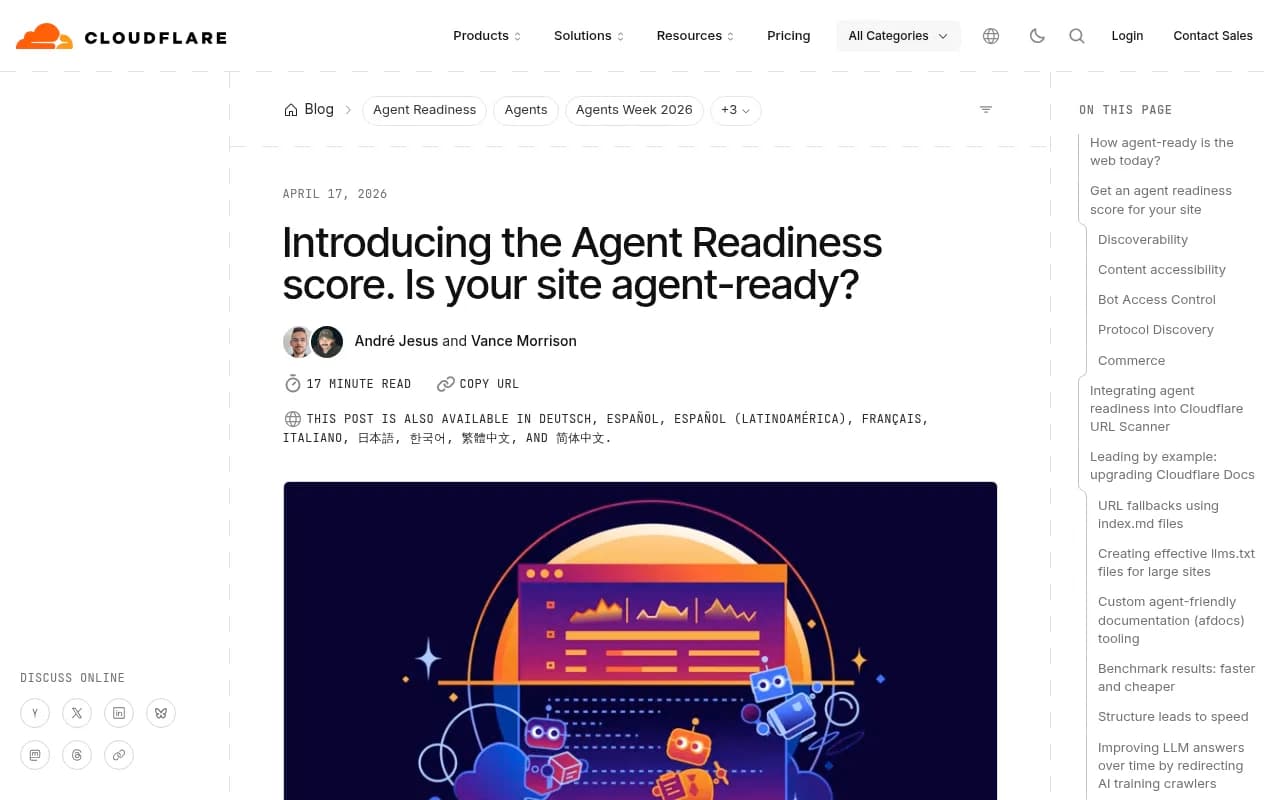
Two details make it especially useful for coding agents. For each failing check it provides a prompt you can hand straight to your agent. And the site itself exposes a stateless MCP server at https://isitagentready.com/.well-known/mcp.json with a scan_site tool, so an MCP-capable agent can scan sites programmatically without touching the web UI.
A prompt for that:
Use the isitagentready scan_site tool on https://yoursite.com. For every failing check, propose the smallest change in this repo, and apply it on a branch.
Content Signals in robots.txt
One of the cleaner ideas in Cloudflare's checks is declaring what AI may do with your content instead of a blunt allow or block:
User-agent: *
Content-Signal: ai-train=no, search=yes, ai-input=yes
An MCP server card
If you run your own MCP server, Cloudflare describes publishing an MCP Server Card so agents can find it. It is still a draft proposal, so expect the schema to move:
{
  "$schema": "https://static.modelcontextprotocol.io/schemas/mcp-server-card/v1.json",
  "version": "1.0",
  "protocolVersion": "2025-06-18",
  "serverInfo": { "name": "search-mcp-server", "title": "Search MCP Server", "version": "1.0.0" },
  "description": "Search across all documentation and knowledge base articles",
  "transport": { "type": "streamable-http", "endpoint": "/mcp" },
  "authentication": { "required": false }
}
A trap in the defaults
Suganthan's write-up flags something worth knowing before you let an agent touch CDN settings. After Cloudflare's July 1 default changes, blocking Training crawlers also blocks Googlebot, Bingbot and Applebot, because multi-purpose bots are judged by the strictest rule. A tick-box aimed at AI can quietly cost you Google. Review any robots or WAF change an agent proposes by hand.
Step 3: Add a real-agent test
Static checks don't tell you whether an agent can finish a task. Agentchecker sends an actual AI agent to browse your site and reports task completion, navigation and form handling. In the Suganthan case study, the same site that scored 100/100 on Cloudflare's checker got 4/10 from Agentchecker, with task completion at 3 of 10.
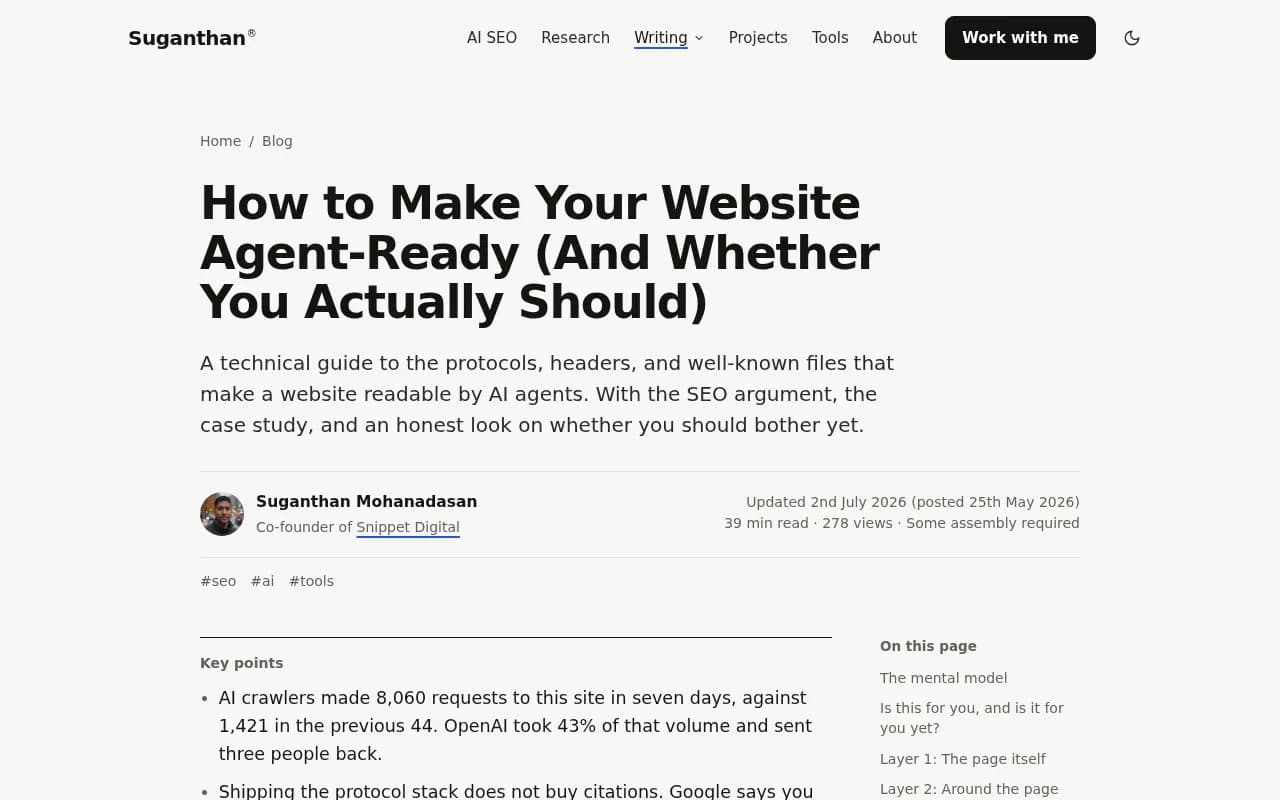
That gap is the point. The protocol layer can be flawless while the signup flow is broken for an agent. Glippy, a third tool in the same post, gave that site 74 (grade B) with structured data at 60. I haven't verified pricing for any of these three, so check before you commit.
Comparing the audit options
| Tool | What it checks | Output | Best used for |
|---|---|---|---|
| Lighthouse Agentic Browsing | Accessibility tree, WebMCP, CLS, llms.txt | Pass/fail, warnings, no score | CI checks and code-level fixes |
| Cloudflare isitagentready.com | Protocol layer: robots, well-known files, Markdown, MCP/A2A, OAuth | Score and level, fix prompts | First-pass scan; has its own MCP server |
| Agentchecker | Task completion, forms, navigation | Score out of 10 | Finding broken flows |
| Jina Reader (r.jina.ai) | How a page reads as plain text | Rendered text | Seeing what an agent sees |
| Crawler logs | Which AI bots actually fetch you | Request data | Verifying real-world behavior |
The scores are not comparable with each other. Pick one metric per tool and track it over time.
Step 4: Fix with the coding agent, then verify
The fix loop is where agents earn their keep. A sensible order of work:
- Accessibility names and roles. Every button, link and input gets a programmatic name. This helps screen readers too.
- Layout shift. Size images, reserve space for ads and injected content.
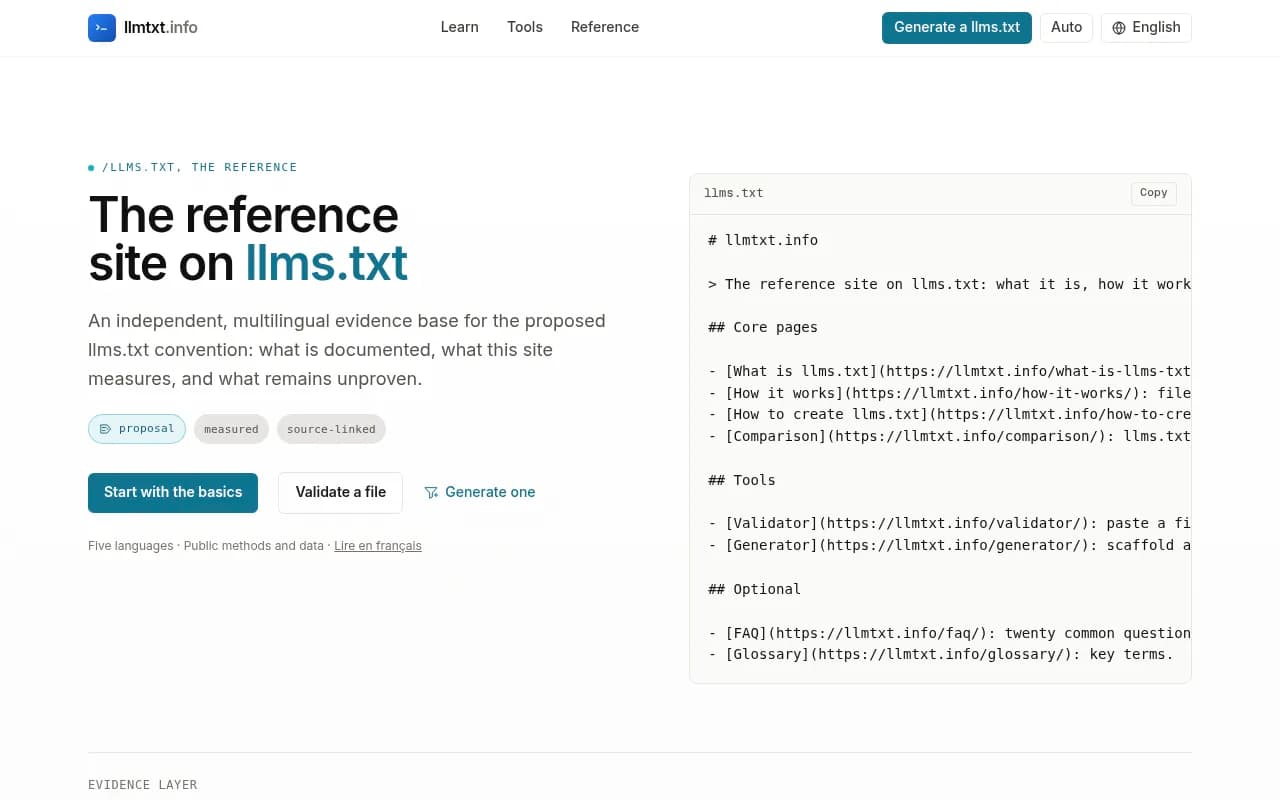
llms.txt. A generator like llmtxt.info can produce and validate one, though Google has said you don't need the file for rankings. It is cheap, and Lighthouse checks for it.
- WebMCP. Use the
webmcpskill from Chrome's toolkit to have the agent register tools for your forms and key actions. - Markdown negotiation and Content Signals, if your CDN supports them.
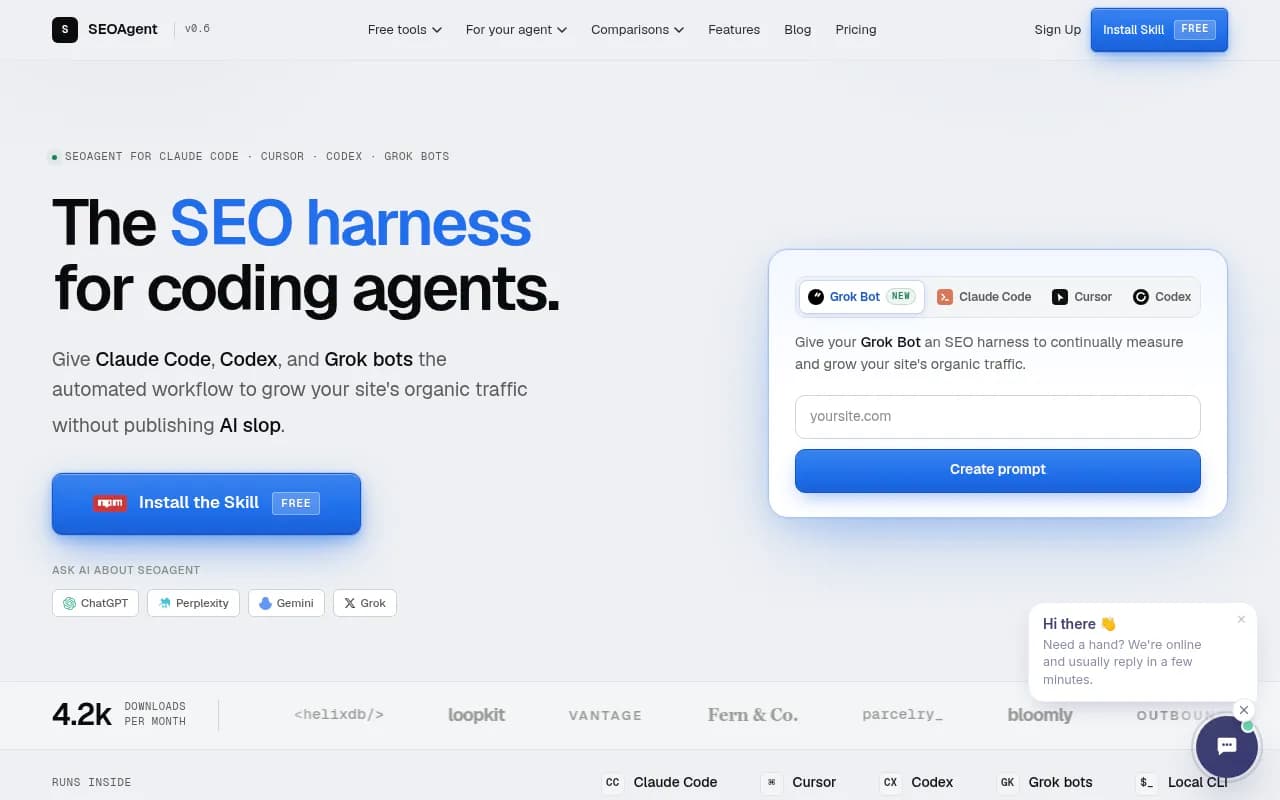
Work on a branch, one category per pull request, and re-run the same audit after each merge. Tools like Seology, which ships fixes as pull requests, and SEOAgent, built for coding agents, point at the same pattern if you want something packaged.
Step 5: Check whether AI systems actually show up
Here is the honest part. Suganthan found that shipping the protocol stack does not buy citations. Ahrefs found no uplift from schema across 1,885 pages. What it does buy is a payload roughly five times smaller via Markdown negotiation for the agents already fetching you, and legibility to systems deciding whether to cite you.
So measure outcomes, not checklists. Start with crawler access. Promptwatch Data's AI crawler report shows OpenAI at 79.8% of verified AI crawler requests from Aug 31 to Sep 6, 2026, down from 94.8% in the week of Jun 8-14. Its advice is practical: check robots.txt, CDN and WAF rules for every major AI crawler, compare your own logs against the overall mix, and if a provider is a big share of the mix but near zero in your logs, you are probably blocked or unreachable for it.
For the log side, Promptwatch provides IP-verified AI crawler logs, citation tracking and a hosted MCP server, so your coding agent can pull crawl and citation data into the same session where it edits code. That closes the loop: audit, fix, then see whether GPTBot or ClaudeBot actually read the changed page and whether it got cited.

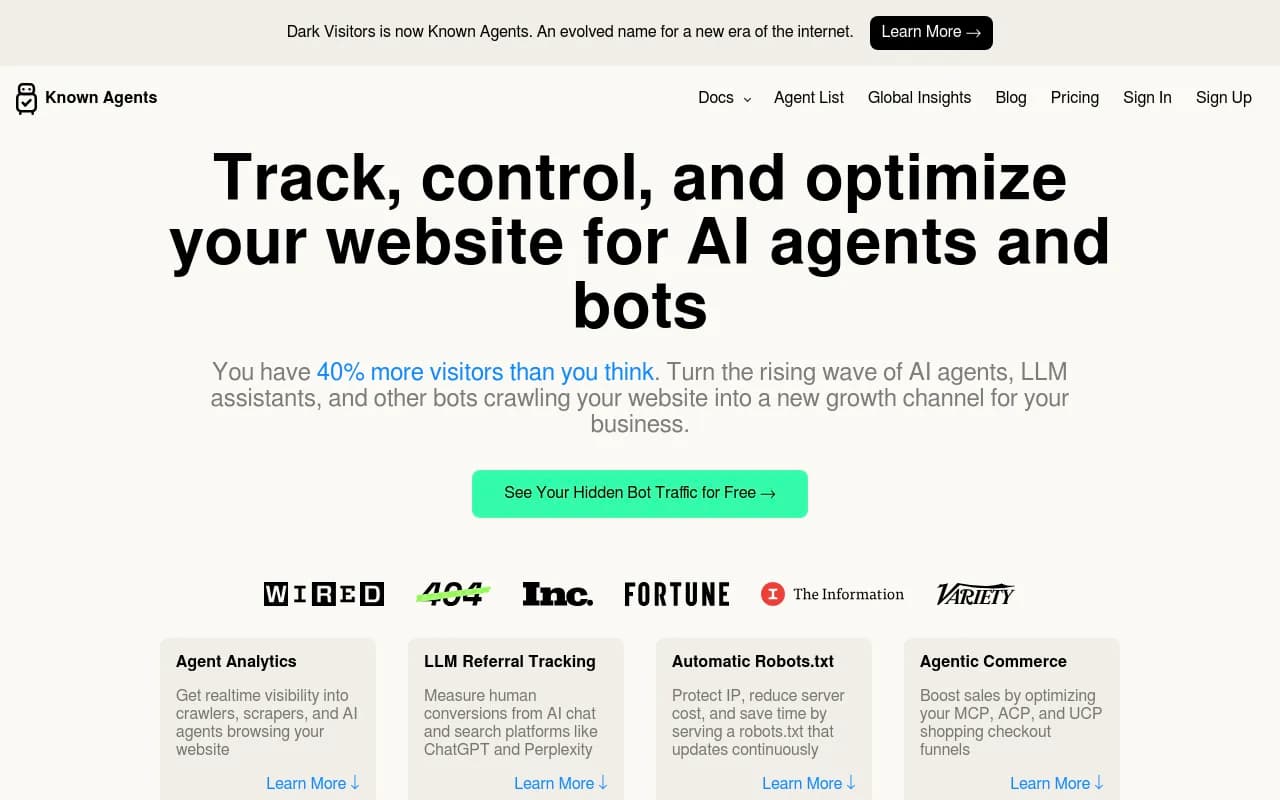
If you only want to see which bots hit your site, DarkVisitors is a lighter option.
The broader picture of which sources AI engines cite is in the Promptwatch Data hub, and for a wider list of platforms, the GEO software directory at bestgeosoftware.com is a good starting point.
Who should bother yet
My read, based on the evidence above:
- Act now if you run a SaaS, ecommerce or booking site where an agent completing a flow has direct revenue value, or if you already see AI crawlers in your logs.
- Plan for it if you publish content and care about being cited. Fix crawler access and the accessibility tree first, since they are cheap and useful regardless.
- Skip it for static brochure sites with no updates and an offline or non-technical audience.
Be wary of anyone who guarantees citations. Attract Group's own FAQ says it plainly: nobody can honestly promise them. What can be verified is that the public checks pass and AI systems can read your key pages.
A starter prompt you can reuse
Audit https://yoursite.com for agent readiness.
1. Run the Lighthouse agentic browsing audit via Chrome DevTools MCP.
2. Run scan_site from isitagentready.com.
3. List failures, grouped by: accessibility, WebMCP, layout shift, discoverability, protocol.
4. For each, name the file to change and open a separate branch.
5. Do not edit robots.txt or CDN bot rules without asking me.
6. Re-run both audits after each change and report the diff.
That last constraint matters. Let the agent edit markup freely and make it ask before it touches anything that controls who can crawl you.
Caveats
- Standards such as WebMCP, MCP Server Cards and ai-catalog.json are young. Schemas will change.
- Imperative WebMCP tools can register too late for Lighthouse to see them, so a failure may be a timing issue.
- I haven't verified every third-party tool's pricing or the exact Chrome DevTools MCP setup syntax. Check each vendor's docs.
- Agent readiness is one input to AI search visibility. Content quality, entity clarity and third-party mentions still carry most of the weight.